Customer Ratings & Reviews

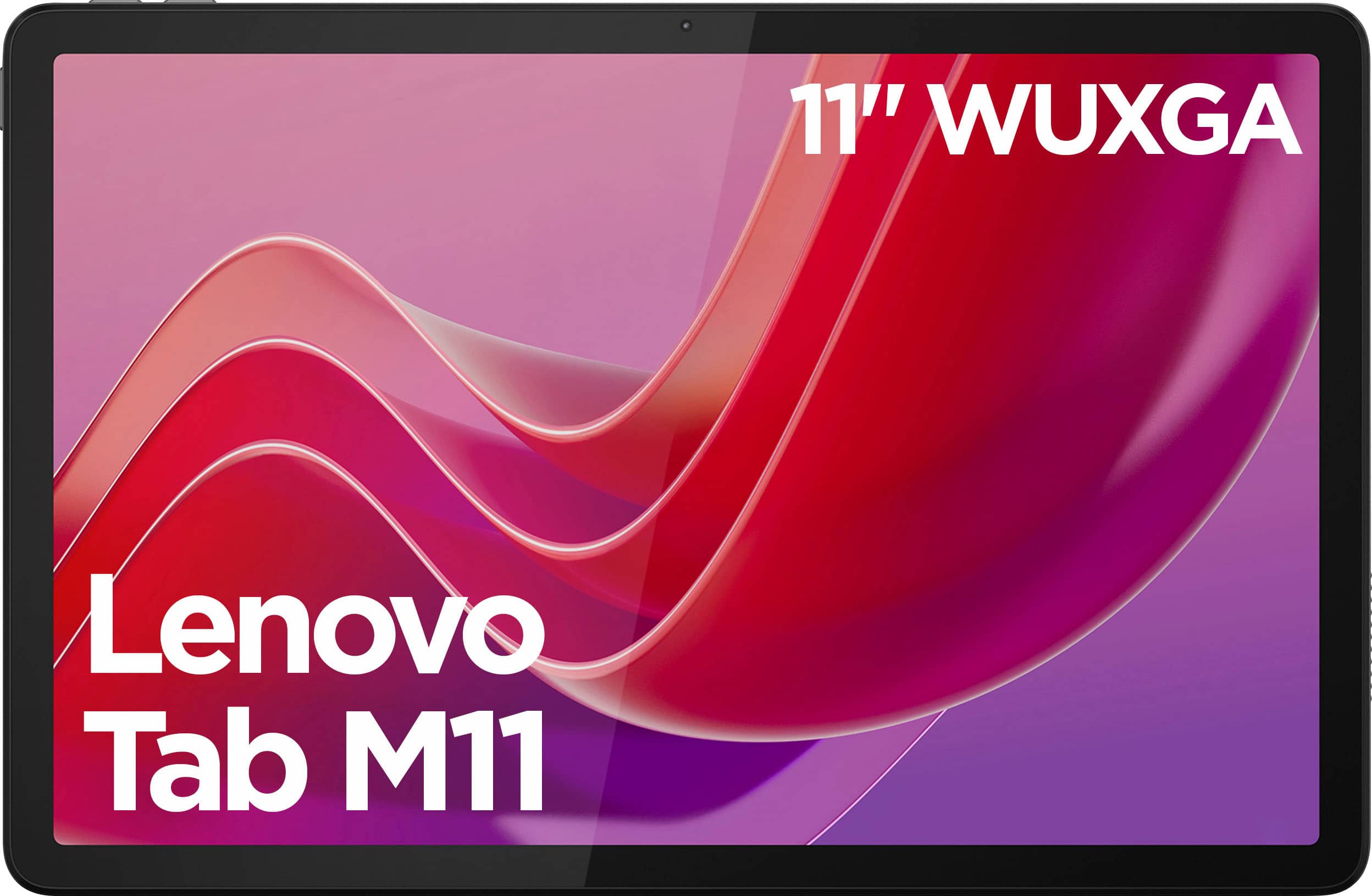
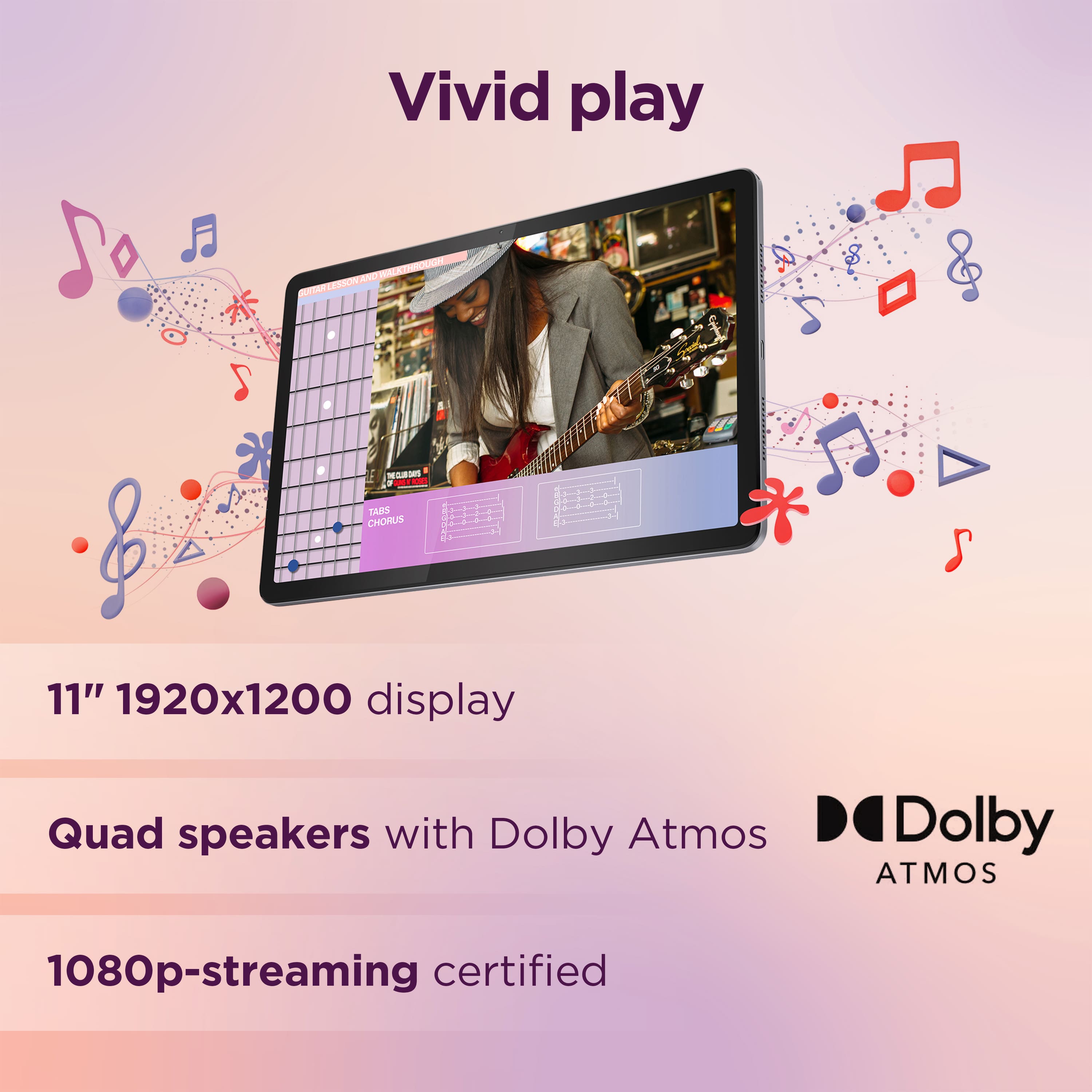
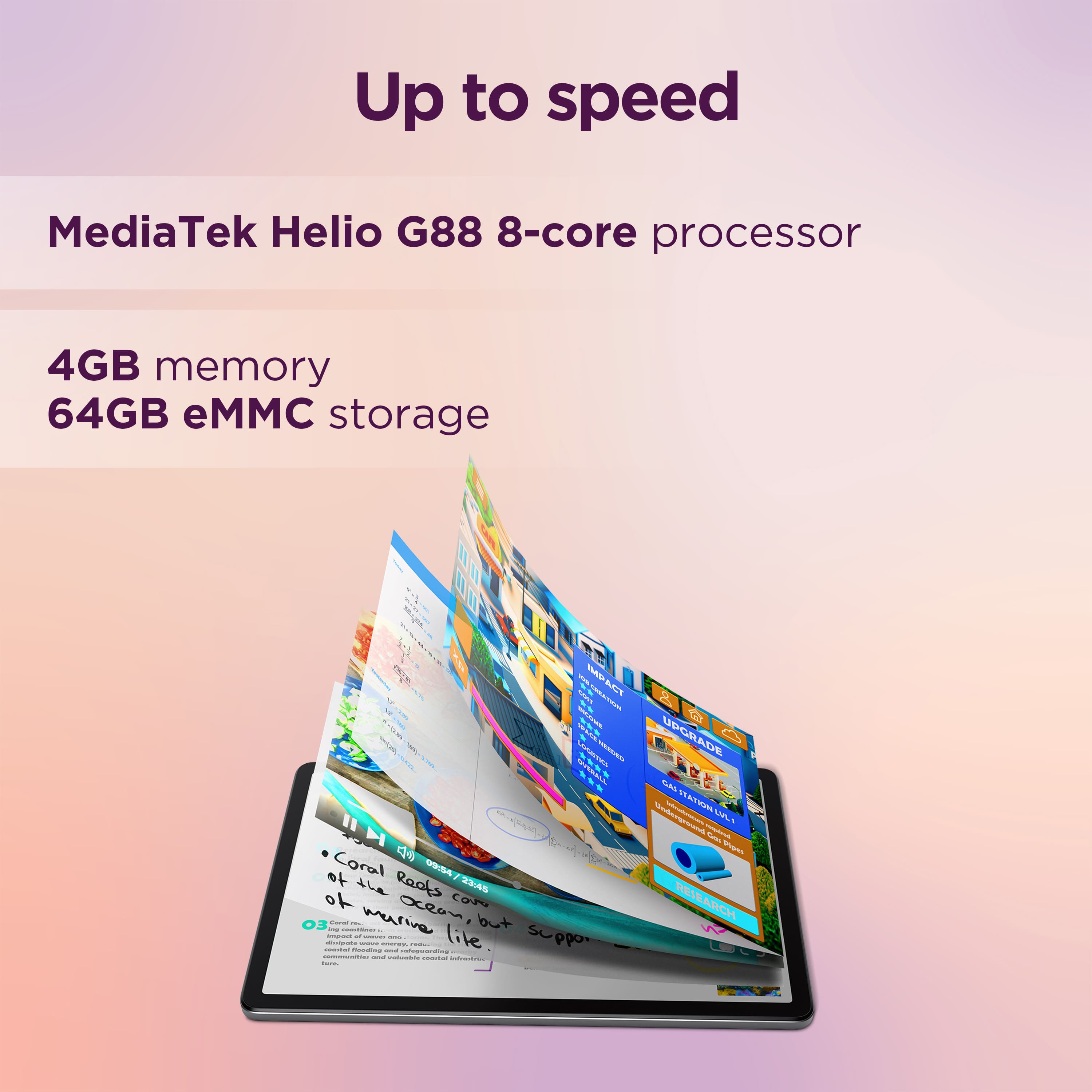
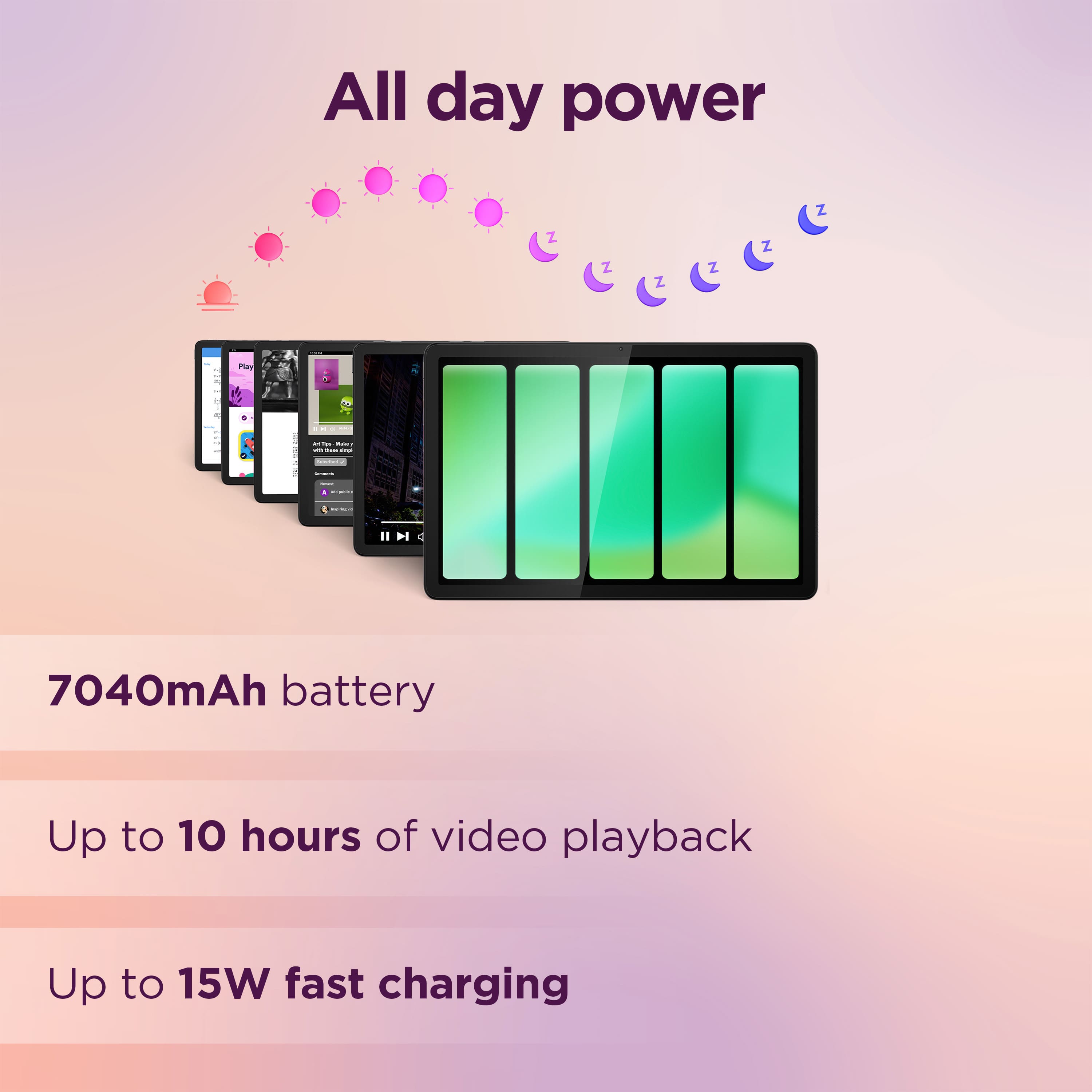





- Model:
- ZADA0047US
- SKU:
- 6572176
Rating by feature
- Battery Life
Rating 4.6 out of 5 stars
- Durability
Rating 4.6 out of 5 stars
- Display
Rating 4.7 out of 5 stars
Customers are saying
Customers find value in the Tab M11's overall performance, screen size, and battery life, as well as its ease of use and speed for daily tasks. The price point is also appreciated by some users. However, a few customers have reported issues with app compatibility.
This summary was generated by AI based on customer reviews.
Excellent
||Posted . Owned for 1 month when reviewed.This reviewer received promo considerations or sweepstakes entry for writing a review.Excellent tab. Very good features. Good navigation through the apps.
I would recommend this to a friendBrand response from Lenovo Product Expert
Posted .Hi, Lloyd, thank you for choosing Lenovo! We are glad to hear that your M11 has been excellent, and we appreciate you taking the time to share your experience with us.

Tablet
||Posted . Owned for 2 weeks when reviewed.This reviewer received promo considerations or sweepstakes entry for writing a review.very good tablet, I recommend buying it. Everything loads well
I would recommend this to a friendBrand response from Lenovo Product Expert
Posted .Hello, NimasY. Thank you for choosing Lenovo! We are glad to hear that your M11 has been very good for you, and we appreciate you taking the time to share your experience with us.
Loved it
||Posted . Owned for 1 month when reviewed.This reviewer received promo considerations or sweepstakes entry for writing a review.Great device works well. Screen was beautiful love it
I would recommend this to a friendslooowwww
||Posted .This reviewer received promo considerations or sweepstakes entry for writing a review.verrry slow, but that's what you get for the price.
No, I would not recommend this to a friendStay away
||Posted .This reviewer received promo considerations or sweepstakes entry for writing a review.I thought to myself when I saw the 100 dollar price tag: "Lenovo is a great name in electronic devices. May as well give a tablet of theirs a try and skip the Samsung and Apple mark ups." Mistake. Big one. While setting up the device with the updates it needed, the actual UI crashed on three separate occasions, causing the screen to black out until I restarted the device. Finally got it all set up. Started scrolling the homepage of Reddit in the web browser. Holy lag. It looked like I was flipping through a powerpoint slide every second. I returned this same day and when I brought it in the cashier that processed my refund was NOT shocked in the least, letting out a slow "yeaaaaah..." Give this a miss unless it is STEEPLY discounted. Maybe 20 bucks?
No, I would not recommend this to a friendBrand response from Lenovo Product Expert
Posted .Hi Chunkturtles,
Thank you for sharing your feedback with us. We are sorry to hear that your experience with the Tab M11 was poor. We apologize for the inconvenience caused by having to return the system. We understand your decision and wish to share that we appreciate your comments, as we wish to provide the best products possible.
We will investigate the matter to make the necessary improvements. We hope that you consider our products again in the future and that you feel free to reach out to us regarding any issues so that we can help.
Best regards,
Lenovo
Slow but gets the job done
||Posted .This reviewer received promo considerations or sweepstakes entry for writing a review.Not terrible. But the tablet is pretty slow. It gets pretty annoying
No, I would not recommend this to a friendBrand response from Lenovo Product Expert
Posted .Hey AQ01,
Thank you for sharing your feedback with us. We are sorry to hear that the M11 has performed below your expectations. We'd like to work with you to help ensure your system is running as optimally as possible.
To start, we recommend ensuring your system is up to date by checking for updates in Settings > About tablet > System update. Given that the Tab M11 is an entry level device with performance not in the forefront, it could be slower initially after startup, not too dissimilar to waking up and then trying to go for a run. The system may take 1-2 minutes after booting up or waking from sleep to deliver smooth performance.
We hope that this helps, and please feel free to reach out to us via the Q&A section of the product page should you have any questions or need further assistance.
Best regards,
Lenovo
- Pros mentioned:Overall performance
Great tablet
||Posted . Owned for 1 week when reviewed.This reviewer received promo considerations or sweepstakes entry for writing a review.I bought my first Lenovo tablet two years ago and its still works great. I recommend my friend and she bought her 11 inch. She loves it. She's 72 years young.
I would recommend this to a friendBrand response from Lenovo Product Expert
Posted .Hi, LaurieK. Thank you for choosing Lenovo! We are glad to hear that your M11 has been great, and we appreciate you taking the time to share your experience with us.
Lenovo tablet
||Posted . Owned for 2 months when reviewed.This reviewer received promo considerations or sweepstakes entry for writing a review.It's a lot slower than I thought it was going to be
No, I would not recommend this to a friendBrand response from Lenovo Product Expert
Posted .Hey SherryS,
Thank you for sharing your feedback with us. We are sorry to hear that the Tab M11 fell short of your expectations. While the M11 is an entry level tablet, we wish to provide the best experience possible and would like to help ensure you're running the latest software, as this can improve overall system responsiveness and performance.
To start, we recommend checking for updates in Settings or the Lenovo Vantage app on your Tab. To do so, open Vantage and select 'System update' from the list of options on the Vantage home page, following on screen instructions to ensure updates are applied.
Please feel free to reach out to us via the Q& A section of this product page should you have any questions or need further assistance.
Best regards,
Lenovo
Okay but misleading product description
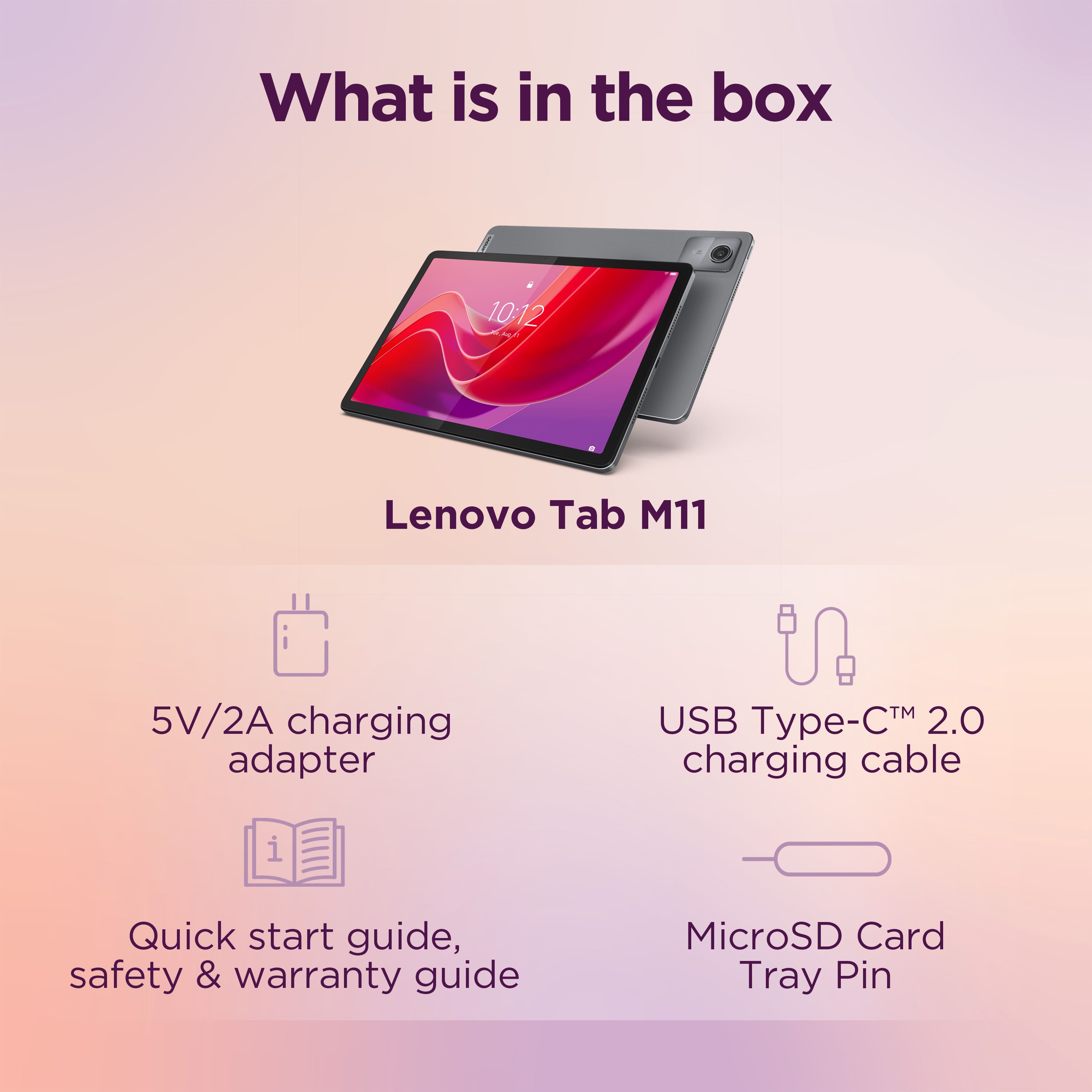
||Posted .This reviewer received promo considerations or sweepstakes entry for writing a review.Product did not come with all the hardware specified (was missing the charging equipment and manuals). Tablet is kind of slow, especially on startup. However the graphics are clear and the cameras are decent.
No, I would not recommend this to a friendBrand response from Lenovo Product Expert
Posted .Hey StatBruegger,
Thank you for sharing your feedback with us. We are sorry to hear that you ran into an issue with your purchase. Was your item ordered an open-box product? if so, please contact Best Buy so that you can create a conversation on resolution.
Please update us when you can and feel free to reach out to us via the Q&A section of the product page should you have any questions or need further assistance.
Best regards,
Lenovo
Why does it keep freezing
||Posted . Owned for 1.5 years when reviewed.This reviewer received promo considerations or sweepstakes entry for writing a review.Overall performance is bad lags a lot and screen freezes
No, I would not recommend this to a friendMr.
||Posted . Owned for 3 weeks when reviewed.This reviewer received promo considerations or sweepstakes entry for writing a review.It was very Slow, It was Slower than my 2019 M10 Lenovo Tablet. Returned the Tablet. I'm looking for a 10 - 10.1 Inch Android Tablet. That is Fast, Responsive, 64 Gig Memory or better. I'm also wanting a Tablet that is not overly expensive.
No, I would not recommend this to a friendBrand response from Lenovo Product Expert
Posted .Hi, Buster. We are sorry to hear that your Tab M11 fell short of your expectations, leading to you returning it. We strive to improve our devices every generation, and the performance and overall responsiveness for the Tab M11 over the Tab M10 has been well received by most users. If we may ask, could you possibly comment with some information around when your device would become "very slow". Also, for guidance in finding the right computing solution, we recommend going into Best Buy stores and working with an advisor to get expert help or you can virtually shop with an expert online via this Best Buy online link: https://www.bestbuy.com/services/triage/shopping?cat=cnt&subcat=comp
Slow
||Posted . Owned for 2 months when reviewed.This reviewer received promo considerations or sweepstakes entry for writing a review.*1/5 stars* The Lenovo Tab M11 is frustratingly slow. Simple tasks take forever, and it often freezes or lags. The display is okay, but the sluggish performance makes it hard to use. Definitely not worth the money.
No, I would not recommend this to a friendBrand response from Lenovo Product Expert
Posted .Hi AA00,
Thank you for sharing your feedback with us. We are sorry to hear that you are having trouble with your Tab M11's responsiveness. We apologize for the inconvenience and frustration that this has caused you, and we'd like to work with you to try to improve your experience.
To start, ee recommend ensuring your system is up to date by checking for updates in Settings > About tablet > System update. Given that the is an entry level device with performance not in the forefront, it could be slower initially after startup, not too dissimilar to waking up and then trying to go for a run. The system may take 1-2 minutes after booting up or waking from sleep to deliver smooth performance.
Hopefully this helps, and please update us when you can regarding this. Feel free to reach out to us again should you have any questions or need further assistance.
Best regards,
Lenovo
Underperforming budget tablet.
||Posted .This reviewer received promo considerations or sweepstakes entry for writing a review.Transaction was smooth and the best buy employee was excellent the product however has been less than stellar, freezing up on simple processes and basic games, does work well enough in the streaming apps at least. But even for a budget option this tablet underperforms in my opinion.
No, I would not recommend this to a friendBrand response from Lenovo Product Expert
Posted .Hi DevanM,
Thank you for sharing your feedback with us. We are sorry to hear that you are dissatisfied with the performance and overall responsiveness of your Tab M11. While this is an entry-level tablet option, common, non-taxing tasks should be able to be managed by this device, and we'd like to work with you to improve your experience.
To try to resolve this, first, recommend checking for updates in Settings or the Lenovo Vantage app on your Tab. To do so, open Vantage and select 'System update' from the list of options on the home page. If your issue persists, after updates are applied, your next step would be restoring your device through Rescue Assistant. (https://support.lenovo.com/us/en/downloads/ds101291-rescue-and-smart-assistant-lmsa). This software can back up and store restore your Tab to factory setting, which may resolve your software issues.
Please reach out to us here or contact Lenovo Support should you have any questions or need further assistance.
Best Regards,
Lenovo
Returned
||Posted . Owned for 2 months when reviewed.This reviewer received promo considerations or sweepstakes entry for writing a review.Not bad for the money, but the tablet is nothing special. Responsiveness was okay. Returned.
No, I would not recommend this to a friendBrand response from Lenovo Product Expert
Posted .Hey there,
We are sorry to hear that your Tab M11 fell short of your expectations and left you unsatisfied, leading to you returning it. We apologize for the upset that this may have caused you.
Your comments will be considered as we always are looking for opportunities for improvement. We hope that you choose our products again in the future, and please feel free to reach out us should you have any questions or need assistance from us.
Best Regards,
Lenovo
Not worth it.
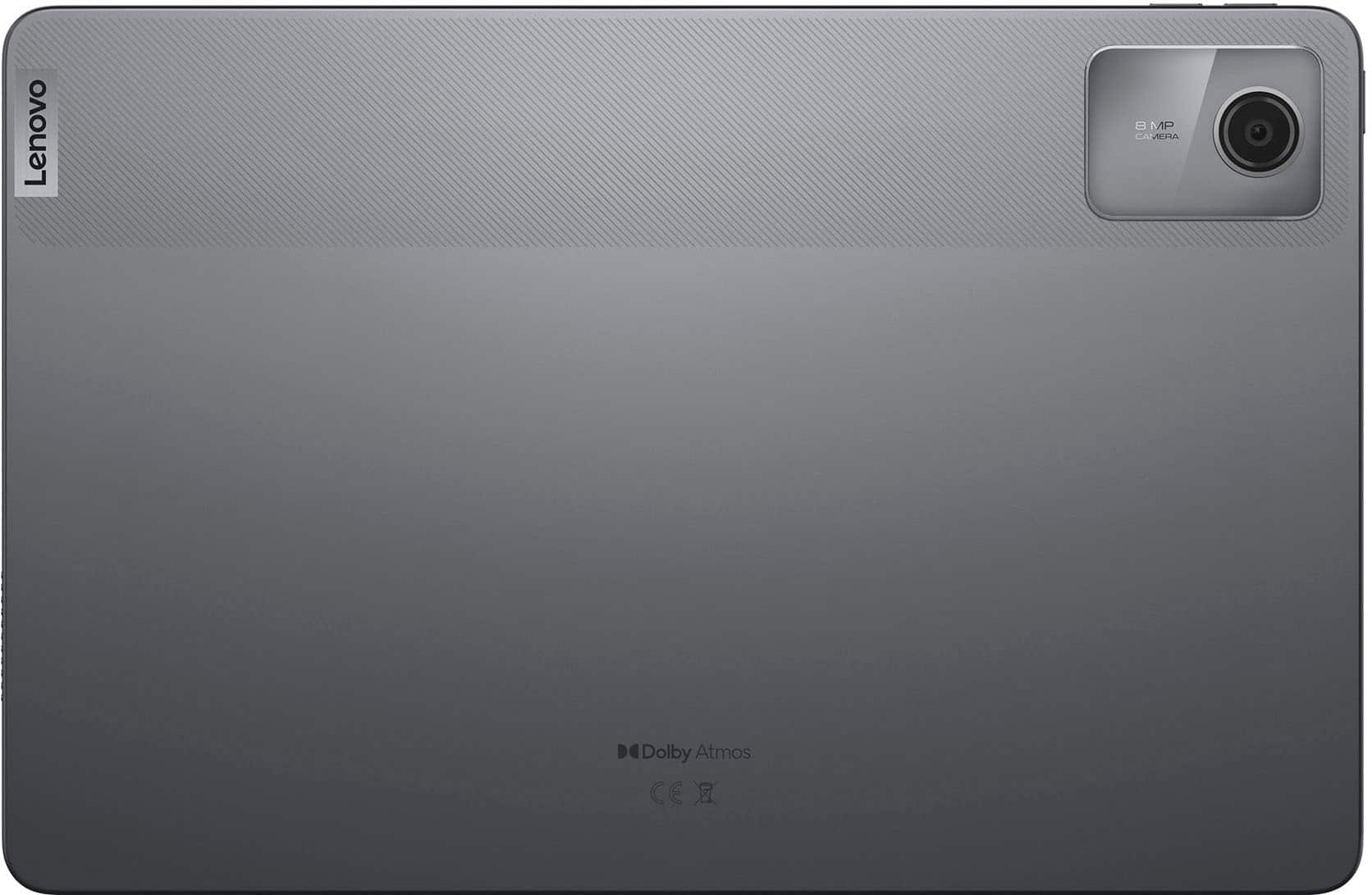
||Posted . Owned for less than 1 week when reviewed.This reviewer received promo considerations or sweepstakes entry for writing a review.It does not have a 13mgp rear camera. It is slow and lags a lot. Performance is poor. What a waste of money.
No, I would not recommend this to a friendBrand response from Lenovo Product Expert
Posted .Hello, we are sorry to hear that you encountered an issue with your Tab M11 and for the confusion regarding the camera resolution. If we may ask, could you possibly comment with some information around when your device would become "slow". in the meantime, we recommend ensuring that your apps and system software are up to date to help your Tab perform optimally. If after attempts to resolve this issue, it persists, we then recommend reaching out to Lenovo Support at this number: 877-453-6686, to work with a representative who may help by providing a solution for you. We appreciate you sharing your experience so that we may use it to continue to better our products and services for yourself and others.
So slow
||Posted . Owned for 4 months when reviewed.This reviewer received promo considerations or sweepstakes entry for writing a review.This tablet is so slow and choppy. I am only using to stream so i can deal with it. But scrolling or doing anythig else is very annoying. If you are used to apple devices this will make you want to pull your hair out.
No, I would not recommend this to a friendBrand response from Lenovo Product Expert
Posted .Hi HuyT,
Thank you for sharing your feedback with us. We are sorry to hear that you are disappointed by the performance of your Tab M11. While the M11 is an entry-level tablet, we understand your perspective and can see how it can be upsetting when comparing performance to other systems.
To help ensure your system is running optimally, we recommend checking for the latest software updates by using the Lenovo Vantage app on your M11. To do so, open Vantage and select 'System update' from the list of options on the Vantage home page, following on screen instructions to ensure updates are applied.
Please update us when you can regarding this and reach out to us should you have any questions or need further assistance.
Best regards,
Lenovo
I wish I would not have bought it
||Posted . Owned for 3 months when reviewed.This reviewer received promo considerations or sweepstakes entry for writing a review.I went for the least expensive tablet, and I regret it. You get what you pay for.
No, I would not recommend this to a friendBrand response from Lenovo Product Expert
Posted .Hi, JoanneB. We're sorry to hear that your experience with your M11 was poor. If we can help you with your tablet, please reach out to Lenovo Support for assistance. We appreciate you taking the time to share your perspective.
.piece of junk
||Posted .This reviewer received promo considerations or sweepstakes entry for writing a review.It either won't turn on or work when it is on. I tried to get help but no luck.
No, I would not recommend this to a friendBrand response from Lenovo Product Expert
Posted .Hey JoyC,
Thank you for sharing your feedback with us. We are sorry to hear that you ran into this issue with your Tab M11. We apologize for the inconvenience that this may be causing you, and we'd like to work with you to try to resolve this problem.
To start, you may need to reset the device, as problematic software is likely the problem. Please try to follow these steps below to see if this helps:
1. Power off the tablet completely.
2. Press and hold the Power and Volume Up buttons simultaneously until the Lenovo logo appears.
3. Release the Power button but continue to hold the Volume Up button until you see the Android Recovery screen.
4. Use the Volume Down button to navigate to Wipe data/factory reset and press the Power button to select it.
5. Confirm the action by selecting Yes and press the Power button again.
If you cannot complete this process, next, please try these steps:
1. Power off the tablet completely.
2. Connect a charging cable to a turned-on computer, but do not plug it into the tablet's USB-C port yet.
3. Press and hold both the Volume Up and Volume Down buttons simultaneously.
4. While holding both buttons, insert the USB-C cable into the tablet's USB port. Keep holding the keys until the tablet powers on and enters the Android reset menu.
5. Once the tablet enters the reset menu, you can release the keys and unplug the cable.
6. Navigate through the menu using the Volume Up and Volume Down buttons to select Wipe data/factory reset. Confirm the selection by pressing the Power button.
Please update us when you can regarding this, and feel free to reach out to us via the Q&A section of the product page to share any questions you may have or need further assistance.
Best regards,
Lenovo
Disappointing
||Posted . Owned for 1 month when reviewed.This reviewer received promo considerations or sweepstakes entry for writing a review.Returned it. Froze when booting up. Had to let battery die and recharge. Could not get it to boot up.
No, I would not recommend this to a friendBrand response from Lenovo Product Expert
Posted .Hey AlmaB,
Thank you for sharing your feedback with us. We are sorry to hear that you had trouble with your Tab M11, leading to you returning it. We apologize for the disappointment that this has caused you.
We have noted your comments, and they will be referenced as we investigate the matter to make the necessary changes. We hope that you choose our products again in the future, and please feel free to reach out us with any questions or request that you may have.
Best regards,
Lenovo
do not recommend
||Posted . Owned for 3 weeks when reviewed.This reviewer received promo considerations or sweepstakes entry for writing a review.super slow the software lags very badly, have to wait like its 1995 for loading
No, I would not recommend this to a friendBrand response from Lenovo Product Expert
Posted .Hi RashadK,
Thank you for sharing your feedback with us. We are sorry to hear that your Tab M11 is performing sluggishly for you. We apologize for the inconvenience that this may be causing you, and we'd like to work with you to try to resolve this issue.
To start, we recommend checking for updates in Settings or the Lenovo Vantage app on your Tab. To do so, open Vantage and select 'System update' from the list of options on the Vantage home page, following on screen instructions to ensure updates are applied.
If this does not resolve this issue, next we recommend restoring your device through Rescue Assistant. (https://support.lenovo.com/us/en/downloads/ds101291-rescue-and-smart-assistant-lmsa). This software can back up and restore your Tab to factory setting, which may resolve your software issues. If this does not address the issue as well, please feel reach out to Lenovo Support via support.lenovo.com or at: 877-453-6686, for further assistance.
Please update us when you can regarding this.
Best regards,
Lenovo