Customer Ratings & Reviews
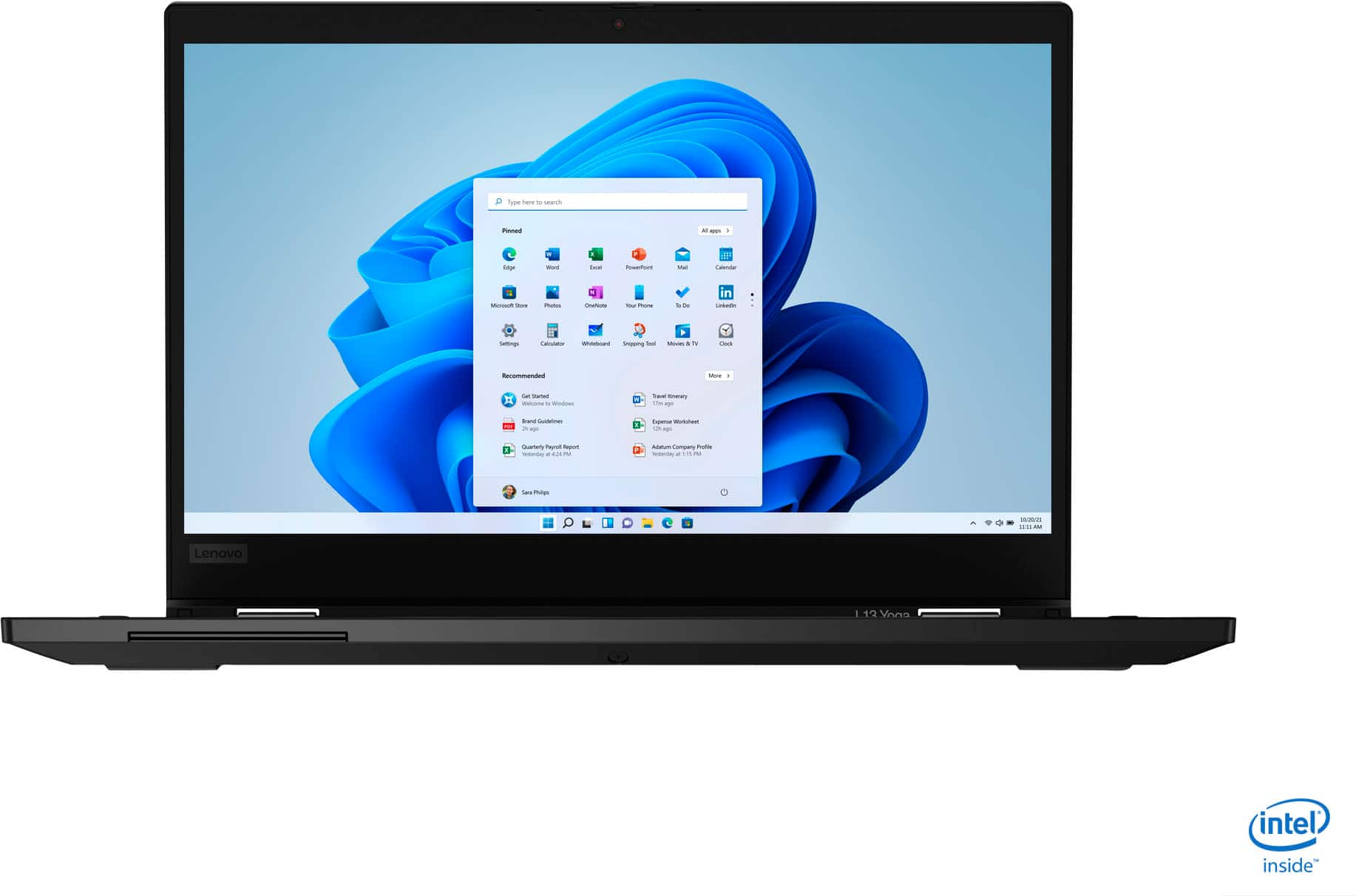

- Model:
- 20R5A000US
- SKU:
- 6393283
Rating by feature
- Battery Life
Rating 4.1 out of 5 stars
- Speed
Rating 4.1 out of 5 stars
- Display
Rating 3.9 out of 5 stars
Customers are saying
Customers highly value the ThinkPad L13 Yoga for its touch screen, light weight, user-friendly interface, and affordable price. Many users appreciate the laptop's 2-in-1 functionality, while some express concerns about battery life, overheating issues, pen malfunction, and limited RAM upgradability.
This summary was generated by AI based on customer reviews.
No work
||Posted . Owned for 9 months when reviewed.This reviewer received promo considerations or sweepstakes entry for writing a review.It doesn’t work anymore, it was great when I had it
I would recommend this to a friendOverpriced
||Posted .This reviewer received promo considerations or sweepstakes entry for writing a review.It sucks Don’t buy it You are better off with a calculator . Overpriced
No, I would not recommend this to a friendBrand response from Lenovo Product Expert
Posted .Updated for style - The ThinkPad L13 Yoga features a redesigned chassis with much thinner bezels than its predecessors—yielding a cleaner, smarter display. Hold the ThinkPad L13 Yoga in your hands to use as a tablet. Fold it back on itself to watch a video or better share your screen. Use the keyboard as a stand to focus on the display, or use it as a laptop when you need to type. Plus, with the garaged rechargeable pen included, you can sketch or take notes without every worrying about running out of ink. The ThinkPad L13 Yoga 2-in-1 laptop is tested against 12 military-grade requirements and more than 200 quality checks to ensure it runs in extreme conditions. From the Arctic wilderness to desert dust storms, from zero gravity to spills and drops, you can trust this laptop to handle whatever life throws your way.

Gets too hot
||Posted . Owned for 2 months when reviewed.This reviewer received promo considerations or sweepstakes entry for writing a review.Faulty design. Many returns per BB. Bad reviews on YouTube too
No, I would not recommend this to a friendBrand response from Lenovo Product Expert
Posted .Hold the ThinkPad L13 Yoga in your hands to use as a tablet. Fold it back on itself to watch a video or better share your screen. Use the keyboard as a stand to focus on the display, or use it as a laptop when you need to type. Plus, with the garaged rechargeable pen included, you can sketch or take notes without every worrying about running out of ink. The ThinkPad L13 Yoga 2-in-1 laptop is tested against 12 military-grade requirements and more than 200 quality checks to ensure it runs in extreme conditions. From the Arctic wilderness to desert dust storms, from zero gravity to spills and drops, you can trust this laptop to handle whatever life throws your way.
- Pros mentioned:Lightweight
Lenovo laptop
Posted .This reviewer received promo considerations or sweepstakes entry for writing a review.Great product. Lasted me over 3 years with zero issues. Maybe get a larger screen bjt ogber then thst great laptop.
I would recommend this to a friend - Pros mentioned:Touch screen
Get it now!
Posted .This reviewer received promo considerations or sweepstakes entry for writing a review.I loved my Macbook until I got this in my hand. My job uses windows OS and I enjoyed it but I didn't know that they got awesome laptops out there. This Keyboard is way better. It is a little smaller but I will adjust. Day 1 with this beast is awesome!
I would recommend this to a friendBrand response from Lenovo Product Expert
Posted .Thank you for choosing the Lenovo ThinkPad L13 Yoga. We are pleased to hear that the ThinkPad L13 Yoga meets your computing needs so well.
- Cons mentioned:Pen
Seems nice - but the pen is missing
Posted .This reviewer received promo considerations or sweepstakes entry for writing a review.From what I read, this came with a pen but I cannot find it in the box, in the computer, anywhere and it was one of the reasons I purchased it. I'm so disappointed. Can you please help? Thanks
I would recommend this to a friendBrand response from Lenovo Product Expert
Posted .We apologize for the delay in responding to you and we hope you have since located the Active Pen within the Lenovo ThinkPad L13 Yoga. The Active Pen is located inside the computer, on the right side of the computer, near the front. You can locate the pen by looking for the red line on the right front side of the computer. Use your fingernail to pull the pen out from the device. Store the pen back in its garage when not in use and the pen will recharge. If you continue to have issues, we recommend you call Lenovo Tech Support at: 877-453-6686.
- Cons mentioned:Overheats
defective
Posted .This reviewer received promo considerations or sweepstakes entry for writing a review.Few keys does not work sometimes until I restart.Number "six" key does not work at all.It actually heats more for a new computer.Not worth 970 dollars.
No, I would not recommend this to a friendBrand response from Lenovo Product Expert
Posted .We are sorry to hear that you are having issues with the keyboard on your Lenovo ThinkPad L13 Yoga, model number 20R5A000US. First, be sure you have the latest version of Windows 10 on the computer, then update all of the BIOS files and drivers up to that latest version of Windows 10. You can easily accomplish this by scanning the computer with the Lenovo Utility software installed on the computer. This system has Lenovo utilities installed to help maintain the health of the device and keep the operating system software up to date. Type "Lenovo Vantage" in the Cortana Search window (if Lenovo Vantage is not installed on your device, you can download the APP and install it now). Select Lenovo Vantage from the list. In the window that opens, click on "Health and Support". In the expanded menu, select "Hardware Scan" In the window that opens, select "Run Quick Tests". This will scan your entire system for errors. Follow any directions that may pop up. If the problem continues after this scan, now click on "System Update". First select Windows update from the menu. Scan your system to be sure you have the latest version of Windows 10. Once that scan is complete, select "Additional Updates". This will scan your device to be sure there are no new BIOS/Driver updates needed. Follow any instructions that may pop up. If the issue continues after these updates, it is possible that restoring the computer back to original factory settings may correct the problem. Here is a link to instructions for resetting your Windows 10 computer: https://support.microsoft.com/en-us/help/17085/windows-8-restore-refresh-reset-pc. If the issue continues after the reset, we recommend you contact Lenovo Tech support for help with your specific issue at: 877-453-6686.