Customer Ratings & Reviews





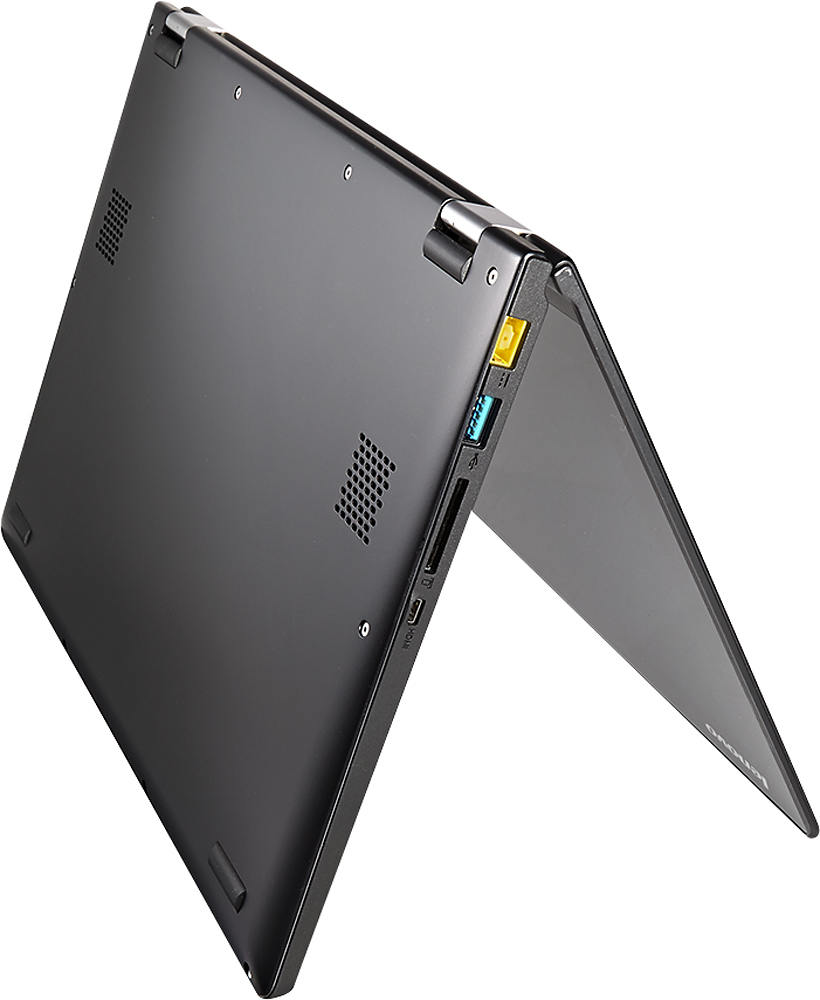


- Model:
- 59440471
- |
- SKU:
- 3297045
Customer reviews
Rating 4.1 out of 5 stars with 1361 reviews
(1,361 customer reviews)Rating by feature
- Display4.3
Rating 4.3 out of 5 stars
Customers are saying
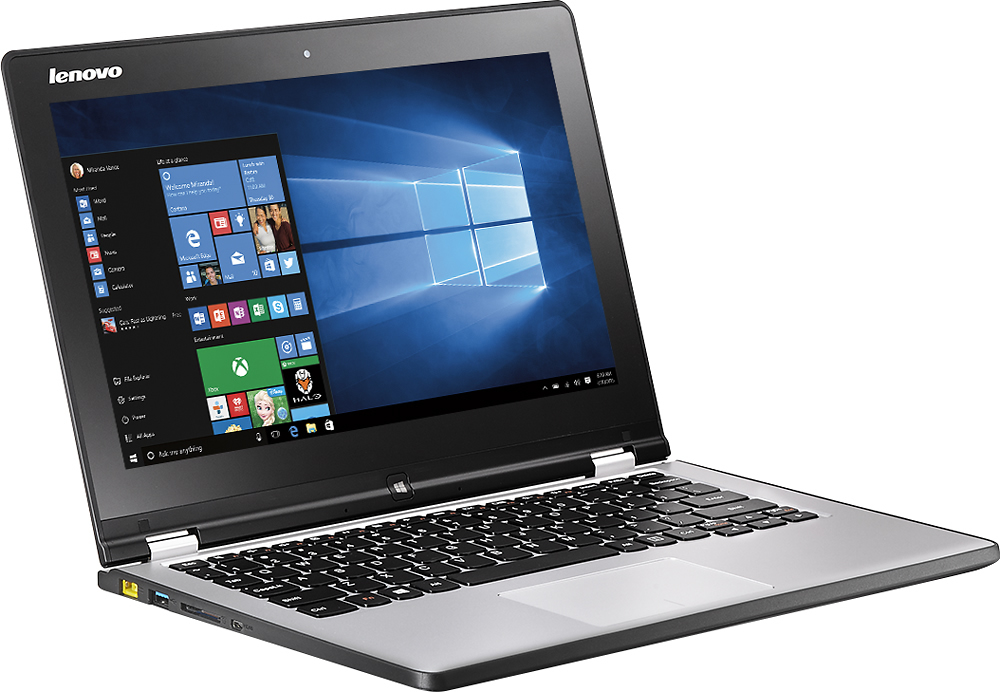
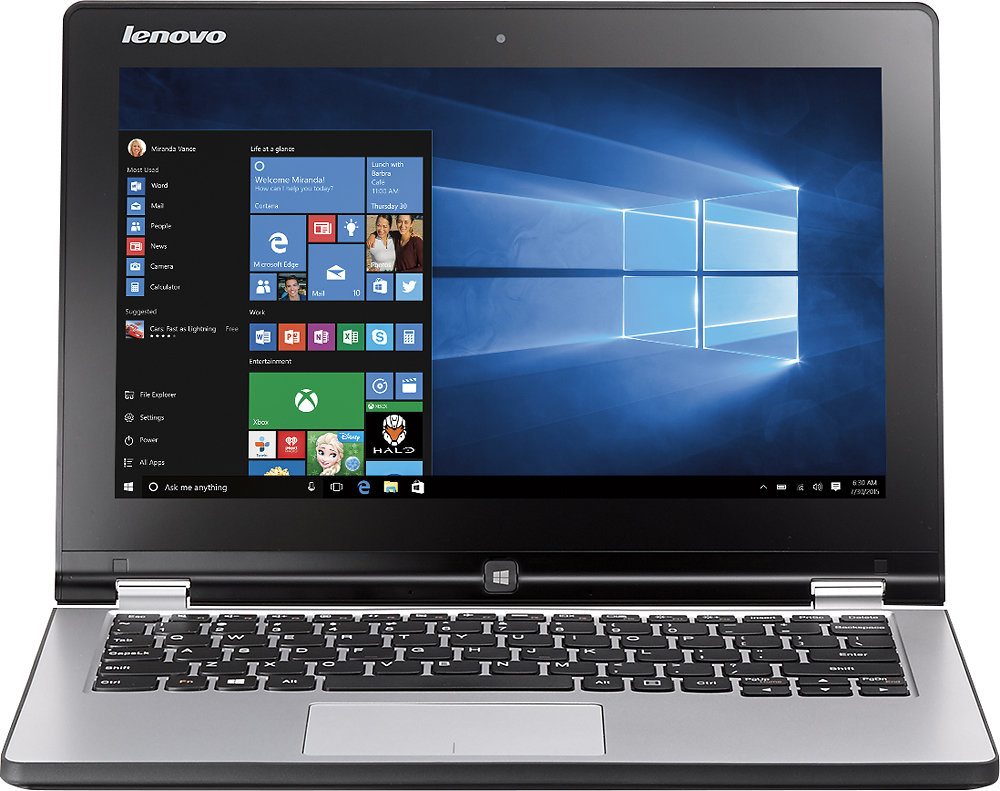
Customers are positive about the portability, touch screen, light weight, price, battery life, and ease of use of the Yoga 2 2-in-1 11.6" Touch-Screen Laptop. They appreciate its compact size and find it easy to carry around. The touch screen is a popular feature, and many users find the laptop lightweight and quick. Customers also mention that it is easy to use and set up. The price is seen as reasonable for the features offered. The battery life is also praised for being solid.On the downside, customers are negative about the laptop's slow performance, Windows 8 operating system, reliability issues, processor, and Wi-Fi connectivity. Some users complain that the laptop is very slow and that the Windows 8 operating system is annoying. Others have experienced reliability issues and problems with the processor. The Wi-Fi connection is also mentioned as not being very fast.
This summary was generated by AI based on customer reviews.
Rated 2 out of 5 stars
Product is complex. Purchased support helpful.
||Posted .This reviewer received promo considerations or sweepstakes entry for writing a review.Security installed is very good. Purchased tech support helpful. Do not use most apps and don't want to be tutored. Who wants more work?
No, I would not recommend this to a friend- Cons mentioned:Slow
Rated 1 out of 5 stars
This is the worst laptop I have ever gotten.
||Posted .This reviewer received promo considerations or sweepstakes entry for writing a review.This is the worst laptop ever!!!!! SUPER SLOW!!!!!
No, I would not recommend this to a friend - Pros mentioned:Touch screen
Rated 4 out of 5 stars
An in-depth review of the Yoga 2 (11.6)
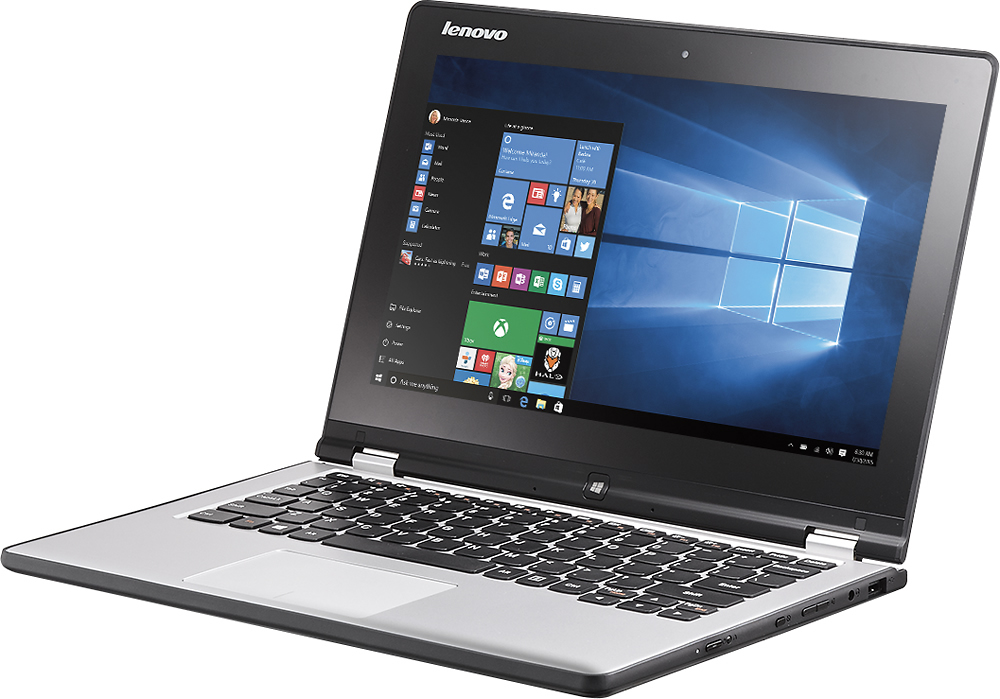
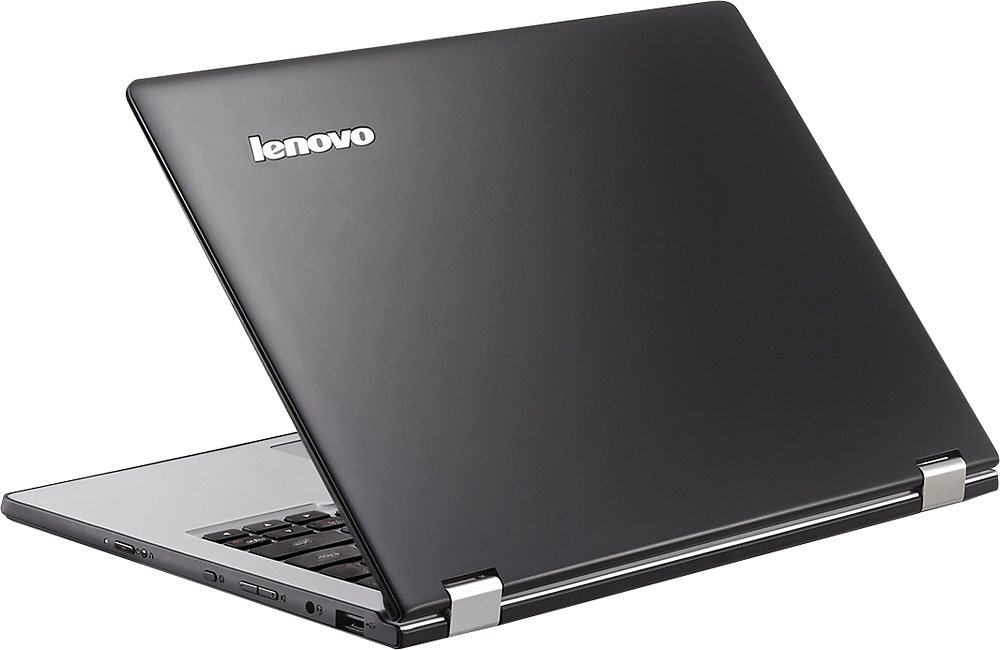
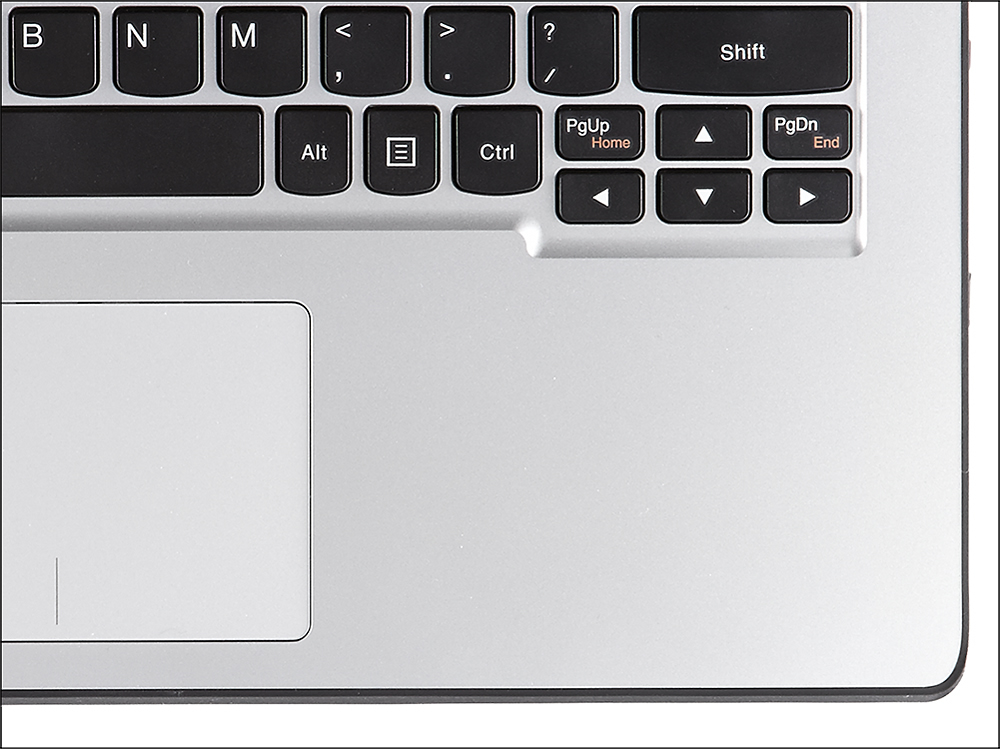
Posted .This reviewer received promo considerations or sweepstakes entry for writing a review.This computer is a great computer for the price. I purchased this computer to replace an older Lenovo that is relatively large and whose battery life is not what it used to be. The older laptop is still running strong and I use it for music storage. I keep it plugged in most of the time. I have a Samsung Chromebook which I love, but I needed a new Windows computer because I use Visual Studio (I am a C# developer). I was looking for a computer with a few characteristics. I wanted the computer to have Windows (x86), to be light, small, relatively inexpensive, and I wanted it to have a decent screen. This computer has all of these characteristics, with a few drawbacks. First and foremost, I love the design and outer hardware of this computer. The keyboard is acceptable, with just the right amount of give (and spring-back). It has island style keys, with the function keys at the top acting as quick access buttons. With a single keystroke you can turn the brightness up or down, put the computer into airplane mode, switch between apps, and many others. The size and weight of this computer are also impressive, with this computer weighing in just under 3lbs (2.9lbs, if I am not mistaken). It is fairly thin, and looks nice with the lid open and closed. The bezel on the monitor is a bit large, but not overbearing. It looks nice when folded backwards, too. One thing that I have found over the past week is that the black lid collects fingerprints easily, as does the touchscreen (this is to be expected – glass and fingerprints do not go together well). This is not a big deal, as I rarely use this computer in tablet mode. The touchpad is probably my least favorite part of this computer. It feels cheap compared to the Samsung 5 550 Chromebook (x86 Samsung Chromebook - 2nd gen). I was unable to do a two-finger tap (not click) for right clicking. I have updated the touchpad driver to the latest version and I am still unable to make this work. Most people will probably just do a 2-finger click anyway, so I am probably one of the few people that will complain about this. 99% of the time, the touchpad does the job it was designed for flawlessly. The screen is gorgeous. While it does only have a 1366 x 768 resolution, one must remember that this computer is less than 12”, so the pixel density is at an acceptable value (~135 PPI). The display is also an IPS display, which gives great viewing angles and color reproduction (once calibrated). The display is much better than most other Windows 8.1 computers at this price point. The display is bright enough for most use cases, and I have seldom found myself wishing that it were any brighter. The internal hardware is acceptable, but only because of the price point. The computer houses a quad-core Bay Trail processor. This processor type allows the computer to run full Windows 8.1 x86 applications, which the 1st gen model was not able to do (it used an ARM processor and WindowsRT). This means that this computer can run the development applications that I often use, and it does not require the Windows Store to install applications. It gives me decent performance, although I would not recommend graphic-intensive gaming on this machine. This computer has 4GB of RAM, and a 500 GB hard drive. 4 GB is plenty for me, which is nice, since the user cannot add more RAM. 500 GB is a large amount of storage for me, but some people might find this to be a good thing. I keep most of my most important documents in OneDrive (aka Skydrive) and Google Drive, so I do not need a ton of local storage. I would have much preferred a smaller, faster SSD, but at this price point, this is acceptable. Wifi on this computer is reliable. This computer does not have dual-band networking, so I cannot utilize my 5 GHz network, which is fine. Just know that if that is what you are expecting, you might be disappointed. Most wifi networks use 2.4 GHz anyway, so this should not be a problem. I have not had a dropped connection yet, and Windows 8.1 makes connecting to a network fast and easy. Be sure to update any drivers though, as some people have reported network issues (not me). Battery life is lacking compared to other computers I have used, but the user can expect to get 5+ hours out of this computer with appropriate power settings. It must be noted that the user cannot replace the battery in this computer. I believe that when this battery starts to lose capacity, I will not be able to replace the battery myself. The software is great for a computer of this type. Windows 8.1 came preinstalled on this computer (unlike other customers that may have gotten theirs earlier). I had relatively few updates compared to past computers I have set up, but this could be due to updates being installed during the setup process. I did connect this computer to my wifi network during setup, so Windows may have updated my computer at that time. Once the computer was finished being set up, there was a small amount of bloat ware installed (programs that come preinstalled that a user does not generally want/need). The uninstallation process went smoothly other than the preinstalled anti-virus software (McAfee, if I am remembering correctly). Windows 8.1 has Windows Defender installed on it, so this will take over is McAfee is removed while the user finds a suitable free replacement. One thing I did have to do in order for the display to look better, is calibrate the colors using the built-in Windows 8.1 Color Management tool. This was easy and it made color reproduction appear much better. Windows 8.1 is made for a computer like this. The touch screen is great and the Windows Store apps take full advantage of this. This computer has performed admirably when in tablet mode, although I must confess that I rarely use it as a tablet. All-in-all, this computer is a great for the price. I will recommend this computer to friends and family based on my experience so far. The screen and form factor are nice, and the performance is what I would expect out of a computer for the money.
I would recommend this to a friend - Pros mentioned:PortableCons mentioned:Slow
Rated 3 out of 5 stars
Not my best purchase
Posted .This reviewer received promo considerations or sweepstakes entry for writing a review.I've had the Lenovo Yoga 2 for almost 3 months now. It is the slowest computer I have ever had. The WiFi connection is awful. The most I ever have is 2 bars, but usually it is only 1 bar, and I am only about 25 ft. from the access point. I even bought a new router thinking that was the problem, but it didn't help. Everyone is saying how fast theirs is so I wonder if I got a lemon. Clearly I am passed my 14 days to return it to Best Buy or I would have done just that. On another website I read a lot of complaints about people having trouble with the wifi and Lenovo cannot seem to fix the problem. I wish I had visited that website when I was researching what to buy. Other than the Wifi issue, it is an ok laptop. I like the size and the tablet function. It is very portable, lightweight, and has good battery life.
No, I would not recommend this to a friend - Pros mentioned:Light weight
Rated 4 out of 5 stars
A laptop I'm excited about!
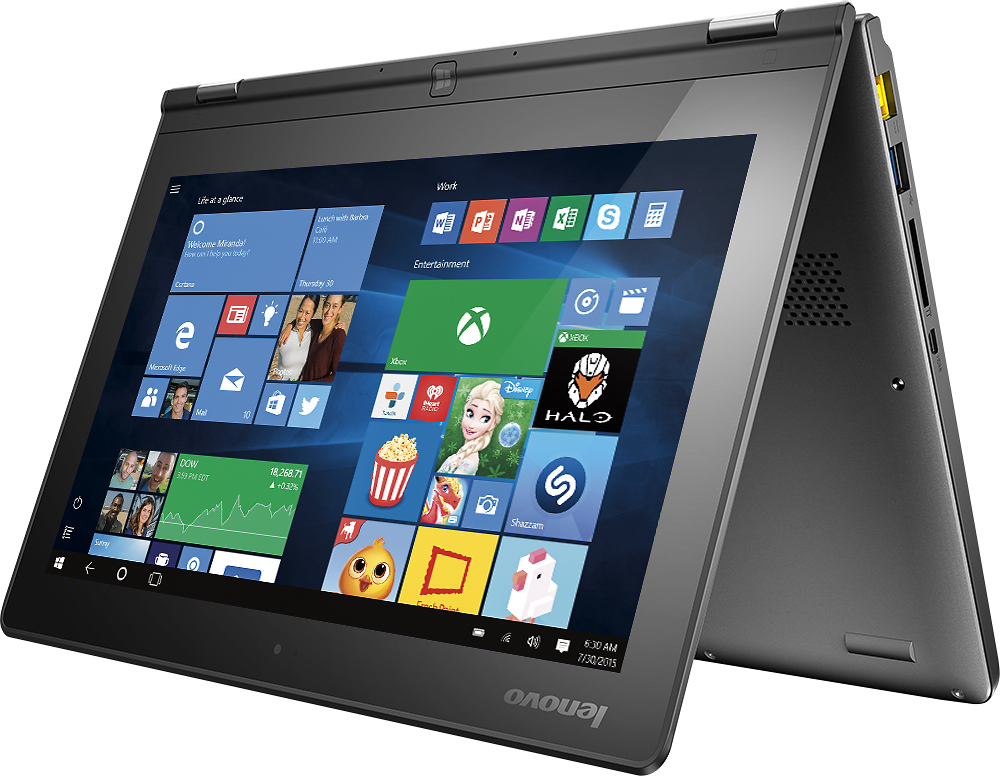
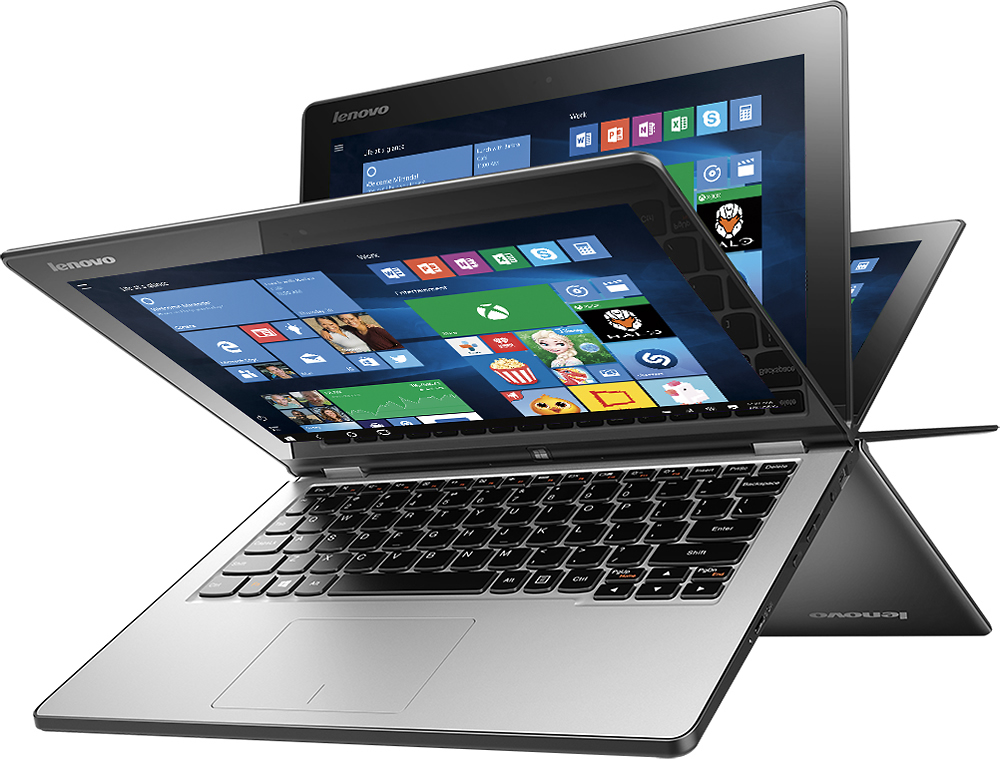
Posted .This reviewer received promo considerations or sweepstakes entry for writing a review.Due to my original laptop I was seeking being misplaced by one of the employees, the manager recommended a Lenovo 2 in 1 and I took the bait when he gave an additional $50 off. I've had this over 3 months now and I've loved using it. You can shape the laptop 4 ways and I've frequently used 3 of the positions- one for work and play, another as a tablet, and a 3rd position for just watching movies/tv shows. I love that I can have up to 4 screens showing at the same time although I've been using mostly 2 screens simultaneously (watch movie while replying email or facebook#. Windows 8.1 was perfect for this computer but I decided to upgrade to Windows 10 and I had no problems with upgrading. What I did have problem was that somehow, my computer will no longer reboot. I have to turn it off and then restart it. I did experience the blue screen of death twice but thankfully that is very rare. Apparently it also has stereoscopic 3D capability but I don't really know enough to use that feature. The HD screen is nice although the 11in screen is not really ideal for watching movies. It is the lightest weiht computer I've ever owned and it is such a relief carrying it over my old laptop. The tablet form does feel bulky but with a sleeve #I bought the official Lenovo sleeve), it feels more comfortable. Overall, I highly recommend it for those who are looking for an economical 2 in 1 laptop.
I would recommend this to a friend Rated 1 out of 5 stars
Computer froze up the second day that I had it.
||Posted .This reviewer received promo considerations or sweepstakes entry for writing a review.I had read good reviews for this computer. However, the one that I bought froze up on me the second day. Lenovo was going to send me another one, but I returned it back to Best Buy with no problems. I more than likely got a lemon, but this was my experience with the one that I got.
No, I would not recommend this to a friendRated 1 out of 5 stars
it's not turning on in one month
||Posted .This reviewer received promo considerations or sweepstakes entry for writing a review.I bought this notebook in New York in may. I came back home, now it's not turning on anymore and i called Brazil's support they told me they can't help me because i didn't buy it here. I can't believe that a worldwide known brand like Lenovo can do something like this. I'm very upset with my purchase.
No, I would not recommend this to a friendRated 1 out of 5 stars
Bad product
||Posted .This reviewer received promo considerations or sweepstakes entry for writing a review.Bad product, after a month of use on the screen appeared a failure and is growing every day.
No, I would not recommend this to a friendRated 1 out of 5 stars
Very disappointed!!!!
||Posted .This reviewer received promo considerations or sweepstakes entry for writing a review.Not provided with proper information regarding the product. Left with all the problems by myself. Disappointed with a product itself and the sale service as well.
No, I would not recommend this to a friendRated 1 out of 5 stars
Had to Return
||Posted .This reviewer received promo considerations or sweepstakes entry for writing a review.I bought the laptop. It allowed me to sign-on approximately one time and then the whole operating system crashed.
No, I would not recommend this to a friend- Pros mentioned:Portable, Touch screen
Rated 5 out of 5 stars
Great value!
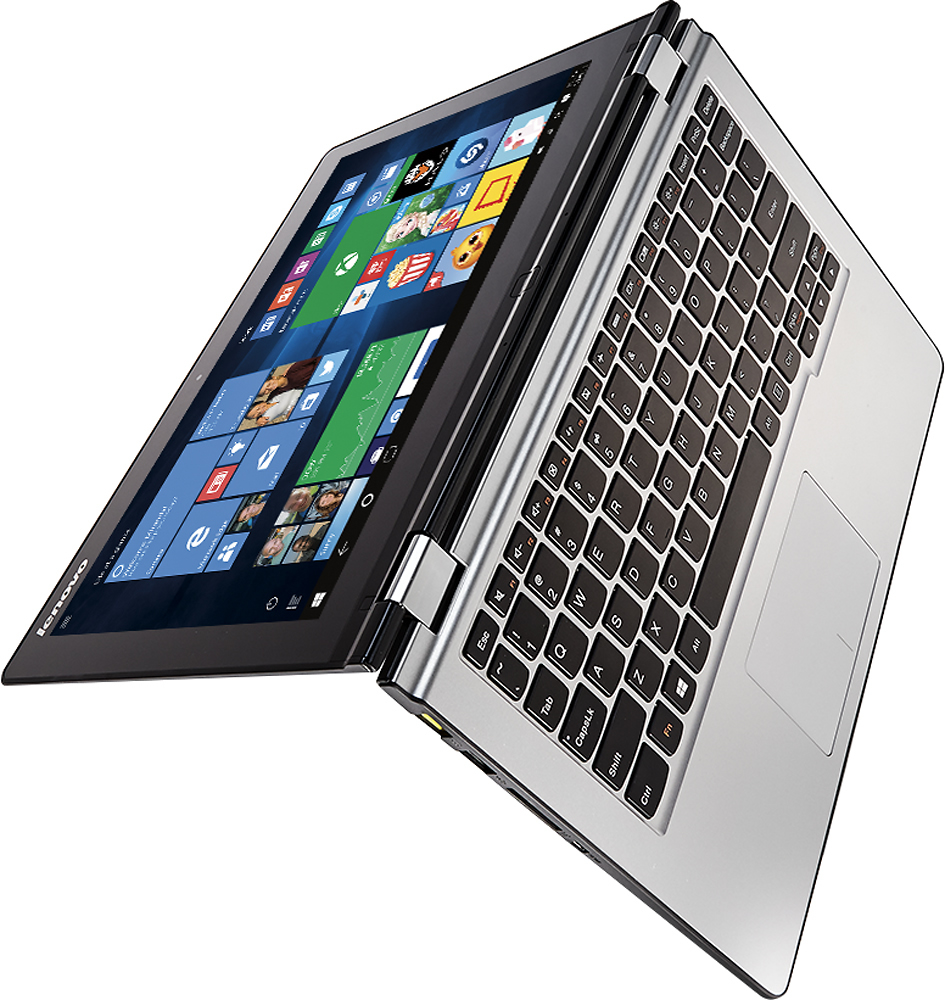
Posted .This reviewer received promo considerations or sweepstakes entry for writing a review.This is a great laptop/tablet for the money. It's very fast at handling the average uses like surfing the web, Windows apps, Microsoft Office, etc... I loaded Adobe Creative Suite on mine and it handles it decently well. It's certainly not intended for graphics/processor-heavy applications like that. If you get Photoshop and Illustrator running at the same time there is definitely some lag, but given that this pc wasn't built for that, I was impressed by how it handled such large programs. I could legitimately take it on the road with me and handle any task I usual do on my desktop, maybe just not quite as quickly. The portability and ease of going from laptop to tablet mode is awesome. I've actually used it mostly in "stand mode" while it's in my lap, so the keyboard is upside down against my legs. It's so easy to use at that angle. A friend who owns the Surface 2 pro came over last night and used it for a bit. I could tell he was wishing he would have waited a few weeks to spend half the money for such a great product. Tip: Take advantage of the touch calibration. I found that it was a bit off coming right out of the box. I ran the touch calibration and it is 1000x better in touch accuracy. Overall, I love the computer. It's exactly what I was looking for and at an even better value than I expected to find.
I would recommend this to a friend - Pros mentioned:Battery life, Touch screen
Rated 4 out of 5 stars
Nice for everyday use
Posted .This reviewer received promo considerations or sweepstakes entry for writing a review.I got this laptop to use it as a portable 2 in 1. Just like a surface with attached keyboard. I was really amazed with the speed and performance of this small machine. The battery is doing well. The keyboard is super good and the touch pad as well. Nothing really bad about the laptop as computer. The touch screen is really nice and responsive. Some people complain about the wifi and some other stuff... I don't know why! I have no issue with that. The problem usually with McAfee when installed on all Lenovos computer.. Just remove it and life will get better. About win 8.1, I don't see anything wrong with it. I've been using it on my i7 laptop and now on this one. The performance is slightly different but you can live with it. The only thing I don't like about this laptop is the weak body structure. I've seen some of them warped because of harsh usage. When you put it on a flat surface, you would notice some mis-alignment of the structure. Easy to re-adjust though but still.. Well, that's what you get for what you pay... Overall, not a bad choice. I'd say better than a chromebook that I was planning to buy. Don't get me wrong Chromebook lovers, it is a good concept and machine indeed but with some extra money, I don't mind to have a MS surface which is this Lenovo.
I would recommend this to a friend - Pros mentioned:Portable, Touch screen
Rated 5 out of 5 stars
AWESOME
Posted .This reviewer received promo considerations or sweepstakes entry for writing a review.This is the best laptop I have ever owned. (Although I still hate Windows 8). I love its lightweight and portability. I love the smooth edges for comfort. Touch screen is very responsive. And its 360 degree flipping is excellent. On the down side, it only has 2 USB ports, whereas the similar 360 degree HP and the Dell products have 3-4. And I have yet to find a portfolio case that will fit this product. Minor "cons" for a MAJOR "PRO" computer. Husband liked it so much, he had to have one too.
I would recommend this to a friend - Pros mentioned:Portable
Rated 4 out of 5 stars
Descent performance and specs at price point
Posted .This reviewer received promo considerations or sweepstakes entry for writing a review.I've owed numerous Windows 8 tablets and laptops which included the Dell Venue 8 Pro, Surface Pro, RT, 2, Asus Zenbook Touch, and from my experience, I seem to get more use out of Windows 8 when a keyboard is available, especially in desktop mode when you really need to get some productivity work done. Pros: This laptop provides similar features to the Lenovo 11S model with lower specs in the processor and disk arena. I've installed VLC, XMBC, Chrome, iTunes and this laptop does not bog down with usage of these applications. Computer is quiet with no fans IPS screen provides enough brightness and viewing angles. I've tried the Dell Latitude 11 and the screen on that laptop is washed out. I would say this screen would be equivalent to Macbook Air 11. 6 with better viewing angles.. Portable, relatively lightweight, and multi-position usage was main selling point for me Cons: This unit implements a fanless design with the lower powered CPU. As a result, the bottom tends to get a little warm after some use especially with CPU extensive activity. Keys are a little shallow and occasionally miss keys during typing. I"m used to my Macbook Air's keyboard. Double tap to simulate a right click event does not appear to work for me even though this option is enabled. I"ve tried disabling, re-enabling this setting and searched for updated drivers but no luck. Perhaps an upcoming patch from Lenovo. Do not try to install a fresh copy of Windows 8, use Lenovo recovery option only for now. Appears that there are drivers that are not available at Lenovo's website that allow the trackpad to be properly disabled when in tablet orientation. Most individuals will not run into this. Spinning disk is a little slow but this is what keeps the price point down. I'm used to the response times with use of flash drives. I installed a 256GB SSD drive, very straight forward with the proper tools, and this laptop is snappy.
I would recommend this to a friend - Pros mentioned:PortableCons mentioned:Slow
Rated 4 out of 5 stars
Great for what it promises
Posted .This reviewer received promo considerations or sweepstakes entry for writing a review.Pros: Beautiful design and easy to use. touch screen has decent sensitivity. Was bought as a mobile school laptop and is wonderful for it. Portability is perfect. Keyboard well sized for medium use. The "Yoga" nature is well done and it doesn't feel cheap or chinsy at all. Cons: wont be breaking any benchmark records, can be very slow if to many apps open. Not a fan of windows 8.
I would recommend this to a friend Rated 1 out of 5 stars
Poor choice period end
||Posted .This reviewer received promo considerations or sweepstakes entry for writing a review.Bad Slow Dumb wish I never ever bought it Apple all the way no more windows junk
No, I would not recommend this to a friend- Pros mentioned:PriceCons mentioned:Processor
Rated 3 out of 5 stars
Average Machine
Posted .This reviewer received promo considerations or sweepstakes entry for writing a review.Touchscreen is not so responsive. Battery life is not good. The processor "Pentium" is not the latest processor so you can't expect this computer to be fast. Go for it if you want something for this price which is light weight and can be carried around.
No, I would not recommend this to a friend - Pros mentioned:Touch screenCons mentioned:Windows 8
Rated 5 out of 5 stars
Just bought a second one (for my husband)
Posted .This reviewer received promo considerations or sweepstakes entry for writing a review.I love this laptop! Two days after bringing it home, I had to buy another one because my husband liked it so much. Yes, it's a bit slow - but no slower than the laptop it replaced (and I didn't want to pay an extra $500 for one with a SS hard drive and a faster processor), and yes, Windows 8 has some issues - but then, there's no way I'm giving up the touch screen function, so I'm glad to overlook the quirks. Overall, I'm very happy with this purchase!
I would recommend this to a friend Rated 1 out of 5 stars
bad
||Posted .This reviewer received promo considerations or sweepstakes entry for writing a review.it is broken within 7days! I changed another brand!
No, I would not recommend this to a friend- Pros mentioned:Portable, Touch screen
Rated 5 out of 5 stars
Lenovo Yoga 2 2-in1 is everything I bought it for
Posted .This reviewer received promo considerations or sweepstakes entry for writing a review.Despite the drawbacks of an inexpensive computer, this laptop-tablet is fast, very usable, and I keep finding new things with the touchscreen and Windows 8.1 that can't be done with a conventional laptop/desktop. Default power saving is a little aggressive with sleep mode, but it comes back from sleep so fast you hardly notice, and I always adjust power saving settings anyway. Downsides include RAM, which is not upgradeable from 4GB, and hard drive is big but uses proprietary interface connection, so is also not (easily) upgradeable. But these have proved to be no problem at all, as the unit doesn't seem to need upgrading. If you want something more powerful, then spend more and buy it. For usability, speed, convenience, the unit is very light, small and portable, and overall a great buy.
I would recommend this to a friend