Customer Ratings & Reviews
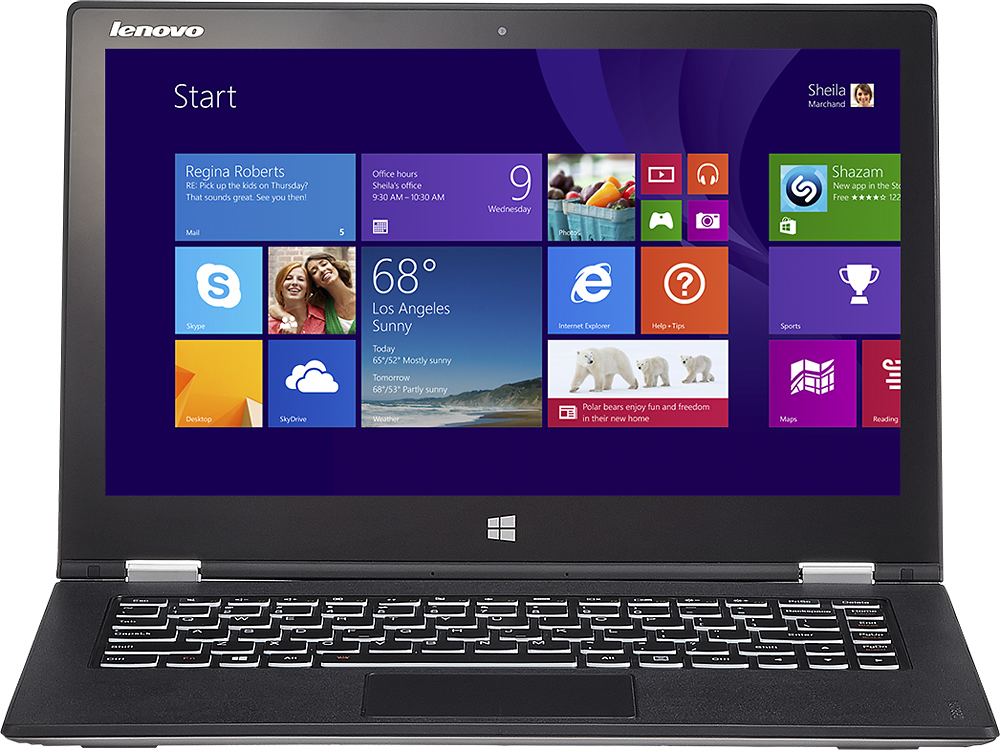
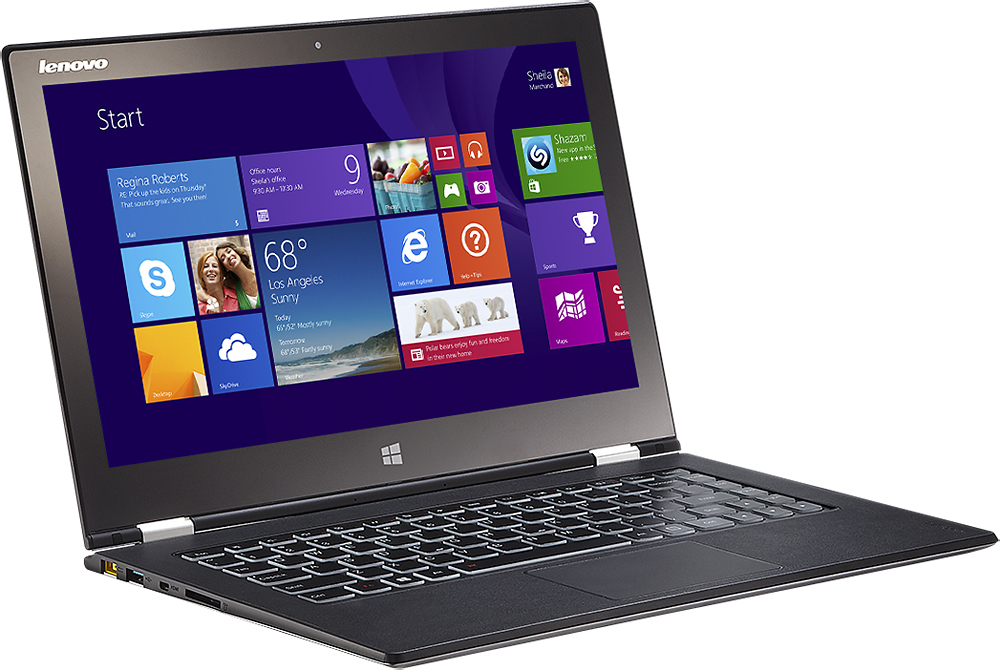
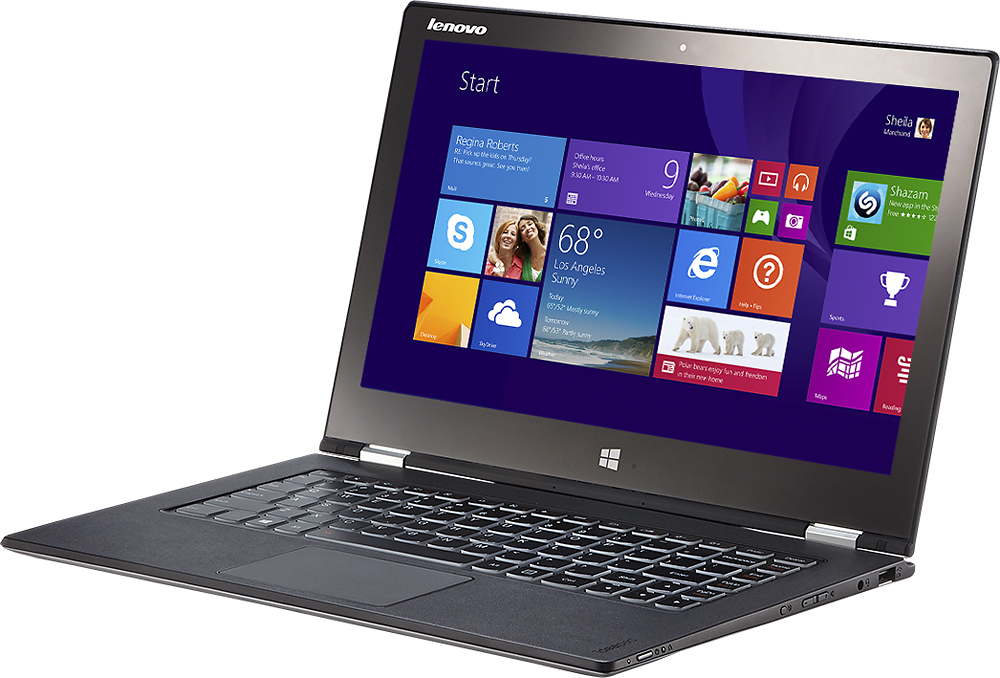
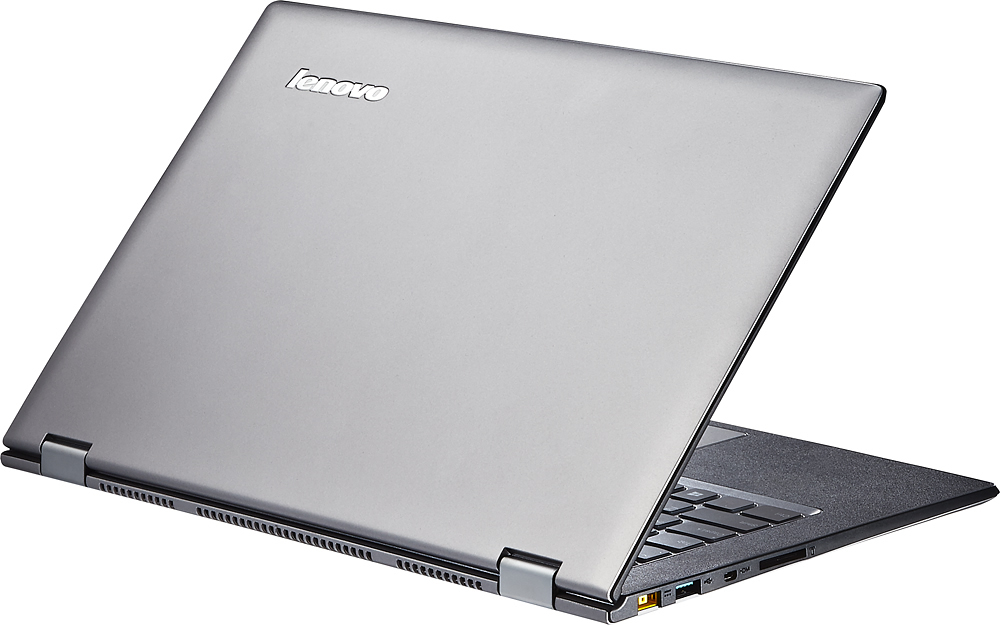



- Model:
- Yoga 2 Pro - 59418309
- |
- SKU:
- 1817254
Customer reviews
Rating 4.3 out of 5 stars with 1659 reviews
(1,659 customer reviews)Rating by feature
- Display4.4
Rating 4.4 out of 5 stars
Customers are saying
Customers are impressed with the Yoga 2 Pro's touch screen, describing it as a great feature. They also appreciate its lightweight design, with comments noting how thin and light it is. However, some customers have concerns about the battery life and the Windows 8 operating system.
This summary was generated by AI based on customer reviews.
- Pros mentioned:Touch screen
Rated 4 out of 5 stars
Best value, not perfect
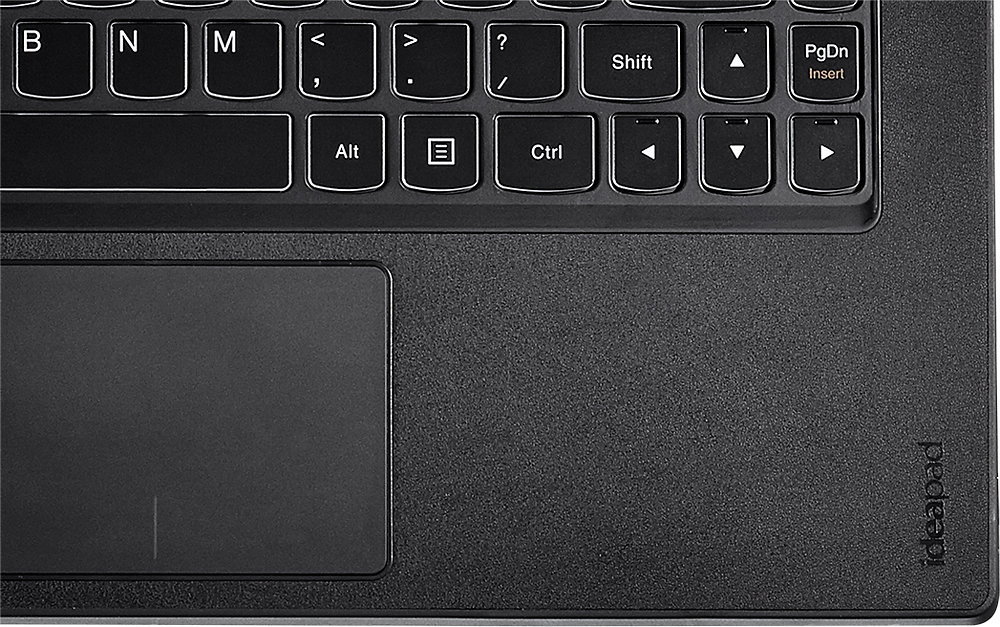
Posted .This reviewer received promo considerations or sweepstakes entry for writing a review.I waited a long time to get my hands on one of these. And I do think that it was worth it. I'm using it for 6-8 hours a day (about half on battery), and have found it to be the right choice for me. On the positive side, the screen sharpness is something that makes working on this a pleasure (even with the not quite right yellow and the scaling issues with adobe products), the internal specs make all the task I have to do uninterrupted. I also really like keyboard feel (including the texture of the palm rest). It's very subjective and I'm not sure I agree with the whole 'lenovo makes the best keyboards in the business' line, but I've noticed after a couple of days of adjusting from a dell xps laptop, that I find this to be a much nicer experience. Not really sure how else to explain it. The whole yoga-bending-thing as well is just natural - I can adjust it to whatever angle is best for what I'm doing. I haven't even given the keyboard on the back a second thought. On the downside, I was expecting the scaling issues, which don't really bother me unless I'm working with fonts in foreign languages. Nor does the yellow although I can see how multimedia pros would worry about this. The wifi hasn't dropped out yet for me, although it doesn't seem to like slow wifi connections - I had a lot of trouble installing MS office when the connection was too slow. Of course, I don't know whether that's a yoga problem or a windows problem. Just something to be aware of. Also, I find the trackpad a bit on the small side, especially when combined with Win 8 gestures that take up some of the usable space. Overall, I'm really happy that I got this and don't think that the few drawbacks are deal breakers for me. I think the price point is incredible, and you could end paying hundreds more for an ultrabook of around the same specs. Just know that it's not perfect.
I would recommend this to a friend Rated 4 out of 5 stars
Fantastic Laptop with a fatal flaw
Posted .This reviewer received promo considerations or sweepstakes entry for writing a review.I've had my Lenovo Yoga 2 for 10 days now and have used it half the time at my office and the other half while travelling. As a portable device it is the perfect computer. The screen is amazing, the touchscreen with Windows 8.1 works really well and the keyboard is great - I would prefer the right side shift key to be full sized but I'll get used to that. Not all sites / software support the screen resolution perfectly so you’ll have to use CTRL +/- sometimes to size text properly. My airline flights this week had four one hour legs and the laptop shutdown rule would normally eat into at least half of my useful work time. With the new FAA phone, e-reader, tablet rule I was able to use my Lenovo in airplane mode the entire time we were in the air. We had smooth air on all legs of the flight and US Airways treated the Lenovo as a tablet as long as I flipped the computer to tablet configuration during these times of the flight. On the Lenovo F7 is an airline mode toggle - brilliant. I was told by the flight attendant that because of their size and weight larger tablets will sometimes not be allowed for "safety reasons". Others have complained about the wireless signal being weak but I've done all the distance from router tests around our house that I've done with all our other laptops and the Lenovo is actually stronger than my last laptop so it works just fine for me. As others have reported, the shade of yellow on the laptop screen is a bit off but I don't do design or photo work unless I'm at home and all colors are good on my HP 2511x monitor. But, if you’re a professional in any design field you're probably better off with a MacBook Pro. Also, if you've never had a laptop with a solid state drive, prepare to be completely amazed. iTunes installed so fast I thought something had gone wrong with the installation. Same with Photoshop. It's just a pleasure to work with on the Lenovo. The only thing wrong with this laptop is the m-HDMI port. It's impossible to get a solid connection between the connector and the port. I'm using a Rocketfish HDMI to micro HDMI cable. Some people have described the m-HDMI port on the Lenovo Yoga 2 as too deeply recessed. Whatever the problem is, it appears to be a manufacturing defect, because I've checked three different Lenovo computers at my local Best Buy and they all exhibit the same issue. I spent all of yesterday and part of today working with the Geek Squad on the phone and in person. At first everyone thought it was a compatibility issue with the HP monitor but after reading the Lenovo blog and spending time with the Geek Squad, I got the monitor working intermittently and finally today have the cable positioned so it works fine. Unfortunately, every time I move the cable I have to play around with it for a couple of minutes to get it positioned correctly. As always, the people at Best Buy has been great to work with. As for Lenovo, if you expect zero support from them they will meet your expectations. If you don’t use an external monitor or do graphics design work this is a perfect laptop for business use. I’ve decided to keep my Lenovo Yoga 2 and deal with this one issue as its other features are just amazing and I hope I’ll be able to resolve the m-HDMI issue.
I would recommend this to a friend- Pros mentioned:Light
Rated 5 out of 5 stars
Nice laptop
Posted .This reviewer received promo considerations or sweepstakes entry for writing a review.This is a great laptop. Light and mobile and has great power for the size. The SSD is also a bonus. I've replaced all my hard drives with SSD and you can't beat the speed at which they provide for start-up and the such. The display also has great resolution. Nothing bad to say about this laptop. The price isn't bad either for what you get. Use this laptop with a bag that "splays" open so never have had to take it out of the bag when traveling. That's a plus as we like to travel a lot.
I would recommend this to a friend - Pros mentioned:Touch screen
Rated 5 out of 5 stars
Best Laptop Available
Posted .This reviewer received promo considerations or sweepstakes entry for writing a review.This is hands down the best laptop you can buy for $1,200. It really gets me mad to see all of these bad reviews. Do some research before you buy something. No, it does not have dual band Wi-Fi. Yes, the keys are exposed in tablet mode. Yes, the yellow color was a problem that they fixed months ago. You might not like Windows 8, but that's not Lenonvo's fault. This machine is extremely fast. It has handled everything I have thrown at it. It is extremely portable and all of the modes are very useful. The screen is gorgeous, this and the Ativ Book 9 Plus are the only ones available with it. The Yoga is $500 less though, equipped exactly the same. This laptop has the best keyboard I have ever seen. It is superb. This is the best laptop I have ever owned. Everything about it was well thought out and frankly, for $1,200 I feel guilty buying it. It was a steal.
I would recommend this to a friend - Pros mentioned:Touch screenCons mentioned:Color
Rated 5 out of 5 stars
Excellent Value for Performance
Posted .This reviewer received promo considerations or sweepstakes entry for writing a review.The specs match up against machines costing $600 more. Was initially concerned about wifi and color problems, but my wifi works fine (at home and office and Starbucks) and while the yellow color "issue" is noticeable, there are temporary fixes available (see lenovo forums) and a permanent fix on the way. Frankly, I don't think I would have noticed if I hadn't read about it first. Great product and great value. Stacks up well against the competition. Had a Lenovo x61 for five years - it had the best keyboard of any laptop I've ever owned. Only thing I miss on the Yoga is that little red pointer stick.
I would recommend this to a friend - Pros mentioned:Touch screen
Rated 4 out of 5 stars
Great device but it could have included a bit more
Posted .This reviewer received promo considerations or sweepstakes entry for writing a review.Just got mine today and have been tinkering around with it for hours already. Machine is pretty sweet and super fast. I wanted a tablet but needed the functionality of a laptop. Mainly since I intend to use this device to finish writing a book. That meant lots of typing so the keyboard was actually a crucial element to me. I don't add lots of software and extras so the hard drive is large enough for me. I had been looking at so many different devices (Surface Pro2, Asus T100) that I started to get some features mixed up apparently. I had assumed that this baby came with Office at this price point but that was apparently wrong. The T100 includes it at the $400 mark. This was $1199.99. My mistake I guess. The only other issues for me are the mouse pad is a bit sensitive even at the lowest setting and will jump me out of an app or webpage while typing. Also, Lenovo decided to make the thing go into a demo reel when its idle for about five minutes. I am still trying to go through all the settings to stop that but haven't been able to yet. Annoying. Those little bugs are what is making this a 4 star for me.
I would recommend this to a friend - Pros mentioned:Touch screen
Rated 5 out of 5 stars
Excellent UltraBook with Tablet
Posted .This reviewer received promo considerations or sweepstakes entry for writing a review.The display is awesome no beat in market yet. The laptop reboots very fast, within 15 seconds once I use stop watch to monitor. Played the ultrabook for several hours, it's very quiet, don't feel any heat at all. Convertible works fine. though key board is disabled once you are in tablet mode, still hope Lenovo should ship it with some soft pad to protect it. It will be greater if they could ship pen with the unit. I think Yoga 2 pro is MacBook pro's killer. As far as Windows 8.1, though I don't have any experience with Windows 8, but Windows 8.1 is excellent. Microsoft do listen from consumers. For those who like Windows 7 interface, Windows 8.1 is the solution. Just tweaking with register key with current users key, so it's possible to create two user account profiles, one is for Windows 7, the other for Windows 8. I actually like Windows 8 graphics interface much better than Windows 7. Start, list of common apps, swipe down list of small apps icons for all installed applications for you to touch and open.
I would recommend this to a friend - Pros mentioned:Touch screen
Rated 5 out of 5 stars
Love Yoga 2 Pro
Posted .This reviewer received promo considerations or sweepstakes entry for writing a review.Have been using Yoga 2 Pro for about two months and I have to say I absolutely love this laptop. Intel Core i7 processor, 8GB RAM and 256GB SSD are a great combination. Very fast performance and boot times. The QHD+ screen is fantastic. Extremely thin and light with an almost perfect backlit keyboard. Could not be happier with this purchase.
I would recommend this to a friend Rated 5 out of 5 stars
A PC I Don't Hate
Posted .This reviewer received promo considerations or sweepstakes entry for writing a review.I chose the Yoga 2 Pro over the latest edition, the Yoga 3 Pro. The 3 uses Intel's "M" processor. While the M is better for battery life, this model's i7 is a bit more of a workhorse than the M. The Yoga 3 has some aesthetic upgrades, and the newer hinge design may be sturdier, but I'm gentle on electronics, and the 6+ hour battery life #after some app and software tweaks# is a fair trade-off for the additional processing power. I keep a Windows PC because of my company. Otherwise, I'm fully immersed in the Apple universe. The Yoga 2 has a gorgeous display, a nice Mac-style click pad, and the ability to multi-task with ease. It comes installed with several Lenovo apps that you may or may not want to keep. I love the screen size, too. Big enough to be a laptop, but not ridiculously big as a tablet. Oddly enough, my favorite feature is the actual texture of the product. Unlike my iPad or Mac, the Yoga 2 feels secure in my hand, with a grippy feel to the outer shell. The texture of the deck is almost rubbery, which is a plus for me. I have no concerns about using this on bare legs in the summer. My issue is the power button. Lenovo took a cue from tablets and placed the power button on the side of the deck. Since this is primarily a laptop, I feel that the power button should be ON the deck, like a traditional laptop. As it is, I have to look at the power button to turn the computer on- it's flush and not easily discerned by touch. Honestly, it's something I can live with. This is my first foray into ultra book territory, and I'm extremely pleased.
I would recommend this to a friend- Pros mentioned:Touch screen
Rated 5 out of 5 stars
Best Ultra Tablet on the Market
Posted .This reviewer received promo considerations or sweepstakes entry for writing a review.I am an IT technician so it's important for me to be able to transition quickly from home mode and work mode. I was previously using a Surface Pro and it achieved that fairly well but the screen was small for detailed work and it was difficult to work in less than traditional environments. I was happy enough with the Pro but when a new user needed a workstation quickly, I was happy to search for a better mobile workstation to better suit my needs. Enter the Yoga 2 Pro - bigger, ridiculous high-res screen and better transitional device. I have ripped my bluray collection to .mp4 files so that I can view them while traveling and this screen was just plain gorgeous for movie watching and the multitude of options were perfect for travel. Need to use touchscreens like a tablet and don't need your keyboard? Tablet Mode. Need to watch a video while it sits on a counter? Stand Mode. Need a traditional laptop to type? Laptop Mode. And transitioning between them was easy. Coming from the Surface Pro, the battery life is decent (6.5 hours vs 4 hours) but there is definitely room for improvement though it is enough to do what I need. My biggest gripe was something I knew going in - it doesn't come with Windows 8.1 Pro but that's a minor inconvenience and one easily fixed. As a gamer, it might be nice to see them come out with a model that has a dedicated graphics card so that I could enjoy my demanding PC games while on the road but since this is my work computer that isn't a real issue. If you're on the fence, highly recommend trying it out at your local Best Buy and seeing if it fits your need. It definitely is exactly what I wanted and I couldn't be much happier
I would recommend this to a friend - Pros mentioned:Touch screen, Weight
Rated 5 out of 5 stars
A much needed upgrade
Posted .This reviewer received promo considerations or sweepstakes entry for writing a review.After having my laptop for 7 years I thought it was time for an upgrade. My last laptop was 3x heavier than this one. That's a major thing I was looking for because I carry my laptop everywhere I go. It's also thin. My last laptop didn't hold a charge anymore, it would maybe last an hour on power saving mode. This one lasts me about 6-7 hours per charge! I think that's awesome. The keyboard is nice too, easy to type on. The screen is also great because of the resolution and the brightness. Some programs may not be optimized for the resolution but I'm sure in the next year more programs will be. The tablet mode is also a nice feature to have. Sometimes I take notes in class with a capacitive pen I bought and it works well. For my needs this laptop is perfect.
I would recommend this to a friend - Cons mentioned:Battery life, Price
Rated 2 out of 5 stars
An ultrabook I really wanted to love, but couldn't
Posted .This reviewer received promo considerations or sweepstakes entry for writing a review.I just returned this after a week of owning it and went with the U530 instead. This really was an ultrabook I tried to love, but it just falls short in too many areas, and in the end the lack of disk space and the screen did it in for me. I wanted a powerful, yet easily portable, laptop, and this seemed to fit the bill. Over the course of the week it turned out to be a disappointment. The battery life isn't terrible, but I expected more for a laptop of this caliber, especially considering it is using an ssd drive. The next few issues I have with the machine are nothing hidden, but they started to creep up on me more and more. I thought 256 would probably be adequate, and I could supplement it with an external hd, but I found myself more and more disgruntled with the lack of space. And if I get an external hd, I am down to only one usb port. Add that along with the fact it has no Ethernet (which isn't anything unusual with something of this size) and the high portability goes down, as I need an external drive, a usb hub, and a usb Ethernet adapter for some situations. The screen is a huge issue. For watching hd movies, I found it to be great, very impressive. However a 13" screen with such a high resolution ultimately leads to problems. There are certain applications where text is unreadable, and remote desktop was a nightmare. You can adjust scaling to some degree, but I really have no desire to adjust it per the application I'm using. Lenovo is known for having high quality control, and in general I have found this to be true, so I found 2 screen issues rather surprising. One of the first things I noticed right from the start was when the screen is dark, there is some light bleed through along the bottom edge and sides. There is also an issue with yellow colors being distorted. Lenovo put out a fix for this, but it isn't 100%, and regardless such a product shouldn't make it on the shelf with that kind of issue. Ultimately, I don't see the niche this machine falls into. For high end users such as myself, the cpu and memory are great, but the disk space and screen issues are a major problem. For people more interested in a tablet for viewing the web and movies, this is way too overpriced and overpowered. I love the concept behind it, and I hope over time these tablet/laptop hybrids evolve, but for the time being I found it lacking and a disappointment.
No, I would not recommend this to a friend Rated 5 out of 5 stars
Best Laptop I've Ever Had
Posted .This reviewer received promo considerations or sweepstakes entry for writing a review.I'm a small business owner and have worked for big high-tech companies for a long time. I had never purchased a Lenovo product. I can honestly say that this laptop/convertible has exceeded my every expectation. It's easy to carry, easy to use, I love the solid-state drive...it's the most dependable machine I've ever had. In the beginning there were some quirks to adjust to, such as the weird scaling issues at Ultra HD resolutions, and the wireless not fading. I run it at 1080p for normal use, connect to an external monitor at work, which is just fine. Lenovo support fixed the wireless fading/driver issue in week one...not a single issue since. It turns heads at every business meeting. The only downside I guess is that I have to carry my own microHDMI cable with me for presentations, because no one has this connector in their conference room. Otherwise, it's a dream!
I would recommend this to a friend- Pros mentioned:Speed
Rated 5 out of 5 stars
Don't listen to the Negatives.....
Posted .This reviewer received promo considerations or sweepstakes entry for writing a review.To all the haters of the "color issue". Do some research and you will find that computer screens don't actually display the color yellow. They trick our brains into seeing the color......so, it is by definition a software issue and has been fixed with updates....for the most part. I do see a hint of "mustard" color but it is not distracting at all. The other "issue" people have is the offset "mouse pad". There is a brilliant reason for this. Most right handed people use their right thumb to move the curser while typing and so the reason for the offset. I think it is a plus....not a negative. The bottom line....This thing rocks! It is unreal fast, super portable with a reasonably big screen. It moves into every position and is 100% solid state. SOLID BUY!
I would recommend this to a friend Rated 4 out of 5 stars
Recommended
Posted .This reviewer received promo considerations or sweepstakes entry for writing a review.I am mostly happy with the Lenovo Yoga 2 Pro. The things that have been annoyances: weak wireless card (sometimes internet connection is lost for NO reason), comes pre-loaded with tons of apps. I do graphic design work, and to use the Adobe Creative suite, I have to drop the screen resolution to make the icons on the user interface not microscopic. This is an issue that Adobe is addressing in CC, but be aware that upgrading to a computer with awesome screen resolution is kind of pointless for those of us clinging to CS6.
I would recommend this to a friendRated 4 out of 5 stars
Good size and weight, disappointing reliability
Posted .This reviewer received promo considerations or sweepstakes entry for writing a review.I am into my 7th month with the Lenovo Yoga Pro 2 and had to ship it in to be repaired as it suddenly stopped booting on me. Disappointing to have a solid state drive fail on you. Also has continuous issues with staying connected to WIFI and printers routed through wireless system using the WIFI. However, my husband has the same computer and has had better reliability, and it is great for travel. We are traveling for business most weeks, so that is a huge factor. The battery life is longer than my Toshiba Satellite A665, and although my Toshiba has been reliable, it is tough to lug around with the extended battery pack!
I would recommend this to a friend- Cons mentioned:Battery life
Rated 5 out of 5 stars
Great for a student!
Posted .This reviewer received promo considerations or sweepstakes entry for writing a review.So I was a little concerned at first about buying this ultrabook. I saw a plethora of people complaining about the yellow color being off. It looked almost like a dark gold color when I first saw it. However, after updating the BIOS and energy management through Lenovo's website, the yellow looks one million times better. I would say it is about 90% there and it no longer bothers me. Other than that the only other complaint I could have is the battery life. I get about 6.5 to 7 hours of battery life. That is not bad at all but a little low compared to other ultrabooks. For the price you pay this laptop is by far the best. Great specs and a beautiful screen resolution are just some of the highlights. I would highly recommend this to anyone who wants an awesome laptop for a good price.
I would recommend this to a friend - Pros mentioned:Lightweight
Rated 5 out of 5 stars
Great computer for my high school kid
Posted .This reviewer received promo considerations or sweepstakes entry for writing a review.A nice laptop/tablet. Light enough to not significantly add to my son's backpack. It has everything he needs for school, fast, good battery life, and fun to use. There was a learning curve to working with a laptop/tablet, but it didn't take long to feel comfortable using all of the features.
I would recommend this to a friend Rated 5 out of 5 stars
Superior Ultrabook, screen is ahead of its time
Posted .This reviewer received promo considerations or sweepstakes entry for writing a review.If a group of engineers were put together in a room to attempt to build the best ultrabook, it would be something very close to this machine. There are certainly cons though, no product is perfect, that being said, the machine works great. Pros: -Runs smooth as butter, can multitask wonderfully -display puts to shame so many others, it is amazing -speakers are probably the loudest I have ever heard on a laptop -keyboard & trackpad are the same quality or better than that seen on a macbook -(going to get some hate for this) windows 8.1 is great -wifi connection works great -battery can last you about 7 hours, maybe a little more -boots in 6 seconds (I timed it) Cons: -display is a double edged sword. Okay, seriously, read about the issues online. Try googling "High DPI display scaling and Chrome." It isn't window's fault that the display causes issues actually, it is the 3rd party software. what goes on is that because the display is such high res, windows knows you don't want everything on the screen to be tiny so windows "scales up" all the stuff to make it legible and useable. Some software doesn't respond to this well and generates fuzzy images that look like you're using a screen 1/10th of the pixels. It took 5-6 hours for me to get mine perfect but it can be done, just be prepared to have your jimmies rustled. -I really think they could have fit another USB port into the machine somewhere, or at the very least, made both of them 3.0 ports. -There are known issues with bluetooth devices dropping randomly (happens to my mouse all the time, pretty annoying) and it is thought to be a driver issue, I haven't been able to resolve it yet but in the grand theme of things, it is annoying, not a deal-breaker. Furthermore, it is definitely a software/driver issue and not really the fault of the hardware -i think they really could have managed putting in a better intel graphics chip. 4400 holds it's own, and really does a good job and I'm guessing they went with it for low power consumption or something but don't expect you can play any demanding games. I didn't get this laptop to play games (I have a desktop for games) but I think 4400 is the only (and I mean ONLY) shortcut in the hardware, everything else is absolutely top notch! :) Conclusion: Understand what you are getting. I would consider myself highly technologically literate (work for an IT company) and it took me 6 hours to resolve screen scaling to get it the way I wanted it. I would recommend this for someone who knows what they are doing but I'm not sure if I would recommend it as someone's first computer - or just be aware that there is going to be a learning curve. This is a sexy machine and it has brains, but it will fight you sometimes.
I would recommend this to a friendRated 4 out of 5 stars
Great ultraportable with high end specs
Posted .This reviewer received promo considerations or sweepstakes entry for writing a review.One of the best values in Ultraportables for the high end specs you get - 256gb SSD, 8 gb Ram, I7 ULV processor. Similar specs usually go for $500-800 more. Has a low weight, comfortable keyboard (a little shallow but not too much), nearly silent, doesn't get too hot, awesome screen resolution, responsive touch pad and touch interface. Text looks utterly amazing even when zooming in. Love everything about it except for one large caveat - horrible color reproduction for yellow and to a lesser extent orange. The yellow looks almost yellow-brown-green pukish, Very noticeable when it is a solid yellow on logos, not as noticeable in yellow items like banana, sun flower, etc. Hopefully, a firmware update will fix this to make it look more like the Samsung Ativ Book 9 Plus (same screen panel), although even the Samsung notebook the yellow is a bit washed out (but at least it still looks yellow ;p). I highly recommend this model if Lenovo is able to at least partially fix this issue (due to the nature of the Samsung screen panel, I doubt it will ever have near "perfect" color reproduction).
I would recommend this to a friend