Customer Ratings & Reviews



- Model:
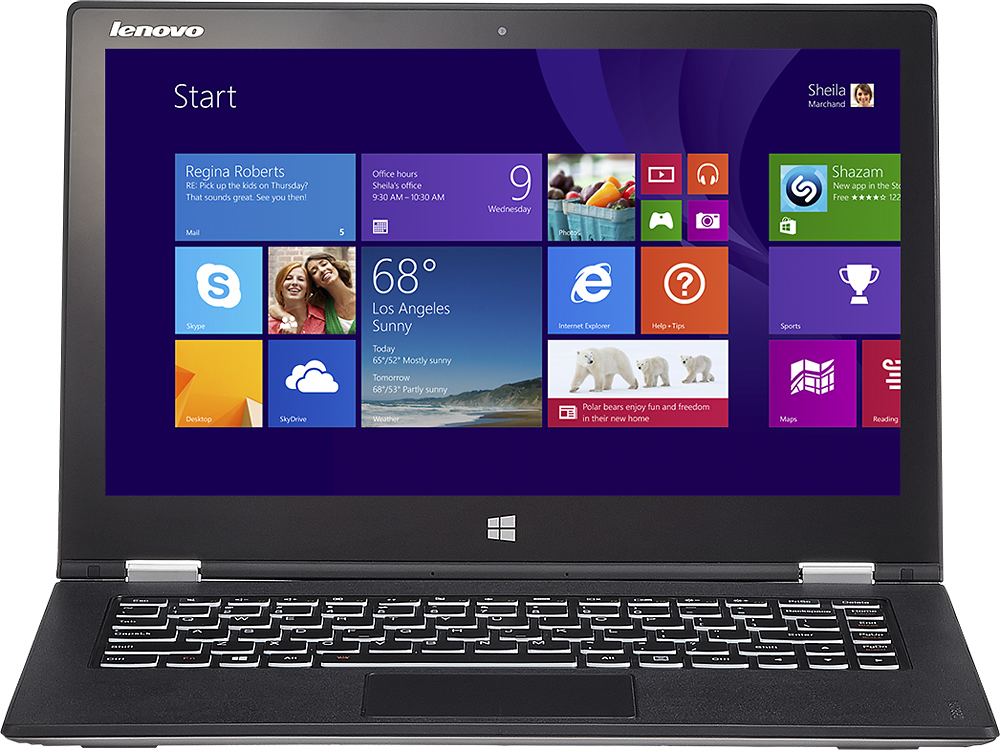
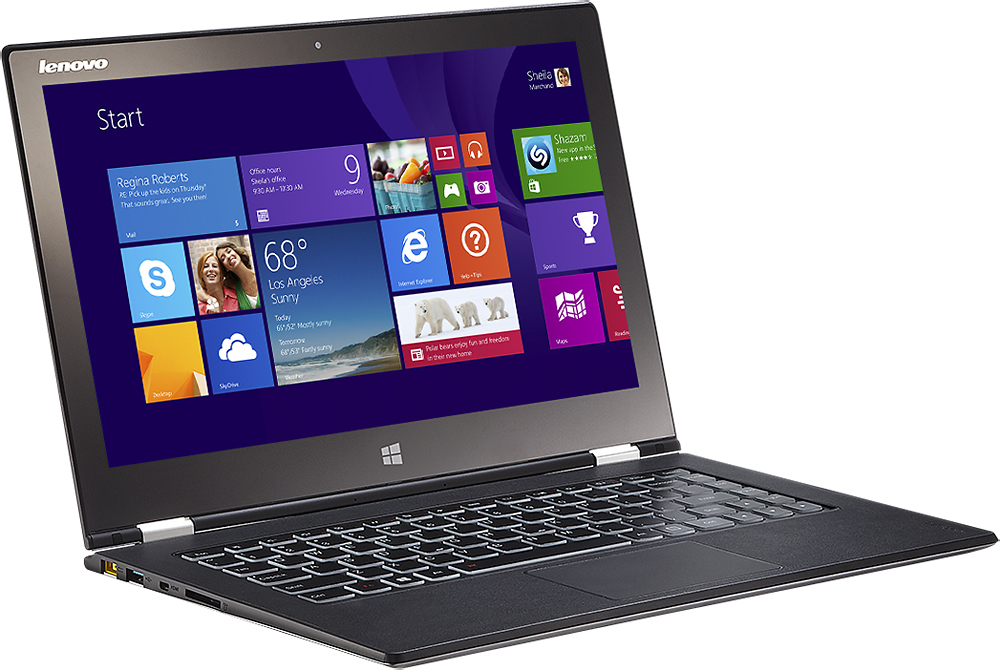
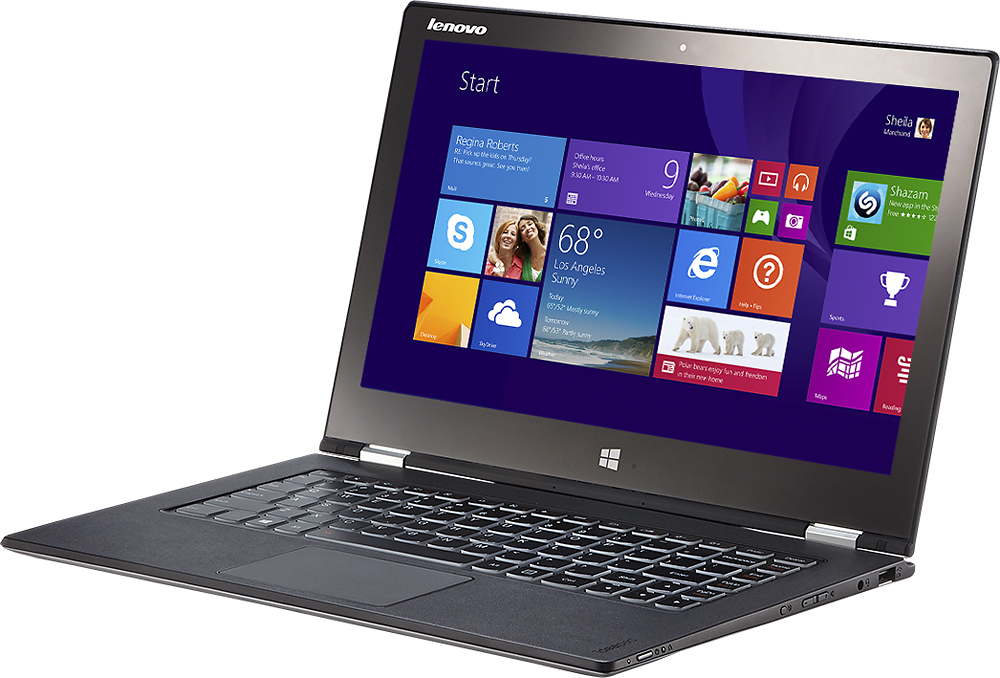
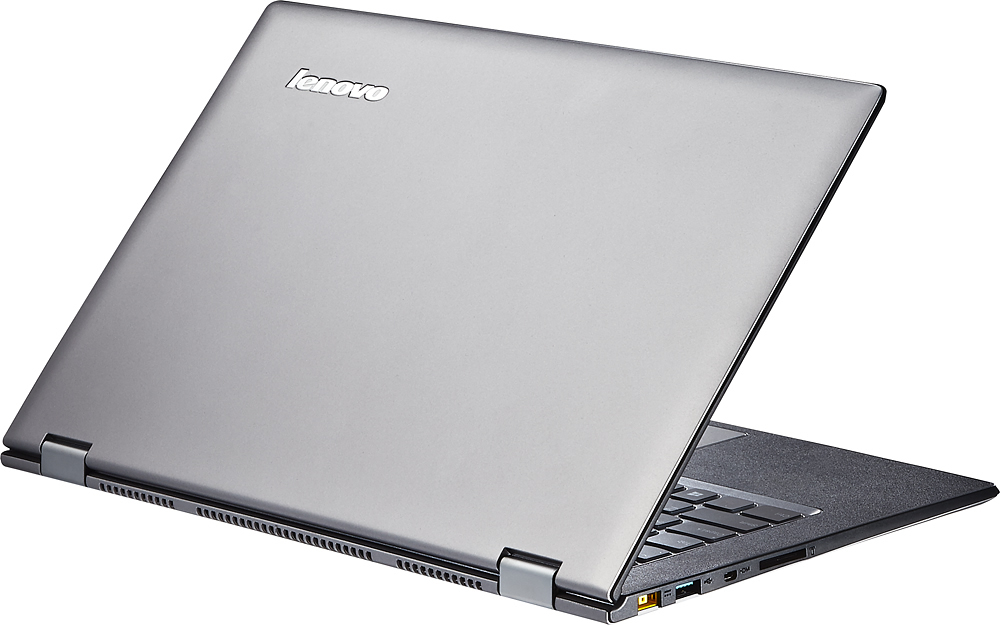
- Yoga 2 Pro - 59418309
- |
- SKU:
- 1817254
Customer reviews
Rating 4.3 out of 5 stars with 1659 reviews
(1,659 customer reviews)Rating by feature
- Display4.4
Rating 4.4 out of 5 stars
Customers are saying
Customers are impressed with the Yoga 2 Pro's touch screen, describing it as a great feature. They also appreciate its lightweight design, with comments noting how thin and light it is. However, some customers have concerns about the battery life and the Windows 8 operating system.
This summary was generated by AI based on customer reviews.
- Cons mentioned:Battery life
Rated 2 out of 5 stars
Yoga 2 Pro has too many problems.
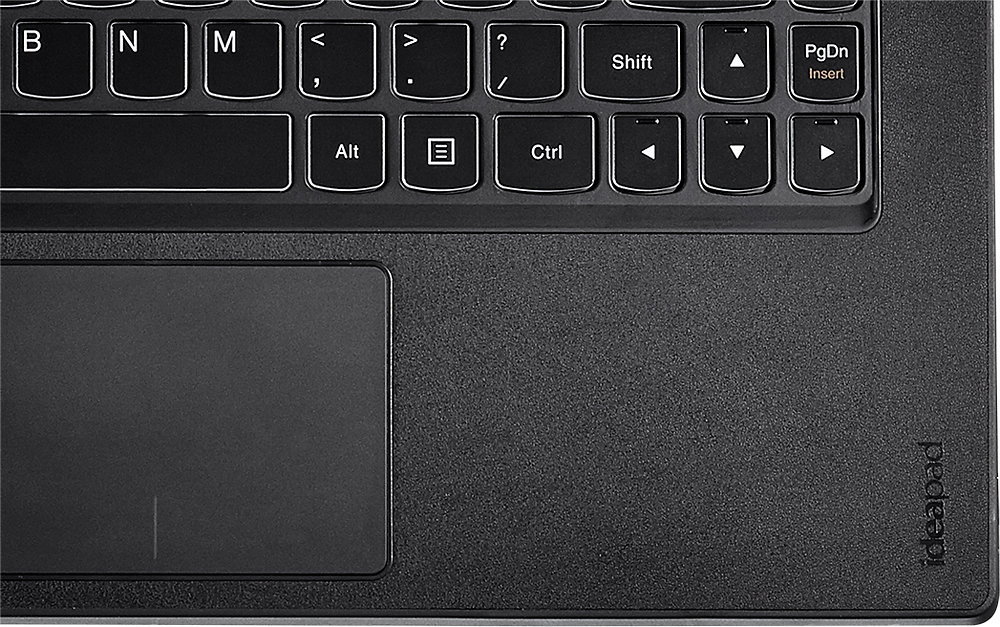
Posted .This reviewer received promo considerations or sweepstakes entry for writing a review.One need only review the problems posted on Lenovo's Community site to see that the Yoga 2 Pro wasn't ready to be released. Each problem that I have or have had has been posted by MANY other users as well. Because I purchased from Best Buy, Lenovo will not replace my brand new and defective computer. Best Buy's 15-day computer return policy didn't allow enough time to fix all the problems. The Y2P has a beautiful form factor with a great keyboard, backlit keys and a beautiful large, crisp display and touch screen. Mine came with Windows 8.1 already installed--another plus. However, there are many unresolved problems. Of those listed below, only number two has been fixed in my computer, despite attempts to fix the others. 1. YELLOW. THE BIOS AND LENOVO ENERGY MANAGER UPDATES DID NOT FIX THIS IN MY Y2P. The Y2P does not accurately produce the color yellow. Yellow is either mustard or yellowish-green. I bought my Y2P based on having read multiple published announcements that said the yellow issue had been fixed. DON'T BELIEVE IT. Some users in online forums have said the fix partially improved the problem and others have said it did not. Meanwhile, the "fix" drains energy efficiency by keeping the screen at its brightest, so after the fix, one should not expect to get nearly the battery life touted. 2. SLEEP. Computer would not wake up from sleep. After spending almost an entire day troubleshooting and talking with three different support people at Lenovo, the third person recommended turning off a factory setting which finally appears to have fixed the problem in my computer. There is inconsistency here as forum users have said different solutions worked for them; and some have reported they still have the problem. 3. WIFI. Y2P drops WIFI signal frequently. Another Ultrabook I tested with the same WIFI card also dropped frequently. Meanwhile, a $400 Lenovo with a different WIFI card almost never drops. I have verified that the problem is not with the network equipment and have seen other users complain about this problem online. 4. DISPLAY. While the display produces awesome resolution, some screens or parts of screens load with super-tiny print and images--too tiny to be able to read or to select options because option boxes are too tiny. Unfortunately, I have read that software developers haven't caught up with this kind of display. The options to make displayed items larger--large icons, increased font size, CTRL and plus key, etc.--don't increase the size of everything. So some things will just be micro-tiny no matter what. Also, all these attempts to increase the size of items on the screen at times results in some gawky screens due to larger fonts and icons mixed with disproportionately smaller ones. Other users have complained about this in online forums. 5. BATTERY AND ENERGY EFFICIENCY. With various fixes in place, energy efficiency and battery life won't be as touted. In addition to the yellow-issue "fix" discussed in number one above, the computer also has an auto-brightness feature, which I assume was intended to save energy, but which causes the screen to constantly get brighter, then dimmer--causing it to flicker--so that feature must also be turned off. I thought I was getting three-four hours battery life, then I clocked it and got a little over two. Ultrabooks in general have a lot to offer with their thin light weight and hybrid functions. But they have problems. I've tested a few Ultrabooks and read up on many. If you buy any Ultrabook at this time, just know that you might wind up spending a lot of time troubleshooting and fixing your brand new computer--something that never happened to me until I got an Ultrabook. In my ratings above, all categories would have higher marks if the problems were solved and the computer performed as intended. It's a great idea that simply wasn't delivered.
No, I would not recommend this to a friend Rated 4 out of 5 stars
Great laptop but is the resolution overkill?
Posted .This reviewer received promo considerations or sweepstakes entry for writing a review.I was looking for the I5 model, but they only had the I7 256GB model available somehow(now it's sold out now), so I went ahead and bought the high end model. I love this machine and the price is great for what you get, has OK battery life, and it's fast. Now there are some things that are bothering me: some of my applications cannot be seen properly without lowering the resolution(yes I have tried making things bigger other ways, but it does not help). For example, I could not work with an application for my Cisco class called packet tracker because I cannot see all the elements in the window when the display was at maximum resolution. So why get such a high resolution if I can't use it in its maximum setting? Also, the keyboard is backlit, but it is either on or off(you control it). In other words, no auto function. Really? on a $1200 plus machine? My computer also has a tiny imperfection on the case behind the screen(like something got caught when it was being painted). I took it to school today, and it sat besides me mostly at idle and after 4hrs of the screen being on, I still had about 2hrs30min left on the battery(I only used it for like half and hour, the rest was at idle with the screen on), so the battery is way better than my other laptop, but nothing impressive. I still love this machine, but those things are what I have noticed on it. I wish that i could use the screen at full resolution though! I honestly think that it's overkill for such a small screen. Touchpad is a bit jerky sometimes.
I would recommend this to a friend- Pros mentioned:Touch screen
Rated 5 out of 5 stars
Built of performance!!!
Posted .This reviewer received promo considerations or sweepstakes entry for writing a review.I purchased i7, 256SSD model. I am not new to Windows 8 or 8.1. The hardware and software blend in this gadget is truly amazing. Amazing display with amazing performance. This Untrabook loads in less than six seconds from cold start!. Physical (with back lit) keyboard and virtual keyboards are very comfortable and easy to use. The construction quality is very good and very easy to carry and easy to use in different positions. I can't speak much on battery as I haven't done any proper testing for battery. However, based on my initial assessment, I expect it to last around six hours on moderate use. A must have for a personal or business use. Windows 8 is slick and very fast.
I would recommend this to a friend - Pros mentioned:Lightweight
Rated 5 out of 5 stars
Impressed isn't the word...
Posted .This reviewer received promo considerations or sweepstakes entry for writing a review.I've never been much for store bought stuff, as i build custom computers and they never seem to match up. I was in the need of a laptop that would run strenuous programs so i could work more efficiently when i couldn't be on my desktop. This little monster can run photoshop, illustrator, 3ds max, and unity all at once with no slow-downs at all. I never thought i would find a laptop that could run the types of programs i need on a daily basis, let alone one that was in the ultrabook class and so light and thin. I rarely use my $1,500 desktop tower that i built myself because i just don't need to. This laptop does the same thing but i can work more comfortably. This thing is flat out AMAZING. Other notes: Backlit keyboards are a much nicer feature then i realized, i could never buy another without it. If you use programs that have issues with the QHD distplay, google making manifest files to keep resolution closer to what you need.
I would recommend this to a friend - Cons mentioned:Wifi
Rated 2 out of 5 stars
very disappointed
Posted .This reviewer received promo considerations or sweepstakes entry for writing a review.i spent a lot of time researching for a replacement to my 4-year old Dell laptop. I decided on the Yoga 2 Pro for the size, reviews and features. I talked with several techies and the Best Buy staff. The computer is much less than i expected performance wise. It can be slow and choppy. The wifi is terrible, poor antenna range, slow, drops, just down right disappointing. My Yoga 2 Pro even has the Intel Duel Band Wireless-AC 7260 , AND, i even just upgraded my router to the new Netgear Nighthawk X6 and the Lenovo wifi still sucks. The mini HDMI is an issue...had to carve away the plastic cover on the male end of the cable to make it work. Lots of bloatware...still cleaning it out of my system 4 months later. For the money and the hype it just does not add up. I figured with an i7 processor, 8 gigs ram, SSD drive...this should rock. My 4-year old i5, 6 gig, HDD Dell performs better than the Yoga 2 Pro. After 4 months I would trade this in for something else if i could...i should have done it when it was still new.
No, I would not recommend this to a friend - Pros mentioned:Speed
Rated 5 out of 5 stars
Excellent 2 in 1.
Posted .This reviewer received promo considerations or sweepstakes entry for writing a review.I use this laptop for school and work. I use an external monitor when using programs like sketchup or solidworks because the screen resolution and pixel density make icons and menus in these programs very small. Great speed, I've had no problems with the hinges.
I would recommend this to a friend - Pros mentioned:Touch screen
Rated 5 out of 5 stars
Perfect Format! What I've been looking for.
Posted .This reviewer received promo considerations or sweepstakes entry for writing a review.As a business owner, I've had a difficult time justifying a tablet AND laptop for business use - storing files in two places, swapping between the two for presentations that were not compatible with a tablet, etc., etc. The functionality was just not there for my needs. So here this Yoga 2 Pro sat at Best Buy, Full OS, Office compatibility, the ability to use it as both my primary business computer and tablet. Everything can be stored on one device and accessed quickly. The 13.3" HD screen and resolution were the "icing". Also the 256 GB, 8 GB RAM model for $1,200 further reinforced my purchase decision. Out came the credit card!
I would recommend this to a friend - Cons mentioned:Battery life
Rated 5 out of 5 stars
Great portable PC for everyday use
Posted .This reviewer received promo considerations or sweepstakes entry for writing a review.After I bought this PC, I threw away my Kindle Fire HD 8.9". (actually I gave it to my daughter) My main use: Mail, Web browsing, Movie watching, gaming, occasional personal finance/tax work. This machine is really good to watch movies. The screen is small but absolutely stunning. And the flexibility forms this machine offers allow me to bring this everywhere. With 4th gen core i7 and HD4400 allows me to play World of Warplanes on this machine. Have to set the lowest Graphics quality but still get 40-50 fps and 120-140ms ping, just enough to beat some other guys. Oh you'd better hook AC adapter when playing any games of course. Only draw back is relatively short battery life compared to other 4th gen machine. Continuous movie watching lasts 6 hours or less. Honestly I don't care because I only use this machine in my house but if you travel a lot, beware.
I would recommend this to a friend - Pros mentioned:Touch screen
Rated 5 out of 5 stars
Awesome laptop
Posted .This reviewer received promo considerations or sweepstakes entry for writing a review.This is one of the best 2in1 laptops you can buy at the moment. Just make sure you get a recently manufactured unit that has the AC adapter as the previous units with N adapters have some problems.
I would recommend this to a friend - Cons mentioned:Battery life
Rated 5 out of 5 stars
MacBook Air Peer
Posted .This reviewer received promo considerations or sweepstakes entry for writing a review.Bought this unit 2 weeks ago because my family will not let me use my MacBook Air. So I wanted to try something a little different. I am impressed. I have had Lenovo laptops in the the past and they have always been great machines. I love the fact that this machine has the tablet mode. I cant stand METRO but I have to say Lenovo is making the best of the dual personality of the OS. The sound is impressive for a small laptop, I think even better than my ASUS ROG powerhouse laptop. I even tried the Novo button to do a full restore, and that was slick. it completed the restore as fast as I have seen. The battery life is not as good as the MacBook Air but is very usable, much better than a full size laptop. The keyboard and touchpad are great. Mac is the leader in that department and Lenovo is 95% as good.
I would recommend this to a friend - Pros mentioned:Touch screen
Rated 3 out of 5 stars
Great hardware, but not worth the pricetag
Posted .This reviewer received promo considerations or sweepstakes entry for writing a review.This laptop, despite how thin and light it is, actually is pretty durable. No scratches on the touchscreen, the keys are nice to type with, the touchpad is excellent, and the speakers are surprisingly loud and full sounding. However, putting Windows 8 on a machine with a 3200x1800 display is like putting diesel fuel in a Mustang. I say this because I have already exchanged this laptop in for repair due to a bad graphics adapter which became corrupted after I installed Steam, thinking that "well, I paid $1200 for this machine, maybe I can play Rollercoaster Tycoon on it too". Flickering screens, BSODs, and random restarts plagued me afterwards. No viruses were found. My hard drive became so corrupted that factory restore wouldn't even work. Thankfully, Geek Squad was very helpful and I received the laptop with a new mobo and hard drive two weeks later. Even though I do not plan on installing Steam ever again on it, I am expecting problems to happen again, and in that case I will gladly upgrade to a Macbook. It gets the job done for schoolwork, but are you willing to pay $1200 for a laptop with experimental graphics and untested features?
No, I would not recommend this to a friend - Pros mentioned:Weight
Rated 3 out of 5 stars
Was great at first, but has to go back.
Posted .This reviewer received promo considerations or sweepstakes entry for writing a review.Everything about this laptop is amazing, but one thing. Before that, it is quick, battery is awesome, very light and fun to use. The issue, screen flickering. I have changed every setting possible on this device. But sadly it will not stop flickering. It is a issues posted on Lenovo's website, but they have no resolution for it. If you can stand the constant flickering, this is for you. But sadly it isn't for me.
No, I would not recommend this to a friend Rated 5 out of 5 stars
Awesome & Light 2-in-1
Posted .This reviewer received promo considerations or sweepstakes entry for writing a review.I had been shopping for a good 2-in-1 for about 6 months and couldn't find any that I could see myself using as both a tablet and laptop. Many of the 2-in-1's I saw in the store were very heavy and I couldn't see the practicality in using it as a tablet. This laptop is not only super fast with the i7 256ssd, but also has an amazing screen and is super light. My initial budget was around $800, but I can honestly say this was worth the extra money. If you're shopping for a 2-in-1 that you'll use regularly, make the investment in this! Was considering this or the Surface Pro 3 but this was significantly cheaper, especially considering the price of the Surface with the upgraded i7. Never had heard of Lenovo before but will definitely buy from again over any other brand!
I would recommend this to a friend- Pros mentioned:Speed, Touch screen
Rated 5 out of 5 stars
Fast and Flexible
Posted .This reviewer received promo considerations or sweepstakes entry for writing a review.By far the best laptop I've owned. I'm a type "A" and dislike waiting for anything! This laptop is screaming fast and light. Rubberized texture is non-slip and smudge proof. Touch and flip screen features are great, especially when flying. I've had this laptop for three months and not a single problem. Will most likely purchase one for my wife.
I would recommend this to a friend - Cons mentioned:Battery life
Rated 5 out of 5 stars
Great portability
Posted .This reviewer received promo considerations or sweepstakes entry for writing a review.I initially purchased the $999 model and was pretty pleased with it. However, when this model came out I instantly purchased it and returned the old one. You can't beat the price for the specs offered. The laptop is self runs very smoothly and is a joy to work on. The resolution is too "advanced" for some software out there but I hope everyone will soon catch up. The battery is not all that great. I get about 5-6 hours. I expected more from a Haswell powered computer. Overall, I enjoy the computer and I would recommend to anyone looking for a lightweight, fast computer.
I would recommend this to a friend - Pros mentioned:Touch screen
Rated 3 out of 5 stars
OK computer but lots of flaws
Posted .This reviewer received promo considerations or sweepstakes entry for writing a review.I switched back to windows after a couple of macs and have no been working on this lenovo ideapad yoga pro 2 for about a month. The computer starts very quickly and everything runs quickly. Other than that I really miss a lot of parts about the mac. Like all windows computers it comes with a lot of pointless stuff preinstalled. I've slowly been getting rid of some of these, but I don't know why Lenovo insists on packing their computers full of all this. They also tend not to focus on the little things that make for a good user experience. For example the touch pad works poorly and the keypad doesn't even automatically light up (there's an auto brightness sensor for the display, so why not just use that same sensor to tell the keyboard to light up once the light intensity drops below a certain threshold?). The display, which I thought would be a strong point, is actually a major disadvantage. Many programs can't handle it and have parts of their programs set by pixel numbers, which makes them impossible to read with the pixels being so small on the display. It does not interface well with an external monitor either and I constantly have issues with either things being too small to read or way larger than necessary when using two screen mode with an external monitor. The mousepad is horrible. I think they tried to add a lot of functionality to it, but it all makes for a bad user experience. The parts of the mousepad sensitive to right-clicking are off and extend way to far into the left click zone. Furthermore, sometimes the right click area doesn't even give a right click. It does not appear that theres a way to turn off the rightclick function of the trackpad either. This is likely more windows 8.1, but there are a lot of issues with display scaling. I recently installed an update and it made all of my icons much larger even though the resolution is still set at the maximum. Moving programs like powerpoint to an external display results in HUGE icons, file menu, etc., but Word seems to scale fine. Some programs don't look sharp in the displays, while others look great. Perhaps I got used to things just working on a mac, but I don't know why Microsoft, Lenovo, etc. with their huge employee bases have such trouble making programs that simply work well. Microsoft office especially should work seemlessly with Windows, yet it does not. Windows mail is also not great. The computer specs are great, battery is good, display is sharp, but overall there's a lot to be desired both from Lenovo and Microsoft.
No, I would not recommend this to a friend Rated 5 out of 5 stars
Great Ultrabook!
Posted .This reviewer received promo considerations or sweepstakes entry for writing a review.I had kept my last laptop for six years so it was time for an upgrade. I wanted an ultrabook but waited until the SSDs were at least 256GB and affordable. The SSD is fast! I benchmarked it at 493mb/s writing - 543mb/s reading a 2gb file. This Ultrabook has been an amazing upgrade of course. The cold boot time of around 10 seconds has been outstanding. The screen looks amazing at the 3200x1800 resolution. The keyboard and track pad work very well and the back lighting is nice to have. The i7 processor and 8gb of ram make the computer have very little lag. I am impressed with the light weight of this laptop. Also, the hinge system seems very solid and I am not concerned about it's longevity. The speakers are outstanding for such a thin and light unit. The keyboard and track pad are outstanding. The trackpad tracks accurately and the keyboard has good key travel. The keyboard / track pad collect finger prints but you can use a wet cloth to restore it or a piece of packing tape across the track pad to lift the oils. Finding a protective sleeve was a challenge. The form factor of the unit is weird and the non slip coating makes it tough. I went with a Case Logic PAS-213 case and it works well enough. Lenovo needs to step up and put something out. They have a slip in sleeve but it doesn't fully protect the laptop while traveling. My Micro HDMI cable would not work with the unit at first. The male plug that goes into the computer would not make the connection. Turns out Lenovo overbuilt the exterior. So, I took a knife and shaved a little rubber off of the micro hdmi male end of the cable. Worked like a charm. There is a little white LED that turns on right next to the webcam when in use. I am not sure what it does really. I can't turn it off so I think I will take a small piece of electrical tape and block it off. Yeah, the yellow isn't displayed perfect even after the BIOS fix / Energy Manager software (My laptop came with that already installed). Honestly, it isn't that annoying and from what I understand it is a limit of the screen technology and not what Lenovo can and cannot do to fix it. The high DPI display isn't supported by all software. Adobe's complete lack of support for high DPI is maddening. Reader is a bit funky to use but it is ok. Chrome used to have blurry text but thanks to a fix it is now razor sharp. I was surprised to see Best Buy pushed the price up. I bought it at $1199 and now it is $1400? The unit needs a second USB 3.0 port. Check out the Lenovo website for their 3 year warranty. It covers a tech coming to your home and accidental damages. I think it is $260. I did install a Skinomi screen protector since this is a touch screen and the keys of the keyboard seem to touch the display when it is closed. I also got a USB 3.0 Ethernet adapter. I learned about the Acer S7 right after I bought the Yoga 2 Pro. It initially gave me a case of buyers remorse. However, the more I use the Yoga 2 Pro in tent and tablet mode I am glad I have that flexibility. I used to have an Asus Transformer tablet but sold it because I didn't use it enough. Having a laptop that can be a compromise tablet is perfect for me.
I would recommend this to a friend- Cons mentioned:Battery life
Rated 4 out of 5 stars
Fantastic value with few flaws
Posted .This reviewer received promo considerations or sweepstakes entry for writing a review.Overall, this is a fantastic hybrid, and impossible to beat for value. It does have few issues, the most famous one being green yellows (mostly fixed by recent BIOS update) and some WiFi connectivity issues with certain routers (although this might be more of a Windows 8.1 issue than anything). I would have still given it 5 stars if the battery life was better - I get about 6 hours, which is fine, but not stellar for a Haswell ultrabook. My Surface Pro 2 in same usage scenario would get 7.5 - 8.
I would recommend this to a friend - Pros mentioned:Touch screen
Rated 5 out of 5 stars
Best Hybrid Laptop Value!
Posted .This reviewer received promo considerations or sweepstakes entry for writing a review.I was in the market for a new laptop and initially purchased the HP Split x2 during Best Buy's Black Friday sale. After a few days I found a lot of difficulties using it and had to return it. I replaced it with this Yoga 2 Pro i7 and have really fallen in love with it! First the screen is awesome, the keyboard feels great to the touch, the laptop feels rugged, etc. I was concerned about tablet mode and having the keys on the bottom, but turns out it's a non-issue and I hardly notice the keyboard when in tablet mode. Regarding the price, I haven't been able to find a better price than what Best Buy is offering for this model, and actually saw on the Lenovo website the same laptop on sale for the same price except with the slower i5 processor. I haven't experienced any of the yellow color or wireless issues that others mentioned. Just to test I pulled up three different laptops to the same website that has different color pallets and the yellow on the Yoga 2 Pro was absolutely gorgeous! I would highly recommend this laptop!
I would recommend this to a friend - Cons mentioned:Battery life
Rated 4 out of 5 stars
Value ultrabook
Posted .This reviewer received promo considerations or sweepstakes entry for writing a review.It's pretty good for getting with the education $150 off discount, but the display is too good for the monitor's size at this time. Even with the 8.1 updates, many applications don't appear natural (even chrome). Included software such as cyberlink is too small. If you are in a very quiet room then the fan might be a disturbance compared to a silent MacBook Air since it keeps ramping up then droppping probably because of Turbo Boost. Battery is pretty average for an ultrabook (but you won't hear it if there's even a little background noise so it's not that noticeable unless as mentioned earlier your room is silent, you'll probably get between 4-6 hours with light to moderate usage. I ended up returning this and getting a MacBook Air and boot camp windows since it will still get better battery performance. Overall, definitely recommend if you can stand the massive display density that many applications don't support very well.
I would recommend this to a friend