Customer Ratings & Reviews
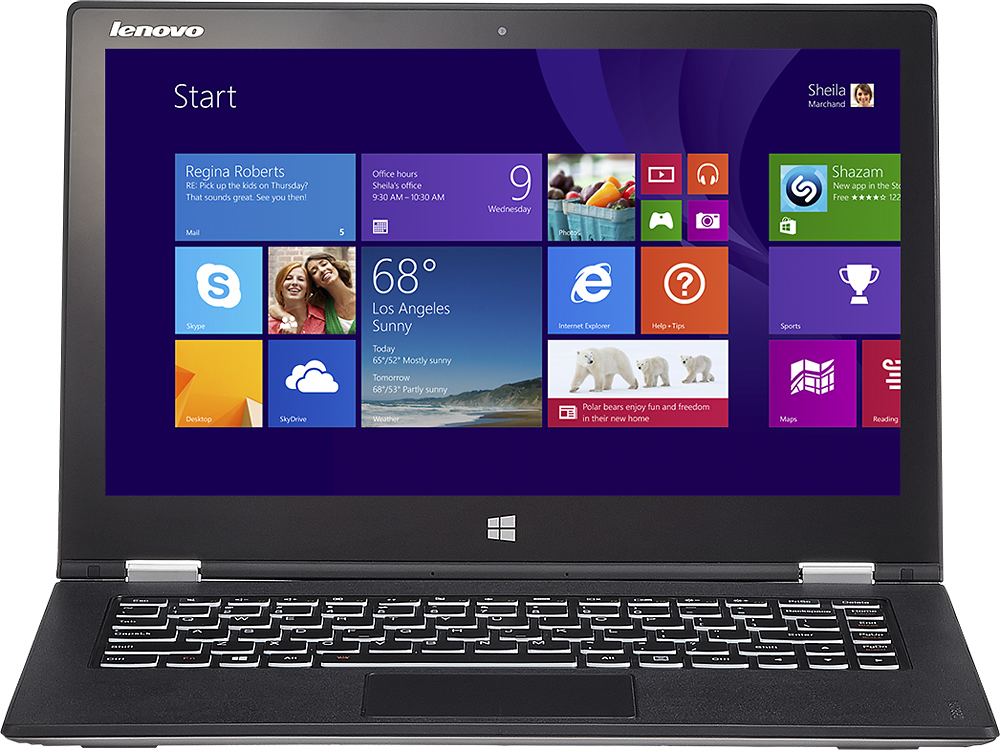
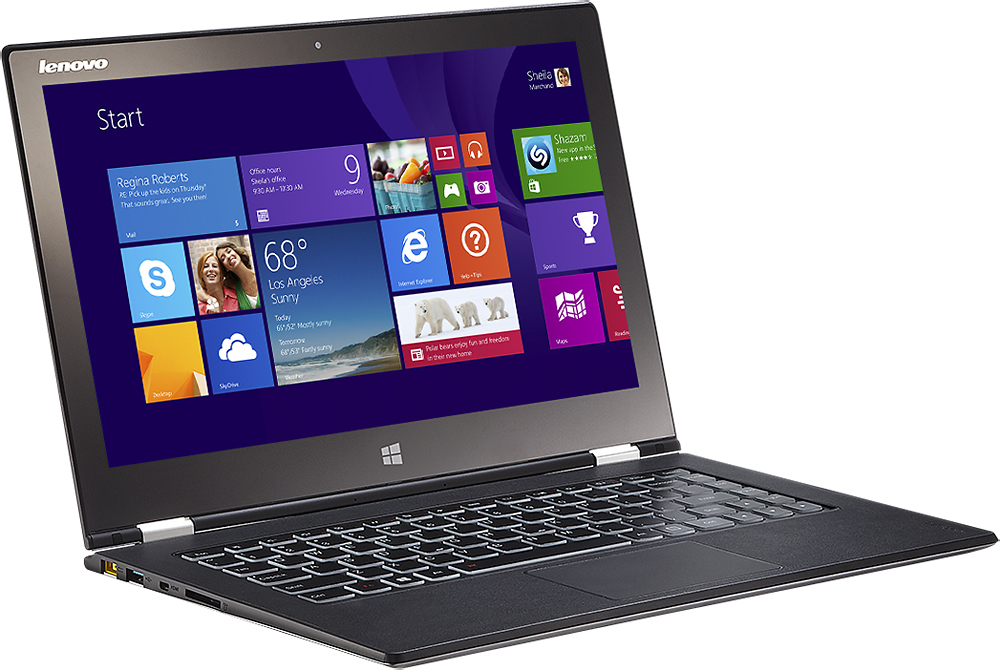
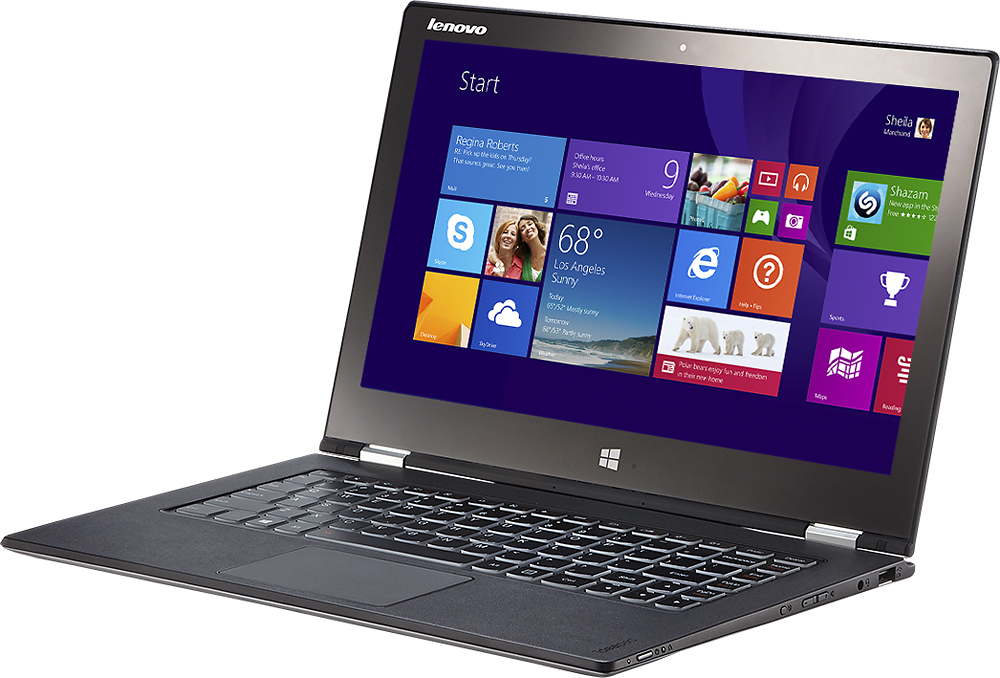
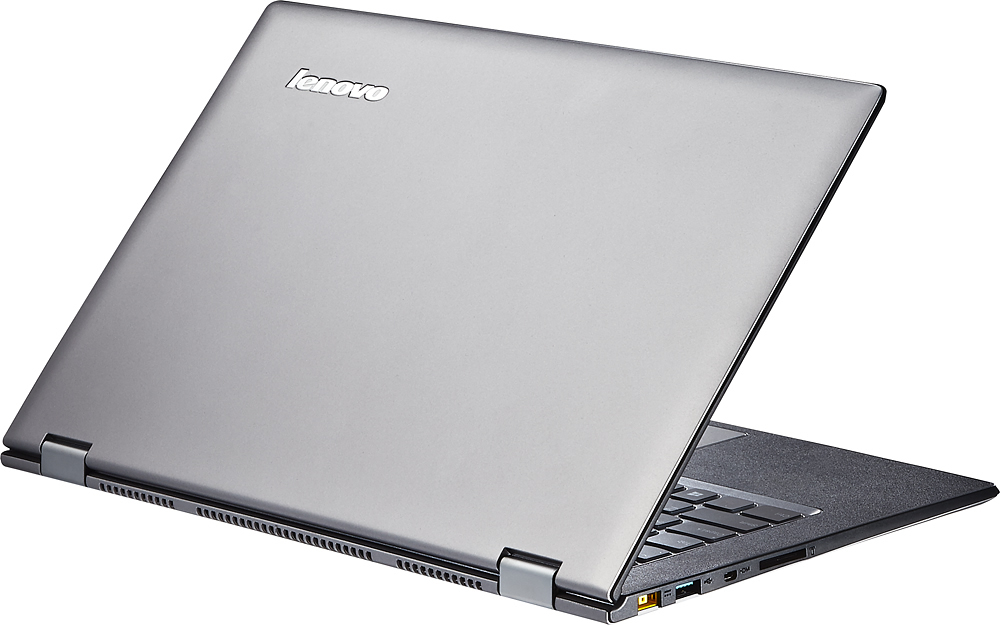



- Model:
- Yoga 2 Pro - 59418309
- |
- SKU:
- 1817254
Customer reviews
Rating 4.3 out of 5 stars with 1659 reviews
(1,659 customer reviews)Rating by feature
- Display4.4
Rating 4.4 out of 5 stars
Customers are saying
Customers are impressed with the Yoga 2 Pro's touch screen, describing it as a great feature. They also appreciate its lightweight design, with comments noting how thin and light it is. However, some customers have concerns about the battery life and the Windows 8 operating system.
This summary was generated by AI based on customer reviews.
- Pros mentioned:Touch screenCons mentioned:Wifi
Rated 1 out of 5 stars
Everything great, unless you need WiFi
Posted .This reviewer received promo considerations or sweepstakes entry for writing a review.I loved this computer. After shopping for 2 months, I finally took the plunge and made the purchase. The computer feels great when carrying it, and had almost everything I wanted (except a Kinsington Lock slot). The screen is beautiful. I can't say how amazing this computer is ....until you need WiFi. This computer would not hold a WiFi connection more than about 5 minutes of so, and then the connection would go to "limited". So, every 5 minutes, I had to manually disconnect, and manually reconnect. Needless to say, this is not an effective solution. I spent considerable time on the phone with Levono to no avail. I called Best Buy tech support, and they "never heard of the problem". If you google "yoga 2 pro wifi problem" this issue is well known and plastered all over the internet. I did the recommended fixes, but the connection remained unstable. To be sure it was not my WiFi router, I had three devices connected to the WiFi at the same time, all within 2 feet from each other, and only the Yoga 2 Pro dropped the connections. Since this does not seem to be something that can be fixed right now, I just returned the computer. When I get news that this problem has been fixed, I will likely re-purchase this computer.
No, I would not recommend this to a friend - Cons mentioned:Wifi
Rated 1 out of 5 stars
Great when it works, which isn't often
Posted .This reviewer received promo considerations or sweepstakes entry for writing a review.Bought this laptop roughly a year ago. Its great when it functions properly, love the fast start up with the solid state hard drive. However, its just not reliable. Wifi disconnecting has been a constant issue. It seems like whenever the laptop is moved, wifi disconnects and it usually requires a restart to reconnect to the internet. This happens VERY often, sometimes several times per hour, extremely frustrating. I've also had screen flickering issues and a hard drive totally crash. The hard drive had to be completely replaced, took about 3 weeks from Geek Squad at my local Best Buy. I really do love this machine when it works, but it just has not been reliable enough to recommend to anyone else.
No, I would not recommend this to a friend - Pros mentioned:Speed
Rated 5 out of 5 stars
Nice Ultrabook
Posted .This reviewer received promo considerations or sweepstakes entry for writing a review.I probably would give it 4 1/2 stars if I could. My favorite things about the Yoga 2 are the thickness and weight (or lack thereof), the display, speed (i7), and keyboard. My complaints aren't too big. I had some issues earlier in the schoolyear with connecting to the WiFi in my dorm, but the WiFi isn't too great, so that's only partially attributable to the PC. Also, I had to turn off the orientation sensor because one day I found it thought I was in laptop mode only when the display surpassed about 180 degrees. Less than that, and the keyboard shut off. Turning off the sensor seemed to do the trick, because I actually don't use the different "modes" of the laptop too often. A few times I've had the audio jack not work when I plugged in headphones, but that's not a big deal. Overall, a great PC if you're looking for an Ultrabook with i7 processor and SSD that's not a Mac, and is cheaper than a lot.
I would recommend this to a friend - Pros mentioned:Touch screen
Rated 5 out of 5 stars
A sweet combination of features
Posted .This reviewer received promo considerations or sweepstakes entry for writing a review.My old laptop had made the leap from obsolescent to obsolete, so I started comparing possible replacements. I wanted something light and powerful and reasonably priced. The Yoga 2 Pro fits the bill. I was wary of the reports of poor network connectivity and yellow color rendition; the first was solved by updating all the drivers (downloadable from Lenovo's support site), the second only a minor irritation ... the yellow is just a bit muted and not the least bit offensive to my eyes. (I might differ if I used the computer for photo printing where on-screen rendition versus printed results requires a calibrated monitor, but the Lenovo is not intended for my photo processing.) The build quality is nice, the keyboard is one of the betterr ones I've seen on a laptop, the display resolution is at least the equal of the retina display, and the touchscreen works well with Windows 8.1. what's not to like?
I would recommend this to a friend Rated 5 out of 5 stars
Owsome Ultrabook
Posted .This reviewer received promo considerations or sweepstakes entry for writing a review.Its everything you can get from a ultrabook, set ups fast, its light weighted, its size is great, the battery is amazing, even if you play...The wi-fi works perfectly.. The biggest initial problem is the scaling problem with the high resolution setting of the screen (mostly when you are a lawyer and expend hour writing, the letters are the smallest one ever). Other problem is that, after some updates, the tend mode iis not working, the screen does not rotate.
I would recommend this to a friendRated 5 out of 5 stars
Beautiful in Every Way (except one)
Posted .This reviewer received promo considerations or sweepstakes entry for writing a review.This is an amazing upgrade to what was already the greatest laptop I have ever owned. They improved on the Yoga 13 in nearly every way. The fit and finish is superb and it feels like you are holding something solid, despite its low weight. The screen resolution is incredible, but I can see it being a bit much for an everyday user. Managing the interface size of different desktop programs can be a problem. For example, I need to set the windows interface scaling to small for Adobe programs so I have more working space, but under the same settings, my web browser's interface is too small to work with. It takes some getting used to, but for me it is worth it. Finally! I can work in Lightroom and Photoshop on a laptop and still see what I am doing! Additionally, I calibrated the screen and it is every bit as color correct as my professional desktop editing monitors. I am blown away. Here are the only two things I don't like about the laptop: 1: I preferred the old physical windows button at the bottom of the screen as opposed to the new touch version. Not a big deal. 2: The backlight seems to be delayed in changing from dark to bright. When I go from a dark photo to a bright photo, I can see the backlight slowly getting brighter in half-second ticks. It is distracting, and I have to wait until the backlight stops this before I edit a photo. Otherwise my edits could be off. Overall, this is an amazing laptop. Everything just works and is in the place that you think it should be. I highly recommend it!
I would recommend this to a friend- Cons mentioned:Battery life
Rated 4 out of 5 stars
Almost perfect...
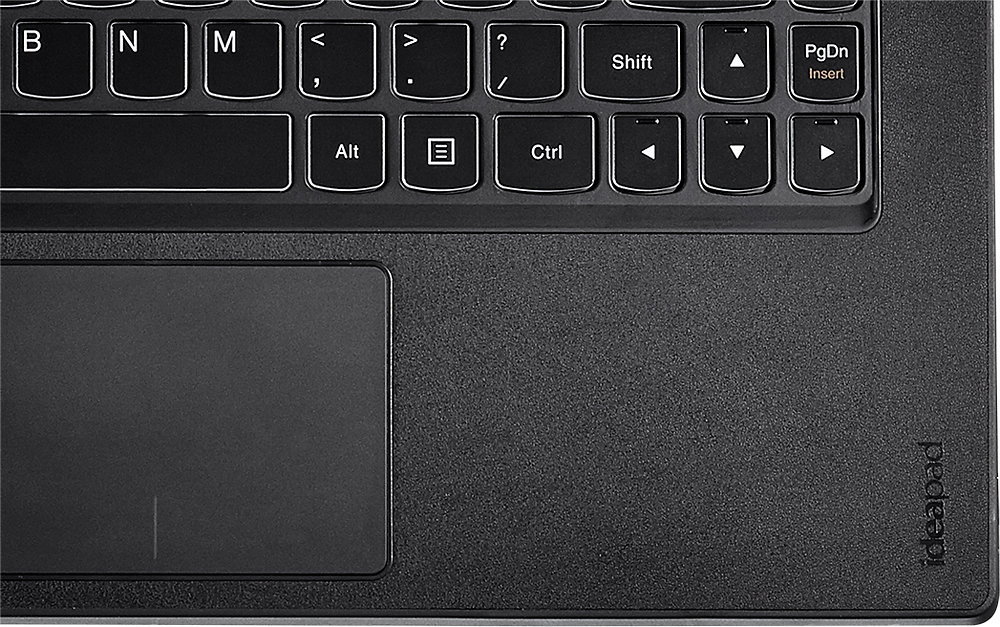
Posted .This reviewer received promo considerations or sweepstakes entry for writing a review.The Lenovo Yoga 2 Pro is a beautiful piece of tech equipment. Small & Sleek with a super bright, better than High Definition screen (Resolution is 3200 x 1800). Note> This higher resolution may cause viewing issues on certain programs ie. Quicken 2014. I love the backlighted keyboard and the matte leather like finish of the area surrounding the keyboard... no more fingerprints! The i7 processor, Solid State HD and 8GB of memory make for very quick and snappy performance. Also appreciate that Lenovo did not load up this computer with tons of useless programs (bloatware). The only negatives are... 1) Limited Hard Drive (only 256GB)... I wish Best Buy had the 512GB version in stock 2) Somewhat short battery life compared to other ultrabook laptops Overall this is an Excellent and almost perfect Ultrabook laptop!
I would recommend this to a friend Rated 4 out of 5 stars
good laptop
Posted .This reviewer received promo considerations or sweepstakes entry for writing a review.This is my 3rd yoga 2 pro. The 1st the usb port didn't work and the 2nd just crashed out of nowhere. BestBuy had no problem replacing them. The laptop overall is great and easy to setup. All of the modes are nice and easy to understand. The modes make the laptop more interesting and different from others. This is one of the best laptops I have ever had.
I would recommend this to a friend- Pros mentioned:Light
Rated 5 out of 5 stars
Excellent Light and Powerful ultrabook
Posted .This reviewer received promo considerations or sweepstakes entry for writing a review.Light Powerful Gorgeous Display Nice Keyboard Good Sound In this Price what we need more :) Thanks
I would recommend this to a friend Rated 4 out of 5 stars
Great overall!
Posted .This reviewer received promo considerations or sweepstakes entry for writing a review.I only have one single complaint on this laptop. There are definitely things I can pick out but you can't really complain at what all they fit inside this thing, HOWEVER...after booting this thing up I only have 168gb out of the supposedly 256gb! Are you kidding me?! That's almost 90gb used before I even did anything! Am I missing something here?
I would recommend this to a friendRated 5 out of 5 stars
Awesome computer for the price
Posted .This reviewer received promo considerations or sweepstakes entry for writing a review.I've had my Y2P for about a month now and I absolutely love it. It is the best ultrabook you can buy for the price, and it gives you the additive of having 4 other modes to use. The touchscreen is great, I use that about 90% of the time over the trackpad because I really don't like trackpads to begin with (though the trackpad is very good as well despite what people claim#.Speakers are great, they a much louder than I expected which is a big plus. It is very thin and light which is huge because I take it to meetings/conventions to take notes and review material on. The screen is GORGEOUS. Very bright and vibrant and is soooo crisp and clear, nothing compares to it. Best 2 in 1 out there. Detachable ones are a pain for a few reasons. Most of them need the keyboard attached to use usb/hdmi ports so your forced to bring both or risk forgetting to bring the keyboard with you. Also if you want to use just the tablet, either it has a pathetic kickstand which is horrible in your lap, or you need to hold it or put it flat on your lap and you have to look straight down at it which is a pain. The Y2P is on a firm hinge that allows you to flip it to stand mode on your lap #which I use quite often) which is very convenient and easy to use and adjust to a comfortable angle. Plus with detachables I can see that connection going horribly wrong through years of use. Some people already have problems with them after only a few weeks. Now people have a big complaint with the screen because of two things: 1) The color yellow is off 2) Some programs don't scale well with the resolution so some things are tiny and hard to read. Heres my take on those. The yellow issue has been resolved with a software update so the yellow looks yellow and not a dull mustard yellow. To me it looks perfect. When is comes to the screen, yes the text and icons in some programs are pretty small and may be hard to see, but heres how I view it. Technology is only going to progress. This screen is way beyond its time and programs haven't dealt with that before so the scaling is off. But we as consumers want the best and most crisp screens we can get, history has shown that. So programs are going to have to catch up and update their software if they want to stay relevant in the industry. So for me, Its only a matter of time before these programs adjust to work with this screen, so I personally would rather buy a screen that you have to deal with a small quirk for a little bit until the programs adapt to it and have a current screen down the road rather than buy a 1080 screen laptop now just to have all the next gen laptops go up to 3200x1800 screens in the future and now your stuck with an outdated screen. Overall I think this is an amazing machine. My only fuss is over the wifi card which could be better and the battery life is only mediocre, But no computer is perfect. Other then that, you are not going to find a better ultrabook with these specs at this price, And it doubles as a tablet!
I would recommend this to a friendRated 1 out of 5 stars
Great specs, but screen flicker issue
Posted .This reviewer received promo considerations or sweepstakes entry for writing a review.I purchased this laptop one evening at my local BestBuy store. I took it home and began to initialize it while sitting in my dimly lit reading room. After initialization was complete, I noticed a funny tendency with the screen. It was flickering in a subtle, but noticeable manner. I thought it was just my eyes at first. However, after enlisting the opinions of several family members, it was confirmed that the screen was indeed flickering. So I went on the Lenovo forums, and soon stumbled on a Yoga 2 Pro feed reporting this same issue, "Screen flicker." There were hundreds of posts on this feed of consumers reporting the exact same problem. According to other posts, the flickering only occurred when the screen brightness fell below 40% or so, which occurred while l I was sitting in my dimly lit reading room. Everyones' first fix was to disable the auto brightness in OS 8.1, hoping that by manually setting the brightness, the sporadic brightness adjustments or flickering would cease. In most cases, including my own, it did not. People reported exchanging there Yoga 2 Pro up to 4 times, but each new unit, the same screen flickering issue was still present. To date, Lenovo, sadly, has NOT come up with a software fix for this problem, meaning it is likely a hardware issue. I repeat: there is no known solution for this problem, currently, and the laptop has been out almost a year. I played the exchange game one time, but the screen on my replacement had the same issue. Needless to say, I returned it and went with a different ultrabook. My BestBuy staff reported no prior knowledge of this issue. And I believe them. Again, the problem is only noticeable when the brightness falls below 40% or so. Some people might be able to live with it, but the screen flicker drove me crazy.
No, I would not recommend this to a friendRated 5 out of 5 stars
Best laptop I've owned!
Posted .This reviewer received promo considerations or sweepstakes entry for writing a review.I've owned this laptop for about two weeks now and it impresses me every time I use it. Granted, it's not 100% tablet nor laptop but it's all I need in either, and the Stand mode is awesome for browsing the web using touch screen. If you haven't used Stand mode while reclined you'll find it adds a whole new comfort to surfing the web or reading. Picture a tablet w/o having to hold it. I'd like to say that I recommend running this in 1920x1080 resolution most of the time. Although it's not the native resolution, it still looks pretty darn crisp at this setting and you'll have the higher resolution when Windows/apps catch up to the 3200x1800. I am a gamer but this is not gaming laptop...although it works great for WoW with Fair settings! Also, I had the yellow problem when I first got it and I updated both the BIOS version and the EC version and now the yellows look fine to me. ***Not best for business since there is no LAN port, but WiFi is all you ever need for personal use! Buy it! ...but not from Lenovo directly, if you can help it. Buy it from BB. I attempted to work with Lenovo sales and I'm still regretting it. Long story, I may have had bad luck.
I would recommend this to a friendRated 5 out of 5 stars
The product is great .. the Capitola store has idi
Posted .This reviewer received promo considerations or sweepstakes entry for writing a review.So far, my Lenovo is working just fine - except for Microsoft updates breaking Synergy. But I give the personnel at the Capitola Store in CA very poor marks. They refused to pick my order until the check out person forced them to check inventory and bring one out. And then I kept getting emails tell me my order was not available... and finally one saying my order was canceled. Terrible customer service. While I recommend the Lenovo - I do not recommend the store.
I would recommend this to a friendRated 5 out of 5 stars
Great laptop for windows 8
Posted .This reviewer received promo considerations or sweepstakes entry for writing a review.This machine is perfect for the windows 8 experience! Everything you could want from an ultra book, anything from a tablet to a laptop thanks to the hinge. The closest competitor to this computer is the Samsung ativ book 9 plus, and yes it has the same screen, the $1799 version of the ativ has the same exact specs as the yoga 2 pro listed here and the yoga costs $1199, and not to mention the yoga can be used a tablet as well, where as the Samsung is intended for laptop use only. The only thing Samsung has over the Lenovo is the build quality, its made from aluminum instead of a soft touch plastic over the top of the metal frame Overall if you're looking at getting an ultra book this should be one of the first ones to check out. My biggest gripe about this machine is the color yellow, once you open up the machine and start playing around with it you will notice that yellow is not actually a true yellow more like a greenish yellow. Not to worry though just update the BIOS from Lenovo's support page and that will fix it. Just the fact that you have to do this to start with is kind of annoying. Another issue I have with the laptop has to do with the high resolution, some applications still do not support the high resolution that comes with the yoga 2 pro, but time will fix that as more and more computers come out with QHD displays.
I would recommend this to a friend- Pros mentioned:Speed
Rated 5 out of 5 stars
Very nice computer
Posted .This reviewer received promo considerations or sweepstakes entry for writing a review.Very fast, light weight computer. Can play many video games. Some time lose mouse pointer on laptop mode
I would recommend this to a friend Rated 3 out of 5 stars
Screen flickers when dim!
Posted .This reviewer received promo considerations or sweepstakes entry for writing a review.I'm not quite sure if I got a bad batch or if the i7 is made poorly or if the newer yoga versions are made poorly but whatever the issue was, I returned it (all three of them!#. I'm a college student and I needed a laptop that was super thin and light so that I could carry it around with me all day to study on. I got tired of my old and heavy Dell that was slower than a turtle and annoyingly bulky to carry around. I really wanted another 15 inch laptop but couldn't find anything thin and light in that size so I settled for this yoga 2 pro i7 in 13 inches. I loved the fact that it was touchscreen and could be folded back 360 degrees. The price was steep but I used the college student $150 off discount #sign up for it with your .edu email# and the 10% back in rewards on a Best Buy credit card that I have. Best Buy's generous 15 day return policy with no restocking fee was a large factor in my purchase. So I get my first one home only to find that the screen is extremely dim! Even on the highest brightness setting, it was way dimmer than it should've been. On top of that, the screen was flickering every 10 seconds or so. This is unacceptable so I exchanged it for another one. I get the second one home and the brightness is finally at a normal level so I think all is finally well. Later on that day, I decided to lower the brightness while I wasn't using it to conserve energy. Well that led me to find more flickering while it was dim! Unacceptable. I exchanged it for one more. Finally I get the third one home and dim it on purpose right away to see if it'll flicker and it did!!!!! Unacceptable. I am NOT spending over $1000 on a brand new and supposedly top of the line laptop to deal with screen flickering. I tried all the different fixes #different resolutions and refresh rates# to no avail. The potential for it to get worse over time scared me. It should have been perfect right out of the box. On top of that, the fan would turn on about every 30 seconds and stay on for a few seconds and it was quite annoying. Also, I'm not sure if it was the screen resolution or what, but my eyes would hurt when I used it. Could be unrelated but I don't know. They're not hurting me anymore now that I've returned it. This third laptop would also overheat quite a bit more than it should have. I decided not to get another one because I'm so disappointed. My mom owns the yoga 2 pro i5 4gb/128 gb model purchased from Best Buy in December and it has had zero problems so far. No screen flickering, no fan sound, no excess heat. Either I got 3 from a bad batch or they're making them very differently now. The forums on Lenovo's website have many people who also have the screen flickering when dim issue. Lenovo's "solution" is to change a few parts and ship them back but several people have stated that that did not fix the problem. What a let down! However, I do have to commend Best Buy's excellent customer service and return policy. Every employee that worked with me in the two stores that I visited through this ordeal was fantastic. This is the type of customer service that will keep me as a repeat customer. I'm just very sad that my purchase didn't work out and I hope others are not stuck with the same problem that I had. As of right now, I would not recommend this specific laptop to anyone unless all the bugs are fixed. If they are fixed, however, it is a wonderful laptop #once you get used to Windows 8#.
No, I would not recommend this to a friendRated 5 out of 5 stars
Superior Ultrabook
Posted .This reviewer received promo considerations or sweepstakes entry for writing a review.Bought this for home use to replace a 6 year-old laptop. I've been a user of a Macbook Air for work. So, that is my reference point. This ultrabook has a gorgeous screen, is high performance, low-weight, and just has an overall great feel. I compared with Asus, Samsung Series 9, and the Acer all with SSDs and touch screens. All of these laptops are great and have minor tradeoffs ... I read all the reviews and I think they are splitting hairs. Finally decided on the Yoga give the fantastic price for 8GB and a 256GB SSD. This ultrabook is outstanding. I can't recommend it enough nor can I can tell you that any other brand is worth the additional money. The only nit is related to Windows 8. Some apps don't scale to the screen size. This doesn't bother me and will resolve itself over the coming months. I also bumped the resolution down to 1080 to see how that worked and that's a good alternative as well.
I would recommend this to a friend- Pros mentioned:Touch screen
Rated 5 out of 5 stars
A Great Laptop!
Posted .This reviewer received promo considerations or sweepstakes entry for writing a review.Bought this primarily for use during casual travel and random use around the house. I really love it. The display is absolutely stunning. (Some users have complained about the yellow colors being off....I found the Lenovo bios update worked ok and my photo's certainly have excellent color. I also shut off the auto lighting adjust so it stays the brightness's I set for battery and powered use.) It is very slim and light, so easy to carry. Excellent backlit keyboard. Very fast to start up and to run. And I love the way you can reconfigure it to use as a laptop, a tablet, or a tent, with the display rotating accordingly. It also has good battery life. While it is not cheap, for these specs, the best display I've seen, and the configurability, it is well worth it, I think. I certainly recommend it.
I would recommend this to a friend - Pros mentioned:Speed
Rated 5 out of 5 stars
Light weight and Fast
Posted .This reviewer received promo considerations or sweepstakes entry for writing a review.I brought this laptop for school and must say I was immediately impressed with the speed and screen resolution. I love the size and flexibility. Now like most I had problems with the network connectivity but once I brought the 7260AC card from amazon haven't had a problem since and it actually improved my battery life. I got another hour from it. I went from 6 hours total to 7. Updates from Lenovo also fixed the color issue that most have talked about too.
I would recommend this to a friend