Customer Ratings & Reviews
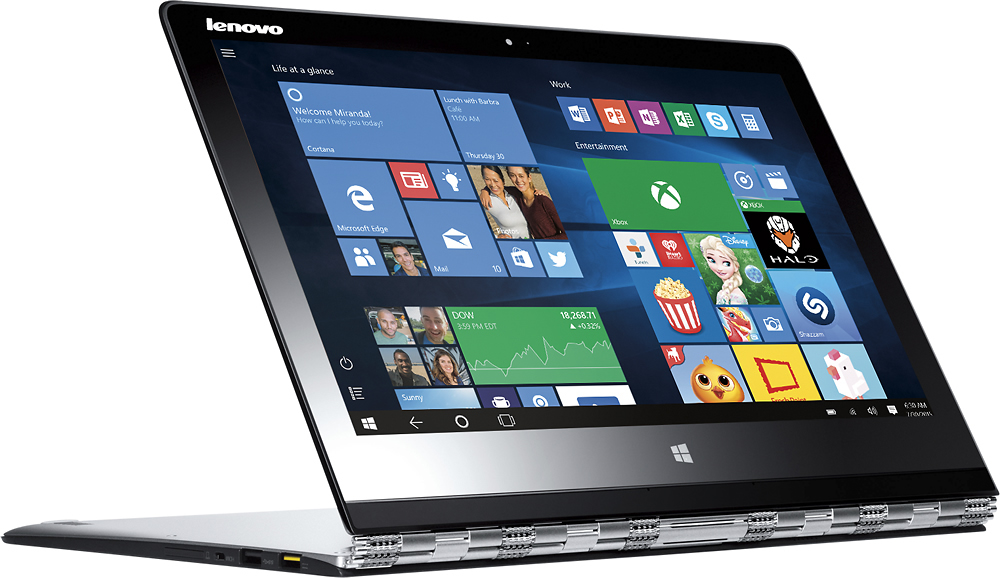
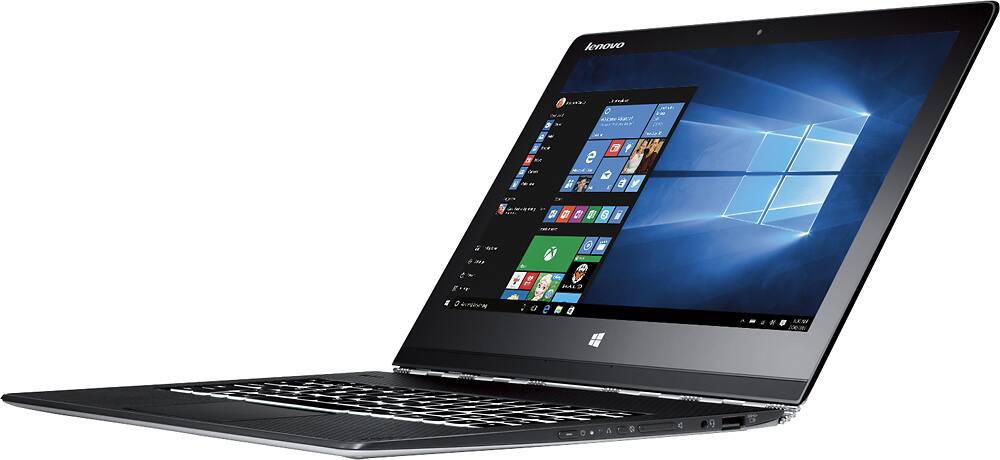

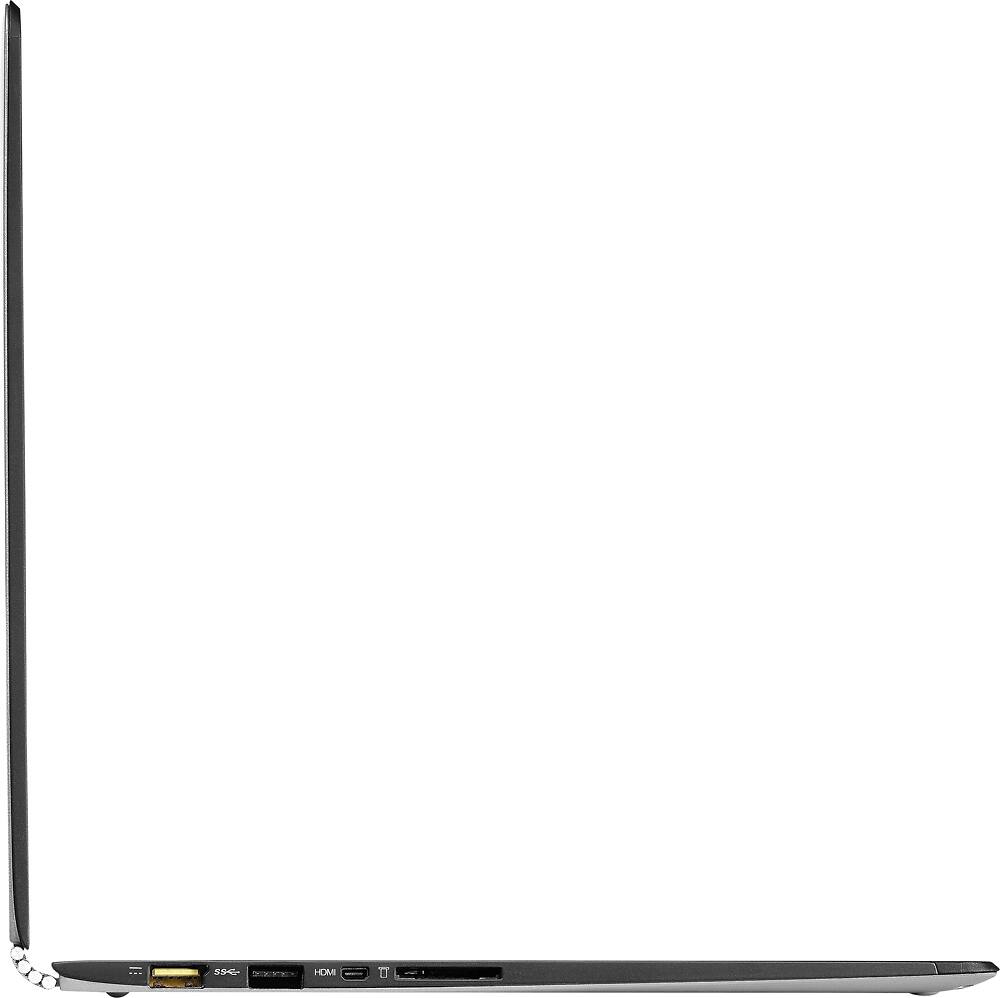
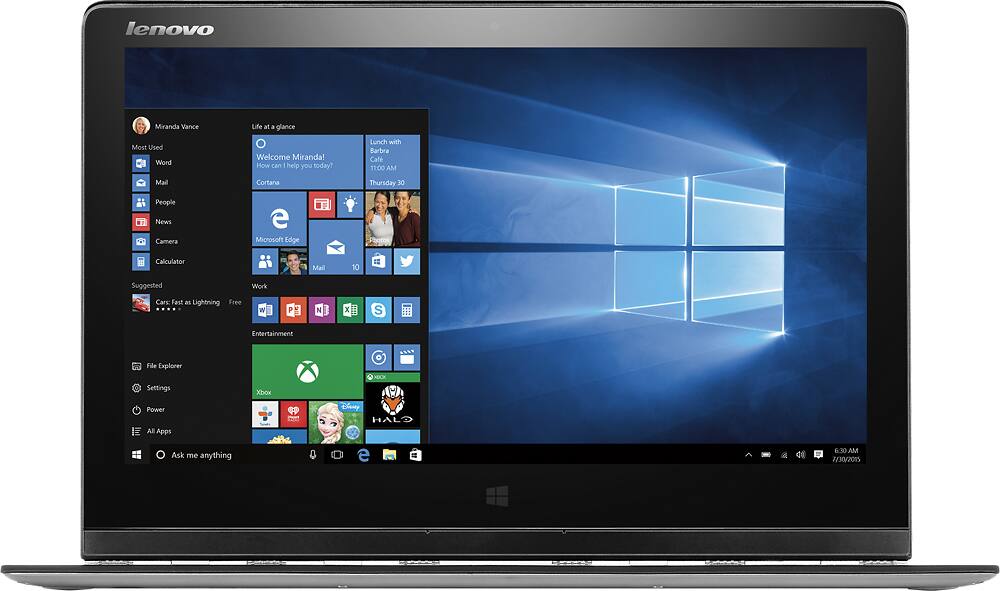

- Model:
- Yoga 3 Pro – 80HE011WUS
- SKU:
- 9643005
to a friend
Customers are saying
Customers are pleased with the Yoga 3 Pro's lightweight design, touchscreen convenience, and affordable price. They appreciate the performance and Windows 10 operating system. However, some users have concerns about battery life and Wi-Fi connectivity.
This summary was generated by AI based on customer reviews.
- Pros mentioned:Light
I Wanted To Like It
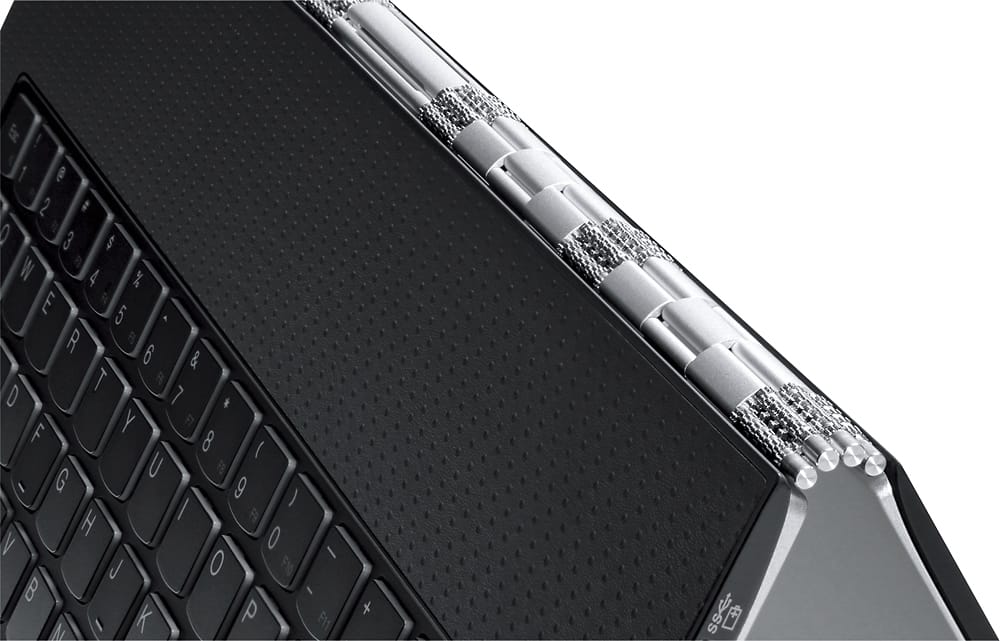
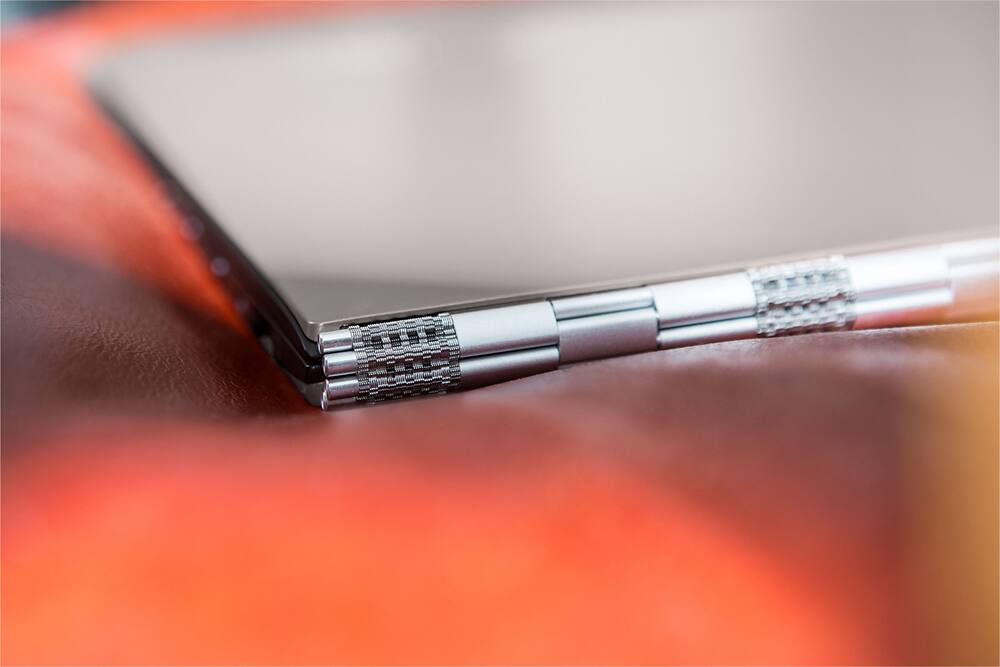
Posted .This reviewer received promo considerations or sweepstakes entry for writing a review.I purchased the Yoga 3 Pro 5 days ago and really wanted to like it. It's a nice looking machine, extremely light, and the hinge is awesome. The speed wasn't as bad as some make it out to be and it generates very little heat. The deal breaker for me was the wifi was constantly dropping for minutes at a time yet in the same room i'm streaming mlb.tv on an apple tv with no buffer or slowdown at all. This happened constantly so I took the Yoga 3 Pro back tonight and swapped it out for another model. Overall it's a decent computer, but if it can't stay connected to wifi it's not of much use to me.
No, I would not recommend this to a friend - Pros mentioned:Touch screen, WeightCons mentioned:Battery life
To many problems...
Posted .This reviewer received promo considerations or sweepstakes entry for writing a review.THE GOOD: light and thin, nice keyboard, good finish. THE BAD: battery 2-3 hrs, touch-screen is hit and miss, screen overall not so good, high-res but pictures looks soft, freezes on some apps, sound is low, no bass, OTHER: windows 10 is not impressive. still same mess, different package.
No, I would not recommend this to a friend - Pros mentioned:Touch screen
Would have been good if wifi worked
Posted .This reviewer received promo considerations or sweepstakes entry for writing a review.Bought a open-box certified yoga 3 pro. On first boot, the OS (windows 10) did not recognize the wireless adapter... I proceeded to download the drivers from my other laptop & transferred it over to the yoga, still no luck. I then googled the issue 'yoga 3 pro wireless adapter missing windows 10' & found that there we a lot of yoga 3 pro & yoga 2 pro owners out there who also have this very same issue. Aside from the internal wireless adapter not working (i had a spare usb wifi adapter i used to set up the yoga), performance was good & build quality was ok. Keyboard was awesome & trackpad was actually very responsive.
No, I would not recommend this to a friend - Cons mentioned:Battery life
Pretty, but SLOOOOOW
Posted .This reviewer received promo considerations or sweepstakes entry for writing a review.Have watched this comp for a while, I knew it was a M processor, but didn't realize the speed is 1.1 ghz, So slow that the Asus x205TA will run faster at 1.33ghz and cost only $150. Even in downloading or surfing the web, it just seems to crawl. Just to upgrade Quicken, took three tries. Even had problems downloading Firefox, and Google Chrome. The battery only lasted a bit past 3 hours, making it not very portable, but will admit that i did not dim the screen to minimum. I bought the unit for the quad screen with ISP.. Beautiful pictures on screen, without the Yellow problem of old, Video was very jerky trying to watch KDrama. No two finger right click on the mousepad, Will have to use sysedit to change that. One thing that really disappointed me is that the top row of keys,, the "F" keys, is GONE. Really annoying to a long time user. Can't believe that nowhere did i find that mentioned... The Power cord is a USB type on one end, and the other end is a new, odd shape, so none of your other Lenovo cords will fit this unit. I comes with Windows 10, but is so ugly when you hit the win button, and trying to install some programs are pretty rough as the boxes that open for data entry are not able to be resized. Entering my Office Code of 20 characters was a Guess, from previous install on different system. The screen pointer has to be speded up almost immediately out of the box or is almost make you cry it takes so much to get it to move. NO IT IS NOT FAST.. But it is Pretty. Please try this unit before buying,, I am not using it to type the Review, but using a 15.6 Lenovo IdeaPad. that i like, however it is a bit large for travel, and not ISP screen. Also have a Yoga 2 Pro with an I7 that are both great units. Was going to hand down the 2 to my son... Not for a while now. Bought it Sunday, Going back on Wed.
No, I would not recommend this to a friend Not a good laptop. Ok for Tablet
Posted .This reviewer received promo considerations or sweepstakes entry for writing a review.1. With clean hands, on the first day of using it, the mousepad's finish started wearing off. Not a big deal for me, so I kept using the computer. 2. The computer doesn't record all the mouse strokes, mouse clicks, and keyboard strokes. You'll often have to slow down and do them repeatedly to get them to record. The touchscreen is very accurate, so if you want to scroll a webpage, it's easier to reach out to the screen than to use the mouse. This did greatly diminish my efficiency using programs such as Excel. Anything where a double-click is required is very aggravating. This was not fixed when I adjusted settings for mouse and keyboard within Windows 10. I can't stress enough how this is the way it is all the time. Even if you are a slow typer, it will be a big problem. The bad reviews I read before purchasing it, don't stress it enough. 3. The network drops a lot and slows down. I used this at several locations. I also brought along other computers to test the connections both concurrently and simultaneously. It drops quite a bit. At some points it does not want to reconnect and does not locate all the networks available. At that point, you have to go in and reset your network adapter. This isn't difficult, but if you don't know how to do that now, this computer isn't for you. 4. My last test involved using Examsoft with the computer. I installed it very recently and had only installed Microsoft Office and Paint.net up to that point. I disabled the the virus programs before running it as was recommended. Do NOT get this computer if you are needing to install Examsoft. Luckily the exam I took had a lot of extra time. The mousepad movement and keyboard became almost unusable. The mouse click worked. The touchscreen worked. The font became tiny, which I thought would make using the touchscreen much more difficult, but it was recorded accurately. 5. In tablet mode, it worked very well. In laptop mode, I had to use touchscreen functionality all the time to make it bearable. Because it works well as a tablet in my limited experience using it, I am not giving it only one star.
No, I would not recommend this to a friendSlow processor but worth it
Posted .This reviewer received promo considerations or sweepstakes entry for writing a review.Many reviews are correct. M core is slow compared to the i5, but has plenty of power to do regular stuff. I opened 4 to 5 browser windows and no issues. I installed office 365 and opened some big files. No issues. Wifi gave me connectivity problems, but after a driver update, I have no drops. Is it worth over 1000 bucks, probably not, but at the latest sale price, it's a good deal. I only have it for 3 days. If it stays this way for another 10 days, I am keeping it.
I would recommend this to a friend- Cons mentioned:Lagging
Appealing but...
Posted .This reviewer received promo considerations or sweepstakes entry for writing a review.The packaging was very appealing-slim and sleek- along with the laptop itself; however, it ran very slow. I had to turn off one of the feature (already built in) to fix the problem. It still lags occasionally. I'm considering in returning this soon.
No, I would not recommend this to a friend - Pros mentioned:Touch screen
So far so good
Posted .This reviewer received promo considerations or sweepstakes entry for writing a review.Very nice display, great boot up speed, sturdy construction, keyboard feels better that previous model
I would recommend this to a friend - Cons mentioned:Battery life, Wifi
Poor buy
Posted .This reviewer received promo considerations or sweepstakes entry for writing a review.This is a horrible buy.........It started giving problems about 10-15 days out, the wifi gets disconnected intermittently and takes at least 3-5 minutes to get connected back interrupting your work, I had to replace all my programs because the hard drive I backed up on did not recover or the same model as it said the files were broken up incorrectly. and they were backed up by lenovos back up software. This is not the first time I have had a problem with a Lenovo, they are horrible machines and don't waste your money Also battery life for a computer at this price is horrible and will die on you in 3-4 hours of use........... It feels light and you think you are getting a powerful machine but just look at other devices .....not I'm 1000$ poorer and with a worse laptop than my previous Sony.....which I miss
No, I would not recommend this to a friend - Cons mentioned:Wifi
Could Have Been Much Better
Posted .This reviewer received promo considerations or sweepstakes entry for writing a review.I bought this laptop for college mainly because it was lightweight and portable. After using it for about a week, I've noticed a few things. The charger is hard to get into the port. The right click doesn't work all the time, sometimes t registers as a left click. My main issue though is how often the wifi connection drops. I may just have an off product, but within a 1.5 hour span the connection dropped more than 10 times. This laptop is visually appealing and great for on the go, but the cons far outweigh the pros.
No, I would not recommend this to a friend light but fragile, and the worst customer service
Posted .This reviewer received promo considerations or sweepstakes entry for writing a review.I bought this laptop in September when windows 10 was just released, it was a nice and light laptop when I first received it, though it was not very compatible with Win10 at time, but it was ok. The speed is slower than my old intel i7 laptop which was purchased 4 years ago, so when I run programs I prefer to use my old laptop. One month later, the keyboard begin to have some problem, the space key stuck. Because this is a ultra thin laptop, so I could not fix the keyboard myself, and I have to send it back to the repair center. But after they receive it, they sent me a picture stating that there was a super tiny stain on the surface of the top of the keyboard, which is no where near the space key I meant to fixed. And the customer service called and say they think the little stain is liquid damage, which is not covered by warranty, and to replace the keyboard would cost $300, and asked would I pay for that? It is so ridiculous. The problem is nothing related to liquid damage, and they did not even open the keyboard except taking a look at the surface! So I asked to talk to technician, but the customer service refused, and say if I do not pay the $300 they will send it back directly. So after 3 weeks, my laptop sent back without even testing at all. It is really small problem but it is the worst customer service ever. Besides, it is really easy to get scratches. So you need to be very careful using it. I have to say this is the first and last time for me to buy a lenovo product. Choose toshiba, dell, mac, or whatever brand, they all have higher quality products and customer service.
No, I would not recommend this to a friendLooks are deceiving
Posted .This reviewer received promo considerations or sweepstakes entry for writing a review.Man oh man what a great design this pc has, as well as it being ULTRA thin & convenient! But I'm so sad that i had to return it TWICE before finally switching over to the Gold HP Spectre. Yoga 3 Pro is EXTREMLY buggy! I fell in love w/this pc but was soon heartbroken when i had to stop being in denial about the bug issues that i had on BOTH returned 3 Pro's :(
No, I would not recommend this to a friendLenovo Yoga 3 Pro
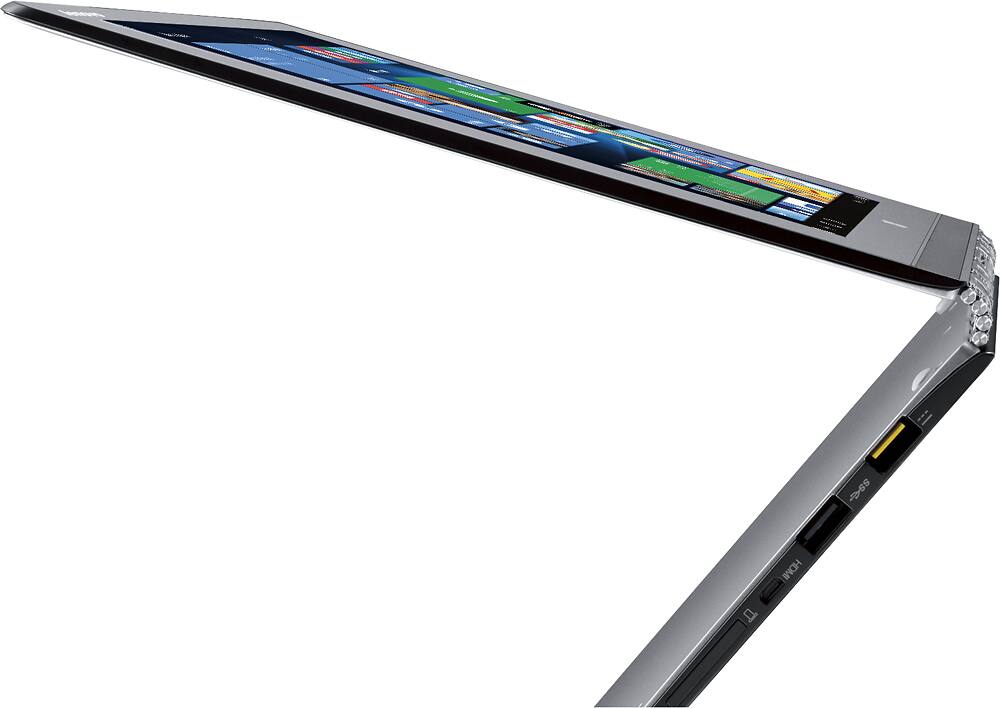
Posted .This reviewer received promo considerations or sweepstakes entry for writing a review.I bought the opened -box version. So far I think its a great computer. super fast and light. I'm a little upset to find that it didn't come with a charger. I don't know if they forgot or what but I need the charger. :(
No, I would not recommend this to a friend- Cons mentioned:Wifi
100% frustrating and disappointing
Posted .This reviewer received promo considerations or sweepstakes entry for writing a review.Was recommended this 2-in-1 from the rep at BestBuy. I loved the 2-in-1 concept, how lightweight it was, and the general feel for the computer. BUT, within the first 20 days I was returning it to BestBuy because I was having WiFi connectivity issues along with issues with resolution display when connecting to an external monitor. BestBuy let me exchange the dud for another Lenovo Yoga 2 13. But I soon realized that the issues were with the model, not just my first machine. I have had terrible WiFi connectivity issues. I have a brand new HD external monitor that I was not able to connect to this computer because it only has USB and HDMI micro outputs. Then once I bought the VGA and/or HDMI adaptors, I was able to connect except that the display resolution was terrible. Then, at the 3 month mark, the internal hard drive started making a horrible whirring sound coupled with a percolating sound. In frustration, I bought a $250 2-in-1 Dell Inspiron 11 3000 Series that works PERFECTLY, with none of the issues the Yoga 2 has had. My Yoga 2 is now back at Lenovo being repaired under manufacturer's warranty. I am not hopeful that they will resolve the issues, and even if they do, I've wasted 70 hours working with my tech support team at work to attempt to resolve. Definitely do not bother with this computer.
No, I would not recommend this to a friend good computer with some unexpected limitations
Posted .This reviewer received promo considerations or sweepstakes entry for writing a review.I was impressed with the stated high resolution screen, but found out that it is an Achilles heal. The screen provides beautiful crisp clear pictures and text. But many/most program install screens are so small, that you need a magnifying glass to read them, and they cannot be enlarged. Some programs, such as Quicken, run into font problems and become completely unusable. Adjusting screen resolution can fix some problems, but frequently creates other problems.
No, I would not recommend this to a friend- Cons mentioned:Wifi
Great, fast, light laptop
Posted .This reviewer received promo considerations or sweepstakes entry for writing a review.I would give this 5 stars except for 2 issues. The touchpad is too sensitive and the wifi does not work at some locations. It takes 8 seconds for a complete boot up and 0 seconds to shut down. Great screen. I would by it again.
I would recommend this to a friendBrand response from Lenovo Product Expert
Posted .Thank you for choosing the Lenovo Yoga 3 Pro. With regard to the touchpad sensitivity, you can adjust this in the system settings under touchpad keyboard settings. With regard to the WiFi connectivity issues you mention with your device, there may be driver updates for your specific system. Follow the link below to look for new driver updates for your specific system. You can also run diagnostics from the Lenovo site as well. As always, be sure to create a restore point on your system before you make any changes. Here is the link:
http://support.lenovo.com/us/en/products/Laptops-and-netbooks/Yoga-Series/Yoga-3-Pro-1370-Laptop-Lenovo/80HE/011WUS?query=&Shallow=1&Type=&OperatingSystems=&Component=&Symptom=&linkTrack=Caps%253ABody_SearchProduct&tabName=downloads&beta=false
great product
Posted .This reviewer received promo considerations or sweepstakes entry for writing a review.runs smoothly. meets my need and reasonable price.
I would recommend this to a friend- Cons mentioned:Battery life
Being repaired, in limbo
Posted .This reviewer received promo considerations or sweepstakes entry for writing a review.The laptop stopped allowing battery to charge or working with adapter. I shipped it to lenovo and now it is in limbo because of a parts shortage. A part shortage for a relatively new model? It must be breaking often. It also had touch screen problems.
No, I would not recommend this to a friend - Cons mentioned:Battery life, Wifi
its a trap
Posted .This reviewer received promo considerations or sweepstakes entry for writing a review.Don't buy, i have had issues with printing, battery life, and wifi connectivity. DO NOT BUY
No, I would not recommend this to a friend Poor Wifi
Posted .This reviewer received promo considerations or sweepstakes entry for writing a review.Another user here with wifi issues on the Yoga 3 Pro. I was at least able to improve it dropping off of my network all the time by messing with the wifi card settings. But in the end this thing just has really poor wifi signal reception. It has barely 1 bar in locations in my house where my ipad, PS3 and old laptop get full strength. Even though its no longer dropping connection constantly, the low signal strength ultimately means very low wifi speed. My unit had a boradcom wifi card, not sure if an Intel one would work better. Other than that, I liked this machine a lot. But it is not useful to me without decent wifi so I returned it. Thank you to Best Buy for hassle free return, will be back to find a replacement in the coming days. To reduce connection dropping, you can go to Device manager, go to the wifi card settings and turn off the power conservation and mess with the AP compatibility setting and the IBBS mode. Very helpful thread here: https://forums.lenovo.com/t5/Lenovo-Yoga-Series-Notebooks/Yoga-Pro-3-Wifi-dropped-connections-refuses-to-reconnect/td-p/1768663
No, I would not recommend this to a friend