Customer Ratings & Reviews
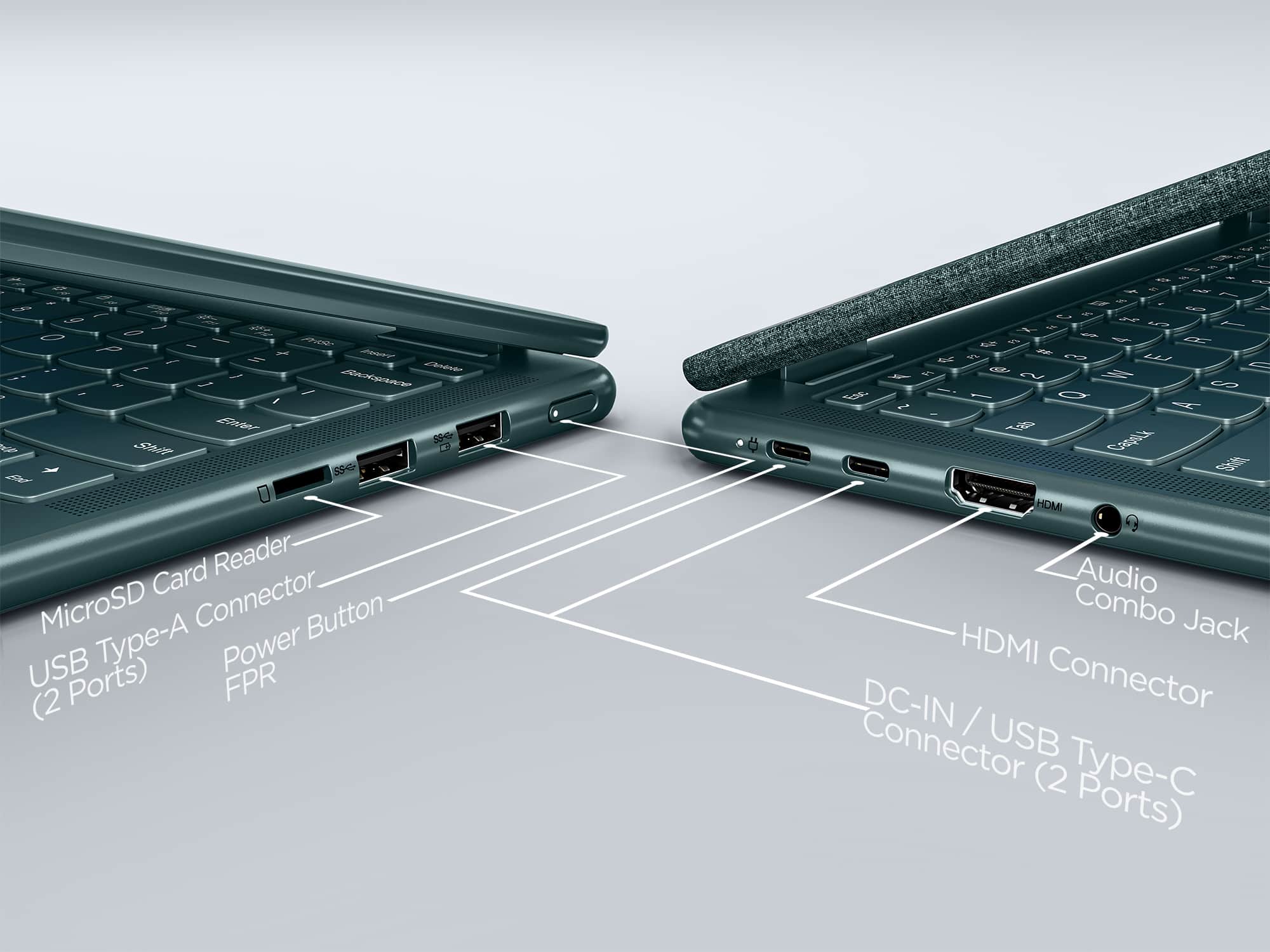
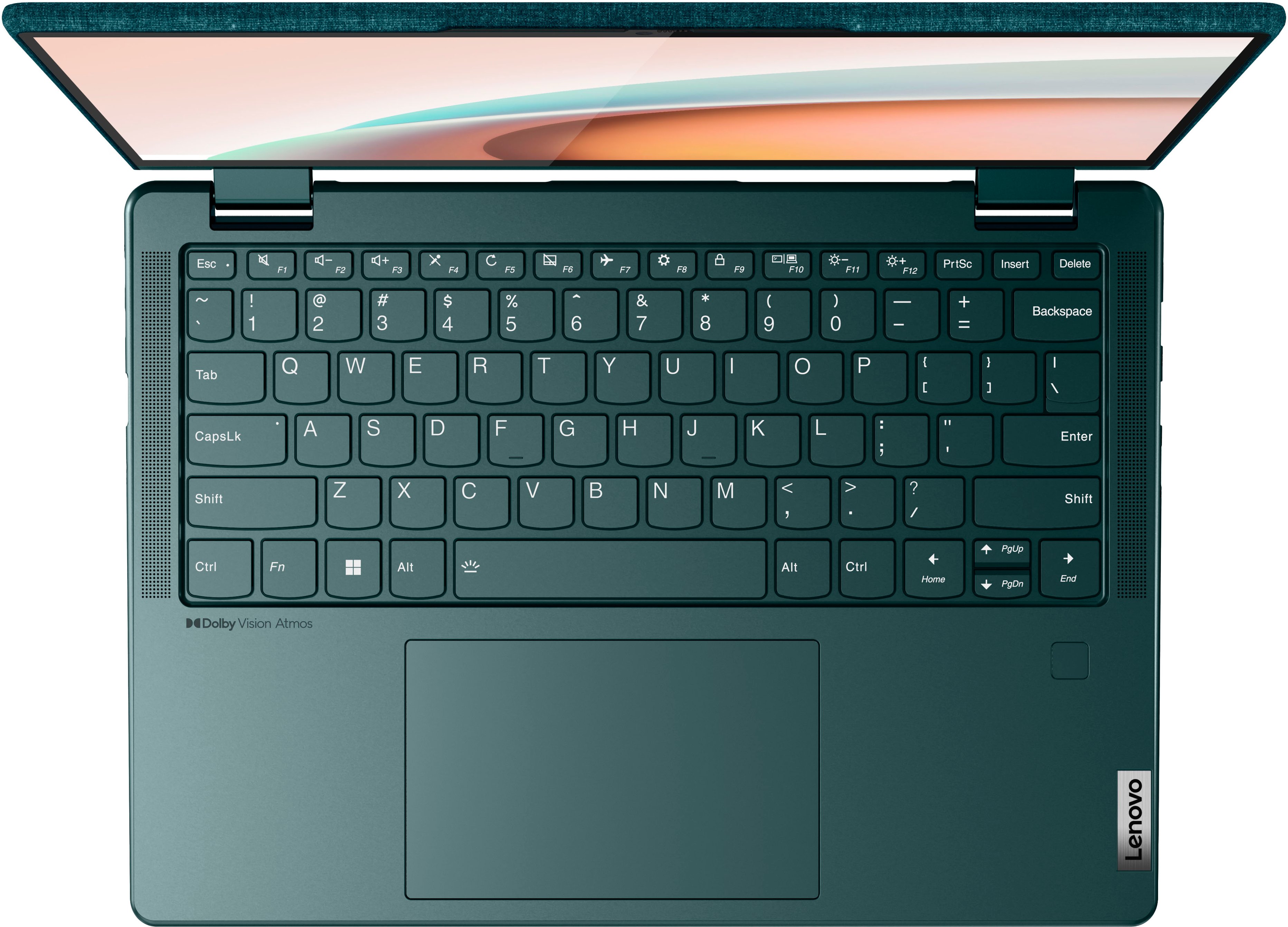
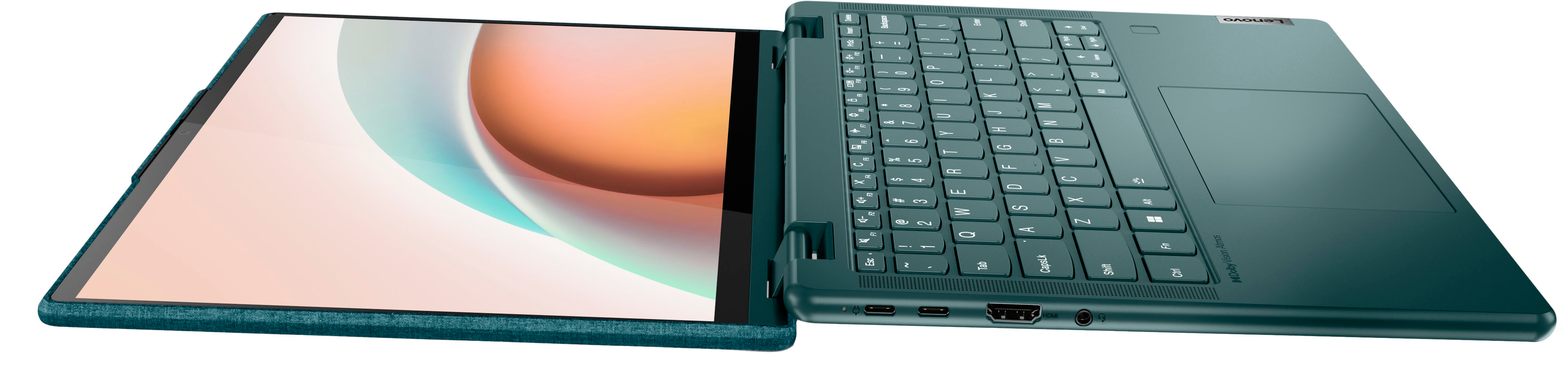
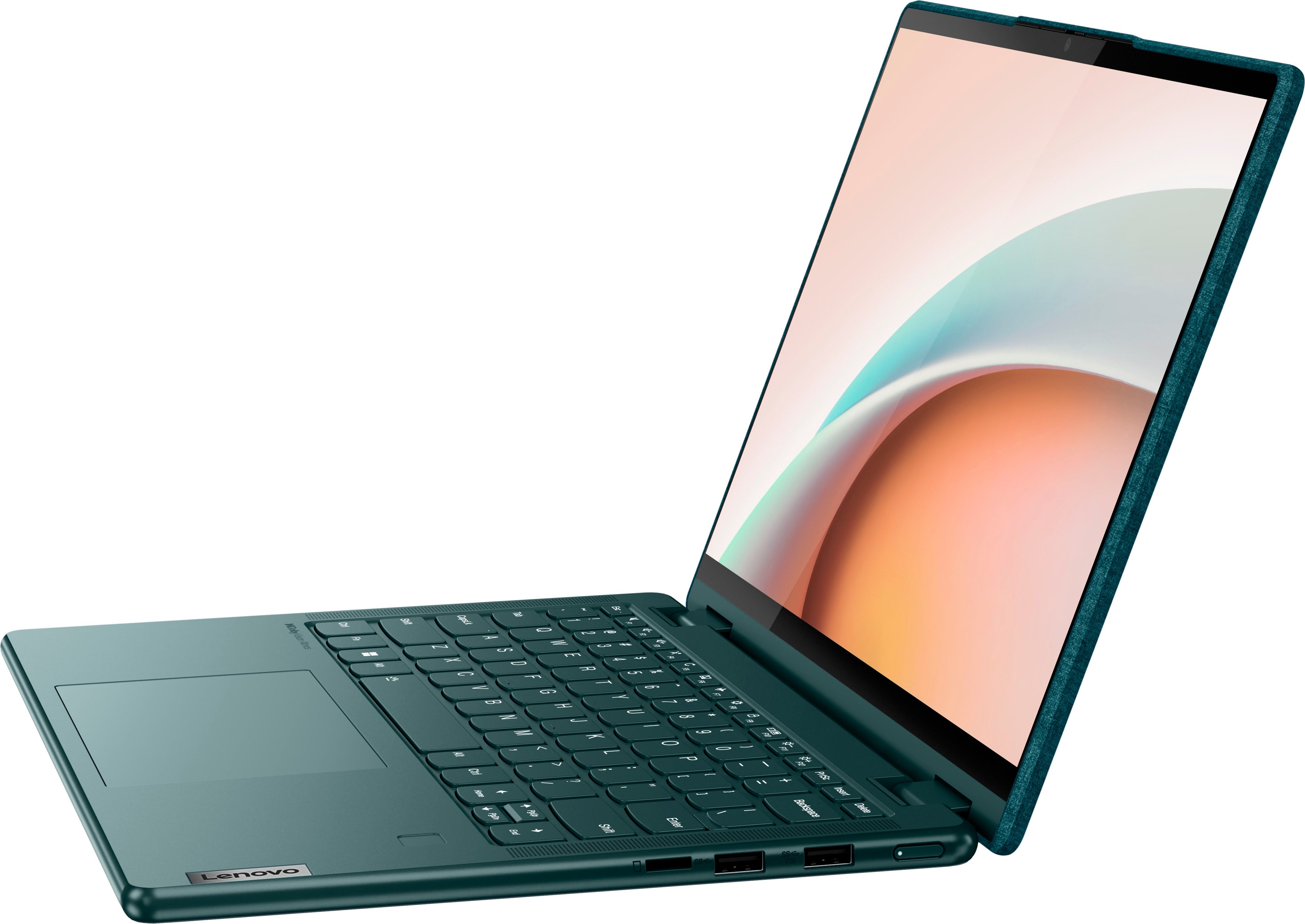


- Model:
- 82UD0002US
- SKU:
- 6502221
Rating by feature
- Battery Life
Rating 4.4 out of 5 stars
- Speed
Rating 4.4 out of 5 stars
- Display
Rating 4.6 out of 5 stars
Customers are saying
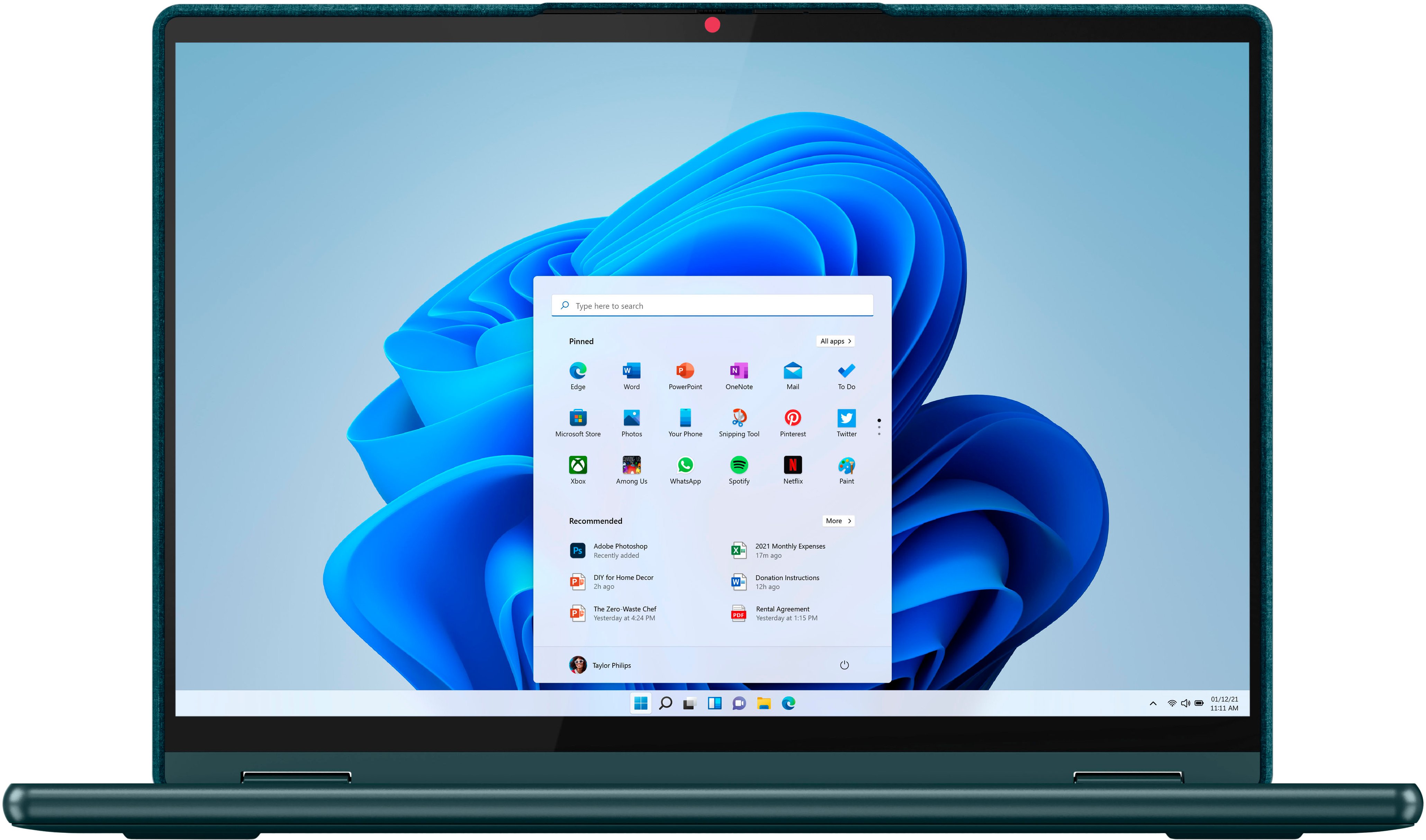
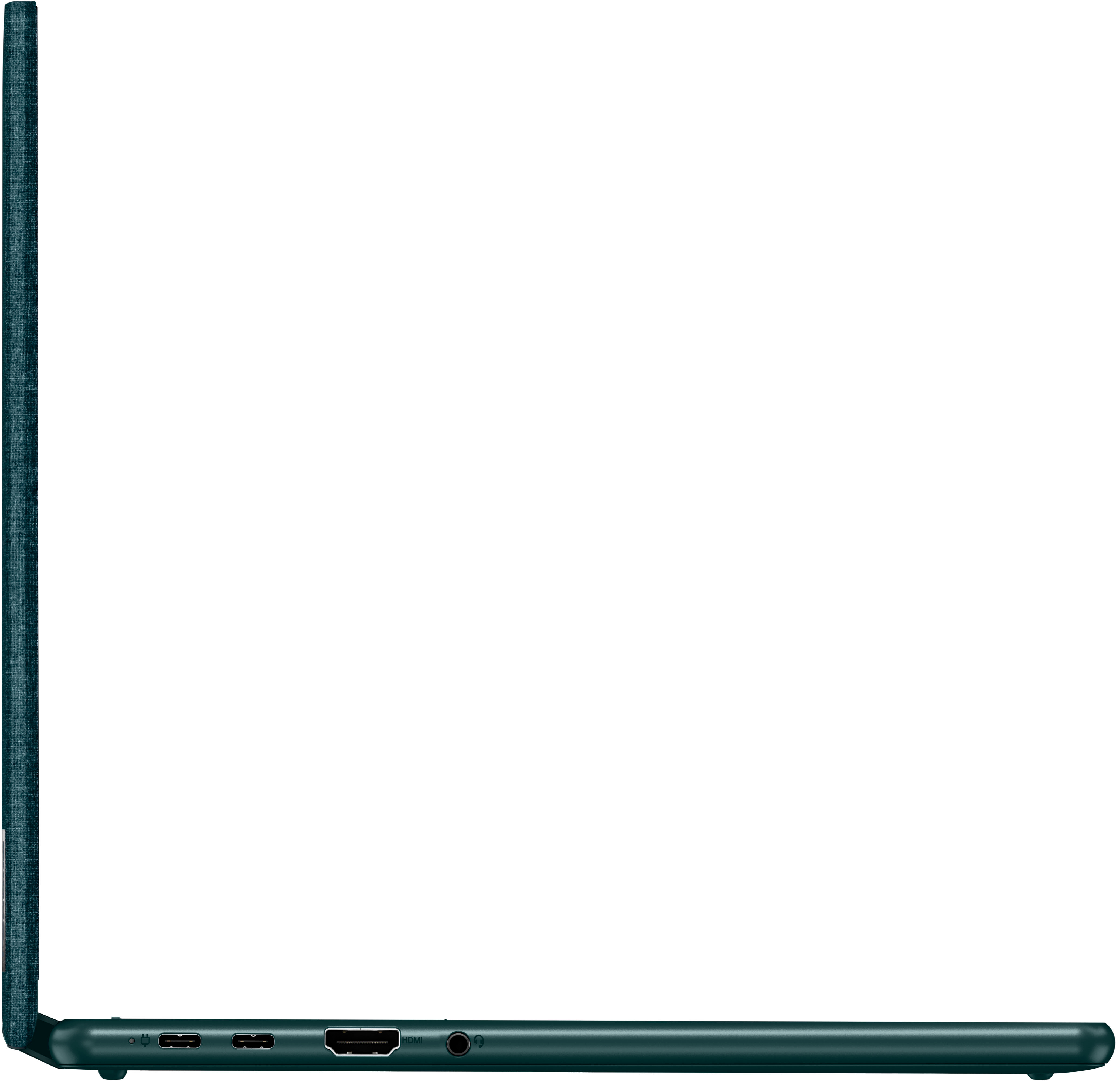
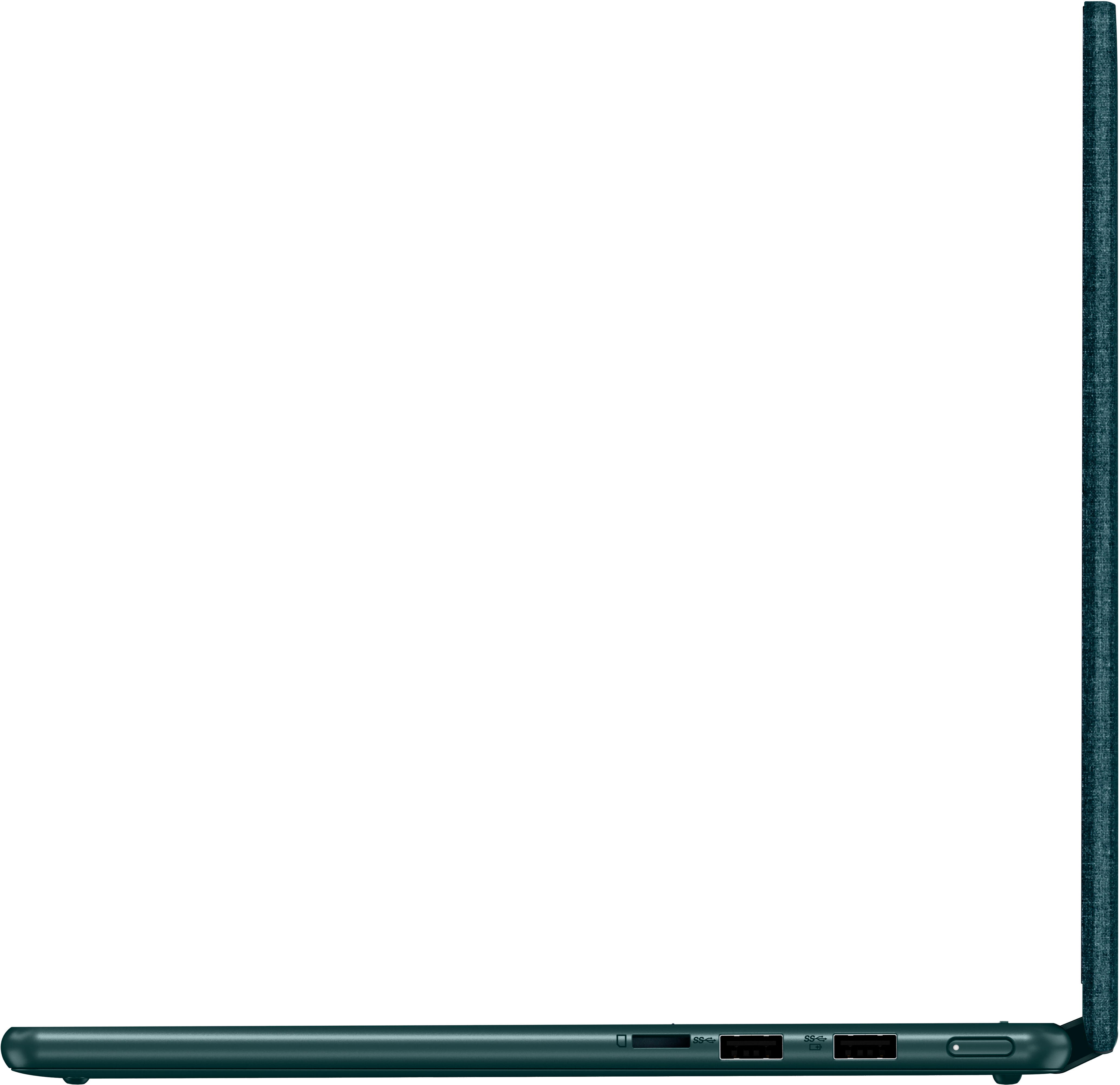
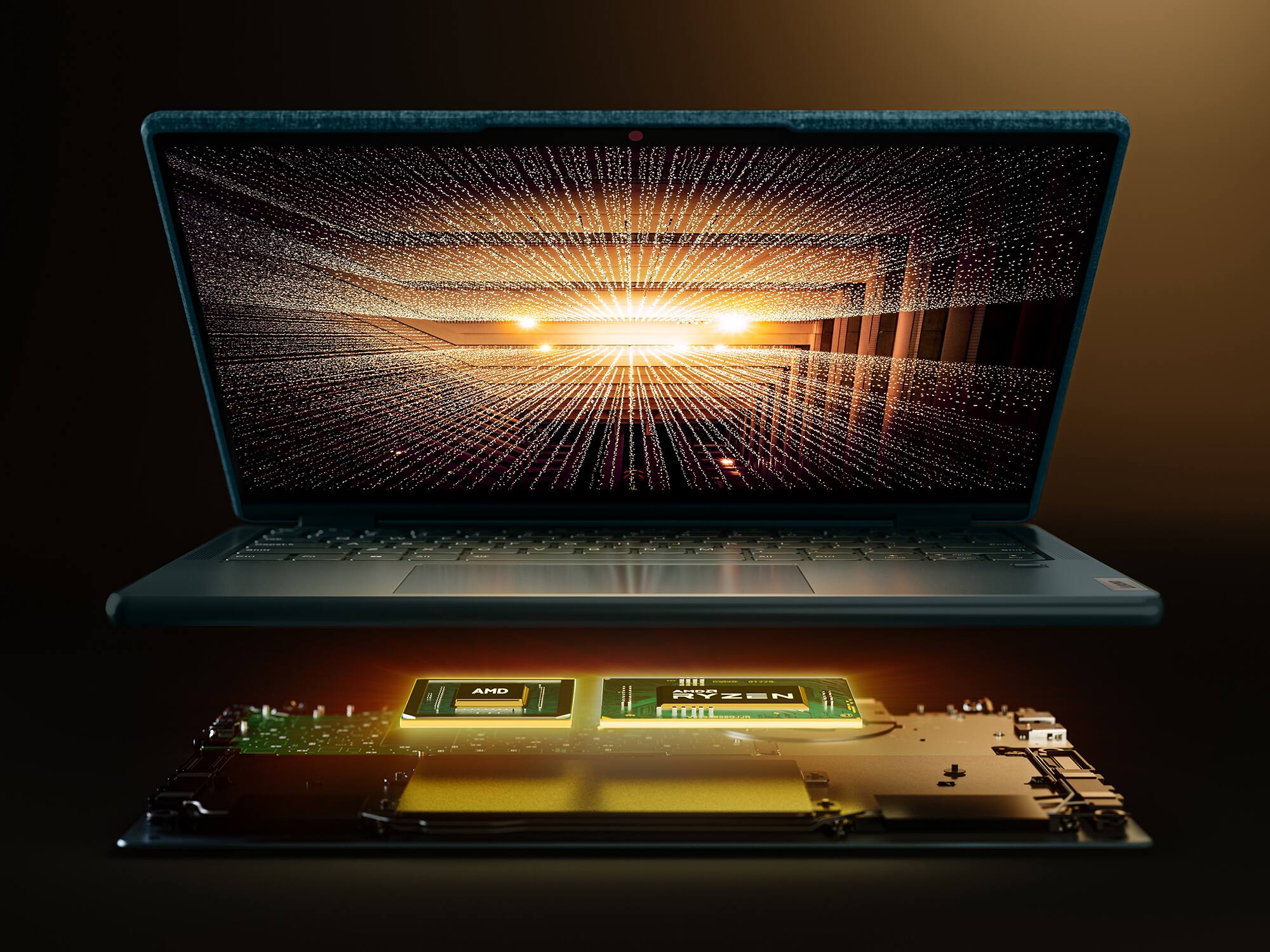
Customers are impressed with the Yoga 6's ease of use, touchscreen functionality, lightweight design, and compact size, frequently praising its performance and battery life. Many appreciate the sleek design and find the price point to be reasonable. However, some users have noted concerns regarding limited RAM and occasional overheating issues, along with some connectivity problems.
This summary was generated by AI based on customer reviews.
Poor quality
||Posted . Owned for 1 year when reviewed.This reviewer received promo considerations or sweepstakes entry for writing a review.This computer had to go in for repairs within 2 months. It would not start up. After getting it back , they said nothing was wrong with it. It continues to do the same thing and my warranty has expired. I will not buy another Lenovo computer again
No, I would not recommend this to a friendLenovo Yoga
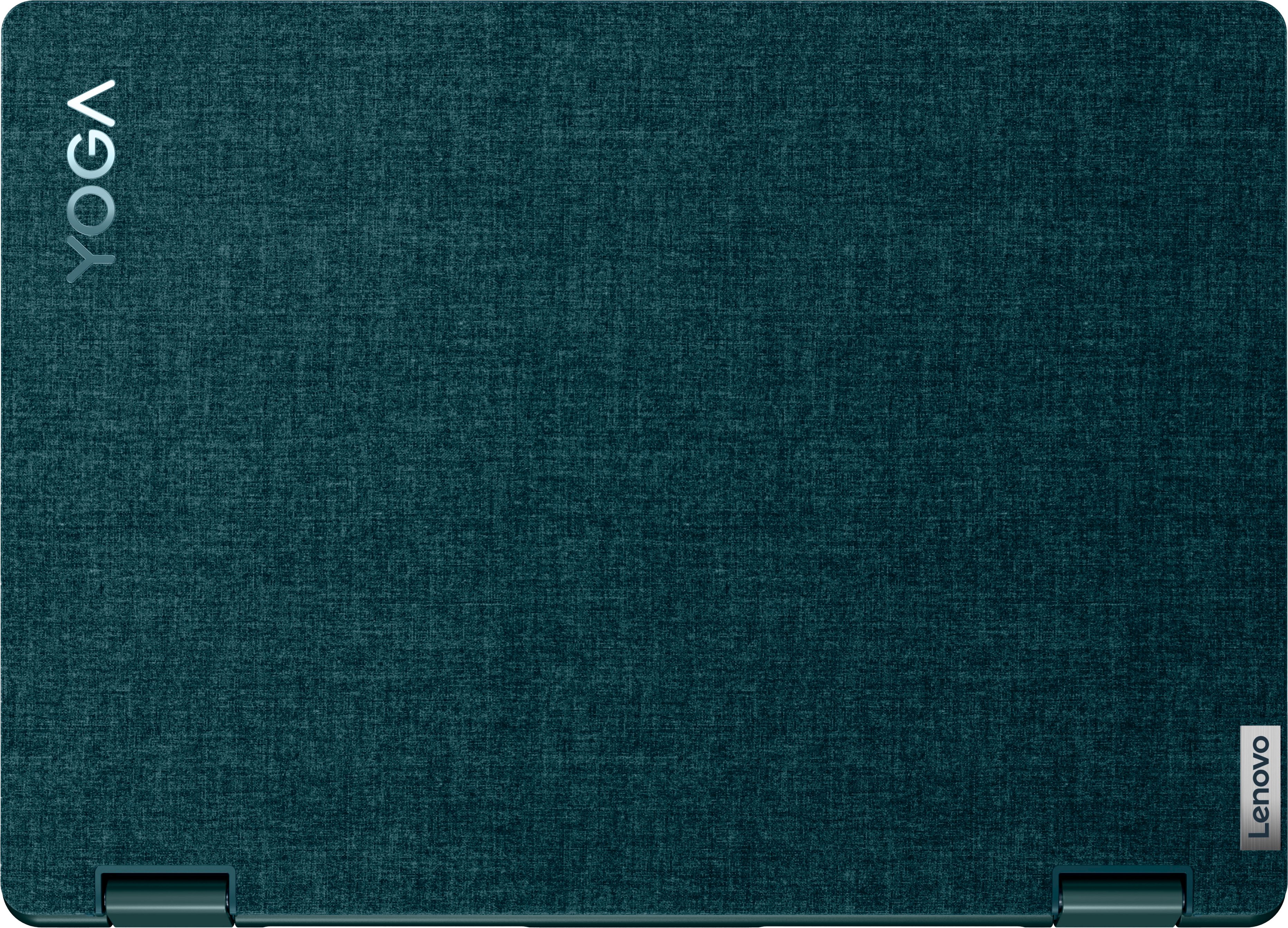
||Posted . Owned for less than 1 week when reviewed.This reviewer received promo considerations or sweepstakes entry for writing a review.Great value for the performance and features. Love the dark teal color. Fabric cover is nicely done. I use on job site a lot and the size and flexibility is great.
I would recommend this to a friendBrand response from Lenovo Product Expert
Posted .Thank you for choosing the Lenovo Yoga 6 13. We are pleased to hear that the features and performance of the Yoga 6 13 meets your computing needs so well.

But it on sale- wait if it's not:)
||Posted . Owned for 1 month when reviewed.This reviewer received promo considerations or sweepstakes entry for writing a review.Bought for my Jr in HS. Seems to love it. I questioned if he would like the laptop case with a felt cover. He really likes it. Operates efficiently. Would rec
I would recommend this to a friendPoor mouse
||Posted . Owned for 1 month when reviewed.This reviewer received promo considerations or sweepstakes entry for writing a review.The mouse is always malfunctioning. It doesn’t stay in place.
No, I would not recommend this to a friendBrand response from Lenovo Product Expert
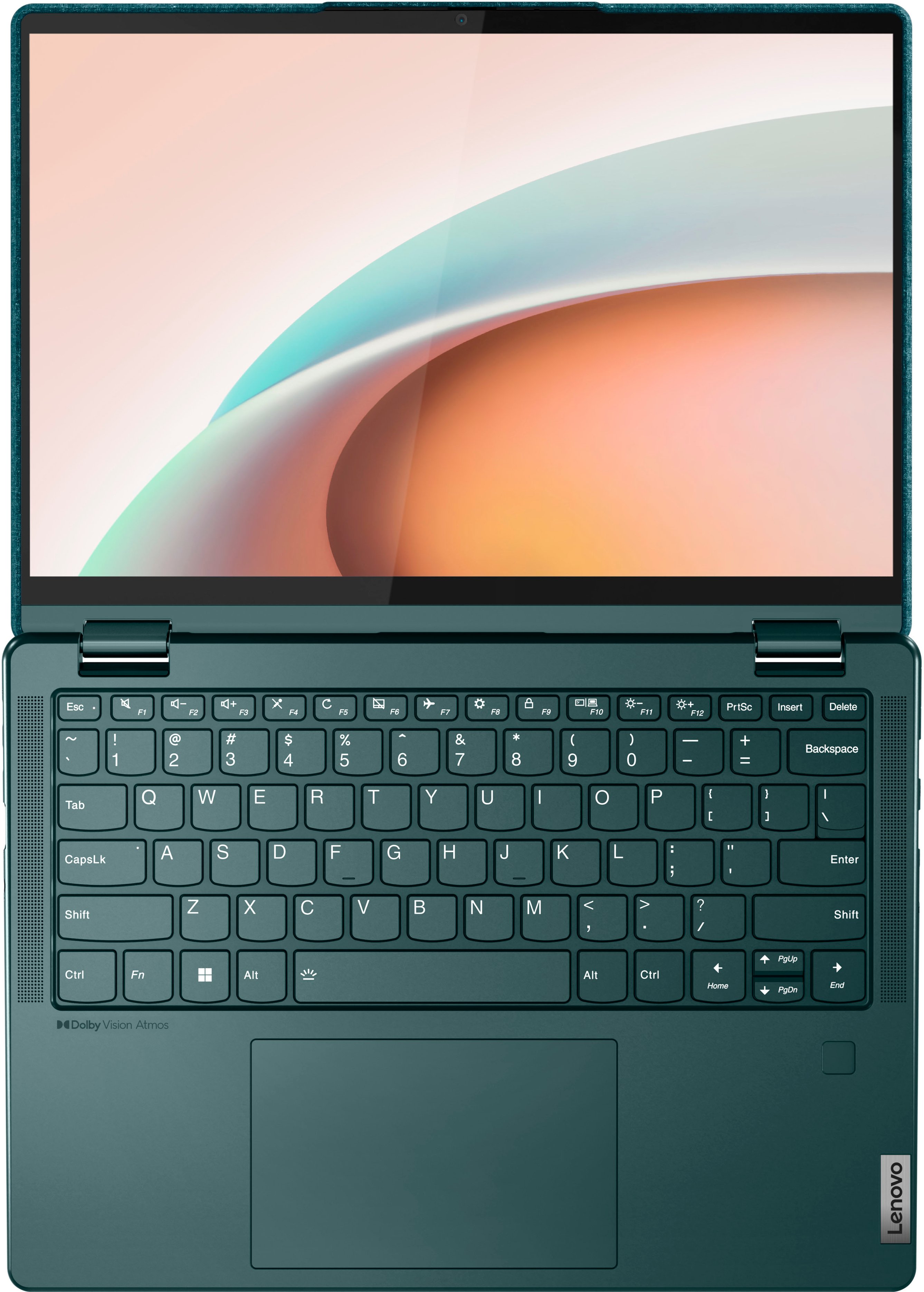
Posted .Hello JessekaL , we are sorry to hear that you have encountered an issue with your Yoga 6 13. To try and solve this issue, first, ensure that the touchpad is turned on. This model Yoga 6 has a touchpad toggle button on the top row of the keyboard, in line with the function keys, attached to the F6 key. You should see a small image of a touchpad with a diagonal line through it. Additionally, ensure that the function lock is not enabled. Pressing the F6 button should toggle your touchpad status and a graphic representing this setting adjustment should appear on the screen momentarily after pressing this key (like what happens when turning on and off the backlighting on the keyboard). If this does not work, we recommend checking for updates through Windows Update settings. These updates can help resolve issues from operating system bugs to driver software improvements. To navigate there, select start on the taskbar (windows logo) or press the windows key on the keyboard then select Settings. In Settings, select Windows Update, and then select the Check For Updates button. Install any available updates and restart your PC if required. If you didn’t have any updates that required a restart, it’s still a good idea to restart your device to make sure any pending updates are installed. Additionally, check for updates in the Lenovo Vantage application that is preinstalled on Windows devices. You can check by opening the app, navigating to the device tab, and selecting the “check for updates” option. If there are updates to install, follow the onscreen directions to finalize those updates. If your issues persist after these steps, we also recommend that you reach out to Lenovo Tech Support at this number to work with a representative to rectify the problem: 866-426-0911.
Great for the money
||Posted . Owned for 3 months when reviewed.This reviewer received promo considerations or sweepstakes entry for writing a review.It’s been 5 months I haven’t had any problems. It’s fast and I love the screen rotation option. Definitely my everyday computer as a PCA.
I would recommend this to a friendBrand response from Lenovo Product Expert
Posted .Thank you for choosing the Lenovo Yoga 6 13. We are pleased to hear that the features and performance of the Yoga 6 13 meets your computing needs so well.
Poor quality product and service by Best Buy
||Posted . Owned for 2 months when reviewed.This reviewer received promo considerations or sweepstakes entry for writing a review.Purchased a new Lenovo Yoga 6 with cash as a Christmas gift. Problems started with freezing, inability to save to the hard drive, and keys sticking. Because it was the 35th day of following up, Best Buy refused to address the sale of a product that obviously has problems.
No, I would not recommend this to a friendBrand response from Lenovo Product Expert
Posted .Hello, Bush, we are sorry to hear that you experienced an issue with your Yoga 6 13. We recommend reaching out to Lenovo Tech Support at this phone number and speaking with a representative for assistance: 877-453-6686.
Good
||Posted . Owned for 2 months when reviewed.This reviewer received promo considerations or sweepstakes entry for writing a review.Good strong and bright exactly what i wanted. Would recommend
I would recommend this to a friendPiece of work
||Posted . Owned for 1 year when reviewed.This reviewer received promo considerations or sweepstakes entry for writing a review.Broke down and freezes so easily. Have had it barely over a year and it’s been a pain and already have to get a new one
No, I would not recommend this to a friendGreat laptop for college student
||Posted . Owned for 2 months when reviewed.This reviewer received promo considerations or sweepstakes entry for writing a review.Great laptop. Issues with network adapters at times.
I would recommend this to a friendLaptop Purchase
||Posted . Owned for 2 weeks when reviewed.This reviewer received promo considerations or sweepstakes entry for writing a review.Great price, wonderful service and great product. Geek Squad also set up and gave me a head start on using my new computer!
I would recommend this to a friendBrand response from Lenovo Product Expert
Posted .Thank you for choosing the Lenovo Yoga 6 13. We are pleased to hear that the value, features and performance of the Yoga 6 13 meets your computing needs so well.
Lenovo laptop
||Posted . Owned for 1 month when reviewed.This reviewer received promo considerations or sweepstakes entry for writing a review.This is a good laptop, does what it says it should do!
I would recommend this to a friendBrand response from Lenovo Product Expert
Posted .Thank you for choosing the Lenovo Yoga 6 13. We are pleased to hear that the performance of the Yoga 6 13 meets your computing needs so well.
Better give this one a miss
||Posted . Owned for 3 weeks when reviewed.This reviewer received promo considerations or sweepstakes entry for writing a review.Replaced the first unit and returned the second unit. There’s a flaw on the key board driver. Kicks in out of the blue-I dud like the size and texture of the top surface, but if the laptop does not work anymore, doesn’t make a lot of sense…
No, I would not recommend this to a friendBrand response from Lenovo Product Expert
Posted .Hello, Steve, we are sorry to hear that you have experienced an issue with your Yoga 6 13. In advance, this is a lengthy response, however we want to give you and other readers of this response as much information as possible to help ensure your issue is resolved should you encounter something similar in the future. We recommend checking for updates through Windows Update settings. These updates can help resolve issues from operating system bugs to driver software improvements. To navigate there, select start on the taskbar (windows logo) or press the windows key on the keyboard then select Settings. In Settings, select Windows Update, and then select the Check For Updates button. Install any available updates and restart your PC if required. If you didn’t have any updates that required a restart, it’s still a good idea to restart your device to make sure any pending updates are installed. Additionally, check for updates in the Lenovo Vantage application that is preinstalled on Windows devices. You can check by opening the app, navigating to the device tab, and selecting the “check for updates” option. If there are updates to install, follow the onscreen directions to finalize those updates. If your issues persists after these steps, we also recommend that you reach out to Lenovo Tech Support at this number for additional assistance: 877-453-6686.
What an idea
||Posted .This reviewer received promo considerations or sweepstakes entry for writing a review.Nice product at awesome deal. It has biometric and face recognition which I’ve never seen in any product together.
I would recommend this to a friendBrand response from Lenovo Product Expert
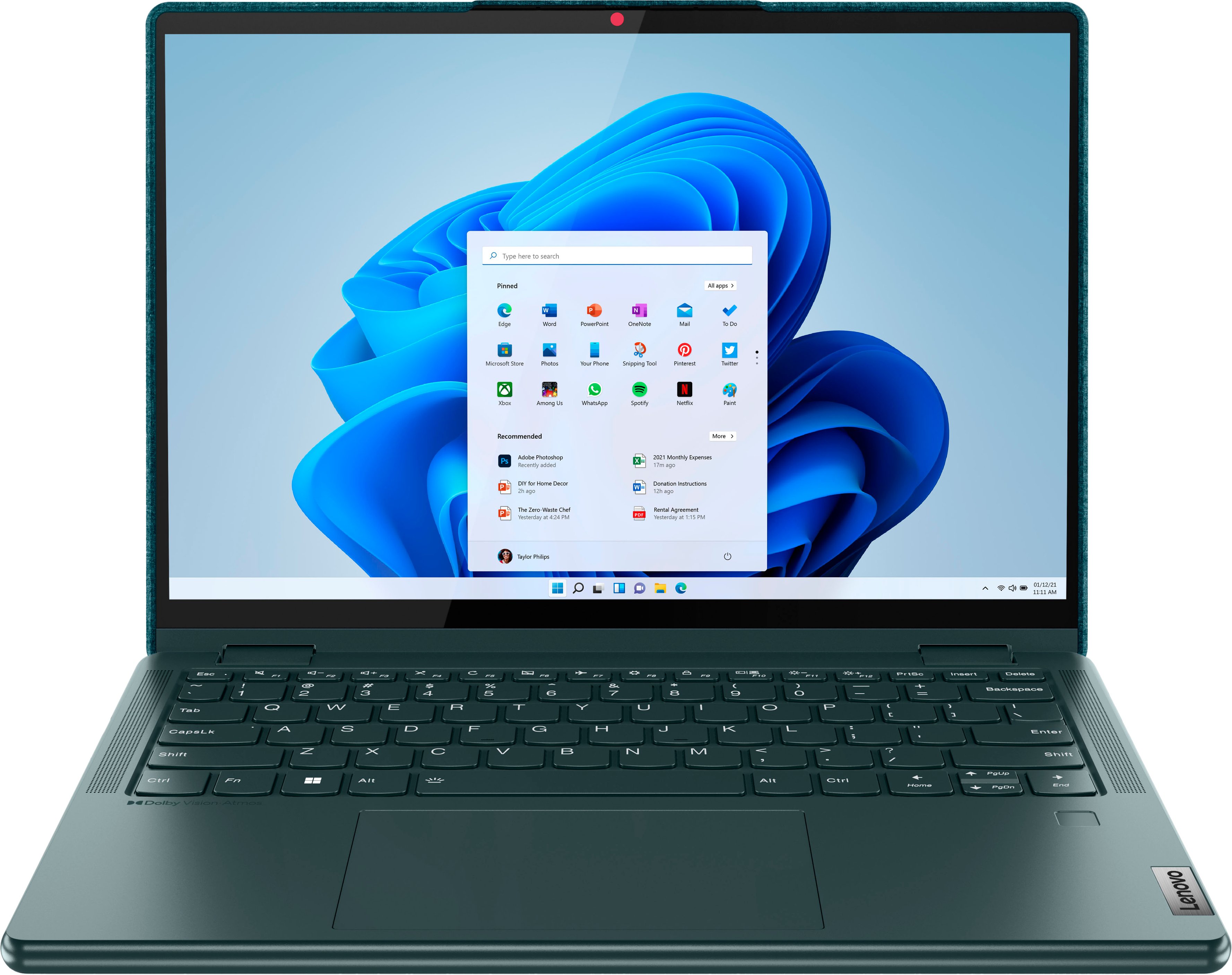
Posted .Thank you for choosing the Lenovo Yoga 6 13, model number 82UD0002US. This model configuration ships with both a FHD 1080p & IR (infrared Windows Hello capable) with Privacy Shutter webcam and a Touch style fingerprint reader on palm rest for your choice of Biometric secure, Windows Hello login options or you can use the standard alpha-numeric PIN Login option. We are pleased to hear that the value, features and performance of the Yoga 6 13 meets your computing needs so well.
great laptop
||Posted . Owned for 5 months when reviewed.This reviewer received promo considerations or sweepstakes entry for writing a review.great laptop for college student. love the fabric backing.. seems solidly built vs other alternatives
I would recommend this to a friendDecen item
||Posted . Owned for 2 weeks when reviewed.This reviewer received promo considerations or sweepstakes entry for writing a review.Is good and clean not the fastes but ia good. I would say the sistem whit a upgrade will be better
I would recommend this to a friendPleased
||Posted . Owned for 1 month when reviewed.This reviewer received promo considerations or sweepstakes entry for writing a review.I bought the laptop for my niece who is a law student overseas and she is very pleased with the computer
I would recommend this to a friendBrand response from Lenovo Product Expert
Posted .Thank you for choosing the Lenovo Yoga 6 13 for your niece. We are pleased to hear that the performance of the Yoga 6 13 meets the computing needs of your niece so well.
Don’t purchase.
||Posted . Owned for 3 months when reviewed.This reviewer received promo considerations or sweepstakes entry for writing a review.Don’t purchase. Problems almost right away with startup. Geek squad was able to temporarily fix it, but same thing happened again and again. Now it has been shipped off for at least 3 weeks to change the ?mother board.
No, I would not recommend this to a friendBrand response from Lenovo Product Expert
Posted .Hello, we are sorry to hear that you have experienced an issue with your Yoga 6 13. We hope that your issue has been resolved, however if problems persist, do not hesitate to contact Lenovo Tech Support at this number for assistance: 877-453-6686.
Very versatile
||Posted . Owned for 1 month when reviewed.This reviewer received promo considerations or sweepstakes entry for writing a review.We really enjoy this laptop. We use it for graphic design for our laser engraving business.
I would recommend this to a friendService experience
||Posted . Owned for 1 month when reviewed.This reviewer received promo considerations or sweepstakes entry for writing a review.I told the representative what I was searching for and he showed me this one. It’s all I was needing.
I would recommend this to a friendBrand response from Lenovo Product Expert
Posted .Thank you for choosing the Lenovo Yoga 6 13. We are pleased to hear that the Yoga 6 13 meets your computing needs so well.
Missing camera
||Posted . Owned for 1 month when reviewed.This reviewer received promo considerations or sweepstakes entry for writing a review.Bought a laptop. on camera place there is no camera. but it was over 15 days. so didn’t felt like to go and say something bad to them. but very disappointed from best buy purchase of scam laptop.
No, I would not recommend this to a friendBrand response from Lenovo Product Expert
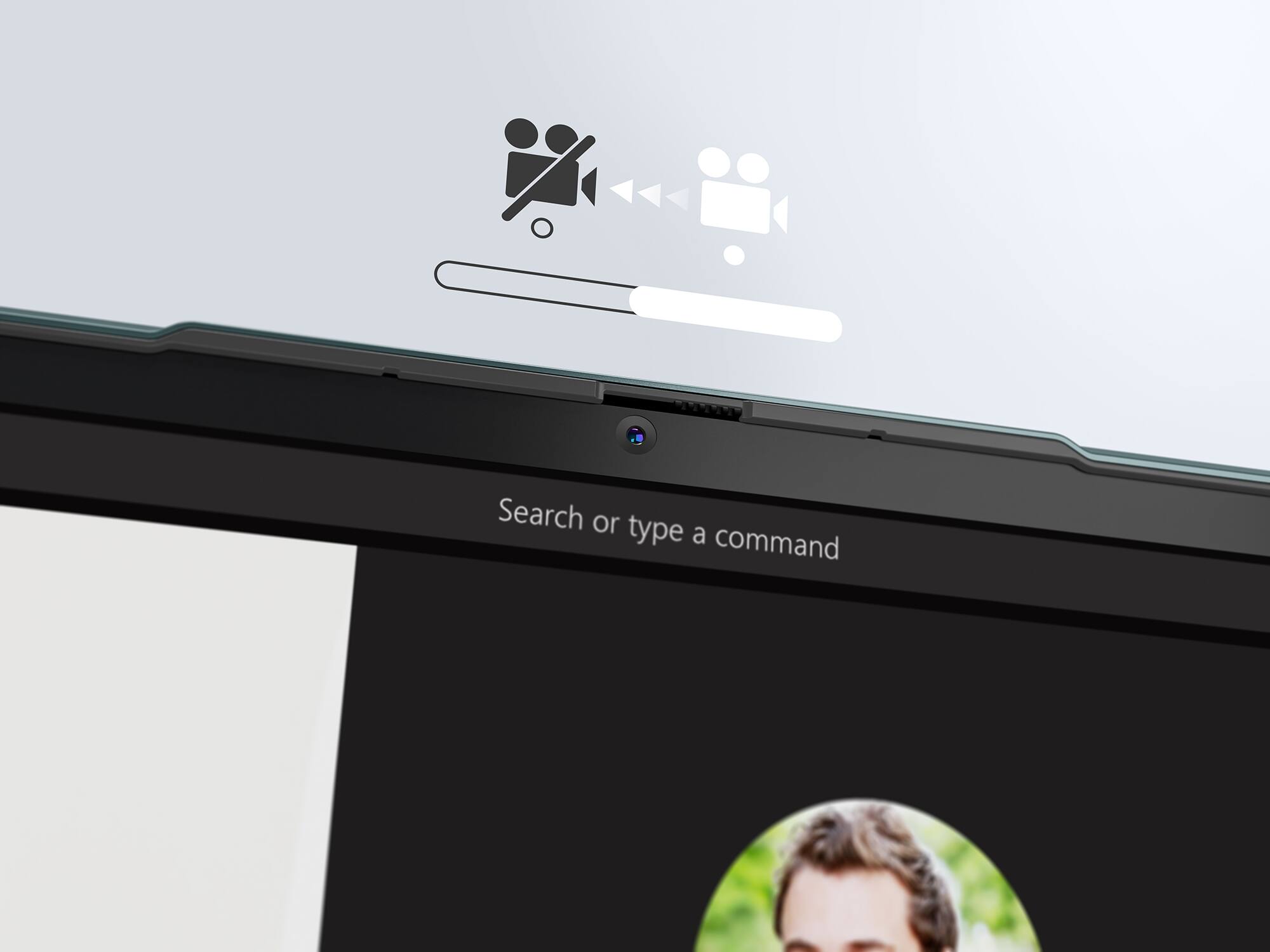
Posted .Hello, benbilly, we are sorry to hear that you are having issues with the webcam on your Yoga 6 13. In advance, this is a lengthy response, however we want to give you and other readers of this response as much information as possible to help ensure your issue is resolved should you encounter something similar in the future. This model ships with a FHD webcam with manual Privacy Shutter built in. Be sure the Privacy Shutter is completely open before trying to use the webcam or the webcam will not operate. There is a small slider, directly above the webcam lens. Move the tab to the right to open the Privacy Shutter. There is a red dot over the webcam lens that will disappear when the Privacy Shutter is fully open. This will indicate that the webcam is really to use. You can close the Privacy Shutter when you are done with the webcam for your security, by sliding the tab to the left to close the Privacy Shutter. The Red Dot will appear over the webcam lens when the Privacy Shutter is closed. If your camera is still not functional, we recommend checking for updates trough Windows Update settings and Lenovo Vantage. To navigate there, select start on the taskbar (windows logo) or press the windows key on the keyboard then select Settings. In Settings, select Windows Update, and then select the Check For Updates button. Install any available updates and restart your PC if required. If you didn’t have any updates that required a restart, it’s still a good idea to restart your device to make sure any pending updates are installed. Additionally, check for updates in the Lenovo Vantage application that is preinstalled on Windows devices. You can check by opening the app, navigating to the device tab, and selecting the “check for updates” option. If there are updates to install, follow the onscreen directions to finalize those updates. If your issues persists after these steps, we also recommend that you reach out to Lenovo Tech Support at this number for additional assistance: 877-453-6686.