Customer Ratings & Reviews
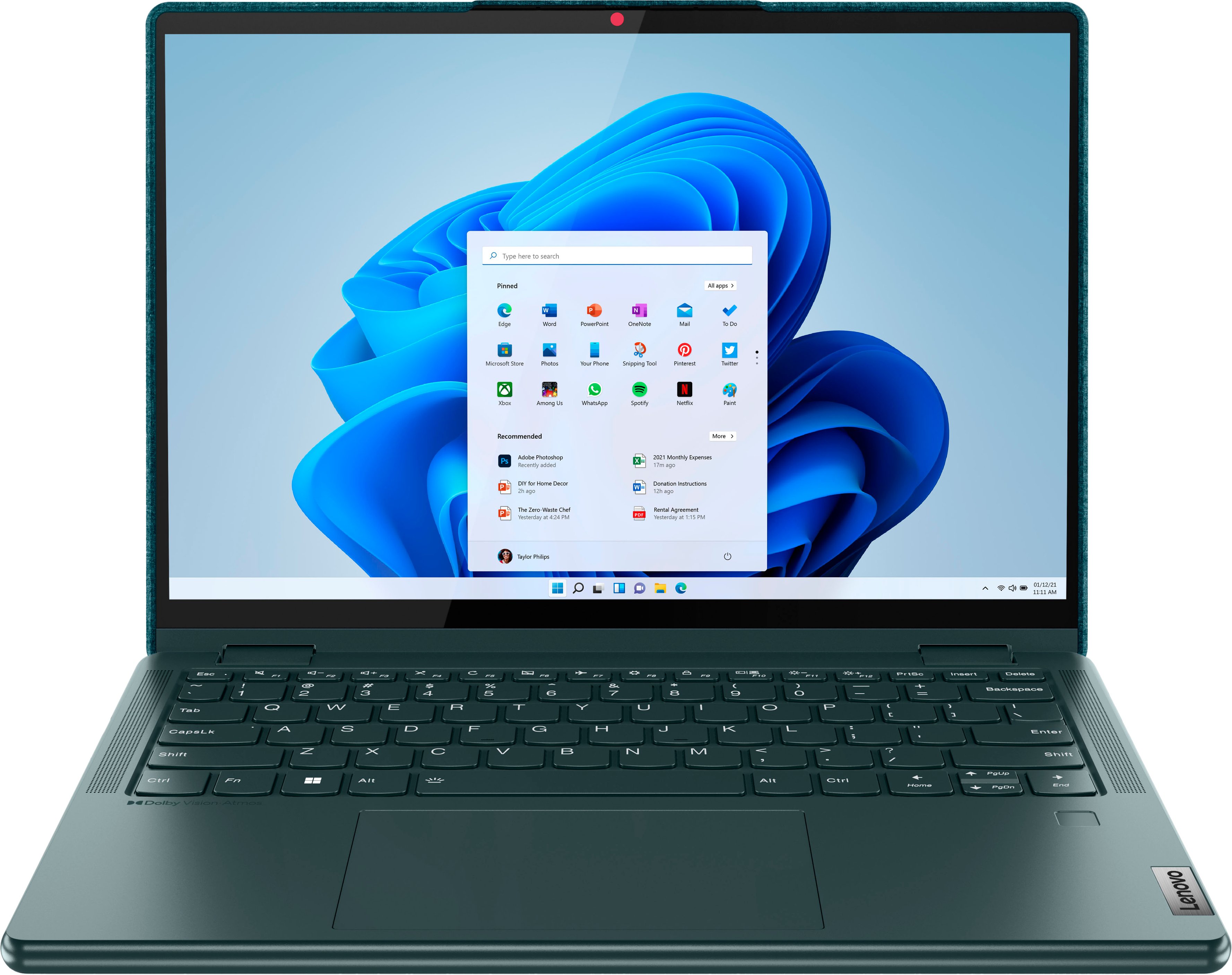
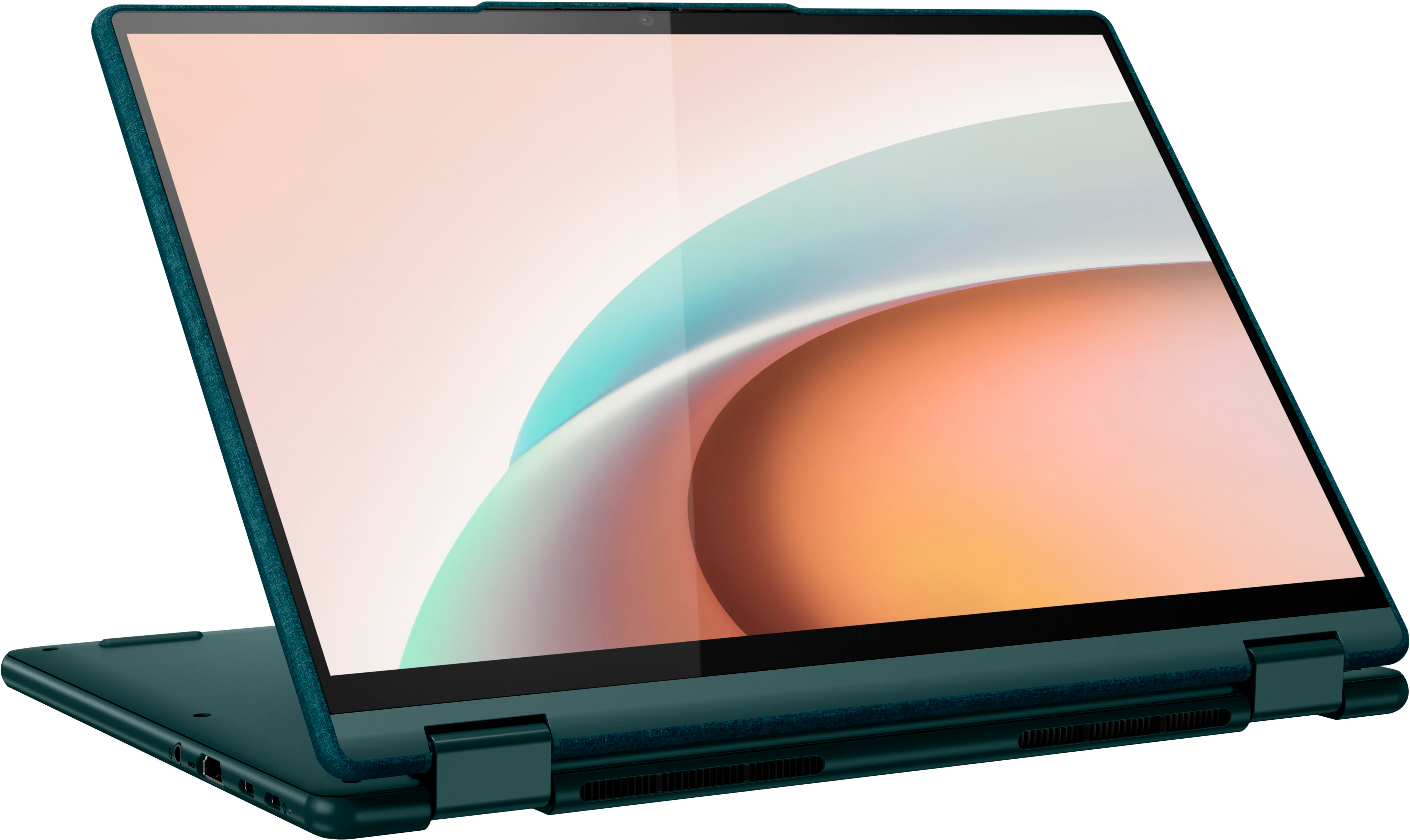
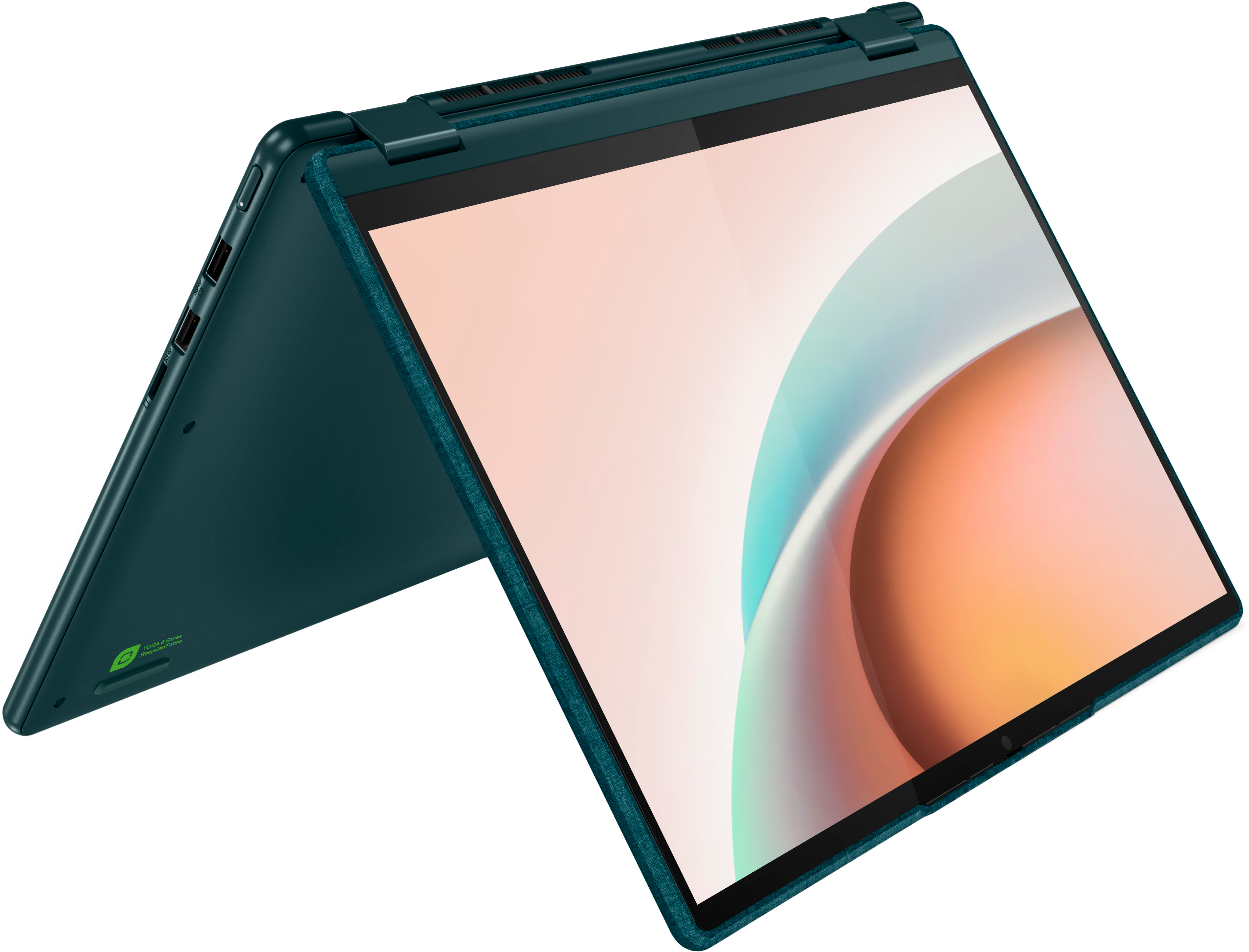
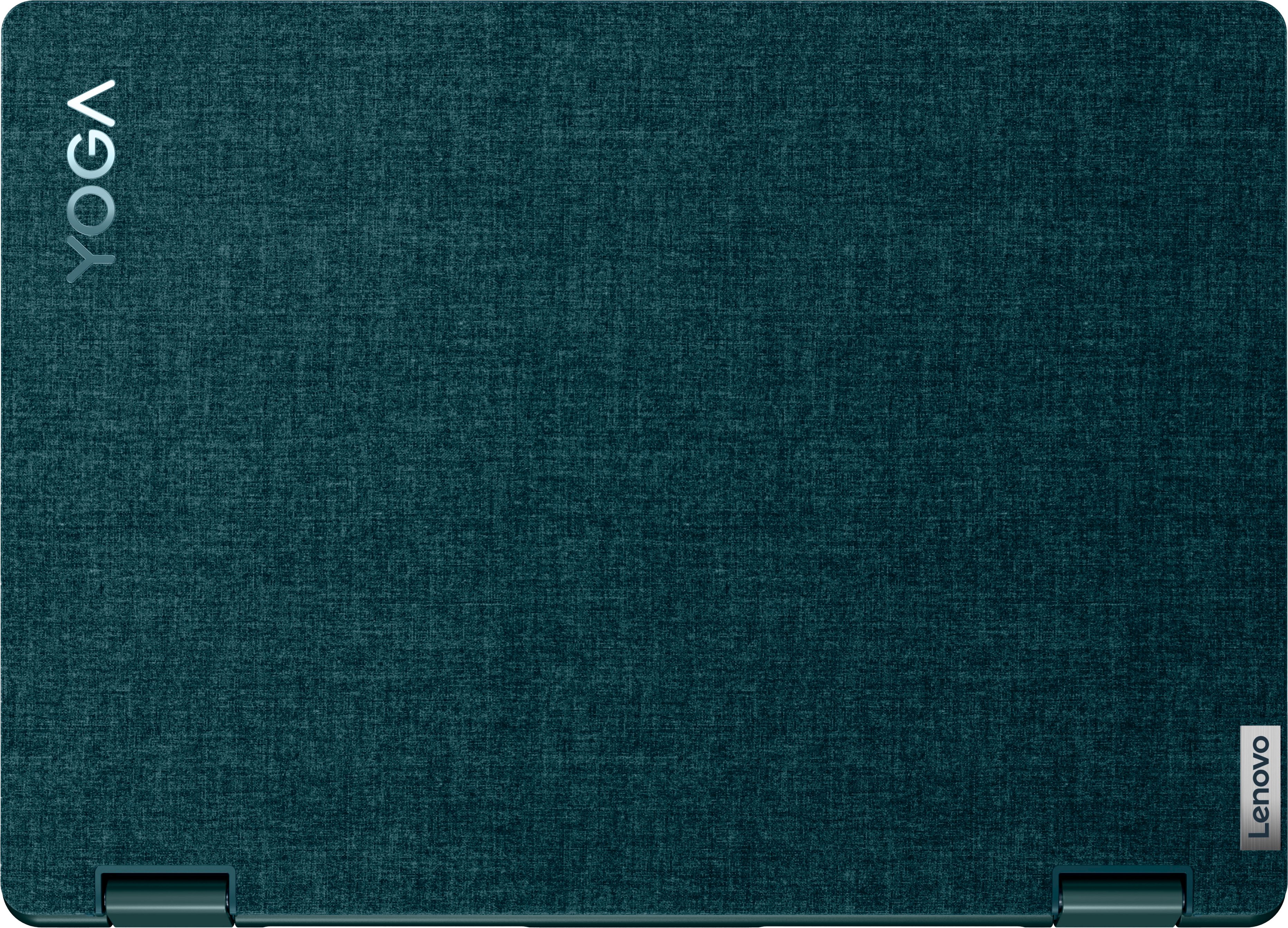

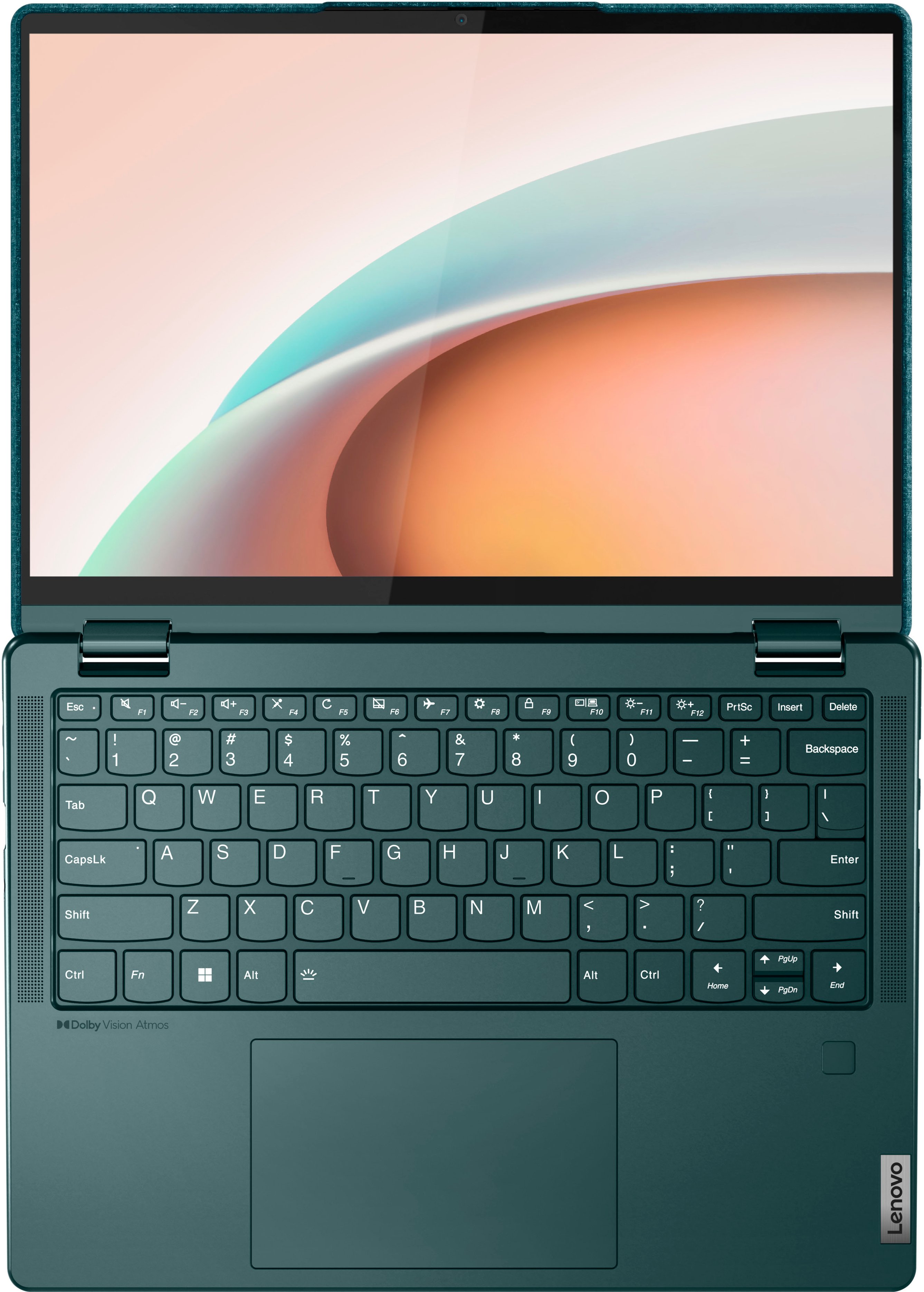


- Model:
- 82UD0002US
- SKU:
- 6502221
Rating by feature
- Battery Life
Rating 4.4 out of 5 stars
- Speed
Rating 4.4 out of 5 stars
- Display
Rating 4.6 out of 5 stars
Customers are saying
Customers are impressed with the Yoga 6's ease of use, touchscreen functionality, lightweight design, and compact size, frequently praising its performance and battery life. Many appreciate the sleek design and find the price point to be reasonable. However, some users have noted concerns regarding limited RAM and occasional overheating issues, along with some connectivity problems.
This summary was generated by AI based on customer reviews.
Dont buy an open box item died right away
||Posted . Owned for 4 months when reviewed.This reviewer received promo considerations or sweepstakes entry for writing a review.After only a few short months it stopped working. Battery does not hold a charge and when its fully charged it wont stay on just shuts off in less than a minute. Lousy laptop now its an expensive paperweight.
No, I would not recommend this to a friendBrand response from Lenovo Product Expert
Posted .We are sorry to hear that you have experienced issues with your Yoga 6-13. The Lenovo Yoga 6 13, model number 82UD0002US ships with an integrated 59Wh, lithium-polymer battery, which within this model configuration, has a battery life of up to 13.5 hours, depending on the work the device is performing. If you are getting substantially less battery life, first, set your screen brightness at less than 100-percent - try 80-percent to start with. Then, be sure Battery Charge Threshold is turned off. This power management setting should only be used when the laptop is plugged in all the time. It will prolong overall battery life by only charging the battery to 60-percent of capacity. You can turn off Battery Charge Threshold within the Lenovo Vantage APP installed on this computer. In Vantage select Battery Settings and turn off Battery Charge Threshold, if turned on. Upon making these changes, if the issue persists, we recommend reaching out to Lenovo Tech Support, as every Lenovo machine which has a sealed battery, has a 1-year sealed battery warranty by default. They may be able to help facilitate a battery replacement or repair for you. Here is a phone number to contact them: 877-453-6686.

Unusable after 2 weeks due to update crash
||Posted . Owned for 2 weeks when reviewed.This reviewer received promo considerations or sweepstakes entry for writing a review.Less than 2 weeks of having this laptop, it fried. No matter how much I tried, I could not get it to come back. I returned it. I had high hopes for this laptop, but ultimately it just didn't deliver.
No, I would not recommend this to a friendBrand response from Lenovo Product Expert
Posted .We always recommend you check the requirements and compatibility of any software you will be installing on your new computer, before you invest in any computer. Be sure your new computer can support the software you will need to use and your workload.
Computer
||Posted . Owned for 1 month when reviewed.This reviewer received promo considerations or sweepstakes entry for writing a review.Had to return it. Camera did not work. Battery was displaying less than 100% despite being constantly plugged in. I suspect this was a returned computer, although I thought I was buying a new one.
No, I would not recommend this to a friendBrand response from Lenovo Product Expert
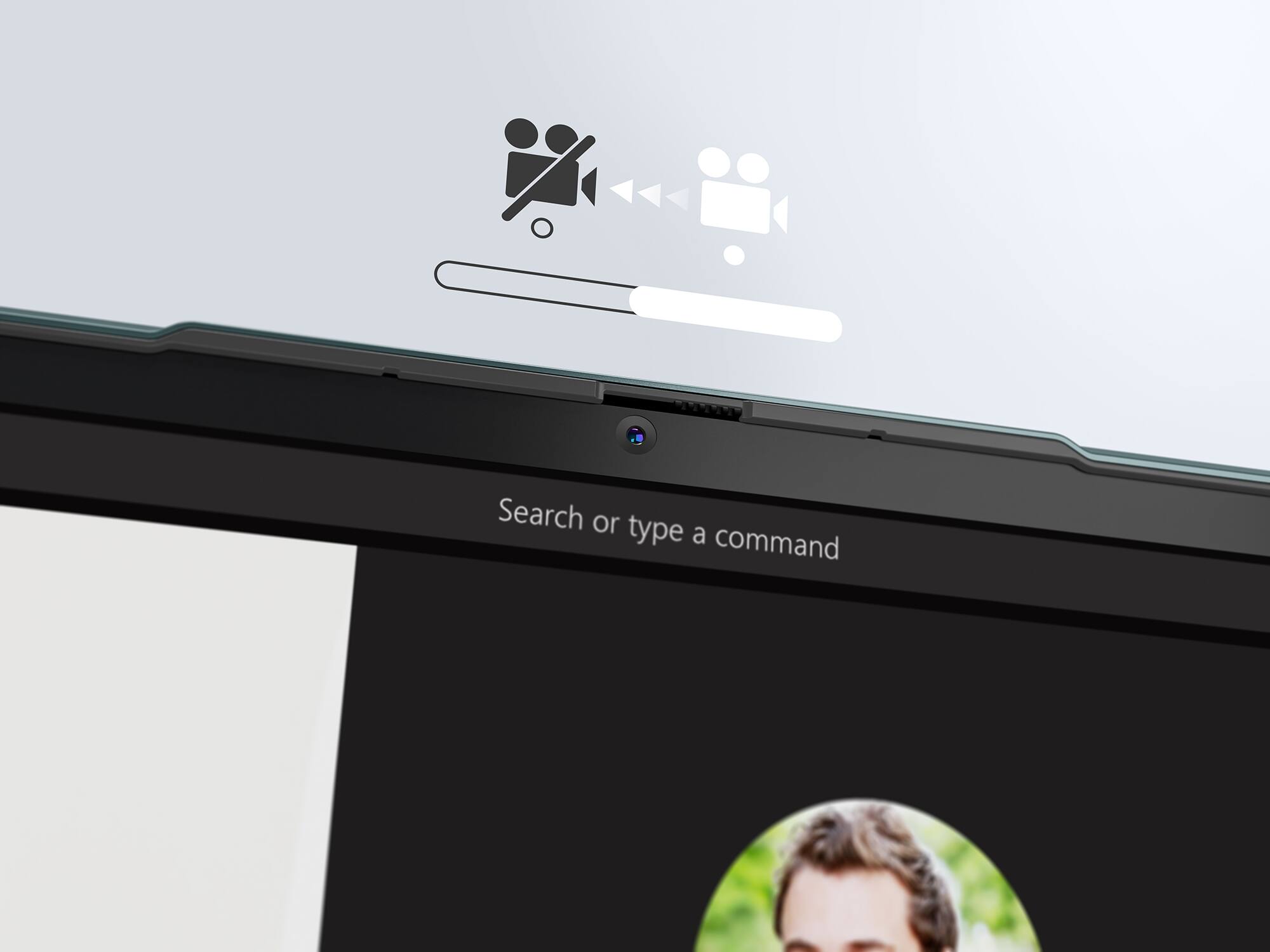
Posted .We are sorry to hear that you are having issues with the FHD (1080p & IR) with Privacy Shutter webcam within your Lenovo Yoga 6 13, model number 82UD0002US. First, check to be sure that the Privacy Shutter is in the open position before you try to use the webcam. Here is a link to the User Guide for this Yoga 6 13 that illustrates the location of the webcam Privacy Shutter slider near the webcam lens on page 1: https://download.lenovo.com/consumer/mobiles_pub/yoga_c670_userguide_en.pdf. If the webcam slider is open but the webcam still does not work, uninstalling/reinstalling the webcam drivers may correct the issue. Here is a link to instructions for doing this within Windows 11: https://support.microsoft.com/en-us/windows/camera-doesn-t-work-in-windows-32adb016-b29c-a928-0073-53d31da0dad5. Concerning your Integrated 59Wh, Lithium-Polymer Battery not charging to 100 Percent; Be sure Battery Charge Threshold is turned off. This power management setting should only be used when the laptop is plugged in all the time. It will prolong overall battery life by only charging the battery to 60-percent of capacity. You can turn off Battery Charge Threshold within the Lenovo Vantage APP installed on this computer. In Vantage select Battery Settings and turn off Battery Charge Threshold, if turned on. If the problems continue, we recommend you contact Lenovo Tech Support for additional help. Let the Lenovo Customer Service Specialist you speak with know about the troubleshooting steps you have already taken. Call at: 877-453-6686.
Run from Lenovo!
||Posted . Owned for 2 months when reviewed.This reviewer received promo considerations or sweepstakes entry for writing a review.Crashed after 2 months. Sent to Lenovo for repair. Get it back and can't log on to it. Now I have to wait for USB recovery drive. Completely regret this purchase.
No, I would not recommend this to a friendBrand response from Lenovo Product Expert
Posted .We are sorry to hear that you are having issues with your Lenovo Yoga 6 13, model number 82UD0002US. It is possible you may be able to recover the Windows 11 Operating System through the onboard recovery system on this Yoga 6 13. Power off the computer and plug in the 45W USB-C, device side (3-pin, USA compatible, wall side plug) AC adapter/charger, supports PD 3.0, 100-240V, 50-60Hz that shipped with your Yoga 6 13, with the computer powered off. This system is equipped with OneKey Recovery System. There is a very small pin hole on the bottom right side of the device, right near the bottom right corner of the cooling vent on the bottom of the device. You will need a pin to push this reset button. Plug the device in. Let the battery charge for about 15 minutes, with the power off. Push the reset button. The system should boot to a choice screen where you can choose "Restore To Factory Default". Select this. It will delete everything from the hard drive except the original factory install of the operating system. You will need to reinstall all programs and files after the reset. If you don't have copies of the files, try to make one before you restore by selecting "Boot to desktop" and trying to back up your files. If the problem persists after the factory reset, we recommend you contact Lenovo Tech Support at: 877-453-6686.
Lasted a few months
||Posted . Owned for 3 months when reviewed.This reviewer received promo considerations or sweepstakes entry for writing a review.Well, it didn't survive the first update so pretty bad. Fan was always loud and sporadic, but I put up with it because I loved how many ports it had + the display.
No, I would not recommend this to a friendBrand response from Lenovo Product Expert
Posted .We are sorry to hear that you are having issues with a Windows update to your Lenovo Yoga 6 13, model number 82UD0002US. Resetting your Yoga 6 13 back to original factory settings may fix the issue you are having. Power off the Yoga 6 13 and plug in the AC adapter/charger that ships with your Yoga 6 13, with the computer powered off. This system is equipped with OneKey Recovery System. There is a very small pin hole on the bottom right side of the device, right near the bottom right corner of the cooling vent on the bottom of the device. You will need a pin to push this reset button. Plug the device in. Let the battery charge for about 15 minutes, with the power off. Push the reset button. The system should boot to a choice screen where you can choose "Restore To Factory Default". Select this. It will delete everything from the hard drive except the original factory install of the operating system. You will need to reinstall all programs and files after the reset. If you don't have copies of the files, try to make one before you restore by selecting "Boot to desktop" and trying to back up your files. If the problem persists after the factory reset, we recommend you contact Lenovo Tech Support at: 877-453-6686.
- Cons mentioned:Ram
Pretty good, some drawbacks
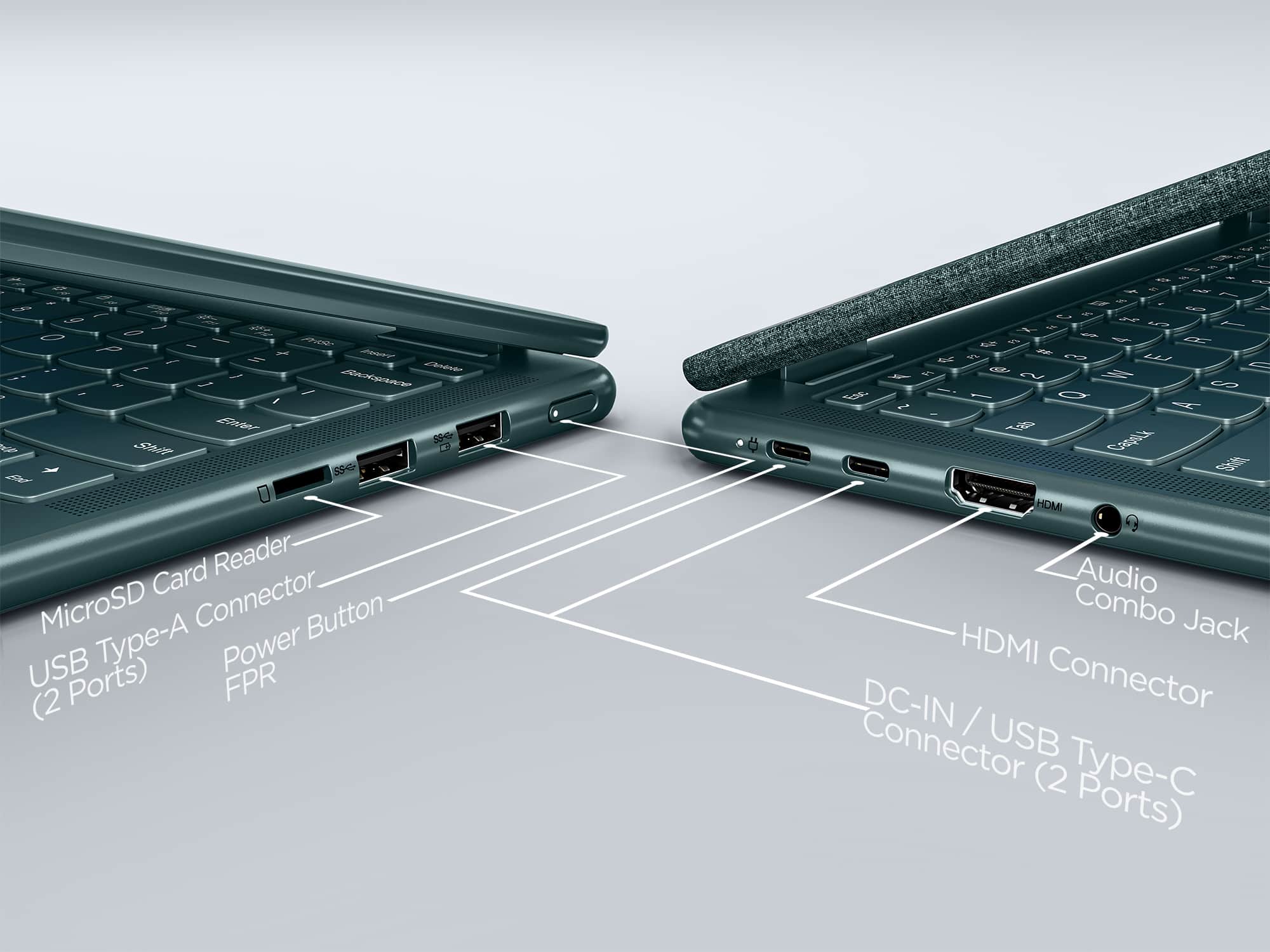
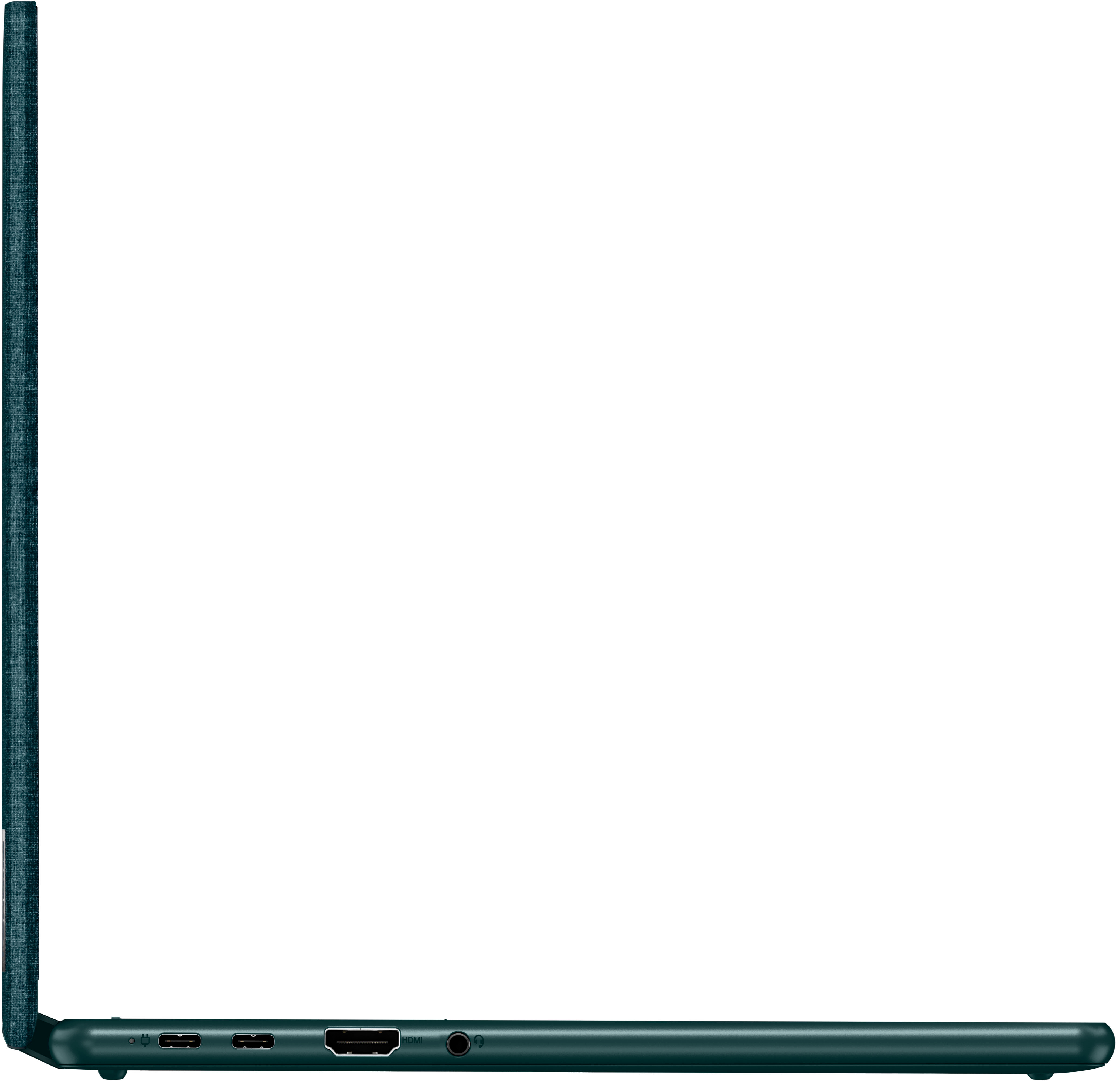
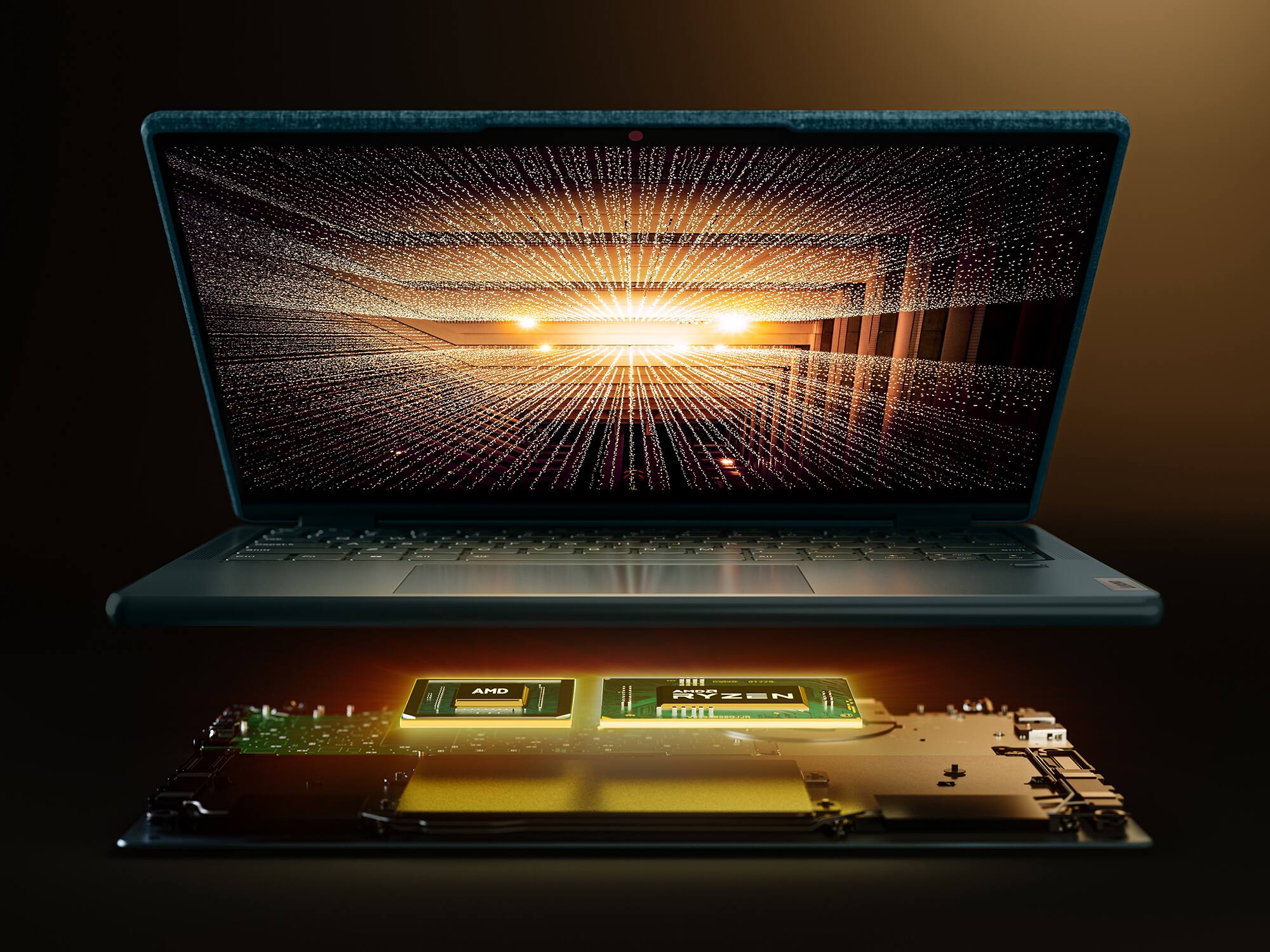
Posted .This reviewer received promo considerations or sweepstakes entry for writing a review.I've owned this for a few months, bought in store and signed up with the Best Buy credit card paying 0% interest for 12 months making it dirt cheap basically. Pros - Nice display. Works pretty well, even outside. I disabled Windows driver updates for the graphics card by going to advanced system settings - hardware -device installation settings and setting the option to no. This allowed me to download from AMD directly, uninstall the display driver using Device Manager, then installed the official AMD Radeon driver. This took a bit to figure out how to prevent Windows from forcing the update. I also uninstalled Vantage because I think Vantage was also trying to install the driver. Overall, screen looks nice and AMD's Virtual Super Resolution displays 1440p in crystal clarity, far better than Nvidia's DSR technology. You can't even tell that the resolution is emulated! There's no need to have HDR because everything looks great with proper cleartext tuning. - The power is beyond great and charges thru USB-C (aka PD or PW) which is fantastic! You can charge USB-C to USB-C with a PD device! I went into advanced startup to boot into EUFI and manually set the power mode to performance to allow maximum TDP and wattage draw. During a full charge, the machine fluctuates between 12-30W which is amazing!! I love that you can using PD to charge over usb-c and my external power source connected to my solar panel happens to top out at 45w which is the exact amount needed to charge the device while also heavily using it. The battery with heavy heavy use lasts me about 8 hours even in performance mode! I set something up in the bios from 512-2GB as well which had something to do with memory sharing. Seems like it doesn't have too much affect on gameplay but might as well max it out with the power behind the APU. - I am impressed by the 5500u processor and think it does a great job most of the time. Multitasking feels great and rendering of websites as well as 1440p YouTube videos works flawlessly. For this much power in a CPU with 512mb of fine tuned integrated graphics and low TDP is very impressive. I don't think a lot of people understand the innovation behind this product. - I purchased the Lenovo Active Pen 2 (artist stylus) to use on the touchscreen and although it works, I think the experience was a bit underwhelming. I used to own a USB tablet over a decade ago and feel like that's actually my preference rather than using a screen. My palm would occasionally slide stuff around and I had a hard time figuring out how to get it working correctly in GIMP. - One of the reasons I chose this device is due to the gaming performance of the 5500u. It's a pretty powerful graphics card for a mobile device and really stands out. I was able to run games like Sims 4, Rust, and GTA V (more on that in a bit). - Overall, as far as the AMD processor, battery life, and screen quality, it's extremely good. It can run games which is great but is not meant for that application. - The sound quality is better than I expected and quite loud and comparable to my Legion laptop. The bass isn't very strong but that's to be expected in such a small and light form factor. No complaints really or noticeable degradation/vibrations with max volume. I really like the position of the speakers because they're on the left and right sides of the keyboard and cannot easily get blocked by anything. - The top of the laptop almost feels like denim and I love it because I'm not afraid of scratching or messing up the surface. I've never seen anything like it and think it was an excellent choice. It looks very good and durable. - The keyboard is backlit and customizable to an extent Cons - The "s" key on my keyboard is starting to have some issues where it doesn't always register the keystroke. I can feel it mechanically not working correctly every 2-3 keystrokes or so. - The SSD is TINY. Wish it was 512 GB. I filled it up very quickly installing only a couple games. - The webcam isn't great, slightly below average, and I wouldn't mention it but it's included with the machine. - I wish there was just ONE more USB type A port. I purchased an HDMI/USB hub that was poorly made but it had PD passthru and worked well to resolve this issue until I carried around in my backpack and ruined the cable. I don't really like carrying around a hub but I plug in my external mouse and keyboard into the device filling up 2 slots. My headset is USB type A unfortunately, so one more port would have been extremely nice. - No thunderbolt 3 port so there's no way to get an external GPU running on this device that I'm aware of. I could be wrong. Maybe there's one that supports USB 3.2? - Soldiered RAM. THIS is my biggest complaint. For this APU to work really well, you need dual channel RAM. And although I am able to do some light gaming, I use Radeon Boost and boost from 648p or 720p low graphics to virtually improve performance using the AMD software, but cannot really exceed 30 FPS in Rust with graphics quality on 2 and scaling set to 1 (638p). This would probably be okay if AMD has DLSS tech like Nvidia, but FSR isn't as widely supported yet in many of the games I play. Flight Simulator DOES run but just barely on the lowest of the low settings. At least it works. - Conclusion Overall, I do recommend this laptop, but I'm sad to say that the "s" key has some issues within less than 6 months and that there's no way to install dual channel ram which can be a dealbreaker for some. I HEAVILY use this laptop, sometimes up to 16 hours per day as I trade stocks and enjoy YouTube and gaming, so it allows me to have a great experience at a very low electrical cost. Because the battery lasts around 8 hours, I can keep up with the market the entire day without worrying about charging and can wifi tether my phone essentially taking my work anywhere on the road that has cell phone service. I LOVE that and overall have been extremely impressed with Lenovo products the past 3 years. If the S key didn't have issues this early of usage, I would bump up to 4 stars. I also feel like it would have been nice to bundle the Active Pen 2 considering the cheap SSD and a cheap sleeve or carry case. I did get the machine for a reasonable price and would probably not have purchased it for over $550.
I would recommend this to a friend We did not click!
||Posted . Owned for 3 weeks when reviewed.This reviewer received promo considerations or sweepstakes entry for writing a review.Unfortunately we did not click. The laptop is good and has plenty of features that are user friendly but my experience was not too good. Thanks
I would recommend this to a friendBad computer
||Posted . Owned for 3 months when reviewed.This reviewer received promo considerations or sweepstakes entry for writing a review.Hate this computer. No storage. Can't do anytging on it. Do not buy!!!
No, I would not recommend this to a friendBrand response from Lenovo Product Expert
Posted .This Lenovo Yoga 6 13, model number 82UD0002US, ships with a 256GB M.2 2242 PCIe 3.0x4 NVMe solid state hard drive installed, with approximately 220GB of useable storage space available. This model also ships with the Windows 11 Home 64-bit, English Version Operating System installed. We always recommend you check the requirements and compatibility of any software/games you will be installing on your new computer, before you invest in any computer. Be sure your new computer can support the software/games you will need to use and your workload.
Not for me
||Posted . Owned for 3 weeks when reviewed.This reviewer received promo considerations or sweepstakes entry for writing a review.Terrible product. Crashed within 30 days of purchase.
No, I would not recommend this to a friendBrand response from Lenovo Product Expert
Posted .We are sorry to hear that you are having issues with your lenovo Yoga 6 13, model number 82UD0002US. Resetting your computer back to original factory setting may correct the issue you are having. Power off the computer and plug in the 45W USB-C (3-pin), AC adapter/charger that shipped with your Yoga 6 13, keeping the computer powered off. This system is equipped with OneKey Recovery System. There is a very small pin hole on the bottom left side of the device, right near the top left corner of the cooling vent on the bottom of the device. You will need a pin to push this reset button. Plug the device in. Let the battery charge for about 15 minutes, with the power off. Push the reset button. The system should boot to a choice screen where you can choose "Restore To Factory Default". Select this. It will delete everything from the hard drive except the original factory install of the operating system. You will need to reinstall all programs and files after the reset. If you don't have copies of the files, try to make one before you restore by selecting "Boot to desktop" and trying to back up your files. If the problem persists after the factory reset, we recommend you contact Lenovo Tech Support at: 877-453-6686.
- Pros mentioned:Ease of use, Speed
Great computer
Posted .This reviewer received promo considerations or sweepstakes entry for writing a review.Computer is great! Fast and looks good. It’s been a great computer to take to class! Very portable and easy to use.
I would recommend this to a friend - Pros mentioned:Touch screen
Amazing laptop
Posted .This reviewer received promo considerations or sweepstakes entry for writing a review.Love the compact size and touch screen. Long battery life.
I would recommend this to a friend - Pros mentioned:Touch screenCons mentioned:Wifi
Very capable machine
Posted .This reviewer received promo considerations or sweepstakes entry for writing a review.Very good so far. Very sturdy machine, beautiful screen and strong hinges. After uninstalling all the bloatware, quite a bit of RAM is freed up. Had a high packet loss until I went into the WiFi adapter configuration and placed it on Low power saving setting. Otherwise games were getting disconnected. Hopefully drivers will be updated to turn power saving for wifi completely off. But Low setting works fine.
I would recommend this to a friendBrand response from Lenovo Product Expert
Posted .Thank you for choosing the Lenovo Yoga 6 13. This model ships with just two adware programs, a 30-day trial of Microsoft Office 365 (as part of Windows 11 operating system) and a 30-day trial of McAfee virus protection. Lenovo computers ship with one of the cleanest factory software installs within the consumer computer industry.
- Pros mentioned:Speed
Lenovo 6
Posted .This reviewer received promo considerations or sweepstakes entry for writing a review.Amazing, exactly what I had imagined. Very fast, great display, and speakers sound great!
I would recommend this to a friend - Pros mentioned:Speed
Pleased with the speed!
Posted .This reviewer received promo considerations or sweepstakes entry for writing a review.This laptop is so much faster than my old one which actually was never very fast. Very happy I got it.
I would recommend this to a friend good little laptop
Posted .This reviewer received promo considerations or sweepstakes entry for writing a review.I quite like it. Light, portable, excellent batter life, great for getting work done on the go.
I would recommend this to a friendThey are there to Help
Posted .This reviewer received promo considerations or sweepstakes entry for writing a review.Works quite well..I had bought a HP $800.00 4 months ago, went black in 1 week, sent it back to HP to fix...they did not. Now I have a company that if there is an issue, they are there to fix..that fixes the fear I have from online shopping..Shop here is much safer
I would recommend this to a friendLenovo
Posted .This reviewer received promo considerations or sweepstakes entry for writing a review.I am very pleased with this laptop. My job requires me to have a reliable computer because of the programs that I have to use. If I had a choice as to the brand, Lenovo is hands down for me/
I would recommend this to a friend