Customer Ratings & Reviews
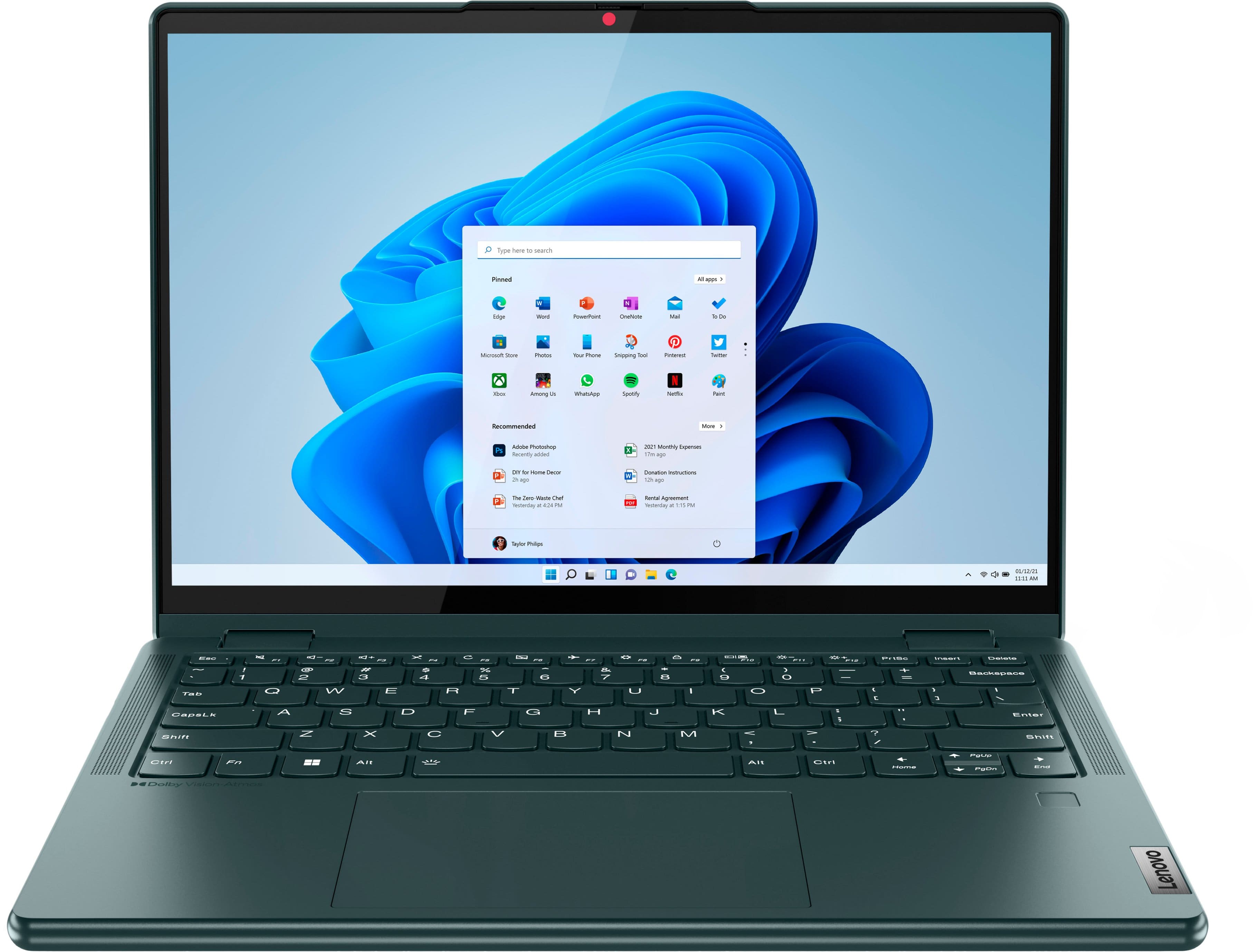
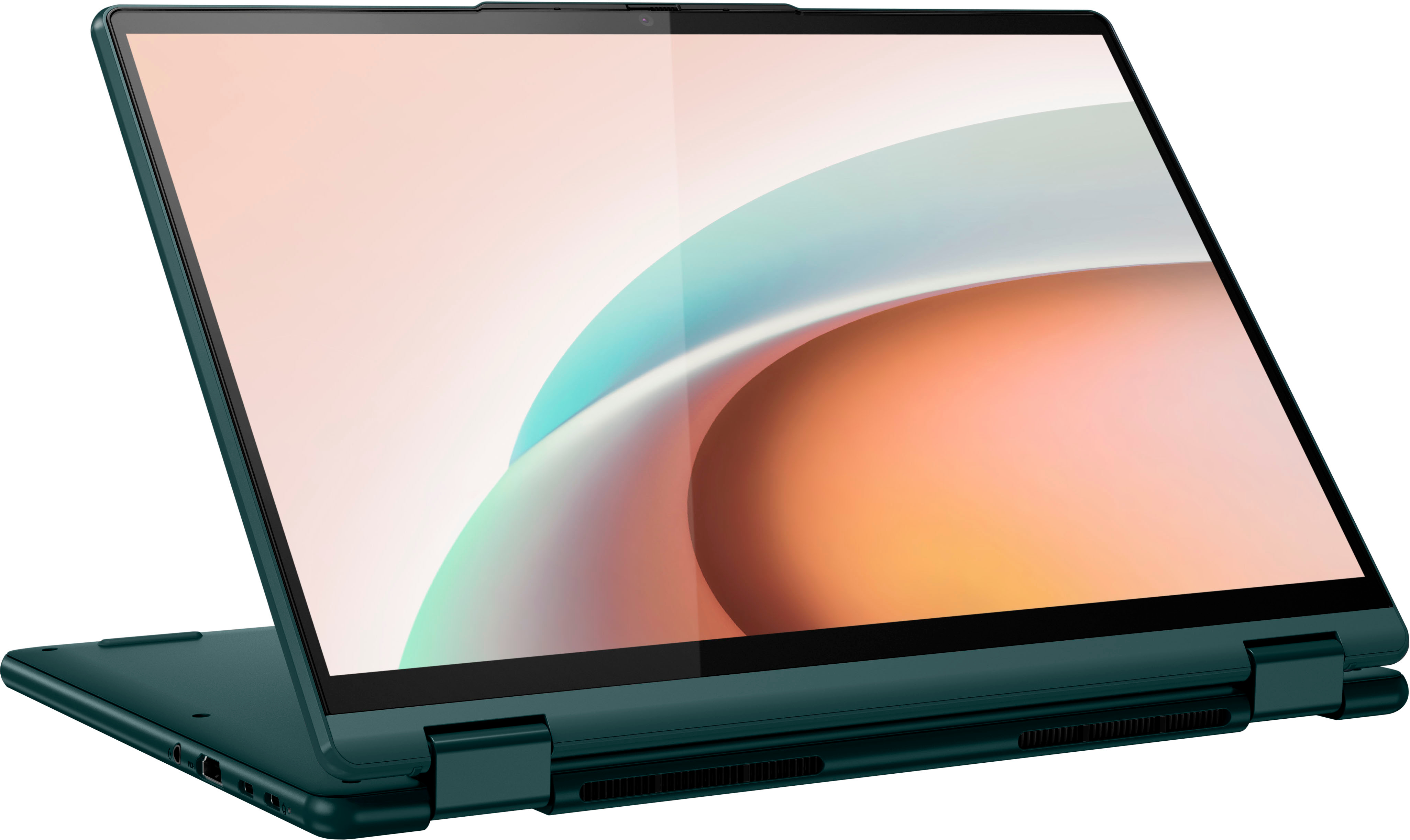

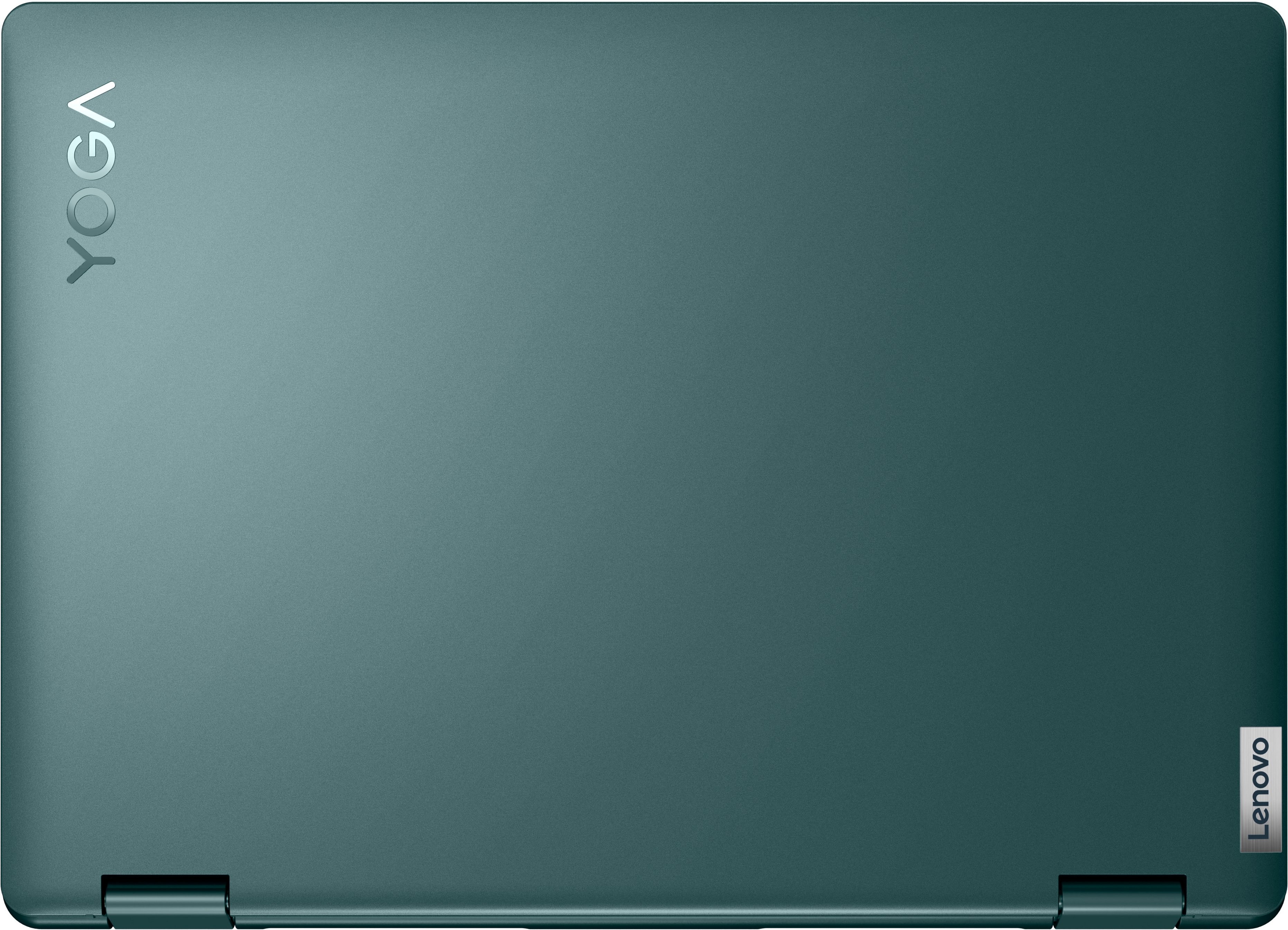
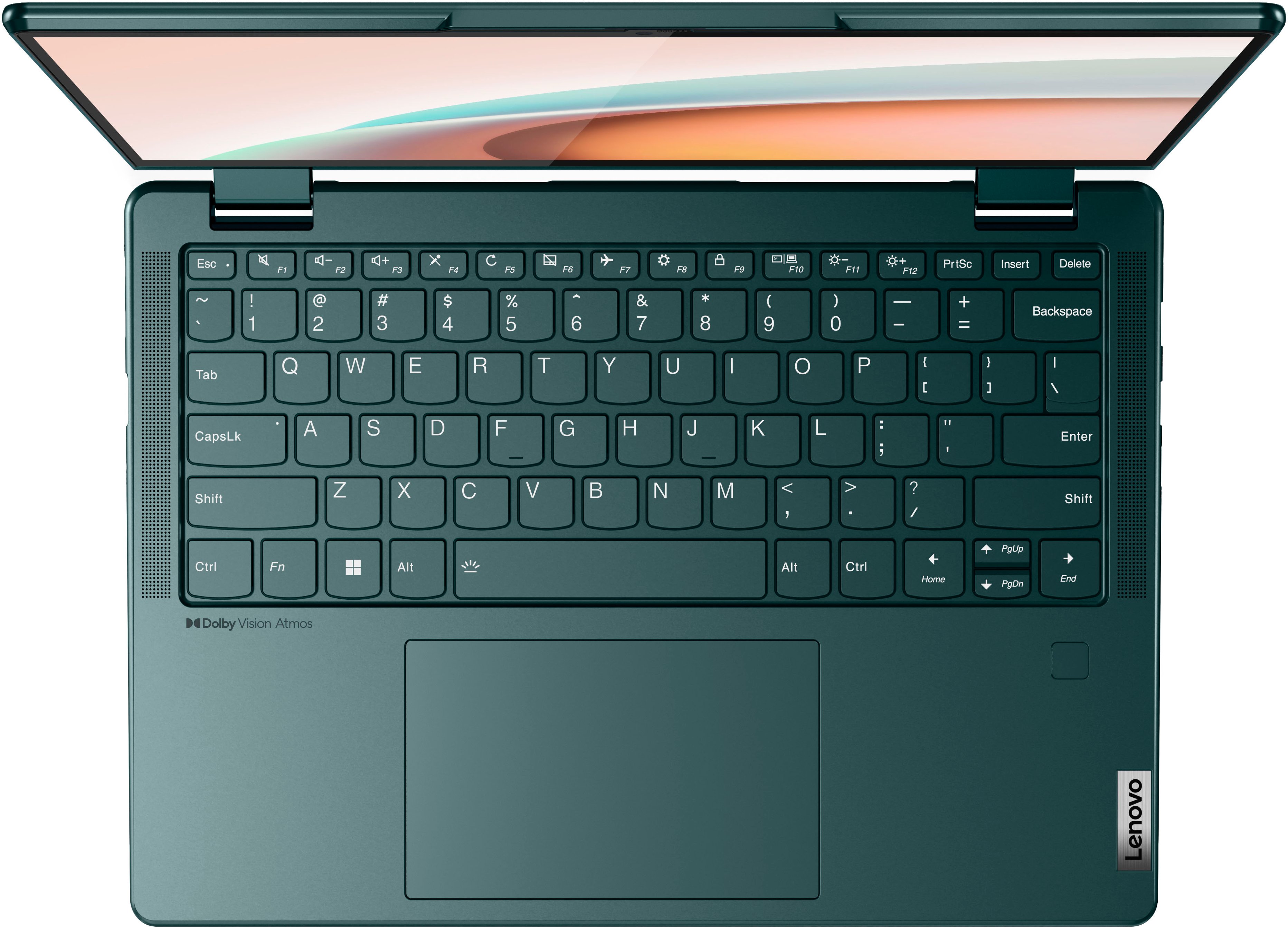




- Model:
- 82UD0000US
- SKU:
- 6502229
Rating by feature
- Battery Life
Rating 4.4 out of 5 stars
- Speed
Rating 4.5 out of 5 stars
- Display
Rating 4.6 out of 5 stars
Customers are saying
Customers love the Yoga 6 13.3" laptop's performance, responsive touchscreen, and lightweight design, finding it easy to use and ideal for portability. Many appreciate the long battery life and ample storage. While some users noted the fan can be audible during demanding tasks and the device may get warm, the overall experience is overwhelmingly positive.
This summary was generated by AI based on customer reviews.
Lenovo
||Posted .This reviewer received promo considerations or sweepstakes entry for writing a review.Works great. The perfect laptop for home use. Live it.
I would recommend this to a friendBusiness laptop
||Posted . Owned for 3 weeks when reviewed.This reviewer received promo considerations or sweepstakes entry for writing a review.Great laptop for my small business. Use it on the go daily
I would recommend this to a friendBrand response from Lenovo Product Expert
Posted .Thank you for choosing the Lenovo Yoga 6 13 for your business. We are pleased to hear that the Yoga 6 13 meets your business computing needs so well.

- Pros mentioned:Performance
great product
||Posted .This reviewer received promo considerations or sweepstakes entry for writing a review.great product facial recognition enables performance excellent
I would recommend this to a friendBrand response from Lenovo Product Expert
Posted .Thank you for choosing the Lenovo Yoga 6 13, model number 82UD0000US. We are pleased to hear that the features and performance of the Yoga 6 13 meets your computing needs so well.
Great computing power in a Pint-size
||Posted . Owned for 1 month when reviewed.This reviewer received promo considerations or sweepstakes entry for writing a review.This is my 1st Lenovo laptop..definite upgrade from my last Windows 7 laptop...great laptop for streaming and video viewing...great instructions included to help with navigating and getting online
I would recommend this to a friendBrand response from Lenovo Product Expert
Posted .Thank you for choosing the Lenovo Yoga 6 13. We are pleased to hear that the ease of use, features and performance of the Yoga 6 13 meets your computing needs so well.
Touchpad glitchy
||Posted .This reviewer received promo considerations or sweepstakes entry for writing a review.The touch pad (mouse) is very glitchy. We noticed it within the first 10 minutes of set up. Returned it to the store to get a new one and same thing happened! I guess if you are using a mouse it won't really matter, but if you are spending $700 on a computer you kind of want it to work. Look at the Lenovo forums first before purchasing. You will see everyone had the same issue.
No, I would not recommend this to a friendBrand response from Lenovo Product Expert
Posted .Hello, Augustlp, we are sorry to hear that you have encountered an issue with your Yoga 6 13. In advance, this is a lengthy response, as we want to supply as much information to assist you. To try and solve this issue, first, ensure that the touchpad is turned on. This model Yoga 6 has a touchpad toggle button on the top row of the keyboard, in line with the function keys, attached to the F6 key. You should see a small image of a touchpad with a diagonal line through it. Additionally, ensure that the function lock is not enabled. Pressing the F6 button should toggle your touchpad status and a graphic representing this setting adjustment should appear on the screen momentarily after pressing this key (like what happens when turning on and off the backlighting on the keyboard). If this does not work, we recommend checking for updates through Windows Update settings. These updates can help resolve issues from operating system bugs to driver software improvements. To navigate there, select start on the taskbar (windows logo) or press the windows key on the keyboard then select Settings. In Settings, select Windows Update, and then select the Check For Updates button. Install any available updates and restart your PC if required. If you didn’t have any updates that required a restart, it’s still a good idea to restart your device to make sure any pending updates are installed. Additionally, check for updates in the Lenovo Vantage application that is preinstalled on Windows devices. You can check by opening the app, navigating to the device tab, and selecting the “check for updates” option. If there are updates to install, follow the onscreen directions to finalize those updates. If your issues persist after these steps, we also recommend that you reach out to Lenovo Tech Support at this number to work with a representative to rectify the problem: 866-426-0911.
Good so far
||Posted .This reviewer received promo considerations or sweepstakes entry for writing a review.Overall good so far. Did have to restart twice when it froze. other than that. all ok
I would recommend this to a friendBrand response from Lenovo Product Expert
Posted .We are sorry to hear that you are having issues with your Lenovo Yoga 6 13, model number 82UD0000US. First, be sure there are no pending or uncompleted updates to your Windows 11 Operating System. Here is a link to instructions for checking for updates within Windows 11: https://support.microsoft.com/en-us/windows/update-windows-3c5ae7fc-9fb6-9af1-1984-b5e0412c556a. If there are no system updates, but the issue continues, be sure any software you installed is compatible with Windows 11. There is no need to install Microsoft Office software. The software is already part of the operating system, you just need to activate the software with a purchased product key. If you have installed a copy of Microsoft Office, this is conflicting with the existing copy on the system and this will slow your system down. If you have installed a 3rd party anti-virus program, be sure that Windows Defender is turned off and that the trial version of McAfee Anti-Virus software is uninstalled. There can only be one anti-virus program on the system. Here is a link to instructions for uninstalling McAfee from a Windows computer: https://service.mcafee.com/?articleId=TS101331&page=shell&shell=article-view You may need to restore your system to original factory default settings if any of the programming errors have occurred. You can do that by typing "restore" in the Cortana search window. Just click on the magnifying glass icon at the bottom of your Windows 11 Desktop. Click on "Reset This PC" Then click on "Get Started" and follow the on screen directions to restore to factory defaults. If the problem persists, we recommend you contact Lenovo Tech Support at: 877-453-6686.

Worst Laptop
|Posted . Owned for 1.5 years when reviewed.This reviewer received promo considerations or sweepstakes entry for writing a review.[Employee of bestbuy] Worst laptop I've ever owned. Always up to date on updates yet always get blue screen. Had geek squad fix it twice, still constant issues.
No, I would not recommend this to a friendLike the wau this works
||Posted .This reviewer received promo considerations or sweepstakes entry for writing a review.A good machine. I wish there wasnt some of the bloatware.
I would recommend this to a friendBrand response from Lenovo Product Expert
Posted .Thank you for choosing the Lenovo Yoga 6 13, model number 82UD0000US. This Yoga 6 13 ships with just two adware programs, a 30-day trial of Microsoft Office 365 (as part of Windows 11 operating system) and a 30-day trial of McAfee virus protection. Lenovo computers ship with one of the cleanest factory software installs within the consumer computer industry. We are pleased to hear that the Yoga 6 13 meets your computing needs so well.
Lenovo - YOGA 6
||Posted . Owned for 3 weeks when reviewed.This reviewer received promo considerations or sweepstakes entry for writing a review.For a brand new laptop... I'm disappointed. The touchpad is spotty, scrolling with two fingers is delayed, or cursor just disappears. Sometimes it works perfect, sometimes it absolutely sucks. So, I do the old shut-down-restart which again, seems unnecessary for a brand new product.
No, I would not recommend this to a friendBrand response from Lenovo Product Expert
Posted .Hello, JimD, we are sorry to hear that you have encountered an issue with your Yoga 6 13. In advance, this is a lengthy response, however we want to give you as much information as possible to help resolve your issue. To try and solve this issue, first, ensure that the touchpad is turned on. This model Yoga 6 has a touchpad toggle button on the top row of the keyboard, in line with the function keys, attached to the F6 key. You should see a small image of a touchpad with a diagonal line through it. Additionally, ensure that the function lock is not enabled. Pressing the F6 button should toggle your touchpad status and a graphic representing this setting adjustment should appear on the screen momentarily after pressing this key (like what happens when turning on and off the backlighting on the keyboard). If this does not work, we recommend checking for updates through Windows Update settings. These updates can help resolve issues from operating system bugs to driver software improvements. To navigate there, select start on the taskbar (windows logo) or press the windows key on the keyboard then select Settings. In Settings, select Windows Update, and then select the Check For Updates button. Install any available updates and restart your PC if required. If you didn’t have any updates that required a restart, it’s still a good idea to restart your device to make sure any pending updates are installed. Additionally, check for updates in the Lenovo Vantage application that is preinstalled on Windows devices. You can check by opening the app, navigating to the device tab, and selecting the “check for updates” option. If there are updates to install, follow the onscreen directions to finalize those updates. If your issues persist after these steps, we also recommend that you reach out to Lenovo Tech Support at this number to work with a representative to rectify the problem: 866-426-0911.
Great 14" bang for your buck
||Posted . Owned for 1 month when reviewed.This reviewer received promo considerations or sweepstakes entry for writing a review.Great so far. Compact well made and fast. My laptop is the spectre HP 14" so to compare this is not bad at all for half that cost. Wish it was also 4K screen like my spectre.
I would recommend this to a friendGood product
||Posted . Owned for 3 weeks when reviewed.This reviewer received promo considerations or sweepstakes entry for writing a review.Nice product. Completely satisfied for my task. For extended use, i use it with external monitor. Some may find the screen a bit glossy though.
I would recommend this to a friendBrand response from Lenovo Product Expert
Posted .Thank you for choosing the Lenovo Yoga 6 16. We are pleased to hear that the features and performance of the Yoga 6 13 meets your computing needs so well.
solid laptop
||Posted . Owned for 6 months when reviewed.This reviewer received promo considerations or sweepstakes entry for writing a review.great laptop for college student. love the fabric backing.. seems solidly built vs other alternatives. very fast operation with 16gb
I would recommend this to a friendVery bad experience
||Posted . Owned for 1 year when reviewed.This reviewer received promo considerations or sweepstakes entry for writing a review.After about a year and half, the pc stopped working. I have tried every possible avenue, nothing work. I wont pay a dime to repair something I dont trust anymore. Good bye, Lenovo.
No, I would not recommend this to a friendYoga
||Posted . Owned for 3 weeks when reviewed.This reviewer received promo considerations or sweepstakes entry for writing a review.Good overall laptop. Bought for son for College use.
I would recommend this to a friendBrand response from Lenovo Product Expert
Posted .Thank you for choosing the Lenovo Yoga 6 13 for your son. We are pleased to hear that the Yoga 6 13 meets your son's computing needs so well.
Lovit!!!!
||Posted . Owned for 3 weeks when reviewed.This reviewer received promo considerations or sweepstakes entry for writing a review.Great laptop!!!! purchased this for work and it is a great laptop with plenty of memory and power to get me through the day.,
I would recommend this to a friendlenovo
||Posted . Owned for 3 weeks when reviewed.This reviewer received promo considerations or sweepstakes entry for writing a review.excellent laptop, works fast and well, highly recommended
I would recommend this to a friendBrand response from Lenovo Product Expert
Posted .Thank you for choosing the Lenovo Yoga 6 13. We are pleased to hear that the performance of the Yoga 6 13 meets your computing needs so well.
Review of Lenovo computer.
||Posted . Owned for 1 month when reviewed.This reviewer received promo considerations or sweepstakes entry for writing a review.Love this computer. My daughter loves hers too! This is the 2nd time we have purchased Lenovo computers.
I would recommend this to a friendBrand response from Lenovo Product Expert
Posted .Thank you for choosing the Lenovo Yoga 6 13. We appreciate your loyalty to the Lenovo Brand. We are pleased to hear that the Lenovo Computers are working out so well for you and your daughter.
Lenovo Yoga
||Posted . Owned for 1 week when reviewed.This reviewer received promo considerations or sweepstakes entry for writing a review.Initial purchase was faulty but best buy 15 day return policy helped me and I got my laptop exchanged.
I would recommend this to a friendLaptop
||Posted . Owned for 1 month when reviewed.This reviewer received promo considerations or sweepstakes entry for writing a review.Very nice computer. Has everything you need. Purchased for daughter going away to college.
I would recommend this to a friendBrand response from Lenovo Product Expert
Posted .Thank you for choosing the Lenovo Yoga 6 13 for your daughter. We are pleased to hear that the Yoga 6 13 meets your daughter's computing needs so well.
laptop
||Posted . Owned for 3 weeks when reviewed.This reviewer received promo considerations or sweepstakes entry for writing a review.great, recommend to a friend. everything is great. no regrets bought this laptop
I would recommend this to a friendBrand response from Lenovo Product Expert
Posted .Thank you for choosing the Lenovo Yoga 6 13. We are pleased to hear that the Yoga 6 13 is working out so well for you.