Customer Ratings & Reviews
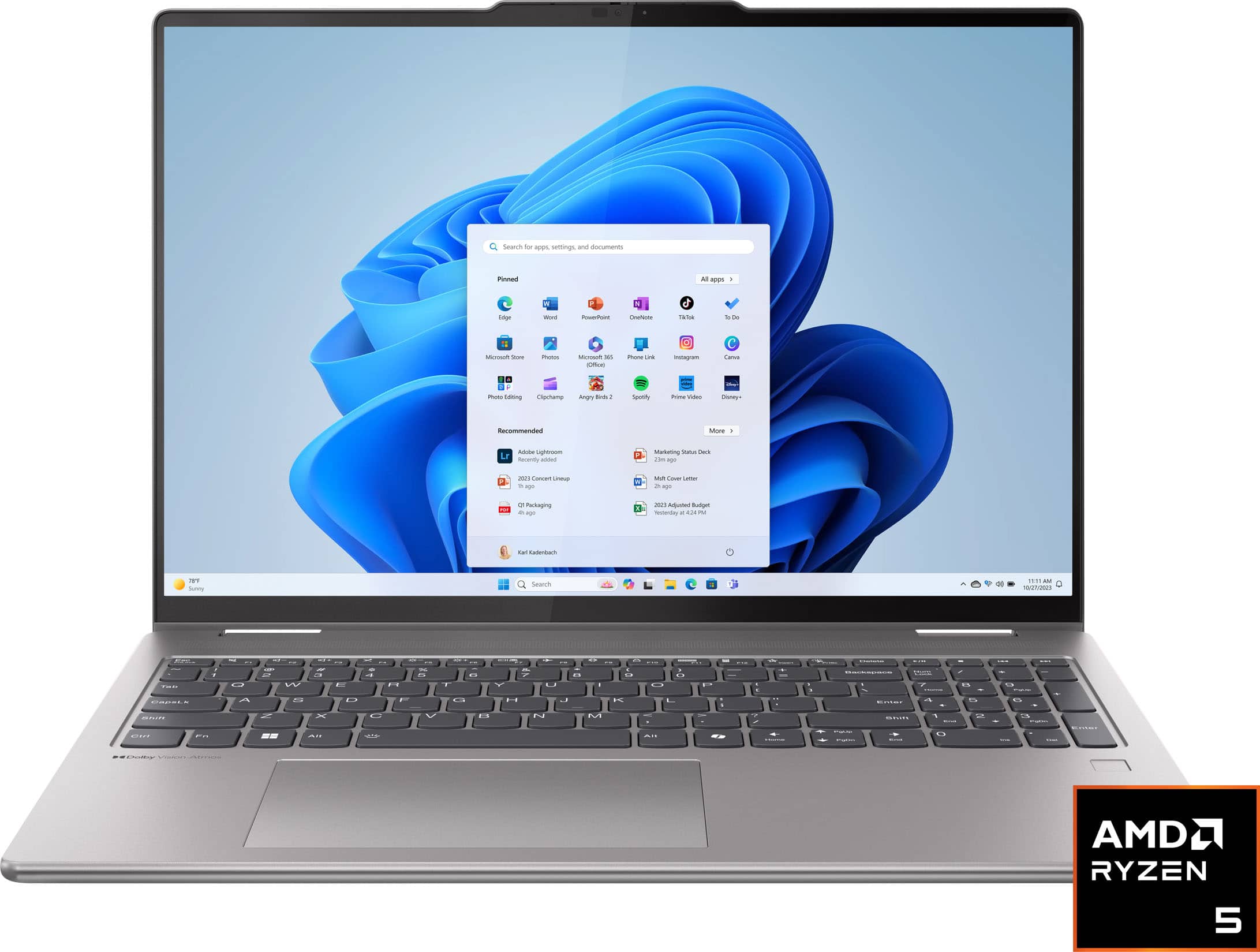
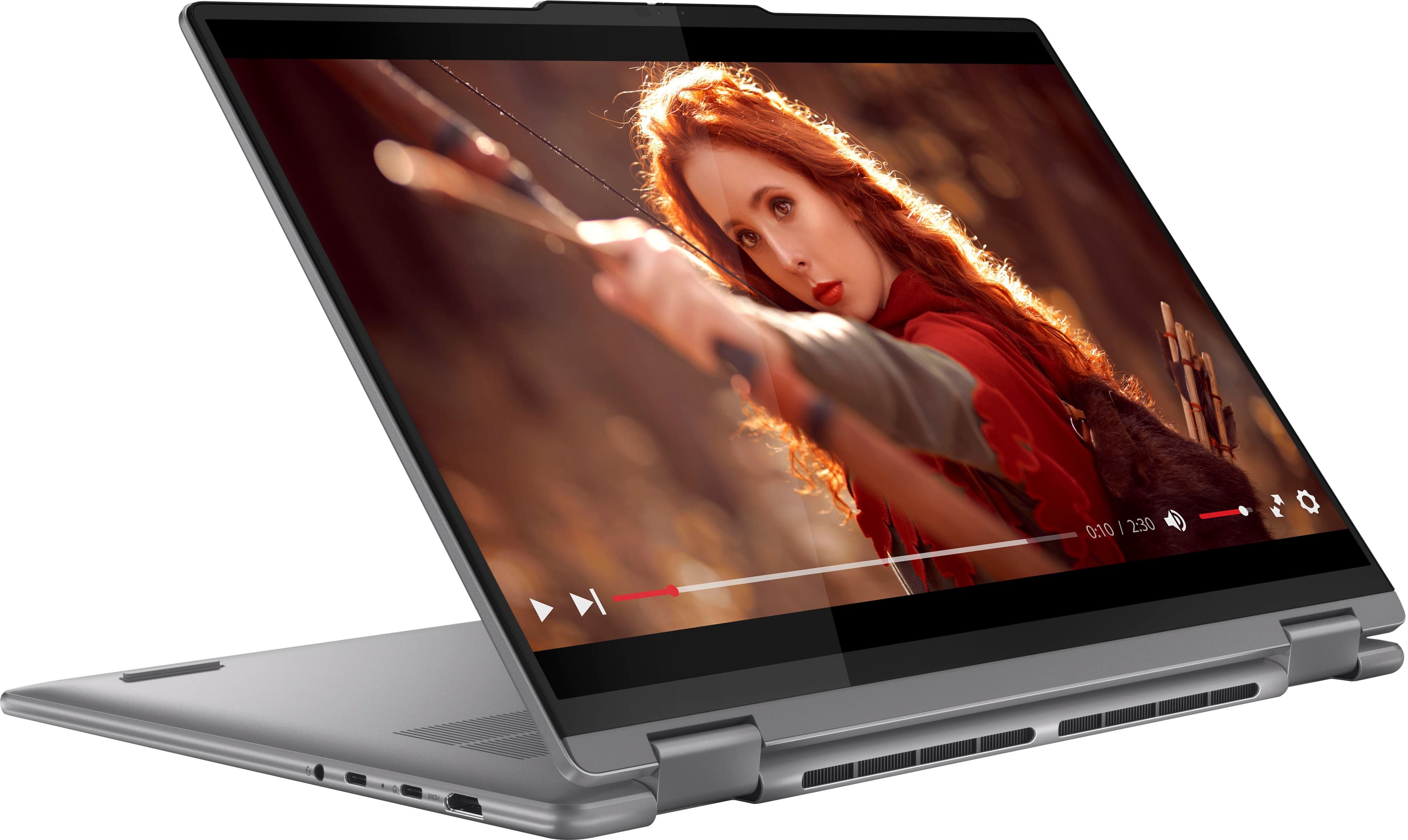
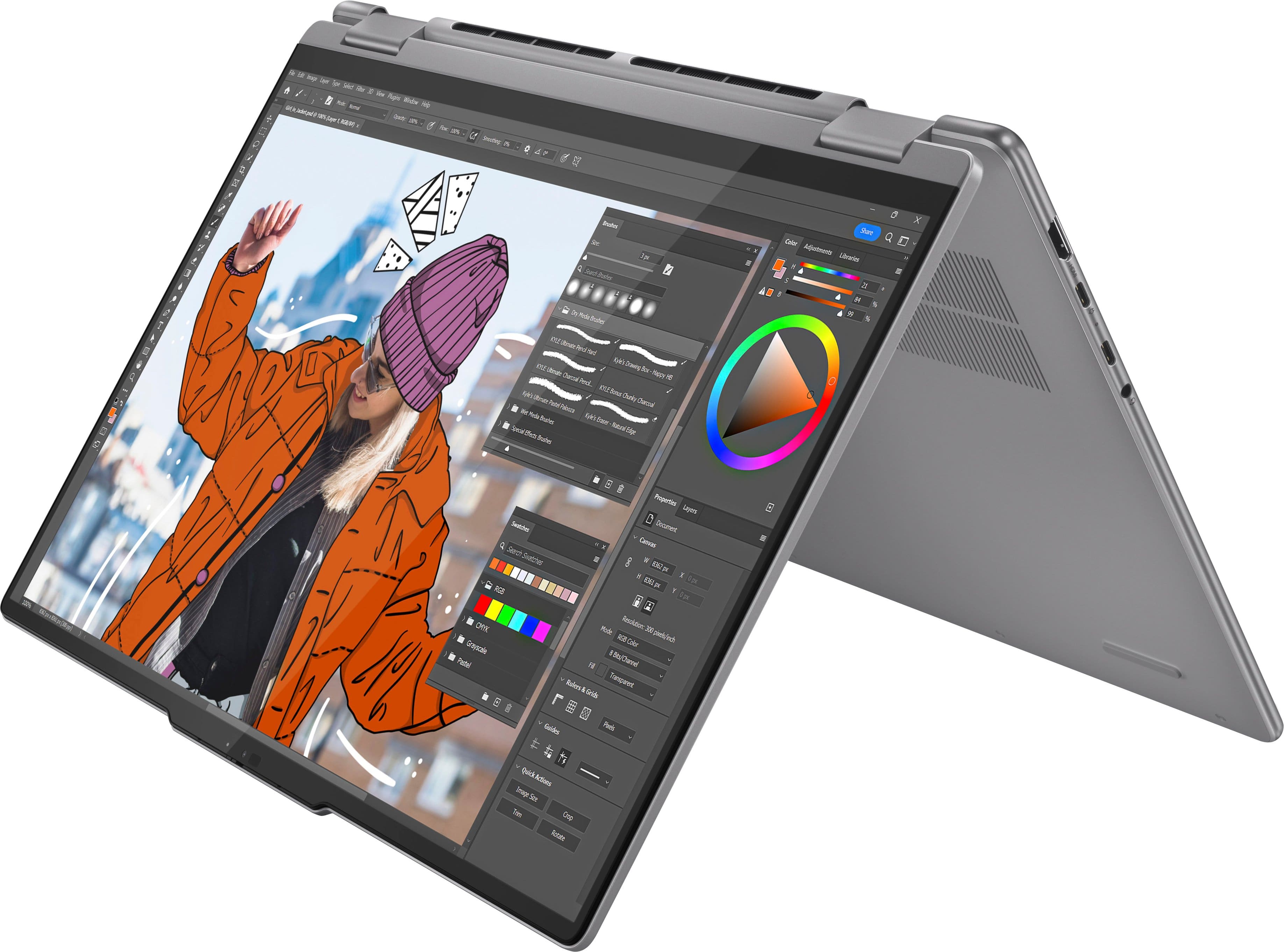
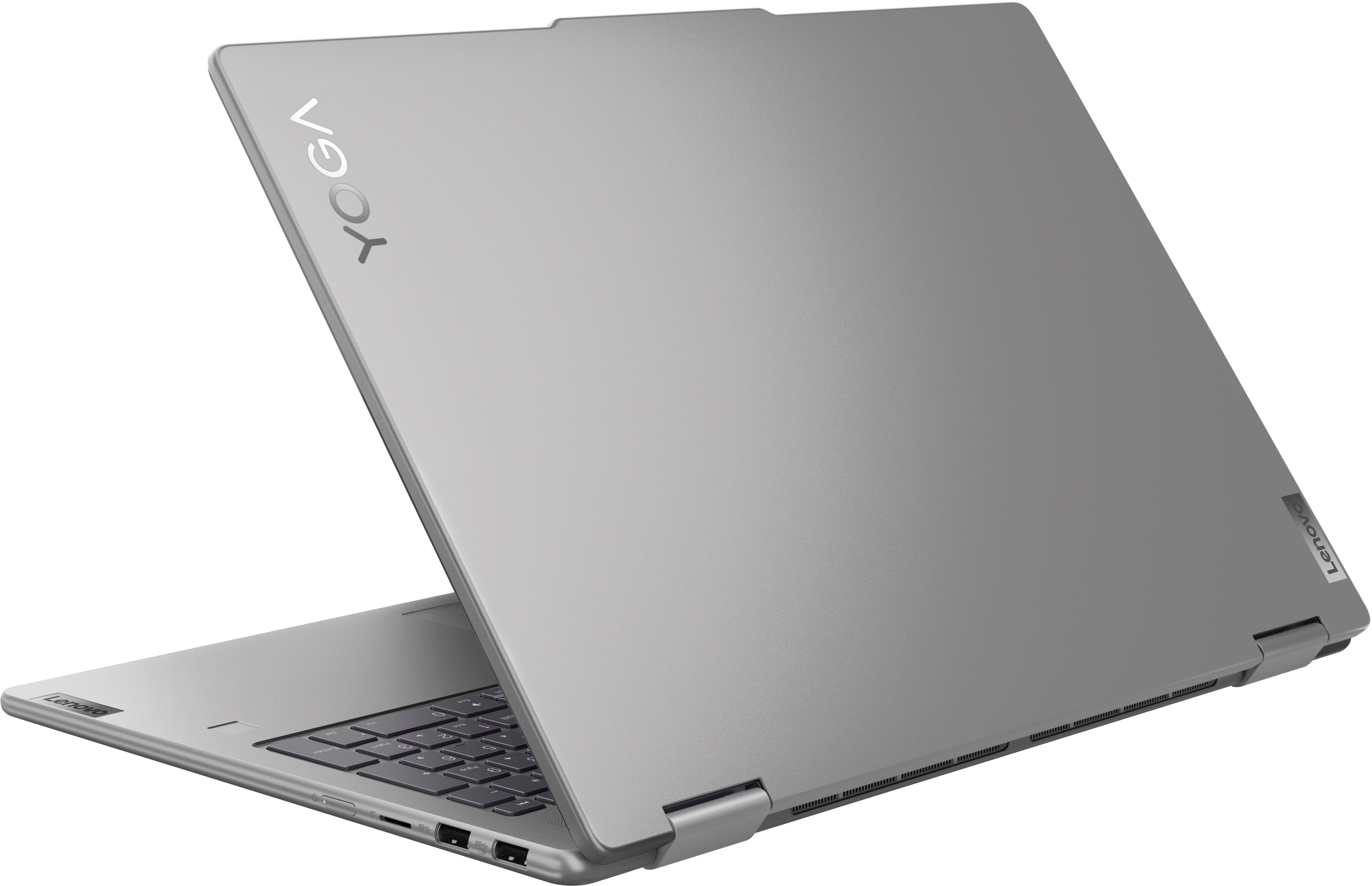








- Model:
- 83DM0004US
- SKU:
- 6571370
Rating by feature
- Battery Life
Rating 4.6 out of 5 stars
- Speed
Rating 4.6 out of 5 stars
- Display
Rating 4.6 out of 5 stars
Customers are saying
Customers love the touchscreen, performance, ease of use, and screen size of the Yoga 7 2-in-1 laptop. Many appreciate its long battery life and lightweight design, making it portable and convenient. Some users wish for more RAM, citing limitations for demanding tasks. A few also reported issues with the power button and internet connectivity.
This summary was generated by AI based on customer reviews.
Laptop
||Posted . Owned for 1 week when reviewed.This reviewer received promo considerations or sweepstakes entry for writing a review.Excellent quantity I like the style and staffing were nice
I would recommend this to a friendBrand response from Lenovo Product Expert
Posted .Hi Chivasplayer34, thanks for choosing Lenovo! We're thrilled to hear that your Yoga 7 has been excellent, and we really appreciate you sharing your experience and feedback with us.

Laptop for Mom
||Posted . Owned for 1 month when reviewed.This reviewer received promo considerations or sweepstakes entry for writing a review.This computer was purchased for my mother. It is working great for.
I would recommend this to a friendBrand response from Lenovo Product Expert
Posted .Hi, GaryG. Thank you for choosing Lenovo! We are glad to know that it is working great for your mother, and we appreciate your time taken to share your experience and feedback with us.
Laptop
||Posted . Owned for 1 month when reviewed.This reviewer received promo considerations or sweepstakes entry for writing a review.It is absolutely wonderful! Using it everyday! WOW!
I would recommend this to a friendBrand response from Lenovo Product Expert
Posted .Hi, MichelleS, thank you for choosing Lenovo! We are glad to hear that your Yoga has been absolutely wonderful, and we appreciate you taking the time to share your experience with us.
Sales Technician and Programmer
||Posted . Owned for 1 month when reviewed.This reviewer received promo considerations or sweepstakes entry for writing a review.Sales Tech was professional, polite, and knowledgeable.
I would recommend this to a friendBrand response from Lenovo Product Expert
Posted .Hi, HeyHar. Thank you for choosing Lenovo! We are glad to know that your shopping experience was excellent, and we appreciate your time taken to share your experience with us.
Amazing
||Posted . Owned for 2 weeks when reviewed.This reviewer received promo considerations or sweepstakes entry for writing a review.Everything you need in a laptop and more couldn’t ask for a buy
I would recommend this to a friendBrand response from Lenovo Product Expert
Posted .Hi, Marc, thank you for choosing Lenovo! We are glad to hear that your Yoga 7 has been amazing for you, and we appreciate you taking the time to share your experience with us.
Super laptop
||Posted . Owned for 3 months when reviewed.This reviewer received promo considerations or sweepstakes entry for writing a review.Awesome machine. Wonderful computer for every day.
I would recommend this to a friendBrand response from Lenovo Product Expert
Posted .Hi, Guanabacoa1995, thank you for choosing Lenovo! We are pleased to hear that your Yoga has been awesome, and we appreciate your time taken to share your experience and feedback with us.
FAST
||Posted . Owned for 3 weeks when reviewed.This reviewer received promo considerations or sweepstakes entry for writing a review.LOVE IT.............................................................
I would recommend this to a friendBrand response from Lenovo Product Expert
Posted .Hi, Dcoogan1972, thank you for choosing Lenovo! We are glad to hear that you love your Yoga 7, and we appreciate you taking the time to share your thoughts with us.
Worth the money!
||Posted . Owned for 4 months when reviewed.This reviewer received promo considerations or sweepstakes entry for writing a review.Would recommend all day long. Worth every cent spent.
I would recommend this to a friendBrand response from Lenovo Product Expert
Posted .Hi, Wreckognize, thank you for choosing Lenovo! We are glad to hear that your Yoga 7 fulfills its value to you, and we appreciate you taking the time to share your experience with us.
A + student
||Posted . Owned for 1 week when reviewed.This reviewer received promo considerations or sweepstakes entry for writing a review.Bought another one. Great for my great grandchildren.
I would recommend this to a friendBrand response from Lenovo Product Expert
Posted .Hi, MargaretM, thank you for choosing Lenovo again! We are glad to hear that it has been great for your grandchildren, and we appreciate you taking the time to share your experience with us.
Dents on excellent condition laptop
||Posted . Owned for 1 month when reviewed.This reviewer received promo considerations or sweepstakes entry for writing a review.Product is good, but it have dents on the corner while it shows condition is excellent
I would recommend this to a friendGood deal
||Posted . Owned for 1 month when reviewed.This reviewer received promo considerations or sweepstakes entry for writing a review.Better deal for this price. No other questions to think.
I would recommend this to a friendBrand response from Lenovo Product Expert
Posted .Hey, RohitM, thank you for choosing Lenovo! We are glad to hear that your Yoga 7 is working out well for you, and we appreciate you taking the time to share your experience with us.
Excellent Laptos
||Posted . Owned for 4 months when reviewed.This reviewer received promo considerations or sweepstakes entry for writing a review.Excellent laptop with can be used as large tablet.
I would recommend this to a friendBrand response from Lenovo Product Expert
Posted .Hi, Jelly, thank you for choosing Lenovo! We are happy to hear that your Yoga 7 has been excellent, and we appreciate you taking the time to share your experience with us.
Durable
||Posted . Owned for 3 weeks when reviewed.This reviewer received promo considerations or sweepstakes entry for writing a review.Great product and durable. Like the fact that you could rotate your screen.
I would recommend this to a friendBrand response from Lenovo Product Expert
Posted .Hi, Deecole. Thank you for choosing Lenovo! We are glad to hear that your Yoga has been great for you, and we appreciate you taking the time to share your experience with us.
Very Disappointing
||Posted . Owned for 1 month when reviewed.This reviewer received promo considerations or sweepstakes entry for writing a review.Returned this item. Setup required doing a work around in order to even get the network connected. Felt like if setting up this laptop required a work around, for one thing, what other work arounds would I encounter afterwards. Ain't nobody got time for that! Far cry from the previous Lenovo of 10 years.
No, I would not recommend this to a friendBrand response from Lenovo Product Expert
Posted .Hey GaryJ,
We are sorry to hear that you had trouble with your Yoga 7, leading to you returning it. We apologize for the frustration, disappointment and inconvenience that this has caused you.
Your comments will be considered as we investigate to make the necessary improvements. We hope that you choose our products again in the future and that you feel free to reach out us with any questions, concerns or request that you may have.
Best regards,
Lenovo
Volume problems on ZOOM calls
||Posted . Owned for 3 weeks when reviewed.This reviewer received promo considerations or sweepstakes entry for writing a review.On a ZOOM call format, my volume was erratic - loud, then soft, then loud, then soft.
No, I would not recommend this to a friendBrand response from Lenovo Product Expert
Posted .Hi MarciaP,
Thank you for sharing your feedback with us. We're sorry to hear that you're having trouble with your Yoga 7. We apologize for any inconvenience that this may have caused you and we'd like to work with you to try to resolve this problem.
First, we recommend ensuring you have the latest software by checking for updates, as this could correct the issue. To do so, first, open the Settings app > Select the Windows update tab > Select the Check for updates button. Next, open the Lenovo Vantage app > on the homepage, select the Check for updates button and apply all available updates.
Also, if you are using the Zoom app, please ensure that you have the latest version of the Zoom app installed.
Please update us when you can regarding this and reach out to us should you have any questions or need further assistance.
Best Regards,
Lenovo
Piece of Crap
||Posted . Owned for 1 month when reviewed.This reviewer received promo considerations or sweepstakes entry for writing a review.This is a piece of crap. Keeps asking me for a bitlocker. Who even puts a bitlocker on a personal computer? I have been able to use this thing 4 times and now it keeps asking me for a bitlocker. I put it in, it accepts it and then it turns around and asks me for it again. It won’t go forward without it. I wasn’t even going to get this one, but the sales guy suggested this crap.
No, I would not recommend this to a friendBrand response from Lenovo Product Expert
Posted .Hey, LatrishaE. We are sorry to hear that you ran into this issue with your Yoga. We apologize for any frustration and inconvenience this has caused you. To try to resolve this, here's a link to a Lenovo Support webpage (https://support.lenovo.com/us/en/solutions/ht515213-how-to-turn-off-bitlocker-in-windows-10-or-windows-11) with instructions on how to remove the BitLocker. If this does not resolve your issue, please review the support options listed in the corresponding tab in the Lenovo Vantage app on your Yoga, so that we may assist you further. We appreciate you taking the time to leave your feedback with us.
Good Purchase for students
||Posted . Owned for 2 weeks when reviewed.This reviewer received promo considerations or sweepstakes entry for writing a review.Good for education purposes and Have a nice elegant look.
I would recommend this to a friendBrand response from Lenovo Product Expert
Posted .Hi, AYadav. Thank you for choosing Lenovo! We are glad to hear that your Yoga has been good for its purpose, and we appreciate you taking the time to share your experience with us.
worst laptop I've ever owned
||Posted .This reviewer received promo considerations or sweepstakes entry for writing a review.So slow. I regret going with a model that has a Ryzen core processor instead of Intel. It does not multi task well. Internet plus photo or video editing will sometimes crash the whole thing and it has to reboot. Finally got the finger pad clean enough to stop the cursor from going crazy all over the screen. The left click got stuck sometimes (admittedly this has been working recently). And I know this isn't unique to this laptop, but Windows please stop trying to back up all of my files so I have to pay you for storage. I will back up what I want to, and continuing to have to opt out with each restart is annoying.
No, I would not recommend this to a friendBrand response from Lenovo Product Expert
Posted .Hello Guest,
Thank you for sharing your feedback with us. We are sorry to hear that you are having trouble with your Yoga 7. We apologize for the inconvenience and annoyance that this has caused you. We'd like to work with you to resolve this issue.
To start, we recommend ensuring you have the latest software by checking for updates, as this could correct the system stability and performance issues. To do so, first, open the Settings app > Select the Windows update tab > Select the Check for updates button and apply all available updates. Next, open the Lenovo Vantage app > on the homepage, select the Check for updates button and ensure that all available updates are applied successfully.
If after the available updates are applied and the system restarts, yet the issue persists, in-depth troubleshooting will be necessary to fix the problem. We recommend contacting Lenovo Support here: 877-453-6686, for further assistance.
Please update us when you can regarding this and reach out to us again should you have any questions or need further assistance.
Best regards,
Lenovo
Lenovo laptop out of warranty after 15 days
||Posted . Owned for 1 month when reviewed.This reviewer received promo considerations or sweepstakes entry for writing a review.I had the laptop for 1.5 months and the hard drive crashed. I took it back to Best Buy, and they said it was out of warranty after 15 days. Customer service was very unprofessional. They wanted me to spend more money on the difference for another laptop and I said No. Then they told me to go see Geek Squad. Geek Squad told me that I could purchase a new hard drive, and they would install it, for a fee. I said No to that as well. Since Best Buy was only concerned about getting more money out of me, I told them to send that garbage laptop back to the manufacturer to repair. I am truly disappointed in Best Buy. If this is the new way of how they do business, I will not continue to be a customer there.
No, I would not recommend this to a friendSlow… so slow
||Posted . Owned for 3 months when reviewed.This reviewer received promo considerations or sweepstakes entry for writing a review.Slow. Slow. Slow. Honestly, I barely use this doorstop and mostly take it on trips to watch movies on just in case my phone isn’t working.
No, I would not recommend this to a friendBrand response from Lenovo Product Expert
Posted .Hey, JohnC. We're sorry to hear that your Yoga 7 is underperforming for you. To try to resolve this, first, we recommend ensuring you have the latest software by checking for updates, as this could correct the issue. To do so, first, open the Settings app > Select the Windows update tab > Select the Check for updates button. Next, open the Lenovo Vantage app > on the homepage, select the Check for updates button. If after the available updates are applied and the system restarts, yet the issue persists, in-depth troubleshooting will be necessary to fix the problem. We recommend contacting Lenovo Support for further assistance. Thank you for taking the time to share your experience with us.