Customer Ratings & Reviews
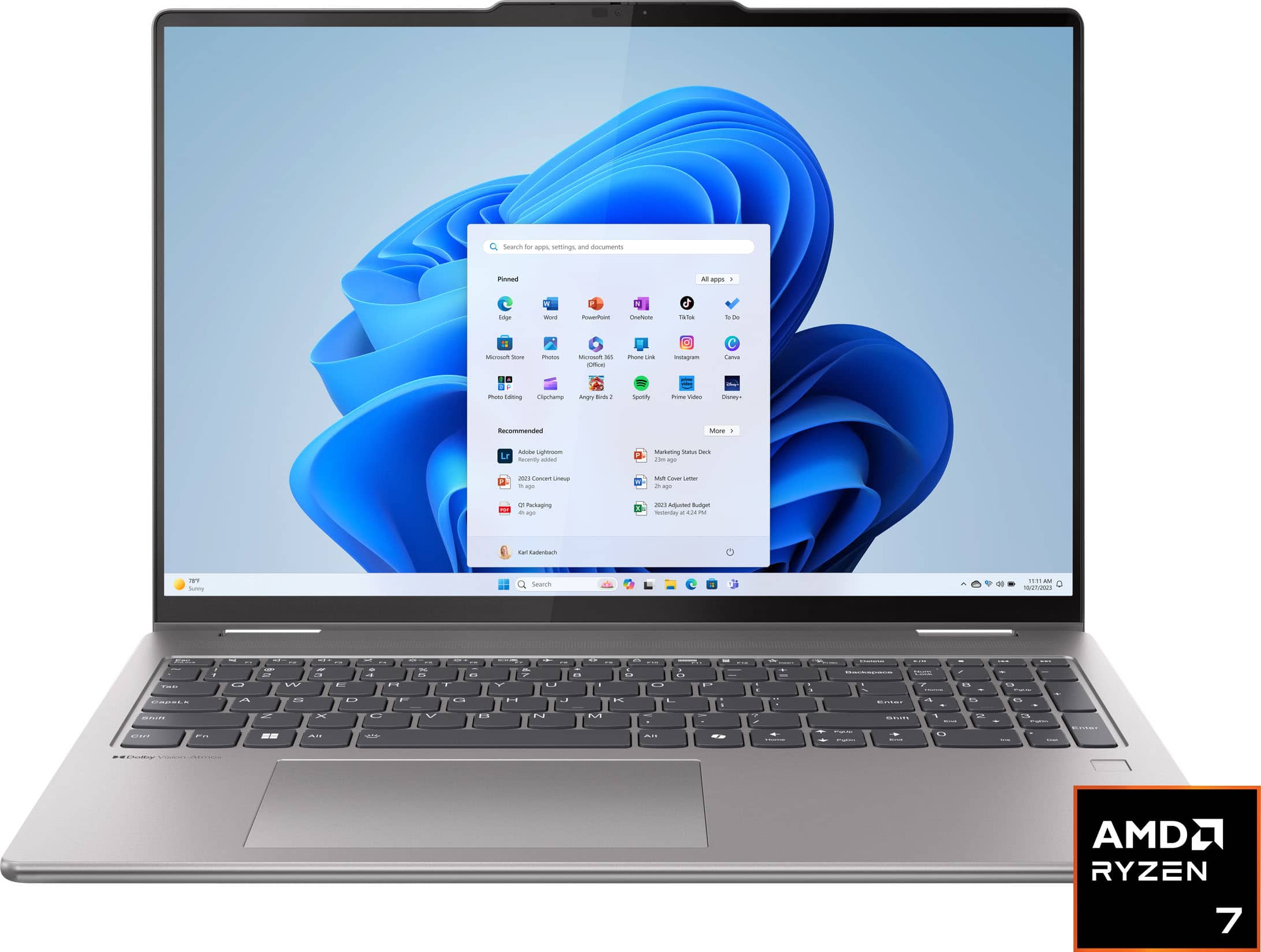







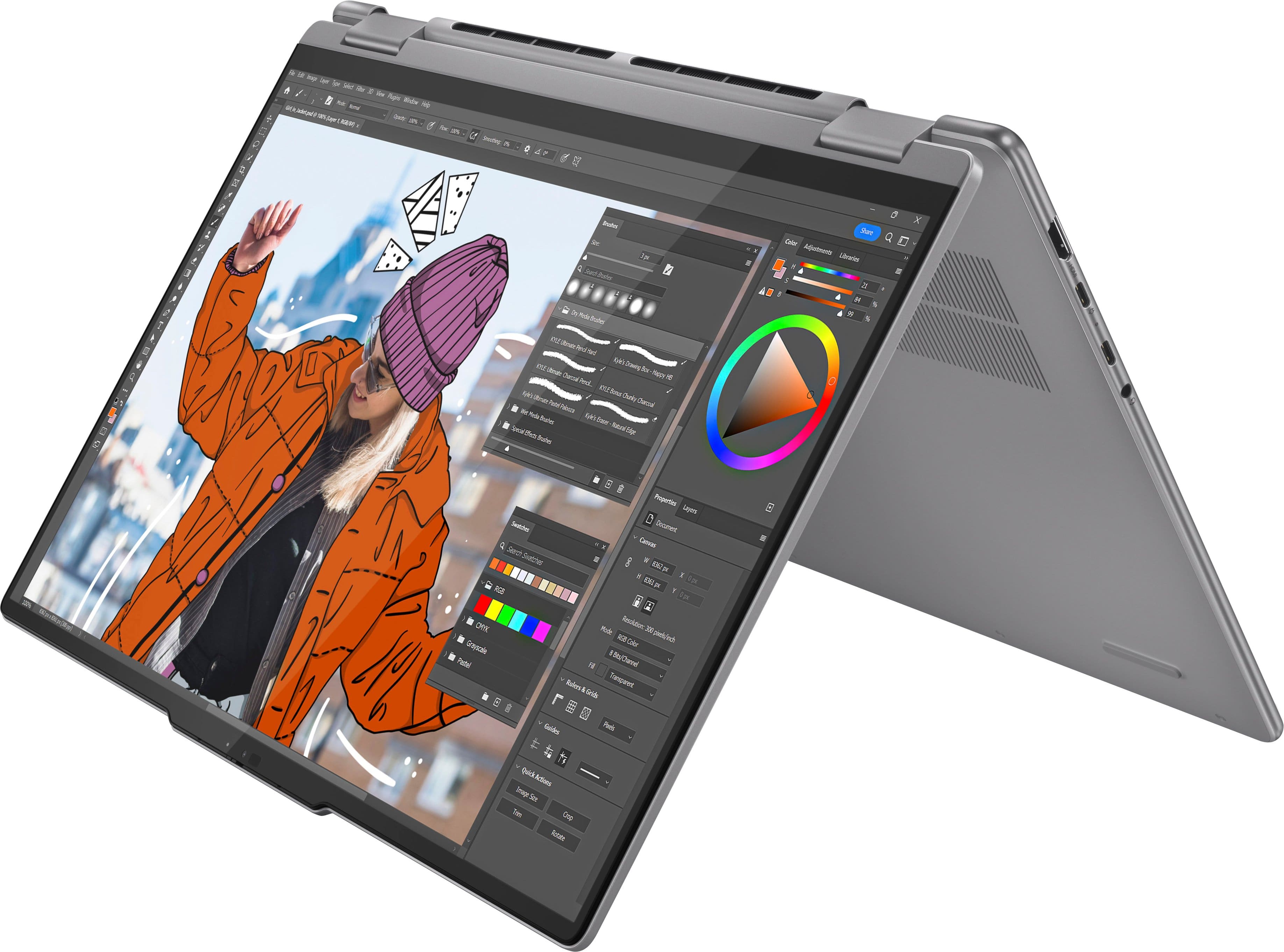
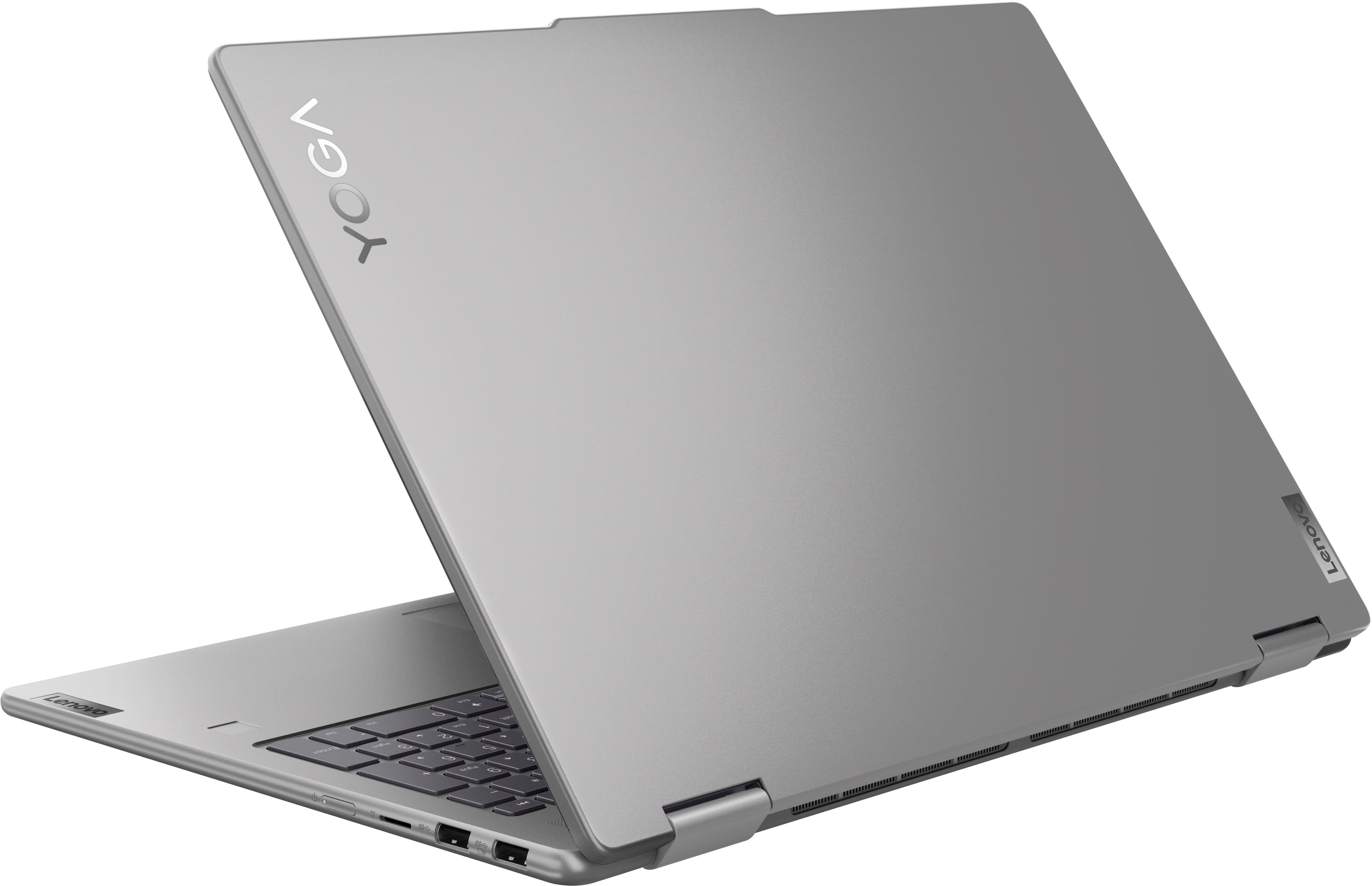




- Model:
- 83DM0003US
- SKU:
- 10445837
Rating by feature
- Battery Life
Rating 4.6 out of 5 stars
- Speed
Rating 4.7 out of 5 stars
- Display
Rating 4.7 out of 5 stars
Customers are saying
Customers are delighted by the Yoga 7 2-in-1 laptop's overall performance, fast processor speed, and responsive touchscreen. Many users also appreciate the great battery life and ease of use, as well as the comfortable screen size. Some customers have noted concerns regarding cursor control, heat, and fan noise.
This summary was generated by AI based on customer reviews.
LENOVO
||Posted . Owned for 3 weeks when reviewed.This reviewer received promo considerations or sweepstakes entry for writing a review.GREAT COMPUTER AND RELIABLE TO WORK, ENOUGH MEMORY AND GOOD TOOL
I would recommend this to a friendBrand response from Lenovo Product Expert
Posted .Hey, MaxB, thank you for choosing Lenovo! We are glad to hear that your Yoga 7 has been great, and we appreciate you taking the time to share your perspective with us.

No More Lenovos for Me!
||Posted .This reviewer received promo considerations or sweepstakes entry for writing a review.After only 32 days the hard drive failed. This was after another Lenovo that I had used for 4-5 years also had a hard drive failure. I called Best Buy and they said to call the manufacturer - this was after getting a run around trying to get a live person to respond. Lenovo did not impress me, especially their virual AI response full of techy words that I could not understand. The first live person was difficult to understand and then hung up on me. The second Tech hung in their and finally determined that the hard drive needed to be replaced. I told them that was not acceptable and I would only settle for a new laptop. A day later a Customer Service Rep called me, tried to find a replacement, but could not, so they are refunding my money.
No, I would not recommend this to a friendBrand response from Lenovo Product Expert
Posted .Hi HalR,
Thank you for sharing your feedback with us. We are sorry to hear that you ran into this issue with your Yoga 7. We apologize for the frustration and inconvenience that this may have caused you, along with the poor experience that you initially had with Support.
Your comments will be noted as we investigate the matter, and we hope that you choose our products again in the future.
Best regards,
Lenovo
Contract work computer
||Posted . Owned for 1 month when reviewed.This reviewer received promo considerations or sweepstakes entry for writing a review.I haven't used this computer much, so far I like it.
I would recommend this to a friendBrand response from Lenovo Product Expert
Posted .Hey, SidneyJo, thank you for choosing Lenovo! We are glad to hear that you are liking your Yoga 7 so far, and we appreciate you taking the time to share your perspective with us.
Patience wins out
||Posted . Owned for 1 week when reviewed.This reviewer received promo considerations or sweepstakes entry for writing a review.A great computer on sale! Insist on in store pick up!
I would recommend this to a friendBrand response from Lenovo Product Expert
Posted .Hey, JosephM, thank you for choosing Lenovo! We are glad to hear that your Yoga 7 has been great, and we appreciate you taking the time to share your perspective with us.
Second One!
||Posted . Owned for 3 weeks when reviewed.This reviewer received promo considerations or sweepstakes entry for writing a review.Great price bought one for my wife also...Iiked mine so well!
I would recommend this to a friendBrand response from Lenovo Product Expert
Posted .Hey, JoeEagle, thank you for choosing Lenovo twice! We are glad to hear that you both are enjoying your Yogas, and we appreciate you taking the time to share your perspective with us.
Art Lover
||Posted . Owned for 3 weeks when reviewed.This reviewer received promo considerations or sweepstakes entry for writing a review.It works amazing for my son's graphic art program.
I would recommend this to a friendBrand response from Lenovo Product Expert
Posted .Hey, ShannonC, thank you for choosing Lenovo! We are glad to hear that your son's Yoga is an awesome fit for its intended use, and we appreciate you taking the time to share your perspective with us.
Long term troubles
||Posted . Owned for 1 month when reviewed.This reviewer received promo considerations or sweepstakes entry for writing a review.This unit was purchased with the intent to do light gaming, digital art and video editing. There are many aspect of this machine that worked very well, but I was unable to fully utilize the APU for graphical tasks without the mouse pointer becoming erratic, unless I also disabled Wacom digital pen interface. If I did that, the unit no longer responded to the pen. I saw many similar reports for that issue with this line, and ultimately returned the unit and swapped for an HP x360.
No, I would not recommend this to a friendBrand response from Lenovo Product Expert
Posted .Hey RusZ, we're sorry to hear that you ran into this issue with your Yoga 7, leading to you returning it. For insight for yourself and other users, we are actively working on providing a long-term resolution for this problem and anticipate an update soon. For now, we recommend using the Wacom driver, version 7.7.2.66, which can be downloaded via this link: (https://pcsupport.lenovo.com/us/en/products/laptops-and-netbooks/yoga-series/yoga-7-2-in-1-16ahp9/83dm/83dm0003us/downloads/driver-list/component?name=Mouse,%20Touchpad,%20Keyboard%20and%20Pen&id=39D5D4E5-00B9-4FAA-9E83-DB725143192A). We appreciate you taking the time to share your feedback with us.
Lenovo service is awful, computer not good
||Posted .This reviewer received promo considerations or sweepstakes entry for writing a review.Lasted for about 6 months. This is the 3rd Lenovo I have owned and it was a disappointment. I had to send it to Lenovo support twice. Both times the issue was not fixed. Once, because of BIOS bit locker. The second because the video screen would jump up and down while streaming. Very disappointed. Wish I could’ve returned or exchanged it to best buy. Mind you, I only use it for streaming, online shopping, and school.
No, I would not recommend this to a friendLenovo 7
||Posted . Owned for 8 months when reviewed.This reviewer received promo considerations or sweepstakes entry for writing a review.It is not the best, but its a good price for the product.
I would recommend this to a friendBrand response from Lenovo Product Expert
Posted .Hey LM22,
Thank you for choosing Lenovo and for sharing your feedback with us.
If there is anything that we can do to help improve your experience, please feel free to share details here via the Q&A section of this product page and we'd be happy to assist you.
Best regards,
Lenovo
50/50
||Posted . Owned for 1 month when reviewed.This reviewer received promo considerations or sweepstakes entry for writing a review.It kept glitching on me, it was brand new and it just wasn’t working out how it should’ve. There were some features that did not work as well. It looks nice and all but just didn’t run very well.
No, I would not recommend this to a friendBrand response from Lenovo Product Expert
Posted .Hey, BrandonR. We are sorry to hear that you had trouble with your Yoga 7, leading to you returning it. In the future, should you encounter any issues with our product, please feel free to contact Lenovo Support for assistance in resolving your issues. We hope that you choose our product again in the future and appreciate you taking the time to share your perspective with us.
Good computer poor software and issues with update
||Posted . Owned for 2 months when reviewed.This reviewer received promo considerations or sweepstakes entry for writing a review.My 2nd Lenovo, I really like the computer. The software and issues with updates have cost me 200 dollars so be careful when buying this product.
I would recommend this to a friendBrand response from Lenovo Product Expert
Posted .Hey RayB, we are sorry to hear that you had trouble with your Yoga. In the future, should you encounter any issues with your Yoga, please feel free to contact Lenovo Support for assistance with resolving your issues. We appreciate you taking the time to share your perspective with us.
Good deal but defective
||Posted . Owned for 11 months when reviewed.This reviewer received promo considerations or sweepstakes entry for writing a review.Was working perfectly when brought but touch screen stopped working in a week and not remediation was received resulted in return
I would recommend this to a friendBrand response from Lenovo Product Expert
Posted .Hey Sudhar,
Thank you for sharing your feedback with us. We are sorry to hear that you had trouble with your Yoga 7 2-in-1, leading to you returning it. We apologize for the inconvenience that this may have caused you.
We will investigate the matter to discover the root of this issue you experienced to make the necessary improvements. We hope that you choose our products again in the future and that you feel free to reach out us with any questions or request that you may have so that we can improve your experience.
Best regards,
Lenovo
Never getting this again
||Posted .This reviewer received promo considerations or sweepstakes entry for writing a review.I used the laptop normally between work and home . The hinges came off and it’s a known issue with this model. Tried to use my Warrenty to get it repaired and they said no it’s hardware damage and I’d have to pay out of pocket for it . Wow. Despite it breaking from normal use
No, I would not recommend this to a friendMediocre
||Posted . Owned for 3 weeks when reviewed.This reviewer received promo considerations or sweepstakes entry for writing a review.The computer is fairly average. My camera is only working sometimes.
I would recommend this to a friendBrand response from Lenovo Product Expert
Posted .Hey DavidH,
We are sorry to hear that your experience with your Yoga has fallen short of your expectations.
To try to resolve this, first, we recommend ensuring you have the latest software by checking for updates, as this could correct the issue. To do so, first, open the Settings app > Select the Windows update tab > Select the Check for updates button. Next, open the Lenovo Vantage app > on the homepage, select the Check for updates button.
If after the available updates are applied and the system restarts, yet the issue persists, in-depth troubleshooting will be necessary to fix the problem. We recommend contacting Lenovo Support here: 877-453-6686, for further assistance.
Please update us when you can regarding this, and we appreciate you taking the time to share your feedback with us.
temu would be tetter!!
||Posted . Owned for 5 months when reviewed.This reviewer received promo considerations or sweepstakes entry for writing a review.Levovo has been my go-to brand for years; however, the Yoga Two with AMD-RYZEN was one of the worst laptops I have ever used. The sales associate said it was built for multitasking and is one of the fastest on the market. I can assure you it most certainly is not. I tried it out for 3 days, and on the 3rd day, I returned it. The screen would change on its own. My documents would randomly disappear, never to return. It took forever to load, it would get about halfway, the screen would glitch, and I would have to start all over. The computer is no good. Probably have better luck on one from temu
No, I would not recommend this to a friendBrand response from Lenovo Product Expert
Posted .Hey AmandaM,
Thank you for sharing your feedback with us. We are sorry to hear that you had trouble with your Yoga, leading to you returning it. We apologize for the frustration and inconvenience that this may have caused you.
We hope that you choose our products again in the future and contact us with any troubles that you may have so that we may assist you.
Best Regards,
Lenovo
Disappearing Mouse Issue
||Posted . Owned for 1 month when reviewed.This reviewer received promo considerations or sweepstakes entry for writing a review.Issue with mouse disappearing and popping back up in the corner of screen. Returned it for a new one that had the same problem. Then sent that one to Lenovo for repair, they said it was repaired but problem was still there immediatly.
No, I would not recommend this to a friendBrand response from Lenovo Product Expert
Posted .Hey, JonnyK. We're sorry to hear that you're having this issue with your Yoga. This is an issue that we are investigating further to make the necessary changes. In the meantime, we recommend ensuring your system is up to date by checking for updates in Windows Settings and the Lenovo Vantage app. Some users have found success disabling the touch and pen input drivers in the system device manager, but please reach out to Lenovo Support should you need with this process. We thank you for your time taken to share your feedback with us.
Lenovo 2-1
||Posted .This reviewer received promo considerations or sweepstakes entry for writing a review.This laptop was ok for the price but lacked a few things mainly a full size SD port
I would recommend this to a friendBrand response from Lenovo Product Expert
Posted .Hi Happyman, thanks for choosing Lenovo! We're glad to hear that your Yoga is working out alight for you, and we appreciate you sharing your feedback with us.
Could not get it set up
||Posted . Owned for 1 month when reviewed.This reviewer received promo considerations or sweepstakes entry for writing a review.Not easy to setup and keyboard kept not working..but you get what you pay for
No, I would not recommend this to a friendBrand response from Lenovo Product Expert
Posted .Hey Rma1, we're sorry to hear that you're having trouble with your Yoga. To try to resolve this, first, we recommend ensuring you have the latest software by checking for updates, as this could correct the issue. To do so, first, open the Settings app > Select the Windows update tab > Select the Check for updates button. Next, open the Lenovo Vantage app > on the homepage, select the Check for updates button. If after the available updates are applied and the system restarts, yet the issue persists, in-depth troubleshooting will be required, in which we then recommend working with Lenovo Support for assistance. Thank you for taking the time to share your feedback with us.
- Pros mentioned:Battery life
Broken and useless 6 weeks in
||Posted . Owned for 2 months when reviewed.This reviewer received promo considerations or sweepstakes entry for writing a review.6 weeks in and my computer is stuck in an automatic repair loop. At this point its totally useless. Best Buy wanted to charge me to fix it. Its literally 6 weeks old. Up until now it was an ok computer. Battery life was good
No, I would not recommend this to a friendBrand response from Lenovo Product Expert
Posted .Hey JojoB, we're sorry to hear that you're having trouble with your Yoga. To help resolve this issue, you can try these options: 1. Boot in Safe Mode: Restart your laptop and press the F8 key repeatedly until the Advanced Boot Options menu appears. Select Safe Mode and press Enter. If your laptop boots successfully in Safe Mode, it indicates that the problem might be with a driver or software. 2. Perform a System Restore: If you can boot in Safe Mode, you can try to perform a system restore. This will revert your system back to a point when it is working fine. 3. Use Windows Startup Repair: If you can't boot in Safe Mode, you can try using Windows Startup Repair. You'll need a Windows installation or recovery media for this. Boot from the media, select your language preferences and click Next, then click on Repair your computer, select Troubleshoot, and then Advanced options. Here you'll find Startup Repair. If your issues persist after these steps, we then recommend contacting Lenovo Support directly at this number: 855-253-6686, to work with a representative for more in-depth troubleshooting.
Will the hinges break
||Posted . Owned for 2 weeks when reviewed.This reviewer received promo considerations or sweepstakes entry for writing a review.I like the specs on this product but I am concerned about the hinges breaking
No, I would not recommend this to a friendBrand response from Lenovo Product Expert
Posted .Hi, Carol. The Yoga 2-in-1 series undergoes MIL spec testing and quality control to help ensure we provide great, reliable, quality products for you, and should you run into an issue with our products, feel free to reach out to Lenovo Support for assistance.