Customer Ratings & Reviews
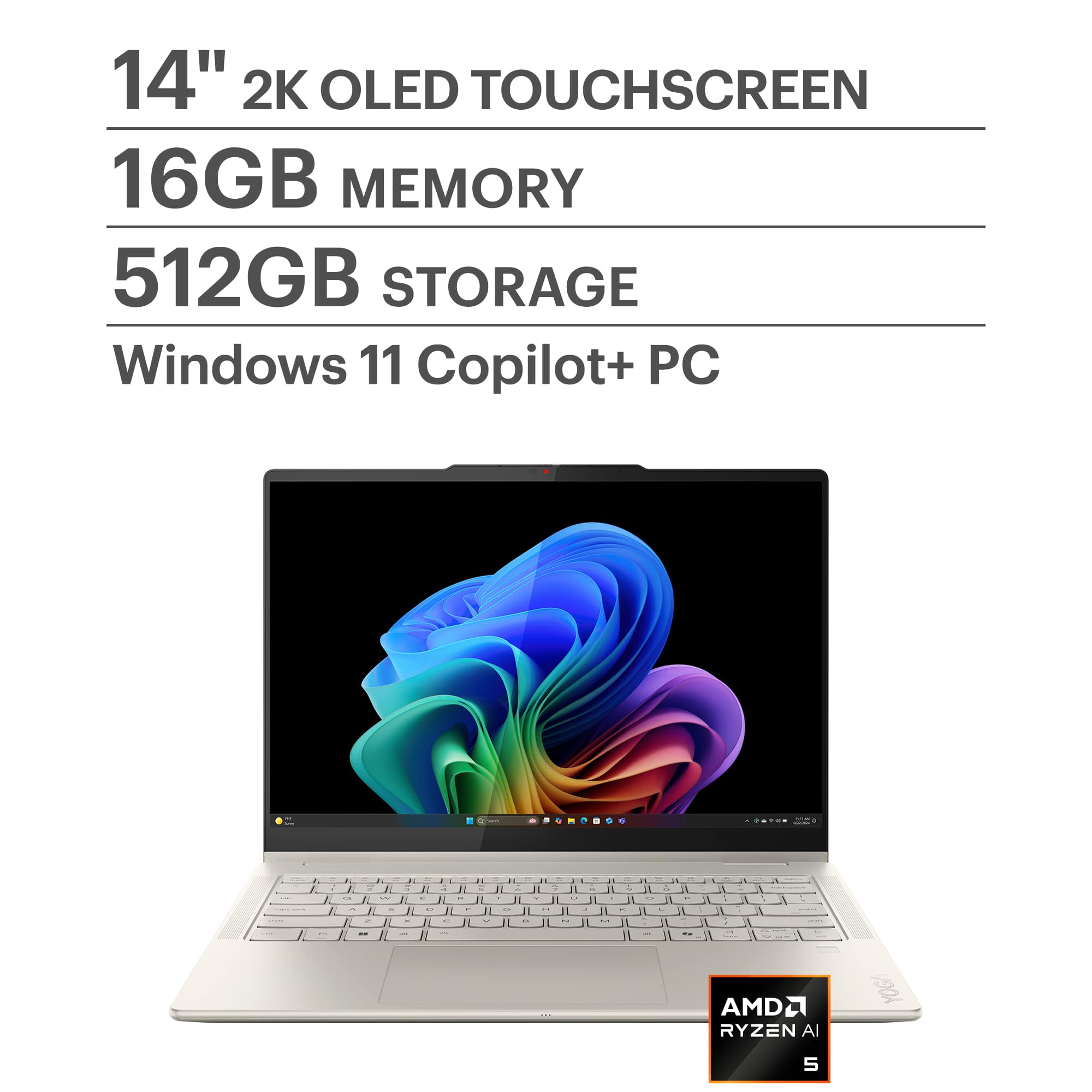



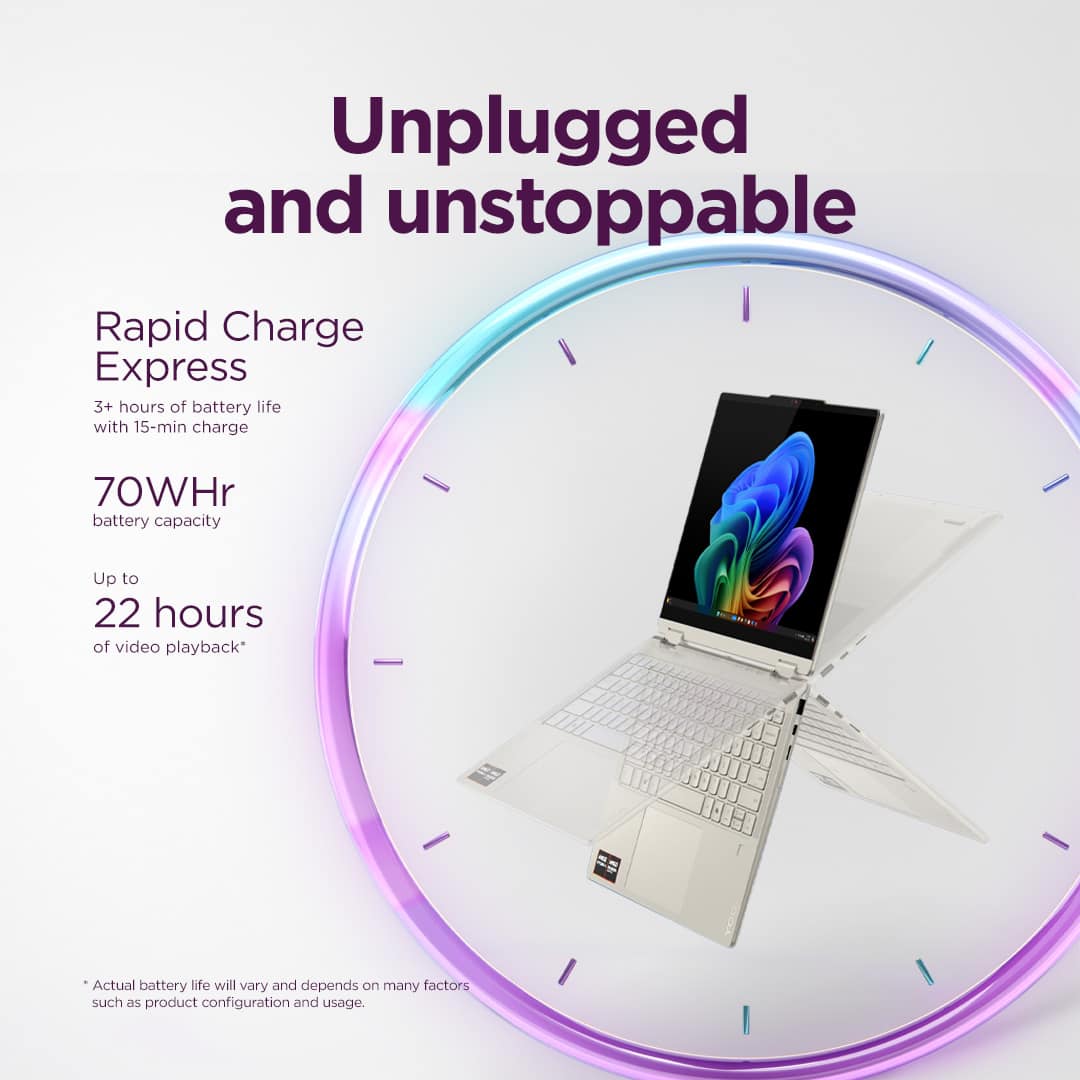
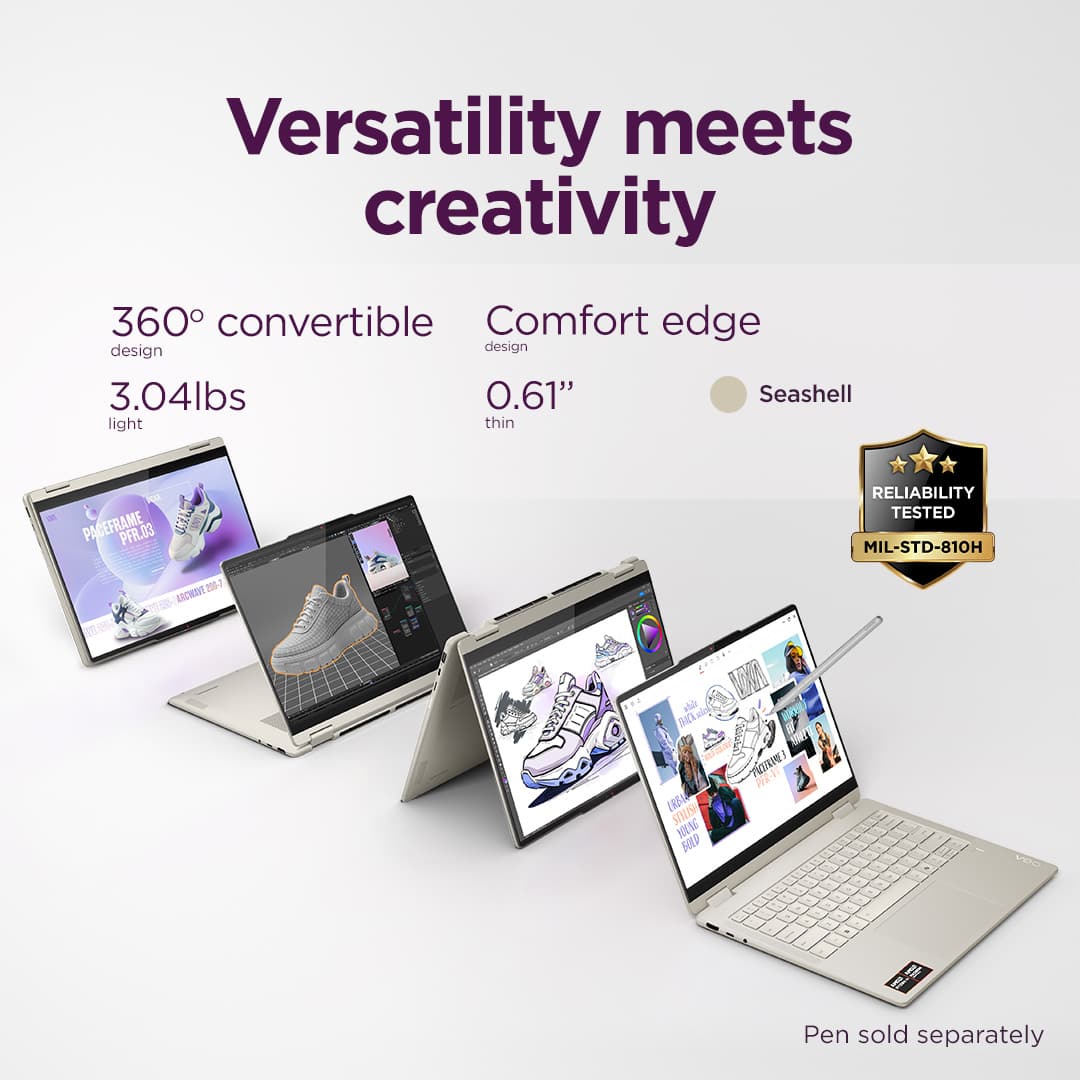
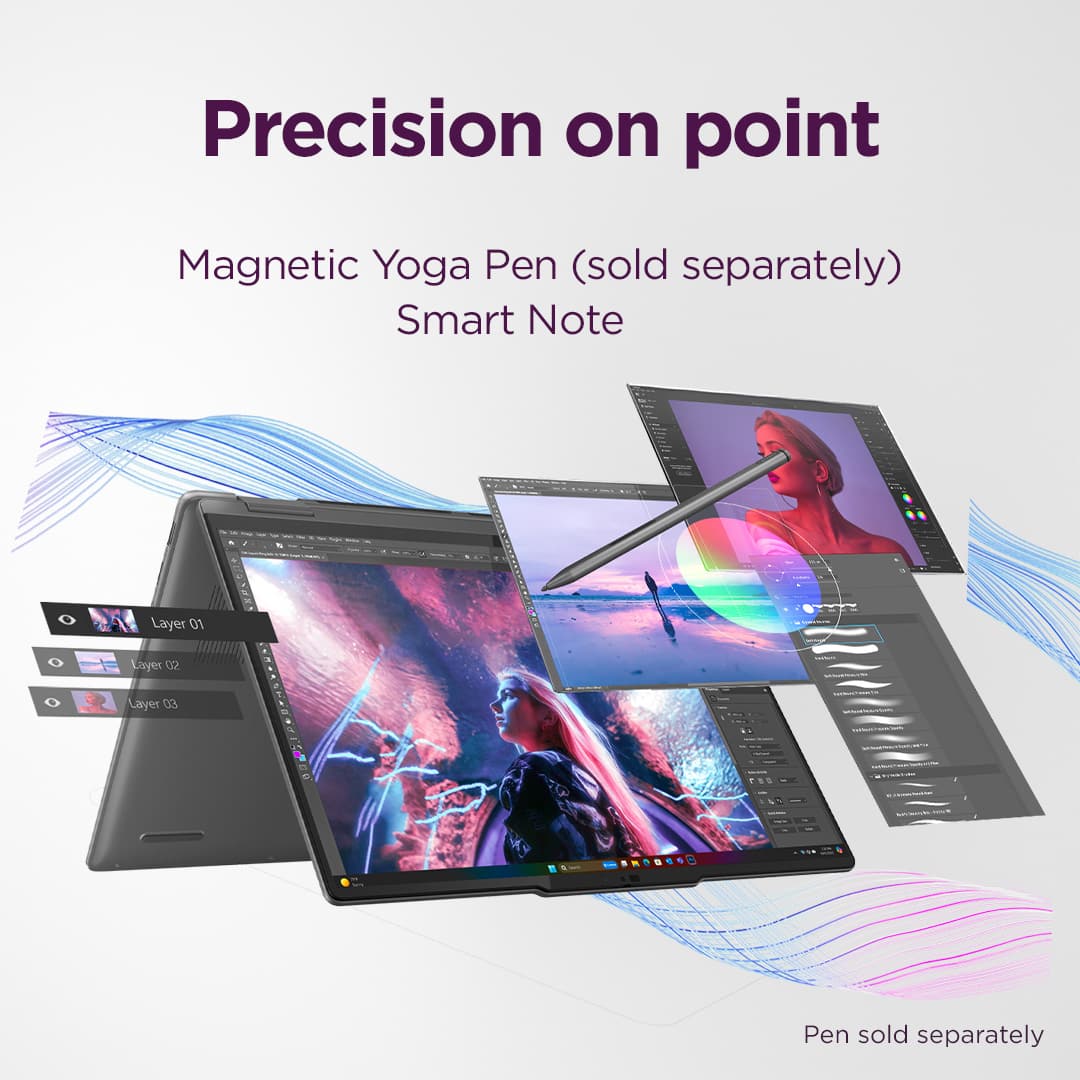















- Model:
- 83JR0002US
- SKU:
- 10936984
Rating by feature
- Battery Life
Rating 4.7 out of 5 stars
- Speed
Rating 4.7 out of 5 stars
- Display
Rating 4.8 out of 5 stars
Customers are saying
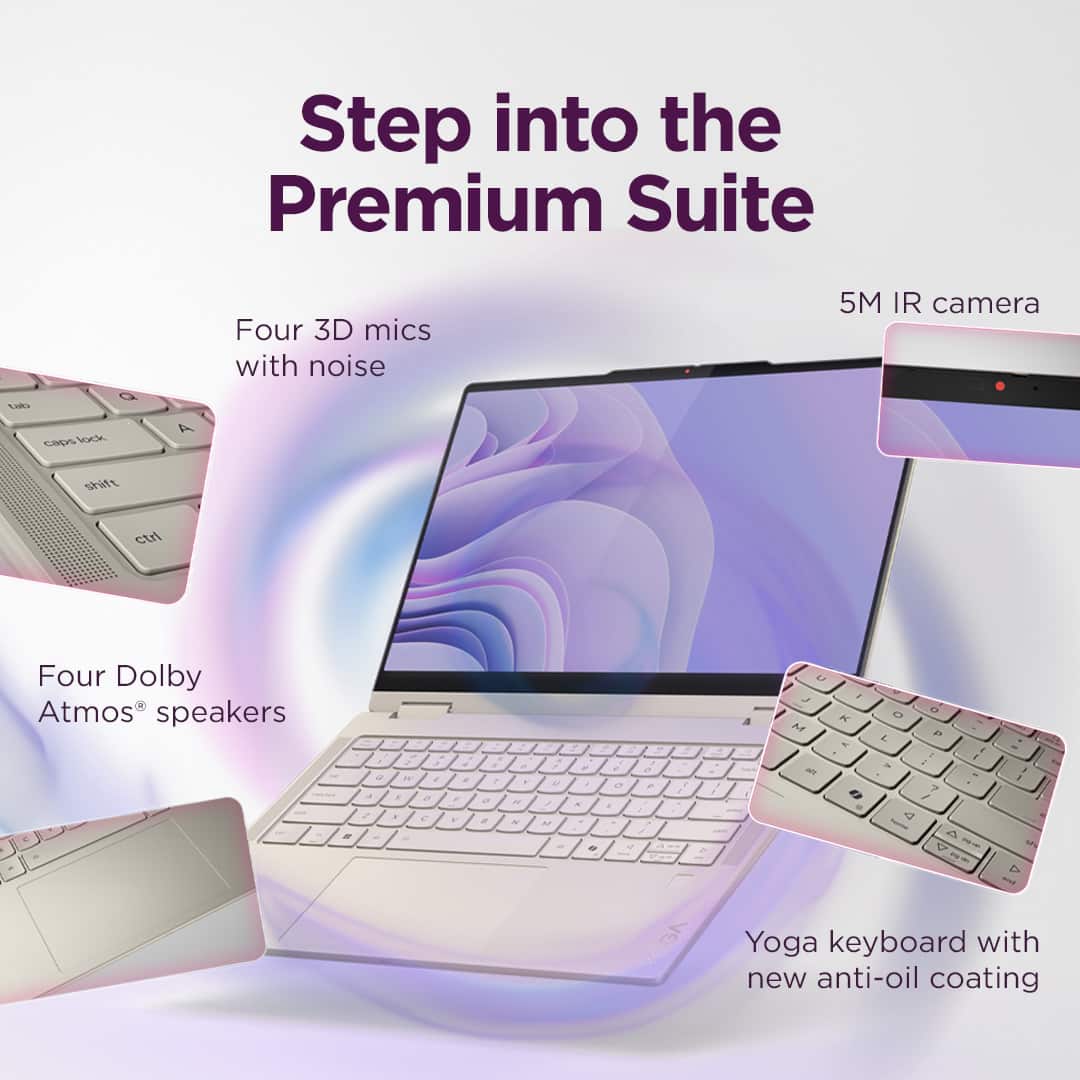
Customers are enthusiastic about the Yoga 7 2-in-1 laptop's overall performance, portability, and excellent screen quality. Many appreciate its long battery life and efficient processor speed. Some customers have noted concerns regarding heat generated during operation, fan noise, and occasional connectivity issues.
This summary was generated by AI based on customer reviews.
Better options elsewhere
||Posted . Owned for 5 months when reviewed.This reviewer received promo considerations or sweepstakes entry for writing a review.Had a old macbook air I used before I purchased this computer. Would prefer the macbook over this, have had multiple bugs like touchpad not working, battery draining, computer not turning on and only had this for five months now.
No, I would not recommend this to a friend- Cons mentioned:Connectivity
Terrible product
||Posted .This reviewer received promo considerations or sweepstakes entry for writing a review.touchpad stop working within the week and WIFI drivers randomly uninstall, laptop seems to be made of legos and superglue.
No, I would not recommend this to a friendBrand response from Lenovo Product Expert
Posted .Hi JosephN,
Thank you for sharing your feedback with us. We are sorry to hear that you are having trouble with your Yoga 7 2-in-1. We wish to provide the best experience possible for those using our products, and it is disappointing to read that this is not the case for you. We apologize for the convenience that this has caused you, and we'd like to work with you to resolve these issues.
To start, those encountering touchpad and Wi-Fi issues found success installing the latest drivers. We recommend ensuring you have the latest software by checking for updates, as this could correct the issue. To do so, first, open the Settings app > Select the Windows update tab > Select the Check for updates button, apply all available updates. Next, open the Lenovo Vantage app > on the homepage, select the Check for updates button, following on-screen prompts to apply all available updates here as well.
If after updates are applied the issues persist, we then recommend contacting Lenovo Support at this number: 877-453-6686, to speak with customer care for in-depth troubleshooting.
Please update us when you can regarding this and don't hesitate to reach out to us should you have any questions or need further assistance, as your satisfaction is important to us.
Best regards,
Lenovo
NEVER AGAIN "OUT OF BOX" - WORST BUY
||Posted . Owned for 3 weeks when reviewed.This reviewer received promo considerations or sweepstakes entry for writing a review.Out of box does not mean that it was checked out or even funcional -- TOTAL GARBAGE It appeared to work fine when turned on but Best Buy did not check out anything - and because I was no longer in the country became impossible for me to contact a customer service person. Lots of run arounds and there exists certain postings on facebook that are willing pretend they are Best Buy Customer Service and are nothing but SCAMS.
No, I would not recommend this to a friendHad to return—Does not detect a power source
||Posted . Owned for 1 month when reviewed.This reviewer received promo considerations or sweepstakes entry for writing a review.I purchased two of these laptops and had to return them BOTH within two months because they both stopped detecting a power source. Come to find out power source detection issues are a well-documented problem across various Lenovo Yoga models. Save yourself the time I wasted and choose a different laptop.
No, I would not recommend this to a friendWifi keeps disconnecting
||Posted . Owned for 6 months when reviewed.This reviewer received promo considerations or sweepstakes entry for writing a review.Wifi keeps disconnecting every time. Troubleshooting in the Lenovo website doesn’t work. I have seen many people having the same issue with this model. Tried contacting tech support over phone and chat, waited forever, but no one was available.
No, I would not recommend this to a friendGreat laptop ruined by crashes
||Posted . Owned for 2 months when reviewed.This reviewer received promo considerations or sweepstakes entry for writing a review.Hard crashes to BIOS are this laptop’s Achilles’ heel. I’ve tried everything from reinstalling to windows to updating the BIOS and drivers.
No, I would not recommend this to a friendLight weight
||Posted .This reviewer received promo considerations or sweepstakes entry for writing a review.Value for money, light weight. Performance is also nice
I would recommend this to a friendBrand response from Lenovo Product Expert
Posted .Hi MukeshG-
Thank you for choosing Lenovo and sharing your experience with us. We are happy to hear that you are enjoying the performance, value, and product design of the Yoga 7. We aim to offer great user experience and are overjoyed to see that we met our goal.
Please reach out to us through the Q & A section of this product webpage if you have any questions or need any assistance.
Best wishes,
Lenovo
Lenovo drivers problem. Don’t recommend it.
||Posted . Owned for 1 week when reviewed.This reviewer received promo considerations or sweepstakes entry for writing a review.The laptop is fantastic but Lenovo has problems with there software. The problem is that microphone doesn’t work if you get it to work you are losing the speaker . The guy from geek squad explained the same thing to me by he told me that if you update everything the problem is disappearing. I have updated everything windows, drivers and nothing is changed, so I returned it.
No, I would not recommend this to a friendBrand response from Lenovo Product Expert
Posted .Hello,
Thank you for sharing your feedback with us. We're sorry to hear that you ran into an issue, leading to you returning the system.
We have noted your comments, as your input is important in our review of opportunities for improvement. We hope that you choose our products again in the future, and that you feel free to reach out to us with any issues, as we strive to provide the best experience possible.
Best regards,
Lenovo
Keyboard Issues - Won't Recommend
||Posted .This reviewer received promo considerations or sweepstakes entry for writing a review.I recently purchased a Lenovo Yoga laptop for work (trying to switch from my current brand) and will not recommend it. The bottom part of the keyboard has already stopped working, very frustrating. The laptop is sitting in the drawer in my office. Will not buy Lenovo products and won't recommend them. Good Luck. No follow-up needed. Had to go back to my previous laptop brand.
No, I would not recommend this to a friendCheap and bad service
||Posted .This reviewer received promo considerations or sweepstakes entry for writing a review.Track pad stopped working with in month. Customer service non existent. System wouldn’t let me submit review with one star lol
No, I would not recommend this to a friend- Cons mentioned:Heat dissipation
Do no buy
||Posted .This reviewer received promo considerations or sweepstakes entry for writing a review.Not good, quickly overheats and countless problems from start
No, I would not recommend this to a friend Over heats even when not using
||Posted . Owned for 3 weeks when reviewed.This reviewer received promo considerations or sweepstakes entry for writing a review.This laptop looks great and I loved it enough to purchase but it overheats
No, I would not recommend this to a friendWhy did I buy this?
||Posted . Owned for 1 week when reviewed.This reviewer received promo considerations or sweepstakes entry for writing a review.Well, I'll tell ya. My previous laptop (Lenovo) had numerous track pad issues over and over again; fixed one day and unable to work the next--a new laptop that was a little more than a year old. This happened at least 4 times. I am now having the same issues with this new Lenovo. I AM NOT HAPPY!!!
No, I would not recommend this to a friendBrand response from Lenovo Product Expert
Posted .Hi SteveSony,
Thank you for sharing your feedback with us. We are sorry to hear that you ran into this issue with your Yoga 7 2-in-1. We apologize for the upset and inconvenience that this has caused you, and we'd like to work with you to try to resolve your issue.
To start, touchpad and pointer responsiveness can be tied to different driver issues. We recommend ensuring you have the latest software by checking for updates, as this could correct the issue. To do so, first, open the Settings app > Select the Windows update tab > Select the Check for updates button, apply all available updates. Next, open the Lenovo Vantage app > on the homepage, select the Check for updates button, following on-screen prompts to apply all available updates here as well.
If after the available updates are applied and the system restarts, yet the issue persists, in-depth troubleshooting will be necessary to fix the problem. We recommend contacting Lenovo Support here: 877-453-6686, for further assistance.
Please update us when you can regarding this, and don't hesitate to reach out to us again should there be anything we can do to further improve your experience.
Best regards,
Lenovo
Laptop
||Posted . Owned for 10 months when reviewed.This reviewer received promo considerations or sweepstakes entry for writing a review.This product is not worth your time or money. First one over heated within 2 months. Second one overheated within 6 months. Was not about to waste my time on a 3rd one.
No, I would not recommend this to a friendLaptop Never Made it - Bestbuy wont refund
||Posted . Owned for 1 week when reviewed.This reviewer received promo considerations or sweepstakes entry for writing a review.Fedex marked my item delivered. No picture no proof no item found. Best buy says they won’t refund since it was signed AAA ( I have no idea who that is and def not anyone in my home). Really disappointed with Best buy for this after being their customer with several purchases and never processed any issues.
No, I would not recommend this to a friendIt’s worth buying
||Posted . Owned for 2 weeks when reviewed.This reviewer received promo considerations or sweepstakes entry for writing a review.Very good laptop for a good price. Not too bad of specs and I would recommend
I would recommend this to a friendBrand response from Lenovo Product Expert
Posted .Hey there,
Thanks for choosing Lenovo and for sharing your feedback with us!
We are glad to read that you would recommend the Yoga 7 2-in-1.
Please feel free to reach out to us via the Q& A section of this product page should you have any questions or need assistance.
Best,
Lenovo
not so good
||Posted . Owned for 2 weeks when reviewed.This reviewer received promo considerations or sweepstakes entry for writing a review.Not so good, you can't turn a light off, hard to put to sleep, clicker isn't very smooth, bloat you can't turn off
I would recommend this to a friendBrand response from Lenovo Product Expert
Posted .Hello,
Thank you for sharing your feedback with us. We're sorry to hear that you ran into an issue. We strive to provide the best experience possible, so if you'd like to, we want to work with you to try to resolve this.
To start, we recommend ensuring you have the latest software by checking for updates, as this could correct the issue. To do so, first, open the Settings app > Select the Windows update tab > Select the Check for updates button, apply all available updates. Next, open the Lenovo Vantage app > on the homepage, select the Check for updates button, following on-screen prompts to apply all available updates here as well.
If after the available updates are applied and the system restarts, yet the issue persists, in-depth troubleshooting will be necessary to fix the problem. We recommend contacting Lenovo Support here: 877-453-6686, for further assistance, along with addressing your other points in detailed conversation.
Please don't hesitate to let us know what else we can do to improve your experience, as your satisfaction is important to us.
Best regards,
Lenovo
Faulty model
||Posted . Owned for 3 weeks when reviewed.This reviewer received promo considerations or sweepstakes entry for writing a review.I could not get any sound out of the laptop's speakers, nor could the Best Buy guys. Had to buy and return two of those computers, thinking that the faulty first one was just a fluke.
No, I would not recommend this to a friendBattery Proplem
||Posted .This reviewer received promo considerations or sweepstakes entry for writing a review.This Yoga won't taking charge after 25 days. The display at best buy couldn't turn on also. The customer representative told me it out of battery. Do Not Buy.
No, I would not recommend this to a friendBrand response from Lenovo Product Expert
Posted .Hey BenT,
Thank you for sharing your feedback with us. We are sorry to hear that you are having trouble with your Yoga 7 not turning on. We apologize for the frustration and inconvenience that this has caused you, and we'd like to work with you to address this.
To start, here's some steps to follow to help resolve your issue:
1. First, ensure that the AC adapter or charger for this unit is plugged in and indicating it is charging the device by the LED next to the charging port being illuminated red (charging) or white/green (fully charged).
2. Once you have made sure the device is getting power through the charger, yet it will not turn on, power off the computer, as this system is equipped with The Novo Button – a feature used to help users with a few options, including resetting your PC. This may help trigger the system to wake from being shut down after charging for a while.
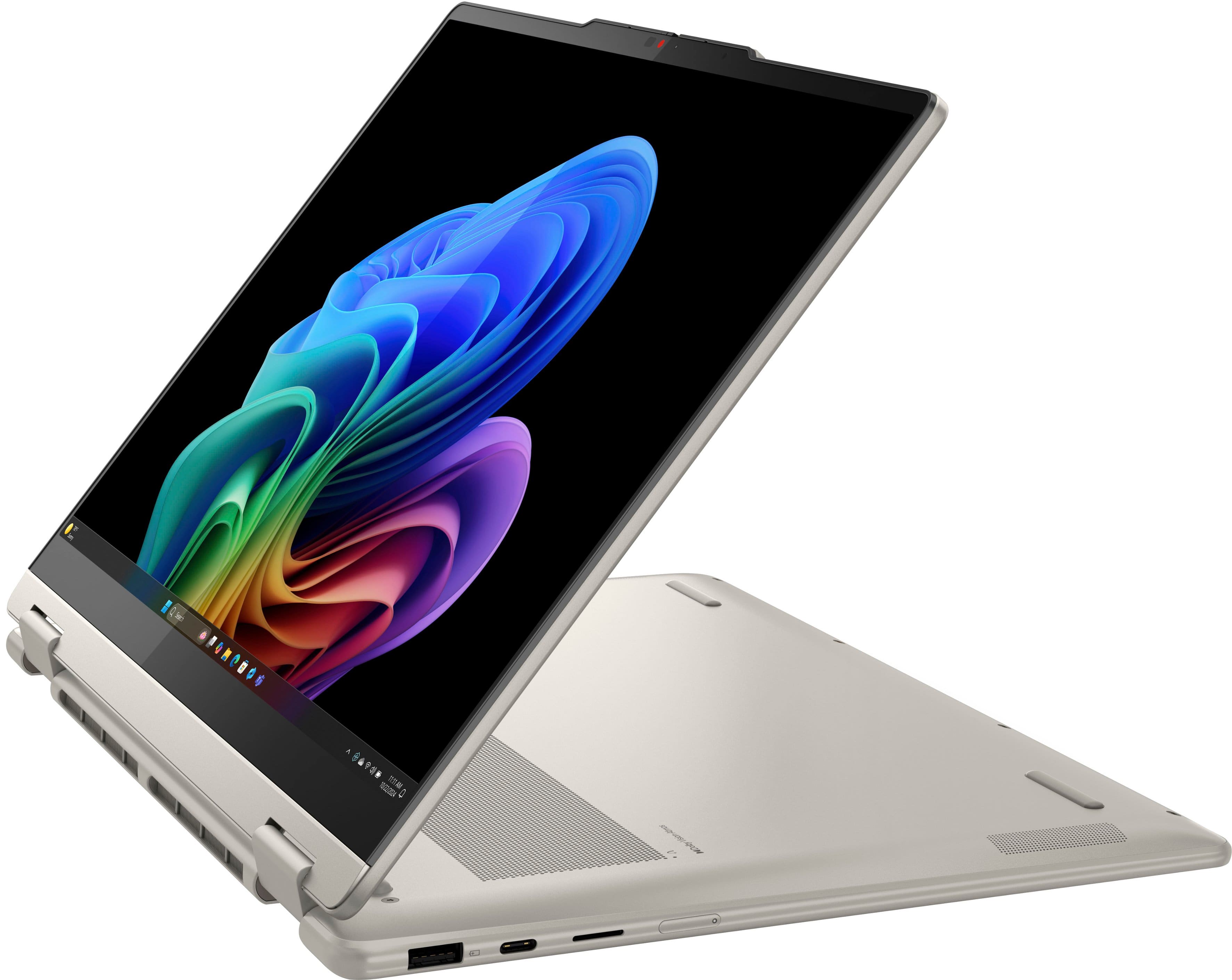
3. There is a small pin hole on the bottom right side of the device, first in line before the other ports on the right side. You will need a pin (a sim ejector tool or end of a paperclip should suffice) to push this reset button.
4. Push and hold the reset button until the keyboard and chassis LED lighting illuminate with the display turning on. If the system turns on and a window presents various options, select the Normal Startup or Continue to Windows options.
Please update us when you can regarding this and don't hesitate to reach out should you need further assistance or have any questions.
Best regards,
Lenovo
Not happy
||Posted . Owned for 1 month when reviewed.This reviewer received promo considerations or sweepstakes entry for writing a review.After 3 weeks its back at manufacturer! My keys are sticking! And I wont get it back for weeks! Not happy! Terrible customer service
No, I would not recommend this to a friendBrand response from Lenovo Product Expert
Posted .Hi NancyS,
Thank you for sharing your feedback with us. We are sorry to hear that you are having trouble with your Yoga 7 2-in-1. We apologize for the frustration and inconvenience that this has caused you. We wish to provide the best experience possible for our users and what you've experienced does not align with the standards we set for our products.
We will investigate the matter that you've shared to discover the root of the issue to then make the necessary changes. If you have not already, please work with Lenovo Customer Care regarding manufacturer repairs, as we are happy to assist you.
Please update us when you can regarding this and don't hesitate to reach out to let us know what else we can do to improve your experience, as your satisfaction is important to us.
Best regards,
Lenovo