Customer Ratings & Reviews



















- Model:
- 83JR0002US
- SKU:
- 11984041
Rating by feature
- Battery Life
Rating 4.7 out of 5 stars
- Speed
Rating 4.7 out of 5 stars
- Display
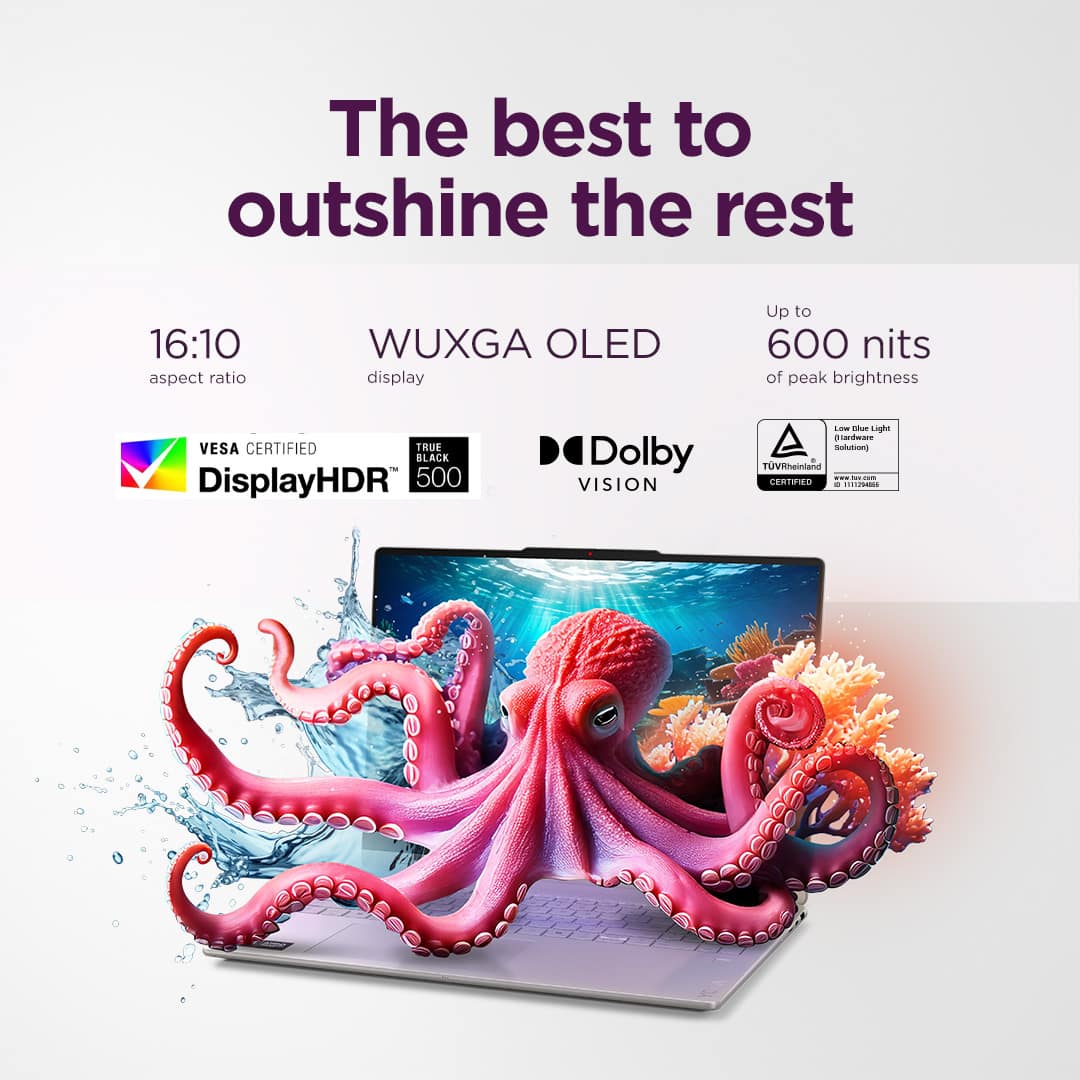
Rating 4.8 out of 5 stars
- Pros mentioned:Screen quality
Amazing quality!
||Posted . Owned for 1 week when reviewed.This reviewer received promo considerations or sweepstakes entry for writing a review.I love this laptop! The quality is amazing! It’s easy to use as a college student!
I would recommend this to a friend - Pros mentioned:Overall performance
Great computer
||Posted . Owned for 6 months when reviewed.This reviewer received promo considerations or sweepstakes entry for writing a review.Couple problems at first with windows installation where i had to reinstall but after computer has been amazing, no problems
I would recommend this to a friend Best collage computer
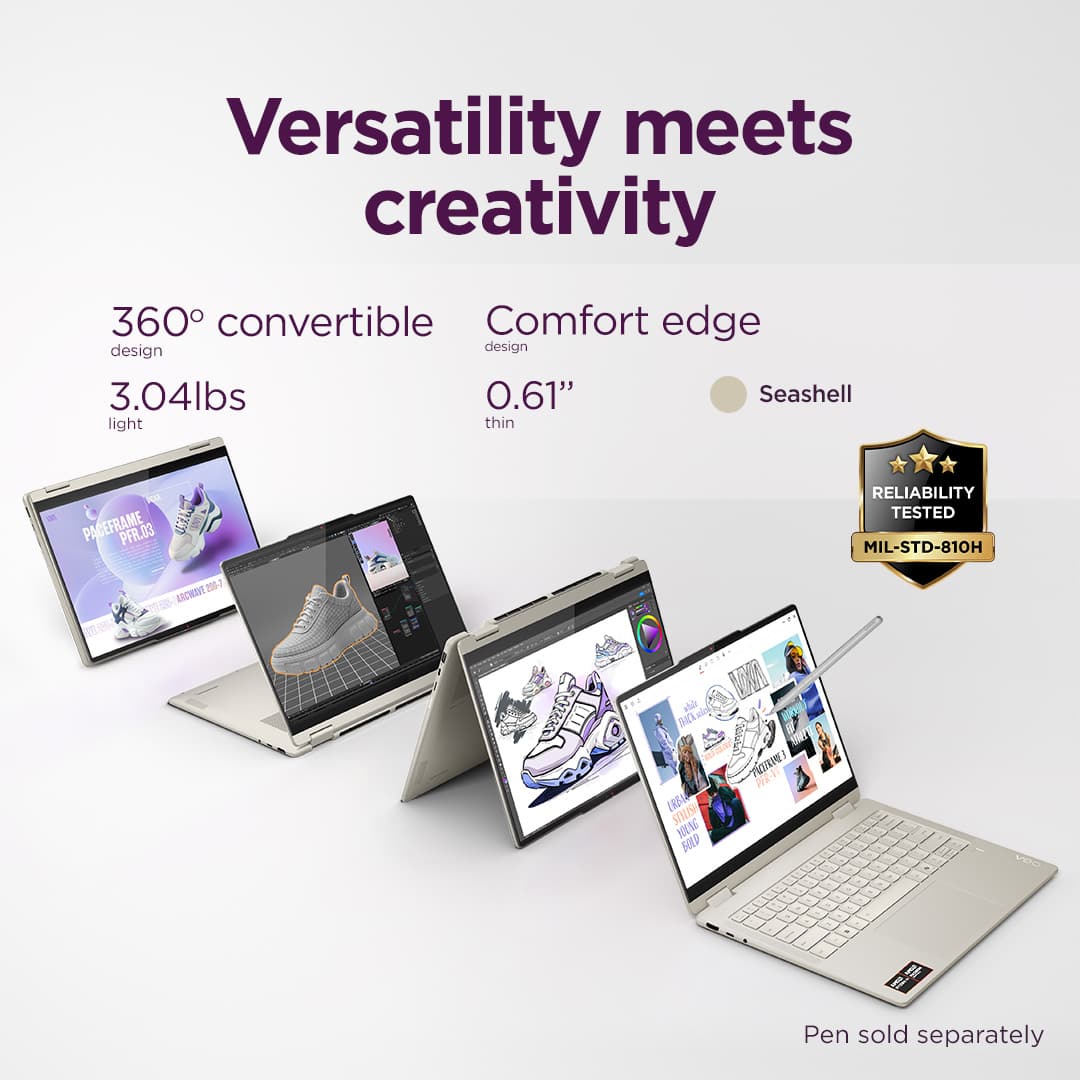
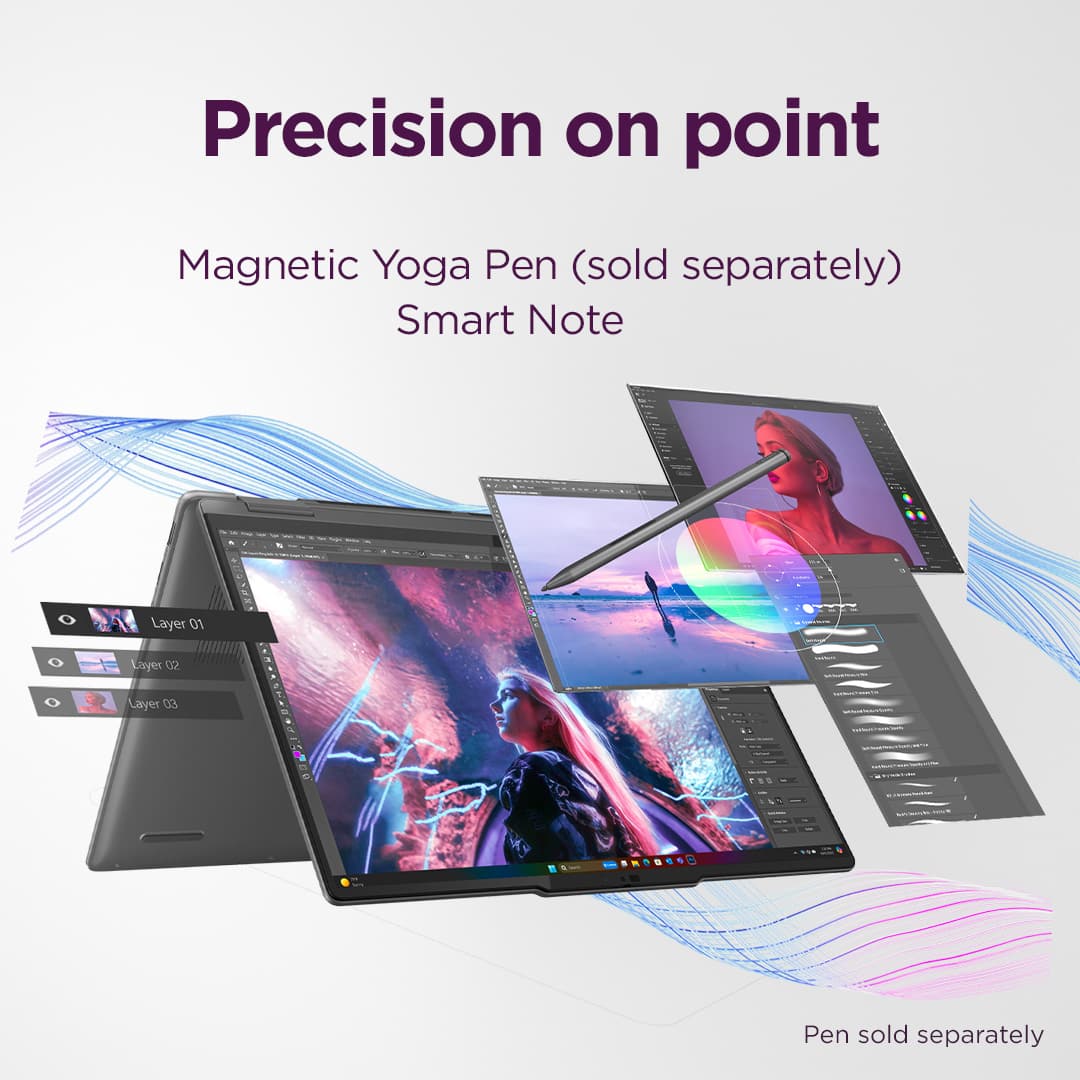
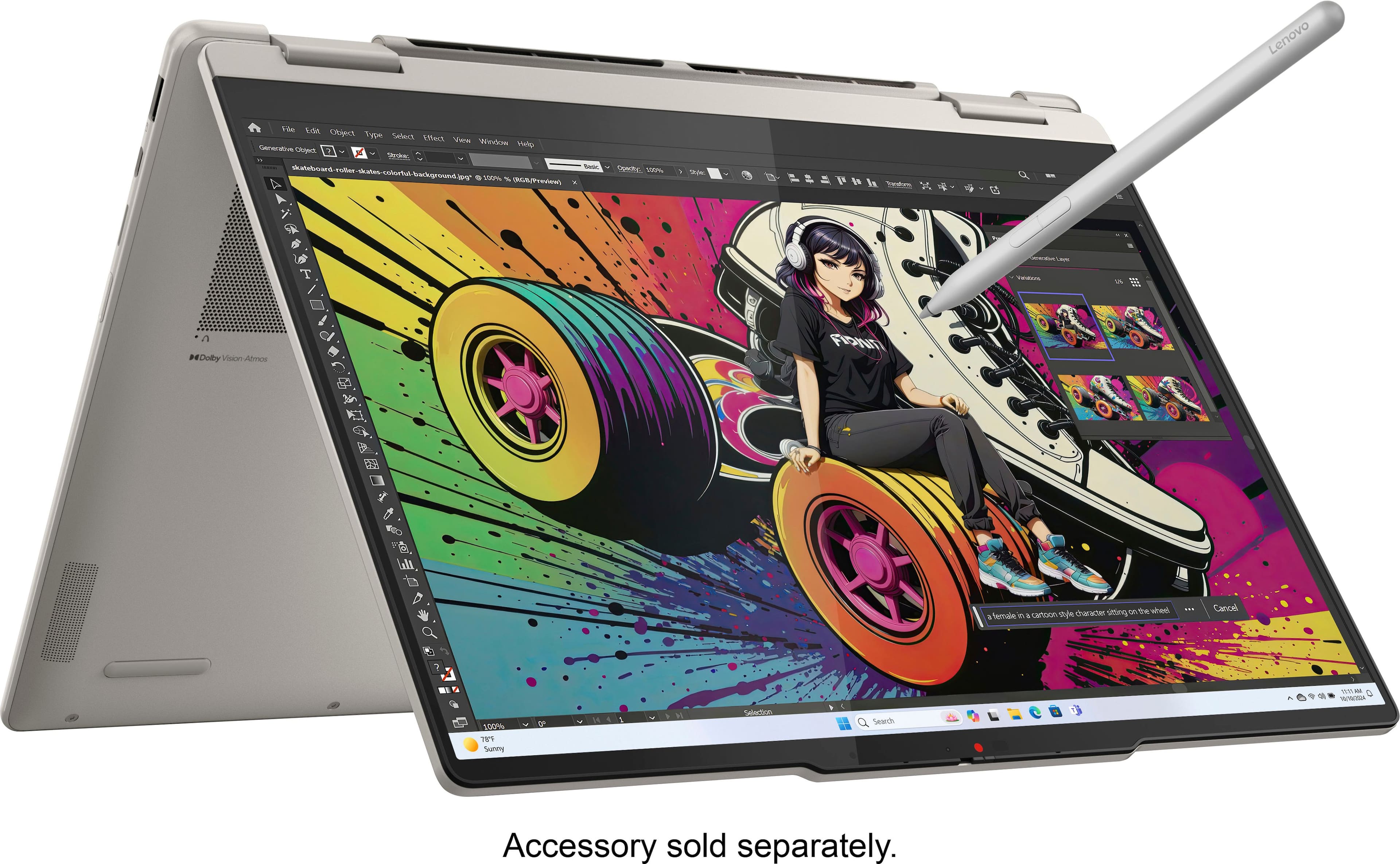
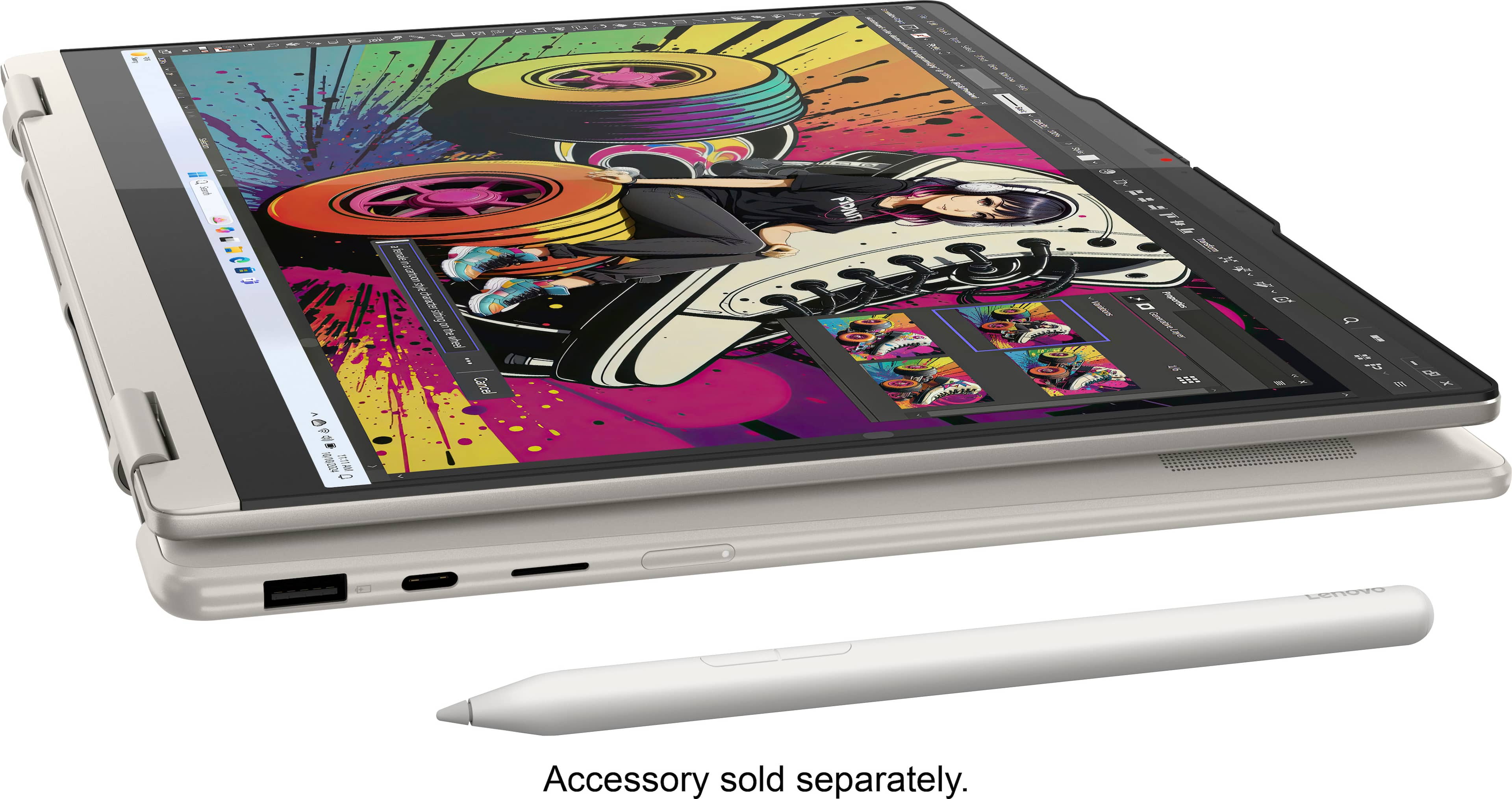
||Posted . Owned for 11 months when reviewed.This reviewer received promo considerations or sweepstakes entry for writing a review.This computer is amazing, I had bought this laptop for school and it has an amazing experience. Its ability to fold, have a pencil to go along with it, and its ability to work properly with as many tabs open as I need. I has been a great choice for a collage computer. 10/10
I would recommend this to a friendBrand response from Lenovo Product Expert
Posted .IsabellaC-
Thank you for choosing the Lenovo Yoga 7 and sharing your experience with us. We are happy to hear that you are enjoying the performance and tablet feature of the Lenovo Yoga 7 for school.
Please reach out to us through the Q&A section of this product webpage if you have any questions or need assistance.
Best wishes,
Lenovo
- Pros mentioned:Overall performance
New to Lenovo
||Posted .This reviewer received promo considerations or sweepstakes entry for writing a review.While I am new to this PC Lenovo, I’m learning every day to appreciate the strength of its features and the smoothness of my ability to manipulate it. I’m enjoying the experience.
I would recommend this to a friendBrand response from Lenovo Product Expert
Posted .Hi MahaS-
Thank you for choosing Lenovo and sharing your feedback with us. We are excited to hear that you are enjoying the features and performance of the Yoga 7. We aim to provide excellent user experience for our products, and we are happy to hear that we met our goal.
Please reach out to us through the Q & A section of this product page if you have any questions or need assistance.
Best wishes,
Lenovo
- Pros mentioned:Portability
Lenovo Lover!!
||Posted . Owned for 2 weeks when reviewed.This reviewer received promo considerations or sweepstakes entry for writing a review.Love it! Easy to navigate. Comoact and easy to fit and carry anywhere.
I would recommend this to a friend Awesome
||Posted . Owned for 1 month when reviewed.This reviewer received promo considerations or sweepstakes entry for writing a review.Was looking for a small laptop that could also serve as a tablet. Great size, well made and the screen resolution is Amazing.
I would recommend this to a friend- Pros mentioned:Overall performance, Screen quality
Laptop
||Posted . Owned for 3 weeks when reviewed.This reviewer received promo considerations or sweepstakes entry for writing a review.Laptop is great. Clarity plus touch screen which is great.
I would recommend this to a friendBrand response from Lenovo Product Expert
Posted .Hi Jess,
Thanks for choosing Lenovo and for sharing your feedback with us!
We are pleased to read that this Yoga 7 2-in-1 is working out great for you.
Please feel free to reach out to us via the Q& A section of this product page should you have any questions or need assistance.
Best,
Lenovo
- Pros mentioned:Overall performance
Laptop
||Posted . Owned for 1 month when reviewed.This reviewer received promo considerations or sweepstakes entry for writing a review.The Lenovo laptop is an overall great laptop computer for both work and playing games and watching shows. Very happy with our purchase. Best Buy was helpful in selecting it and good customer service!
I would recommend this to a friendBrand response from Lenovo Product Expert
Posted .Hi,
Thanks for choosing Lenovo and for sharing your feedback with us!
We are glad to read that you are satisfied with your purchase.
Please don't hesitate to reach out to us via the Q& A section of this product page or contact Lenovo Support should you have any questions or need assistance.
Regards,
Lenovo
Arielle laptop
||Posted . Owned for 2 months when reviewed.This reviewer received promo considerations or sweepstakes entry for writing a review.I ordered this laptop for my 12 y.o. granddaughter because it was recommended for people with seizures. This product met all our expectation because it has all features to protect and provides light, speed and other things perfectly served for specific needs. Thank you!
I would recommend this to a friendFast, Smooth, and Great Quality
||Posted . Owned for 1 month when reviewed.This reviewer received promo considerations or sweepstakes entry for writing a review.This laptop works really fast and the touchscreen is very smooth and responsive. The display looks sharp, battery life is good, and it handles multitasking without any problems. Great for work, school, and everyday use. Definitely worth the price
I would recommend this to a friendBrand response from Lenovo Product Expert
Posted .Hi VardanT-
Thank you for choosing Lenovo and sharing your experience with us. We are thrilled to hear that you are enjoying the performance, battery life, display quality, and value of the Yoga 7.
Please reach out to us through the Q&A section of this product page if you have any questions or need any assistance.
Best wishes,
Lenovo
Fantastic for School and Work
||Posted . Owned for 9 months when reviewed.This reviewer received promo considerations or sweepstakes entry for writing a review.Purchased this laptop on sale for my significant other since they were going back to school. They love the screen, storage, and keyboard that Lenovo provides. There is no hardware issues and the laptop performs all necessary functions to accomplish school assignments and work related functions.
I would recommend this to a friendBrand response from Lenovo Product Expert
Posted .Hi GabrielL-
Thank you for choosing Lenovo and sharing your experience with us. We are happy to hear that your significant other is enjoying the performance, keyboard, and storage capabilities of the Yoga 7. We aim to offer great user experience and are overjoyed to see that we met our goal.
Please reach out to us through the Q & A section of this product page if you have any questions or need any assistance.
Best wishes,
Lenovo
- Pros mentioned:Screen quality
Best budget laptop
||Posted . Owned for 1 month when reviewed.This reviewer received promo considerations or sweepstakes entry for writing a review.Amazing laptop. Bought it for work and business, the touch screen makes it so versatile.
I would recommend this to a friend - Pros mentioned:Overall performance
Good laptop
||Posted . Owned for 3 weeks when reviewed.This reviewer received promo considerations or sweepstakes entry for writing a review.No complaints, I would recommend it for school or anything you need a laptop/tablet for.
I would recommend this to a friendBrand response from Lenovo Product Expert
Posted .Hi,
Thanks for choosing Lenovo and for sharing your feedback with us!
We are glad to read that you are satisfied with your purchase.
Please don't hesitate to reach out to us via the Q& A section of this product page or contact Lenovo Support should you have any questions or need assistance.
Regards,
Lenovo
- Pros mentioned:Overall performance
Excellent!
||Posted . Owned for 3 weeks when reviewed.This reviewer received promo considerations or sweepstakes entry for writing a review.This laptop is outstanding for my needs; it handles the presentations I do extremely well and very readily handles MP4's built into PowerPoints I use in teaching. Initial setup was very easy and it's a pleasure to use.
I would recommend this to a friendBrand response from Lenovo Product Expert
Posted .Hi tom10i,
Thanks for choosing Lenovo and for sharing your feedback with us!
We are pleased to read that this Yoga 7 2-in-1 is working excellently for your use and needs.
Please feel free to reach out to us via the Q& A section of this product page should you have any questions or need assistance.
Best,
Lenovo
- Pros mentioned:Overall performance
Great Laptop
||Posted .This reviewer received promo considerations or sweepstakes entry for writing a review.Beautiful graphics. Great performance overall. This is my third Lenovo laptop, first one for my wife. She is impressed.
I would recommend this to a friendBrand response from Lenovo Product Expert
Posted .Hi,
Thanks for choosing Lenovo and for sharing your feedback with us!
We are glad to read that you are satisfied with your purchase overall.
Please don't hesitate to reach out to us via the Q& A section of this product page or contact Lenovo Support should you have any questions or need assistance.
Regards,
Lenovo
- Pros mentioned:Overall performance
Lenovo Yoga review
||Posted . Owned for 2 weeks when reviewed.This reviewer received promo considerations or sweepstakes entry for writing a review.Everything about this laptop is great. It starts fast and responds quickly. The display is vivid and easy on the eyes. Keyboard is comfortable.
I would recommend this to a friendBrand response from Lenovo Product Expert
Posted .Hi MichaelRodriguez-
Thank you for choosing Lenovo and sharing your experience with us. We are happy to hear that you are enjoying the performance, display quality and keyboard ergonomics of the Yoga 7. We aim to offer great user experience and are overjoyed to see that we met our goal.
Please reach out to us through the Q & A section of this product webpage if you have any questions or need any assistance.
Best wishes,
Lenovo
- Pros mentioned:Overall performance
Happy Camper
||Posted . Owned for 2 weeks when reviewed.This reviewer received promo considerations or sweepstakes entry for writing a review.Excellent cost benefit. So far I am very satisfied with it.
I would recommend this to a friendBrand response from Lenovo Product Expert
Posted .Hi,
Thanks for choosing Lenovo and for sharing your feedback with us!
We are glad to read that you are satisfied with your purchase.
Please don't hesitate to reach out to us via the Q& A section of this product page or contact Lenovo Support should you have any questions or need assistance.
Regards,
Lenovo
- Pros mentioned:Screen quality
Nice Christmas Gift
||Posted .This reviewer received promo considerations or sweepstakes entry for writing a review.Nice Christmas gift for my mom who has been wanting her own laptop for a long time!
I would recommend this to a friendBrand response from Lenovo Product Expert
Posted .Hi,
Thanks for choosing Lenovo and for sharing your feedback with us!
We are glad to read that you are satisfied with your purchase overall.
Please don't hesitate to reach out to us via the Q& A section of this product page or contact Lenovo Support should you have any questions or need assistance.
Regards,
Lenovo
- Pros mentioned:Overall performance
Decent
||Posted .This reviewer received promo considerations or sweepstakes entry for writing a review.Its a nice computer. Runs well, graphics good, would buy again. The only problem is my speaker will not work and i do not know how to fix it
I would recommend this to a friendBrand response from Lenovo Product Expert
Posted .Hello,
Thank you for sharing your feedback with us. We're sorry to hear that you ran into an issue. We strive to provide the best experience possible, so if you'd like to, we want to work with you to try to resolve this.
To start, we recommend ensuring you have the latest software by checking for updates, as this could correct the issue. To do so, first, open the Settings app > Select the Windows update tab > Select the Check for updates button, apply all available updates. Next, open the Lenovo Vantage app > on the homepage, select the Check for updates button, following on-screen prompts to apply all available updates here as well.
If after the available updates are applied and the system restarts, yet the issue persists, in-depth troubleshooting will be necessary to fix the problem. We recommend contacting Lenovo Support here: 877-453-6686, for further assistance.
Please don't hesitate to let us know what else we can do to improve your experience, as your satisfaction is important to us.
Best regards,
Lenovo
I love love love it!!!!
||Posted . Owned for 2 weeks when reviewed.This reviewer received promo considerations or sweepstakes entry for writing a review.This is my first touchscreen laptop. The display is awesome, speed is impressive and the ability to transition into a traditional laptop set-up and a tablet is fantastic. It's very light to carry around as well.
I would recommend this to a friendBrand response from Lenovo Product Expert
Posted .Hi LoreleiB-
Thank you for choosing the Lenovo Yoga 7 and sharing your experience with us. We are happy to hear that you are enjoying the Lenovo Yoga 7's performance.
Please reach out to us through the Q&A section of this product webpage if you have any questions or need assistance.
Best wishes,
Lenovo