Customer Ratings & Reviews
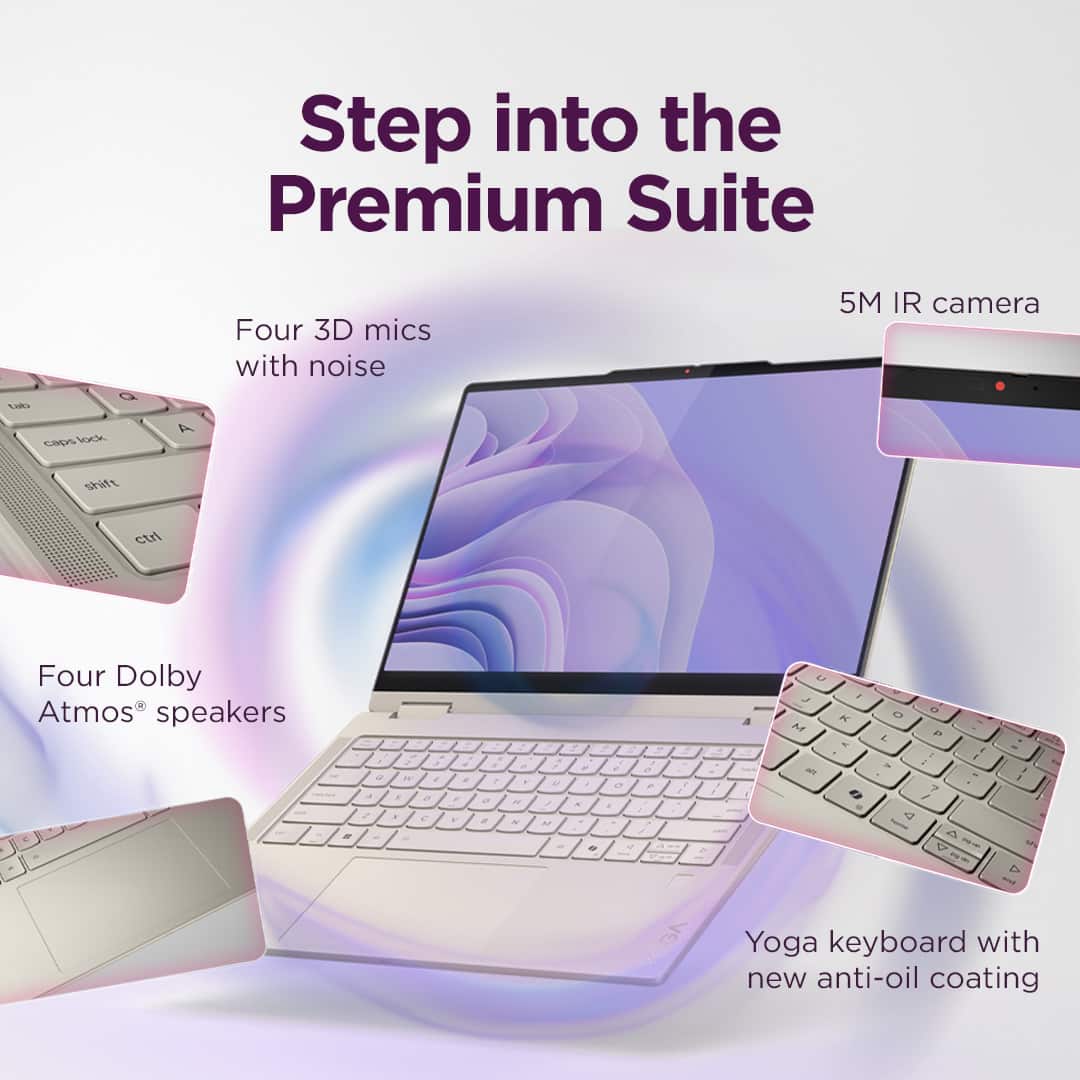
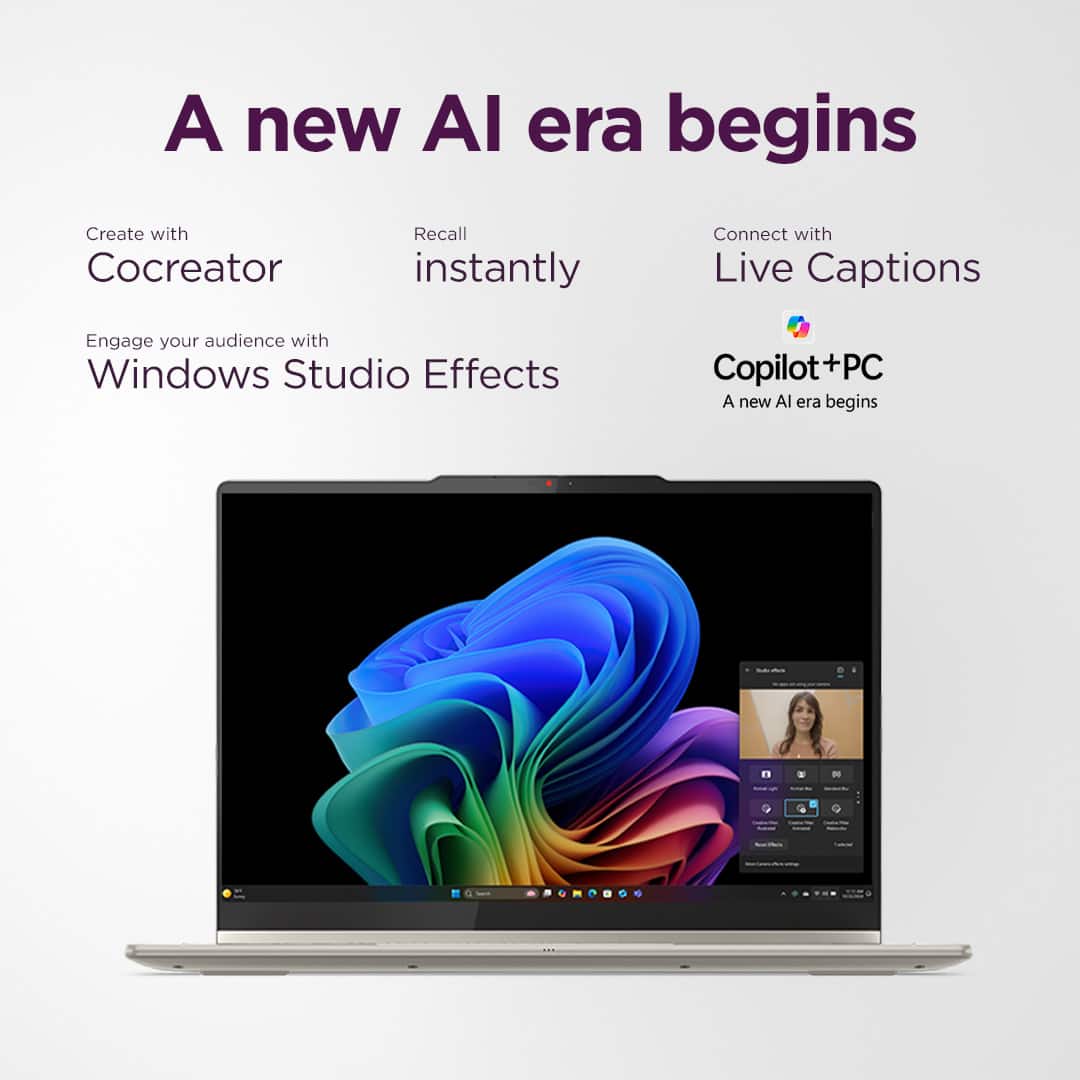
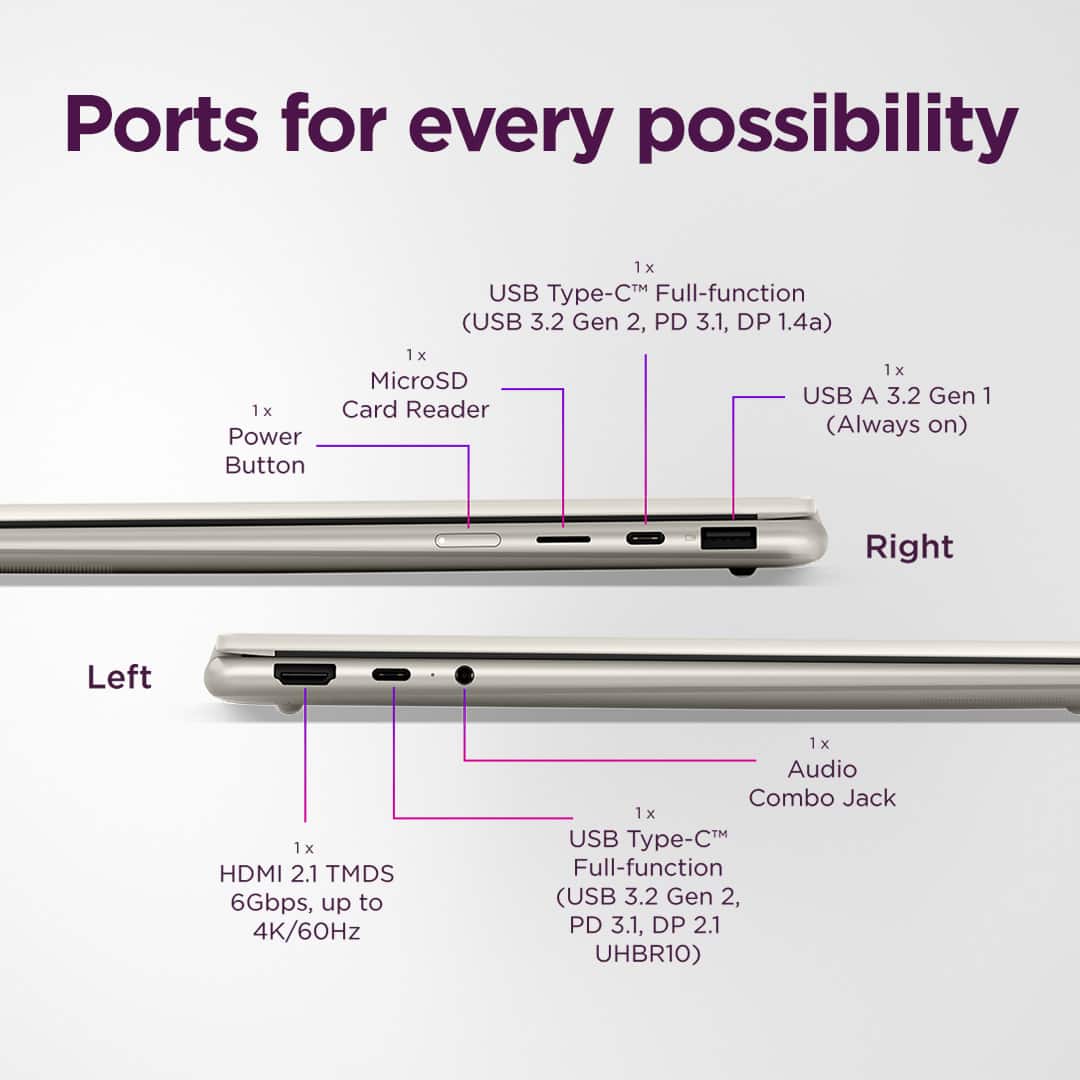



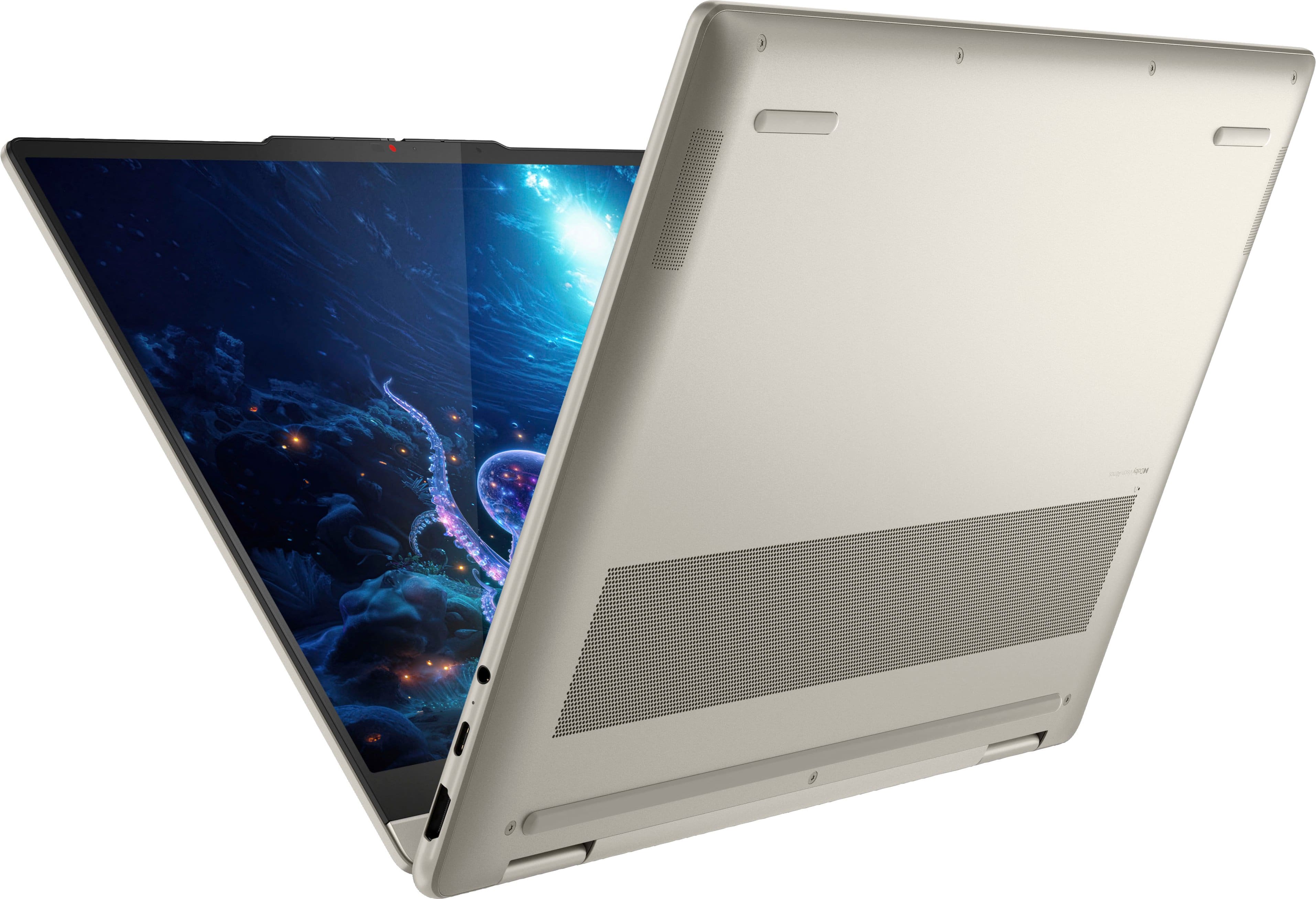
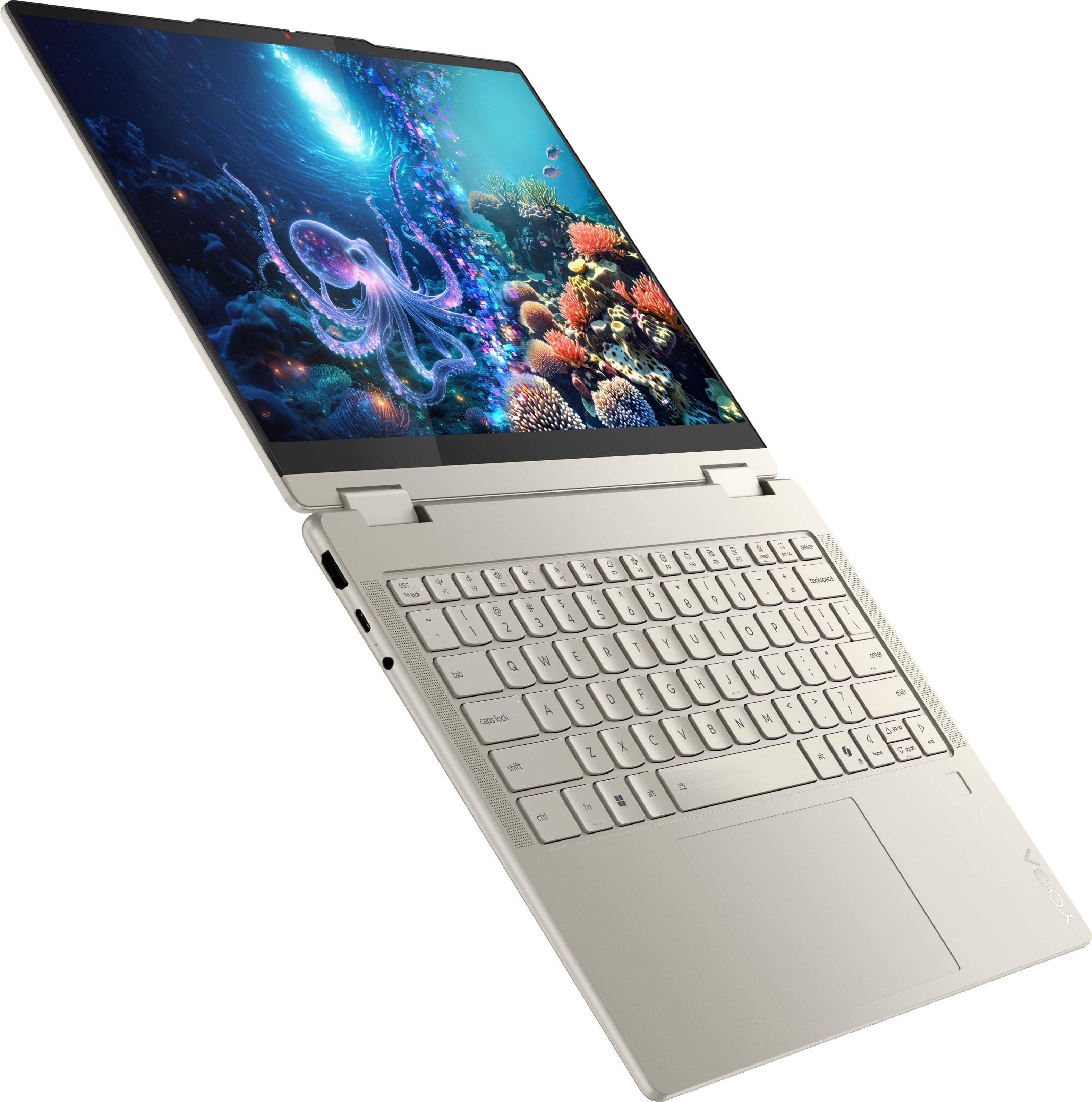
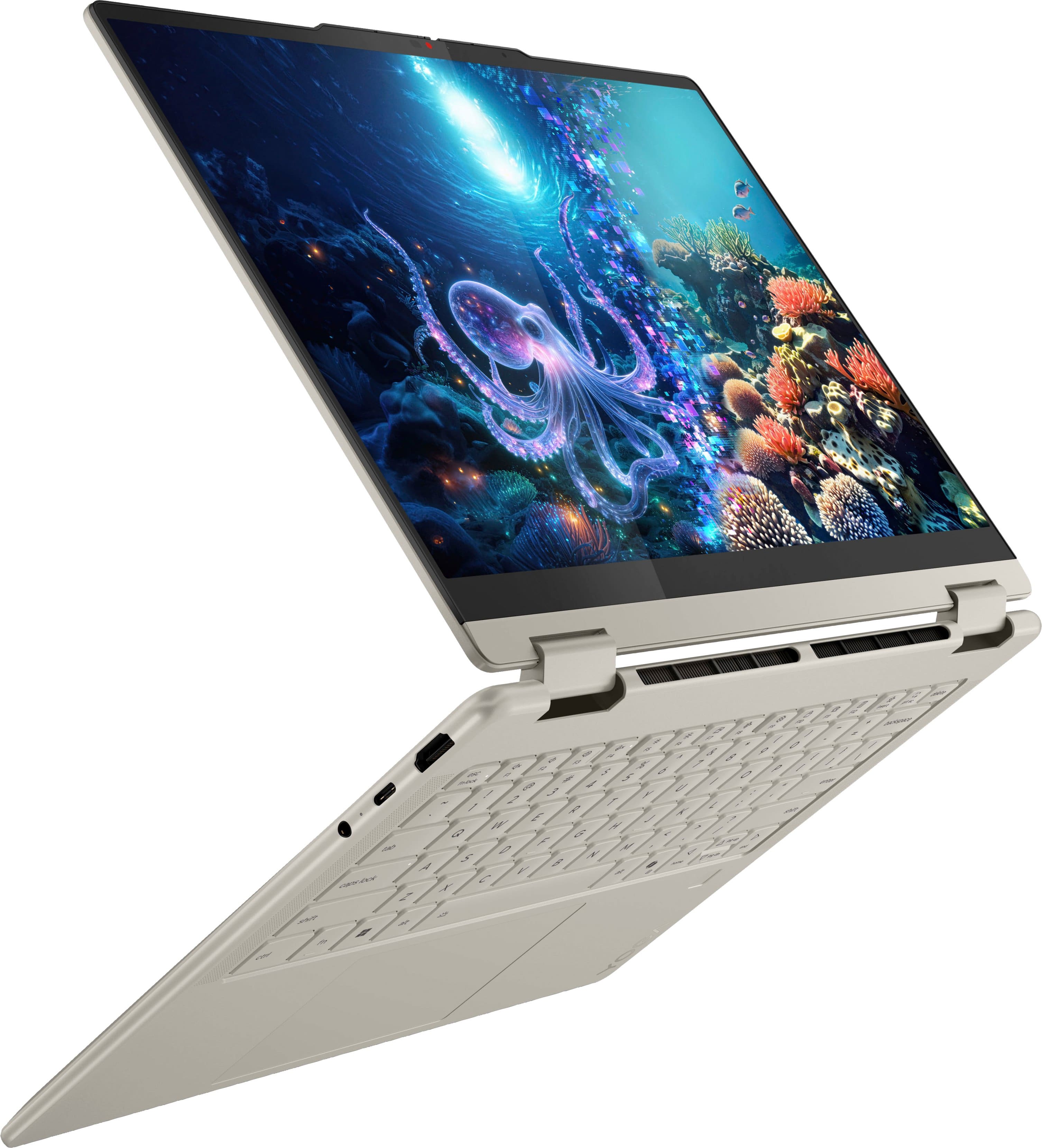
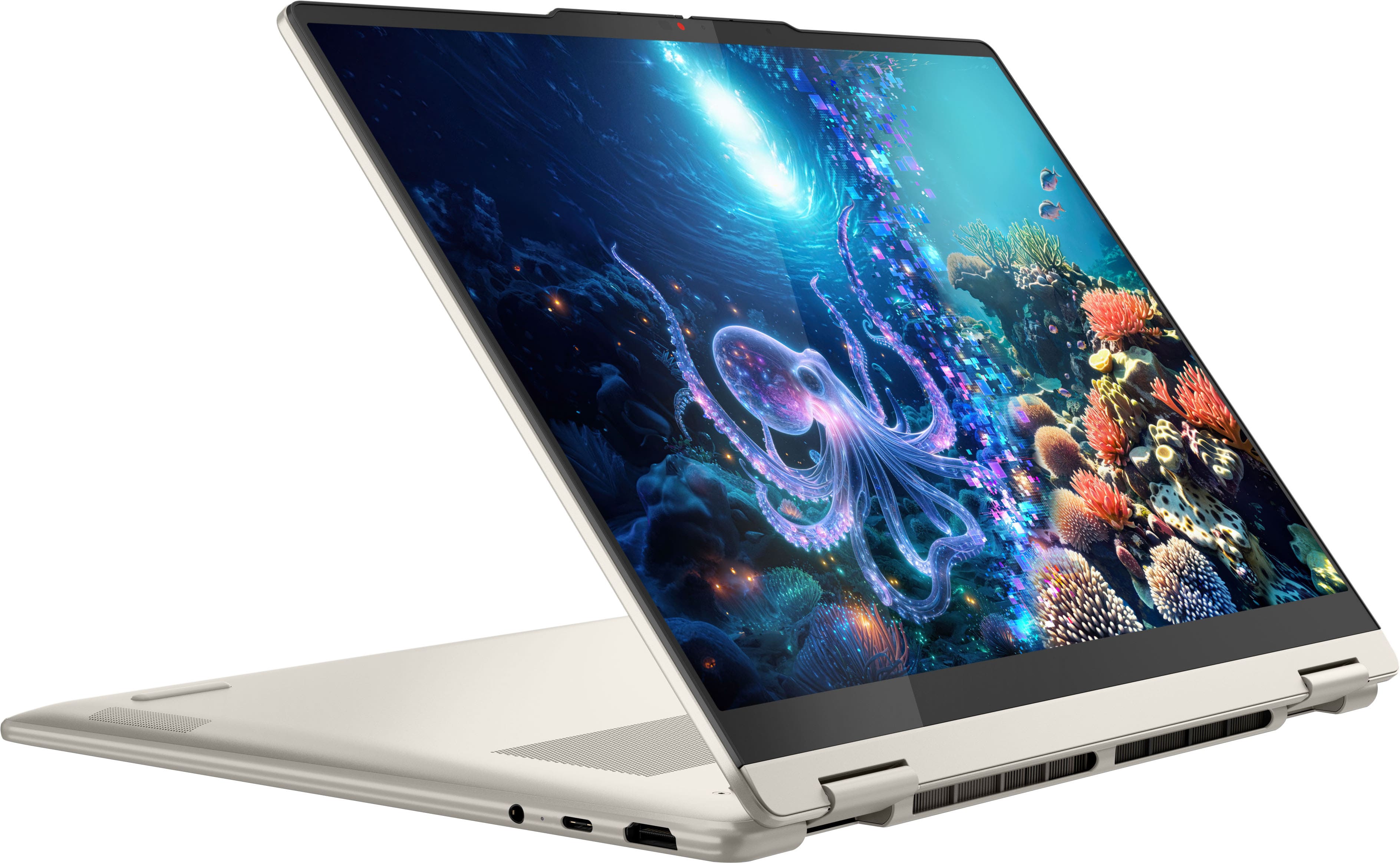

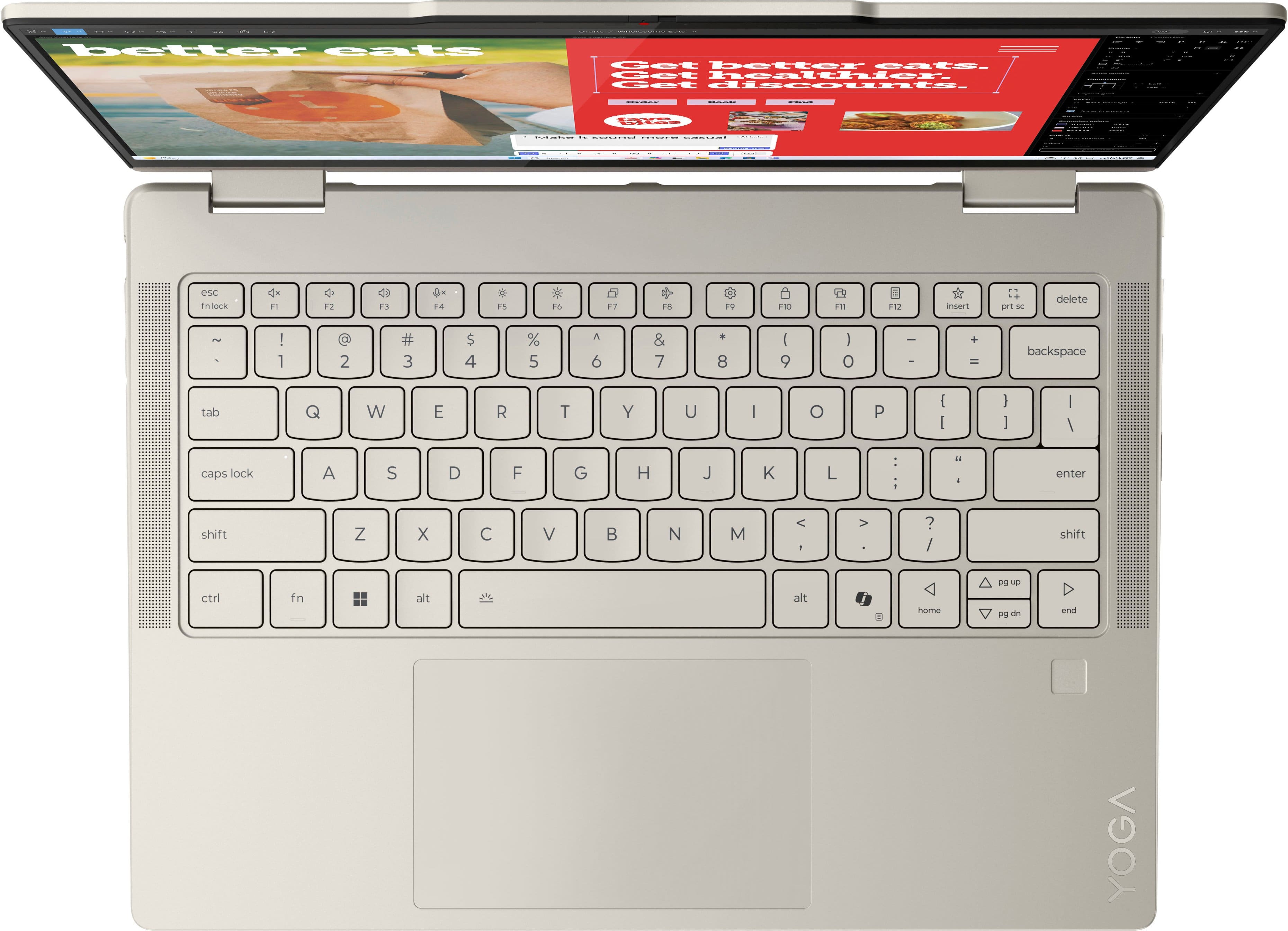













- Model:
- 83JR0002US
- SKU:
- 11984041
Rating by feature
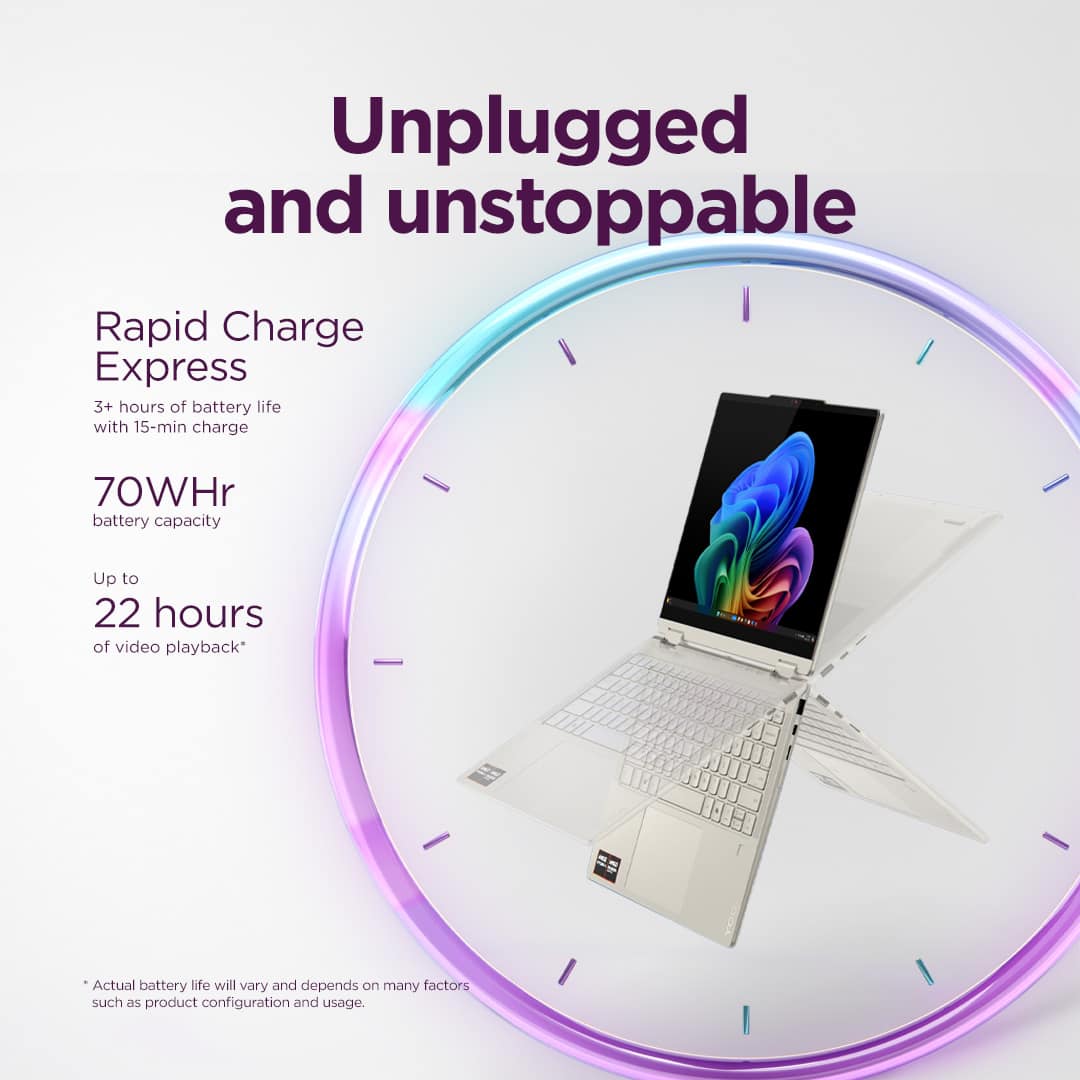
- Battery Life
Rating 4.7 out of 5 stars
- Speed
Rating 4.7 out of 5 stars
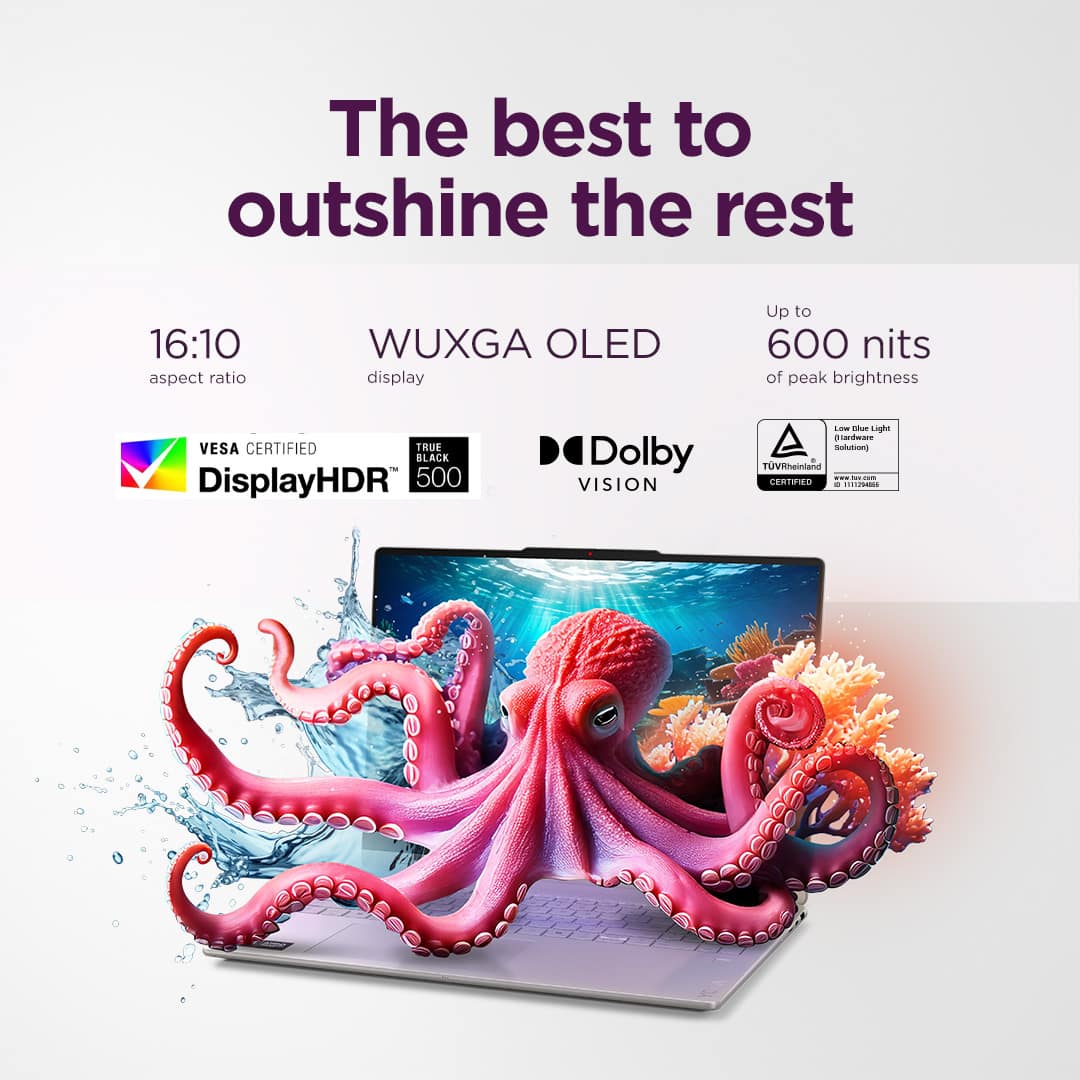
- Display
Rating 4.8 out of 5 stars
Three Cheers for Norma!!
||Posted . Owned for less than 1 week when reviewed.This reviewer received promo considerations or sweepstakes entry for writing a review.I purchased a laptop on November 4 & bought the plan where if it became on sale would get sale price. I went to Best Buy on Black Friday figuring it would be on sale. Much to my dismay, it was not. Your rep named Norma felt bad & advised me to download the app & check everyday. I did what she said & could not believe it was $400 off on Cyber Monday. Thanks to Norma as she made my day. Norma was caring, friendly & a people person. She is an asset to your company & deserves a raise!!
I would recommend this to a friendBrand response from Lenovo Product Expert
Posted .Hi PatriciaD-
Thank you for choosing Lenovo and sharing your experience with us. We are overjoyed to hear that Norma was able to offer you fantastic customer service throughout your purchasing experience and afterwards. We are excited to hear that you are enjoying the Yoga 7. Our goal is to offer great user experience and are ecstatic to see that we met our goal.
Please reach out to us through the Q & A section of this product webpage if you have any questions or need any assistance.
Best wishes,
Lenovo
- Cons mentioned:Heat dissipation
Great Choice!
||Posted .This reviewer received promo considerations or sweepstakes entry for writing a review.I bought this laptop for work and so far it is exactly what I need! The only downfall is the battery will get hot so I had to buy something to keep it angled up so there is airflow beneath my laptop. But, it turns out it is easier to type anway.
I would recommend this to a friendBrand response from Lenovo Product Expert
Posted .Hi Mary,
Thanks for choosing Lenovo and for sharing your feedback with us!
We are pleased to read that this Yoga 7 is working out great for you.
Please feel free to reach out to us via the Q& A section of this product page should you have any questions or need assistance.
Best,
Lenovo
- Pros mentioned:Overall performance
Happy with my Lenovo!
||Posted . Owned for 1 month when reviewed.This reviewer received promo considerations or sweepstakes entry for writing a review.Very pleased thus far. Very easy to get going thus far.
I would recommend this to a friend - Pros mentioned:Overall performance
Yoga + Linux Fedora
||Posted .This reviewer received promo considerations or sweepstakes entry for writing a review.Works pretty good with Linux Fedora. A few simple tweaks you need to make, to make it truly a Personal Computer.
I would recommend this to a friendBrand response from Lenovo Product Expert
Posted .Hi,
Thanks for choosing Lenovo and for sharing your feedback with us!
We are glad to read that you are satisfied with your purchase.
Please don't hesitate to reach out to us via the Q& A section of this product page or contact Lenovo Support should you have any questions or need assistance.
Regards,
Lenovo
Flexible and Customiable
||Posted . Owned for 4 months when reviewed.This reviewer received promo considerations or sweepstakes entry for writing a review.Easy to charge, easy to plug in, flexible tool and customizable
I would recommend this to a friend- Pros mentioned:Battery life
It's great!
||Posted . Owned for 1 month when reviewed.This reviewer received promo considerations or sweepstakes entry for writing a review.I got this computer for college and it hasn't failed me yet! It greats and holds up for a long time. The battery is good and the fans aren't too loud. I played Sons of the Forest and Modded Minecraft on it which it can run well without a charger!
I would recommend this to a friendBrand response from Lenovo Product Expert
Posted .Hi Rennie,
Thanks for choosing Lenovo and for sharing your feedback with us!
We are pleased to read that this Yoga 7 2-in-1 is working great for you.
Please feel free to reach out to us via the Q& A section of this product page should you have any questions or need assistance.
Best,
Lenovo
- Pros mentioned:Portability
Good deal for a good price
||Posted . Owned for 2 weeks when reviewed.This reviewer received promo considerations or sweepstakes entry for writing a review.Exelent buy, good deal, very easy to use and very handly
I would recommend this to a friend - Pros mentioned:Overall performance
Review of purchase
||Posted . Owned for 1 month when reviewed.This reviewer received promo considerations or sweepstakes entry for writing a review.The device meets all the functional and operating needs.
I would recommend this to a friend - Pros mentioned:Speed
Lenovo Yogi laptop
||Posted . Owned for 3 weeks when reviewed.This reviewer received promo considerations or sweepstakes entry for writing a review.I found this laptop to more than meet my needs. Startup is fast.
I would recommend this to a friendBrand response from Lenovo Product Expert
Posted .Hi,
Thanks for choosing Lenovo and for sharing your feedback with us!
We are glad to read that you are satisfied with your purchase.
Please don't hesitate to reach out to us via the Q& A section of this product page or contact Lenovo Support should you have any questions or need assistance.
Regards,
Lenovo
Really happy I switched!
||Posted . Owned for 1 month when reviewed.This reviewer received promo considerations or sweepstakes entry for writing a review.I've been enjoying this Lenovo so far! I switched from Apple and honestly don't regret it. I'm still learning my way around and wish I had more time to tinker with all the features but even with limited time it's been a great experience. Overall, I'm really happy with the switch.
I would recommend this to a friendBrand response from Lenovo Product Expert
Posted .Hi,
Thanks for choosing Lenovo and for sharing your feedback with us!
We are glad to read that you are satisfied with your purchase overall.
Please don't hesitate to reach out to us via the Q& A section of this product page or contact Lenovo Support should you have any questions or need assistance.
Regards,
Lenovo
- Pros mentioned:Overall performance
Good for Work Laptop
||Posted . Owned for 3 weeks when reviewed.This reviewer received promo considerations or sweepstakes entry for writing a review.I used this for my "work" laptop and it works well.
I would recommend this to a friend - Pros mentioned:Screen quality
Beautiful Screen 2-1 Laptop
||Posted .This reviewer received promo considerations or sweepstakes entry for writing a review.Works well, really nice screen and keyboard. Only complain is that the color shows a lot of fingerprints
I would recommend this to a friendBrand response from Lenovo Product Expert
Posted .Hi,
Thanks for choosing Lenovo and for sharing your feedback with us!
We are glad to read that you are satisfied with your purchase.
Please don't hesitate to reach out to us via the Q& A section of this product page or contact Lenovo Support should you have any questions or need assistance.
Regards,
Lenovo
- Pros mentioned:Speed
Great laptop for a college student!
||Posted .This reviewer received promo considerations or sweepstakes entry for writing a review.Great product for someone starting the transition from high school to college. Fast and reliable!
I would recommend this to a friendBrand response from Lenovo Product Expert
Posted .Hi,
Thanks for choosing Lenovo and for sharing your feedback with us!
We are glad to read that you are satisfied with your purchase.
Please don't hesitate to reach out to us via the Q& A section of this product page or contact Lenovo Support should you have any questions or need assistance.
Regards,
Lenovo
- Pros mentioned:Overall performance
Lenvo Computers
||Posted . Owned for 1 month when reviewed.This reviewer received promo considerations or sweepstakes entry for writing a review.This computer is a great for high school students. I can do both my academic work on it and play games during my free time.
I would recommend this to a friendBrand response from Lenovo Product Expert
Posted .Hi Saeda-
Thank you for choosing Lenovo and sharing your feedback with us. We are excited to hear that the Yoga 7 is working well for your academic work and gaming. We aim to provide amazing user experience and are delighted to hear that we met our goal.
Please reach out to us through the Q & A section of this product page if you have any questions or need assistance.
Best wishes,
Lenovo
- Pros mentioned:Portability
Good college and basic gaming laptop
||Posted . Owned for 3 weeks when reviewed.This reviewer received promo considerations or sweepstakes entry for writing a review.Perfect for college and sleek look. It also runs games such as Fortnite smoothly. Lasts about 4 or 5 hours unplugged but I also keep several applications open.
I would recommend this to a friendBrand response from Lenovo Product Expert
Posted .Hi Michelle,
Thanks for choosing Lenovo and for sharing your feedback with us!
We are pleased to read that this Yoga 7 is perfect for college use and your gaming needs.
Please feel free to reach out to us via the Q& A section of this product page should you have any questions or need assistance.
Best,
Lenovo
- Pros mentioned:Overall performance, Screen quality
Laptop
||Posted . Owned for 1 month when reviewed.This reviewer received promo considerations or sweepstakes entry for writing a review.Sleek and light... I like the screen size and camera is okay. Sometimes lags , but otherwise the transitions are smooth.
I would recommend this to a friendBrand response from Lenovo Product Expert
Posted .Hey Amber,
Thank you for choosing Lenovo and for sharing your feedback with us. We strive to provide the best experience possible, so we'd like to address the 'lag' you referenced.
We recommend ensuring you have the latest software by checking for updates, as this could correct the issue by addressing system bugs. To do so, first, open the Settings app > Select the Windows update tab > Select the Check for updates button, apply all available updates. Next, open the Lenovo Vantage app > on the homepage, select the Check for updates button, following on-screen prompts to apply all available updates here as well.
We are pleased to read that you are otherwise satisfied with your purchase.
Please don't hesitate to reach out to us via the Q& A section of this product page or contact Lenovo Support should you have any questions or need further assistance, as your satisfaction is important to us.
Regards,
Lenovo
- Pros mentioned:Overall performance
Great Purchase
||Posted .This reviewer received promo considerations or sweepstakes entry for writing a review.Great laptop for college !! Also runs Roblox super smooth. Would recommend!
I would recommend this to a friend - Pros mentioned:Overall performance
Lenova Yoga Review
||Posted . Owned for 1 month when reviewed.This reviewer received promo considerations or sweepstakes entry for writing a review.Wonderful laptop!! Easy to set up, fast, picture is great, wish I had not waited as long to invest. Great price too.
I would recommend this to a friendBrand response from Lenovo Product Expert
Posted .Hi,
Thanks for choosing Lenovo and for sharing your feedback with us!
We are glad to read that you are satisfied with your purchase.
Please don't hesitate to reach out to us via the Q& A section of this product page or contact Lenovo Support should you have any questions or need assistance.
Regards,
Lenovo
Love this computer!!
||Posted . Owned for 1 month when reviewed.This reviewer received promo considerations or sweepstakes entry for writing a review.I am lovinggg this laptop so far, it is so easy to navigate to different tabs the touchscreen makes it so easy to do my homework. So far it is my favorite!
I would recommend this to a friendBrand response from Lenovo Product Expert
Posted .Hi Avila-
Thank you for choosing Lenovo and sharing your experience with us. We are thrilled to hear that you are enjoying the product design of the Yoga 7.
Please reach out to us through the Q&A section of this product page if you have any questions or need any assistance.
Best wishes,
Lenovo
LOVE THIS LAPTOP
||Posted . Owned for 3 months when reviewed.This reviewer received promo considerations or sweepstakes entry for writing a review.Easy to use, no lag- I will say, it’s hard to figure out how to mirror it to your TV or a side screen, but otherwise so far so good.
I would recommend this to a friendBrand response from Lenovo Product Expert
Posted .Hi,
Thanks for choosing Lenovo and for sharing your feedback with us!
We are glad to read that you are satisfied with your purchase.
Please don't hesitate to reach out to us via the Q& A section of this product page or contact Lenovo Support should you have any questions or need assistance.
Regards,
Lenovo