Customer Ratings & Reviews



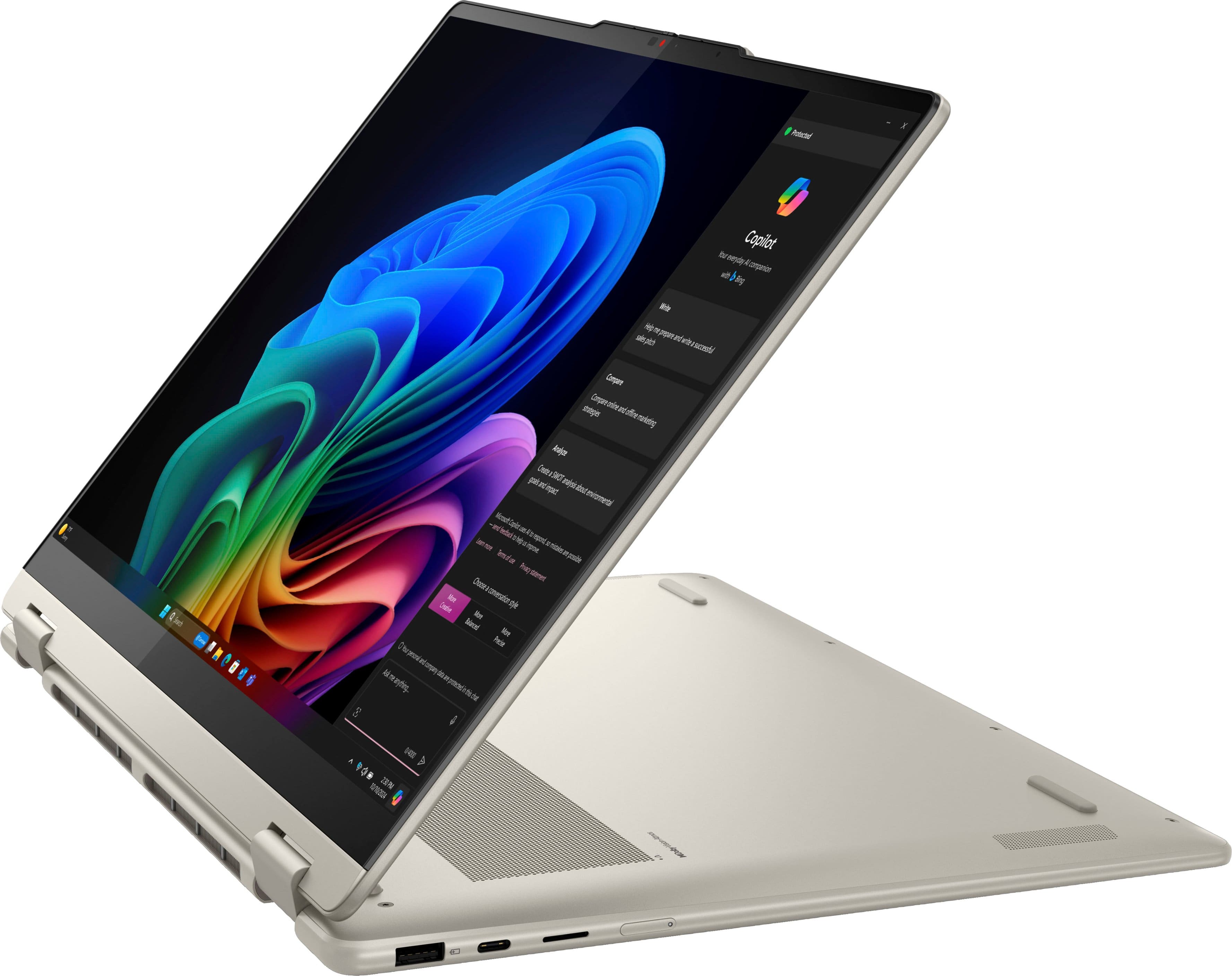














- Model:
- 83JU0003US
- SKU:
- 10986388
Rating by feature
- Battery Life
Rating 4.7 out of 5 stars
- Speed
Rating 4.8 out of 5 stars
- Display
Rating 4.8 out of 5 stars
Customers are saying
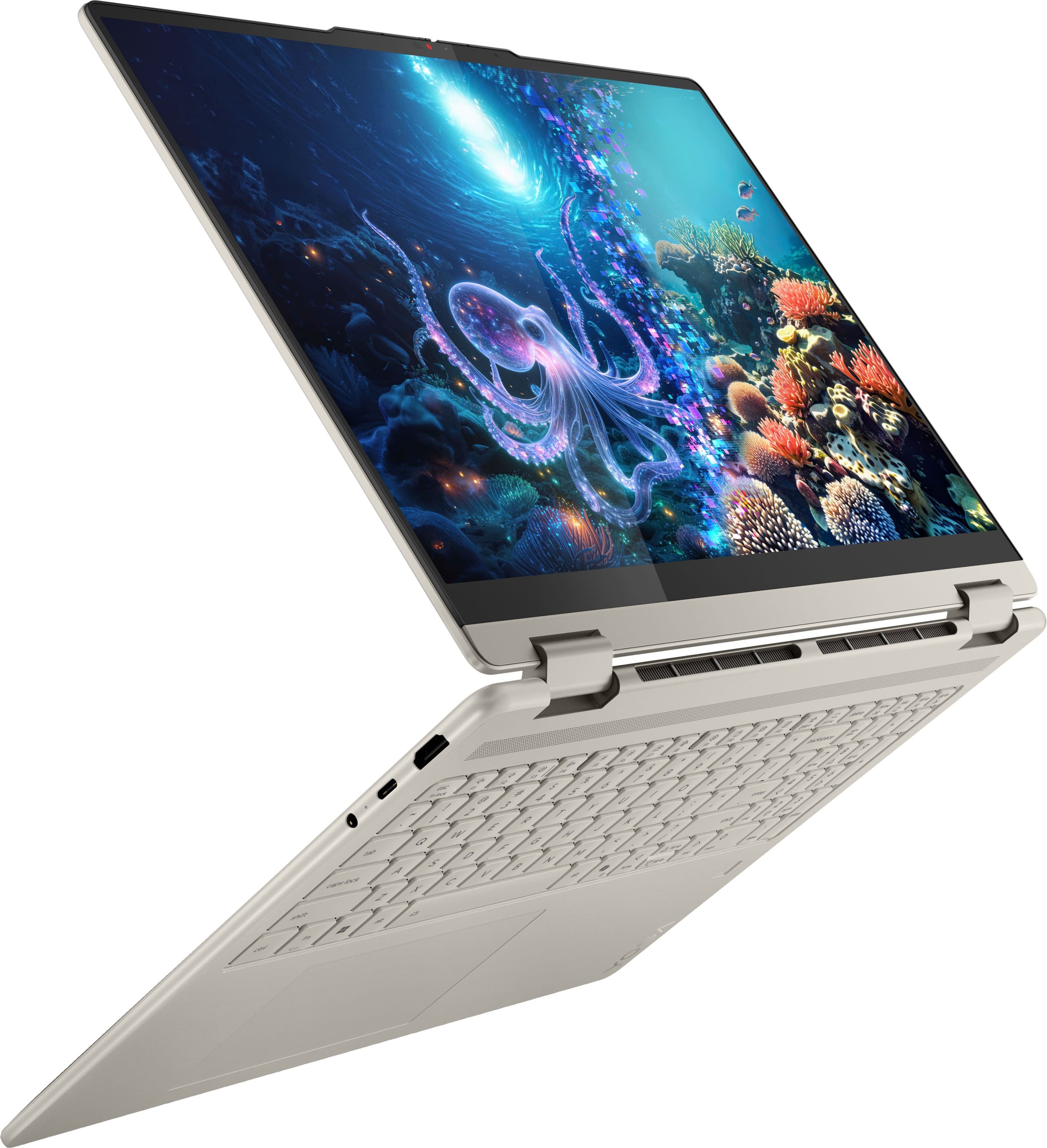
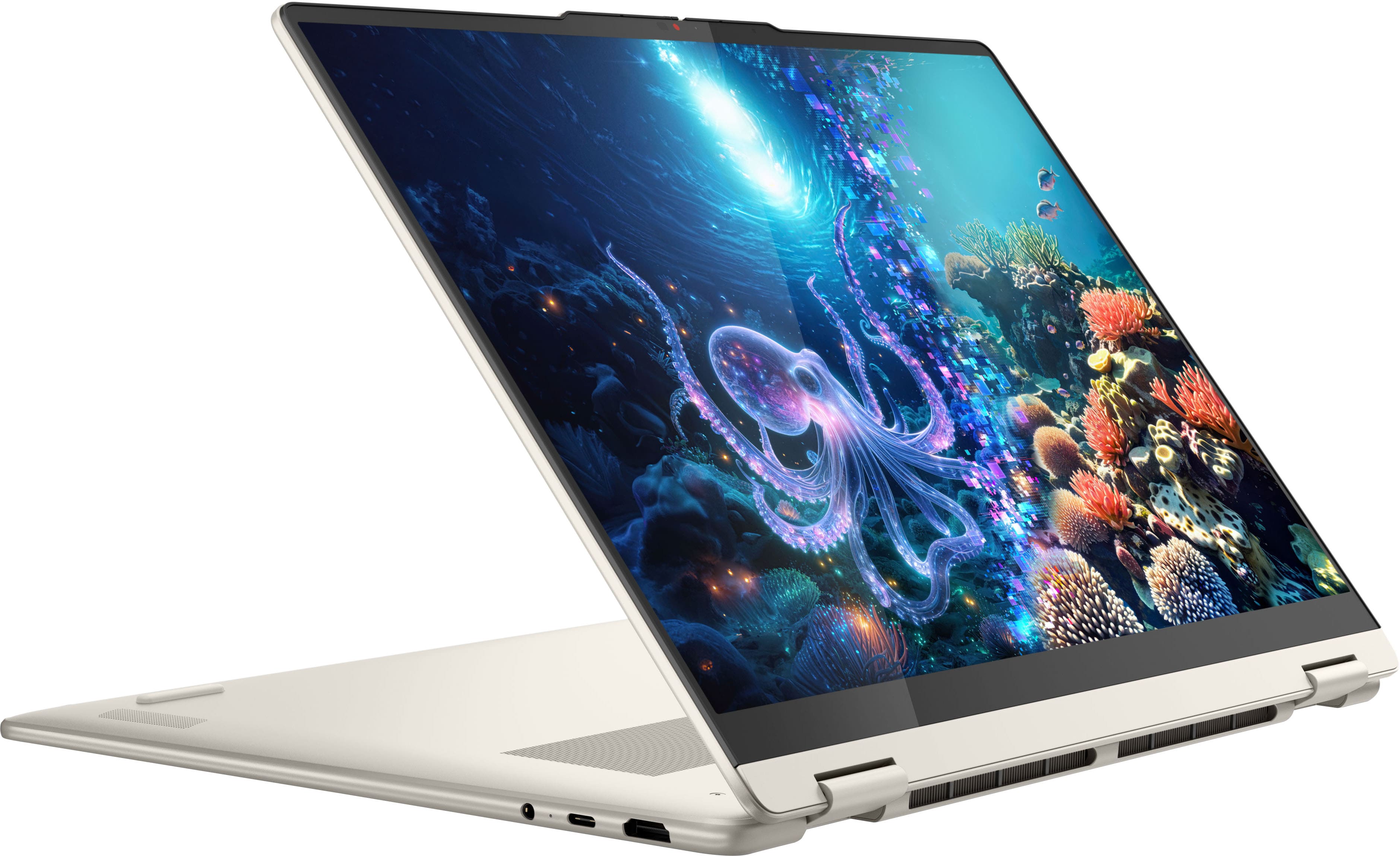
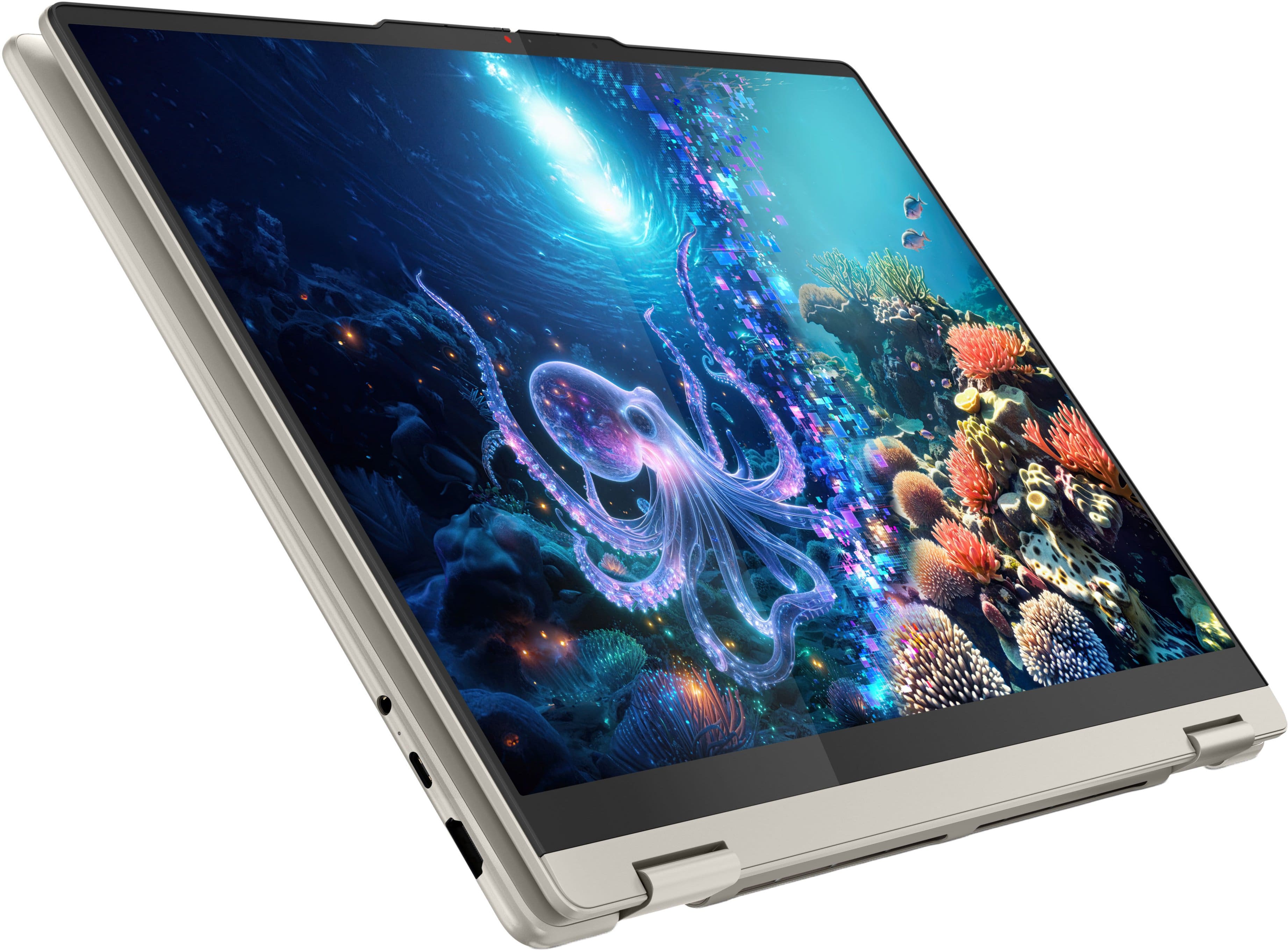
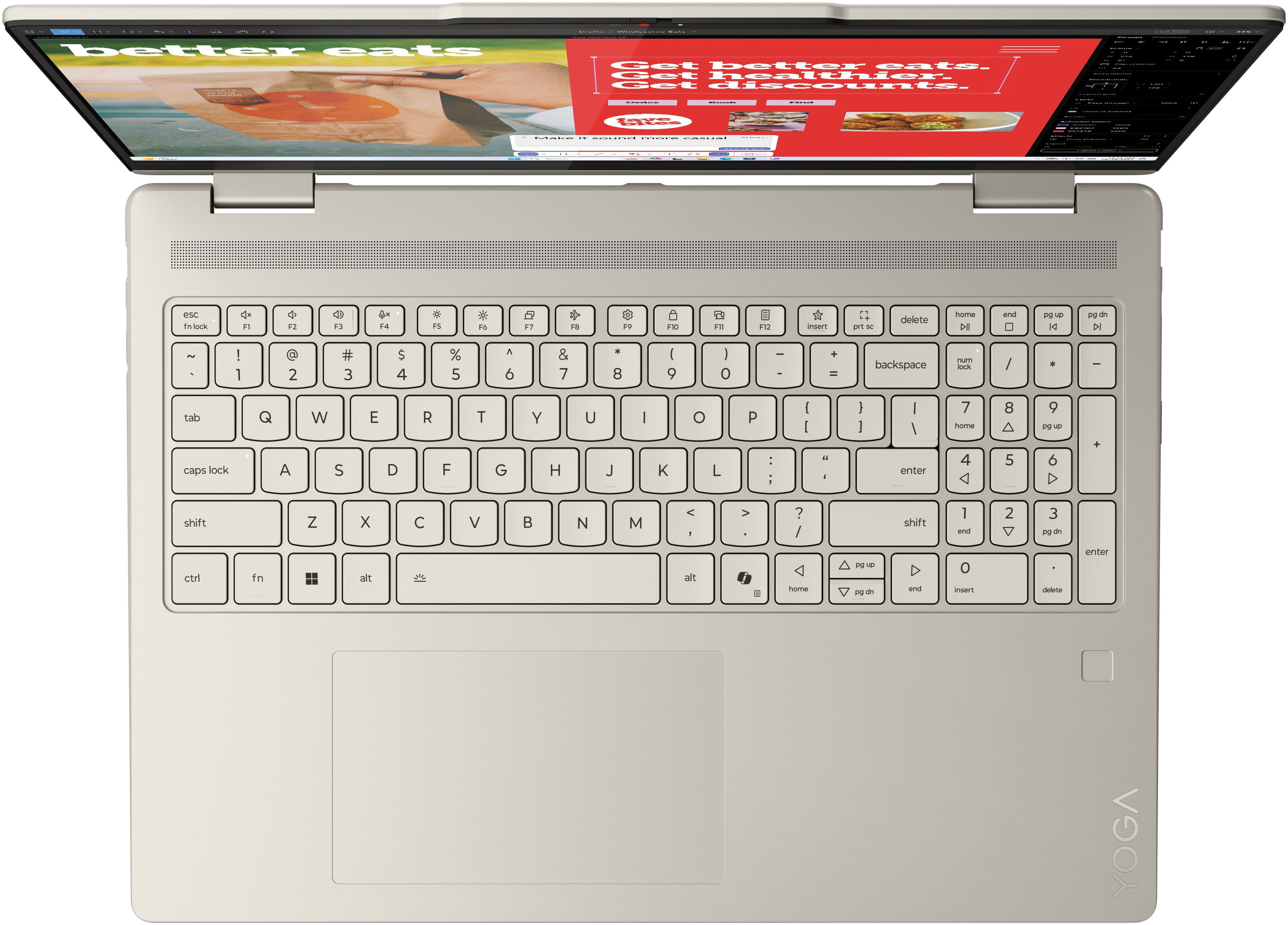
Customers admire the Yoga 7 2-in-1 for its overall performance and speed, finding it quick and easy to use with a sleek design. The excellent screen size and resolution, along with the touchscreen abilities and the flexibility of its 2-in-1 form factor, are also appreciated. However, some customers have noted issues with heat during gaming and occasional Wi-Fi connectivity problems.
This summary was generated by AI based on customer reviews.
- Pros mentioned:Speed
Love the Yoga
||Posted . Owned for 1 week when reviewed.This reviewer received promo considerations or sweepstakes entry for writing a review.Love my new Lenovo Yoga. Fast and easy to use and the graphics are awesome.
I would recommend this to a friendBrand response from Lenovo Product Expert
Posted .Hey JohnB,
Thanks for choosing Lenovo and for sharing your feedback with us!
We are glad to read that you love your new Yoga 7 2-in-1.
Please feel free to reach out to us via the Q& A section of this product page should you have any questions or need assistance.
Best,
Lenovo
Satisfaction defined
||Posted . Owned for 3 weeks when reviewed.This reviewer received promo considerations or sweepstakes entry for writing a review.Fantastic service all the way round, from Sales knowledge to Technical wisdom! Thanks and see you soon for my "drone"!
I would recommend this to a friend- Pros mentioned:Overall performance
Great Lap Top
||Posted . Owned for 2 weeks when reviewed.This reviewer received promo considerations or sweepstakes entry for writing a review.This is a perfect laptop for your needs or wants for the family
I would recommend this to a friendBrand response from Lenovo Product Expert
Posted .Hey Memasjoy,
Thanks for choosing Lenovo and for sharing your feedback with us!
We are glad to read that this Yoga 7 2-in-1 is perfect for your family.
Please feel free to reach out to us via the Q& A section of this product page should you have any questions or need assistance.
Best,
Lenovo
- Pros mentioned:Overall performance
Laptop
||Posted . Owned for 3 weeks when reviewed.This reviewer received promo considerations or sweepstakes entry for writing a review.Works as it should. Good price for the performance.
I would recommend this to a friendBrand response from Lenovo Product Expert
Posted .Hi RyanM,
Thanks for choosing Lenovo and for sharing your feedback with us!
We are pleased to read that this Yoga 7 2-in-1 has met your expectations.
Please feel free to reach out to us via the Q& A section of this product page should you have any questions or need assistance.
Best,
Lenovo
- Pros mentioned:Overall performance
Good for personal work
||Posted . Owned for 3 weeks when reviewed.This reviewer received promo considerations or sweepstakes entry for writing a review.Very smooth for personal work and light gaming. Not the best for heavy gaming but overpowered for personal work.
I would recommend this to a friendBrand response from Lenovo Product Expert
Posted .Hey SilasLH,
Thanks for choosing Lenovo and for sharing your feedback with us!
We are glad to read that this Yoga 7 2-in-1 is a good fit for your personal work.
Please feel free to reach out to us via the Q& A section of this product page should you have any questions or need assistance.
Best,
Lenovo
- Pros mentioned:Battery life
Great for school
||Posted . Owned for 3 weeks when reviewed.This reviewer received promo considerations or sweepstakes entry for writing a review.Great laptop. Perfect for school. Battery last a long time.
I would recommend this to a friendBrand response from Lenovo Product Expert
Posted .Hi,
Thanks for choosing Lenovo and for sharing your feedback with us!
We are glad to read that you are satisfied with your purchase.
Please don't hesitate to reach out to us via the Q& A section of this product page or contact Lenovo Support should you have any questions or need assistance.
Regards,
Lenovo
- Pros mentioned:Screen quality
Good price point
||Posted . Owned for 1 month when reviewed.This reviewer received promo considerations or sweepstakes entry for writing a review.Eazy to set up and use. So far so go. The screen is bright and clear to read.
I would recommend this to a friendBrand response from Lenovo Product Expert
Posted .Hi,
Thanks for choosing Lenovo and for sharing your feedback with us!
We are pleased to read that your experience your Yoga 7 2-in-1 has been good thus far.
Please feel free to reach out to us via the Q& A section of this product page should you have any questions or need assistance.
Best,
Lenovo
- Pros mentioned:Overall performance
Lenova
||Posted . Owned for 1 week when reviewed.This reviewer received promo considerations or sweepstakes entry for writing a review.For college use it does well. Nice features. Reasonable cost
I would recommend this to a friendBrand response from Lenovo Product Expert
Posted .Hey Sjamspat,
Thanks for choosing Lenovo and for sharing your feedback with us!
We are glad to read that this Yoga 7 2-in-1 works well for your use.
Please feel free to reach out to us via the Q& A section of this product page should you have any questions or need assistance.
Best,
Lenovo
Lenova The Best
||Posted . Owned for 1 month when reviewed.This reviewer received promo considerations or sweepstakes entry for writing a review.Very nice laptop that more than meets my need! Touch Screen first class
I would recommend this to a friendStill getting used to a computer after years
||Posted . Owned for 3 months when reviewed.This reviewer received promo considerations or sweepstakes entry for writing a review.Still getting used to the laptop haven’t had one for years going from Apple iPhones to a regular computer is a little to get used to
I would recommend this to a friendGaming Laptop
||Posted . Owned for 2 weeks when reviewed.This reviewer received promo considerations or sweepstakes entry for writing a review.Awesome laptop for gaming. And I can take it anywhere.
I would recommend this to a friendGreat computer
||Posted . Owned for 3 weeks when reviewed.This reviewer received promo considerations or sweepstakes entry for writing a review.I love this computer. It does all the things I need it to. The price was fair
I would recommend this to a friendTop Rated Employees
||Posted . Owned for 1 month when reviewed.This reviewer received promo considerations or sweepstakes entry for writing a review.Thank you Jace, Dan and Eduardo with the purchase and setup of my laptop. I was able to choose a laptop that I needed for my needs.++++
I would recommend this to a friend- Pros mentioned:Portability
computer
||Posted . Owned for 2 weeks when reviewed.This reviewer received promo considerations or sweepstakes entry for writing a review.great product, easy to use and carry and strore great training
I would recommend this to a friendBrand response from Lenovo Product Expert
Posted .Hey RalphK,
Thank you for choosing Lenovo and for sharing your feedback with us!
We are pleased to read that you are satisfied with your purchase.
Please don't hesitate to reach out to us via the Q& A section of this product page or contact Lenovo Support should you have any questions or need assistance.
Regards,
Lenovo
- Pros mentioned:Overall performance
New Purchased Lenovo Yoga Laptop
||Posted . Owned for 3 weeks when reviewed.This reviewer received promo considerations or sweepstakes entry for writing a review.Excellent product very pleased with the overall product
I would recommend this to a friendBrand response from Lenovo Product Expert
Posted .Hey Diana,
Thanks for choosing Lenovo and for sharing your feedback with us!
We are glad to read that you are quite pleased with this Yoga 7 2-in-1 overall.
Please feel free to reach out to us via the Q& A section of this product page should you have any questions or need assistance.
Best,
Lenovo
Exceptional laptop
||Posted . Owned for 1 month when reviewed.This reviewer received promo considerations or sweepstakes entry for writing a review.Very Satisfied in my purchase. TJ was so helpful in what to look for and what was important.
I would recommend this to a friendYoga seems to be pretty good
||Posted . Owned for 2 weeks when reviewed.This reviewer received promo considerations or sweepstakes entry for writing a review.Been using it the past couple weeks for school. Runs well. Very fast. Slim and battery holds charge well. Charges very quickly. Good machine.
I would recommend this to a friendTech Hubby loves it!
||Posted . Owned for 1 month when reviewed.This reviewer received promo considerations or sweepstakes entry for writing a review.We have only had our YOGA for a month- loving it so far!
I would recommend this to a friendGreat laptop
||Posted . Owned for 2 months when reviewed.This reviewer received promo considerations or sweepstakes entry for writing a review.It’s awesome. Works for school. I would definitely buy another if needed
I would recommend this to a friendBest Christmas gift.
||Posted .This reviewer received promo considerations or sweepstakes entry for writing a review.I purchased this laptop for my 18yr. old son. He needed a better laptop for college and this surpasses what he needs. In his words "It is perfect"!
I would recommend this to a friendBrand response from Lenovo Product Expert
Posted .Hi,
Thanks for choosing Lenovo and for sharing your feedback with us!
We are glad to read that you are satisfied with your purchase overall.
Please don't hesitate to reach out to us via the Q& A section of this product page or contact Lenovo Support should you have any questions or need assistance.
Regards,
Lenovo