Customer Ratings & Reviews
- Model:
- 80QD00B0US
- SKU:
- 4525803
to a friend
Customers are saying
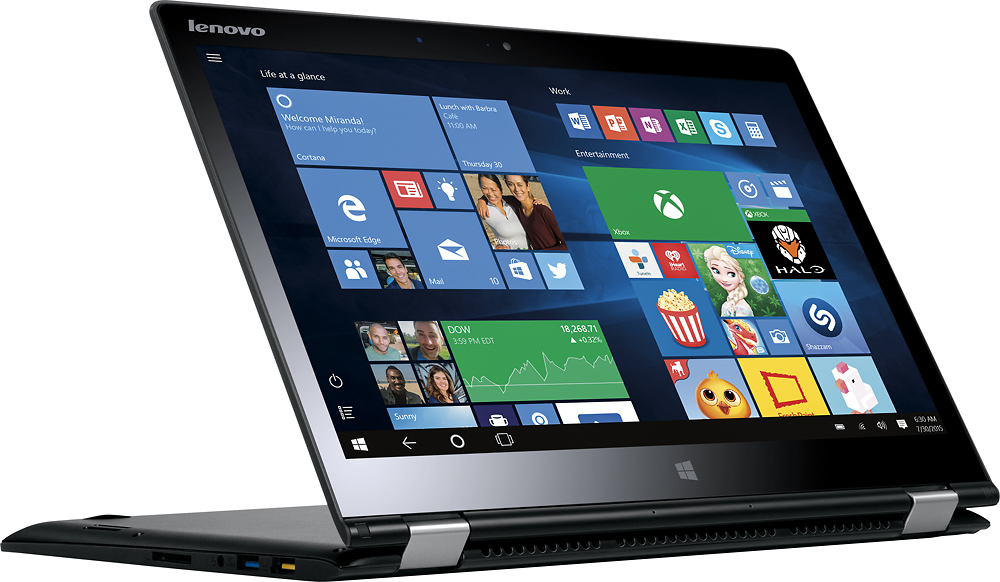
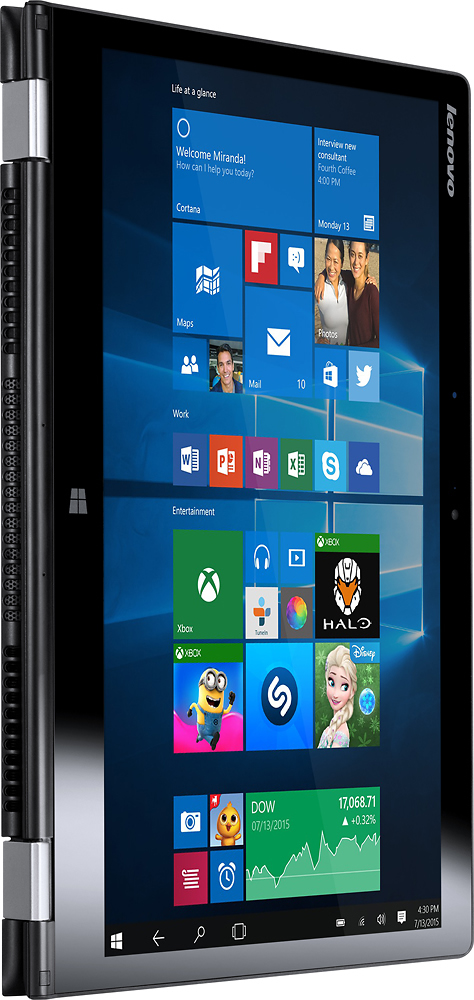
Customers value the Yoga 700 14" 2-in-1 Touch-Screen Laptop for its touch screen, light weight, long battery life, and affordable price. They appreciate the convenience of the touch screen, the portability of the device, and the ease of use. However, some customers have experienced issues with Windows 10, freezing, graphics card, and malfunctioning.
This summary was generated by AI based on customer reviews.
Unresponsive touch screen
Posted .This reviewer received promo considerations or sweepstakes entry for writing a review.Don't buy open box.. or lenovo! I bought it open boxed and the touch screen was unresponsive. Tried fixing it but it didn't even have a "touch and pen" section under the hardware links.
No, I would not recommend this to a friendBrand response from Lenovo Product Expert
Posted .This system is equipped with the One Key Recovery system. There is a very small button on the right side near the power button. Press this button with a pen or pencil. It will boot your system to a selection screen where you can pick to recover your system to factory default. This will delete any programs you installed and take the system back to original factory install of the operating system. We suggest you give this a try. Once the system is restored, let the system run Windows automatic updates and then, there may be driver updates for your specific system. Follow the link below to look for new driver updates for your specific system. As always, be sure to create a restore point on your system before you make any changes. Here is the link:
http://support.lenovo.com/us/en/products/Laptops-and-netbooks/Yoga-Series/yoga-700-14isk/80QD/003YUS?query=&Shallow=1&Type=&OperatingSystems=&Component=&Symptom=&linkTrack=Caps%253ABody_SearchProduct&tabName=downloads&beta=false