Customer Ratings & Reviews
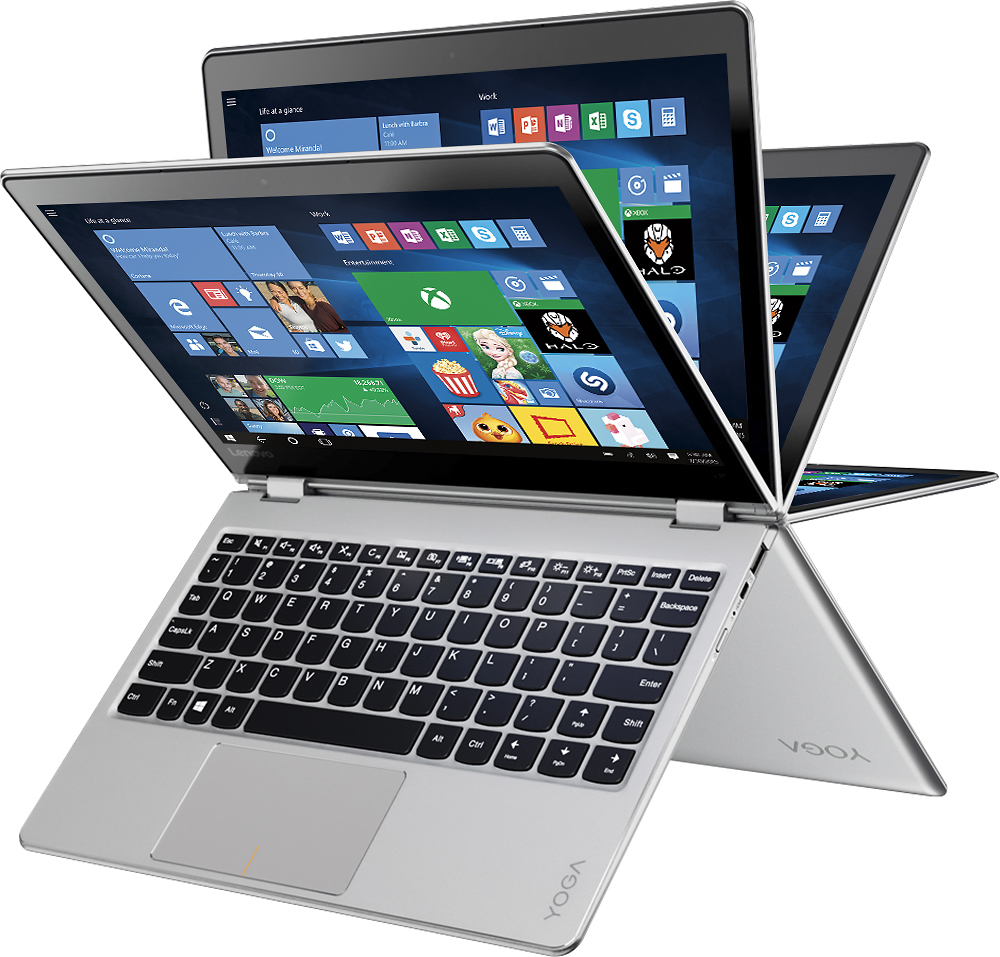
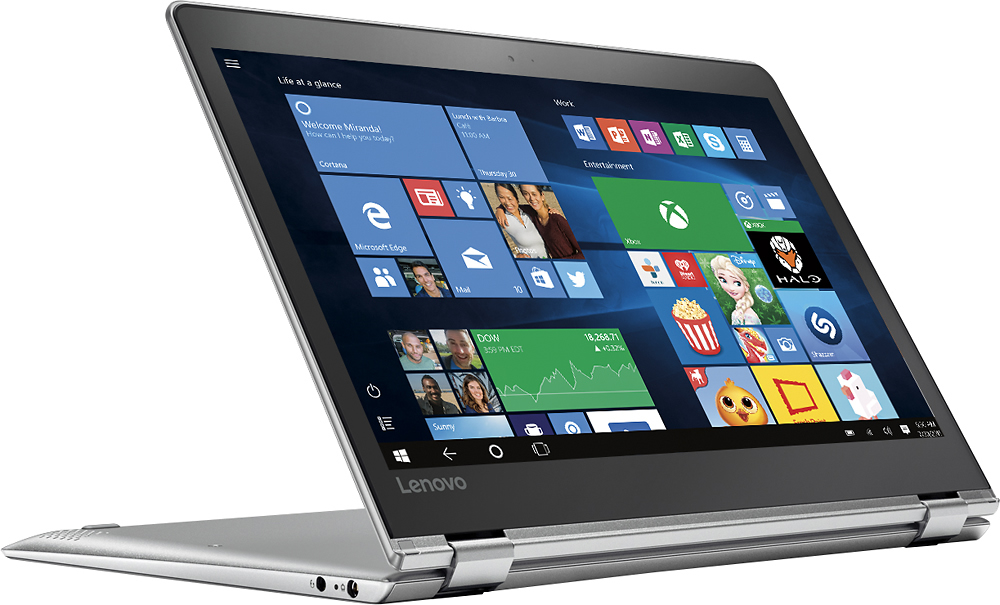
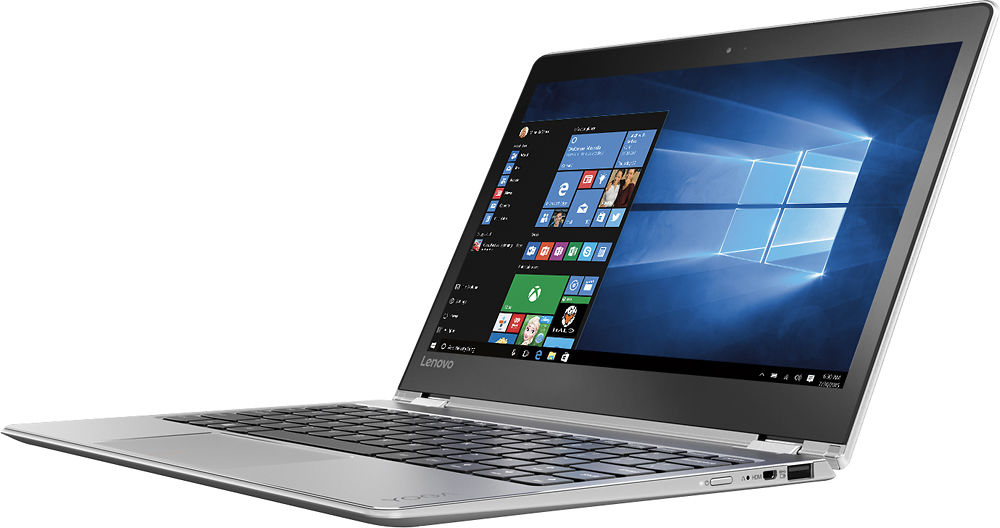

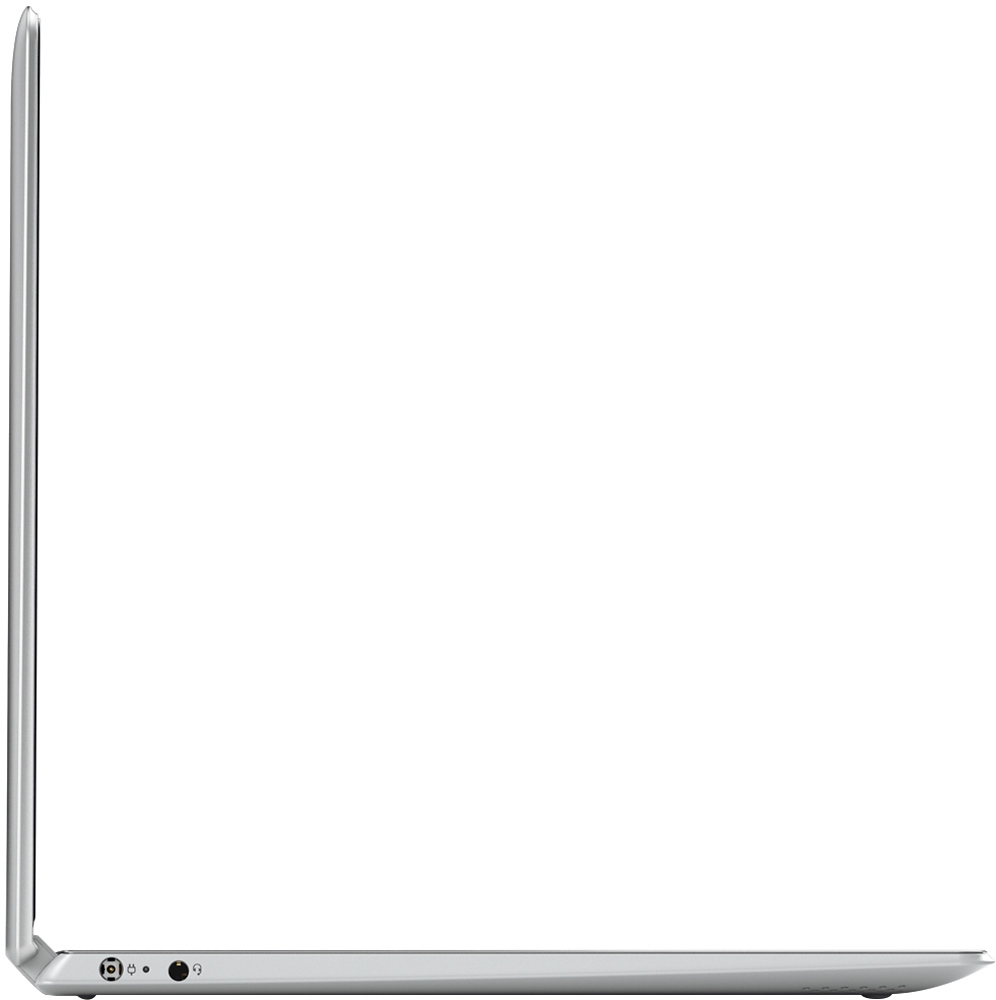




- Model:
- 80TX0007US
- SKU:
- 5206500
to a friend
Customers are saying
Customers commend the Yoga 710 11 for its portability, light weight, and fast performance. They appreciate the touch screen functionality and the reasonable price point. However, some users have expressed concerns about the limited storage capacity, memory, and the number of ports available.
This summary was generated by AI based on customer reviews.
Keyboard is infuriating
Posted .This reviewer received promo considerations or sweepstakes entry for writing a review.This is an attractive laptop with solid specs but the keyboard and touchpad are infuriating. The touchpad is extremely sensitive which leads to numerous erroneous commands such as zooming the screen and opening multiple pages. Additionally, it’s a small laptop so the keys are slightly cramped which is fine but the placement of the right shift key is ridiculous. It makes the laptop practically unusable if you type a lot.
No, I would not recommend this to a friendBrand response from Lenovo Product Expert
Posted .Thank you for choosing the Lenovo Yoga 710-11. With regard to the touchpad sensitivity, check your touchpad settings in the system settings, you can adjust sensitivity there. With regard to the right shift key issue you mention, there is a free software APP called KeyTweak that may help you. You can switch the key functions of specific keys on your keyboard with this software, so you could change the right shift key with the key you hit in its place. Just Google search "KeyTweak" and you will find articles about what the software does and you will find the download location for this free APP.

Worst Buy Ever
Posted .This reviewer received promo considerations or sweepstakes entry for writing a review.I bought the Lenovo Yoga 710 from Best Buy. I was impressed with how thin and light it was. Despite very little use, two weeks after I bought it, the mouse started to freeze and the screen was flickering. I called Lenovo service several times and they re-installed some drives. In a couple of days, the problems always returned. In less than a month from purchase, I was told I needed to re-set the computer. I lost all my files, the programs installed, and the computer would not complete the reset. I just dropped it at Best Buy to have it serviced. I was told it would take about three weeks. I have had problems with Lenovo computers before. I do not know how I could give Lenovo another chance. I am not suggesting readers not to but the Yoga 710. Stay away from Lenovo!
No, I would not recommend this to a friendBrand response from Lenovo Product Expert
Posted .Thank you for choosing the Lenovo Yoga 710. We realize that with your system in for service, you can't do any repair yourself at this time, but in the future you may want to check for driver updates yourself, to speed the process up. I the future, you can follow the link below to look for new driver updates for your specific system. As always, be sure to create a restore point on your system before you make any changes. Here is the link:
http://support.lenovo.com/us/en/products/Laptops-and-netbooks/Yoga-Series/yoga-710-11ikb?query=&Shallow=1&Type=&OperatingSystems=&Component=&Symptom=&linkTrack=Caps%253ABody_SearchProduct&tabName=downloads&beta=false
Incredibly disappointed with this bestbuy product
Posted .This reviewer received promo considerations or sweepstakes entry for writing a review.Hey there, For starters i would like to put a statement out there. This is the first time in my life that I am negatively reviewing an item. Up until now, whenever i disliked an item, i assumed it was a matter of my preferences and I therefor felt that it wasn`t appropriate to give the product a bad name. For the first time, i am horrified by the quality of this product. I was in desperate need of a well priced but functional laptop when i heard on the radio that the warehouse in elkrIdge MD (on business pkwy was having a big sale - This was about 6 weeks ago) I felt incredibly lucky that i had chanced upon this radio ad, considering I am from NY and i was in MD at the time visiting my in-laws. My husband and I hopped over there, with our new baby in toe. The bestbuy staff was nice and helpful as usual. They explained that annually and sometimes bi-annually they make a sale with the open boxed items and they sell them at great prices. I was hesitant, as i had never bought any open box electronic item before, and I was not interested in dealing with any problems on my laptop. However, the bestbuy employees had assured us that every single laptop had its software tested, the only potential problem would be some cosmetic scratches. The cosmetic scratches would not have bothered me in the slightest, and i noticed that most of the laptops there looked brand new My husband picked up a Yoga 710 - We quickly checked the reviews online and bought it. The first problem occurred about 2 weeks after we opened it.( it was used minimally in the first 2 weeks) All the sudden the Laptop turned off, thinking it was the power we tried plugging it in. Nothing, in fact i noticed that the power button was on. Basically the laptop thought it was on, but the screen was black. We pressed every key, and held down the power button for a while, nothing helped. Eventually after about 15 minutes it turned back on. This has been occurring at minimum twice a day for the past few weeks. I am so completely annoyed with this terrible product. I read online that this seems to be happening to a lot of people for no apparent reason and there is no concrete solution. I am currently overseas and i no longer have my receipt , to return the product. i feel stranded with this purchase, and disappointed at bestbuy. it was definitely a waste of the $450 that i spent. I do not recommend this product.
No, I would not recommend this to a friendBrand response from Lenovo Product Expert
Posted .Thank you for choosing the Lenovo Yoga 710-11. You issue sounds like an incomplete Windows 10 update. Your Yoga 710-11 is equipped with OneKey Recovery System. There is a very small pin hole on the right side of the device, right near the power button on the device. You will need a pin to push this reset button. Plug the device in. Let the battery charge for about 15 minutes. Push the reset button. The system should boot to a choice screen where you can choose "Restore To Factory Default". Select this. It will delete everything from the hard drive except the original factory install of the operating system. You will need to reinstall all programs and files after the reset. If you don't have copies of the files, try to make one before you restore by selecting "Boot to desktop" and trying to back up your files. Once the device is back to original factory settings, it will need to update Windows 10. Be sure you plug the device in and do not interrupt the process. It could take several hours for a complete update, depending on the speed of your internet connection. You may want to do this update overnight.
Good but short battery life
Posted .This reviewer received promo considerations or sweepstakes entry for writing a review.When I first got the laptop, the percentage shown for battery life was about 8-9 hours, now at full charge, only lasts at most 5 hours and I barely used this laptop. Everything else was good, including speed and portability
I would recommend this to a friendVery Dissapointed
Posted .This reviewer received promo considerations or sweepstakes entry for writing a review.I've had this laptop since mid-July. Light use mainly browsing the internet. Occasionally brought it with me leaving the house. Never dropped or jarred. Started getting different blue screens of death (BSOD) a week ago. All of the errors pertain to memory (which is soldered to the motherboard and not easily replaceable). All drivers are up to date and all Windows updates are installed. I have reinstalled Windows twice. The Windows memory diagnostic fails. Lenovo's diagnostic encounters problems on step 1, but Windows BSOD restarts the computer prior to the Lenovo diagnostic getting any further. After many attempts, the computer mainly has a black screen when turned on. If I try over and over, it may boot to login but then BSOD before it finishes loading Windows. Lenovo's website is also horribly designed. "Contact Us" leads to Page Not Found and FAQs lead to clicking in loops. I finally Googled the customer support phone number only to be told to go to the "call back" website (URL given by person who answered was also Page Not Found and I had to Google "Lenovo call back"). Once information was entered, Lenovo Customer Support did call back very fast. However, I was told over and over that they need to verify that it won't boot when I am in front of the computer (I had left it at home because it has only been a black screen when turned on over the past 2 days and called during lunch at work). After 2 hours on the website and phone, I gave up for the day.
No, I would not recommend this to a friendBrand response from Lenovo Product Expert
Posted .This system is equipped with OneKey Recovery System. There is a very small pin hole on the right side of the device, near the power button and the HDMI port. You will need a pin to push the button. Push this button with a pin with the system plugged in. The system will boot to a choice screen where you can choice to restore to factory default. Select this choice. The system should restore to factory default setting of the operating system. All files will be deleted. You will need to reinstall your software once the system is restored.
Failed after a few days
Posted .This reviewer received promo considerations or sweepstakes entry for writing a review.A few days after purchasing this, it stopped rotating orientation. Per their instructions, I sent it to their support. They discovered it needed a new screen, BUT they don't have a replacement part, and couldn't tell me when it would be available. So it's been sitting at their center since August. I contacted them again yesterday, and they told me that since it has been so long, someone would be contacting me with 'an alternative solution'. Didn't happen. Very disappointed in their support; wouldn't recommend.
No, I would not recommend this to a friendWorst Purchase Ever
Posted .This reviewer received promo considerations or sweepstakes entry for writing a review.I read reviews before I purchased and since I really only use my computer for Internet surfing and music I thought I would be okay. The computer freezes all the time, it takes about 5 min to get on to the Internet and half the time it says unable to find page. My other devices have no trouble and as another reviewer stated I only connect one device at a time. I called geek squad they basically said that's normal for this quality of computer. Great. Hoping I can exchange it because it's pretty much worthless. I've never written a bad review before but don't want anyone else to make the same mistake.
No, I would not recommend this to a friendBrand response from Lenovo Product Expert
Posted .Thank you for choosing the Lenovo Yoga 710-11. What you describe is not normal for this system when connecting to the internet. Also, the system should no freeze with its solid state hard drive. There may be driver updates that can help with these issues. Follow the link below to look for new driver updates for your specific system. As always, be sure to create a restore point on your system before you make any changes. Here is the link:
http://support.lenovo.com/us/en/products/Laptops-and-netbooks/Yoga-Series/yoga-710-11isk/80TX/0007US?tabName=Downloads&linkTrack=Mast:SubNav:Support:Drivers and Software|Drivers and Software
A very, very slow laptop
Posted .This reviewer received promo considerations or sweepstakes entry for writing a review.Returning to read the reviews of this computer, I'm somewhat baffled by what others have written. My Yoga 710 struggles to load even the simplest websites. The first few minutes of any video streaming is always choppy and delayed. News sites struggle to load even with no other tabs open. Even gmail takes three times longer to load than on my previous Lenovo laptop, which was LESS expensive than this one. It also randomly goes into tablet mode all the time, so when I'm typing (like right now), the keyboard will suddenly stop working, and a box that says "would you like to exit tablet mode" appears. No matter how many times I click "yes", the slowness of the processor can't quite keep up, and the computer takes a minute or so to recognize what's going on and return to laptop mode. To potential buyers-- don't by this with 4GB of memory. I can't speak to the faster models, but this one is a disaster.
No, I would not recommend this to a friendBrand response from Lenovo Product Expert
Posted .It sound like there are programs running in the background on your Yoga 710-11 that are using up your system resources. You may also have programs installed that are incompatible with Windows 10. You might want to call Lenovo Tech Support and have them remotely logo on to your device to diagnose what is using up your system resources. The number for Lenovo Tech Support is 877-453-6686.
Decent laptop for the price
Posted .This reviewer received promo considerations or sweepstakes entry for writing a review.Decent laptop. Has a few annoying bugs/quirks, but nothing major. Mostly happy with it. Love the small compact size.
I would recommend this to a friendDo not buy Lenovo!!!
Posted .This reviewer received promo considerations or sweepstakes entry for writing a review.I bought the Lenovo Yoga 2 for college. I thought I was getting a great deal. The computer was not great, even from the beginning. I have had this computer for one year now and already am needing a new computer because this one does not work well at all. It is slow, it lags behind, it does not stay connected to the internet well, videos do not play right (they just stop and go and stop and go), the volume does not work 75% of the time, and when it does, it gets loud and soft randomly, the battery dies quickly and is all around a bad computer. Trust me when I say that you should spend a few extra hundred on a better computer, or else you will be stuck having to spend another 1000 on a new one a year later.
No, I would not recommend this to a friendBrand response from Lenovo Product Expert
Posted .With regard to the issues you mention with your device, there may be driver updates for your specific system. Follow the link below to look for new driver updates for your specific system. You can also run diagnostics from the Lenovo site as well. As always, be sure to create a restore point on your system before you make any changes. Here is the link:
http://support.lenovo.com/us/en/products/Laptops-and-netbooks/Yoga-Series/yoga-710-11isk/80TX/0007US?tabName=Downloads&linkTrack=Mast:SubNav:Support:Drivers and Software|Drivers and Software
- Cons mentioned:Hard drive
HARDDRIVE FAILED
Posted .This reviewer received promo considerations or sweepstakes entry for writing a review.harddrive failed after 2 months. i took excellent care of it, so failure was not caused by me. would not recommend this product. feel that lenovo should give me my money back or upgrade my device
No, I would not recommend this to a friend New LT w/ sticky keyboard no support from best buy
Posted .This reviewer received promo considerations or sweepstakes entry for writing a review.DON'T BUY A LAPTOP FROM BEST BUY! My new Lenovo yoga turned me sour on their product. The keyboard was sticking and not registering key strokes from day one, but I thought i was just moving to fast, who thinks they have a problem with a brand new laptop. Anyhow I had to buy a PC for ski race timing and only use it on weekends for races. The 30 day period ran out before the space bar became permanently stuck requiring the use of a credit card to un-stick it. Best buy won't back it because I didn't buy their warranty. They will send it to lenovo and I'll have it back in 2-3 weeks. I don't want it. I want Best buy to stand up to their suppliers and take it back and demand that Lenovo stand behind their defective products.
No, I would not recommend this to a friendI like the machine, can't use it.
Posted .This reviewer received promo considerations or sweepstakes entry for writing a review.I bought this machine and was really impressed with it and now I am not so pleased. Every time I move the laptop, the screen turns blank, and I have to fiddle with the position of the screen in order for it to come back on. This is the second machine after returning the first and now I have passed my 30 day return policy. Very disappointing.
No, I would not recommend this to a friendBrand response from Lenovo Product Expert
Posted .If you experienced the same issue on two different models of this device, be sure that the programs you are installing are compatible with Windows 10. If all the programs you have installed on the device are compatible with Windows 10, there may be driver updates for your specific system. Follow the link below to look for new driver updates for your specific system. You can also run diagnostics from the Lenovo site as well. As always, be sure to create a restore point on your system before you make any changes. You can do this by just typing "restore point" in the search window within Cortana and follow the link to create a restore point. Here is the link:
http://pcsupport.lenovo.com/us/en/products/laptops-and-netbooks/yoga-series/yoga-710-11isk/80tx/80tx0007us/downloads?linkTrack=Caps%3ABody_SerialNumber