Customer Ratings & Reviews



- Model:
- 80U00002US
- SKU:
- 5206600
to a friend
Customers are saying
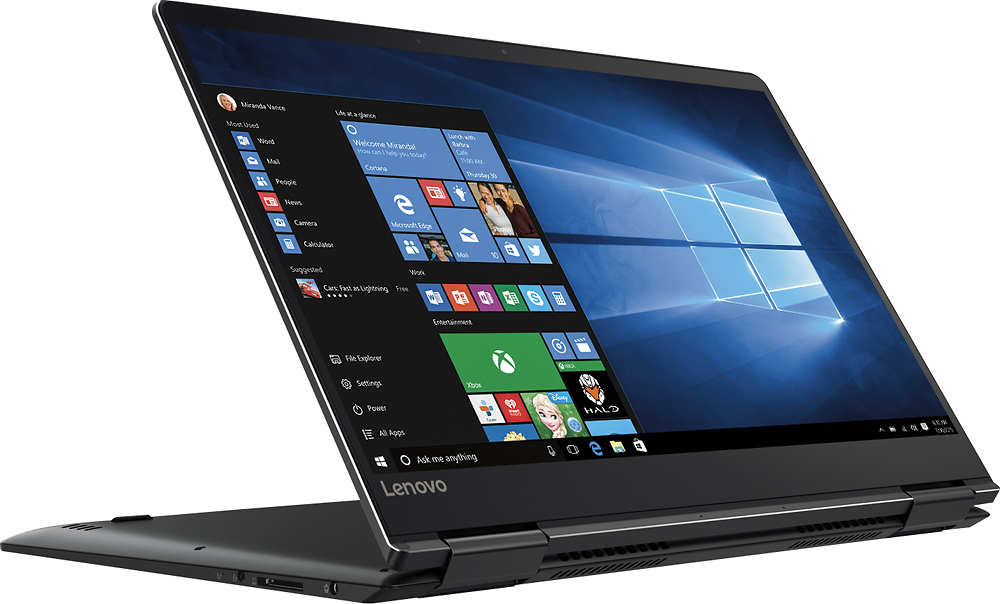
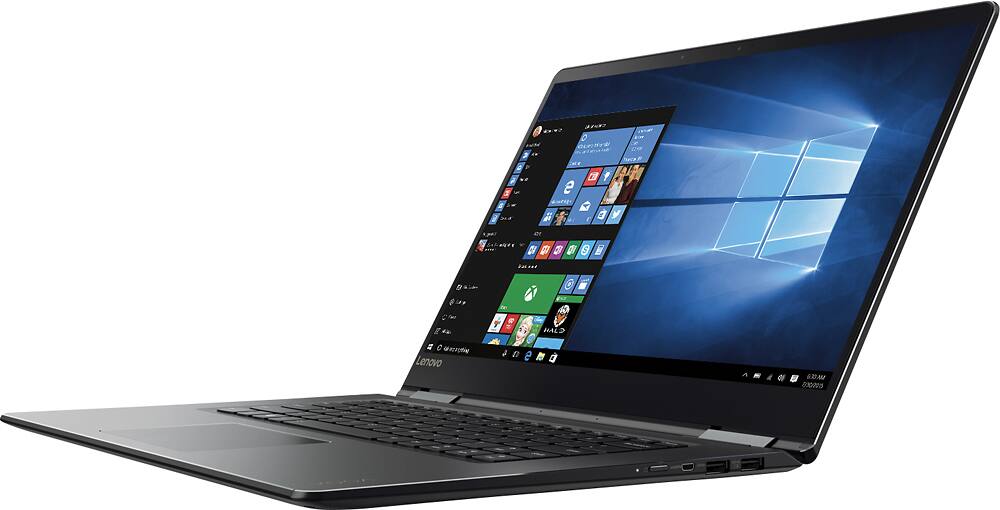
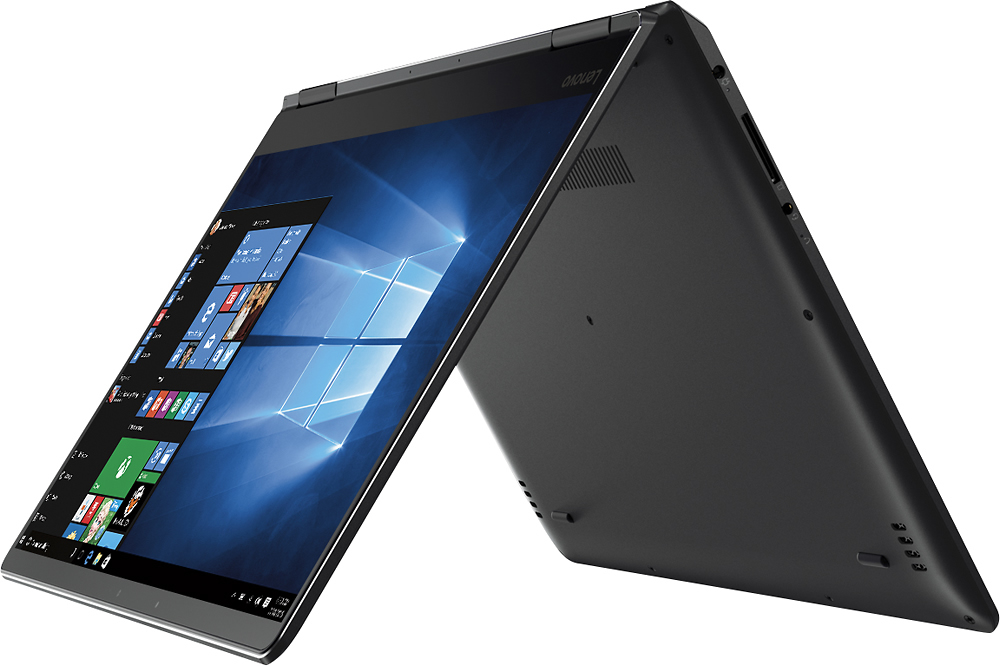
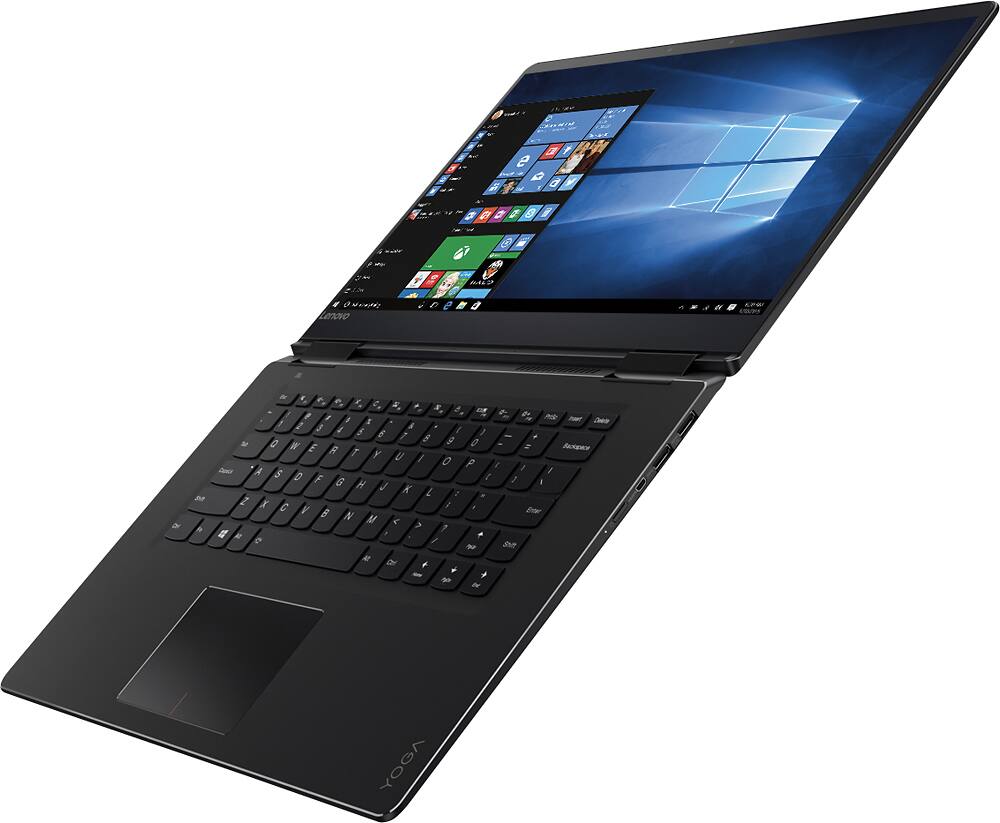
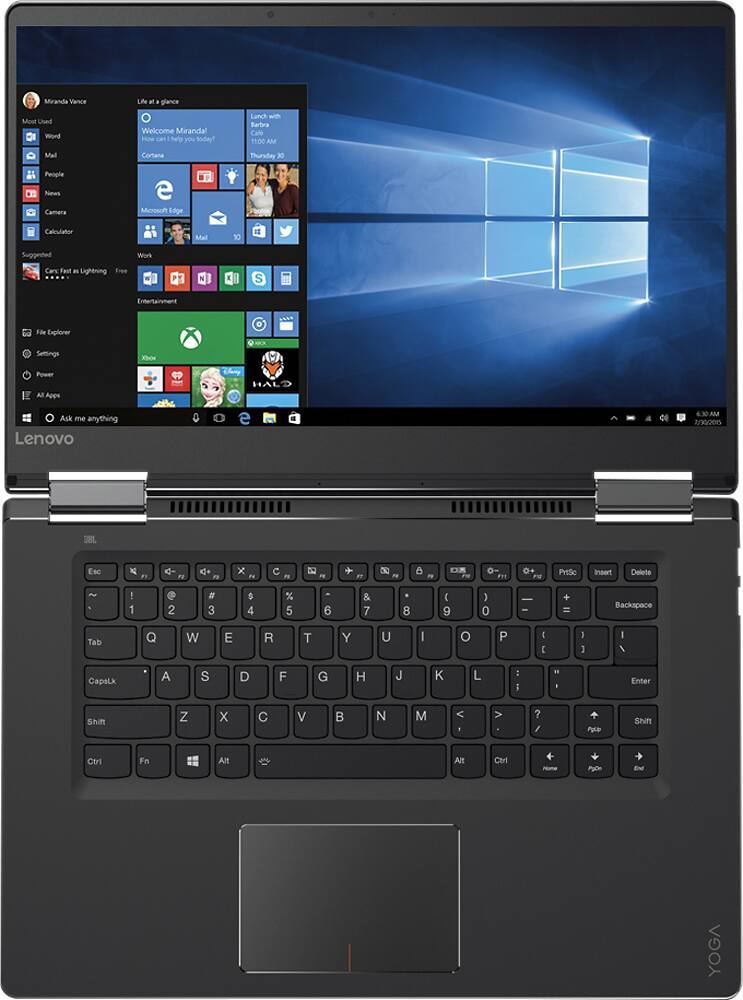
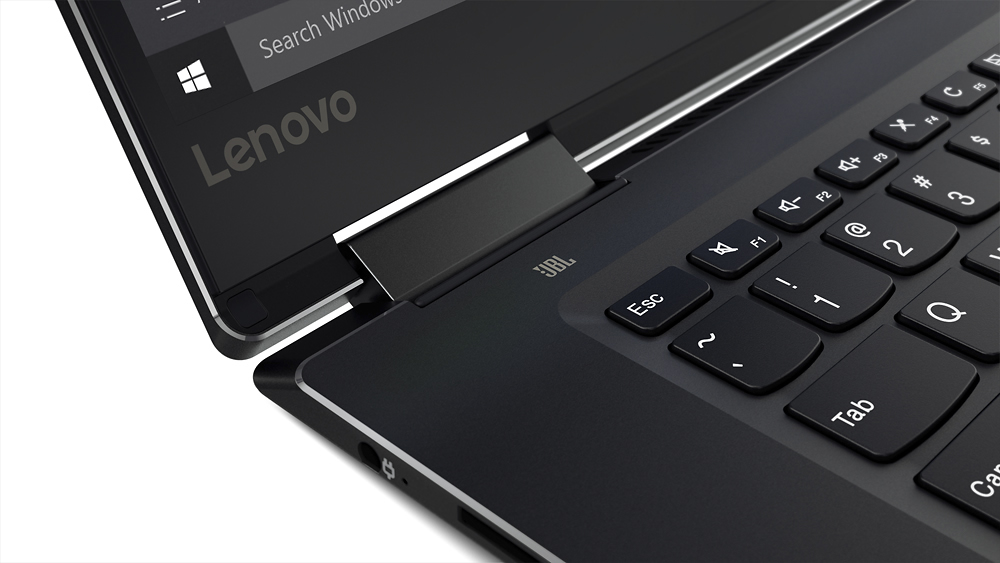
Customers express satisfaction with the Yoga 710 15 2-in-1 laptop's touch screen, speed, lightweight design, long battery life, and affordable price. They appreciate its performance, solid-state drive, and 2-in-1 versatility. However, some users have concerns about the small right shift key and audible fan noise during operation.
This summary was generated by AI based on customer reviews.
Sleek modern laptop
||Posted .This reviewer received promo considerations or sweepstakes entry for writing a review.This is a very nice laptop, has really good software and is extremely user friendly. It is lightning fast and by far my best and favorite laptop. My only complaint is the touchpad is too sensitive and finicky and that's why I gave it a four instead of five.
I would recommend this to a friend- Cons mentioned:Shift key
Great laptop but....
||Posted .This reviewer received promo considerations or sweepstakes entry for writing a review.Right shift key is way too small. Plz redesign this
I would recommend this to a friendBrand response from Lenovo Product Expert
Posted .Thank you for choosing the Lenovo Yoga 710-15. With regard to the right shift key issue you mention, there is a free software APP called KeyTweak that may help you. You can switch the key functions of specific keys on your keyboard with this software, so you could change the right shift key with the key you hit in its place. Just Google search "KeyTweak" and you will find articles about what the software does and you will find the download location for this free APP.

Easy
||Posted .This reviewer received promo considerations or sweepstakes entry for writing a review.Simple, lightweight, sleek, smooth, shinny, PURDY!
I would recommend this to a friendGreat Laptop
||Posted .This reviewer received promo considerations or sweepstakes entry for writing a review.Thin, sturdy, Trackpad could you improvement. the shift button is on a weird location on the right side. Battery is about 5 hours. This is my second lenovo. I previous had an edge but this is way better. My next one would be the lenovo thinkpad edge.
I would recommend this to a friendBrand response from Lenovo Product Expert
Posted .Thank you for choosing the Lenovo Yoga 710-15. With regard to the touchpad, you can make adjustments to the touchpad in your system settings. You can get there by clicking on the magnifying glass at the bottom left your Windows 10 screen. Type "touchpad" in the search window. Select "Mouse & touchpad settings" from the list of choices. You can make general adjustments to the touchpad there. You can also select "Additional mouse options" for more detailed adjustments to the touchpad sensitivity by increasing the delay of the touchpad. With regard to the right shift key issue you mention, there is a free software APP called KeyTweak that may help you. You can switch the key functions of specific keys on your keyboard with this software, so you could change the right shift key with the key you hit in its place. Just Google search "KeyTweak" and you will find articles about what the software does and you will find the download location for this free APP.
- Pros mentioned:Price
So far so good
||Posted .This reviewer received promo considerations or sweepstakes entry for writing a review.Does what it is supposed to do.good for the price.
I would recommend this to a friendBrand response from Lenovo Product Expert
Posted .Thank you for choosing the Lenovo Yoga 710-15. We are pleased to hear that the value and performance of the Yoga 710-15 meets your computing needs so well.
Great laptop for a new college student
||Posted .This reviewer received promo considerations or sweepstakes entry for writing a review.Purchased this for my daughter for college. It just fits in her backpack and she loves it. There are some that are lighter weight; however, this one has a large screen that makes it easier to do projects and papers, especially in the early AM hours. Her music comes across well on it. She has really enjoyed it.
I would recommend this to a friendBrand response from Lenovo Product Expert
Posted .Thank you for choosing the Lenovo Yoga 710-15 for your daughter. We are pleased to hear that the value, features and performance of the Yoga 710-15 meets your daughter's computing needs so well.
Good quality
||Posted .This reviewer received promo considerations or sweepstakes entry for writing a review.solid built laptop; ssd + 8gb ram make it fast and responsive. 15" screen with IPS provide comfortable reading experience. the only drawback for me is the keyboard. Lenovo seems to give up Thinkpad's good keyboard and embrace "ultrabook" , which doesn't provide enough thickness to enclose good keyboard
I would recommend this to a friendBrand response from Lenovo Product Expert
Posted .Thank you for choosing the Lenovo Yoga 710-15. We are pleased to hear that the Yoga 710-15 is working out so well for you. With regard to the keyboard, we will look in to your comments for future improvements.
Excellent computer minus the shift key
||Posted .This reviewer received promo considerations or sweepstakes entry for writing a review.As written in my title, this laptop is great, I love almost everything about it besides the fact that it is hard to open and that the shift key on the right hand side is on a very weird place. I always press the up key by accident instead
I would recommend this to a friendBrand response from Lenovo Product Expert
Posted .Thank you for choosing the Lenovo Yoga 710-15. With regard to the right shift key issue you mention, there is a free software APP called KeyTweak that may help you. You can switch the key functions of specific keys on your keyboard with this software, so you could change the right shift key with the key you hit in its place. Just Google search "KeyTweak" and you will find articles about what the software does and you will find the download location for this free APP.
Pretty good laptop
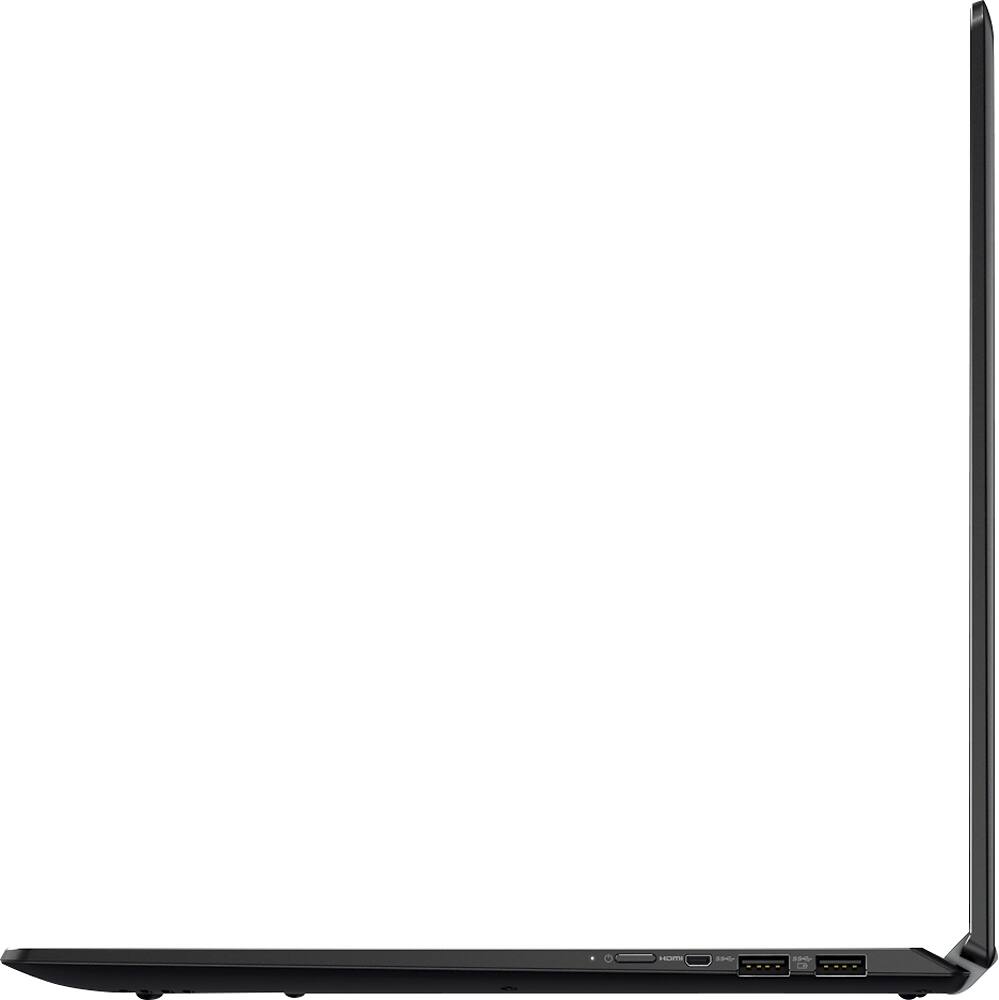
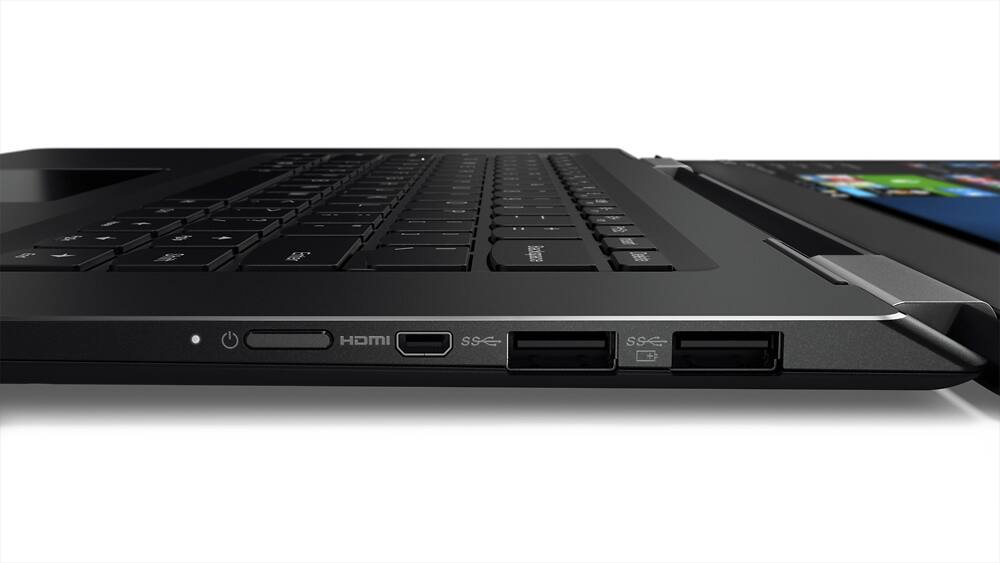
||Posted .This reviewer received promo considerations or sweepstakes entry for writing a review.The only down side I see in this laptop is the power button which is placed on the right edge. Sometimes, I have to search for it as it is too small. otherwise, the laptop works great, screen resolution is ultimate. Never lags.
I would recommend this to a friendGreat budget choice
||Posted .This reviewer received promo considerations or sweepstakes entry for writing a review.This is a well rated laptop computer per several websites and consumer review organizations. The price is right and the specifications are where they need to be. There have been no problems thus far. A very good choice.
I would recommend this to a friendBrand response from Lenovo Product Expert
Posted .Thank you for choosing the Lenovo Yoga 710-15. We are pleased to hear that the performance of the Yoga 710-15 meets your computing needs so well.
Great Computer
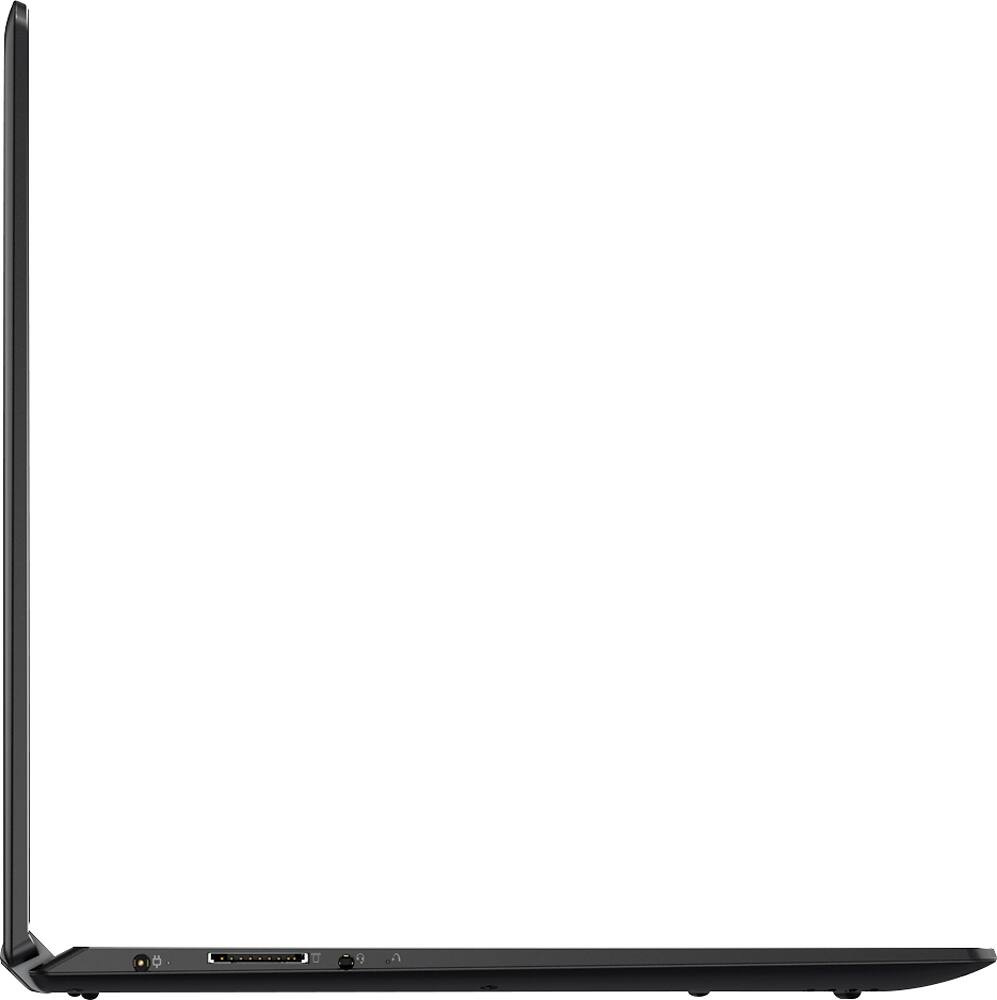
||Posted .This reviewer received promo considerations or sweepstakes entry for writing a review.I am pleased with this computer. It does almost* everything we need, and more. *It does not have an ethernet port, which I didn't notice when I purchased it. I had to buy an adapter to connect to the office network.
I would recommend this to a friendBrand response from Lenovo Product Expert
Posted .Thank you for choosing the Lenovo Yoga 710-15. We are pleased to hear that the Yoga 710-15 is working out for you.
Great Laptop
||Posted .This reviewer received promo considerations or sweepstakes entry for writing a review.I have purchased this laptop for my sister who is a non-expert user but need a laptop with good performance, plenty of memory and storage to do all her tasks. Also, I am considering to buy one for me in the future.
I would recommend this to a friendBrand response from Lenovo Product Expert
Posted .Thank you for choosing the Lenovo Yoga 710-15 for your sister. We are pleased to hear that the Yoga 710-15 is meeting your sister's computing needs so well.
Very advanced
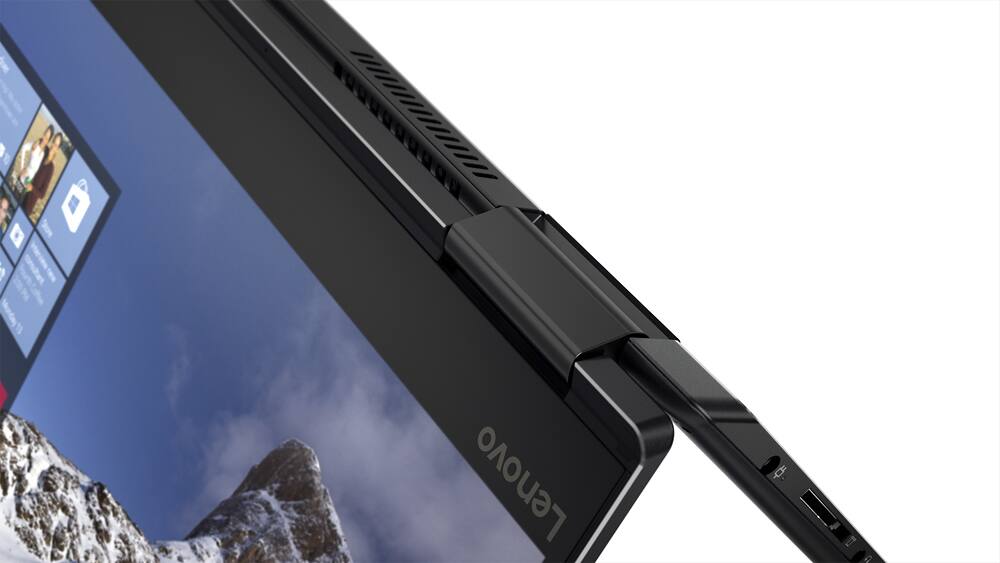
||Posted .This reviewer received promo considerations or sweepstakes entry for writing a review.Difficult to switch to tablet mode without needing to press all keys. I worry about damaging the keyboard when in tablet mode. I'm having a difficult time learning Windows 10. I'm hoping to get it all figured out.
I would recommend this to a friendBrand response from Lenovo Product Expert
Posted .Thank you for choosing the Lenovo Yoga 710-15. With regard to covering the keys when in tablet mode, you may want to consider a sleeve for your device. It can be used to cover just the keyboard side when in tablet mode. Here is the link to the sleeve:
http://shop.lenovo.com/us/en/itemdetails/GX40M07508/460/E003FD3CD8BA4B7AA9B6825A0E519746#GX40M07508
With regard to learning Windows 10, you may want to take a look at YouTube.com. They have many instructional videos there on how to use Windows 10 and all the videos are free.
Yoga 710
||Posted .This reviewer received promo considerations or sweepstakes entry for writing a review.I really enjoy the yoga features however there were several driver issues when I originally purchased my laptop. Some of the touch screen features aren't as ergonomic as I'd hoped. Overall, good computer.
I would recommend this to a friendBrand response from Lenovo Product Expert
Posted .Thank you for choosing the Lenovo Yoga 710-15. We are pleased to hear that the Yoga 710-15 is working out for you.
Amazing laptop for Science students
||Posted .This reviewer received promo considerations or sweepstakes entry for writing a review.I bought this laptop to use for biology research. I do a lot of coding, paper searching, data analysis etc. so I needed a computer with multiple capabilities and fast processing speed. THIS IS PERFECT. The SSD makes everything so much faster. Keyboard is comfortable.
I would recommend this to a friendBrand response from Lenovo Product Expert
Posted .Thank you for choosing the Lenovo Yoga 710-15. We are pleased to hear that the features and performance of the Yoga 710-15 meets your computing needs so well.
- Cons mentioned:Shift key
Right Shift key? Worst. Design. Ever.
||Posted .This reviewer received promo considerations or sweepstakes entry for writing a review.I wish I had realized the problem with this otherwise excellent machine before I bought it as an open box return. Now I know why it was returned. The keyboard was obviously designed by people who either do not have fingers, or do not type, because anyone who has fingers and/or types probably will agree that the keyboard layout is literally THE STUPIDEST ergonomic design I have ever seen in my life. The machine is beautiful, but there are critical design flaws with every Lenovo Yoga laptop. The right <Shift> key is: 1) the same size as the letter keys; and 2) SEPARATED FROM THE <?/> KEY BY THE <UP ARROW>. Anyone who touch types will understand the problem, as I have to consciously stretch my pinky to reach the <R shift> key. I cannot type without hitting the <Up Arrow> key. It is an infuriating issue. Yes, you can try to remap the keys, but swapping the keys is apparently impossible to do. Believe me, I've tried. So, beautiful laptop Lenovo has made at a great price. Keyboard layout has, unfortunately, rendered it useless. I am returning it and purchasing a Dell. I cannot even begin to comprehend the sheer idiocy of this keyboard layout and how it was ever approved. The entire Yoga line needs to be revamped. The designers should have simply kept the <R Shift> key the same size and in same position as the good Lord intended and halve the size of the Up Arrow and Down Arrow keys and avoided this disaster.
No, I would not recommend this to a friendBrand response from Lenovo Product Expert
Posted .With regard to the right shift key issue you mention, there is a free software APP called KeyTweak that may help you. You can switch the key functions of specific keys on your keyboard with this software, so you could change the right shift key with the key you hit in its place. Just Google search "KeyTweak" and you will find articles about what the software does and you will find the download location for this free APP.
Excellent and Versatile Laptop
||Posted .This reviewer received promo considerations or sweepstakes entry for writing a review.My mother loves this new laptop I bought her. Lenovo laptops have gotten a lot better since I last looked into them. I'm normally an HP purchaser, but I really liked the look and feel of this laptop. No problem so far and my mother is really happy that she has it.
I would recommend this to a friendMy high school user loves it
||Posted .This reviewer received promo considerations or sweepstakes entry for writing a review.We originally bought another computer but had to bring it in to get it fixed.... Which took 2 months with no luck... So we compared others to receive a new one! The yoga is fast and very easy to use!! My daughter uses it for school and for fun, and loves the ease
I would recommend this to a friendBrand response from Lenovo Product Expert
Posted .Thank you for choosing the Lenovo Yoga 710-15 for your daughter. We are pleased to hear that the performance of the Yoga 710-15 meets your daughter's computing needs so well.
Great for what I paid!
||Posted .This reviewer received promo considerations or sweepstakes entry for writing a review.Bought this laptop during college student deals for my brother. I think he likes it... Biggest complaint so far is that the computer doesn't always go into sleep mode when the computer is closed.
I would recommend this to a friendBrand response from Lenovo Product Expert
Posted .Thank you for choosing the Lenovo Yoga 710-15. With regard to the sleep issues you mention with your device, there may be driver updates for your specific system. Follow the link below to look for new driver updates for your specific system. You can also run diagnostics from the Lenovo site as well. As always, be sure to create a restore point on your system before you make any changes. Here is the link:
http://support.lenovo.com/us/en?menu-id=technical_support
Good computer
||Posted .This reviewer received promo considerations or sweepstakes entry for writing a review.So far this computer has been sufficient. The right caps key is in an odd place and smaller than the key on a normal keyboard. Except for the right caps key, I am satisfied with this computer.
I would recommend this to a friendBrand response from Lenovo Product Expert
Posted .Thank you for choosing the Lenovo Yoga 710-15. With regard to the right shift key issue you mention, there is a free software APP called KeyTweak that may help you. You can switch the key functions of specific keys on your keyboard with this software, so you could change the right shift key with the key you hit in its place. Just Google search "KeyTweak" and you will find articles about what the software does and you will find the download location for this free APP.