Customer Ratings & Reviews





- Model:
- 80V6000PUS
- SKU:
- 5579843
Rating by feature
- Value
Rating 4.0 out of 5 stars
- Quality
Rating 3.3 out of 5 stars
- Ease of Use
Rating 4.4 out of 5 stars
Customers are saying
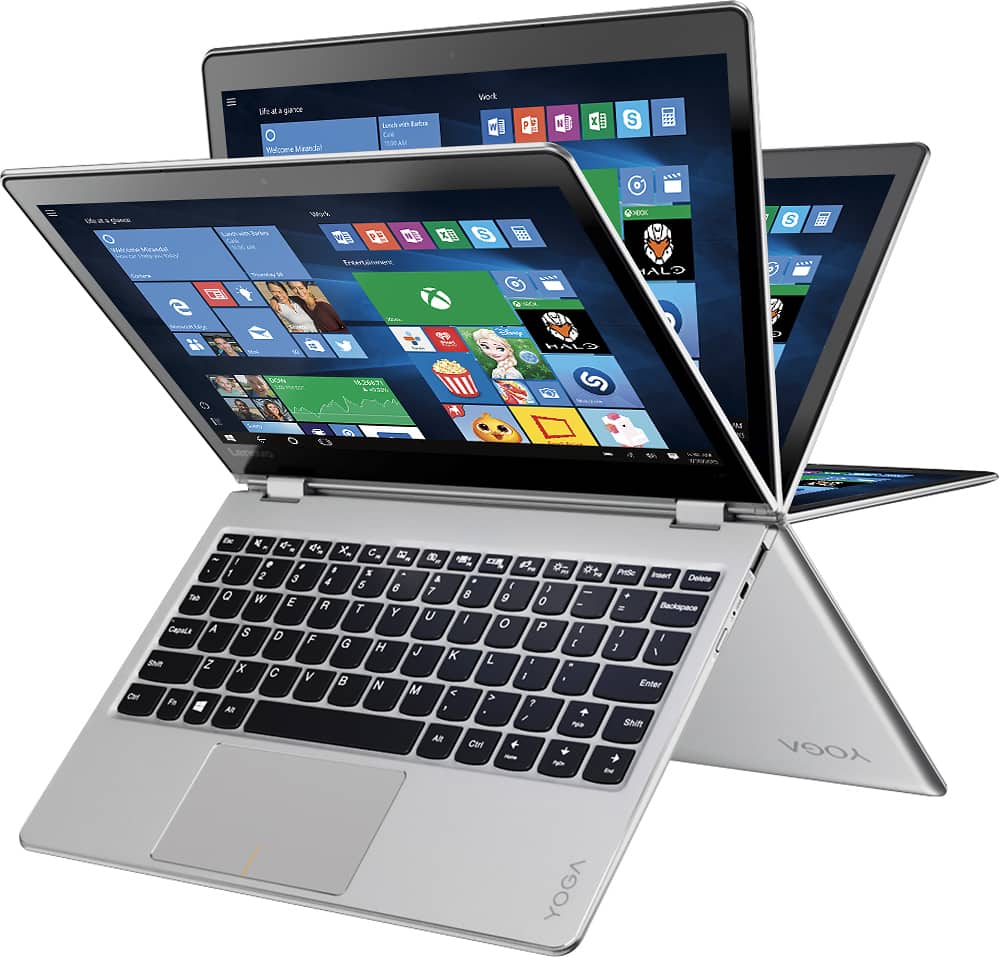
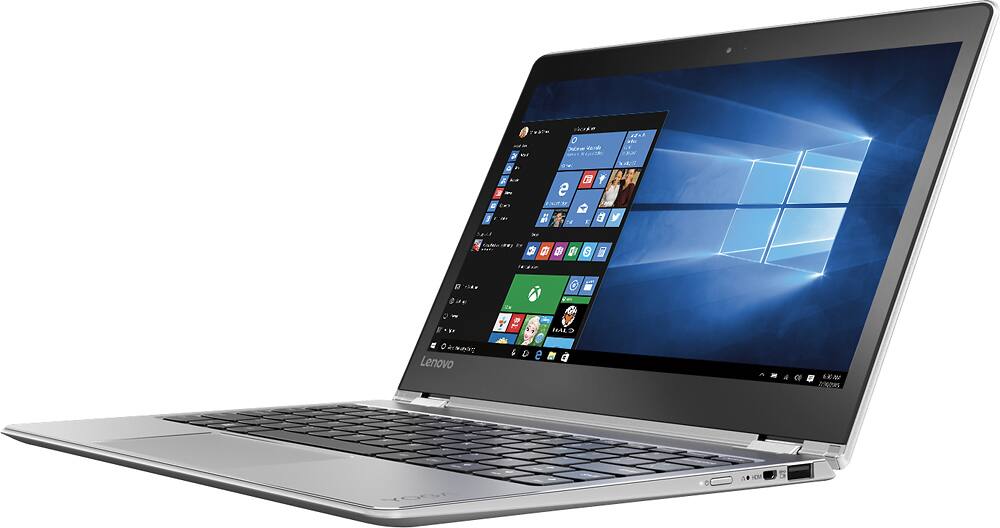
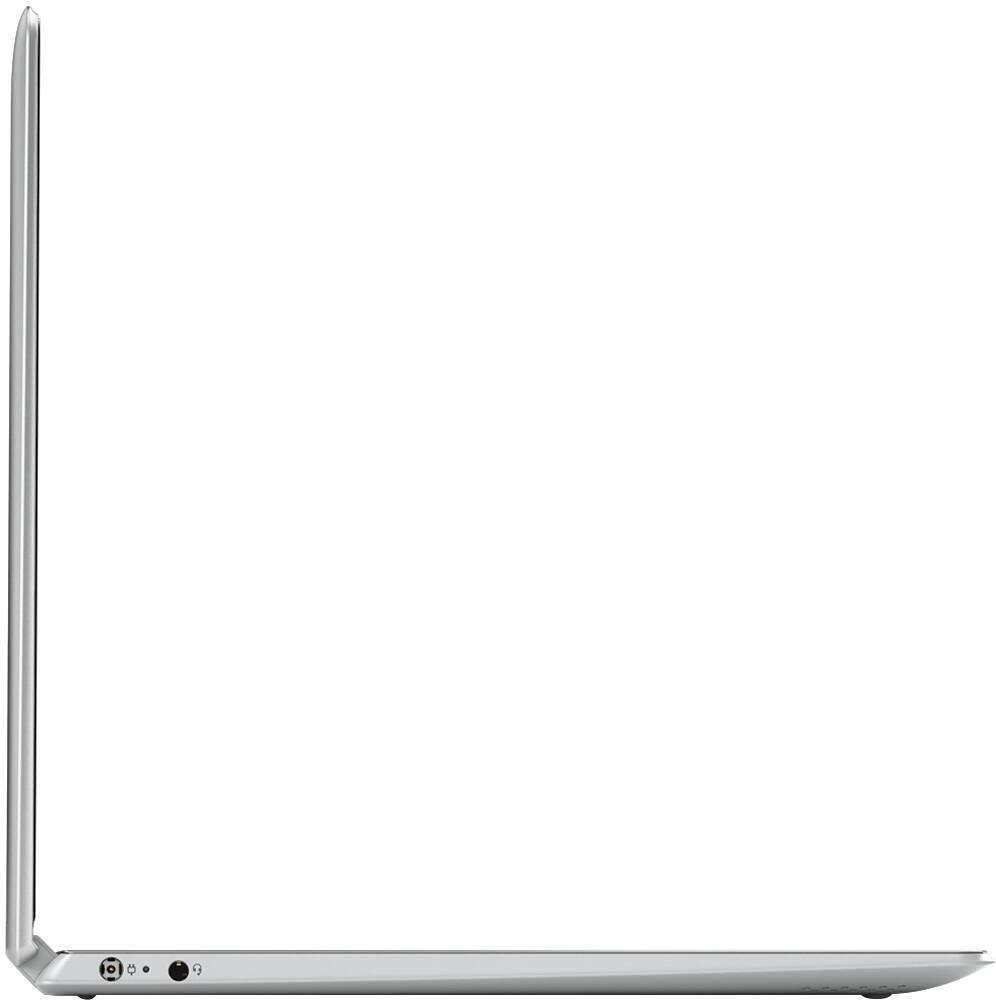
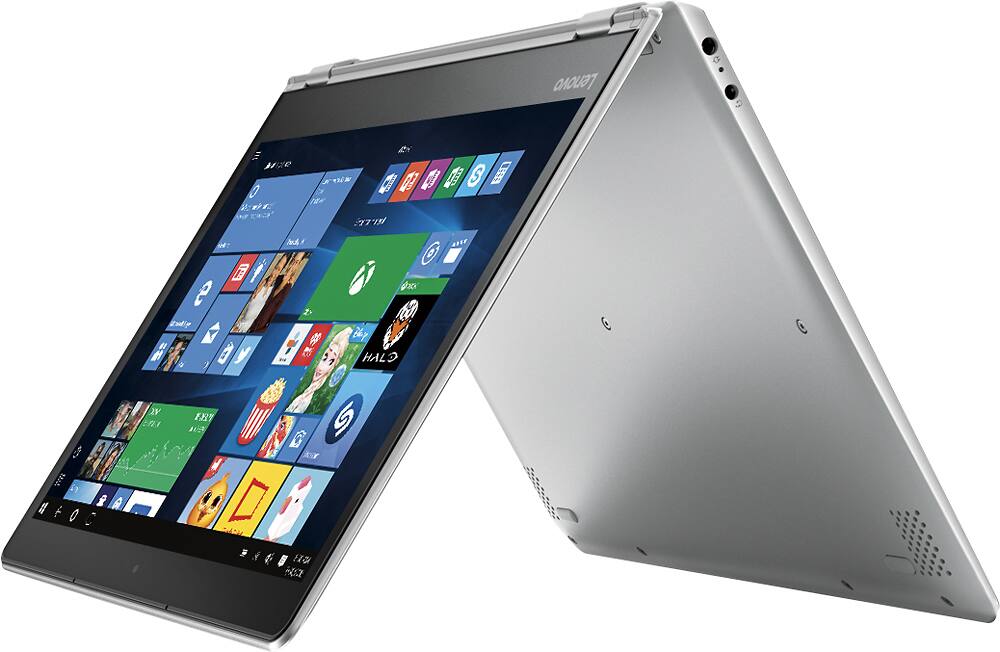
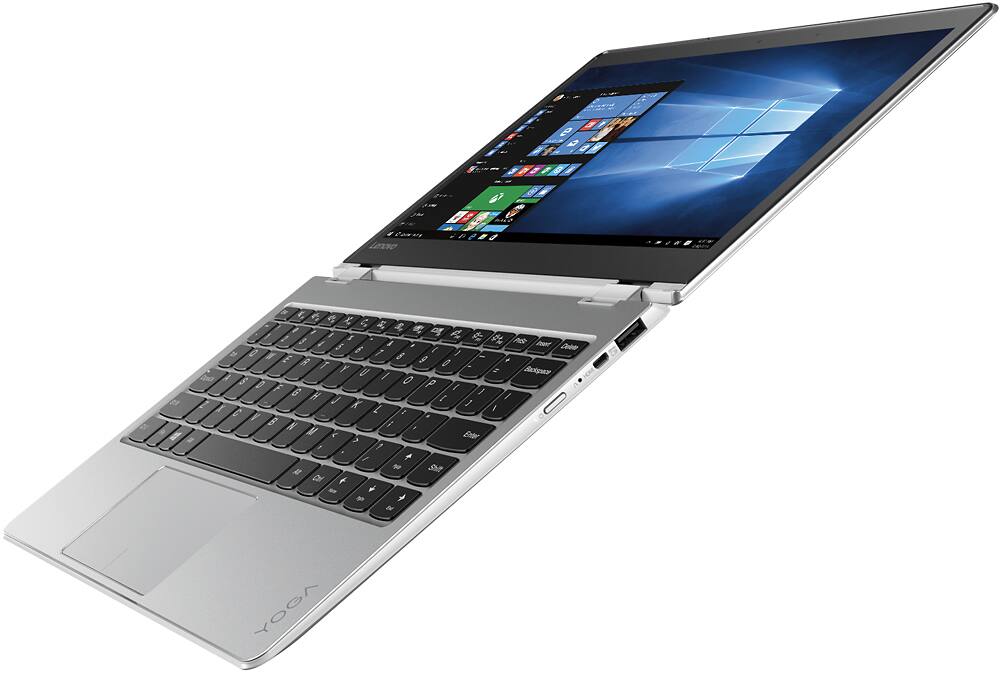
Customers highly value the Yoga 710's lightweight and portable design, praising its compact size and ease of transport. Many appreciate the responsive touch screen and generally positive performance, although some wish for more USB ports and slightly improved heat management. The battery life also receives favorable comments. A few users expressed a desire for more RAM.
This summary was generated by AI based on customer reviews.
Awesome and versatile
||Posted .This reviewer received promo considerations or sweepstakes entry for writing a review.Love the positions and fast startup that this offers
I would recommend this to a friendBrand response from Lenovo Product Expert
Posted .Thank you for choosing the Lenovo Yoga 710-11. We are pleased to hear that the features and performance of the Yoga 710-11 meets your computing needs so well.

Awesome
||Posted .This reviewer received promo considerations or sweepstakes entry for writing a review.The best experience I ever had with bluetooth device
I would recommend this to a friendgreat value
||Posted .This reviewer received promo considerations or sweepstakes entry for writing a review.Great value for my son who is studying at college.
I would recommend this to a friendBrand response from Lenovo Product Expert
Posted .Thank you for choosing the Lenovo Yoga 710-11 for your son. We are pleased to hear that the Yoga 710-11 meets your son's computing needs so well.
Great
||Posted .This reviewer received promo considerations or sweepstakes entry for writing a review.I love it. I wish I would have gotten one sooner.r
I would recommend this to a friendBrand response from Lenovo Product Expert
Posted .Thank you for choosing the Lenovo Yoga 710-11. We are pleased to know that the Yoga 710-11 met your requirements for a new computer so well.
Great experience.
||Posted .This reviewer received promo considerations or sweepstakes entry for writing a review.It is such a pleasure dealing with your employees.
I would recommend this to a friendNot very sturdy
||Posted .This reviewer received promo considerations or sweepstakes entry for writing a review.I bought this laptop and the from the first time I flipped the screen for the tablet mode, the hinges squeaked. The screen glitched as well. Maybe it was just a defective one, but I ended up returning it.
No, I would not recommend this to a friend6 months and screen won't come on
||Posted .This reviewer received promo considerations or sweepstakes entry for writing a review.I bought this laptop at the end of August and about 2 weeks ago the screen will not turn on no matter what I do. I loved this laptop while it worked. Very upsetting it only lasted 6 months
No, I would not recommend this to a friendScreen quit working after 3 months
||Posted .This reviewer received promo considerations or sweepstakes entry for writing a review.My son used for 3 months & then the screen quit working. Took a month to get repaired & back to us. He really liked it while he got to use it. I hope it will work longer this time.
No, I would not recommend this to a friendgreat laptop
||Posted .This reviewer received promo considerations or sweepstakes entry for writing a review.So far so good with this laptop. I use it primarily while watching tv or on trips. It replaces a Microsoft surface that just got too slow.
I would recommend this to a friendAn average laptop
||Posted .This reviewer received promo considerations or sweepstakes entry for writing a review.Other than the screen, can't think of anything good about this laptop. The keyboard is very awkward (the right shift key is very difficult to reach). It feels cheap.
No, I would not recommend this to a friend- Pros mentioned:Weight
Don't buy this laptop.
||Posted .This reviewer received promo considerations or sweepstakes entry for writing a review.I don't have anything good to say about this laptop other than it is light. I needed something to travel with for business. The salesperson's first recommendation were the galaxies which I have already had trouble with so I refused that. With the current news, that was a smart decision. The Yoga freezes and fails to load and I took it back because it simply didn't work. I will never buy a lenovo again.
No, I would not recommend this to a friendBrand response from Lenovo Product Expert
Posted .This is an extremely dependable system. Be sure any software you installed is compatible with Windows 10. There is no need to install Microsoft Office software. The software is already part of the operating system, you just need to activate the software with a purchased product key. If you have installed a copy of Microsoft Office, this is conflicting with the existing copy on the system and this will slow your system down. If you have installed a 3rd party anti-virus program, be sure that Windows Defender is turned off and that the trial version of McAfee Anti-Virus software is uninstalled. There can only be one anti-virus program on the system. You may need to restore your system to original factory default settings if any of the programing errors have occurred. You can do that by typing "restore" in the Cortana search window. Just click on the magnifying glass icon at the bottom left of your Windows 10 Desktop. Click on "Reset This PC" Then click on "Get Started" and follow the on screen directions to restore to factory defaults.
Had issues right from the start.
||Posted .This reviewer received promo considerations or sweepstakes entry for writing a review.I couldn't get the computer to turn on initially. Best buy switched it out for a new computer. The geek squad was very helpful. Now the computer seems to work fine.
No, I would not recommend this to a friendOk, but keyboard is annoying
||Posted .This reviewer received promo considerations or sweepstakes entry for writing a review.I like this smaller laptop, but the keyboard 1/2d the shift key on Right side so when I push shift, the up arrow gets pushed instead. Frustrating
I would recommend this to a friendBrand response from Lenovo Product Expert
Posted .With regard to the right shift key issue you mention, there is a free software APP called KeyTweak that may help you. You can switch the key functions of specific keys on your keyboard with this software, so you could change the right shift key with the key you hit in its place. Just Google search "KeyTweak" and you will find articles about what the software does and you will find the download location for this free APP.
Good for starters who want a good name brand.
||Posted .This reviewer received promo considerations or sweepstakes entry for writing a review.This is a good labtop its just was missing a few things like back lit keyboard and ports. Besides that very outstanding piece.
No, I would not recommend this to a friendWeak internet reception
||Posted .This reviewer received promo considerations or sweepstakes entry for writing a review.This computer is very small which I like, but has poor internet connectivity. It is absolutely necessary to purchase a hub.
No, I would not recommend this to a friendBrand response from Lenovo Product Expert
Posted .With regard to the WiFi connectivity issues you mention with your device, there may be Wireless LAN driver updates for your specific system. Follow the link below to look for new driver updates for your specific system. You can also run diagnostics from the Lenovo site as well. As always, be sure to create a restore point on your system before you make any changes. You can do this by just typing "restore point" in the search window within Cortana and follow the link to create a restore point. Here is the link:
http://pcsupport.lenovo.com/us/en/products/laptops-and-netbooks/yoga-series/yoga-710-11ikb/80v6/80v6000pus/downloads
ehhh
||Posted .This reviewer received promo considerations or sweepstakes entry for writing a review.I bought this laptop 33 days ago, and it began malfunctioning about a week or two ago. The screen randomly turns off in the middle of a task, the audio doesn't work, and it's taking a lot longer to run a few apps opened at once! I was very pleased when I first received this laptop however its frustrating me very much now! considering I only use it for homework!
No, I would not recommend this to a friendBrand response from Lenovo Product Expert
Posted .This sounds like a conflict with an automatic Windows 10 update. There may be driver updates for your specific system that will correct these issues. Follow the link below to look for new driver updates for your specific system. You can also run diagnostics from the Lenovo site as well. As always, be sure to create a restore point on your system before you make any changes. You can do this by just typing "restore point" in the search window within Cortana and follow the link to create a restore point. Here is the link:
https://pcsupport.lenovo.com/us/en/products/laptops-and-netbooks/yoga-series/yoga-710-11ikb/80v6/80v6000pus/downloads
Computer is good. Windows 10 is bad
||Posted .This reviewer received promo considerations or sweepstakes entry for writing a review.I liked the computer but hate Windows 10 so I returned the computer
I would recommend this to a friendBrand response from Lenovo Product Expert
Posted .With regard to learning your way around Windows 10, you may want to try YouTube.com (just type that address in your browser address window). There are hundreds for free instructional videos there about Windows 10. Just type Windows 10 Introduction in to the YouTube search window. You can watch free videos there that will show you the basics all the way up to tips and tricks videos and they're all free.
purchased in july already having problems
||Posted .This reviewer received promo considerations or sweepstakes entry for writing a review.already having problems witin in 3 months of purchasecomputor going to blue screen and then closing
No, I would not recommend this to a friendBrand response from Lenovo Product Expert
Posted .The blue screen indicates either an issue with a program installed that is not compatible with Windows 10 or an automatic Windows 10 update that is not compatible or didn't load properly. Be sure that any programs you install are Windows 10 compatible. There is no need to install Microsoft Office software. The software is already part of the operating system, you just need to activate the software with a purchased product key. If you have installed a copy of Microsoft Office, this is conflicting with the existing copy on the system and this will slow your system down. If you have installed a 3rd party anti-virus program, be sure that Windows Defender is turned off and that the trial version of McAfee Anti-Virus software is uninstalled. There can only be one anti-virus program on the system. You may need to restore your system to original factory default settings if any of the programing errors have occurred. You can do that by typing "restore" in the Cortana search window. Just click on the magnifying glass icon at the bottom left of your Windows 10 Desktop. Click on "Reset This PC" Then click on "Get Started" and follow the on screen directions to restore to factory defaults.
Awful
||Posted .This reviewer received promo considerations or sweepstakes entry for writing a review.Two stars only due to the fact that While it worked it was wonderful. Upon 3 and a half months of using it the screen went I started having slight technical issues then a few days later the screen alone went pitch black. It can charge but even with troubleshooting doesn’t do anything. I tried to get it replaced to no avail.
No, I would not recommend this to a friendDecent laptop
||Posted .This reviewer received promo considerations or sweepstakes entry for writing a review.Screen crapped out after 3 months. Best Buy covered and fixed the issue in a week.
I would recommend this to a friend