Customer Ratings & Reviews







- Model:
- 80V6001WUS
- SKU:
- 5722757
to a friend
Customers are saying
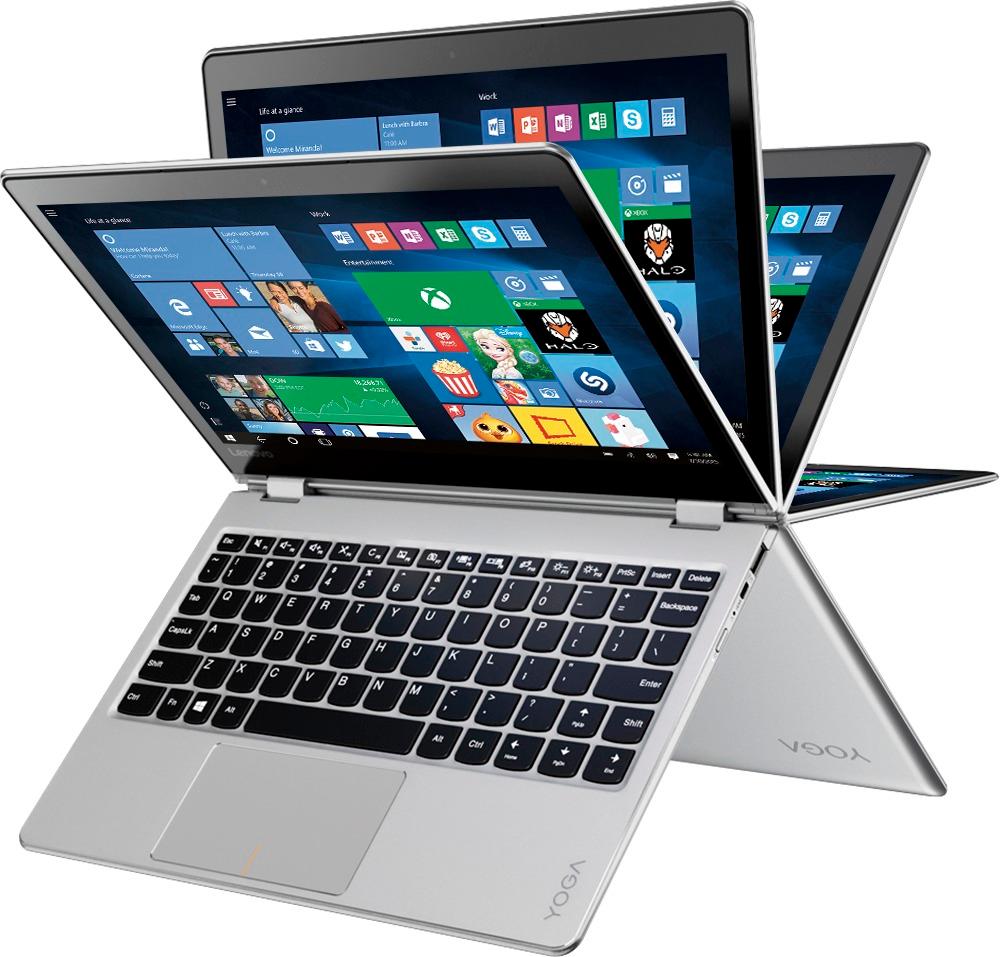
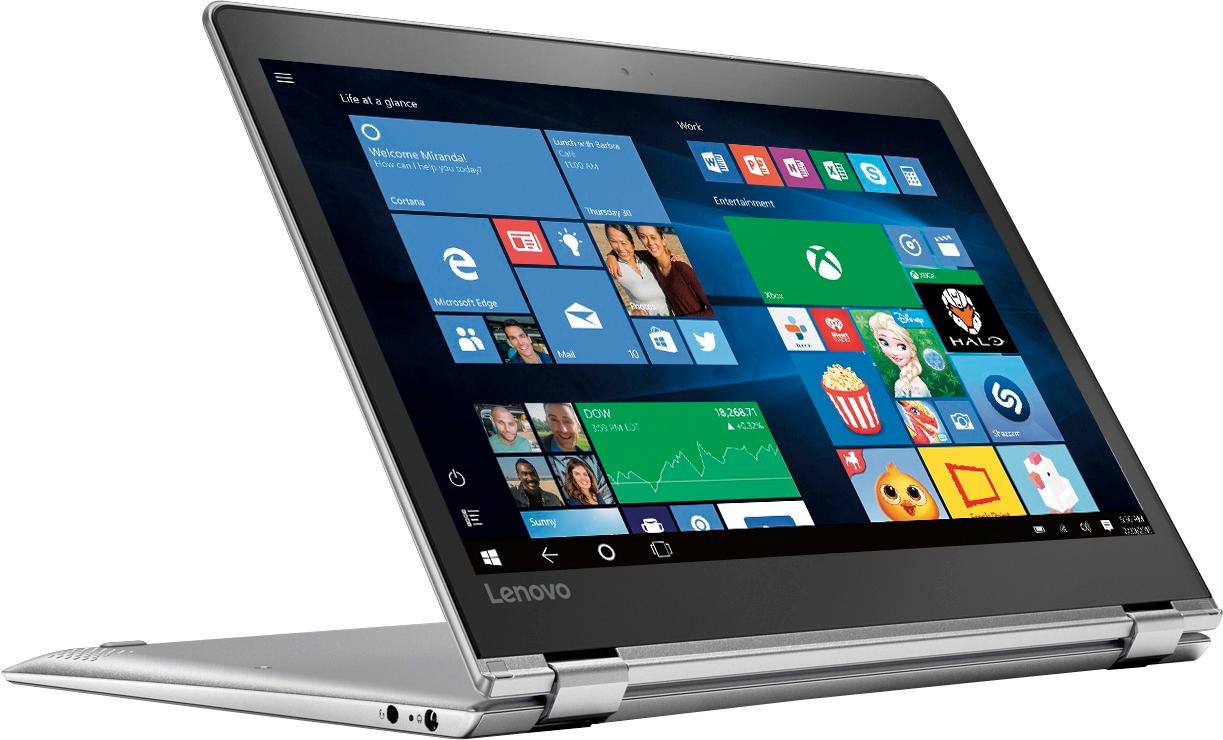
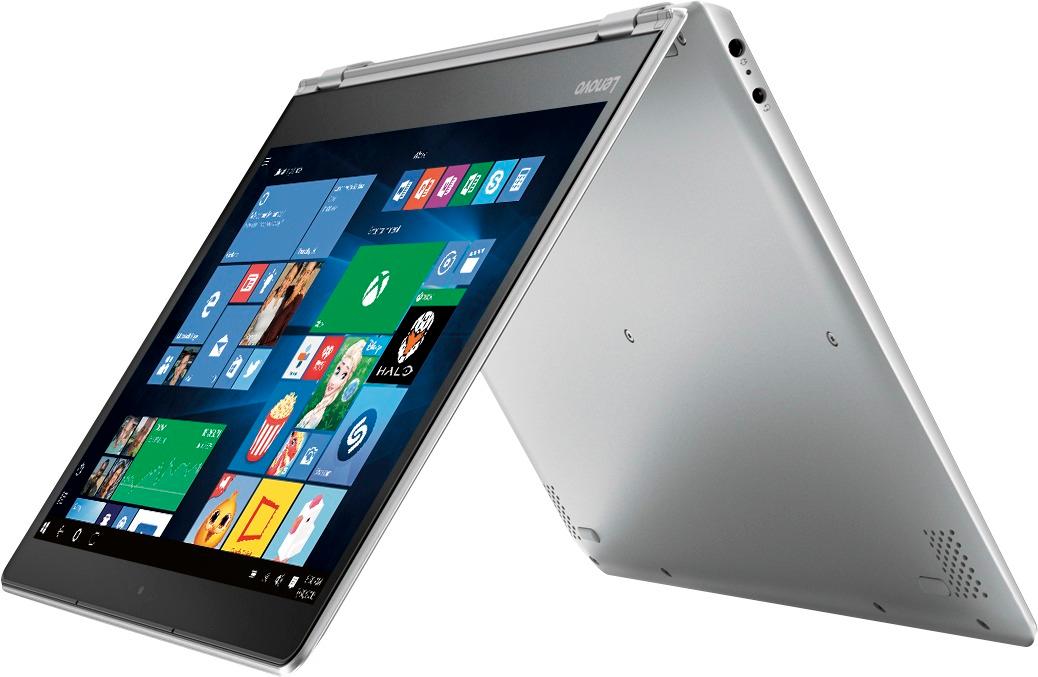
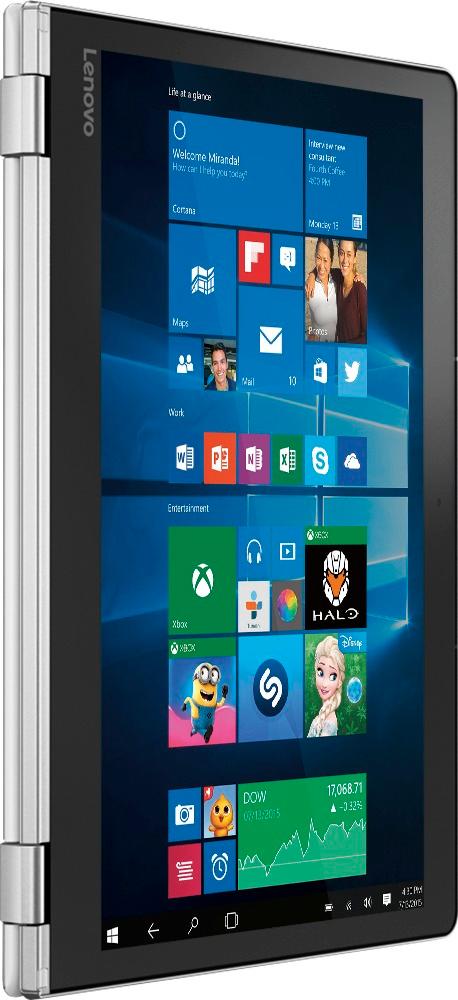
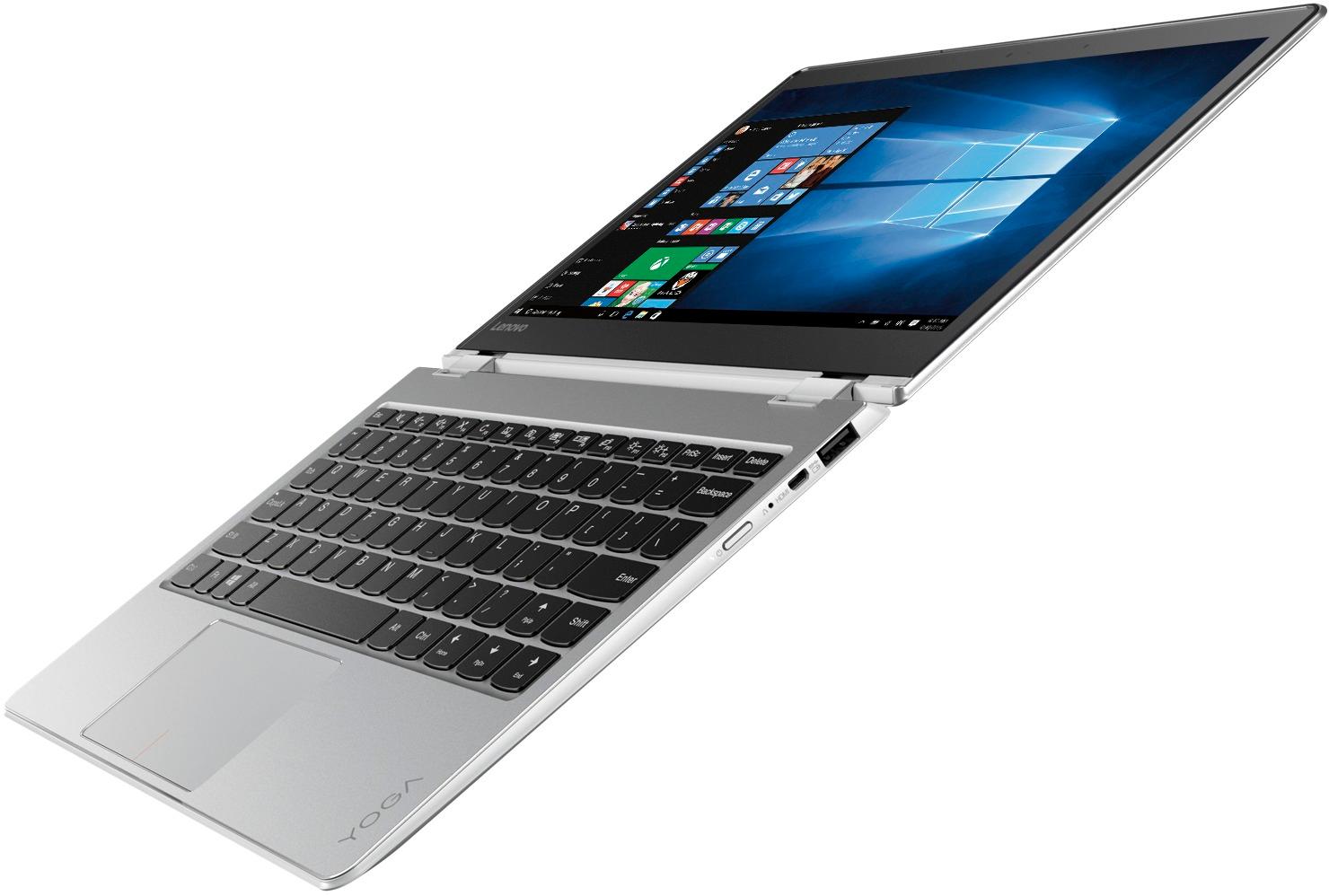
Customers enjoy the portability, light weight, and touch screen of the Yoga 710. They appreciate its long battery life, fast performance, and affordable price. While some customers wish it had more ports, others have concerns about its durability.
This summary was generated by AI based on customer reviews.
Not Impressed With Hardware or Lenovo Support
||Posted .This reviewer received promo considerations or sweepstakes entry for writing a review.Purchased as a Christmas present for my wife. Screen malfunctioned only a few days after opening it. Lenovo tech support attempted "remote support" and made the machine totally inoperable. Communication from Lenovo Support was poor. RMA is in-process...Not impressed initially! The Best Buy portion was fine, price was good and shipping was quick.
No, I would not recommend this to a friendTerrible tablet
||Posted .This reviewer received promo considerations or sweepstakes entry for writing a review.This tablet was a total bust. It worked for about three days and then didn’t boot up. Dead as a door nail. It was returned and exchanged for an iPad and I couldn’t be happier. Stay away from this tablet.
No, I would not recommend this to a friendWorked great for a total of 27 days!
||Posted .This reviewer received promo considerations or sweepstakes entry for writing a review.I liked the size of the laptop and it worked great for 27 days and than it froze! Took it back to Best Buy I was told it must be a lemon and got a refund.
No, I would not recommend this to a friendBrand response from Lenovo Product Expert
Posted .We are sorry to hear you had an issue with your Lenovo Yoga 710-11. We recommend you call Lenovo Tech Support for specific help with your Yoga 710-11. The number is: 877-453-6686.

- Pros mentioned:Light weight
great ultraportable laptop
Posted .This reviewer received promo considerations or sweepstakes entry for writing a review.I was wanting a super light laptop to carry around I am in Nursing school and books are super heavy, one of my classmates has one so I decided to give it a try, and I love it!!! I read the reviews about the right shift key but also read about the KeyTweak app and installed it as soon as I got it and fixed the problem for me since I do not use the arrows much. overall I am loving it so far I was getting a little irritated by the capslock indicator on the screen but I fixed it by removing the Lenovo utility tool program.. I am very satisfied with this purchase I wish I could have afford the one with a little more memory on it but since I just use it for basics such as writing papers and surfing the web I think I got a good deal during the black Friday sale in July. loved the size, color and speed of this Lenovo
I would recommend this to a friendBrand response from Lenovo Product Expert
Posted .Thank you for choosing the Lenovo Yoga 710-11. We are pleased to hear that the features and performance of the Yoga 710-11 meets your computing needs so well.
- Pros mentioned:Portable
Nice Laptop
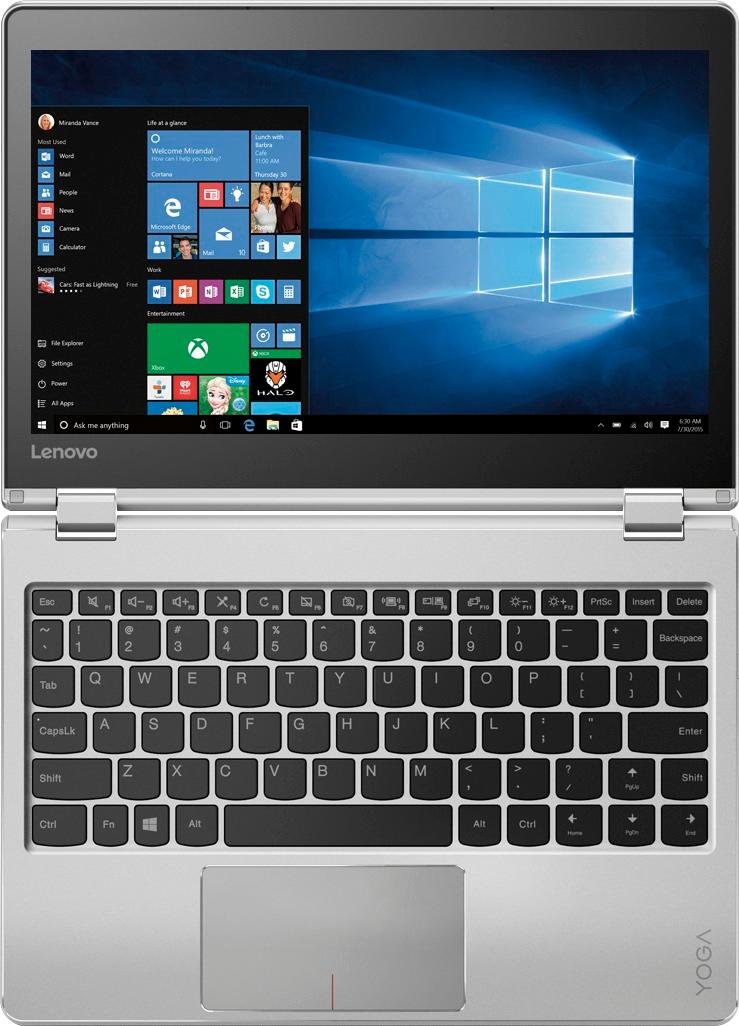
Posted .This reviewer received promo considerations or sweepstakes entry for writing a review.It's a nice lightweight laptop that meets my needs when on the go; however, the shift key is poorly located. I have had this laptop for six days and because of the right shift key I am considering returning it (Before this purchase, I had not realized how much I actually use the right shift key.)
I would recommend this to a friendBrand response from Lenovo Product Expert
Posted .Thank you for choosing the Lenovo Yoga 710-11. Thank you for choosing the Lenovo Yoga 710-15. With regard to the right shift key issue you mention, there is a free software APP called KeyTweak that may help you. You can switch the key functions of specific keys on your keyboard with this software, so you could change the right shift key with the key you hit in its place. Just Google search "KeyTweak" and you will find articles about what the software does and you will find the download location for this free APP.
- Pros mentioned:Light weight
Very Fast and Light Laptop
Posted .This reviewer received promo considerations or sweepstakes entry for writing a review.I bought this for my Brother and he has been using it since then. Very light and very fast Laptop. I am in love it's color though.
I would recommend this to a friend - Pros mentioned:Price, Touch screen
Nice little computer
Posted .This reviewer received promo considerations or sweepstakes entry for writing a review.Great buy for what you paid for. This has been my primary device for the last 4 years, given that it's mostly light-weight tasks like Powerpoint, emails, browsing etc. Touch screen is pretty useful and responsive. My least favorite thing about this is its keyboard, and I ended up using an external keyboard. Again, at this price point, it has exceeded my expectations.
I would recommend this to a friend Backlit keypad is not working
Posted .This reviewer received promo considerations or sweepstakes entry for writing a review.One off the reasons I chose this small computer is for the backlit keypad which is outlined in the specs. It is not working. It is always a disappoinment that a major function is not working out of the box. I saw the fn and spacebar trick, but it did not work. Other things seem to be fine. I like the size, and I am adjusting to the small keyboard just fine (small hands) . This is going to be very easy for me to transport back and forth to work and it will fit right in my large purse. The set up was very easy, and all my passwords etc transferred, which was a relief. Now if I can get the keypad to work.
I would recommend this to a friendBrand response from Lenovo Product Expert
Posted .Thank you for choosing the Lenovo Yoga 710-11. This model does not have a backlit keyboard.
Like it BUT...
Posted .This reviewer received promo considerations or sweepstakes entry for writing a review.Bought two, one as a gift, the other for me. I like it. Small and lite. What I DON"T like is that even tho the Yoga is turned off and unplugged, the battery drains. I live in an area with frequent power outages lasting hours or days. It does me no good to have a laptop that was 100% charged down to 20% when I need the battery power the most. Other than this one flaw, I do like the laptop.
I would recommend this to a friendBrand response from Lenovo Product Expert
Posted .Thank you for choosing the Lenovo Yoga 710-11. With regard to the battery life on standby. The standby battery life of this computer should be approximately 30 days. In other words, when the device is completely turned off - Not in sleep mode, the battery will continue to drain but should last for at least 30-days in the completely off position. Be sure you are not putting the device into sleep mode rather than completely shutting the device off. To be sure you are turning the device completely off, use the onscreen power button to "shutdown" the system. Be sure not to close the lid on the device until it is completely off.
- Pros mentioned:Portable
Great 2 in 1
Posted .This reviewer received promo considerations or sweepstakes entry for writing a review.This is a great lightweight laptop. It boots up in seconds. The only problem I have with this laptop is it gets to 130 degrees Fahrenheit when I play a game. I am not sure if it's normal for this laptop to get that hot.
I would recommend this to a friendBrand response from Lenovo Product Expert
Posted .Thank you for choosing the Lenovo Yoga 710-11. The normal operating temperature for this device with the Intel Pentium processor is approximately 150-degrees Fahrenheit. At this temperature the fan will be running quite a bit, but that would be normal.
- Pros mentioned:Light weight
Love the YOGA! this is the perfect size for me..
Posted .This reviewer received promo considerations or sweepstakes entry for writing a review.I use to have a Microsoft Surface Pro 4 for my previous job and liked it a lot, except the price is too high for me and this little Lenovo is as close as it gets and at $399.95 I bought 2! Solid state hard drive is the ONLY way to go, fast start up and I love the 11.6" size. Have traveled with the 15" "Boat Anchor" laptops for years and this little guy is full featured, full power and is as light as a feather! The fit and finish is amazing.. Just wish it had a lighted keyboard...then it would totally be the best!
I would recommend this to a friendBrand response from Lenovo Product Expert
Posted .Thank you for choosing the Lenovo Yoga 710-11. We are pleased to hear that the value, features and performance of the Yoga 710-11 meets your computing needs so well. With regard to a lighted keyboard, we will look in to this for future improvements.
- Pros mentioned:Light weight
Good computer with some issues
Posted .This reviewer received promo considerations or sweepstakes entry for writing a review.I really like this computer. I am using it right now as I type. It's very light weight, the graphics are great, and small enough to travel. I only have a few complaints that I have still not been able to resolve. Hoping Lenovo or best buy could tell me what to do.. Anyone else having the same issue as me below? Since the first day I bought the computer I've been having WiFi connection issues. My internet is fine because I can use my internet for all my other devices fine. However, when it comes to this laptop, the wi-fi seems to have a very slow speed, and constantly disconnects. I've done research and tried to look this problem up on the Lenovo website as well as other forums, and found instructions to re-install my network adapter. It works a little better now, but I stilll constantly get disconnected. Not sure if I got a defective device, because everyone else's review doesn't seem to say anything about the Wi-FI or network adapter.. I've tried reinstalling various things, but still haven't had any luck. Not sure what to do because I'm past my 14day return, and can't find answers online. Lenovo staff- please help!!!
No, I would not recommend this to a friendBrand response from Lenovo Product Expert
Posted .This device is equipped with 802.11AC WiFi capability. It is the newest version of WiFi available. It is backward compatible to earlier versions, but your WiFi router may need to have the firmware updated to handle this new version of WiFi at the best levels. Check with your WiFi router manufacturer's web site for firmware updates for Wireless AC connectivity.
There may be wireless LAN driver updates for your specific system. Follow the link below to look for new driver updates for your specific system. You can also run diagnostics from the Lenovo site as well. As always, be sure to create a restore point on your system before you make any changes. You can do this by just typing "restore point" in the search window within Cortana and follow the link to create a restore point. Here is the link: https://pcsupport.lenovo.com/us/en/products/laptops-and-netbooks/yoga-series/yoga-710-11ikb/80v6/80v6001wus/downloads
Poor customer service
Posted .This reviewer received promo considerations or sweepstakes entry for writing a review.I purchased the Lenovo Yoga last August right before school started. The screen began to crack at the corner in October this year. This was clearly a manufacturing issue that it was not glued together properly. I brought it into Best Buy to be assessed and the Geek Squad confirmed that it was a manufacturing issue and it needs to be re-glued. The person mentioned it would cost $400 to ship it off to be repaired, and it was not a guaranteed fix. He suggested that it might not be worth the investment and I should get a new computer instead. I called Lenovo and the customer service rep directed me back to Best Buy because it was out of warranty, so Lenovo refused to handle any repair or replacement. The reps was incredibly rude, and because I was less than 2 months out of warranty, they won’t even repair it for a price. I strongly discourage anyone from purchasing this product. It barely lasted for a year and there is no way to repair beyond warranty unless you want to basically pay the price of purchase.
No, I would not recommend this to a friend- Pros mentioned:Price
very happy with it
Posted .This reviewer received promo considerations or sweepstakes entry for writing a review.bought this for my mom to do internet and email stuff. Build quality is excellent, display is great. performance is good enough for the usage esp with SSD. All these packed into a great looking laptop with reasonable price (when on sale). Very happy with it!
I would recommend this to a friendBrand response from Lenovo Product Expert
Posted .Thank you for choosing the Lenovo Yoga 710-11 for your mother. We are pleased to hear that the value and performance of the Yoga 710-11 meets your mother's computing needs so well.
- Cons mentioned:Right shift key
One major flaw keeps this laptop from greatness.
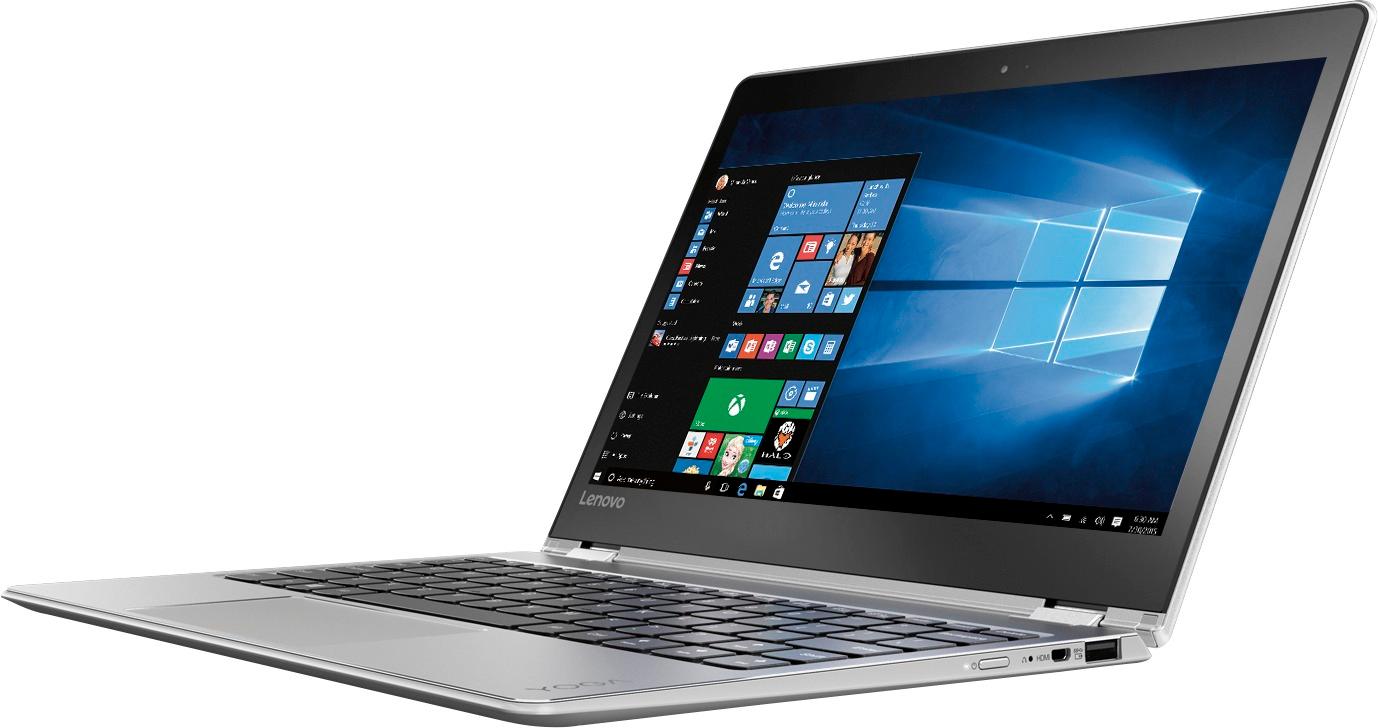
Posted .This reviewer received promo considerations or sweepstakes entry for writing a review.I really wanted to love this laptop. It had everything I was looking for as a work laptop. It's the perfect size, it's lightweight, and it has a 1080 screen resolution, which seems rare for an 11-inch. Unfortunately, the right shift key was the deal breaker. It's smaller than the shift key you'd find on a traditional keyboard. Not only that, but it's way too far to the right. Check the pictures to see what I'm talking about. I tried to use programs that remapped it closer to the right hand home keys but it still felt awkward. I thought I would get used to the odd shape/position of the right shift key but after a couple of days using it at work, where I type quite extensively, it just got cumbersome, and I ended up returning the laptop. You may have a different experience with it, and I highly recommend seeing/trying it out in person first before purchasing. It's a shame too, since I loved everything else. I hope they fix it in future iterations.
No, I would not recommend this to a friendBrand response from Lenovo Product Expert
Posted .With regard to the right shift key issue you mention, there is a free software APP called KeyTweak that may help you. You can switch the key functions of specific keys on your keyboard with this software, so you could change the right shift key with the key you hit in its place. Just Google search "KeyTweak" and you will find articles about what the software does and you will find the download location for this free APP.
Wish I could type this with the laptop I bought
Posted .This reviewer received promo considerations or sweepstakes entry for writing a review.I bought this laptop when I went down to college because my old one had broken and the yoga had good reviews so I went ahead and bought it. After a month after I purchased it, the screen went black but said it was still on. I had to drive all the way to the Best Buy I bought it at and had to get it fixed. After I got my laptop back a week after the repair, it broke again with the same problem. As a college student, it was very inconvenient for my laptop to keep breaking like this. I have gotten it repaired twice now and I have had only had the laptop for 2 months now. Fingers crossed it doesn't happen again but at this point, it probably good. I wish I would have purchased something else for school if I would have known this would have happened.
No, I would not recommend this to a friendBrand response from Lenovo Product Expert
Posted .We are sorry to hear that you are having issues with your Yoga 710-11. Be sure any programs you have installed are Windows 10 compatible. If you ever need help with your Yoga 710-11, we recommend you first try calling Lenovo Tech Support at: 877-453-6686.
Great with one huge exception
Posted .This reviewer received promo considerations or sweepstakes entry for writing a review.I have had this Lenovo 2-in-1 for about a week. I like it except for one problem.....the location of the shift key seems to cause me problems every time I try to type an email or any document that requires a capital letter. I inevitably hit the "enter" key instead.....not good. The key placement is extremely awkward. I have had 2 other notebook computers in the past and did not have the problems that I am having with this one. I have had it a week and am seriously thinking about returning it. I tried to get used to it but it doesn't seem like it will work for me. Too frustrating!
No, I would not recommend this to a friendBrand response from Lenovo Product Expert
Posted .With regard to the right shift key issue you mention, there is a free software APP called KeyTweak that may help you. You can switch the key functions of specific keys on your keyboard with this software, so you could change the right shift key with the key you hit in its place. Just Google search "KeyTweak" and you will find articles about what the software does and you will find the download location for this free APP.
Returning it
Posted .This reviewer received promo considerations or sweepstakes entry for writing a review.I'm not a happy camper! Specs on Best Buy's website specifically states this laptop has a backlit keyboard. One of the reason's I bought it. However it does not! I paid extra for expedite shipping and now I have to return it.
No, I would not recommend this to a friendBrand response from Lenovo Product Expert
Posted .You are correct, this model does not have a backlit keyboard.
NO BACKLIT KEYBOARD!!!
Posted .This reviewer received promo considerations or sweepstakes entry for writing a review.BUYER BEWARE!!! Don't get caught like me thinking this has a backlit keybard. I diligently checked the specs on all the Laptops and found this had everything I wanted. Too bad they aren't the right ones. I bought according to that THEN after 5 hours of updates, etc and I have OPTIMUM super fast internet so you KNOW what I am going to write next , YUP almost all my space was taken up. Therefore back in the box it goes. Too bad because the size and feel of this computer was perfect for me. Oh and to add insult to injury 2 days ago when I ordered it was one price today, just 2 days later ...now $25 less. I am so upset all around.
No, I would not recommend this to a friendBrand response from Lenovo Product Expert
Posted .You are correct, this model, the Lenovo Yoga 710-11 does not have a backlit keyboard.
Dont' like it
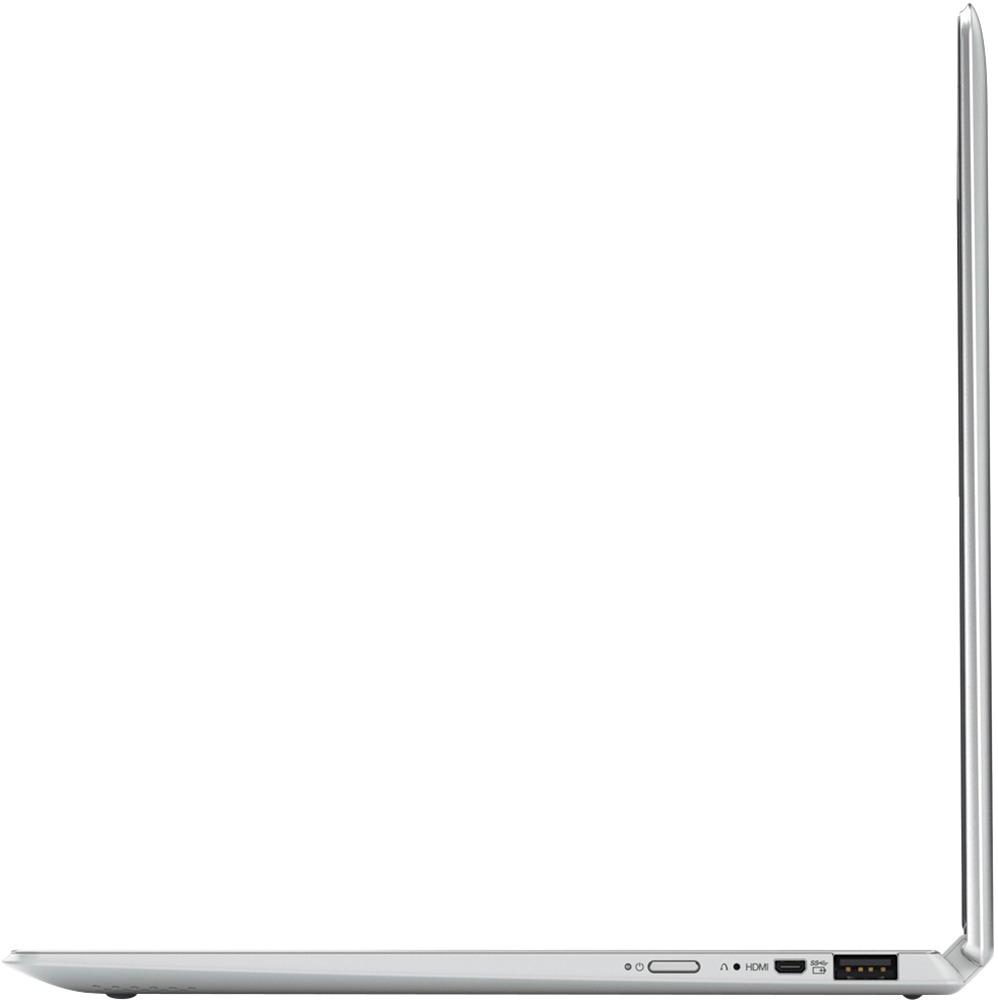
Posted .This reviewer received promo considerations or sweepstakes entry for writing a review.I'm very disappointed in this machine, and regret buying it. I thought I would enjoy the compactness, but I definitely sacrificed efficiency. The keyboard is not arranged well with the shift key too far to the right. The keyboard cannot keep up with my typing speed and creates too many typos. The space bar works only some of the time. The touchscreen works only some of the time, and I end up using the cursor instead. I miss not having an HDMI output and a DVD/CD drive. I guess this machine would be ok for a little kid to play games on.
No, I would not recommend this to a friend