Customer Ratings & Reviews
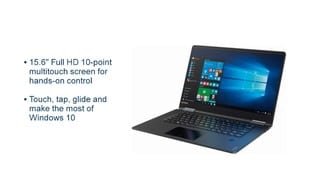
- Model:
- 80V50010US
- SKU:
- 5722735
Rating by feature
- Value
Rating 4.0 out of 5 stars
- Quality
Rating 3.9 out of 5 stars
- Ease of Use
Rating 4.3 out of 5 stars
Customers are saying
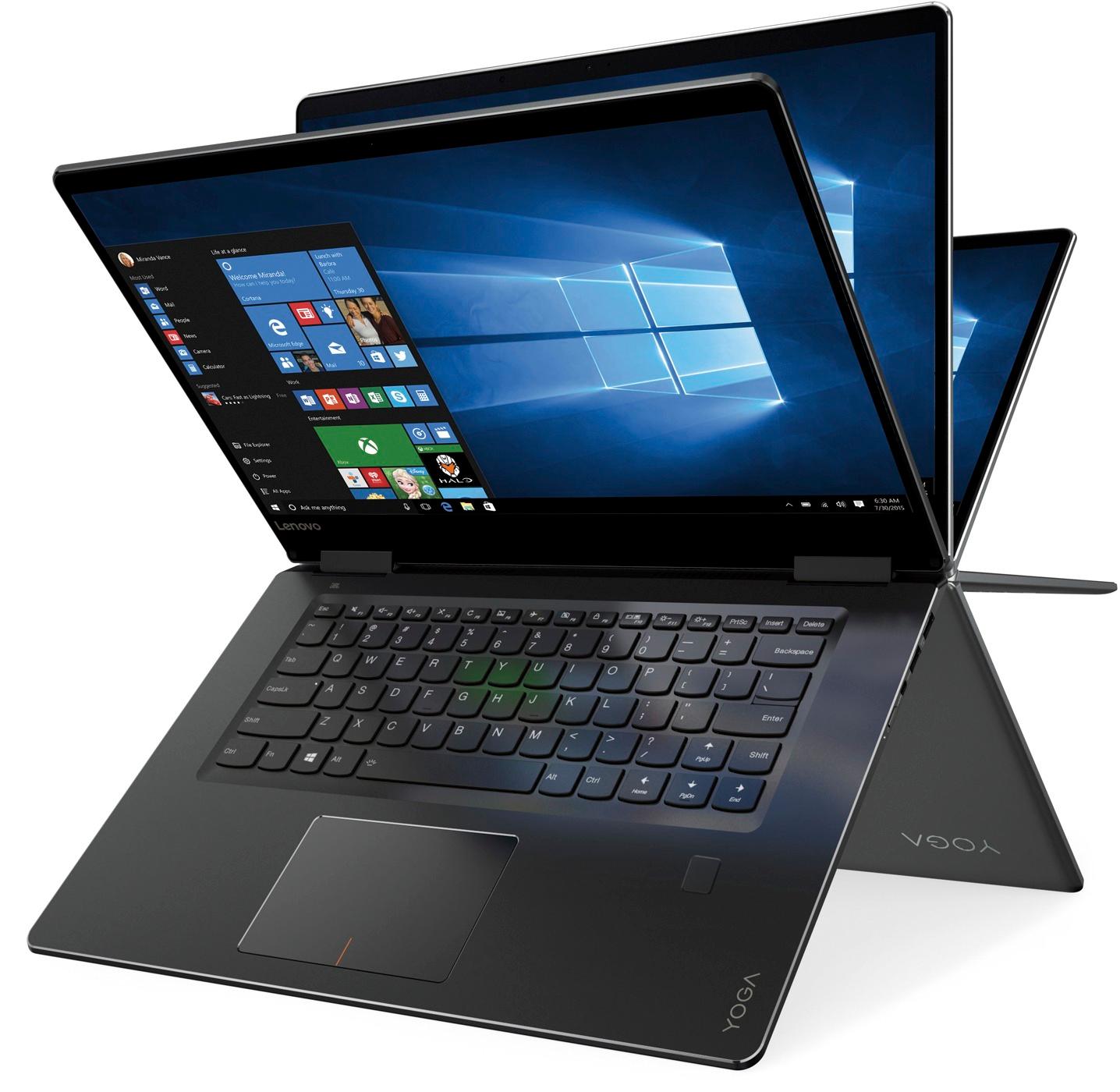
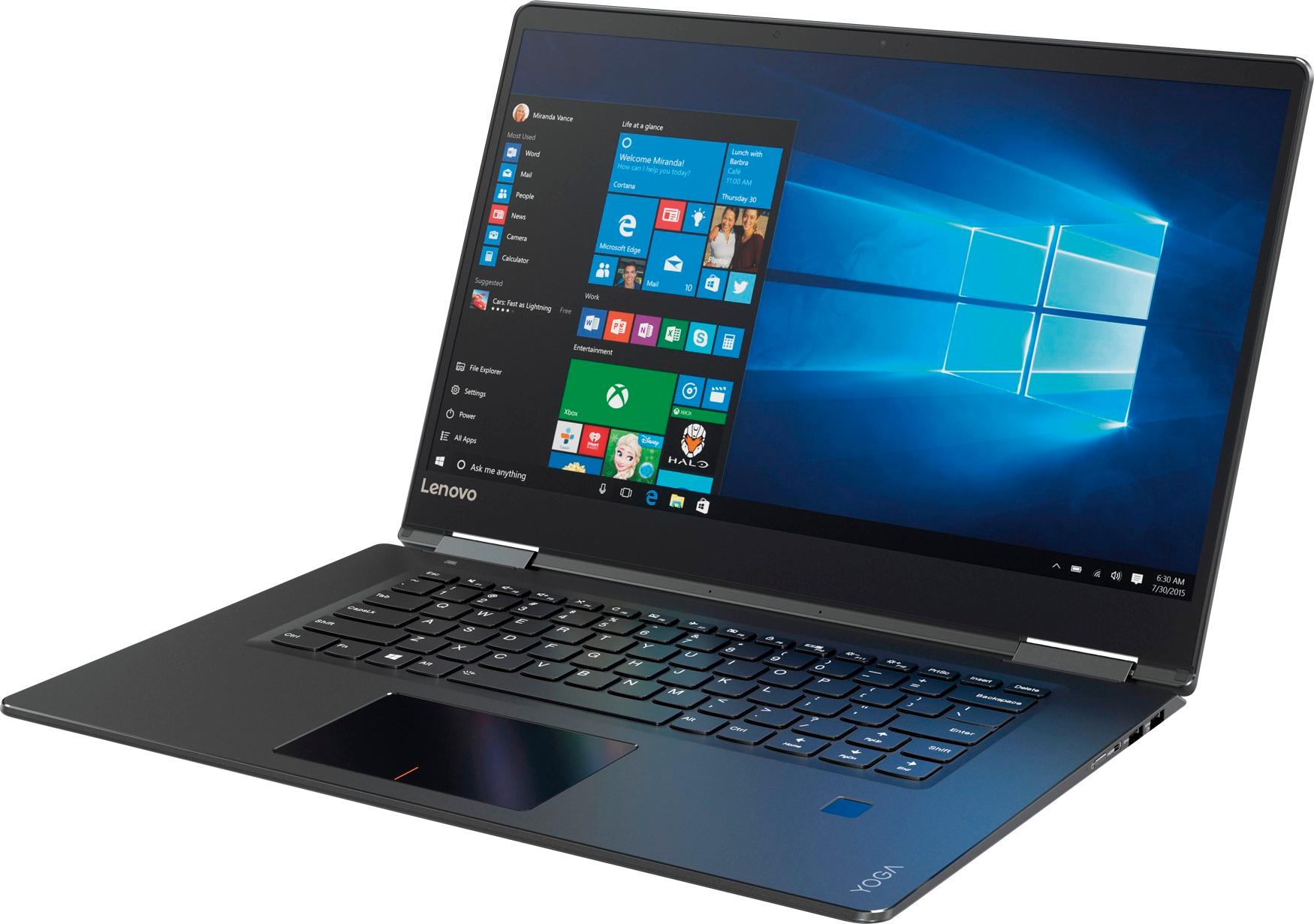
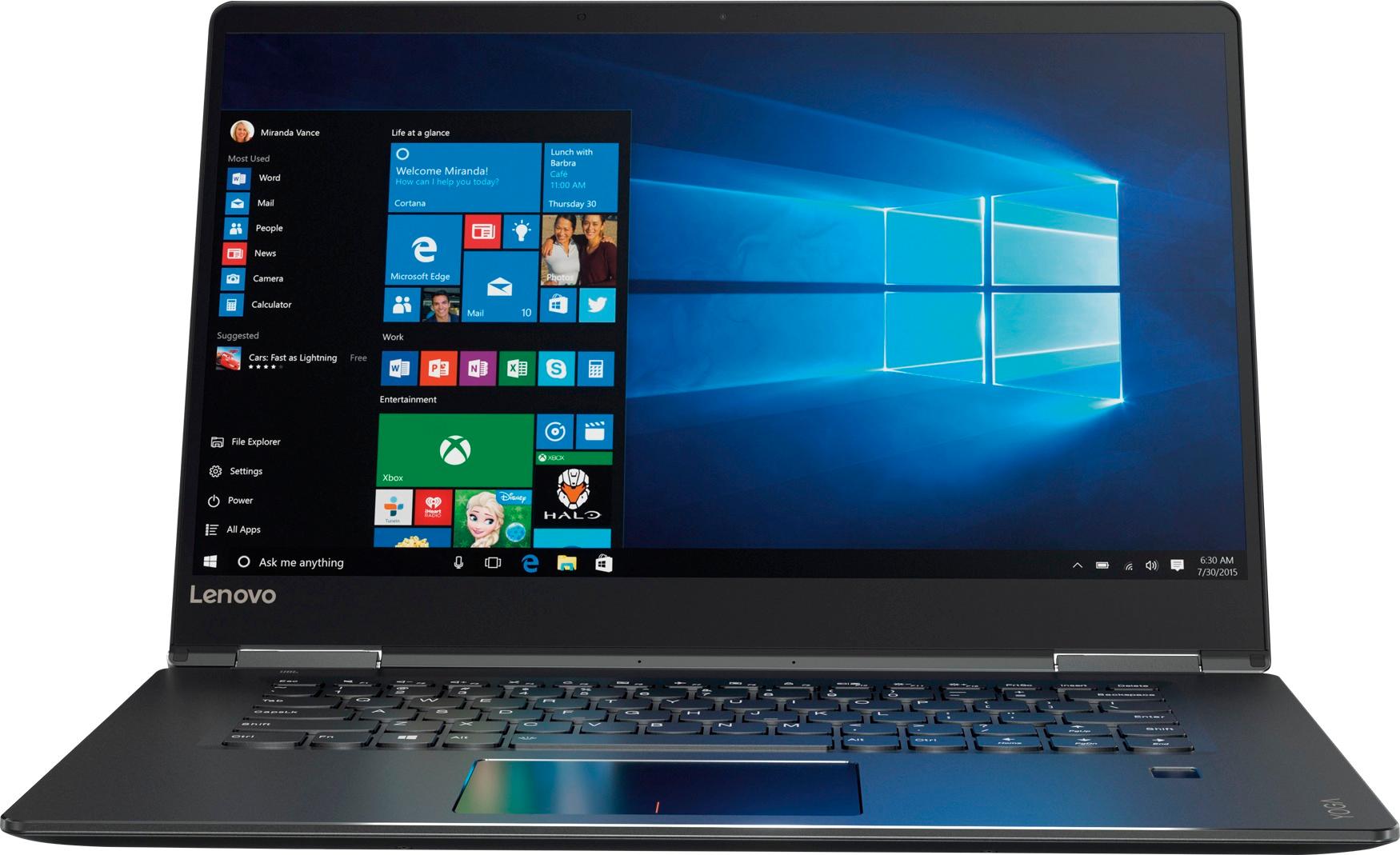
Customers praise the Yoga 710 2-in-1 laptop for its responsive touch screen, light weight, and affordable price. They also appreciate its user-friendly interface, long battery life, and fast solid state drive. On the downside, some users find the left shift key to be awkwardly positioned and a few experienced excessive fan noise.
This summary was generated by AI based on customer reviews.
Hinge caused screen to break after 4 years of use
Posted .This reviewer received promo considerations or sweepstakes entry for writing a review.For the past 4 years I have been very happy with this laptop except for the annoying fact that the trackpad is divided into right click and left click sections so it does not respond to clicking on a link if your finger is on the wrong part of the trackpad. All that changed this week. I noticed the screen popping out of the bezel for some reason in the bottom right corner. I popped it back in and was planning on taking it in to have it checked but soon found out the problem when I opened the laptop up yesterday and the hinge stayed down and actually broke though the screen. Apparently the hinge plate was glued to the back casing on the inside and became unglued. It would have been a big headache to repair anyway as taking out the screen to reglue the hinge is a big job on this model. I see this as a major design flaw and will never buy another Yoga again. The laptop served me well for 4 years but it was just on my desk so should not have had this sort of thing happen.
No, I would not recommend this to a friendGreat 2 in 1 laptop
||Posted .This reviewer received promo considerations or sweepstakes entry for writing a review.This laptop is great, great image, quick setup and start time, so far it has been very responsive, the only cons I would have is its weight and battery life, but overall is a great laptop.
I would recommend this to a friendBrand response from Lenovo Product Expert
Posted .Thank you for choosing the Lenovo Yoga 710-15. This 15.6" 2 in 1 laptop weighs just 4.45 lbs. and measures 0.7" thin. The battery life of this system is up to 8 hours, depending on the work that the device is performing.

Good
||Posted .This reviewer received promo considerations or sweepstakes entry for writing a review.So far it's working fine and smooth, tho if you have clammy hands, you're going to get fingerprints all over this laptop, which is annoying.
I would recommend this to a friendLaptop is ok at best
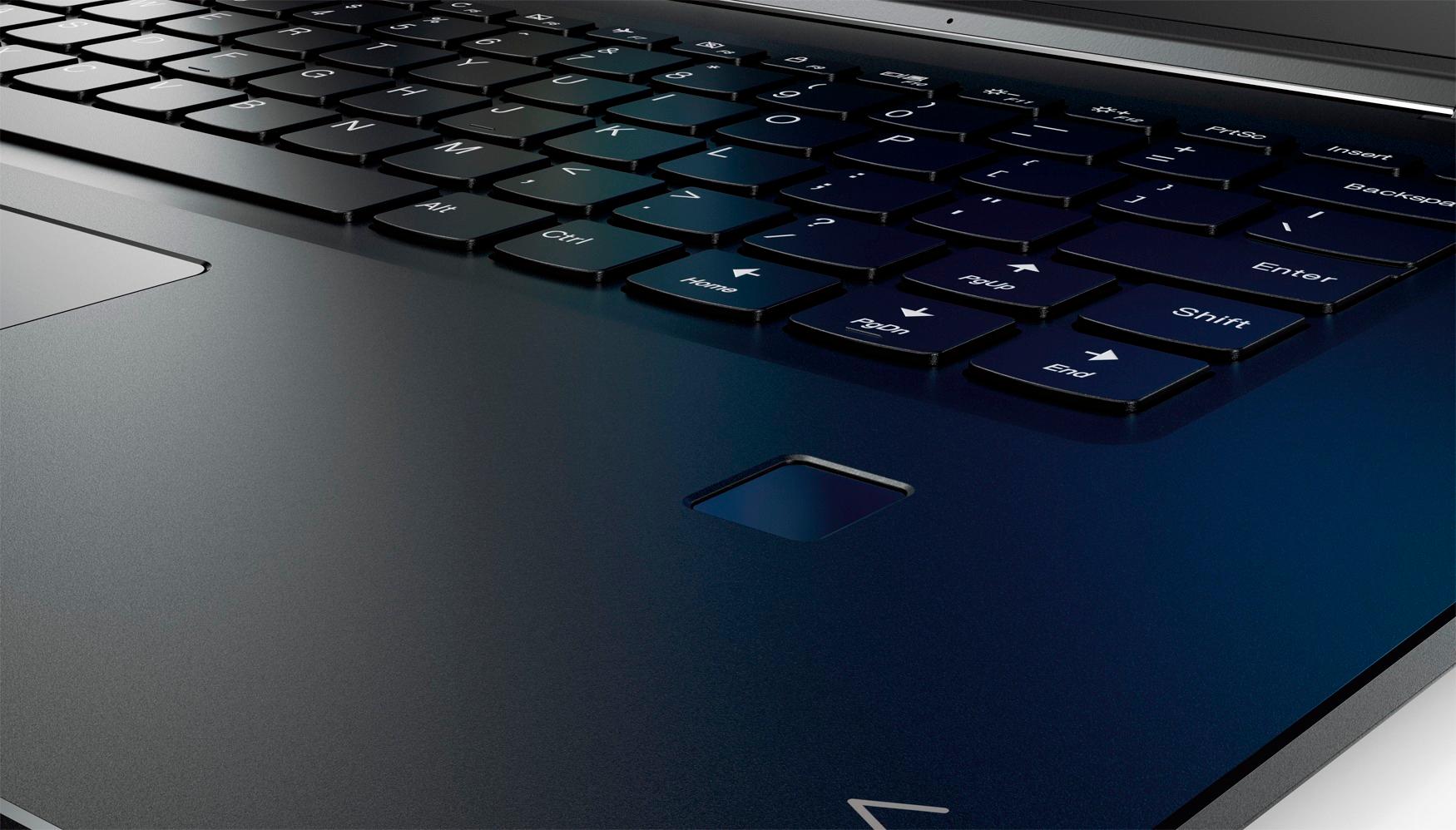
||Posted .This reviewer received promo considerations or sweepstakes entry for writing a review.For a laptop with ssd drive, it runs considerably slower than expected. The graphic is decent. The biggest issue I have and my wife also hate is the location of the right shift key. It is so far out to the right that we kept on hitting either the enter key or another key. It became a major source of frustration on my wife. It was something she didn’t test when we were in the store. The keyboard feels responsive and better than expected.
No, I would not recommend this to a friendBrand response from Lenovo Product Expert
Posted .This system should be a fast system with its Core I-5 processor,8GB of RAM and a 256GB solid state hard drive. Be sure any software you installed is compatible with Windows 10. There is no need to install Microsoft Office software. The software is already part of the operating system, you just need to activate the software with a purchased product key. If you have installed a copy of Microsoft Office, this is conflicting with the existing copy on the system and this will slow your system down. If you have installed a 3rd party anti-virus program, be sure that Windows Defender is turned off and that the trial version of McAfee Anti-Virus software is uninstalled. There can only be one anti-virus program on the system. You may need to restore your system to original factory default settings if any of the programing errors have occurred. You can do that by typing "restore" in the Cortana search window. Just click on the magnifying glass icon at the bottom left of your Windows 10 Desktop. Click on "Reset This PC" Then click on "Get Started" and follow the on screen directions to restore to factory defaults. If the problem persists, we recommend you contact Lenovo Tech Support at: 877-453-6686. With regard to the right shift key issue you mention, there is a free software APP called KeyTweak that may help you. You can switch the key functions of specific keys on your keyboard with this software, so you could change the right shift key with the key you hit in its place. Just Google search "KeyTweak" and you will find articles about what the software does and you will find the download location for this free APP.
Great machine for great price
||Posted .This reviewer received promo considerations or sweepstakes entry for writing a review.Looked at this machine and let 2 weeks pass before making decision. After 2 weeks it was discounted another $150. Needed for basic computer use; internet / MS Office. Exactly what I needed.
I would recommend this to a friendBrand response from Lenovo Product Expert
Posted .Thank you for choosing the Lenovo Yoga 710-15. We are pleased to hear that the value and performance of the Yoga 710-15 meets your computing needs so well.
- Pros mentioned:Lightweight, Price
Nice computer
||Posted .This reviewer received promo considerations or sweepstakes entry for writing a review.Love this computer and love how it turns into a table. Lightweight, has many features not bad for the price.
I would recommend this to a friendBrand response from Lenovo Product Expert
Posted .Thank you for choosing the Lenovo Yoga 710-15. We are pleased to here that the features and performance of the Yoga 710-15 meets your computing needs so well.
Bought this product for my son for Christmas
||Posted .This reviewer received promo considerations or sweepstakes entry for writing a review.This is my second purchase of this computer. My oldest really likes it and so I went ahead an bought it for my youngest son for Christmas.
I would recommend this to a friendBrand response from Lenovo Product Expert
Posted .Thank you for choosing the Lenovo Yoga 710-15 for your children. We are pleased to hear that the Yoga 710-15 is working out so well for both of your children.
- Pros mentioned:Speed, Touch screen
This is a pretty good laptop
||Posted .This reviewer received promo considerations or sweepstakes entry for writing a review.I like this laptop because of its speed and touch screen ability.
I would recommend this to a friendBrand response from Lenovo Product Expert
Posted .Thank you for choosing the Lenovo Yoga 710-15. We are pleased to hear that the features and performance of the Yoga 710-15 meets your computing needs so well.
excellent screen but keys are clicky
||Posted .This reviewer received promo considerations or sweepstakes entry for writing a review.Very fast and excellent screen. Like the lit keyboard. Overall great buy but only negative is clicky keys. Previous Toshiba made no sound.
I would recommend this to a friend- Pros mentioned:Easy to use, Speed
great loptop
||Posted .This reviewer received promo considerations or sweepstakes entry for writing a review.Is Very easy to use .the intern is faster to open and close faster
I would recommend this to a friend - Pros mentioned:Easy to use, Lightweight
Awesome
||Posted .This reviewer received promo considerations or sweepstakes entry for writing a review.I love this computer! Very versatile and easy to use!
I would recommend this to a friend - Pros mentioned:Easy to use, Lightweight
Great purchase!
||Posted .This reviewer received promo considerations or sweepstakes entry for writing a review.I had been searching for a laptop that was easy to use and lightweight. This purchase met both criteria.
I would recommend this to a friendBrand response from Lenovo Product Expert
Posted .Thank you for choosing the Lenovo Yoga 710-15. We are pleased to hear that the features and performance of the Yoga 710-15 meets your computing needs so well.
Lenovo Yoga 710
||Posted .This reviewer received promo considerations or sweepstakes entry for writing a review.Bought this laptop for school and so far it's great! The solid state hard drive makes a world of difference. I wish the keyboard detached but that's something I can deal with. The big screen is great too! The only thing I don't like is the track pad. I definitely would suggest getting a mouse. Besides that I'm extremely pleased with this computer.
I would recommend this to a friendBrand response from Lenovo Product Expert
Posted .Thank you for choosing the Lenovo Yoga 710-15. With regard to the touchpad, you can make adjustments to the touchpad in your system settings. You can get there by clicking on the magnifying glass at the bottom left of your Windows 10 screen. Type "touchpad" in the search window. Select "Mouse & touchpad settings" from the list of choices. You can make general adjustments to the touchpad there. You can also select "Additional mouse options" for more detailed adjustments to the touchpad sensitivity by increasing the delay of the touchpad.
So far so good
||Posted .This reviewer received promo considerations or sweepstakes entry for writing a review.I got this to replace an older laptop that I damaged while traveling. So far this has been pretty good. Definitely happy for the price.
I would recommend this to a friendBrand response from Lenovo Product Expert
Posted .Thank you for choosing the Lenovo Yoga 710-15. We are pleased to hear that the value and performance of the Yoga 710-15 meets your computing needs so well.
My laptop
||Posted .This reviewer received promo considerations or sweepstakes entry for writing a review.I love my new laptop. This computer is everything I need for work and personal. The colors are amazing and the picture quality is excellent. I highly recommend this for any non-gamer.
I would recommend this to a friendBrand response from Lenovo Product Expert
Posted .Thank you for choosing the Lenovo Yoga 710-15. We are pleased to hear that the features and performance of the Yoga 710-15 meets your computing needs so well.
- Pros mentioned:Price
Great Product
||Posted .This reviewer received promo considerations or sweepstakes entry for writing a review.I purchased this laptop during a pre Thanksgiving sale. I went in to BB and spoke with one of their "Geeks", Dylan, about purchasing a laptop for my husband. After telling him the uses he will have for the laptop, he suggested the Lenovo. It was at a great price. It has more bells and whistles than my husband would normally use - but, he loves it. He will go in and get a tutorial on the computer from one of the Geeks. Thanks, Dylan!
I would recommend this to a friendBrand response from Lenovo Product Expert
Posted .Thank you for choosing the Lenovo Yoga 710-15 for your husband. We are pleased to hear that the Yoga 710-15 meets your husband's computing needs so well.
Sleek
||Posted .This reviewer received promo considerations or sweepstakes entry for writing a review.Very sleek. Could use a a basic 1 page how to which shows all key buttons and fetures instead of having to go online.that does not help if you can barely find the button to turn it on
I would recommend this to a friendBrand response from Lenovo Product Expert
Posted .Thank you for choosing the Lenovo Yoga 710-15. All documentation is now online. Here is a link to the PDF file of the User Maintenance Manual. In it, you will find descriptions for the buttons on the device. Here's the link, you can download the file to the device so you will have a copy and can print out pages you find helpful: https://download.lenovo.com/consumer/mobiles_pub/yoga_710-14isk_14ikb_15isk_15ikb_hmm_201605.pdf
great size, excellent screen
||Posted .This reviewer received promo considerations or sweepstakes entry for writing a review.I have very large fingers and have difficulty not touching the screen when using the keyboard
I would recommend this to a friend- Pros mentioned:Speed, Touch screen
Great basic computer
||Posted .This reviewer received promo considerations or sweepstakes entry for writing a review.Screen resolution is excellent. Have always had a 17" screen, but the 15" has been fine. Very fast.
I would recommend this to a friendBrand response from Lenovo Product Expert
Posted .Thank you for choosing the Lenovo Yoga 710-15. We are pleased to hear that the features and performance of the Yoga 710-15 meets your computing needs so well.
- Pros mentioned:Price
Awesome laptop
||Posted .This reviewer received promo considerations or sweepstakes entry for writing a review.This is a great laptop for the price. I would say for mid-to-upper mid range. SSD is the bomb.
I would recommend this to a friendBrand response from Lenovo Product Expert
Posted .Thank you for choosing the Lenovo Yoga 710-15. We are pleased to hear that the features and performance of the Yoga 710-15 meets your computing needs so well.