Customer Ratings & Reviews
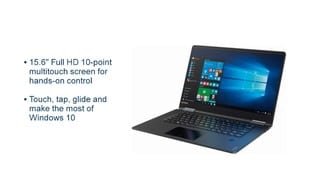
- Model:
- 80V50010US
- SKU:
- 5722735
Rating by feature
- Value
Rating 4.0 out of 5 stars
- Quality
Rating 3.9 out of 5 stars
- Ease of Use
Rating 4.3 out of 5 stars
Customers are saying
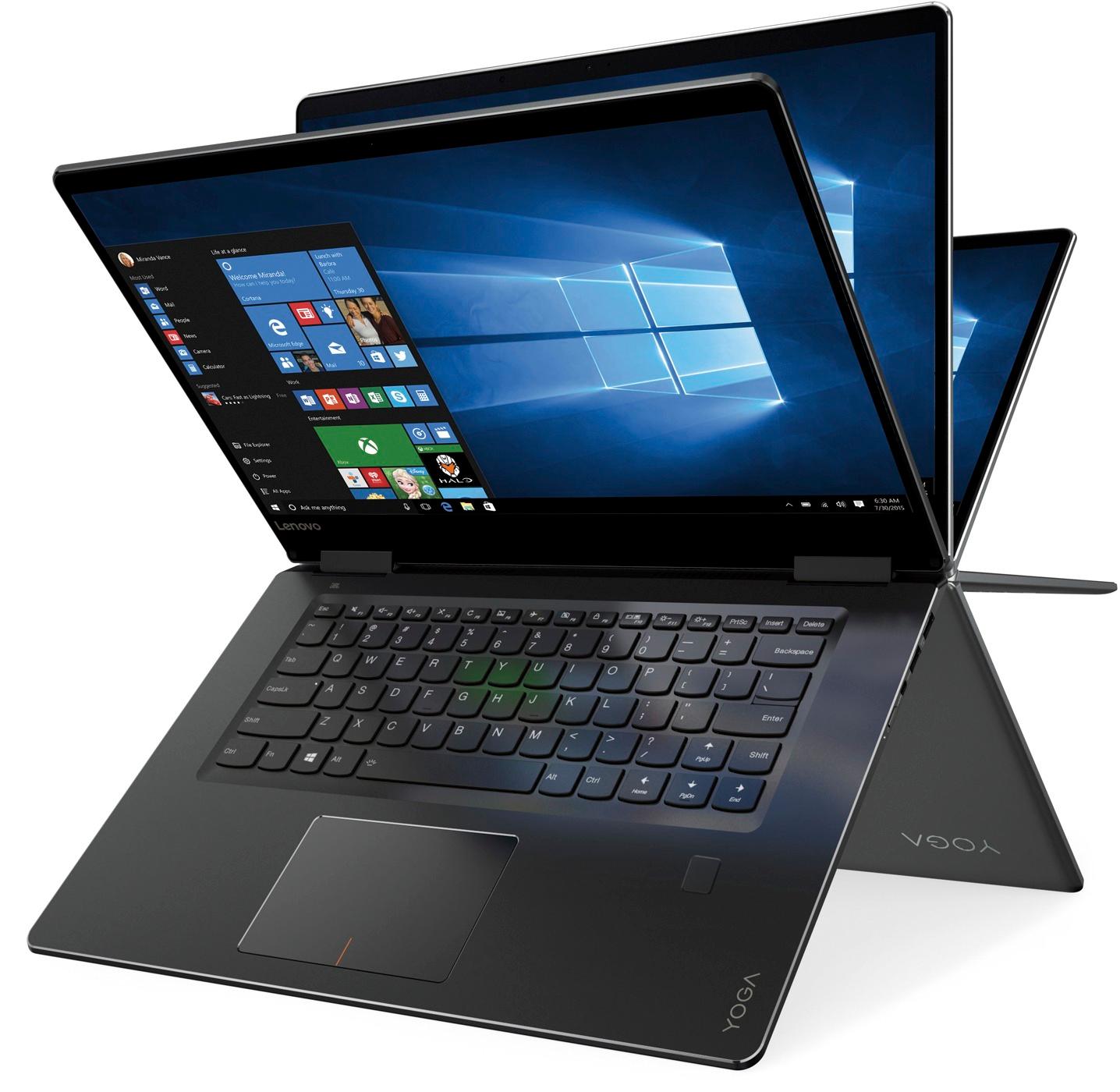
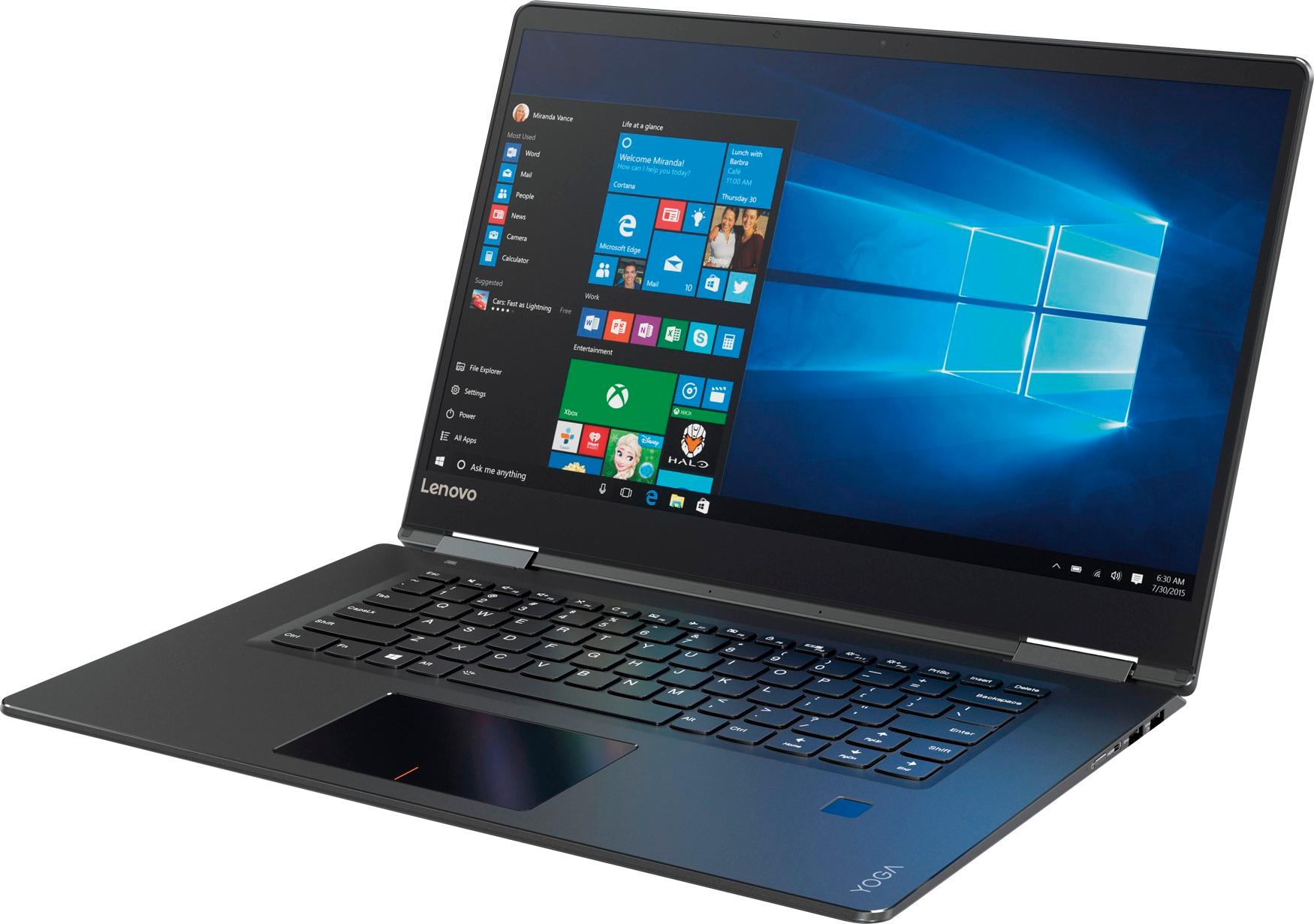
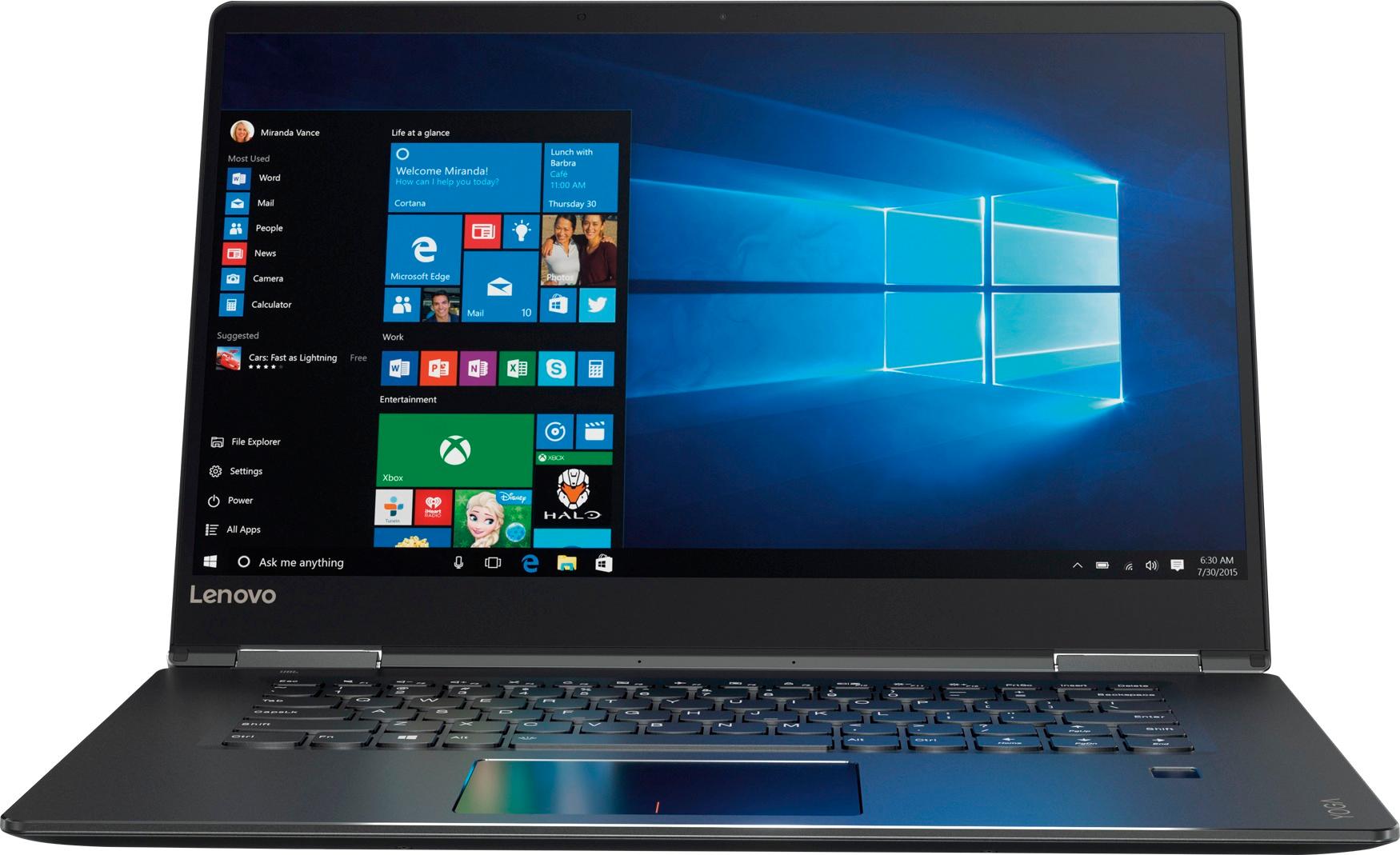
Customers praise the Yoga 710 2-in-1 laptop for its responsive touch screen, light weight, and affordable price. They also appreciate its user-friendly interface, long battery life, and fast solid state drive. On the downside, some users find the left shift key to be awkwardly positioned and a few experienced excessive fan noise.
This summary was generated by AI based on customer reviews.
Great computer
||Posted .This reviewer received promo considerations or sweepstakes entry for writing a review.Thanks you for the above laptop & fast service!!!!
I would recommend this to a friendGreat Laptop!!!
||Posted .This reviewer received promo considerations or sweepstakes entry for writing a review.I gave this Laptop to one of my friends who was retiring from her job after 43 years. She absolutely loves it. The SSD drive is what really sells it -- as time for her to boot it up is less than 5 seconds.
I would recommend this to a friendBrand response from Lenovo Product Expert
Posted .Thank you for choosing the Lenovo Yoga 710-15. We are pleased to hear that the Yoga 710-15 is working out so well for the user.

- Cons mentioned:Shift key
Great system, except 1 small thing
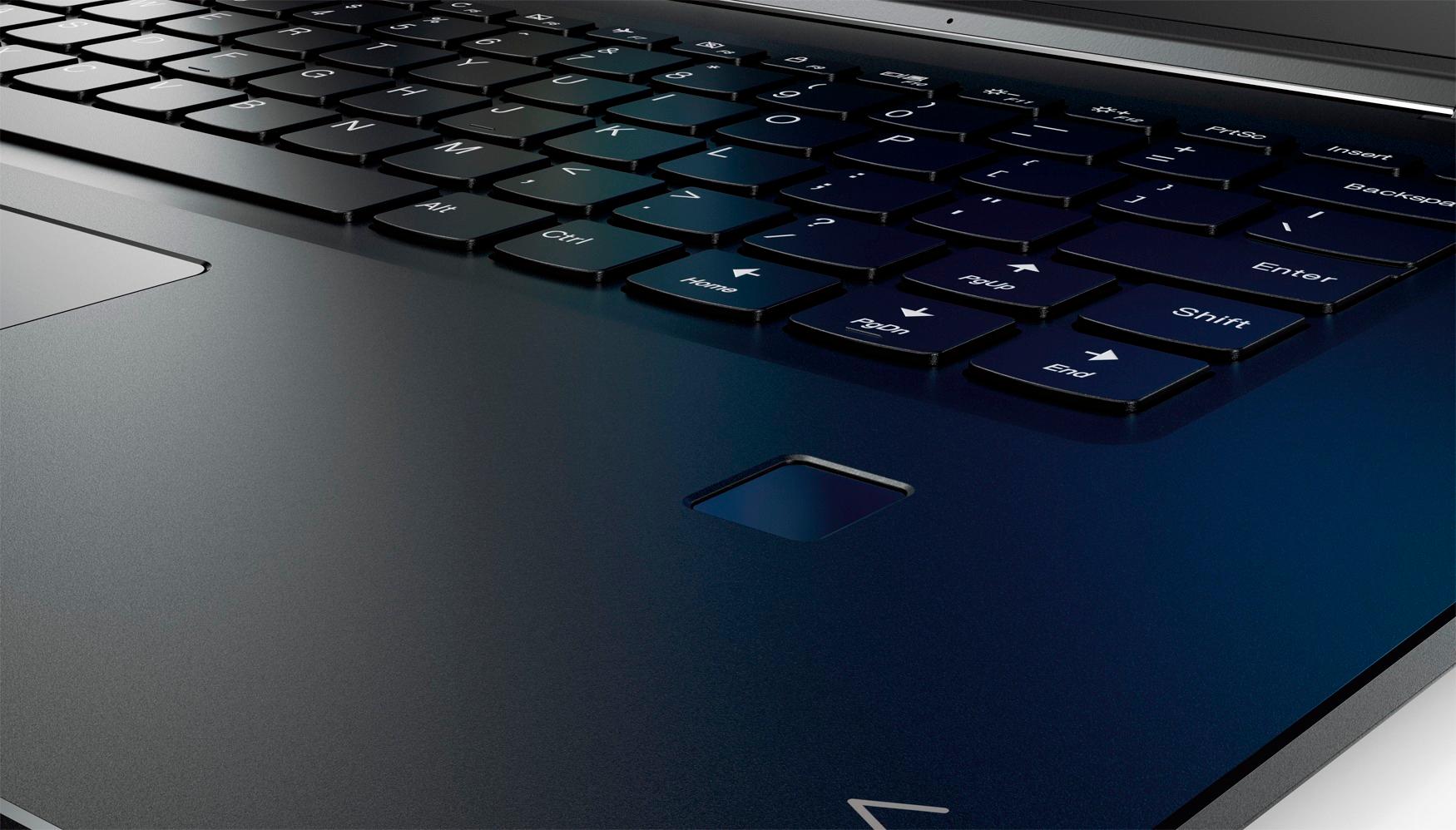
||Posted .This reviewer received promo considerations or sweepstakes entry for writing a review.The system is snappy and efficient with a great hard drive. The 1 small issue is the location of the shift key on the right side. Weird placement.
I would recommend this to a friendBrand response from Lenovo Product Expert
Posted .Thank you for choosing the Lenovo Yoga 710-15. With regard to the right shift key issue you mention, there is a free software APP called KeyTweak that may help you. You can switch the key functions of specific keys on your keyboard with this software, so you could change the right shift key with the key you hit in its place. Just Google search "KeyTweak" and you will find articles about what the software does and you will find the download location for this free APP.
- Pros mentioned:Touch screen
Excellent
||Posted .This reviewer received promo considerations or sweepstakes entry for writing a review.Runs very smooth. Touch screen is very responsive. Only problem is, i had a blue screen come up with an error, interrupting my work, then it restarted.
I would recommend this to a friendBrand response from Lenovo Product Expert
Posted .Sounds like there is a program issue. Be sure any programs you have installed are compatible with Windows 10.
Great Computer
||Posted .This reviewer received promo considerations or sweepstakes entry for writing a review.I love this computer. Its easy to use and lite weight. I gave it 4 stats because the on/off switch is too small. It takes along time to turn on.
I would recommend this to a friendBrand response from Lenovo Product Expert
Posted .Thank you for choosing the Lenovo Yoga 710-15. This system should start up from off in less than 30 seconds, thanks to the Intel Core I-5 processor and the 256GB solid state hard drive. Be sure any software you installed is compatible with Windows 10. There is no need to install Microsoft Office software. The software is already part of the operating system, you just need to activate the software with a purchased product key. If you have installed a copy of Microsoft Office, this is conflicting with the existing copy on the system and this will slow your system down. If you have installed a 3rd party anti-virus program, be sure that Windows Defender is turned off and that the trial version of McAfee Anti-Virus software is uninstalled. There can only be one anti-virus program on the system. You may need to restore your system to original factory default settings if any of the programing errors have occurred. You can do that by typing "restore" in the Cortana search window. Just click on the magnifying glass icon at the bottom left of your Windows 10 Desktop. Click on "Reset This PC" Then click on "Get Started" and follow the on screen directions to restore to factory defaults. If the problem persists, we recommend you contact Lenovo Tech Support at: 877-453-6686.
Beautiful but 1 of 2 died
||Posted .This reviewer received promo considerations or sweepstakes entry for writing a review.Bought 2 of these. ! died 3 months after purchase when I plugged a USB device into it, just died, and that was the end of that. Probably a fluke as Lenovo usually has pretty reliable product.
I would recommend this to a friendBrand response from Lenovo Product Expert
Posted .We are sorry to hear that you are having issues with your Yoga 710-15. It sounds like there may have been software on the Flash Drive you installed that was incompatible with Windows 10. This system is equipped with OneKey Recovery System. There is a very small pin hole on the left side of the device, right near the headphone jack on the device. You will need a pin to push this reset button. Plug the device in. Let the battery charge for about 15 minutes. Push the reset button. The system should boot to a choice screen where you can choose "Restore To Factory Default". Select this. It will delete everything from the hard drive except the original factory install of the operating system. You will need to reinstall all programs and files after the reset. If you don't have copies of the files, try to make one before you restore by selecting "Boot to desktop" and trying to back up your files. If the problem persists after the factory reset, we recommend you contact Lenovo Tech Support at: 877-453-6686.
would give it a 4.5 if it was possible
||Posted .This reviewer received promo considerations or sweepstakes entry for writing a review.I have had this laptop for about 2 months now. I am fairly happy with it and have only a couple of minor complaints. On the good side, it is a nice compromise between weight and a screen large enough to work comfortably on. The very quick boot time (solid state hard drive) is great. On the minor complaint side, I rarely am successful turning it on on the first try, something about the size and placement of the power button gives me trouble. It is also difficult for me to open it up as there is no good place to get my thick fingers between the 2 panels.
I would recommend this to a friendBrand response from Lenovo Product Expert
Posted .Thank you for choosing the Lenovo Yoga 710-15. With regard to the power button and the difficulty in opening the device, we will look in to these points for future improvements.
The Laptop is pretty easy to carry it's not heavy
||Posted .This reviewer received promo considerations or sweepstakes entry for writing a review.The screen is pretty good but I'm trying to get us to using this lap top. I haven't figured every detail out yet. I like that the laptop is not heavy.
I would recommend this to a friendBrand response from Lenovo Product Expert
Posted .Thank you for choosing the Lenovo Yoga 710-15. If it is Windows 10 you are learning your way around, you may want to try YouTube.com (just type that address in your browser address window). There are hundreds for free instructional videos there about Windows 10. Just type Windows 10 Introduction in to the YouTube search window. You can watch free videos there that will show you the basics all the way up to tips and tricks videos and they're all free.
- Pros mentioned:Price
Great Laptops
||Posted .This reviewer received promo considerations or sweepstakes entry for writing a review.I wanted a really great laptop that’s equals to Apple functions, but not their expensive prices. I Love My New Yoga Laptop. A Great investment.
I would recommend this to a friendBrand response from Lenovo Product Expert
Posted .Thank you for choosing the Lenovo Yoga 710-15. We are pleased to hear that the value and performance of the Yoga 710-15 meets your computing needs so well.
This should be a "handy" machine that can go everw
||Posted .This reviewer received promo considerations or sweepstakes entry for writing a review.This should be a "handy" machine that can go everwhere. However, it has been a real problem to set up. I miss my old monitor but am using my old keyboard. I have the HDMI cord for the old monitor but there are a lot of cords coming out of my Lenovo which makes the desk very crowed. I am sure that there are technical aspects that are beyond my knowledge of computers, but my Quick Fix team recommended this machine, so I trust them. I just have to get used to the different size, but it should travel well when I go to visit my chidlren, etc.
I would recommend this to a friendBrand response from Lenovo Product Expert
Posted .Thank you for choosing the Lenovo Yoga 710-15. This system has a Micro HDMI port. In order to connect an external HDMI device like a monitor, you will need to use a Micro HDMI to HDMI adapter. Here is a link to an example: https://www.bestbuy.com/site/insignia-micro-hdmi-to-hdmi-adapter-black/6167620.p?skuId=6167620.
- Pros mentioned:Price
Great recommendation
||Posted .This reviewer received promo considerations or sweepstakes entry for writing a review.I was looking for a quality laptop and I gave the best buy sales rep my criteria. He suggested the Lenovo Yoga and it has not disappointed. I love the features, the price, and the look. Thanks!
I would recommend this to a friendBrand response from Lenovo Product Expert
Posted .Thank you for choosing the Lenovo Yoga 710-15. We are pleased to hear that the value, features and performance of the Yoga 710-15 meets your computing needs so well.
Lenovo Laptop - Performed as expected
||Posted . Owned for more than 2 years when reviewed.This reviewer received promo considerations or sweepstakes entry for writing a review.I bought this for my daughter when she went to grad school. She was very happy with its use and performance; which means I was very happy with my purchase.
I would recommend this to a friend- Pros mentioned:Easy to use
LOVE!
||Posted .This reviewer received promo considerations or sweepstakes entry for writing a review.This laptop is amazing! I needed something that would be easy to design things for work (I'm a teacher) as well as some crafting projects. This laptop is perfect for my light, personal use.
I would recommend this to a friendBrand response from Lenovo Product Expert
Posted .Thank you for choosing the Lenovo Yoga 710-15. We are pleased to hear that the features and performance of the Yoga 710-15 meets your computing needs so well.
- Pros mentioned:Easy to use
Lenovo review
||Posted .This reviewer received promo considerations or sweepstakes entry for writing a review.We have been using this computer for many years now. We love how easy it is to operate. Zero problems to report. Very happy with our purchase.
I would recommend this to a friend - Pros mentioned:Easy to use
Good laptop
||Posted .This reviewer received promo considerations or sweepstakes entry for writing a review.This is the first laptop I've owned. It is very easy to use and response time is great. Keyboard is very comfortable with the larger letters.
I would recommend this to a friendBrand response from Lenovo Product Expert
Posted .Thank you for choosing the Lenovo Yoga 710-15. We are pleased to hear that the features and performance of the Yoga 710-15 meets your computing needs so well.
- Pros mentioned:Touch screen
Great laptop
||Posted .This reviewer received promo considerations or sweepstakes entry for writing a review.I love this laptop the touch screen is fabulous its flexible durable and works well for me because i have to enlarge things on the screen frequently just touch and enlarge very easy and quick
I would recommend this to a friendBrand response from Lenovo Product Expert
Posted .Thank you for choosing the Lenovo Yoga 710-15. We are pleased to hear that the features and performance of the Yoga 710-15 meets your computing needs so well.
Its okay, better products are out there.
||Posted .This reviewer received promo considerations or sweepstakes entry for writing a review.Keyboard layout is not the typical layout , mainly shift ,cap lock, enter, arrows keys. I ended up returning it because of it, however if it works for you, its a great laptop otherwise.
No, I would not recommend this to a friendBrand response from Lenovo Product Expert
Posted .With regard to the right shift key issue you mention, there is a free software APP called KeyTweak that may help you. You can switch the key functions of specific keys on your keyboard with this software, so you could change the right shift key with the key you hit in its place. Just Google search "KeyTweak" and you will find articles about what the software does and you will find the download location for this free APP.
- Pros mentioned:Speed
Replacement for another brand
||Posted .This reviewer received promo considerations or sweepstakes entry for writing a review.Previous computer was several years old and very few features. This computer has been unbelievably easy to adapt to with speed I had never experienced on my work or my home PC before.
I would recommend this to a friendBrand response from Lenovo Product Expert
Posted .Thank you for choosing the Lenovo Yoga 710-15. We are pleased to hear that the ease of use and performance of the Yoga 710-15 meets your computing needs so well.
- Pros mentioned:Price
On the better laptops for the price
||Posted . Owned for 1.5 years when reviewed.This reviewer received promo considerations or sweepstakes entry for writing a review.I love Lenovo products, the other other brand of laptop I prefer more is Asus. This is one of the best laptops for the specs and price. Good stuff. Recommend.
I would recommend this to a friend FAST & EASY
||Posted .This reviewer received promo considerations or sweepstakes entry for writing a review.Amazing boot up speed and easy to access desktop with fingerprint ID. I rarely used a DVD so I have not missed that drive at all, strong recommendation by the Best Buy Rep in Grove City OH, and she was on the mark about the Lenovo YOGA. Replaced a laptop I purchased online eleven months ago, and never again, as it failed four times in the first ten months. Yes the seller replaced it the first time which happened in less than 4 hours after I received it, but had to ship it back to Xxxx the other three times, combined time without the product I paid for over six weeks in ten months. The previous two laptops were OK with the first one also from Best Buy.
I would recommend this to a friendBrand response from Lenovo Product Expert
Posted .Thank you for choosing the Lenovo Yoga 710-15. We are pleased to hear that the performance of the Yoga 710-15 meets your computing needs so well.