Customer Ratings & Reviews
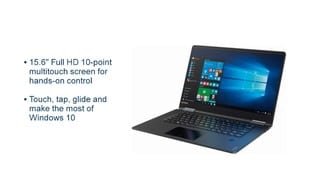
- Model:
- 80V50010US
- SKU:
- 5722735
Rating by feature
- Value
Rating 4.0 out of 5 stars
- Quality
Rating 3.9 out of 5 stars
- Ease of Use
Rating 4.3 out of 5 stars
Customers are saying
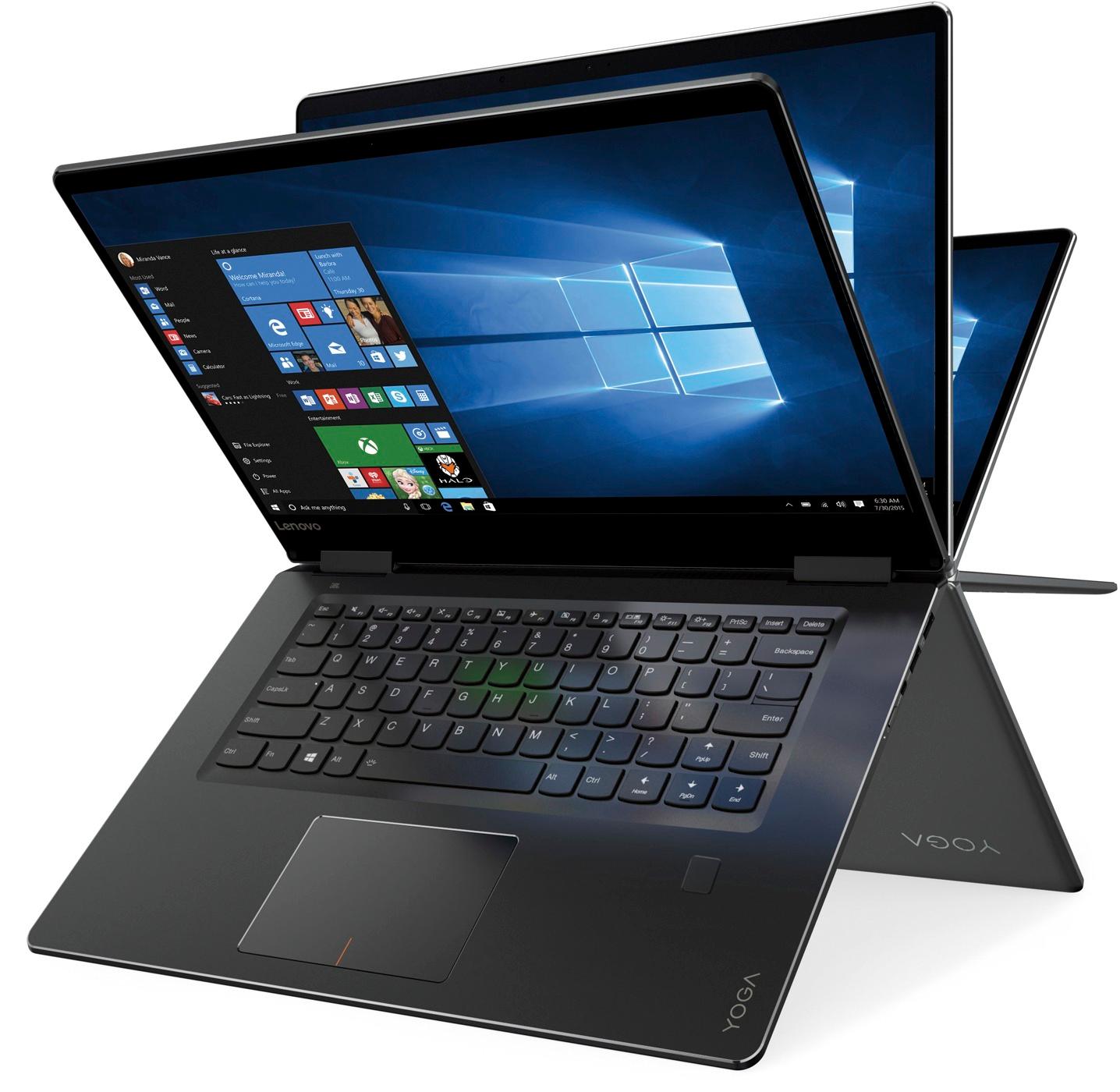
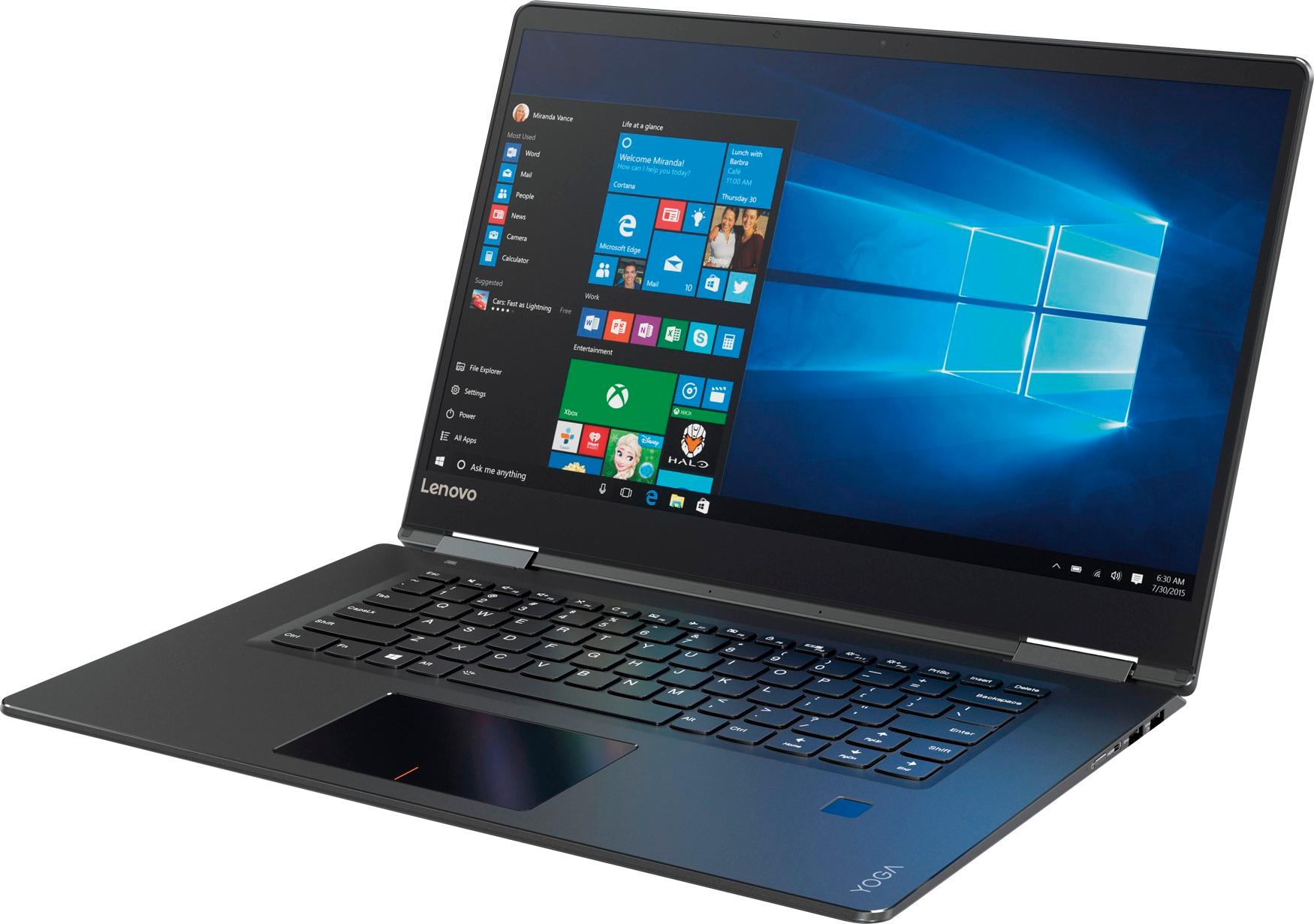
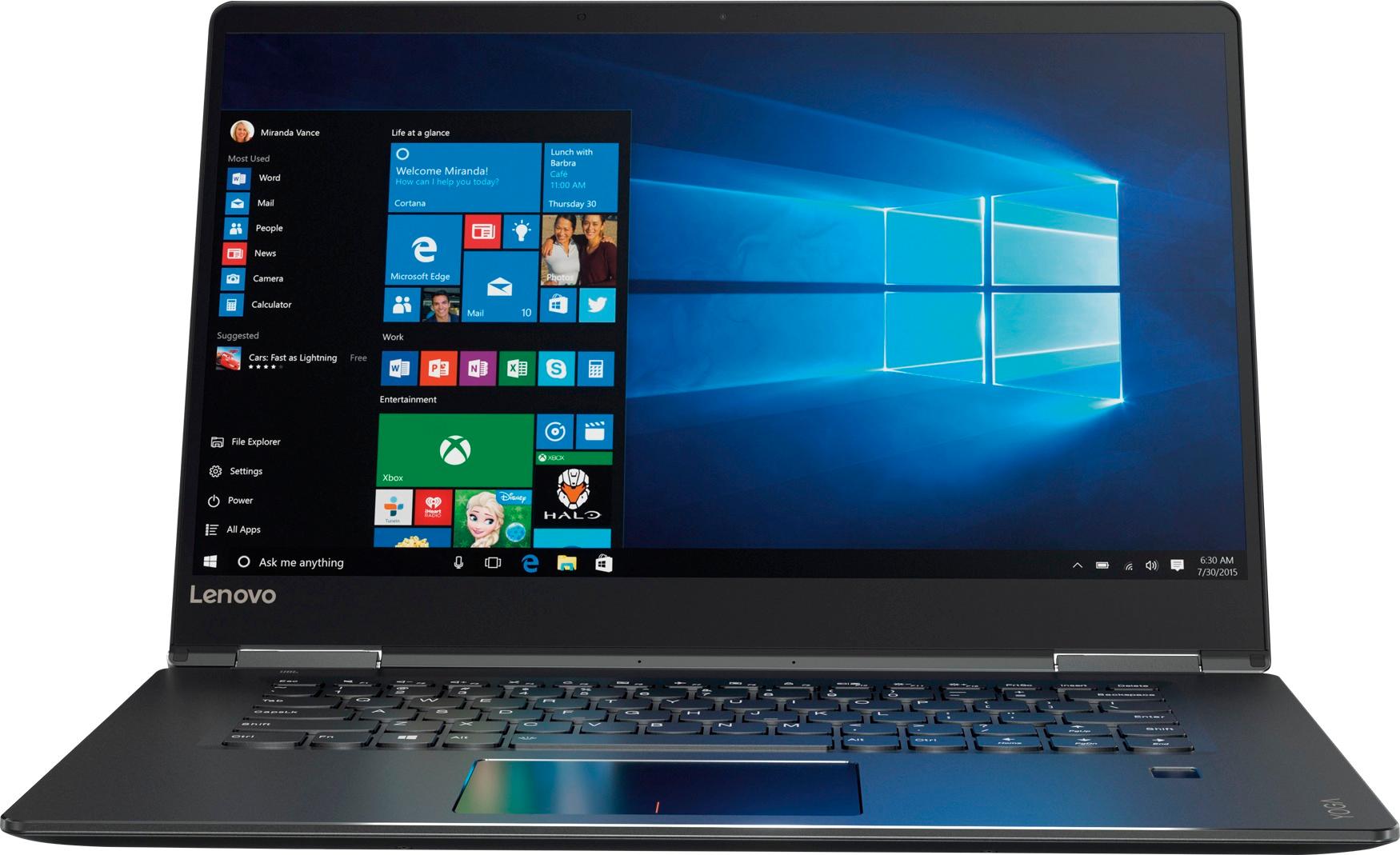
Customers praise the Yoga 710 2-in-1 laptop for its responsive touch screen, light weight, and affordable price. They also appreciate its user-friendly interface, long battery life, and fast solid state drive. On the downside, some users find the left shift key to be awkwardly positioned and a few experienced excessive fan noise.
This summary was generated by AI based on customer reviews.
- Pros mentioned:Speed
Love it
||Posted .This reviewer received promo considerations or sweepstakes entry for writing a review.Not perfect, but pretty darn close. Fast, fantastic display, slightly cumbersome keypad when in tablet mode. Would like more USB's and perhaps a full size HDMI port but still love it
I would recommend this to a friendBrand response from Lenovo Product Expert
Posted .Thank you for choosing the Lenovo Yoga 710-15. This system ships with a Micro HDMI port. You can use a Micro HDMI to HDMI adapter to connect an external HDMI device to the Yoga 710-15. In tablet mode, the key pad would be onscreen, as the laptop keyboard becomes inoperable in tablet mode. If you need more USB ports, you may want to consider using a USB Hub with this device. Being an ultra portable, 2 in 1 system, the available ports are at a minimum.

- Pros mentioned:Easy to use
I love it!!
||Posted .This reviewer received promo considerations or sweepstakes entry for writing a review.The one thing that sold me was the salesperson that was showing me the computer...he picked it up and slammed it down on the table. I said sold! I love it! It has ran great...easy to use..
I would recommend this to a friend Great price for great laptop
||Posted .This reviewer received promo considerations or sweepstakes entry for writing a review.Excellent product, fast, solid state Drive superb for teens who bounce this stuff around. Thin and lightweight. Should have bought two!
I would recommend this to a friendBrand response from Lenovo Product Expert
Posted .Thank you for choosing the Lenovo Yoga 710-15. We are pleased to hear that the Yoga 710-15 is working out so well for you.
- Cons mentioned:Windows 10
Good, not great
||Posted .This reviewer received promo considerations or sweepstakes entry for writing a review.It is always hard to learn how to use a new computer and now we have no instructions. Lenovo is good but Windows 10 is challenging.
I would recommend this to a friendBrand response from Lenovo Product Expert
Posted .Thank you for choosing the Lenovo Yoga 710-15. With regard to learning your way around Windows 10, you may want to try YouTube.com (just type that address in your browser address window). There are hundreds for free instructional videos there about Windows 10. Just type Windows 10 Introduction in to the YouTube search window. You can watch free videos there that will show you the basics all the way up to tips and tricks videos and they're all free.
- Pros mentioned:Touch screen
Grest for home and school
||Posted .This reviewer received promo considerations or sweepstakes entry for writing a review.I really wanted a touch screen laptop for home and for my daughter's school work. It has worked great with no delays. I have $1,000 computer's and I can't tell the difference.
I would recommend this to a friendBrand response from Lenovo Product Expert
Posted .Thank you for choosing the Lenovo Yoga 710-15. We are pleased to hear that the value and performance of the Yoga 710-15 meets your family's computing needs so well.
- Pros mentioned:Price
Very nice laptop for price
||Posted .This reviewer received promo considerations or sweepstakes entry for writing a review.Happened to get this while it was on sale. Very good specs for the price. Find Lenovo products are just as good as any other brand of laptops for much less. Quality processing.
I would recommend this to a friendBrand response from Lenovo Product Expert
Posted .Thank you for choosing the Lenovo Yoga 710-15. We are pleased to hear that the value, features and performance of the Yoga 710-15 meets your computing needs so well.
Pleased with the purchase, does what I need
||Posted .This reviewer received promo considerations or sweepstakes entry for writing a review.My goal was to get a cheap Core i5 or higher laptop for work, and this one fits the bill. Performance wise, it's a bit slow, having noticeable drops in frame rate in Crusader Kings II and Kerbal Space Program. Strangely it runs Fallout 4 perfectly for me. I've also had problems with the responsiveness of my cheap logitech mouse on this laptop, which I do not have on my other AMD A6 laptop. And finally this is my first 2/1 laptop, and after about an hour of use, I've never used it tablet mode again.
I would recommend this to a friendBrand response from Lenovo Product Expert
Posted .Thank you for choosing the Lenovo Yoga 710-15. Be sure to turn off the touchpad when you are using a mouse, you can do this by using the HotKey at the F6 position on this device. Additionally, you can make adjustments to the touchpad in your system settings. You can get there by clicking on the magnifying glass at the bottom left of your Windows 10 screen. Type "touchpad" in the search window. Select "Mouse & touchpad settings" from the list of choices. You can make general adjustments to the touchpad there. You can also select "Additional mouse options" for more detailed adjustments to the touchpad sensitivity by increasing the delay of the touchpad.
- Pros mentioned:Touch screen
Love the touch screen
||Posted .This reviewer received promo considerations or sweepstakes entry for writing a review.This laptop is amazing! Love how you don't need a mouse anymore. The picture is soo clear while watching movies. Been exploring with it, and I've got do much more... highly recommended
I would recommend this to a friendBrand response from Lenovo Product Expert
Posted .Thank you for choosing the Lenovo Yoga 710-15. We are pleased to hear that the features and performance of the Yoga 710-15 meets your computing needs so well.
- Pros mentioned:Speed
Great Computer
||Posted .This reviewer received promo considerations or sweepstakes entry for writing a review.Very fast and responsive. Easy to set up and very nice looking computer. Screen display is very nice and the backlit keyboard is very nice to have. Overall great computer by Lenovo.
I would recommend this to a friendBrand response from Lenovo Product Expert
Posted .Thank you for choosing the Lenovo Yoga 710-15. We are pleased to hear that the features and performance of the Yoga 710-15 meets your computing needs so well.
Great upgrade from basic laptop
||Posted .This reviewer received promo considerations or sweepstakes entry for writing a review.I’ve had a basic laptop for the last few years, this laptop is a very impressive upgrade...great for school, everyday computing, and some gaming...I would highly recommend
I would recommend this to a friendBrand response from Lenovo Product Expert
Posted .Thank you for choosing the Lenovo Yoga 710-15. This system has a battery life of up to 8 hours, depending on the work that the device is performing. If you are getting substantially less battery life, be sure there are no unwanted programs running in the background. Here is a link to some tips for finding out what is draining your battery:
https://www.laptopmag.com/articles/battery-saver-windows-10. If there are no unwanted programs running, to maximize battery life, try changing your power management setting to a more conservative one. You can do this in the control panel, in the power management category on your system. Select a more conservative power management setting to extend battery life.
- Pros mentioned:Touch screen
Great!
||Posted . Owned for more than 2 years when reviewed.This reviewer received promo considerations or sweepstakes entry for writing a review.Excellent! The solid-state drive works great, never a problem running programs, no lag. The touch screen is very good. Highly recommend.
I would recommend this to a friend - Pros mentioned:Easy to use
One of my best purchases!
||Posted . Owned for 1.5 years when reviewed.This reviewer received promo considerations or sweepstakes entry for writing a review.I just love this computer. So easy to use and I have combined it with Vipre anti-virus protection. No problems for over 2 years now. It is worth the money.
I would recommend this to a friend - Pros mentioned:Speed
Love it
||Posted .This reviewer received promo considerations or sweepstakes entry for writing a review.I was on the fence about getting this, but I am so glad that I did. It is a fantastic laptop. Super fast. No complaints (except maybe the right shift key), but that's minor.
I would recommend this to a friendBrand response from Lenovo Product Expert
Posted .Thank you for choosing the Lenovo Yoga 710-15. With regard to the right shift key issue you mention, there is a free software APP called KeyTweak that may help you. You can switch the key functions of specific keys on your keyboard with this software, so you could change the right shift key with the key you hit in its place. Just Google search "KeyTweak" and you will find articles about what the software does and you will find the download location for this free APP.
- Cons mentioned:Fan noise
Great laptop for price
||Posted .This reviewer received promo considerations or sweepstakes entry for writing a review.Fan gets a bit loud and had some build quality issues but all in all its a nice laptop. I like switching from laptop to tablet mode
I would recommend this to a friend - Pros mentioned:Easy to use
Great home laptop computer
||Posted .This reviewer received promo considerations or sweepstakes entry for writing a review.This is a great computer for the average home computer used. It is easy to use and very up to date on the way it operates. I love how easy it was to get it up and operating.
I would recommend this to a friendBrand response from Lenovo Product Expert
Posted .Thank you for choosing the Lenovo Yoga 710-15. We are pleased to hear that the ease of use and performance of the Yoga 710-15 meets your computing needs so well.
Great experance
||Posted .This reviewer received promo considerations or sweepstakes entry for writing a review.I'm 89 years old and was hoping for a faster more user friendly experience. The Laptop was up and running with minimum of input and performed brilliantly in every way..
I would recommend this to a friendBrand response from Lenovo Product Expert
Posted .Thank you for choosing the Lenovo Yoga 710-15. We are pleased to hear that the ease of use and performance of the Yoga 710-15 meets your computing needs so well.
- Pros mentioned:Lightweight
Fantastic laptop for college student
||Posted .This reviewer received promo considerations or sweepstakes entry for writing a review.The laptop is thin and lightweight making it easy to haul to classes. the fingerprint scan to open, and ability to turn it into a tablet make it so easy to start up and use.
I would recommend this to a friendBrand response from Lenovo Product Expert
Posted .Thank you for choosing the Lenovo Yoga 710-15. We are pleased to hear that the features and performance of the Yoga 710-15 meets your computing needs so well.
- Pros mentioned:Touch screen
Amazing laptop
||Posted .This reviewer received promo considerations or sweepstakes entry for writing a review.This is an amazing computer and I'm very glad I bought it- from display to the tablet feature I would recommend this to anyone.
I would recommend this to a friendBrand response from Lenovo Product Expert
Posted .Thank you for choosing the Lenovo Yoga 710-15. We are pleased to hear that the features and performance of the Yoga 710-15 meets your computing needs so well.
- Pros mentioned:Lightweight
Great Laptop
||Posted .This reviewer received promo considerations or sweepstakes entry for writing a review.Compact, fast and exactly what I needed. I love how light weight it is and that it can be used tablet style or laptop.
I would recommend this to a friendBrand response from Lenovo Product Expert
Posted .Thank you for choosing the Lenovo Yoga 710-15. We are pleased to hear that the features and performance of the Yoga 710-15 meets your computing needs so well.
Okay
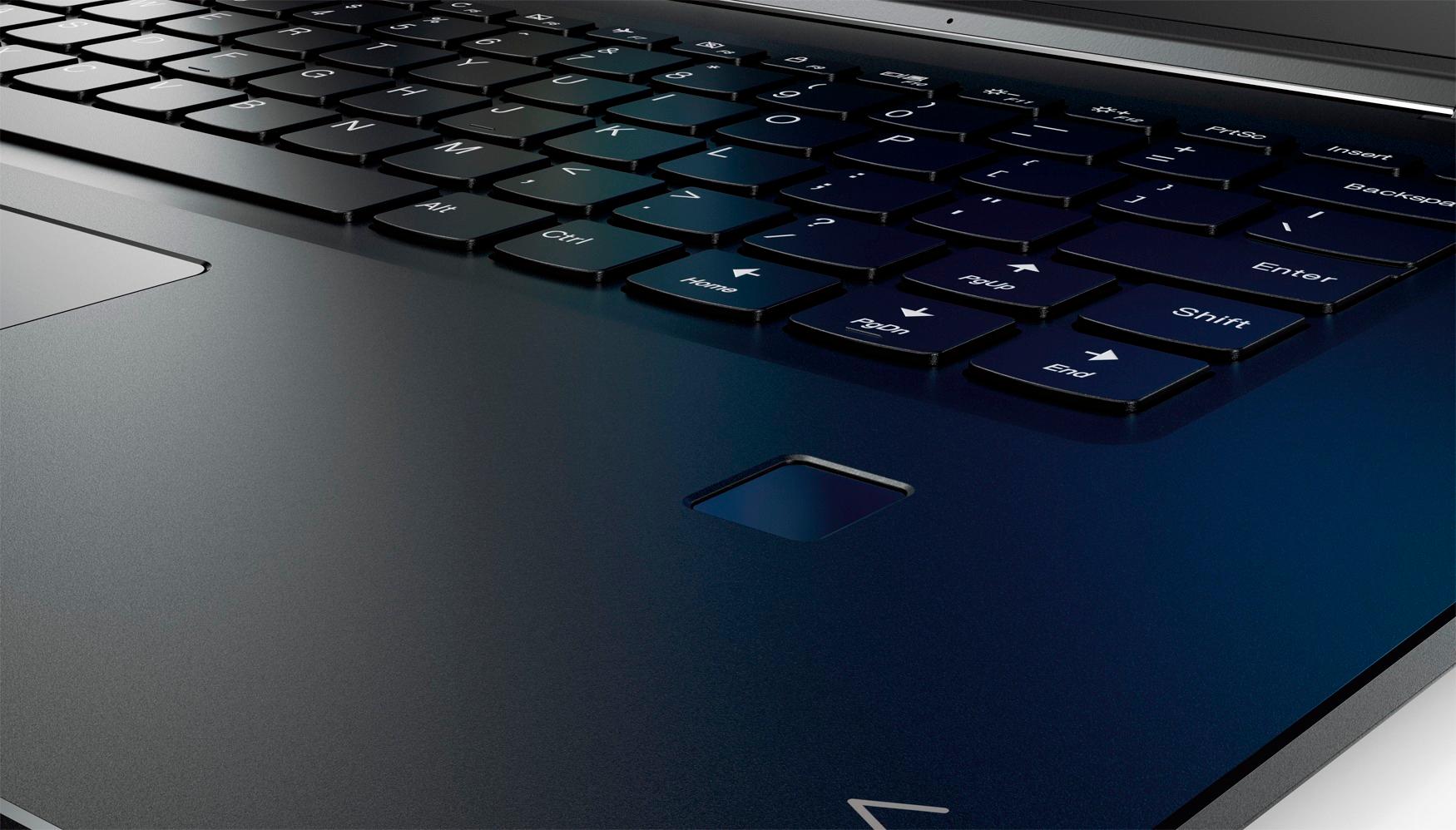
||Posted .This reviewer received promo considerations or sweepstakes entry for writing a review.Good laptop for light users, but if you open many applications at the same time it get slow or stop working. Finger print reader sometimes doesn’t work properly.
No, I would not recommend this to a friendBrand response from Lenovo Product Expert
Posted .Thank you for choosing the Lenovo Yoga 710-15. This system should be a fast system with its Core I-5 processor and 8GB of RAM. Be sure any software you installed is compatible with Windows 10. There is no need to install Microsoft Office software. The software is already part of the operating system, you just need to activate the software with a purchased product key. If you have installed a copy of Microsoft Office, this is conflicting with the existing copy on the system and this will slow your system down. If you have installed a 3rd party anti-virus program, be sure that Windows Defender is turned off and that the trial version of McAfee Anti-Virus software is uninstalled. There can only be one anti-virus program on the system. You may need to restore your system to original factory default settings if any of the programing errors have occurred. You can do that by typing "restore" in the Cortana search window. Just click on the magnifying glass icon at the bottom left of your Windows 10 Desktop. Click on "Reset This PC" Then click on "Get Started" and follow the on screen directions to restore to factory defaults. With regard to the function of the fingerprint reader, there may be driver updates for your specific system. Follow the link below to look for new driver updates for your specific system. You can also run diagnostics from the Lenovo site as well. As always, be sure to create a restore point on your system before you make any changes. You can do this by just typing "restore point" in the search window within Cortana and follow the link to create a restore point. Here is the link:
https://pcsupport.lenovo.com/us/en/products/laptops-and-netbooks/yoga-series/yoga-710-15ikb/80v5/80v50010us/downloads?linkTrack=Caps%3ABody_SearchProduct&searchType=5&keyWordSearch=80V50010US