Customer Ratings & Reviews
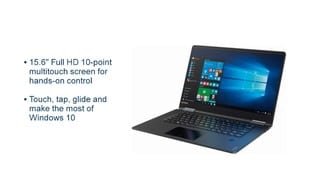
- Model:
- 80V50010US
- SKU:
- 5722735
Rating by feature
- Value
Rating 4.0 out of 5 stars
- Quality
Rating 3.9 out of 5 stars
- Ease of Use
Rating 4.3 out of 5 stars
Customers are saying
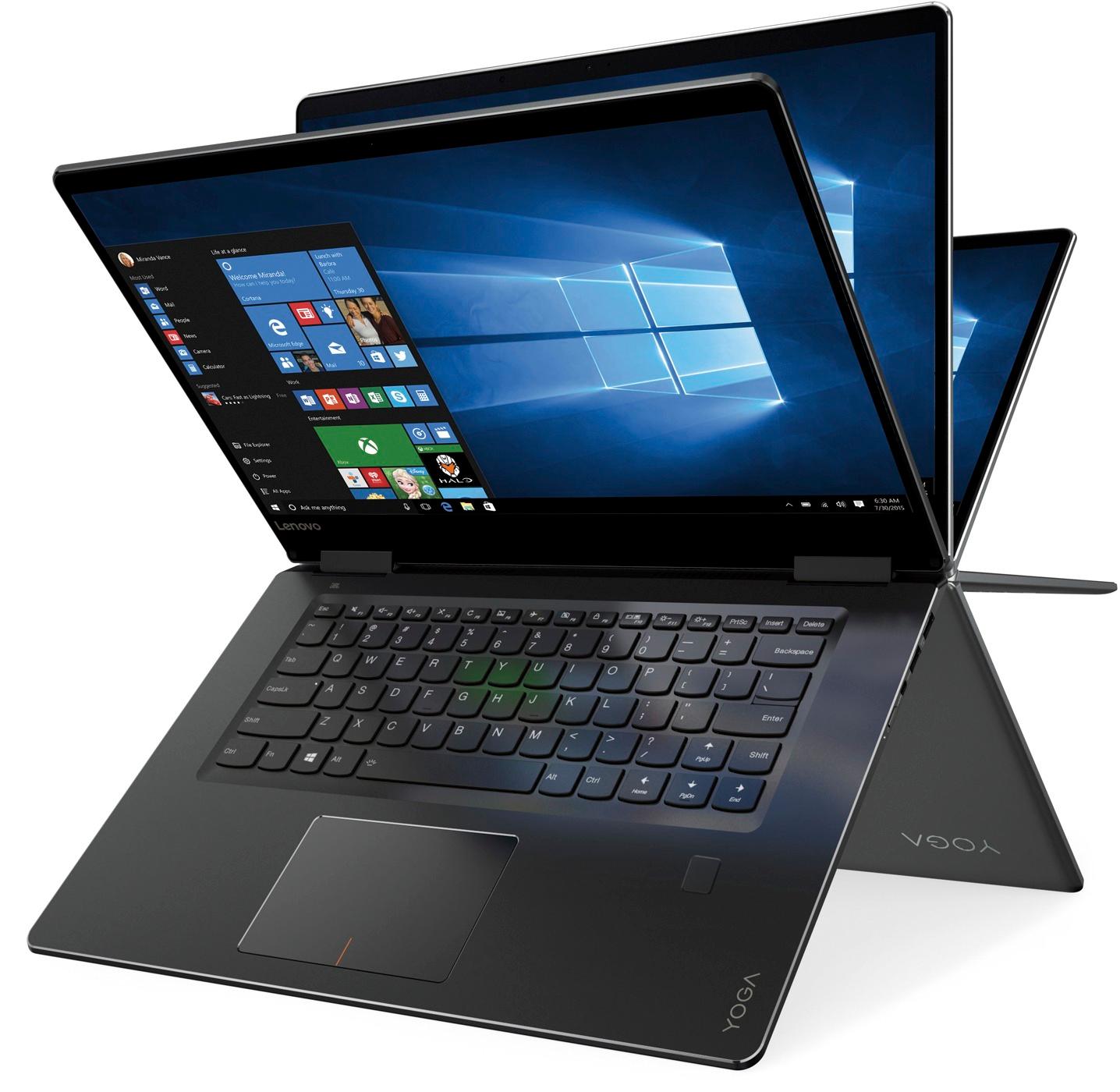
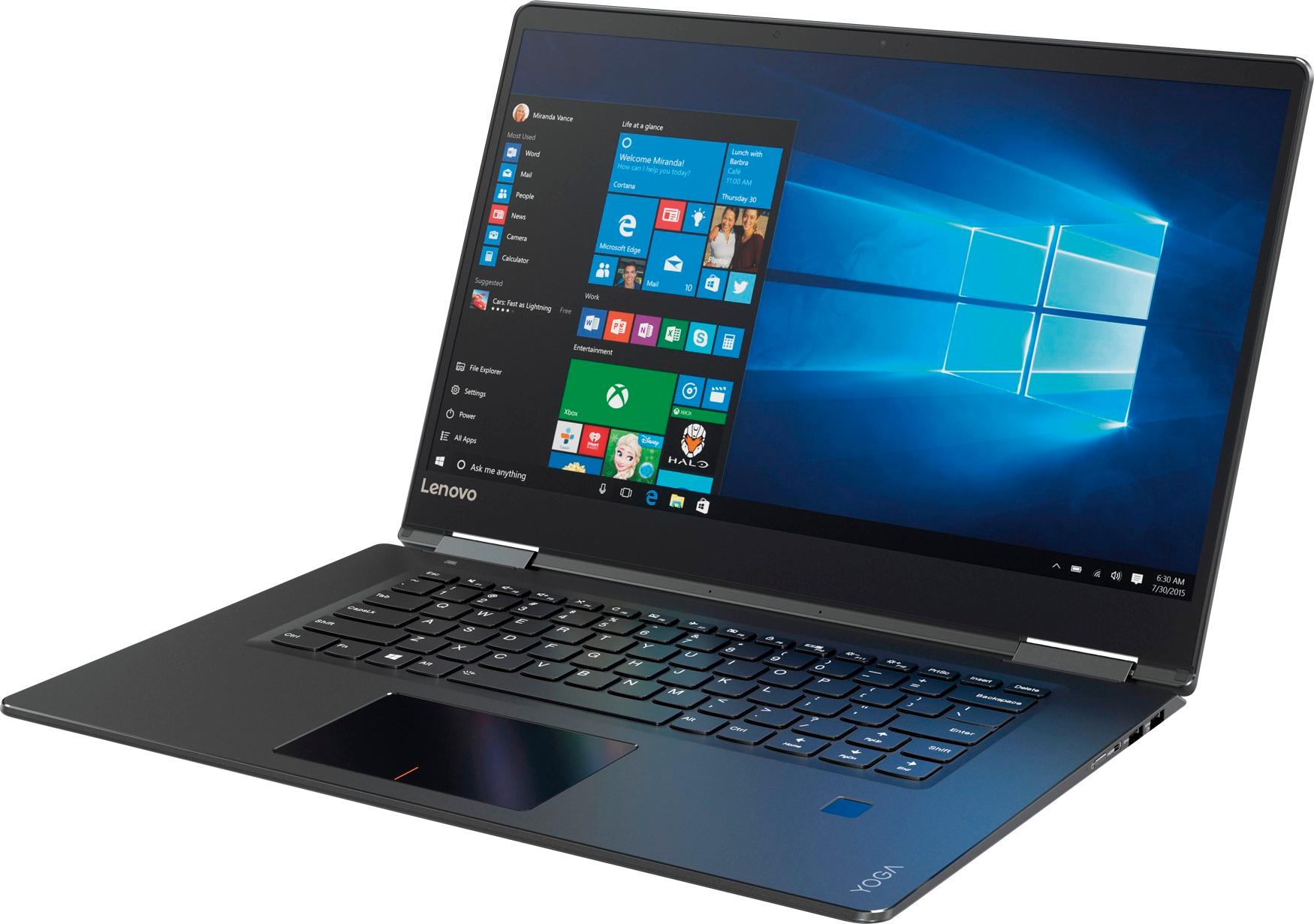
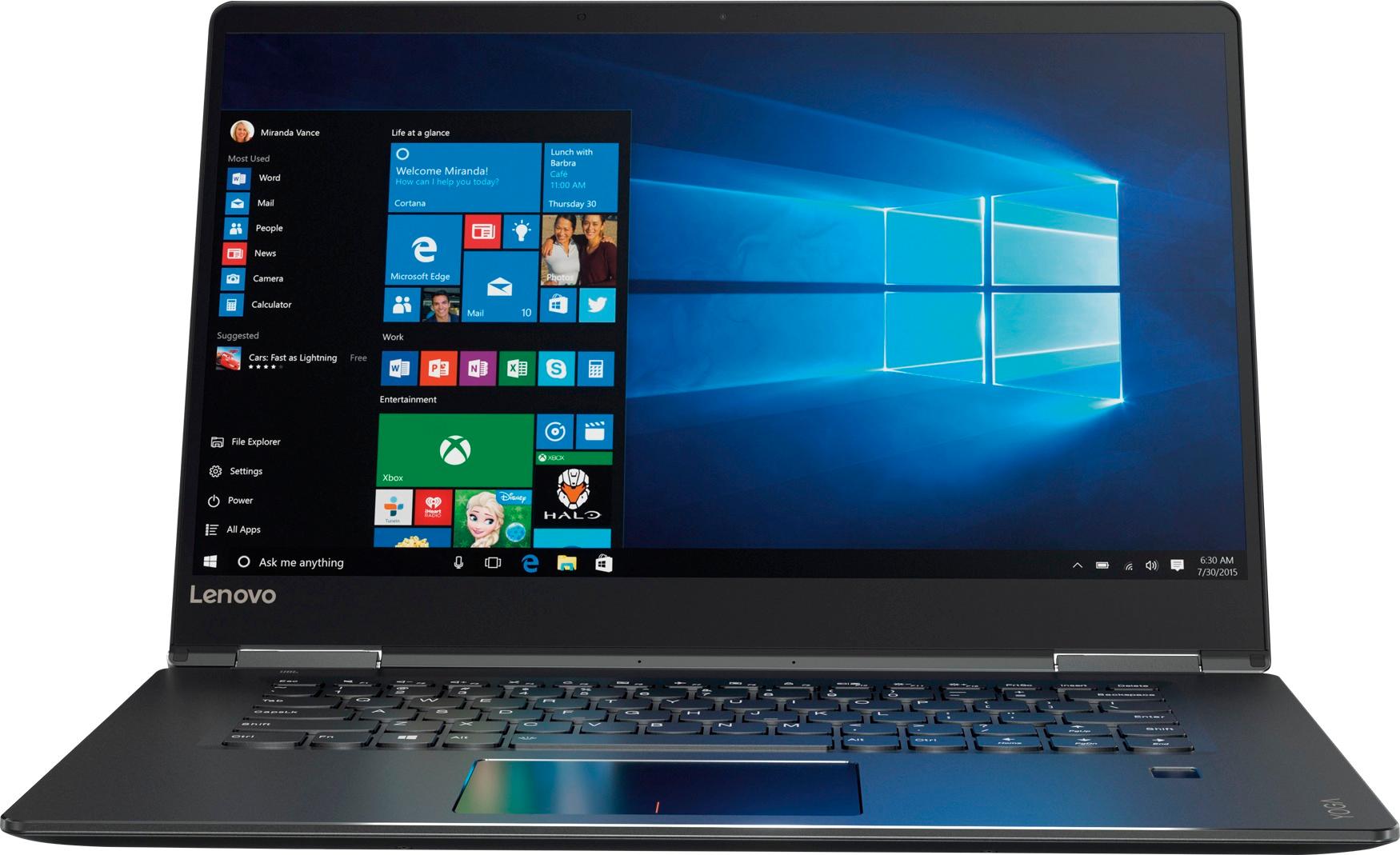
Customers praise the Yoga 710 2-in-1 laptop for its responsive touch screen, light weight, and affordable price. They also appreciate its user-friendly interface, long battery life, and fast solid state drive. On the downside, some users find the left shift key to be awkwardly positioned and a few experienced excessive fan noise.
This summary was generated by AI based on customer reviews.
Good computer.
||Posted . Owned for 10 months when reviewed.This reviewer received promo considerations or sweepstakes entry for writing a review.It is a great computer but does not have a digitizer screen; only a capacitive screen so you can not use a pen; only a stylus with it. I needed a laptop for engineering school but did not realize this did not have all that I need.
I would recommend this to a friend- Pros mentioned:Speed
Great laptop
||Posted .This reviewer received promo considerations or sweepstakes entry for writing a review.The speed is great. touch pad is sensitivie. Love it
I would recommend this to a friendBrand response from Lenovo Product Expert
Posted .Thank you for choosing the Lenovo Yoga 710-15. With regard to the touchpad, you can make adjustments to the touchpad in your system settings. You can get there by clicking on the magnifying glass at the bottom left of your Windows 10 screen. Type "touchpad" in the search window. Select "Mouse & touchpad settings" from the list of choices. You can make general adjustments to the touchpad there. You can also select "Additional mouse options" for more detailed adjustments to the touchpad sensitivity by increasing the delay of the touchpad.

Great 2 in 1 for everyday use
||Posted .This reviewer received promo considerations or sweepstakes entry for writing a review.I have had this 710 for a few weeks now and the quality doesn't disappoint. The only difficulty with it is that the outside is very slick. It can be hard to use, if not on a stable surface. It slides around when on my lap. I am cosidering a case.
I would recommend this to a friendBrand response from Lenovo Product Expert
Posted .Thank you for choosing the Lenovo Yoga 710-15. We are pleased to hear that the Yoga 710-15 is working out for you.
- Pros mentioned:Lightweight
Great Ultra thin laptop
||Posted .This reviewer received promo considerations or sweepstakes entry for writing a review.Fast, sleek look, lightweight and at a great price.
I would recommend this to a friendBrand response from Lenovo Product Expert
Posted .Thank you for choosing the Lenovo Yoga 710-15. We are pleased to hear that the value, features and performance of the Yoga 710-15 meets your computing needs so well.
Just the right combination of power and speed.
||Posted .This reviewer received promo considerations or sweepstakes entry for writing a review.I bought this laptop as a replacement device for my stolen dell inspiron 13 (i7, 8g, 256ssd). I needed something in my budget that could handle multiple applications opened and running all at the same time with graphics. This device has completely met the challenge. I recommend it for any work related scenario.
I would recommend this to a friendBrand response from Lenovo Product Expert
Posted .Thank you for choosing the Lenovo Yoga 710-15. We are pleased to hear that the performance of the Yoga 710-15 meets your computing needs so well.
very pleased with Laptop
||Posted .This reviewer received promo considerations or sweepstakes entry for writing a review.My home computer hard drive failed and I needed a computer right away. I spoke with my son-in-law and he made a couple of recommendations one being the purchase I made. I read reviews and it sounded like what I needed. The questions I asked at the store where answered and I made the purchase. So far no regrets.
I would recommend this to a friendBrand response from Lenovo Product Expert
Posted .Thank you for choosing the Lenovo Yoga 710-15. We are pleased to hear that the Yoga 710-15 is working out so well for you.
Lenova laptop with touch screen
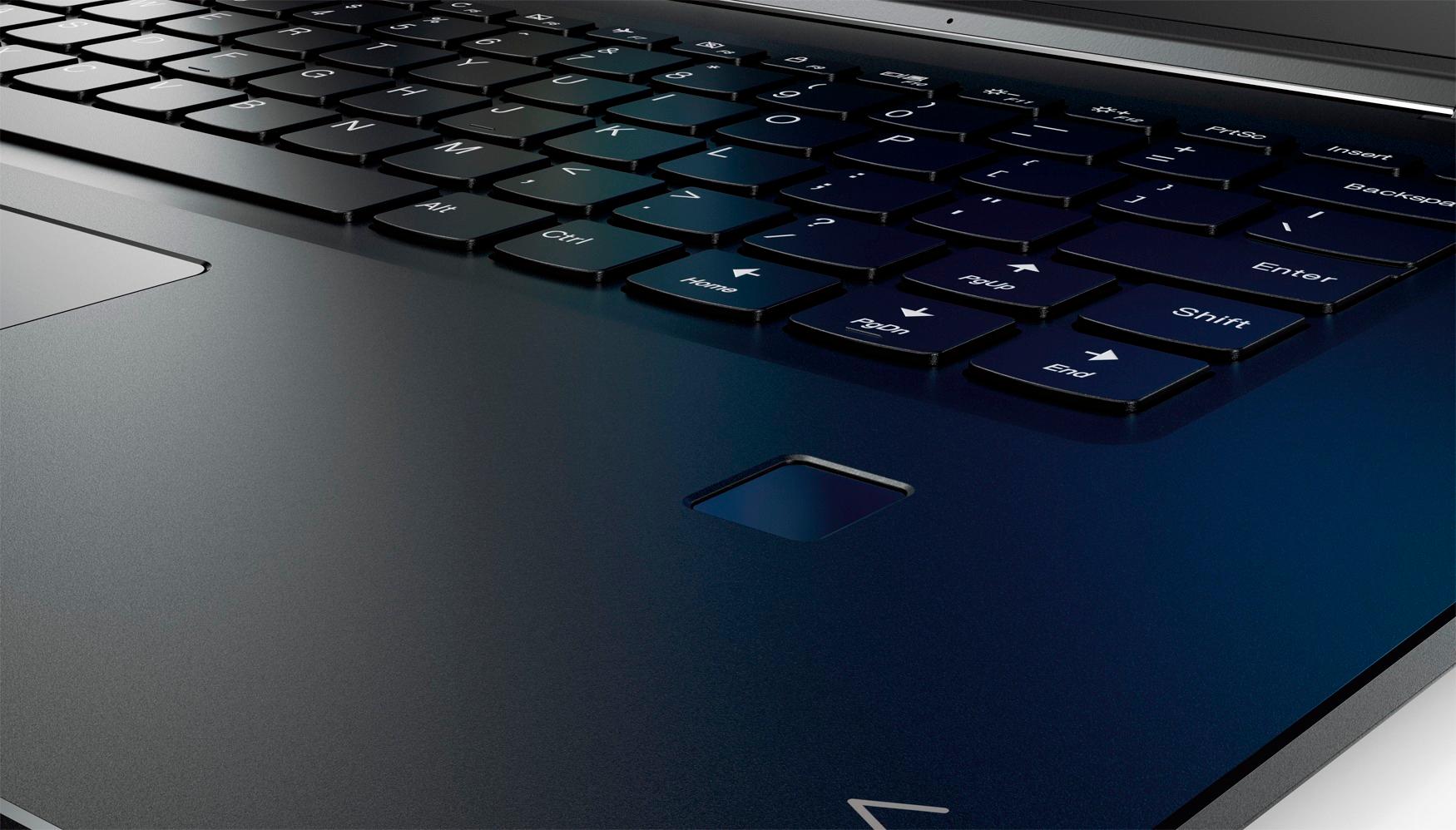
||Posted .This reviewer received promo considerations or sweepstakes entry for writing a review.My original Lenova yoga is very intuitive and ergonomic to use. The new Lenova has the right had shift key to the right of the page up key. It't a long stretch to reach it and very frustrating to hit the page up key and have to retype. Poor design.
No, I would not recommend this to a friendBrand response from Lenovo Product Expert
Posted .With regard to the right shift key issue you mention, there is a free software APP called KeyTweak that may help you. You can switch the key functions of specific keys on your keyboard with this software, so you could change the right shift key with the key you hit in its place. Just Google search "KeyTweak" and you will find articles about what the software does and you will find the download location for this free APP.
Excellent Labtop for someone who is a beginner
||Posted .This reviewer received promo considerations or sweepstakes entry for writing a review.This is the first I've ever bought a Labtop or owned a computer of my own. If anyone were to ask me about my purchase, I would tell them that it is a very reliable product, and needs very little maintenance. It also has a good lighting system. At least that's what I have learned and I am so happy about this computer.
I would recommend this to a friendBrand response from Lenovo Product Expert
Posted .Thank you for choosing the Lenovo Yoga 710-15. We are pleased to hear that the features and performance of the Yoga 710-15 meets your computing needs so well.
She’s Happy so I’m Happy
||Posted .This reviewer received promo considerations or sweepstakes entry for writing a review.I purchased this for my mum who is worse then I am with computer related items. I wanted her to pick the Mac Book pro so she has what Im using, but she wanted this and it seems to be working out just fine for her and she likes it So I’m happy
I would recommend this to a friendBrand response from Lenovo Product Expert
Posted .Thank you for choosing the Lenovo Yoga 710-15 for your mother. We are pleased to hear that the Yoga 710-15 is working out so well for your mother.
Solid performing machine.
||Posted .This reviewer received promo considerations or sweepstakes entry for writing a review.Bought the machine for my wife to replace her last Yoga which died after 5 years. So far so good. My only complaint is the shift key on the right side of the keyboard is awkwardly placed compared to most other machines. Takes some getting used to especially if you switch between computers frequently
I would recommend this to a friendBrand response from Lenovo Product Expert
Posted .Thank you for choosing the Lenovo Yoga 710-15 for your wife. With regard to the right shift key issue you mention, there is a free software APP called KeyTweak that may help you. You can switch the key functions of specific keys on your keyboard with this software, so you could change the right shift key with the key you hit in its place. Just Google search "KeyTweak" and you will find articles about what the software does and you will find the download location for this free APP.
Great Computer
||Posted .This reviewer received promo considerations or sweepstakes entry for writing a review.Easy to set up and connect. Everything has been working great so far. I had a little trouble hooking up to a second monitor, but I think that was more my fault. The table mode works great and I have been able to watch netflix without any issues.
I would recommend this to a friendBrand response from Lenovo Product Expert
Posted .Thank you for choosing the Lenovo Yoga 710-15. We are pleased to hear that the Yoga 710-15 is working out so well for you.
Love it
||Posted .This reviewer received promo considerations or sweepstakes entry for writing a review.I replaced my 9-year old laptop with this Lenovo. Let's face it, anything would have been an improvement, but this one came highly recommended, and I have no regrets with my choice. I have only one minor negative comment, which is that the page up key is located where the shift key is normally located.
I would recommend this to a friendBrand response from Lenovo Product Expert
Posted .Thank you for choosing the Lenovo Yoga 710-15. With regard to the right shift key issue you mention, there is a free software APP called KeyTweak that may help you. You can switch the key functions of specific keys on your keyboard with this software, so you could change the right shift key with the key you hit in its place. Just Google search "KeyTweak" and you will find articles about what the software does and you will find the download location for this free APP.
Great computer for an affordable price
||Posted .This reviewer received promo considerations or sweepstakes entry for writing a review.I am already in love with this super fast 2-in-1 laptop. Really like the fact that it's convertible although it's somewhat oversized to use in tablet mode, but it works well in either format. Keyboard is amazing for a non-Mac laptop. Lastly, the graphics and battery are phenomenal for an affordable computer.
I would recommend this to a friendBrand response from Lenovo Product Expert
Posted .Thank you for choosing the Lenovo Yoga 710-15. We are pleased to hear that the value, features and performance of the Yoga 710-15 meets your computing needs so well.
Smart & Sleek
||Posted .This reviewer received promo considerations or sweepstakes entry for writing a review.New to using a laptop. Had used desktop for many years and like that I have eliminated many wires and can take the laptop room to room. I do miss the number keys on the right side. I am getting use to the mouse pad but can still use the regular mouse. I am happy that I purchased this product.
I would recommend this to a friendBrand response from Lenovo Product Expert
Posted .Thank you for choosing the Lenovo Yoga 710-15. We are pleased to hear that the Yoga 710-15 is working out so well for you.
purchased for work purposes
||Posted .This reviewer received promo considerations or sweepstakes entry for writing a review.I am a court reporter so I am typing constantly. I love the feel of the keyboard. The only downside is it doesn't look like it has a feature to keep the function keys on. Kind of annoying having to hold down FN+whatever function key.
I would recommend this to a friendBrand response from Lenovo Product Expert
Posted .Thank you for choosing the Lenovo Yoga 710-15. You can disable the HotKey functionality on this model so you don't need to hold down the "Fn" key to use the function keys. Here is a link to the instructions for doing this: https://support.lenovo.com/us/en/solutions/ht103044
Great for School
||Posted .This reviewer received promo considerations or sweepstakes entry for writing a review.I brought this for my 14 year old daughter for Christmas. She absolutely loves it. She loves the portability and now does all her homework on this instead of the desk top. She loves the light up keep board and the YOGA feature is great for doing presentations. This was a great black Friday deal!
I would recommend this to a friendBrand response from Lenovo Product Expert
Posted .Thank you for choosing the Lenovo Yoga 710-15 for your daughter. We are pleased to hear that the features and performance of the Yoga 710-15 meets your daughter's computing needs so well.
More advance than I expected.
||Posted .This reviewer received promo considerations or sweepstakes entry for writing a review.I regularly lose my chosen desktop as the Edge seems to demand to be what is used. It is taking longer to learn what I need to do than expected. propably the perfect laptop if you are used to and prefer to use Windows 10 and Edge.
I would recommend this to a friendBrand response from Lenovo Product Expert
Posted .Thank you for choosing the Lenovo Yoga 710-15. With regard to learning your way around Windows 10, you may want to try YouTube.com (just type that address in your browser address window). There are hundreds for free instructional videos there about Windows 10. Just type Windows 10 Introduction in to the YouTube search window. You can watch free videos there that will show you the basics all the way up to tips and tricks videos and they're all free.
Great student purchase
||Posted .This reviewer received promo considerations or sweepstakes entry for writing a review.As a student I really like this laptop as it has more functions than I need. It’s been really easy to get used to since I had been using an older version of Microsoft it was nerve wracking to think of starting new but this laptop has been so user friendly that I would totally recommend it!
I would recommend this to a friendBrand response from Lenovo Product Expert
Posted .Thank you for choosing the Lenovo Yoga 710-15. We are pleased to hear that the ease of use, features and performance of the Yoga 710-15 meets your computing needs so well.
Great Laptop
||Posted .This reviewer received promo considerations or sweepstakes entry for writing a review.Lenovo products have always worked well for me and this one has too. The only complaint is lack of USB ports but honestly every computer theses days had that issue. The way this laptop folds into a tablet is pretty cool also.
I would recommend this to a friendBrand response from Lenovo Product Expert
Posted .Thank you for choosing the Lenovo Yoga 710-15. This is an ultra portable system, so the availability of ports is the minimum. If you need more USB ports with this device, you might consider using a USB hub.
Great laptop
||Posted .This reviewer received promo considerations or sweepstakes entry for writing a review.Great laptop for everyday stuff. The only issues I have are sometimes the camera or printers have issues and I have to uninstall the drivers and restart the computer. This is fine unless it's something I need right away.
I would recommend this to a friendBrand response from Lenovo Product Expert
Posted .Thank you for choosing the Lenovo Yoga 710-15. This system has Lenovo utilities installed to help maintain the health of the device and keep the operating system software up to date, including BIOS/Drivers. Type "Lenovo Vantage" in the Cortana Search window. Select Lenovo Vantage from the list. In the window that opens, click on "Health and Support". In the expanded menu, select "Hardware Scan" In the window that opens, select "Run Quick Tests". This will scan your entire system for errors. Follow any directions that may pop up. If the problem continues after this scan, now click on "System Update". First select Windows update from the menu. Scan your system to be sure you have the latest version of Windows 10. Once that scan is complete, select "Additional Updates". This will scan your device to be sure there are no new BIOS/Driver updates needed. Follow any instructions that may pop up. If the issue still continues after these updates, we recommend you call Lenovo Tech Support at: 877-453-6686 for additional help.