Customer Ratings & Reviews
- Model:
- 80V50010US
- SKU:
- 5722735
Rating by feature
- Value
Rating 4.0 out of 5 stars
- Quality
Rating 3.9 out of 5 stars
- Ease of Use
Rating 4.3 out of 5 stars
Customers are saying
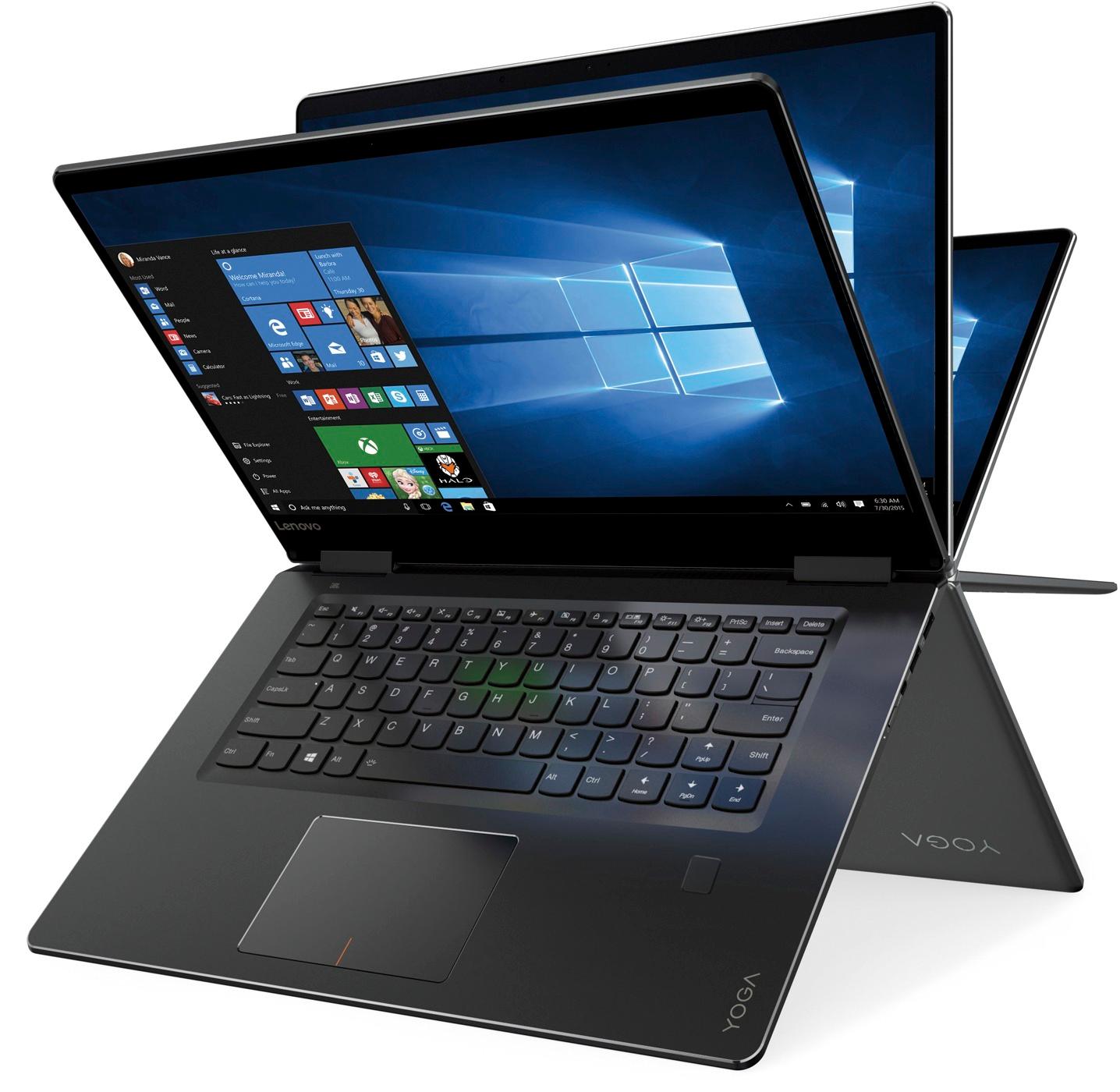
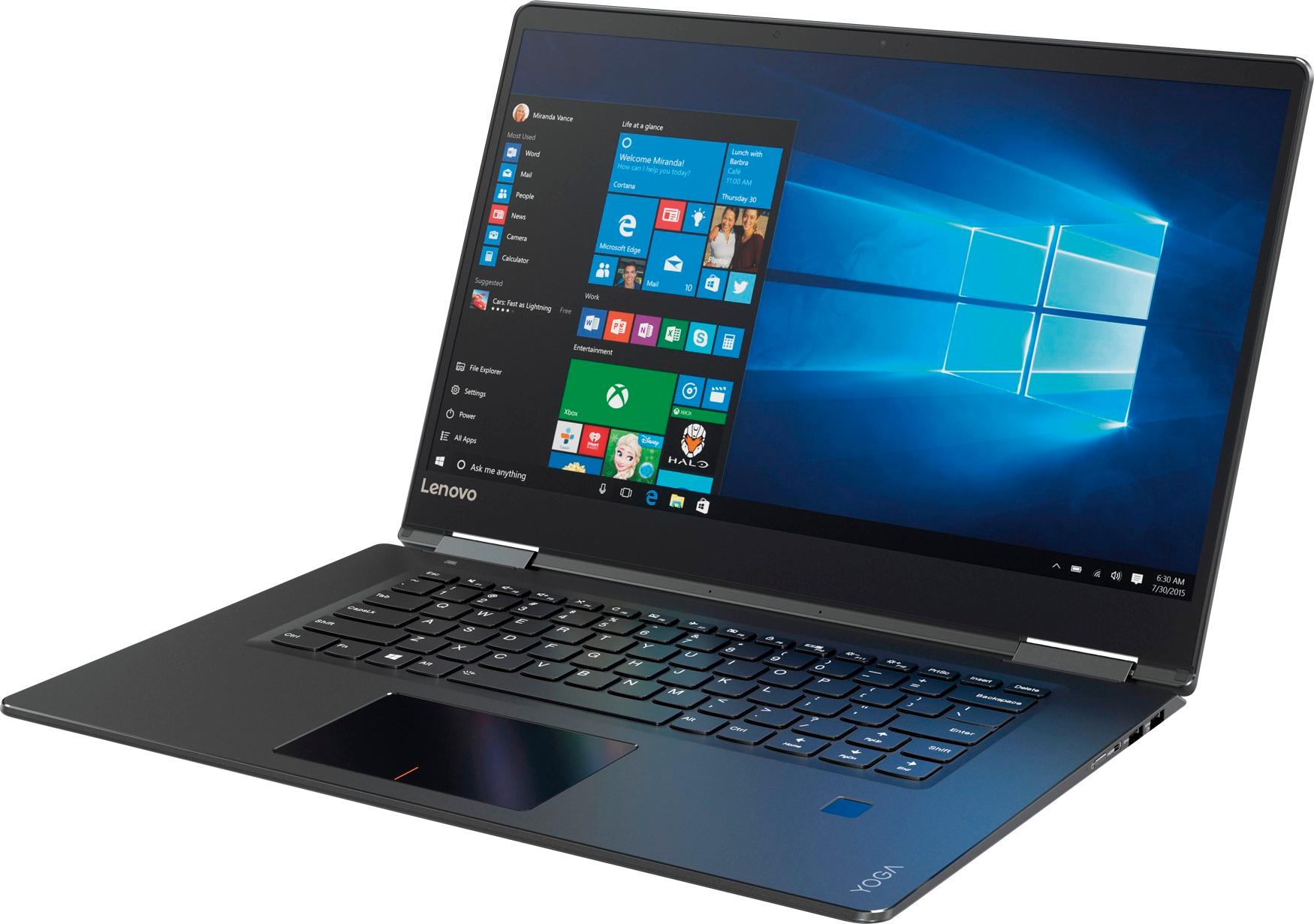
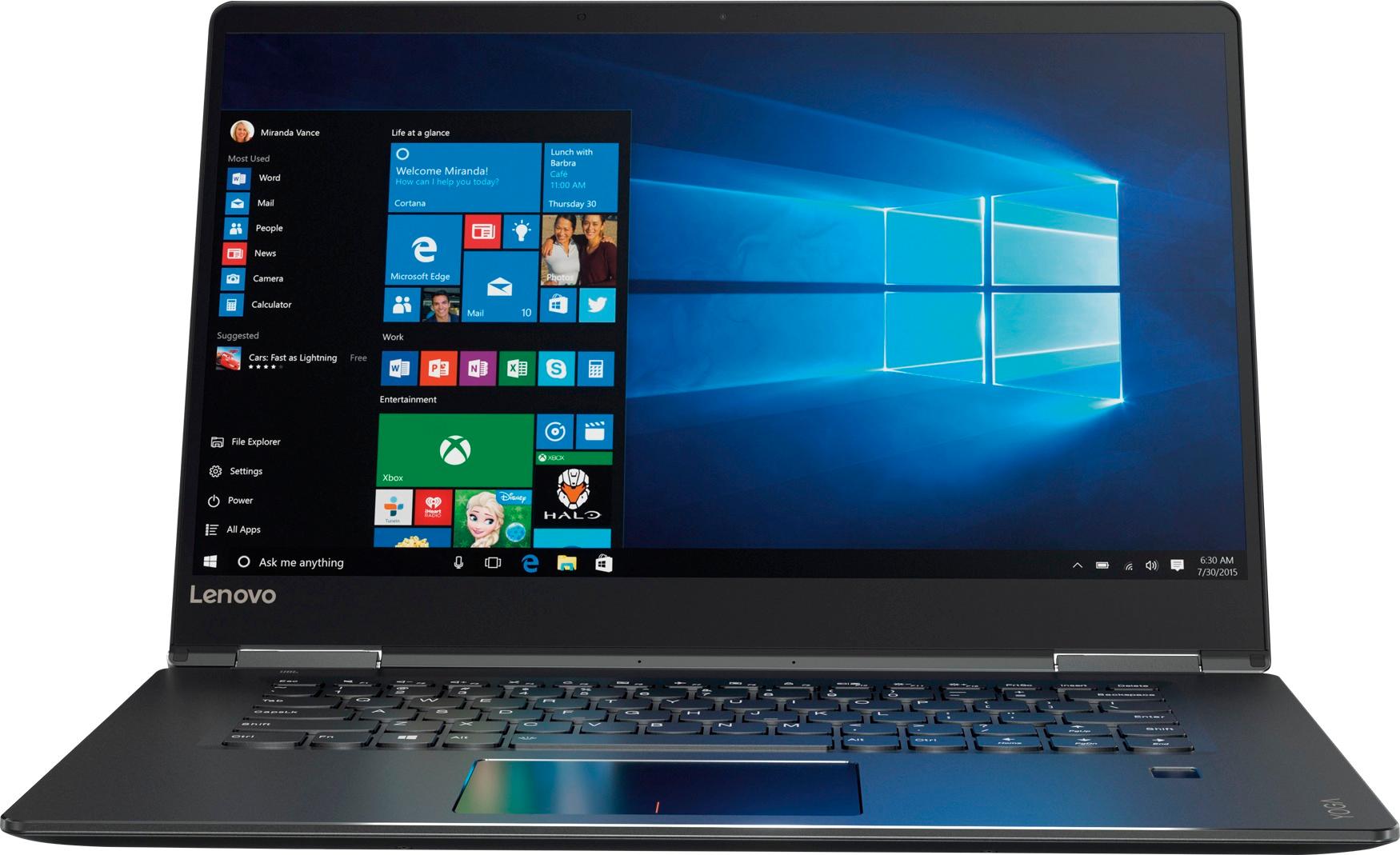
Customers praise the Yoga 710 2-in-1 laptop for its responsive touch screen, light weight, and affordable price. They also appreciate its user-friendly interface, long battery life, and fast solid state drive. On the downside, some users find the left shift key to be awkwardly positioned and a few experienced excessive fan noise.
This summary was generated by AI based on customer reviews.
Great Computer
||Posted .This reviewer received promo considerations or sweepstakes entry for writing a review.Very nice and fast computer. The only minor issue is the keyboard. The shift key is in an awkward spot on the right, so if you do a lot of typing and are not used to its location, then you will continue to hit the page up or down key.
I would recommend this to a friendBrand response from Lenovo Product Expert
Posted .Thank you for choosing the Lenovo Yoga 710-15. With regard to the right shift key issue you mention, there is a free software APP called KeyTweak that may help you. You can switch the key functions of specific keys on your keyboard with this software, so you could change the right shift key with the key you hit in its place. Just Google search "KeyTweak" and you will find articles about what the software does and you will find the download location for this free APP.

Good quality!
||Posted .This reviewer received promo considerations or sweepstakes entry for writing a review.this laptop is amazing.....is fast the display is super good....the only thing that i have to mention that sometimes the mousepad is a little hard to control but not a big deal
I would recommend this to a friendBrand response from Lenovo Product Expert
Posted .Thank you for choosing the Lenovo Yoga 710-15. With regard to the touchpad, you can make adjustments to the touchpad in your system settings. You can get there by clicking on the magnifying glass at the bottom left of your Windows 10 screen. Type "touchpad" in the search window. Select "Mouse & touchpad settings" from the list of choices. You can make general adjustments to the touchpad there. You can also select "Additional mouse options" for more detailed adjustments to the touchpad sensitivity by increasing the delay of the touchpad.
I am happy with my Laptop.
||Posted .This reviewer received promo considerations or sweepstakes entry for writing a review.I was disappointed with the Kaspersky software that came free with the laptop. Now I have to get new software and have the Geek squad come and install it. Otherwise I am very happy with my purchase. The Geek Squad is the best (Paul). .
I would recommend this to a friendGreat laptop!
||Posted .This reviewer received promo considerations or sweepstakes entry for writing a review.This replaced my PC, so it’s taking some getting used to. But, I love the clarity of the screen! I’m also getting used to windows 10. My PC had vista...ugh. Very happy with this purchase. Every day, I learn a little something more.
I would recommend this to a friendBrand response from Lenovo Product Expert
Posted .Thank you for choosing the Lenovo Yoga 710-15. With regard to learning your way around Windows 10, you may want to try YouTube.com (just type that address in your browser address window). There are hundreds for free instructional videos there about Windows 10. Just type Windows 10 Introduction in to the YouTube search window. You can watch free videos there that will show you the basics all the way up to tips and tricks videos and they're all free.
Best mid level 15" laptop available
||Posted .This reviewer received promo considerations or sweepstakes entry for writing a review.Laptop is very well built with excellent screen and very fast I5 processor. I am a huge fan of Lenovo laptops and this one is outstanding for price especially when it goes on sale. SSD is a must in any laptop these days for speed.
I would recommend this to a friendBrand response from Lenovo Product Expert
Posted .thank you for choosing the Lenovo Yoga 710-15. We are pleased to hear that the value, features and performance of the Yoga 710-15 meets your computing needs so well.
Good except for a quite annoying problem.
||Posted .This reviewer received promo considerations or sweepstakes entry for writing a review.I liked everything about the Lenovo except that the power button is extremely difficult to operate. I usually have to press it 3 or more times to get the computer to power up.
I would recommend this to a friendgreat laptop
||Posted .This reviewer received promo considerations or sweepstakes entry for writing a review.Before I placed the order, I read reviews online, seems that it's a worthy laptop. Overall, my friends which received the laptop are satisfied with it. Fast response and easy to set up. The display also very good at this price.
I would recommend this to a friendBrand response from Lenovo Product Expert
Posted .Thank you for choosing the Lenovo Yoga 710-15. We are pleased to hear that the value, features and performance of the Yoga 710-15 meets your computing needs so well.
Very portable, better than a tablet
||Posted .This reviewer received promo considerations or sweepstakes entry for writing a review.Full computer abilities and you don't have to install apps for everything you want to do. Still convenient and light. The Edge software is a pain though. Otherwise love it.
I would recommend this to a friendBrand response from Lenovo Product Expert
Posted .Thank you for choosing the Lenovo Yoga 710-15. You can install other Windows 10 compatible browsers and use them with Windows 10, such as Chrome Browser.
- Cons mentioned:Fan noise
Not Impressed
||Posted .This reviewer received promo considerations or sweepstakes entry for writing a review.I purchased this online and picked it up at the outlet just before leaving town on a trip. When I fired it up I couldn't believe the noise from the fan ... it was very distracting and annoying. The right Shift key, PgDn, PgUp, Home, and End are inconvenient, the system locks up, and at times it loads very slow with very poor multitasking. I have read the responses from Lenovo for some of the issues ... what a crock.
No, I would not recommend this to a friendBrand response from Lenovo Product Expert
Posted .This is a high performance system with its Intel Core i-5-7200U processor, 8GB of RAM and its 256GB solid state hard drive. It will generate heat whenever it is turned on, even at idle, this is normal. The onboard fan will maintain the proper operating temperature for the device. You will hear the fan whenever it runs, this too is normal. With regard to the right shift key issue you mention, there is a free software APP called KeyTweak that may help you. You can switch the key functions of specific keys on your keyboard with this software, so you could change the right shift key with the key you hit in its place. Just Google search "KeyTweak" and you will find articles about what the software does and you will find the download location for this free APP. The Windows 10 Home 64-bit operating system should not be locking up under normal use. Be sure any software you installed is compatible with Windows 10. There is no need to install Microsoft Office software. The software is already part of the operating system, you just need to activate the software with a purchased product key. If you have installed a copy of Microsoft Office, this is conflicting with the existing copy on the system and this will slow your system down. If you have installed a 3rd party anti-virus program, be sure that Windows Defender is turned off and that the trial version of McAfee Anti-Virus software is uninstalled. There can only be one anti-virus program on the system. You may need to restore your system to original factory default settings if any of the programing errors have occurred. You can do that by typing "restore" in the Cortana search window. Just click on the magnifying glass icon at the bottom left of your Windows 10 Desktop. Click on "Reset This PC" Then click on "Get Started" and follow the on screen directions to restore to factory defaults. Finally, if the problem persists, we recommend you contact Lenovo Tech Support at: 877-453-6686.
Nice machine but not perfect
||Posted .This reviewer received promo considerations or sweepstakes entry for writing a review.The Lenovo - Yoga 710 2-in-1 15.6" Touch-Screen Laptop is light fast and super for most jobs. The biggest issue is the lack of plug in portals...it could use more than 2.
I would recommend this to a friendBrand response from Lenovo Product Expert
Posted .Thank you for choosing the Lenovo Yoga 710-15. This is an ultra portable design, therefore there is less space for more ports. If you need more USB ports for this device, you may want to consider using a USB Hub with this device.
Great laptop
||Posted .This reviewer received promo considerations or sweepstakes entry for writing a review.This is a great laptop that does everything that we need to do with it. I would give it a '5' star but the only downfall I have is that it has a small right shift button.
I would recommend this to a friendBrand response from Lenovo Product Expert
Posted .Thank you for choosing the Lenovo Yoga 710-15. With regard to the right shift key issue you mention, there is a free software APP called KeyTweak that may help you. You can switch the key functions of specific keys on your keyboard with this software, so you could change the right shift key with the key you hit in its place. Just Google search "KeyTweak" and you will find articles about what the software does and you will find the download location for this free APP.
My first touch-screen computer and I am enjoying
||Posted .This reviewer received promo considerations or sweepstakes entry for writing a review.This is different from my previous computers. It is taking some getting use to. I am in the process of getting use to it. So far I am enjoying it, but I got some learning to do.
I would recommend this to a friendBrand response from Lenovo Product Expert
Posted .Thank you for choosing the Lenovo Yoga 710-15. We are pleased to hear that the Yoga 710-15 is working out for you. Here is a link to a YouTube video about the features of the Yoga 710-15 that may help you learn more about the Yoga 710-15: https://www.youtube.com/watch?v=3mBadcOiuRg
Works Well!
||Posted . Owned for 1 year when reviewed.This reviewer received promo considerations or sweepstakes entry for writing a review.Haven't had any problems. The only thing I found that I didn't expect was that there isn't any ethernet port. Should have done a little more research. Lol
No, I would not recommend this to a friendGood laptop
||Posted .This reviewer received promo considerations or sweepstakes entry for writing a review.We're very happy with this laptop. Attractive design, plenty of power, and beautiful display.The keyboard layout is a little different and takes some getting used to.
I would recommend this to a friendBrand response from Lenovo Product Expert
Posted .Thank you for choosing the Lenovo Yoga 710-15. We are pleased to hear that the features and performance of the Yoga 710-15 meets your computing needs so well. With regard to the layout of the keyboard issue you mention, there is a free software APP called KeyTweak that may help you. You can switch the key functions of specific keys on your keyboard with this software, so you could change a key placement with the key you hit in its place. Just Google search "KeyTweak" and you will find articles about what the software does and you will find the download location for this free APP.
Versatile and convenient
||Posted .This reviewer received promo considerations or sweepstakes entry for writing a review.Only have used a month or so, but so far it is a great alternative to a desktop. Has all the desktop functions and convenience of a tablet while sitting in my easy chair.
I would recommend this to a friendBrand response from Lenovo Product Expert
Posted .Thank you for choosing the Lenovo Yoga 710-15. We are pleased to hear that the performance of the Yoga 710-15 meets your computing needs so well.
Poor design of keyboard layout
||Posted . Owned for more than 2 years when reviewed.This reviewer received promo considerations or sweepstakes entry for writing a review.Great laptop/tablet however poor keyboard layout. Right side shift key is reduced to half of normal size causing issue when typing
No, I would not recommend this to a friendLike this computer
||Posted .This reviewer received promo considerations or sweepstakes entry for writing a review.Like this better than the Yoga 910 due to the shift key being a normal size. not so sure about the gray base as I am used to a black base but overall like the computer
I would recommend this to a friendGood buy
||Posted .This reviewer received promo considerations or sweepstakes entry for writing a review.I got this laptop on sale so I decided to give it a shot. So far I'm impressed. Boots up fast loads everything quickly and the tablet option works extremely well
I would recommend this to a friendGreat price laptop for college student
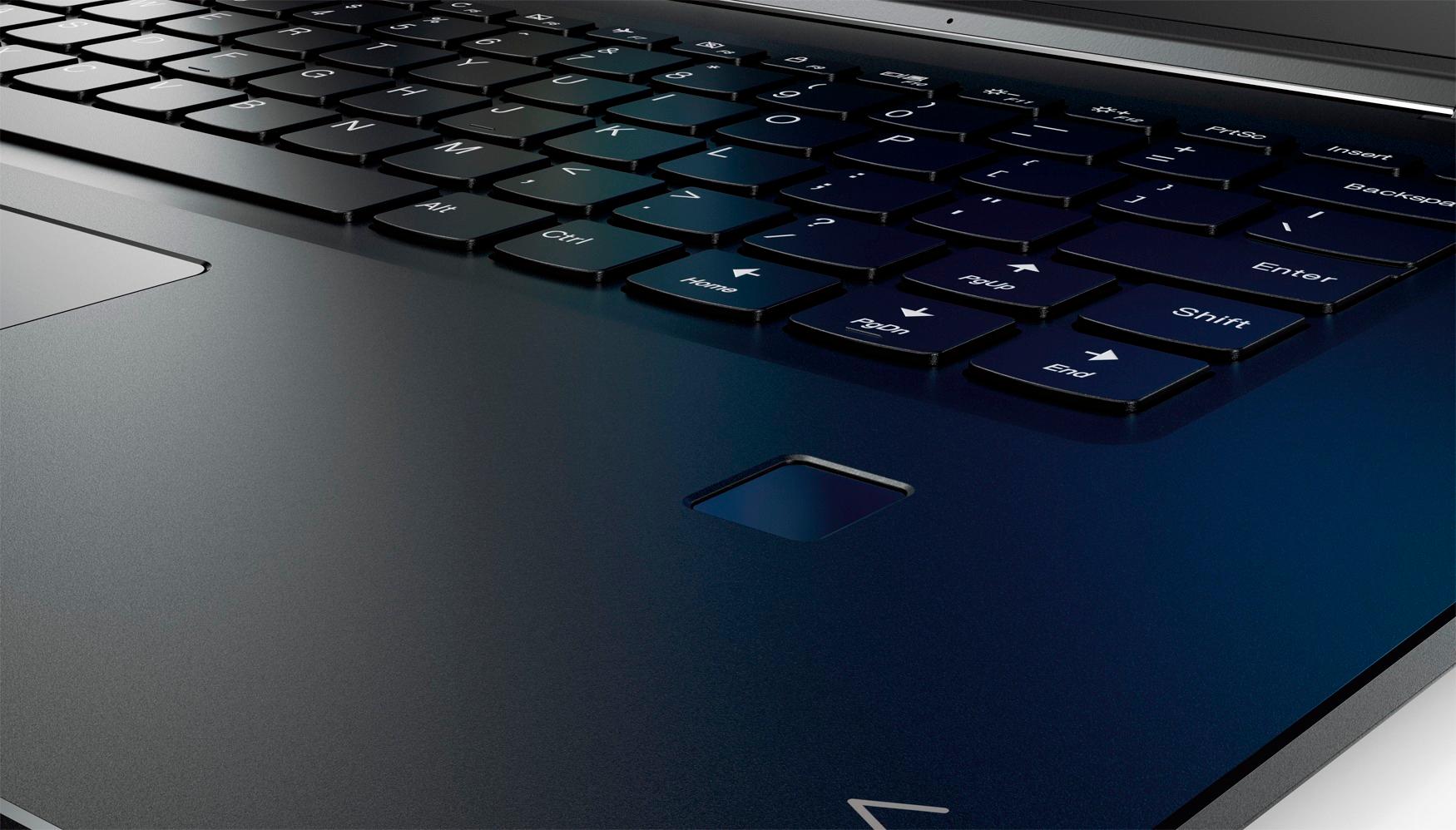
||Posted .This reviewer received promo considerations or sweepstakes entry for writing a review.Computer works great, easy to travel with. Only problems I have so far is the power button is hard to press and the finger print does not read my finger sometimes.
I would recommend this to a friendBrand response from Lenovo Product Expert
Posted .Thank you for choosing the Lenovo Yoga 710-15. Here is a link to instructions for setting up your fingerprint reader within Windows 10: https://www.laptopmag.com/articles/set-windows-hello-fingerprint-login
Good Computer
||Posted .This reviewer received promo considerations or sweepstakes entry for writing a review.The computer runs pretty well. I hate the location of right shift key so I downloaded software to reassign keys. Otherwise the computer works well for basic home use.
I would recommend this to a friend