Customer Ratings & Reviews
- Model:
- 80V50010US
- SKU:
- 5722735
Rating by feature
- Value
Rating 4.0 out of 5 stars
- Quality
Rating 3.9 out of 5 stars
- Ease of Use
Rating 4.3 out of 5 stars
Customers are saying
Customers praise the Yoga 710 2-in-1 laptop for its responsive touch screen, light weight, and affordable price. They also appreciate its user-friendly interface, long battery life, and fast solid state drive. On the downside, some users find the left shift key to be awkwardly positioned and a few experienced excessive fan noise.
This summary was generated by AI based on customer reviews.
Died after one year of light use
||Posted . Owned for 1.5 years when reviewed.This reviewer received promo considerations or sweepstakes entry for writing a review.I bought this for my wife and it sat in the box for a year before she started using it and then she barely used it preferring her older HP windows 7 Laptop. Finally after another 6 months she give our sin her old laptop to do his school work and she finally starts using it regularly every night mostly to pay bills and keep track of stuff in her word docs and spreadsheets then bam out of the blue it wont boot up at first it just had the Lenovo splash screen and said attempting automatic repair....left it like that for 45 minutes on the same screen and it got VERY hot you could hear the internal fan going on over drive and the heat blowing out the back was not normal. After several reboot attempts ot would then just show the lenovo splash screen then after severla more reboot attempts it powers on to a blank black screen :( good thing I got the 3 year geek squad plan on it but I don't think I would buy another Lenovo yoga laptop
No, I would not recommend this to a friendI truly loathe this computer
||Posted .This reviewer received promo considerations or sweepstakes entry for writing a review.I've never actively hated a computer before. I hate this one. My previous computer was a Lenovo. It worked great. I had it for almost 4 years. So I decided to stick with what works. My biggest complaints about this computer are the short shift key and the fact that half the time, I can't see the cursor on the screen. Even using a mouse, it doesn't pop up when I am browsing 95% of web pages. I am PhD student, currently finishing my last class, and I will definitely bite the bullet and buy a new computer before I start my dissertation. Simple tasks, like copying and pasting a URL into a word document -- take me sometimes 10 to 15 minutes because I can't the URL to highlight (I can't see the cursor so I am flying blind). I often want to pick up a sentence from an electronic article, and I can't and end up typing the sentence manually. My experience has been that this is a timesuck of major proportions. I'm quite computer literate - but I prefer to use either the tracker or my mouse to copy and paste stuff. Half the time I end up using the touch screen because that is the only way I can get it to work. I've never regretted a computer purchase so much in my life.
No, I would not recommend this to a friendBrand response from Lenovo Product Expert
Posted .We are sorry to hear that you are having issues with your Yoga 710-15. The issues you mention may be due to driver updates that are needed. You can check this by scanning the device with the Lenovo Utility software installed on the device. This system has Lenovo utilities installed to help maintain the health of the device and keep the operating system software up to date. Type "Lenovo Vantage" in the Cortana Search window (if Lenovo Vantage is not installed on your device, you can download the APP and install it now). Select Lenovo Vantage from the list. In the window that opens, click on "Health and Support". In the expanded menu, select "Hardware Scan" In the window that opens, select "Run Quick Tests". This will scan your entire system for errors. Follow any directions that may pop up. If the problem continues after this scan, now click on "System Update". First select Windows update from the menu. Scan your system to be sure you have the latest version of Windows 10. Once that scan is complete, select "Additional Updates". This will scan your device to be sure there are no new BIOS/Driver updates needed. Follow any instructions that may pop up. If the issue still continues after these updates, we recommend you call Lenovo Tech Support at: 877-453-6686 for additional help.

Good perfomance, but not upgradeable
||Posted . Owned for 1.5 years when reviewed.This reviewer received promo considerations or sweepstakes entry for writing a review.Liked it, but exchanged it because the components were soldered-in and could not be upgraded in the future.
No, I would not recommend this to a friendGood for price
||Posted .This reviewer received promo considerations or sweepstakes entry for writing a review.Only negative thing is I set it up and as soon as I was done it was hacked. Never had that happen to any other computer I owned
I would recommend this to a friendUh oh
||Posted .This reviewer received promo considerations or sweepstakes entry for writing a review.Great laptop but keeps having different issues that require geek squad and put a damper on things I need to get done
No, I would not recommend this to a friendCould be great
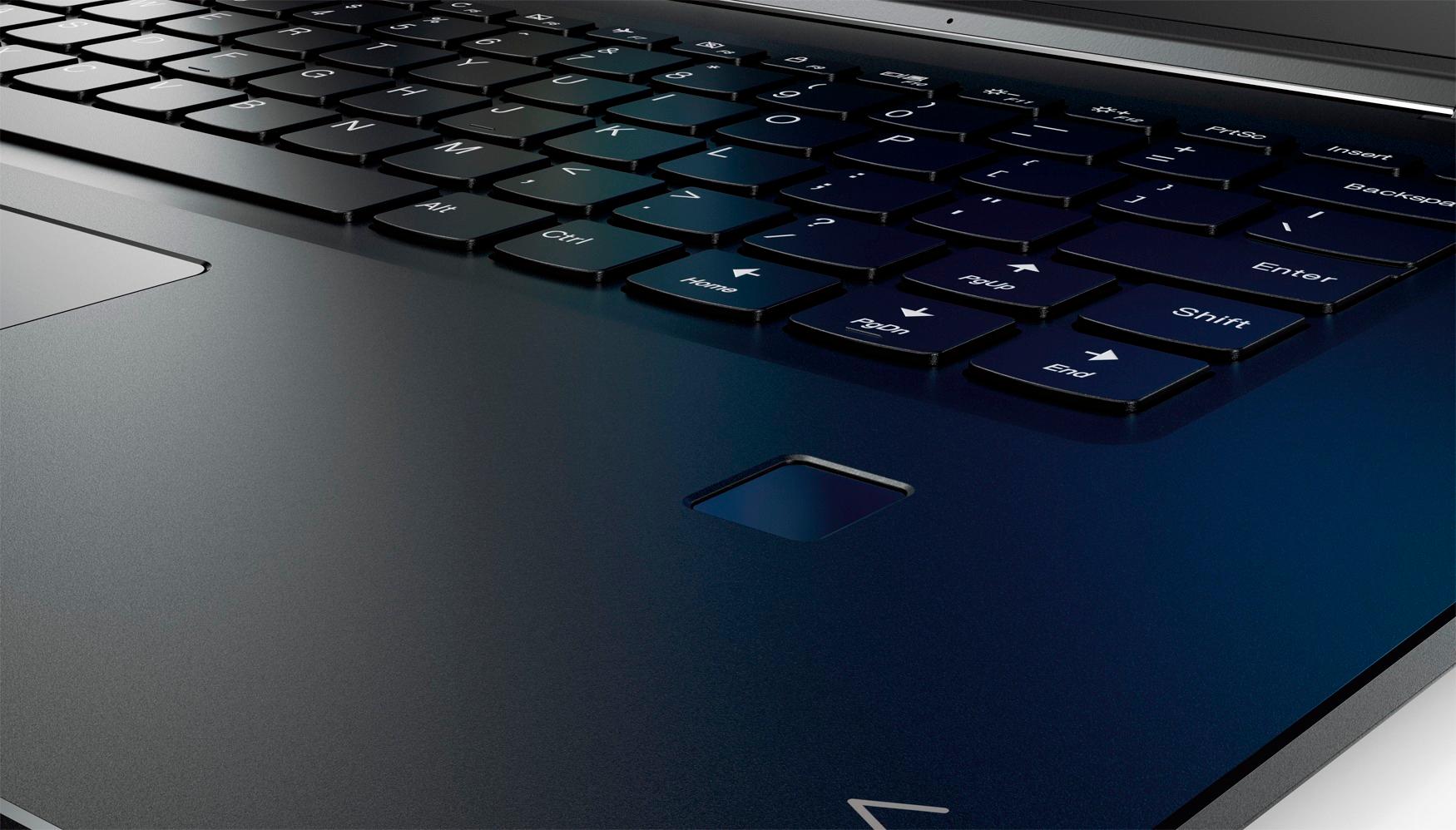
||Posted .This reviewer received promo considerations or sweepstakes entry for writing a review.I tried to like this computer - however the shift key on the right side is not in the correct place and it is very small- so if you are used to the typical keyboard you will think you are hitting the shift key but You will strike the page up key instead - incredibly annoying I returned the computer - everything else was great but I couldn’t get over the shift key- why change the universal keyboard
No, I would not recommend this to a friendBrand response from Lenovo Product Expert
Posted .With regard to the right shift key issue you mention, there is a free software APP called KeyTweak that may help you. You can switch the key functions of specific keys on your keyboard with this software, so you could change the right shift key with the key you hit in its place. Just Google search "KeyTweak" and you will find articles about what the software does and you will find the download location for this free APP.
This laptop was a bit too heavy for portability.
||Posted .This reviewer received promo considerations or sweepstakes entry for writing a review.The laptop was too heavy. I bought it for my daughter to use in school. It made her backpack so heavy had to return it.
I would recommend this to a friendBrand response from Lenovo Product Expert
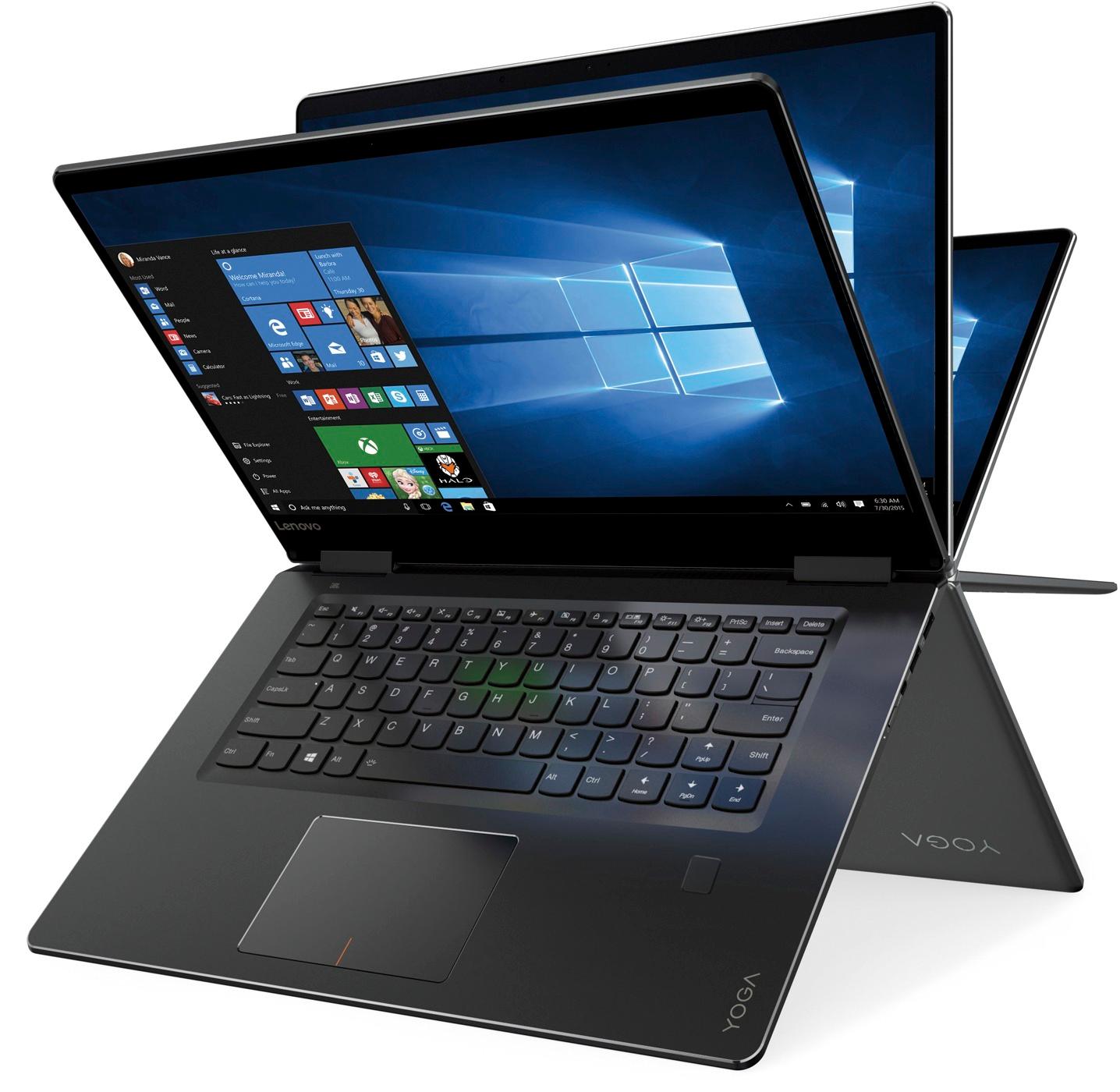
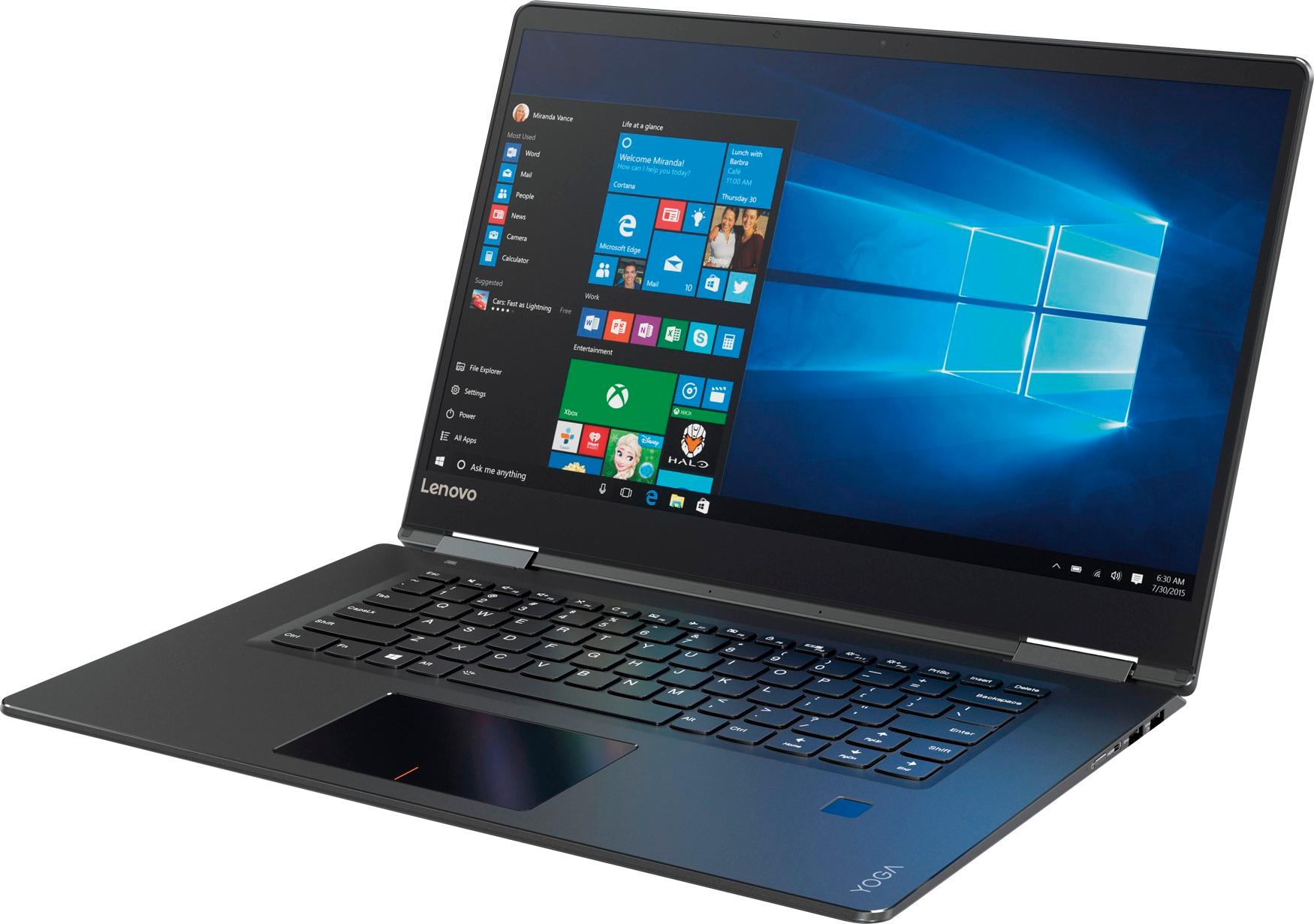
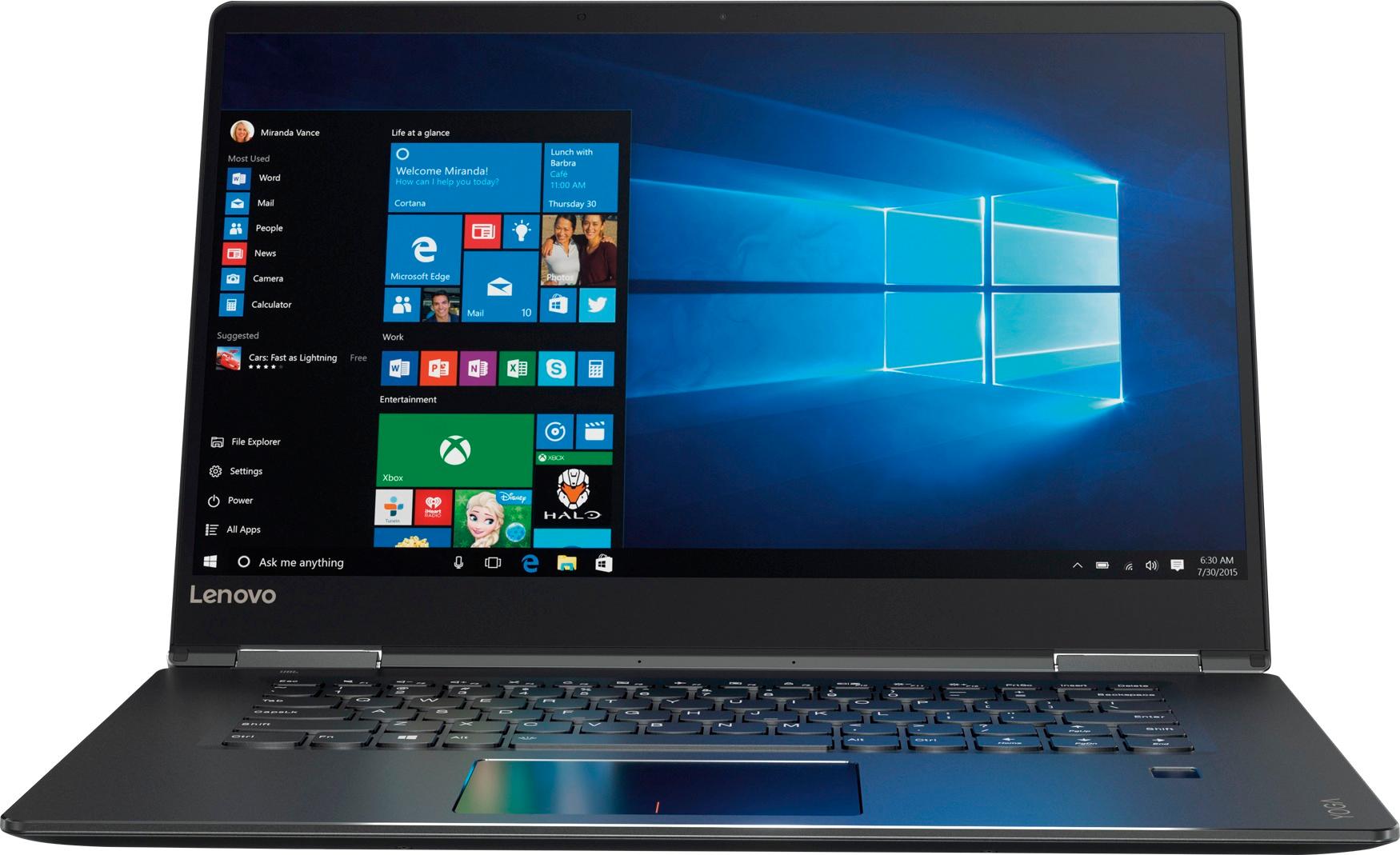
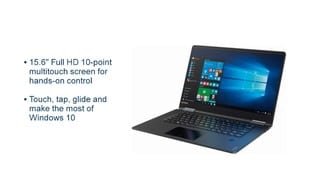
Posted .This full-sized 15.6" 2 in 1 laptop weighs just 4.45 lbs. and measures 0.7" thin.
Facing issues with this product
||Posted . Owned for 1.5 years when reviewed.This reviewer received promo considerations or sweepstakes entry for writing a review.Initially it works good but after sometime I am facing issues with this product. Screen is blinking.
No, I would not recommend this to a frienda bit slow
||Posted .This reviewer received promo considerations or sweepstakes entry for writing a review.I bought this at the same time I purchased an all in one of the same brand. The speed on the desktop trumped the tablet.
No, I would not recommend this to a friendBrand response from Lenovo Product Expert
Posted .This system should be a fast system with its Core I-5 processor with a base speed of 2.5GHz and a Turbo Boost speed of up to 3.1GHz and 8GB of RAM and the 256GB SSD. Your desktop might have a faster version of the Intel Core I-5 processor. To make sure your laptop is running as fast as it should, be sure any software you installed is compatible with Windows 10. There is no need to install Microsoft Office software. The software is already part of the operating system, you just need to activate the software with a purchased product key. If you have installed a copy of Microsoft Office, this is conflicting with the existing copy on the system and this will slow your system down. If you have installed a 3rd party anti-virus program, be sure that Windows Defender is turned off and that the trial version of McAfee Anti-Virus software is uninstalled. There can only be one anti-virus program on the system. You may need to restore your system to original factory default settings if any of the programing errors have occurred. You can do that by typing "restore" in the Cortana search window. Just click on the magnifying glass icon at the bottom left of your Windows 10 Desktop. Click on "Reset This PC" Then click on "Get Started" and follow the on screen directions to restore to factory defaults.
- Cons mentioned:Customer service
Do Not Buy
||Posted .This reviewer received promo considerations or sweepstakes entry for writing a review.One month old and already sent to Lenovo, as it locks up after about an hour of internet usage and has to be shut down hard. Lenovo cannot find anything wrong they still have it two weeks after I sent it in and have been rude to deal with. I will never buy a Lenovo again. Disgusted I should have bought a Mac.
No, I would not recommend this to a friend Marginal Satisfaction
||Posted .This reviewer received promo considerations or sweepstakes entry for writing a review.I like the speed but the touch screen is so sensitive I'm getting a lot of unsolicited resets or screen changes.
No, I would not recommend this to a friendLenovo is bad
||Posted .This reviewer received promo considerations or sweepstakes entry for writing a review.This computer was purchased and returned after having been DOA. The next computer I purchased had defective parts and the Lenovo company really dragged me through the mud. When I sent my computer in for repairs through the warranty, they further damaged the computer and then tried to charge me hundreds of dollars to get my computer back, accusing me of having damaged it myself. The only thing that saved me was that I had taken many photos and documentation before shipping the computer. Otherwise my computer would have been held for ransom until I paid this insane amount of money for an already expensive computer to be returned. They weren’t even even effectively communicating with me about the situation, they just started sending me these bills with no explanation. The whole thing was a crazy nightmare mess. The kicker? They sent it back even more broken than how I sent it in.
No, I would not recommend this to a friendAlright at best
||Posted .This reviewer received promo considerations or sweepstakes entry for writing a review.Very nice at a glance, but the 4k screen is unnecessary and incompatible with a lot of software.
No, I would not recommend this to a friendComplicated with no guidance
||Posted .This reviewer received promo considerations or sweepstakes entry for writing a review.Very hard to navigate and am unable to copy pictures from iPhone with out purchasing additional programs
No, I would not recommend this to a friendBrand response from Lenovo Product Expert
Posted .We are sorry to hear that you are having issues with your Yoga 710-15. Here is a link to instructions for copying pictures from your iPhone to a Windows 10 computer, like your Yoga 710-15: https://airmore.com/iphone-photos-to-windows-10.html. Additionally, With regard to learning your way around Windows 10, you may want to try YouTube.com (just type that address in your browser address window). There are hundreds for free instructional videos there about Windows 10. Just type Windows 10 Introduction in to the YouTube search window. You can watch free videos there that will show you the basics all the way up to tips and tricks videos and they're all free.
Hinge Flaw breaks the screen
||Posted .This reviewer received promo considerations or sweepstakes entry for writing a review.Be very cautious about buying this type of laptop with these types of hinges. Mine has been used gently but over time the hinge (typically the right lower side) fails and protrudes through the screen and breaks the glass. See Lenovo forums here of the complaints (https://forums.lenovo.com/t5/Lenovo-Yoga-Series-Notebooks/Yoga-710-broken-hinge/td-p/4086743). A lot of people suggesting DIY fixes, no thanks! Here is another forum about it https://forums.lenovo.com/t5/Lenovo-Yoga-Series-Notebooks/Lenovo-Yoga-700-710-720-900-broken-hinge-cracked-screen-glass/m-p/4264992#M69807. Unless you want to pull apart your new computer to fix a manufacturing flaw, I recommend avoiding this hinge design.
No, I would not recommend this to a friend- Pros mentioned:Speed
Disappointed
||Posted .This reviewer received promo considerations or sweepstakes entry for writing a review.I was excited to get this laptop. The color and clarity was amazing. I had this for a week, uploading was amazing very fast the first time I used it. Booted up quickly and surfing the Internet was fast. The 2nd time I used it it froze and I couldn't even turn it off. I returned it.
No, I would not recommend this to a friendBrand response from Lenovo Product Expert
Posted .We are sorry to hear that you are having issues with your Lenovo Yoga 710-15. This system is equipped with OneKey Recovery System. There is a very small pin hole on the left side of the device, right near the headphone jack on the device. You will need a pin to push this reset button. Plug the device in. Let the battery charge for about 15 minutes. Push the reset button. The system should boot to a choice screen where you can choose "Restore To Factory Default". Select this. It will delete everything from the hard drive except the original factory install of the operating system. You will need to reinstall all programs and files after the reset. If you don't have copies of the files, try to make one before you restore by selecting "Boot to desktop" and trying to back up your files.
Good computer for one who has not used another.
||Posted .This reviewer received promo considerations or sweepstakes entry for writing a review.There was no manual to help in the set up process. Caps key constantly interferes with typing.
No, I would not recommend this to a friendBrand response from Lenovo Product Expert
Posted .Thank you for choosing the Lenovo Yoga 710-15. All documentation is now available online. Here is the link to the documentation for this model: https://download.lenovo.com/consumer/mobiles_pub/yoga_710-14isk_14ikb_15isk_15ikb_hmm_201605.pdf
Issues with Screen as others have complained
||Posted . Owned for more than 2 years when reviewed.This reviewer received promo considerations or sweepstakes entry for writing a review.As others have complained there seems to be an issue w/ the screen hinges when opening. I only had my laptop just about 2 years and went to open one day and it just unhinged and cracked screen as I opened it. If you look up on google you will see several other complaints with this issue. I baby my laptop and take really good care of it and have never dropped it. I think what really get me is I have never even used it in tablet mode ever since I have had it (where you flip screen as shown in pics) and only open/close it normal. Just seems like poor quality to me. I have an ACER laptop that I bought back in 2007 that still works to this day with no issues like that.
No, I would not recommend this to a friendOkay for the money
||Posted .This reviewer received promo considerations or sweepstakes entry for writing a review.This is an effective device for surfing the internet and a using a few programs at a time
I would recommend this to a friendok laptop
||Posted .This reviewer received promo considerations or sweepstakes entry for writing a review.I purchased this laptop as a replacement. It's an ok product. It does all that I need it to do.
I would recommend this to a friend