Customer Ratings & Reviews
- Model:
- 80V50010US
- SKU:
- 5722735
Rating by feature
- Value
Rating 4.0 out of 5 stars
- Quality
Rating 3.9 out of 5 stars
- Ease of Use
Rating 4.3 out of 5 stars
Customers are saying
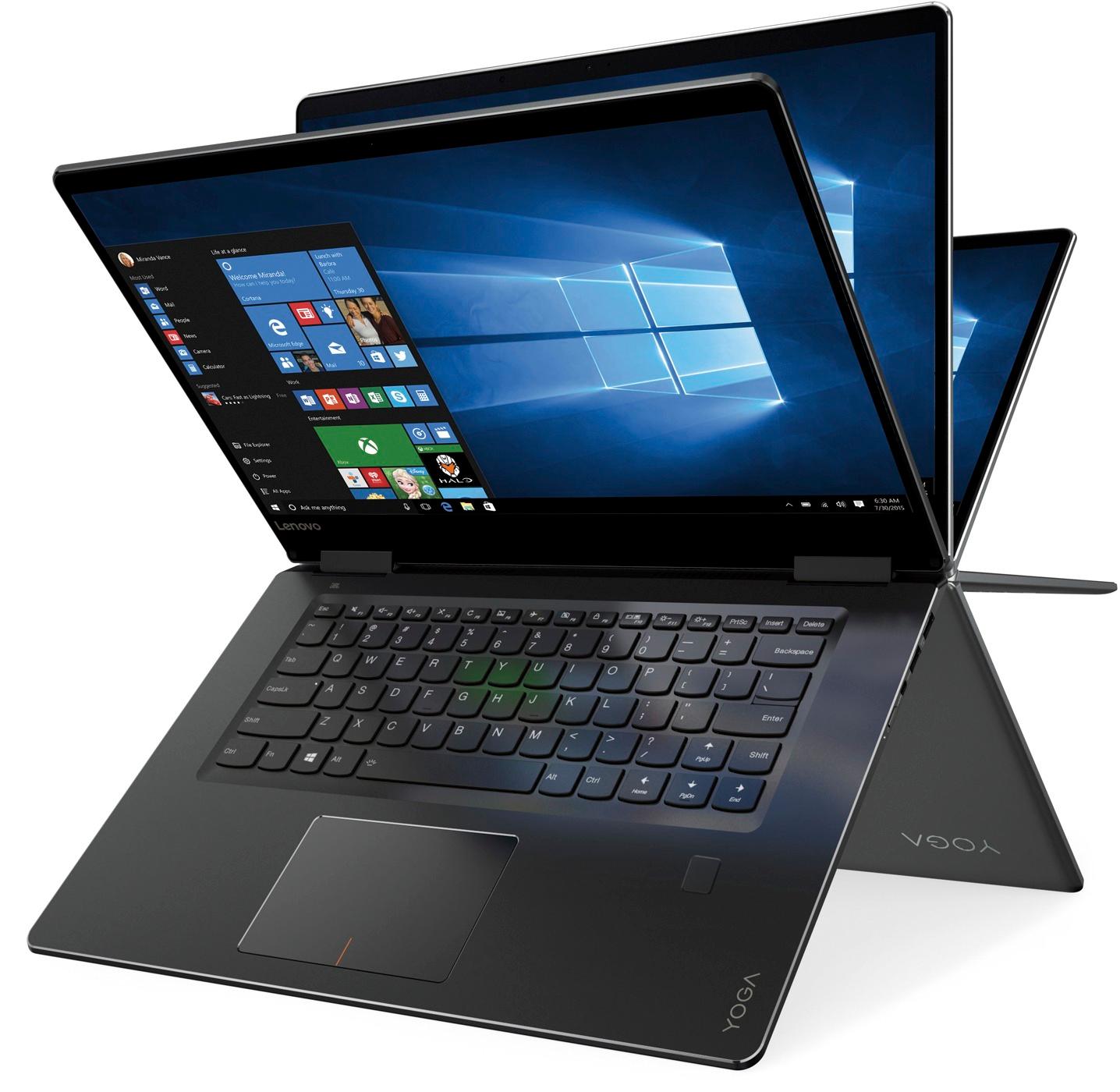
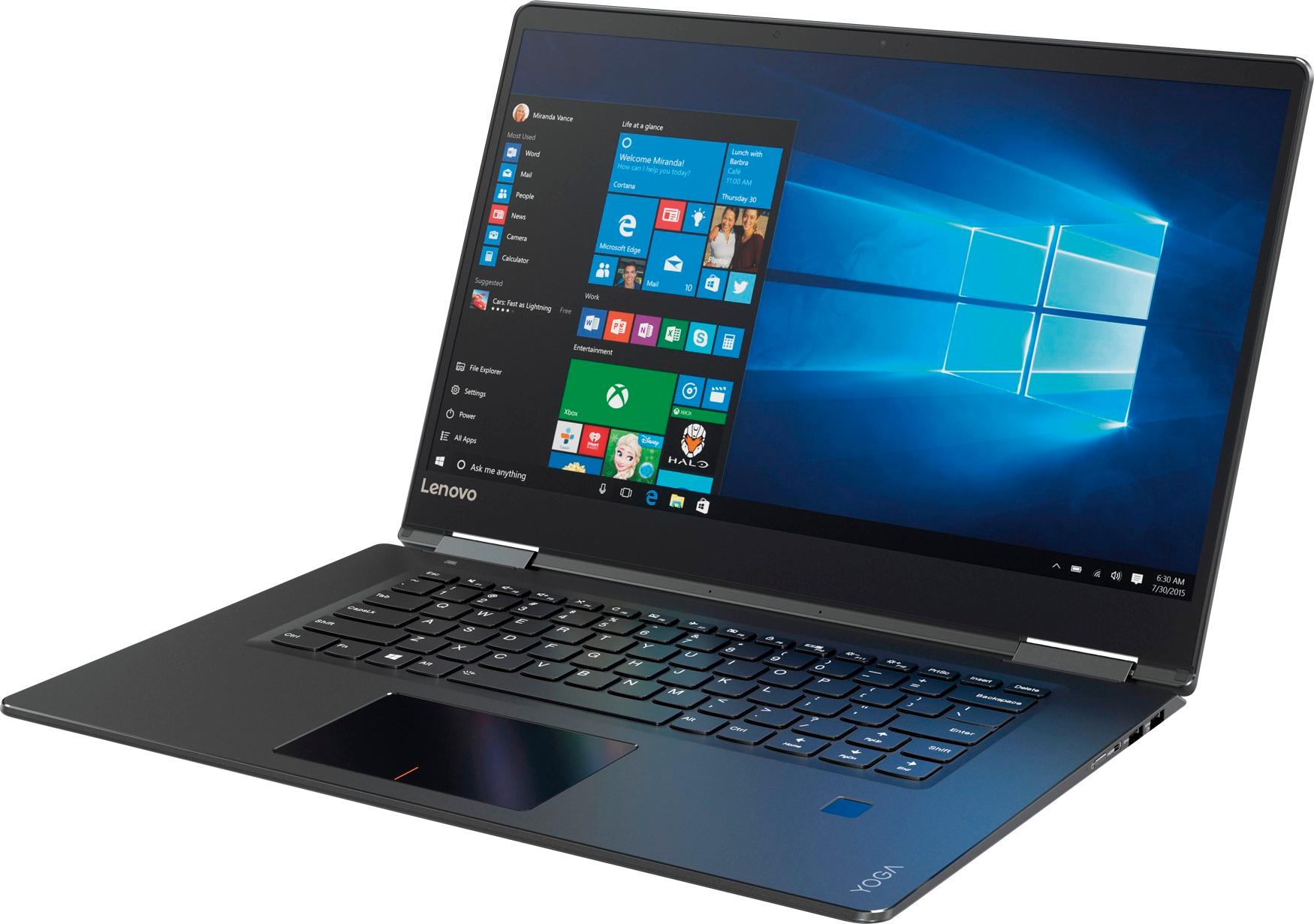
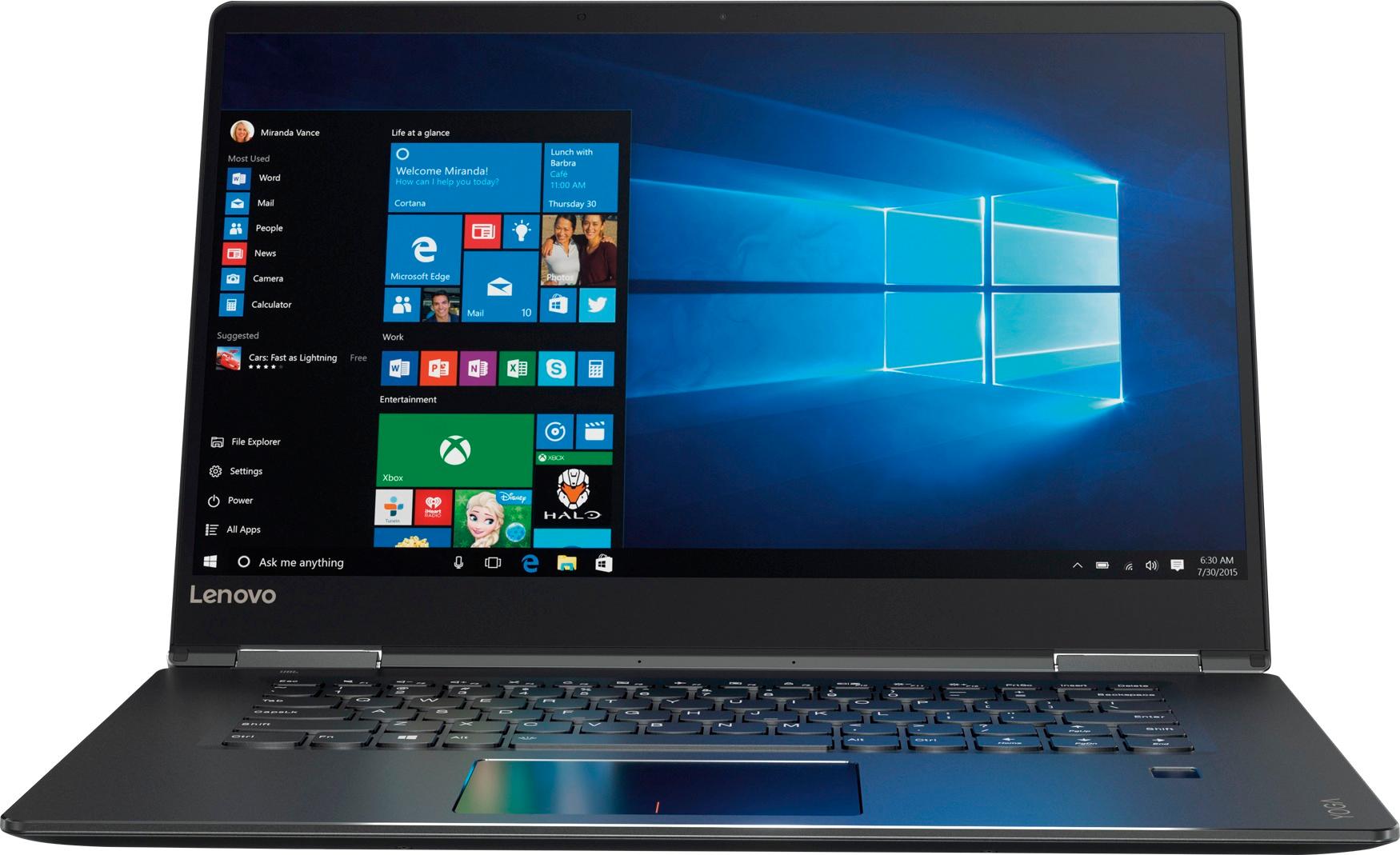
Customers praise the Yoga 710 2-in-1 laptop for its responsive touch screen, light weight, and affordable price. They also appreciate its user-friendly interface, long battery life, and fast solid state drive. On the downside, some users find the left shift key to be awkwardly positioned and a few experienced excessive fan noise.
This summary was generated by AI based on customer reviews.
It’s ok
||Posted .This reviewer received promo considerations or sweepstakes entry for writing a review.Ok for basic web surfing and email. Wouldn’t recommend it for anything bigger than that
I would recommend this to a friendBrand response from Lenovo Product Expert
Posted .This Yoga 710-15 with its Dual-Core/Four-Thread Intel Core I-5-7200U processor with a base speed of 2.5GHz and a Turbo Boost speed of up to 3.1GHz paired with 8GB of DDR4-2133MHz RAM and a 256GB solid state hard drive, can handle most of today's most demanding programs and multi-tasking. Be sure any programs you have installed are compatible with Windows 10 and this specific system configuration.

Nothing Special
||Posted .This reviewer received promo considerations or sweepstakes entry for writing a review.Does roughly what it's supposed to do but runs hot and freezes often in tablet mode.
No, I would not recommend this to a friendBrand response from Lenovo Product Expert
Posted .We are sorry to hear that the Lenovo Yoga 710-15 is not performing up to your expectations. This is a high performance system with its Intel Core i5-7200U processor, 8GB of RAM and a 256GB solid state hard drive. It will generate heat whenever it is turned on, even at idle, this is normal. The onboard fan will maintain the proper operating temperature for the device. You will hear the fan whenever it runs, this too is normal. This system has Lenovo utilities installed to help you maintain the health of the device and keep the software up to date. Type "Lenovo Vantage" in the Cortana Search window. Select Lenovo Vantage from the list. In the window that opens, click on "Health and Support". In the expanded menu, select "Hardware Scan" In the window that opens, select "Run Quick Tests". This will scan your entire system for errors. Follow any directions that may pop up. If the problem continues after this scan, now click on "System Update". First select Windows update from the menu. Scan your system to be sure you have the latest version of Windows 10. Once that scan is complete, select "Additional Updates". This will scan your device to be sure there are no new BIOS/Driver updates needed. Follow any instructions that may pop up.
- Pros mentioned:Touch screenCons mentioned:Fan noise
Second time's a charm
Posted .This reviewer received promo considerations or sweepstakes entry for writing a review.I returned first one because the fan noise was unbearable. I still had some hope so i didn't refund but replaced instead. I was very happy to find out that the normal fan noise is very very quiet. I went a bit further with notebook fan app to make sure that fan is off when temp is below 45C. Now the pros: Touchscreen, I tried to get a similar deal for HP laptop. Well, it is more expensive, same goes for 250 SSD. Should I mention terrific sound? This laptop packs great specs, great colorful screen and speed with very small screen frames and beautiful design at an attractive price. I found out I could have stole this laptop for just 660 on blackfriday. I got it for 780 and I am still happy to own this device at this price. It is better than what many other brands offer for the same price. I found Asus sound lacking in power. I found HP being more expensive at similar price, I found Dell having cheaper CPU at the same price. Having taken all these arguments into account, Lenovo won in my list. 780 is the price I paid, and it was the best I could get at Bestbuy. I recommend this model if your choice is limited to Lynnwood bestbuy stock.
I would recommend this to a friend Amazing laptop
||Posted . Owned for 1.5 years when reviewed.This reviewer received promo considerations or sweepstakes entry for writing a review.The screen and quality is amazing! Easy to transport.
I would recommend this to a friendLenovo Yoga 710
||Posted . Owned for more than 2 years when reviewed.This reviewer received promo considerations or sweepstakes entry for writing a review.Fine till year. Started to turn white the screen. Reported to lenovo but didnt get a solution or worst a good answer. My brother bought later the same model. So I wrote to Lenovo that might be a model problem, but never answer. Same Issue.
No, I would not recommend this to a friendSlow performance
||Posted .This reviewer received promo considerations or sweepstakes entry for writing a review.I find this laptop very slow and takes lot of time to boot up.
No, I would not recommend this to a friendBrand response from Lenovo Product Expert
Posted .This system should be a fast system with its Core I-5 processor, 8GB of RAM and its 256GB solid state hard drive. Be sure any software you installed is compatible with Windows 10. There is no need to install Microsoft Office software. The software is already part of the operating system, you just need to activate the software with a purchased product key. If you have installed a copy of Microsoft Office, this is conflicting with the existing copy on the system and this will slow your system down. If you have installed a 3rd party anti-virus program, be sure that Windows Defender is turned off and that the trial version of McAfee Anti-Virus software is uninstalled. There can only be one anti-virus program on the system. You may need to restore your system to original factory default settings if any of the programing errors have occurred. You can do that by typing "restore" in the Cortana search window. Just click on the magnifying glass icon at the bottom left of your Windows 10 Desktop. Click on "Reset This PC" Then click on "Get Started" and follow the on screen directions to restore to factory defaults.
Slower than I thought it would be in many settings
||Posted .This reviewer received promo considerations or sweepstakes entry for writing a review.Good for basic use, slow if you need information quickly.
I would recommend this to a friendBrand response from Lenovo Product Expert
Posted .This system should be a fast system with its Core I-5 processor, 8GB of RAM, 802.11AC WiFi connectivity and a 256GB solid state hard drive. Be sure any software you installed is compatible with Windows 10. There is no need to install Microsoft Office software. The software is already part of the operating system, you just need to activate the software with a purchased product key. If you have installed a copy of Microsoft Office, this is conflicting with the existing copy on the system and this will slow your system down. If you have installed a 3rd party anti-virus program, be sure that Windows Defender is turned off and that the trial version of McAfee Anti-Virus software is uninstalled. There can only be one anti-virus program on the system. You may need to restore your system to original factory default settings if any of the programing errors have occurred. You can do that by typing "restore" in the Cortana search window. Just click on the magnifying glass icon at the bottom left of your Windows 10 Desktop. Click on "Reset This PC" Then click on "Get Started" and follow the on screen directions to restore to factory defaults. If the problem persists, we recommend you contact Lenovo Tech Support at: 877-453-6686.
exchanged for Dell Inspiron
||Posted .This reviewer received promo considerations or sweepstakes entry for writing a review.exchanged due to compatibility problems for Dell Inspiron
I would recommend this to a friendStrange keyboard
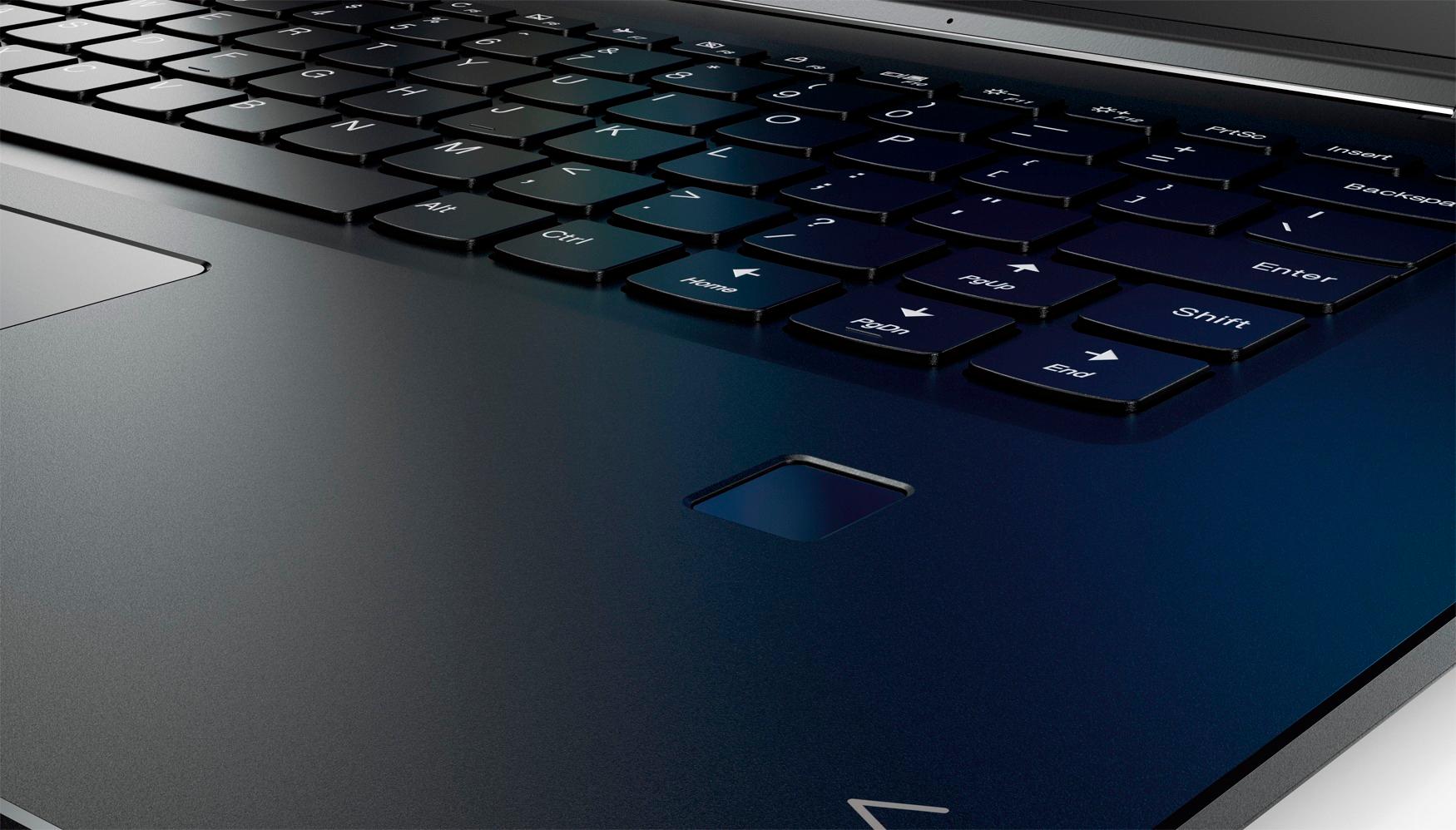
||Posted .This reviewer received promo considerations or sweepstakes entry for writing a review.I HATE this keyboard. The PgUp key is where the shift key should be. Very hard to go back and forth between this computer and any other computer because of keyboard.
No, I would not recommend this to a friendBrand response from Lenovo Product Expert
Posted .With regard to the right shift key issue you mention, there is a free software APP called KeyTweak that may help you. You can switch the key functions of specific keys on your keyboard with this software, so you could change the right shift key with the key you hit in its place. Just Google search "KeyTweak" and you will find articles about what the software does and you will find the download location for this free APP.
Terrible
||Posted .This reviewer received promo considerations or sweepstakes entry for writing a review.Terrible laptop. Came damaged and trackpad is trash
No, I would not recommend this to a friendBrand response from Lenovo Product Expert
Posted .We are sorry to hear that you received a damaged system. We recommend you contact Best Buy immediately for resolution. With regard to the touchpad, you can make adjustments to the touchpad in your system settings. You can get there by clicking on the magnifying glass at the bottom left of your Windows 10 screen. Type "touchpad" in the search window. Select "Mouse & touchpad settings" from the list of choices. You can make general adjustments to the touchpad there. You can also select "Additional mouse options" for more detailed adjustments to the touchpad sensitivity by increasing the delay of the touchpad.
failed to charge or turn on after 3weeks
||Posted .This reviewer received promo considerations or sweepstakes entry for writing a review.This laptop was great when it worked! it has good specs and a nice design. But after about 3 weeks, it completely failed to charge or turn on. we purchased this for a guest that left the country, and he now has to mail it back to the U.S to get it fixed and mail back, as the Lenovo international warranty is only honored in a handful of countries. which will be a major inconvenience and quiet costly. Not recommended.
No, I would not recommend this to a friend- Cons mentioned:Customer service
Trash
||Posted .This reviewer received promo considerations or sweepstakes entry for writing a review.Doesn’t work. Completely fails and I haven’t even downloaded anything. Won’t even contact to a pen Best Buy promised it would. Took to geek squad, they reset it but it’s still trash
No, I would not recommend this to a friendBrand response from Lenovo Product Expert
Posted .We are sorry to hear that you are having issues with your Lenovo Yoga 710-15. The Yoga 710-Series is not compatible with any active/digital pen. This system has Lenovo utilities installed to help maintain the health of the device and keep the operating system software up to date. Type "Lenovo Vantage" in the Cortana Search window. Select Lenovo Vantage from the list. In the window that opens, click on "Health and Support". In the expanded menu, select "Hardware Scan" In the window that opens, select "Run Quick Tests". This will scan your entire system for errors. Follow any directions that may pop up. If the problem continues after this scan, now click on "System Update". First select Windows update from the menu. Scan your system to be sure you have the latest version of Windows 10. Once that scan is complete, select "Additional Updates". This will scan your device to be sure there are no new BIOS/Driver updates needed. Follow any instructions that may pop up. If the issue still continues after these updates, we recommend you call Lenovo Tech Support at: 877-453-6686 for additional help.
Not So Good for Word Processing
||Posted .This reviewer received promo considerations or sweepstakes entry for writing a review.The computer itself is great, but the cursor jumps all over the place when typing. I've tried adjusting the cursor, the mouse, the speed, etc. but it''s really bad. I'm thinking it's the new Windows 10 that's the problem, so what can I do?
No, I would not recommend this to a friendBrand response from Lenovo Product Expert
Posted .With regard to the touchpad, you can make adjustments to the touchpad in your system settings. You can get there by clicking on the magnifying glass at the bottom left your Windows 10 screen. Type "touchpad" in the search window. Select "Mouse & touchpad settings" from the list of choices. You can make general adjustments to the touchpad there. You can also select "Additional mouse options" for more detailed adjustments to the touchpad sensitivity by increasing the delay of the touchpad. Additionally, if you still have the issue after making adjustments, there may be driver updates for your specific system. Follow the link below to look for new driver updates for your specific system. You can also run diagnostics from the Lenovo site as well. As always, be sure to create a restore point on your system before you make any changes. You can do this by just typing "restore point" in the search window within Cortana and follow the link to create a restore point. Here is the link:
http://pcsupport.lenovo.com/us/en/products/LAPTOPS-AND-NETBOOKS/YOGA-SERIES/YOGA-710-15IKB/80V5/80V50010US/downloads/DS118370
Seems cheap
||Posted .This reviewer received promo considerations or sweepstakes entry for writing a review.I trusted one of the Best Buy sales reps who told Me To buy this lenova. Loved my toshiba before this lenova was recommended by Best Buy but Best Buy is no longer carrying toshiba. The laptop seems to be cheaply made..it is always working hard to run and the keyboard is very strange...toshiba seemed much better made, however my toshiba's battery stopped working after less than a year...I had purchased insurance on the toshiba though. Lenova's customer service call center is great and that is about the only thing good I can say about this lenova. I will be purchasing my first mac for my next computer purchase.
No, I would not recommend this to a friendWhat a lemon
||Posted . Owned for more than 2 years when reviewed.This reviewer received promo considerations or sweepstakes entry for writing a review.This computer had great features and specs for the price. Unfortunately performance was very poor with stalls in processing. Within warranty period the camera stopped working and the crashes became quite frequent. Lenovo was very hesitant to support the product (under warranty). Was eventually sent to Lenovo for repair. It wasn't returned back repaired (essentially rebuild with new CPU board) for over 3 months. Terrible support experience.
No, I would not recommend this to a friendBuy something else
||Posted . Owned for 1.5 years when reviewed.This reviewer received promo considerations or sweepstakes entry for writing a review.One of the worst laptops I have owned in my life. The screen started flickering after I only had it for a year and a half. And now, now the charger is shot. Yes, it's slick and it looks cool, but when you spend $800 on a computer you expect it to work for a few years. I use it for work, to analyse data and to write. Save your money and buy something else - anything else. I will never buy Lenovo again.
No, I would not recommend this to a friendPoor Quality - Lacks Essential Features
||Posted . Owned for more than 2 years when reviewed.This reviewer received promo considerations or sweepstakes entry for writing a review.Mini-HDMI to connect to a monitor is a bad idea as the connection is not solid, and gets disturbed easily. The model that I bought in early 2018 lacked any kind of USB 3.1 port etc, which made it impossible to connect to a docking station. Both keyboard and webcam stopped working after a few months. They say 128 GB, but of that 30 GB is reserved for Lenovo. I would never buy Lenovo again.
No, I would not recommend this to a friendDisplay and keyboard issue
||Posted .This reviewer received promo considerations or sweepstakes entry for writing a review.Starting having problems within a month of purchase. There is a display issue and the keyboard design with the shift button is really bad
No, I would not recommend this to a friendNegative
||Posted .This reviewer received promo considerations or sweepstakes entry for writing a review.AFter 1.5 years, i am facing problem with the monitor. The color combination is not working. Since it is a touch screen, if i want to replace it it would cost $200/300.
No, I would not recommend this to a friendProblems from the start
||Posted .This reviewer received promo considerations or sweepstakes entry for writing a review.The display started to flash white almost immediately. I contacted Lenovo and they tried to repair remotely. I had to send my new laptop, that I hand picked for my new job, back to Lenovo for repairs. This is the listing under repair status: "Despite our best efforts to maintain inventory of all repair components, the service part needed to repair your machine is currently unavailable. We are working diligently to obtain replenishment stock and will repair your machine as soon as the part becomes available." So I sit and wait.
No, I would not recommend this to a friend