Customer Ratings & Reviews
- Model:
- 80V50010US
- SKU:
- 5722735
Rating by feature
- Value
Rating 4.0 out of 5 stars
- Quality
Rating 3.9 out of 5 stars
- Ease of Use
Rating 4.3 out of 5 stars
Customers are saying
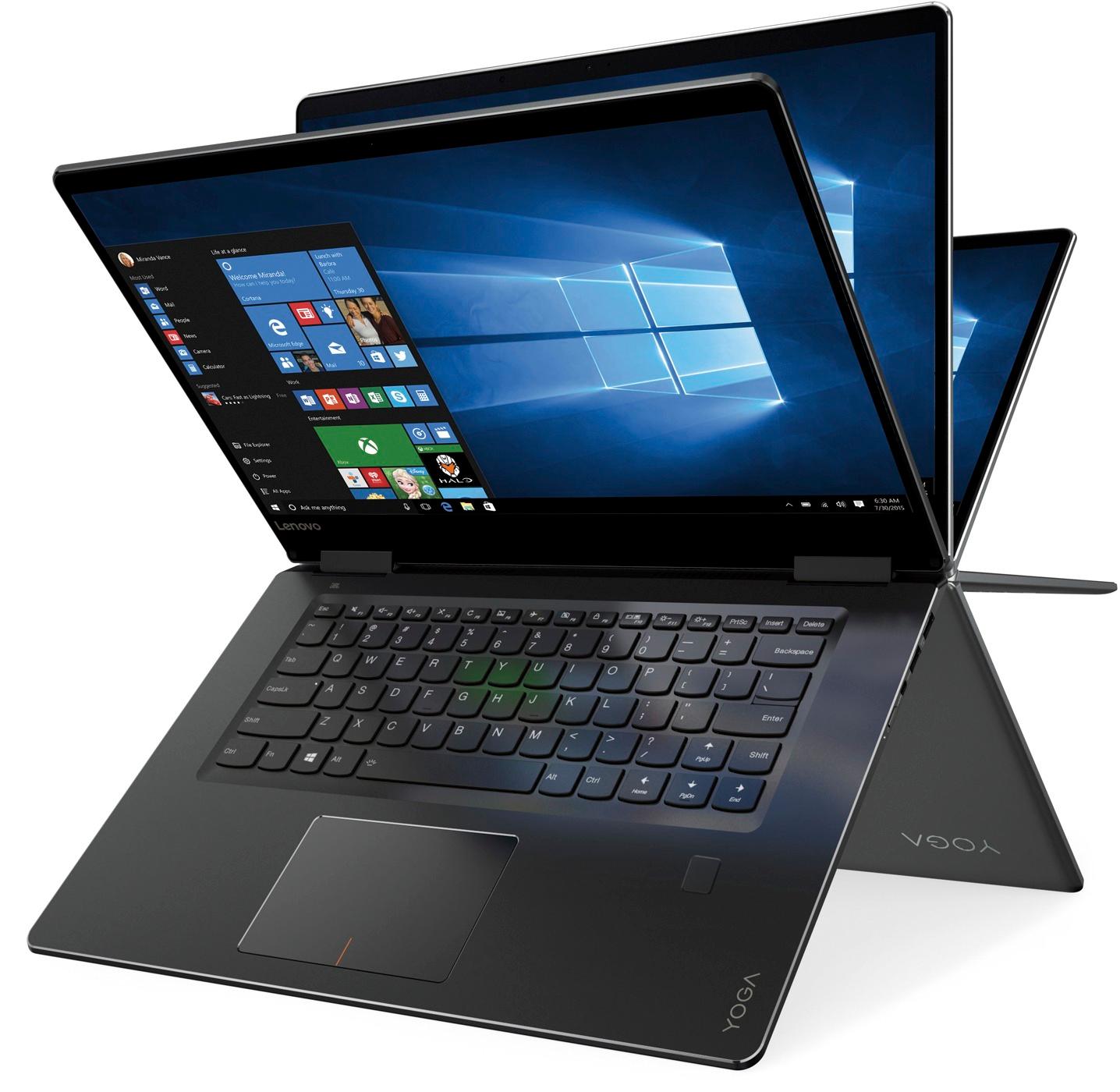
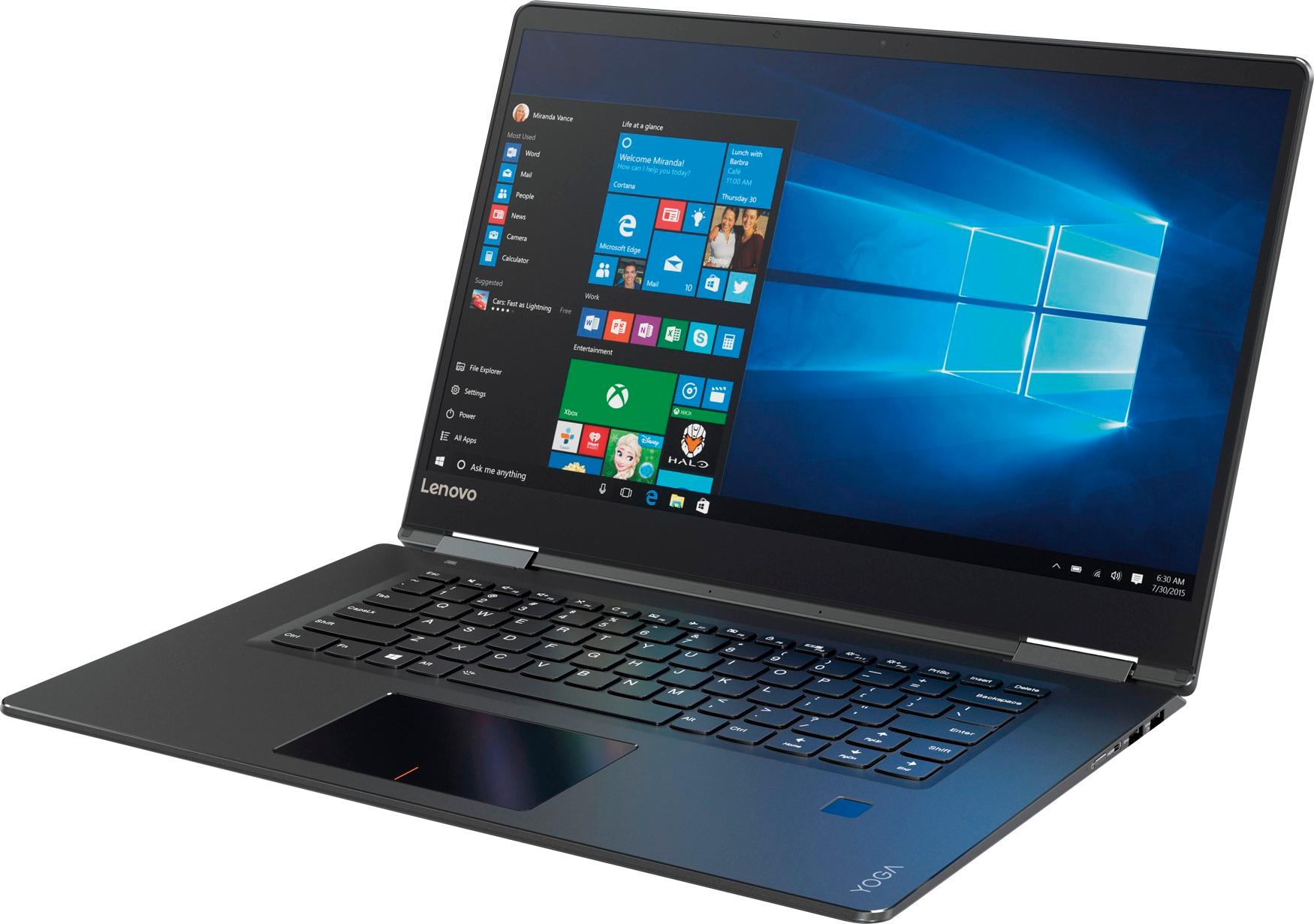
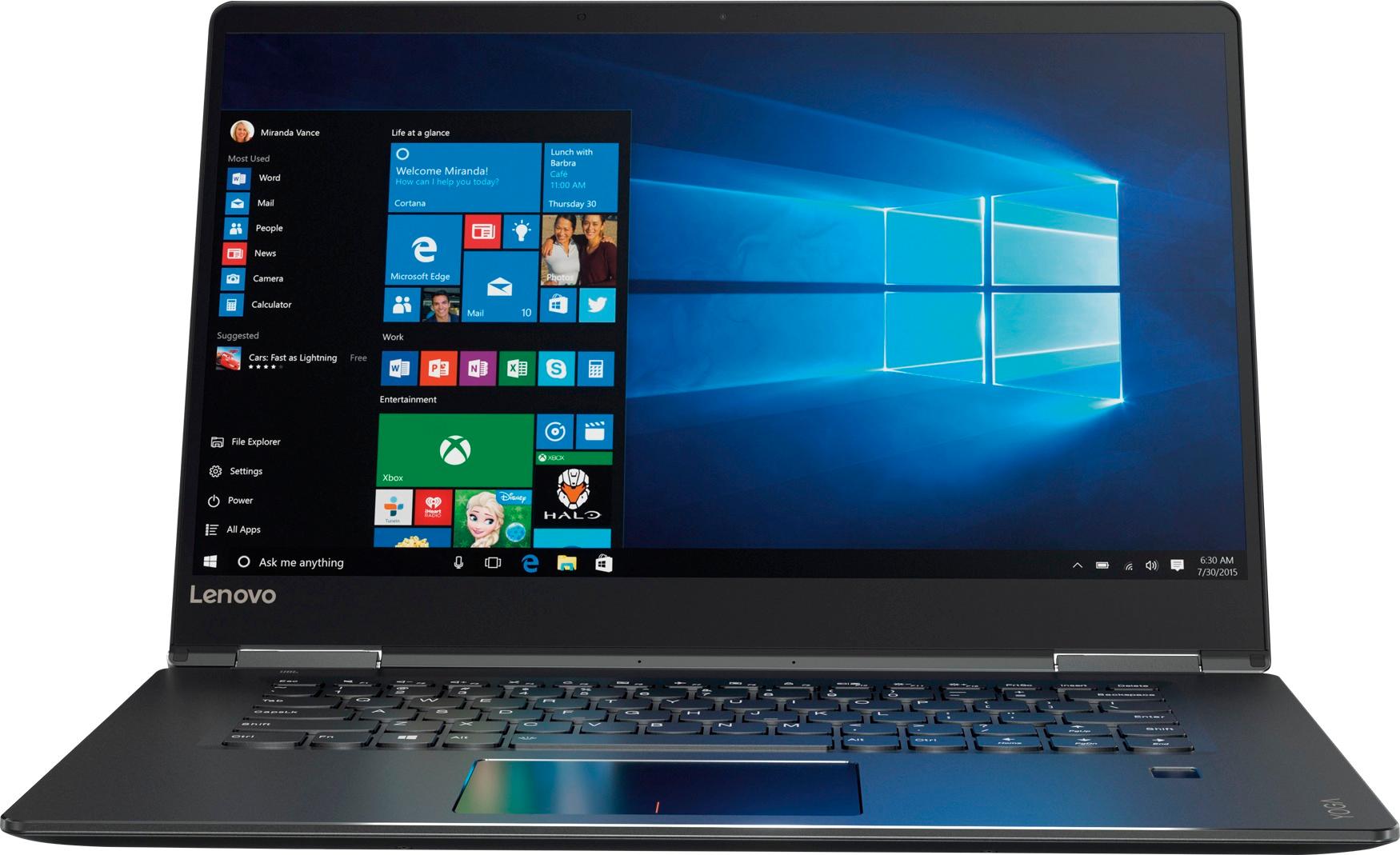
Customers praise the Yoga 710 2-in-1 laptop for its responsive touch screen, light weight, and affordable price. They also appreciate its user-friendly interface, long battery life, and fast solid state drive. On the downside, some users find the left shift key to be awkwardly positioned and a few experienced excessive fan noise.
This summary was generated by AI based on customer reviews.
Battery life not good. Slow connectivity.
||Posted .This reviewer received promo considerations or sweepstakes entry for writing a review.Battery drains quickly when watching online videos. Connectivity to internet is slow even with the fastest broadband. Was convinced to buy by a sales associate.
No, I would not recommend this to a friendBrand response from Lenovo Product Expert
Posted .This system has a battery life of up to 8 hours, depending on the work that the device is performing. With regard to WiFi connectivity, this system has the latest 802.11AC WiFi connectivity. Be sure your router has the latest firmware updates to maximize the capabilities of this computer. Check the web page of your router manufacturer for firmware updates.

Worked great and then....
||Posted . Owned for more than 2 years when reviewed.This reviewer received promo considerations or sweepstakes entry for writing a review.The computer worked well, but the screen died at the two-year mark. I regret the purchase in that I only got two years out of it.
No, I would not recommend this to a friendScreen issues a year and a half in
||Posted .This reviewer received promo considerations or sweepstakes entry for writing a review.A year and a half into use and the screen/top of the laptop peels off of one of the hinges. Now the unattached hinge is separating the screen from the back of the laptop causing display issues. Happens after warranty. Went from a great buy to close to on the verge of busted in minutes. No screws to get into the laptop to fix it either.
No, I would not recommend this to a friend- Pros mentioned:Touch screen
Powerful Fast & Affordable Laptop
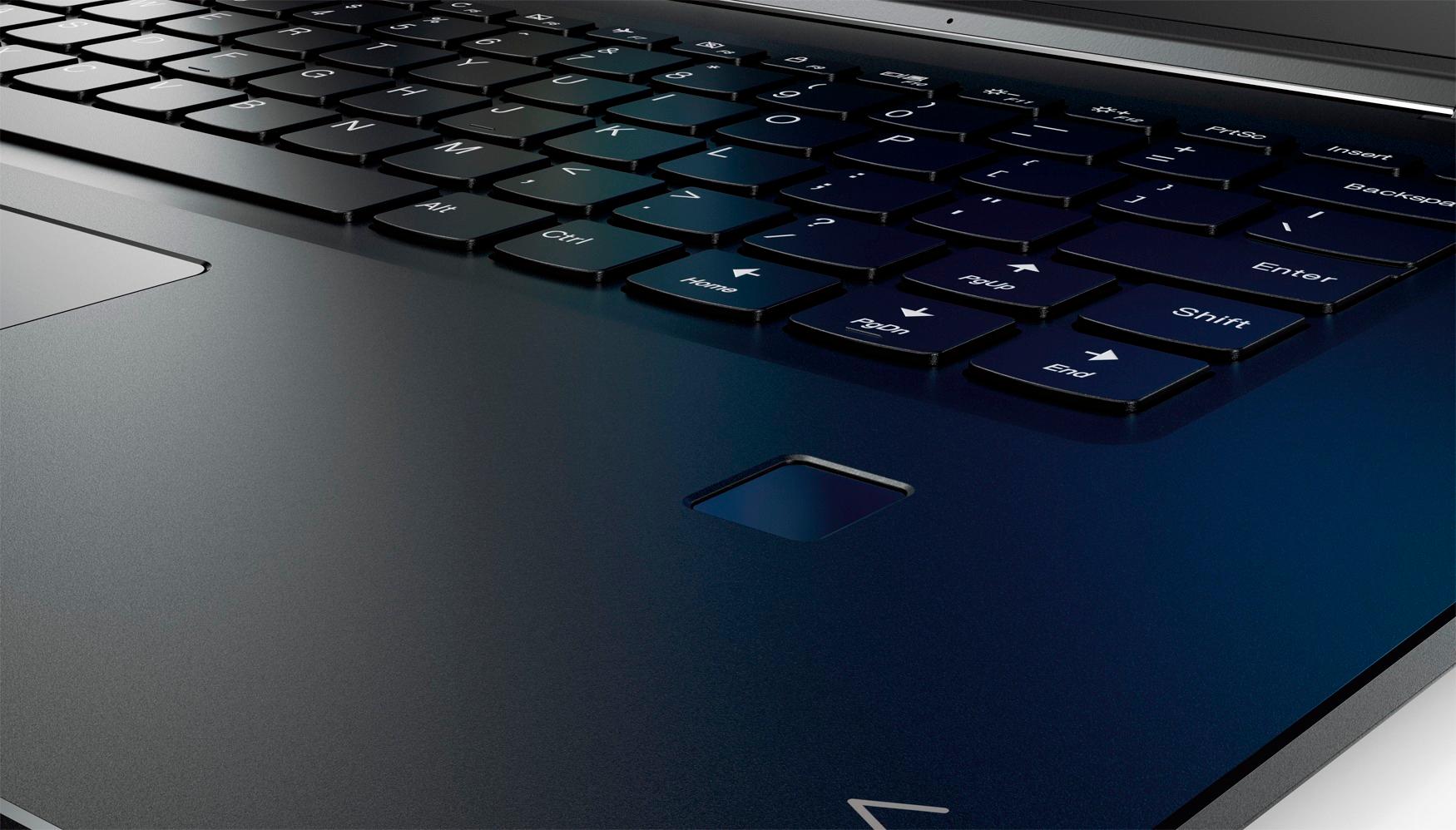
Posted .This reviewer received promo considerations or sweepstakes entry for writing a review.I purchased my Yoga to replace my 5 year old previous Lenovo laptop (which is still in good shape). I am so far pleased overall with my purchase so far. The SSD is lightning fast and boot time is really fast. The touch screen feature is nice, as is the backlit keyboard. No need to enter a password with the built in fingerprint reader, a nice feature not found on most other brands. The display quality is good, but doesn't measure up to 4K, but then again, 4K will set you back another $500. I personally can live without it. Now for the cons: The right shift key is too small and easy to miss, there is no numerical keyboard, and you practically need a crowbar to open the lid. You definitely cannot open this laptop with one hand. Still the pros outweigh the cons.
I would recommend this to a friendBrand response from Lenovo Product Expert
Posted .Thank you for choosing the Lenovo Yoga 710-15. With regard to the right shift key issue you mention, there is a free software APP called KeyTweak that may help you. You can switch the key functions of specific keys on your keyboard with this software, so you could change the right shift key with the key you hit in its place. Just Google search "KeyTweak" and you will find articles about what the software does and you will find the download location for this free APP.
Runaway! Screen blacks out and PC is unusable
||Posted .This reviewer received promo considerations or sweepstakes entry for writing a review.I've been in the computer industry for 35 years and this is the worst computer I have ever purchased. The screen blacks out and the machine becomes unusable!! My college student was unable to use it reliably at school and I had to buy a new machine a year later as this one is now out of warranty. I will NEVER buy another Lenovo.
No, I would not recommend this to a friendRegretting the purchase
||Posted .This reviewer received promo considerations or sweepstakes entry for writing a review.Lot of issues with this model. Initially battery was fine but after 6 months the battery life is only 2-3 hours. Fan running noise is loud and internet is very slow. WiFi works fine with my iPhone but not with this laptop. After all this now i have screen flickering issue. every 30 seconds screen flickers. Have contacted customer care no responses yet. Stay away from this garbage product
No, I would not recommend this to a friendBrand response from Lenovo Product Expert
Posted .We are sorry to hear you gar having issues with your Lenovo Yoga 710-15. This system has Lenovo utilities installed to help maintain the health of the device and keep the operating system software up to date. Type "Lenovo Vantage" in the Cortana Search window (if Lenovo Vantage is not installed on your device, you can download the APP and install it now). Select Lenovo Vantage from the list. In the window that opens, click on "Health and Support". In the expanded menu, select "Hardware Scan" In the window that opens, select "Run Quick Tests". This will scan your entire system for errors. Follow any directions that may pop up. If the problem continues after this scan, now click on "System Update". First select Windows update from the menu. Scan your system to be sure you have the latest version of Windows 10. Once that scan is complete, select "Additional Updates". This will scan your device to be sure there are no new BIOS/Driver updates needed. Follow any instructions that may pop up. If the issue still continues after these updates, we recommend you call Lenovo Tech Support at: 877-453-6686 for additional help.
- Cons mentioned:Windows 10
worst purchase ever
||Posted .This reviewer received promo considerations or sweepstakes entry for writing a review.Purchased this twice, within 2 weeks. bad windows 10. would not stay on internet..
No, I would not recommend this to a friendBrand response from Lenovo Product Expert
Posted .We are sorry to hear that you are having issues with your Lenovo Yoga 710-15. We recommend you contact Lenovo Tech Support for specific help with your issue. The number is: 877-453-6686.
Regular product
||Posted .This reviewer received promo considerations or sweepstakes entry for writing a review.Computer for light users. I bought it on black friday for a good price... definitely not for gaming or heavy users.
No, I would not recommend this to a friendBrand response from Lenovo Product Expert
Posted .This is a good mid-level 2 in 1 device. It provides good speed with its Intel Core I-5 processor, 8GB RAM and a 256GB solid state hard drive. This Windows 10 Home 64-bit system would be good for general workloads, including business programs, web browsing and streaming. If this describes your workload, this would be a good choice.
Glitchy touch screen
||Posted .This reviewer received promo considerations or sweepstakes entry for writing a review.Ghosting touch screen moves on its own. Too distracting. Returned product.
No, I would not recommend this to a friendThe hinge broke and cracked my screen
||Posted . Owned for 1 year when reviewed.This reviewer received promo considerations or sweepstakes entry for writing a review.After only having this laptop for a year with very minimal use the right hinge completely cracked and broke off. It then cracked my entire screen so my computer is completely useless. I spent $900 and now its broken. What a waste!
No, I would not recommend this to a friendNot Worth The Price
||Posted .This reviewer received promo considerations or sweepstakes entry for writing a review.Screen quality is very poor. Had to send in for repair 3 weeks after purchase.
No, I would not recommend this to a friendBrand response from Lenovo Product Expert
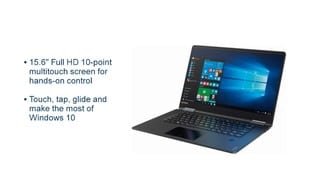
Posted .The Lenovo Yoga 710-15 ships with Full HD 10-point multi-touch screen for hands-on control. It is an IPS screen with LED backlight. The 1920 x 1080 resolution boasts impressive color and clarity.
Shift Key...Duh!!!
||Posted .This reviewer received promo considerations or sweepstakes entry for writing a review.Do not buy this computer, the right shift key is 1/2 the normal size. You will hit the up arrow instead of shift and this will cause you to take twice as long to send a basic e-mail. Not sure what genius decided to change the standard keyboard, but I took this computer back in 2 Days and bought the MacBook.
I would recommend this to a friendBrand response from Lenovo Product Expert
Posted .We are sorry to hear that you are having issues with the right shift key on your Lenovo Yoga 710-15. There is a free software APP called KeyTweak that may help you. You can switch the key functions of specific keys on your keyboard with this software, so you could change the right shift key with the key you hit in its place. Just Google search "KeyTweak" and you will find articles about what the software does and you will find the download location for this free APP.
So so
||Posted .This reviewer received promo considerations or sweepstakes entry for writing a review.Just ok wasn't really what expended probably would buy something else next time
No, I would not recommend this to a friendBrand response from Lenovo Product Expert
Posted .We are sorry to hear that your experience with the Lenovo Yoga 710-15 is not meeting your expectations. We would like to help with any issues you are experiencing. You can contact us here with specific issues and we will do what we can to help or you can call Lenovo Tech Support at: 877-453-6686.
didn,t get a chance to find out
||Posted .This reviewer received promo considerations or sweepstakes entry for writing a review.It is probably a good laptop b ut along came windows new update and I couldn,t get into the laptop, wouldn, t accept any of my forms of personalization and of course could,t get into the settings to change them. I was forced to return it and took a h.p. My big computer is a lenova and it is great.
No, I would not recommend this to a friendBrand response from Lenovo Product Expert
Posted .We are sorry to hear that you had a problem with the recent Windows 10 update. This system is equipped with OneKey Recovery System. There is a very small pin hole on the left side of the device, right near the headphone jack on the device. You will need a pin to push this reset button. Plug the device in. Let the battery charge for about 15 minutes. Push the reset button. The system should boot to a choice screen where you can choose "Restore To Factory Default". Select this. It will delete everything from the hard drive except the original factory install of the operating system. You will need to reinstall all programs and files after the reset. If you don't have copies of the files, try to make one before you restore by selecting "Boot to desktop" and trying to back up your files. If the problem persists after the factory reset, we recommend you contact Lenovo Tech Support at: 877-453-6686.
windows ten causes battery manager to crash
||Posted . Owned for 1.5 years when reviewed.This reviewer received promo considerations or sweepstakes entry for writing a review.Lenovo has known about this problem for years ant both programs are still being loaded onto the same system. causes critical power drain and failure to charge unless one of the two programs is removed.
No, I would not recommend this to a friendMine was very noisy
||Posted .This reviewer received promo considerations or sweepstakes entry for writing a review.The computer seemed really nice until I turned it on. There was a loud electrical buzz coming from the fan. I had to return it. This may well have been just an issue with this unit.
No, I would not recommend this to a friendNext time buy the HP
||Posted .This reviewer received promo considerations or sweepstakes entry for writing a review.I have had 3 or 4 HP computers, loved everyone. Your sales person told me this Lenovo was far better than any HP, better commision? I HATE THIS Lenovo. I wish I had bought another HP. You can bet your last dollar I will NEVER buy another Lenovo if I live to be 100 y/o.
No, I would not recommend this to a friendBrand response from Lenovo Product Expert
Posted .We are sorry to hear that your experience with the Lenovo Yoga 710-15 has not been a positive one. We would like to assist with any issues you have. You can contact us here with any specific issues you have with the Yoga 710-15 or you can call Lenovo Tech Support at 877-453-6686.
So-so computer
||Posted .This reviewer received promo considerations or sweepstakes entry for writing a review.Not a bad laptop but screen brightness needs some work
No, I would not recommend this to a friendBrand response from Lenovo Product Expert
Posted .You can adjust the screen brightness by right clicking on the Windows 10 desktop and selecting "Display settings" in the window that appears. First be sure that "Change brightness automatically" is turned off. Then be sure the brightness level is set you your liking.
Not satisfied
||Posted . Owned for 1 year when reviewed.This reviewer received promo considerations or sweepstakes entry for writing a review.The computer is great and has great features but there is a flaw that makes the screen crack/shatter near the hinge. We found that it is a common problem but warranty doesn’t cover. Don’t waste your time or be sure to buy insurance.
No, I would not recommend this to a friendHard drive bombed
||Posted . Owned for more than 2 years when reviewed.This reviewer received promo considerations or sweepstakes entry for writing a review.Hard drive has gone twice on this. The first time while under warranty and second I had to pay for ANOTHER hard drive because it’s cheaper than buying a new one. I was absolutely disappointed with this.
No, I would not recommend this to a friend