Customer Ratings & Reviews
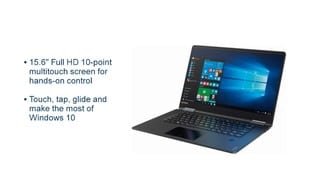
- Model:
- 80V50010US
- SKU:
- 5722735
Rating by feature
- Value
Rating 4.0 out of 5 stars
- Quality
Rating 3.9 out of 5 stars
- Ease of Use
Rating 4.3 out of 5 stars
Customers are saying
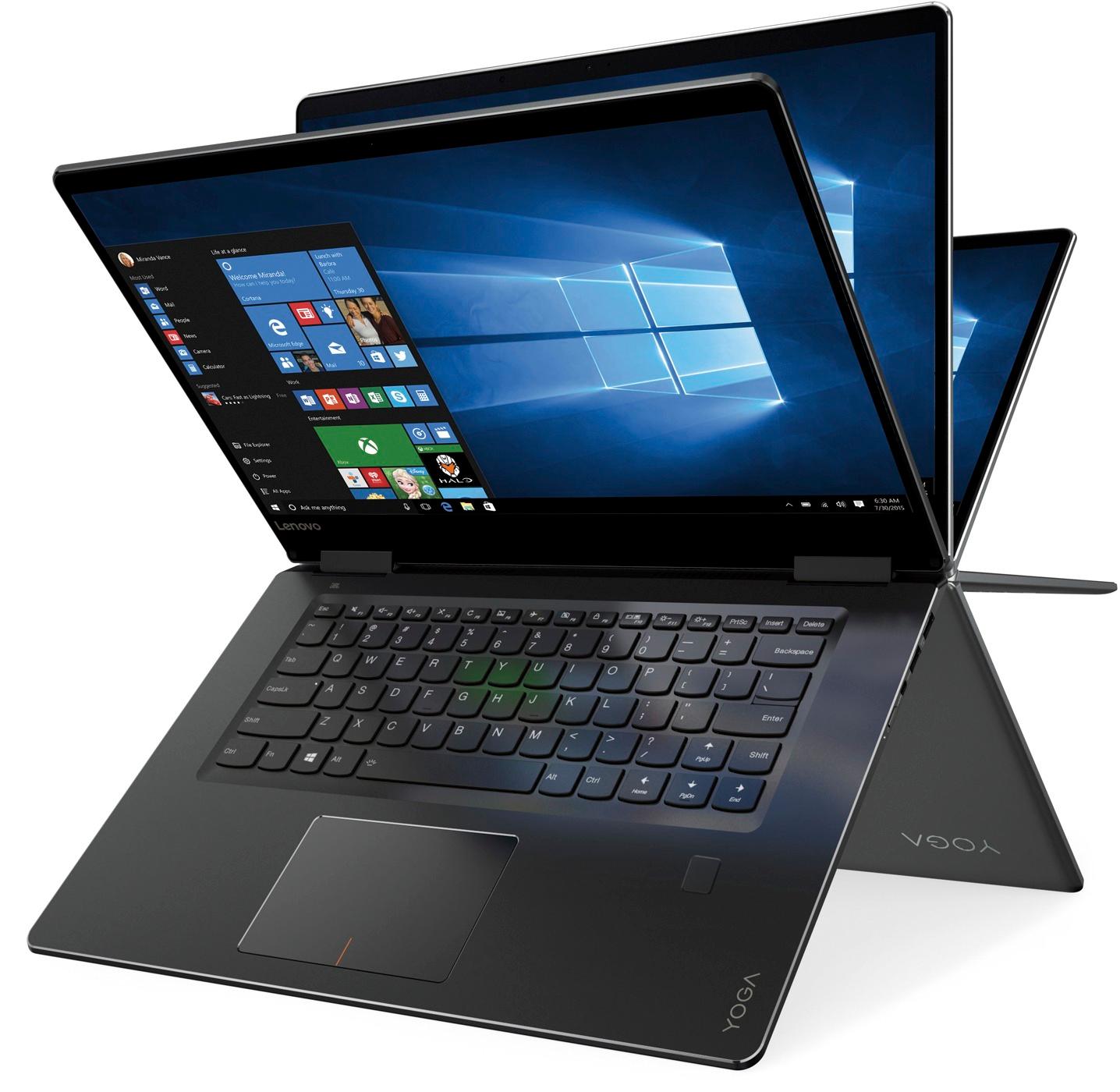
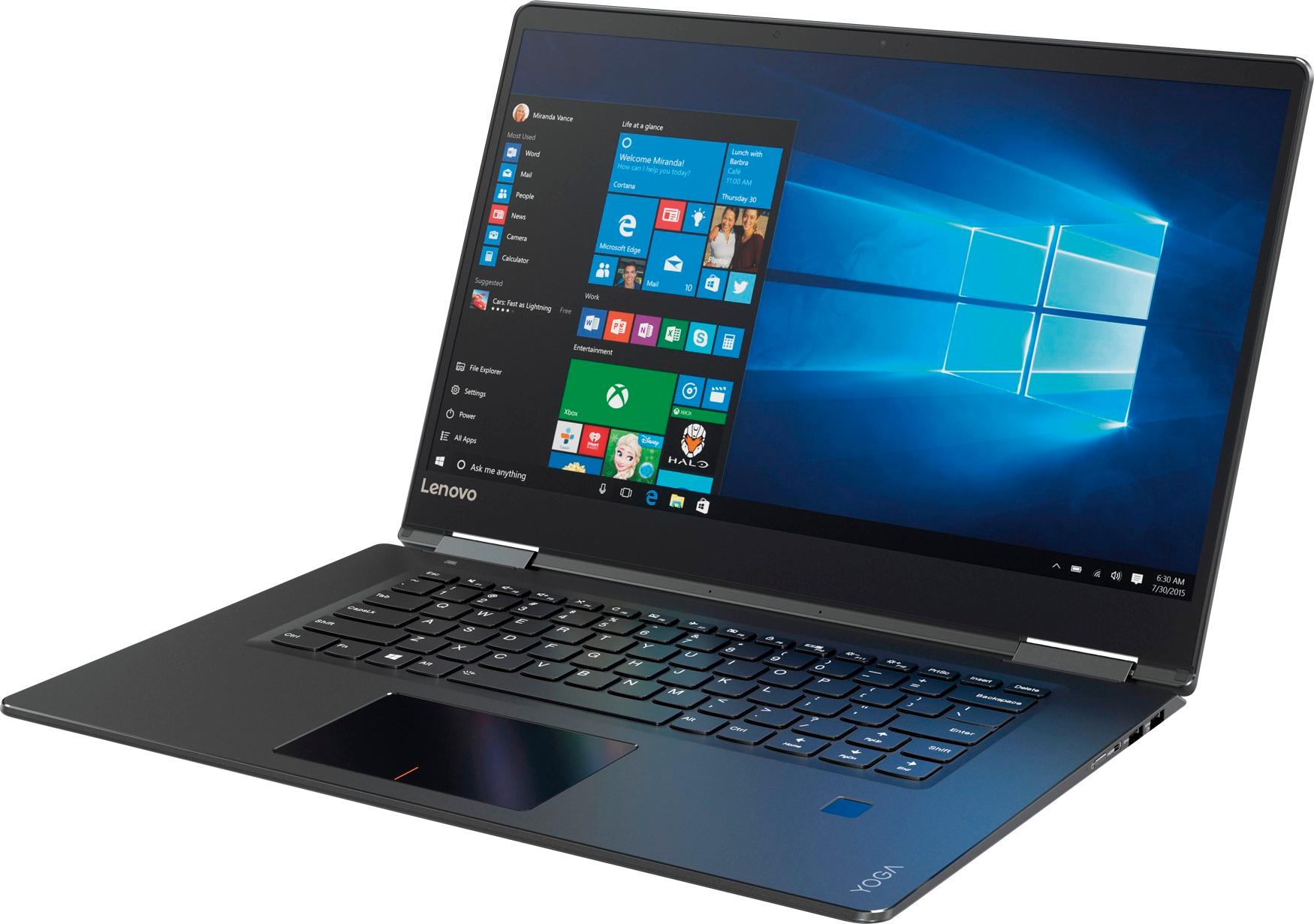
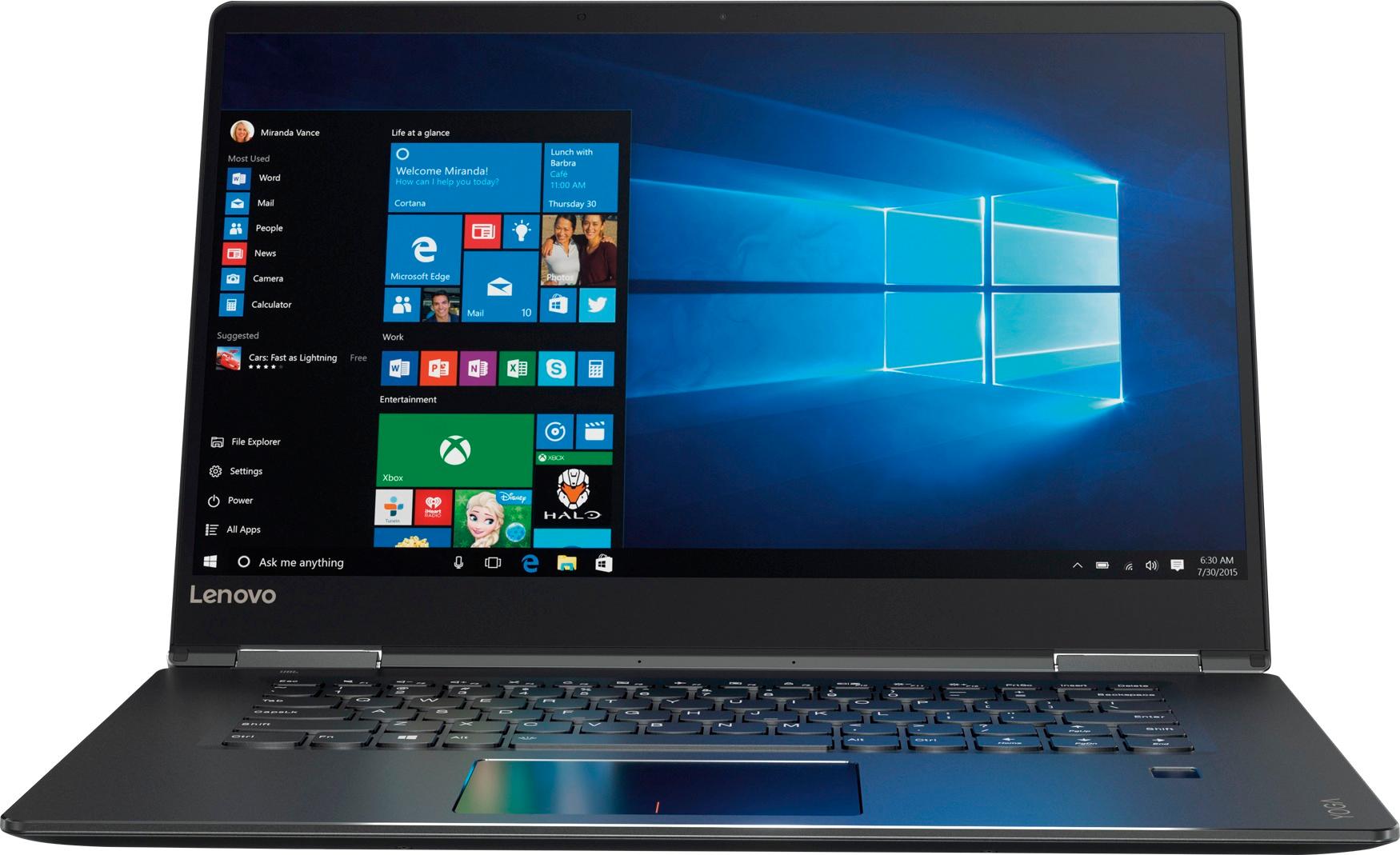
Customers praise the Yoga 710 2-in-1 laptop for its responsive touch screen, light weight, and affordable price. They also appreciate its user-friendly interface, long battery life, and fast solid state drive. On the downside, some users find the left shift key to be awkwardly positioned and a few experienced excessive fan noise.
This summary was generated by AI based on customer reviews.
Do NOT like new computer
||Posted .This reviewer received promo considerations or sweepstakes entry for writing a review.I have had 3 HP computers and I was very satisfied with all of them. My "sales associate" was really pushing the Lonovo model so I thought I would try it. NEVER AGAIN !!! Not at all impressed or happy with it. Next time I will buy another HP.
No, I would not recommend this to a friend- Cons mentioned:Customer service, Shift key
Not happy, where is support?
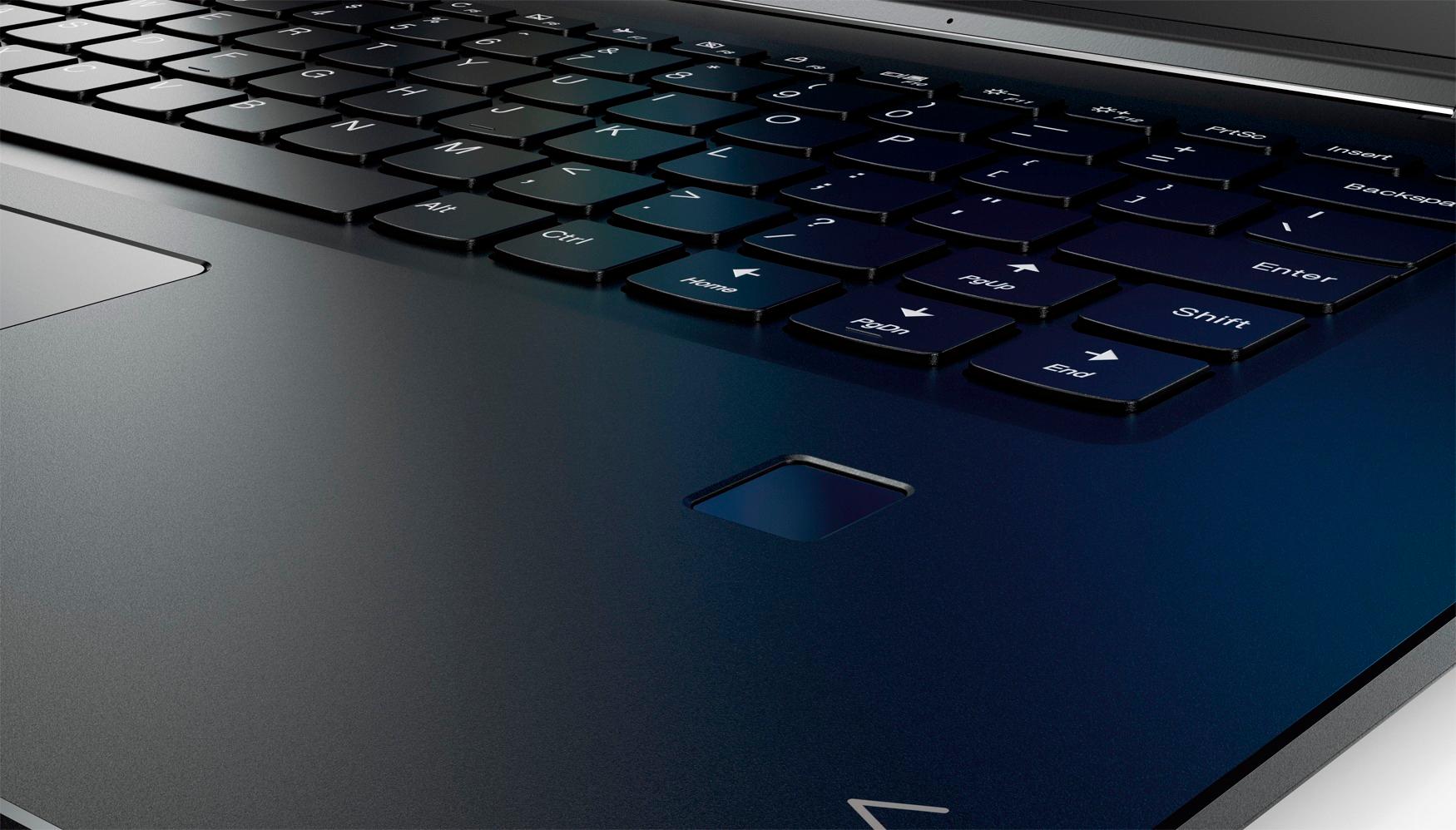
Posted .This reviewer received promo considerations or sweepstakes entry for writing a review.Pros: 2 in 1 (careful if you use as tablet, and the next time you sign in you have the tile screen and cannot minimize screens/reduce - is that it is still in tablet mode and you need to go to bottom right and take out of tablet mode 2-finger scrolling on touch pad Cons: Shift Key - I have never had to "hunt and peck", but with this keyboard, I an forced to. The shift key, I see is a problem with many others as is with me. I google the tweak that was recommended, but it doesn't say compatible with Windows 10, If I finally figure it out, can I pop out the keys and trade them? Touchpad: Needs to be smaller and to the right a little as my left palm keeps hitting when typing. Why so large? Power cord: It is too short, and is one long very skinny cord Unfortunately, since no brick and is merely power box at the outlet, I cannot switch out to lengthen with another computers cord that would be longer post-brick. Lack of CD/DVD player: I am going to have to invest in an external for some software that must be through DVD/CD Slow to load: It takes minutes for some pages to load, and I have been keeping task manager open, and am less than 50%, much slower than my 5 year old Toshiba this was going to replace Unable to get to some sites due to JavaScript:void(0) error . Happened getting to this site to do review, it wouldn't let me through Firefox Customer Service: They say software issues that they cannot support, Best Buy points to Lenovo, Microsoft points me to go to Lenovo. No one to get help from!!!!! Even 5 years ago, I could get online help and someone would get online and help. But no longer an option? Speakers - The are on the bottom of the computer. Covered when sitting on a surface or in tablet mode. Keys - There is no real page up/page down, although keys for them. It just does a little up/little down (due to ..... No numeric tab (with resulting loss of page up/down, even though they have keys marked as that, they don't actually do such) Lenovo Service Bridge and TVSU - Was forced to download these apps to get updated drivers. I did such, but still cannot download updates from their site. McAfee - Popups galore with free trial. And cannot minimize with an "x", as you have to do a pulldown box to close it. Overall, I am disappointed as I thought I had read through consumer reports that Lenovo was #3 in customer service, but I cannot get help, and miss the days of someone going remotely on my computer to aid as they did 5 years ago!
No, I would not recommend this to a friendBrand response from Lenovo Product Expert
Posted .We are sorry to hear you are having issues with your Lenovo Yoga 710-15. We do not recommend removing the keys on the keyboard. They are not meant to be removed. With regard to the issues you mention with your device, there may be driver updates for your specific system. Follow the link below to look for new driver updates for your specific system. You can also run diagnostics from the Lenovo site as well. As always, be sure to create a restore point on your system before you make any changes. You can do this by just typing "restore point" in the search window within Cortana and follow the link to create a restore point. Here is the link, click on the "Automatic Update" selection on the page:
https://pcsupport.lenovo.com/us/en/products/laptops-and-netbooks/yoga-series/yoga-710-15ikb/80v5/80v50010us/downloads?linkTrack=Caps%3ABody_SearchProduct&searchType=5&keyWordSearch=80V50010US
Returned it
||Posted .This reviewer received promo considerations or sweepstakes entry for writing a review.Had the most bizarre problem with the wi fi. It wouldn't connect at the house where it would be used mostly. Tried everything and it connected elsewhere. Returned it within a day
No, I would not recommend this to a friendNot happy
||Posted .This reviewer received promo considerations or sweepstakes entry for writing a review.Don't know whether it's a bad product or this one was just a lemon. Worked horribly from the moment I purchased. Had all sorts of problems, and geek squad didn't know what was wrong with it.
No, I would not recommend this to a friendBrand response from Lenovo Product Expert
Posted .We are sorry to hear that you are having issues with your Lenovo Yoga 710-15. We recommend you call Lenovo Tech Support at: 877-453-6686 for additional help with your device.
Keeps Breaking
||Posted .This reviewer received promo considerations or sweepstakes entry for writing a review.It's a pile of junk; in less than 6 months has been in for major repairs twice. Dissapointing because it was recommended by consumer reports and the BB sales person.
No, I would not recommend this to a friendBrand response from Lenovo Product Expert
Posted .We are sorry to hear that you are having issues with your Lenovo Yoga 710-15. This system has Lenovo utilities installed to help maintain the health of the device and keep the operating system software up to date. Type "Lenovo Vantage" in the Cortana Search window. Select Lenovo Vantage from the list. In the window that opens, click on "Health and Support". In the expanded menu, select "Hardware Scan" In the window that opens, select "Run Quick Tests". This will scan your entire system for errors. Follow any directions that may pop up. If the problem continues after this scan, now click on "System Update". First select Windows update from the menu. Scan your system to be sure you have the latest version of Windows 10. Once that scan is complete, select "Additional Updates". This will scan your device to be sure there are no new BIOS/Driver updates needed. Follow any instructions that may pop up. If the issue still continues after these updates, we recommend you call Lenovo Tech Support at: 877-453-6686 for additional help.
Not working well with USB mouse
||Posted .This reviewer received promo considerations or sweepstakes entry for writing a review.When I connected to USB mouse, and every time I tried to typing , cursor started to move to left and right. I switch to different mouseS and still the same.
No, I would not recommend this to a friendBrand response from Lenovo Product Expert
Posted .With regard to the touchpad/mouse, first, be sure you turn the touchpad off when you are using an external mouse. Do this by using the HotKey at the F6 position to turn off the touchpad. Then, you can make adjustments to the touchpad/mouse in your system settings. You can get there by clicking on the magnifying glass at the bottom left of your Windows 10 screen. Type "touchpad" in the search window. Select "Mouse & touchpad settings" from the list of choices. You can make general adjustments to the touchpad/mouse there. You can also select "Additional mouse options" for more detailed adjustments to the touchpad sensitivity by increasing the delay of the touchpad/mouse.
- Pros mentioned:Touch screenCons mentioned:Fan noise
Very good!!
Posted .This reviewer received promo considerations or sweepstakes entry for writing a review.My wife has a similarly spec'ed Dell Inspiron and I would say this is better in most ways. Likes: great screen with good viewing angles and touch enabled. Fast enough for 95% of users. Feels thinner than it is with its tapered edges. Getting 7-8 hours of battery life with browsing the web and watching videos. Small bezels and footprint for a 15" laptop. Speakers are decent. Dislikes: touchpad is just barely usable. Has annoying fan noise even when nothing is running. Only mini hdmi out and no USB c. Happy with my purchase, definitely buy if you can get it at discount.
I would recommend this to a friendBrand response from Lenovo Product Expert
Posted .Thank you for choosing the Lenovo Yoga 710-15. With regard to the touchpad, you can make adjustments to the touchpad in your system settings. You can get there by clicking on the magnifying glass at the bottom left of your Windows 10 screen. Type "touchpad" in the search window. Select "Mouse & touchpad settings" from the list of choices. You can make general adjustments to the touchpad there. You can also select "Additional mouse options" for more detailed adjustments to the touchpad sensitivity by increasing the delay of the touchpad. Concerning the fan noise, there may be a BIOS update that can help. Follow the link below to look for new BIOS updates for your specific system. You can also run diagnostics from the Lenovo site as well. As always, be sure to create a restore point on your system before you make any changes. You can do this by just typing "restore point" in the search window within Cortana and follow the link to create a restore point. Here is the link:
http://pcsupport.lenovo.com/us/en/products/laptops-and-netbooks/yoga-series/yoga-710-15ikb/80v5/80v50010us/downloads
Terrible
||Posted .This reviewer received promo considerations or sweepstakes entry for writing a review.I landed up returning this computer. It was not at all what the salesman led me to believe. Started up quick but that was the only good thing about it.
No, I would not recommend this to a friendBrand response from Lenovo Product Expert
Posted .We are sorry to hear that you had issues with your Lenovo Yoga 710-15. We would like to help with any issues you are experiencing. We recommend you call Lenovo Tech Support at: 877-453-6686 for specific help with your issues.
Don't buy
||Posted .This reviewer received promo considerations or sweepstakes entry for writing a review.Volume speakers when out in two weeks, you can't get service unless you pay over hundred dollars, very disappointed
No, I would not recommend this to a friendBrand response from Lenovo Product Expert
Posted .It sounds like there was a Windows 10 automatic update that has effected the audio driver on your Lenovo Yoga 710-15. Follow the link below to look for new audio driver updates for your specific system. You can also run diagnostics from the Lenovo site as well. As always, be sure to create a restore point on your system before you make any changes. You can do this by just typing "restore point" in the search window within Cortana and follow the link to create a restore point. Here is the link:
http://pcsupport.lenovo.com/us/en/products/laptops-and-netbooks/yoga-series/yoga-710-15ikb/80v5/80v50010us/downloads
Broke within one month
||Posted .This reviewer received promo considerations or sweepstakes entry for writing a review.Computer started doing strange things the day I bought it, and got worse over time to the point that it had to be returned within a month.
No, I would not recommend this to a friendTerrible
||Posted .This reviewer received promo considerations or sweepstakes entry for writing a review.Although computer boots up quickly, it hurts the memory. Also, do not like the keyboard. Landed up returning the computer.
No, I would not recommend this to a friendBrand response from Lenovo Product Expert
Posted .We are sorry to hear that the Yoga 710-15 didn't meet your computing needs.
bad
||Posted .This reviewer received promo considerations or sweepstakes entry for writing a review.found the delete bottom broken,then exchanged a new one,but when I opened the box ,it's the used one,are you kidding me?
No, I would not recommend this to a friendReturned
||Posted . Owned for 1.5 years when reviewed.This reviewer received promo considerations or sweepstakes entry for writing a review.Keyboard is horrible. Functions fine, however keys are in the wrong place. Had to return
No, I would not recommend this to a friendBad laptop
||Posted .This reviewer received promo considerations or sweepstakes entry for writing a review.Kept shutting down. Would not connect to WiFi. Kept trying to load drivers for items I did not have
No, I would not recommend this to a friendBrand response from Lenovo Product Expert
Posted .It sounds like the drivers that the system was trying to load are necessary for the overall operation of Windows 10. You can check the health of the system and look for software to fix the issues on the device. Type "Lenovo Vantage" in the Cortana Search window. Select Lenovo Vantage from the list. In the window that opens, click on "Health and Support". In the expanded menu, select "Hardware Scan" In the window that opens, select "Run Quick Tests". This will scan your entire system for errors. Follow any directions that may pop up. If the problem continues after this scan, now click on "System Update". First select Windows update from the menu. Scan your system to be sure you have the latest version of Windows 10. Once that scan is complete, select "Additional Updates". This will scan your device to be sure there are no new BIOS/Driver updates needed. Follow any instructions that may pop up. If the issue still continues after these updates, we recommend you call Lenovo Tech Support at: 877-453-6686 for additional help.
- Pros mentioned:Price
Great 2-in-1 in the 15.6" Display Size Segment
Posted .This reviewer received promo considerations or sweepstakes entry for writing a review.I got this as a Black Friday doorbuster for $599. At that price, this laptop offers exceptional value in the 2-in-1 one category. The screen is a bit big for my own personal taste because it becomes a big tablet when you switch that mode, but the display is excellent for the price you will pay, on sale or at full price. My biggest complain about actually using the machine is that when using the touchpad while browsing on the internet, I have noticed that it's very easy to accidentally zoom in and out on the page. It can get very frustrating. It's a bummer that this does not have any USB-C ports, but that should not be a deal breaker (and I have a phone that is USB-C). With a 7th gen i5, I'm not sure this is quite worth full price anymore, but this is a good value on sale at $700 or less.
I would recommend this to a friendBrand response from Lenovo Product Expert
Posted .That you for choosing the Lenovo Yoga 710-15. With regard to the touchpad, you can make adjustments to the touchpad in your system settings. You can get there by clicking on the magnifying glass at the bottom left of your Windows 10 screen. Type "touchpad" in the search window. Select "Mouse & touchpad settings" from the list of choices. You can make general adjustments to the touchpad there. You can also select "Additional mouse options" for more detailed adjustments to the touchpad sensitivity by increasing the delay of the touchpad.
Needs upgrades before market!
||Posted . Owned for more than 2 years when reviewed.This reviewer received promo considerations or sweepstakes entry for writing a review.After a year, the screen is keep down and the battery life time is also the worst.
No, I would not recommend this to a friendDied after warranty expired
||Posted .This reviewer received promo considerations or sweepstakes entry for writing a review.Was great while it worked. Not worth fixing it . Warranty should be more than a year
No, I would not recommend this to a friendop
||Posted .This reviewer received promo considerations or sweepstakes entry for writing a review.it died so long ago and was a bad thing- macs are worth the money
No, I would not recommend this to a friendTERRIBLE LAPTOP DONT BUY IT
||Posted .This reviewer received promo considerations or sweepstakes entry for writing a review.Laptop comes with a known issue with a terrible flickering display.
No, I would not recommend this to a friendBrand response from Lenovo Product Expert
Posted .The flickering you describe is caused by a Windows 10 update that conflicts with an existing, older driver. This system has Lenovo utilities installed to help maintain the health of the device and keep the operating system software up to date. Type "Lenovo Vantage" in the Cortana Search window. Select Lenovo Vantage from the list. In the window that opens, click on "Health and Support". In the expanded menu, select "Hardware Scan" In the window that opens, select "Run Quick Tests". This will scan your entire system for errors. Follow any directions that may pop up. If the problem continues after this scan, now click on "System Update". First select Windows update from the menu. Scan your system to be sure you have the latest version of Windows 10. Once that scan is complete, select "Additional Updates". This will scan your device to be sure there are no new BIOS/Driver updates needed. Follow any instructions that may pop up. If the issue still continues after these updates, we recommend you call Lenovo Tech Support at: 877-453-6686 for additional help.
Yoga 710 2-in
||Posted .This reviewer received promo considerations or sweepstakes entry for writing a review.The mouse key stuck and returned it for the 730 love the 730
No, I would not recommend this to a friendBrand response from Lenovo Product Expert
Posted .We are sorry to hear you has issues with the touchpad on the Yoga 710-15. You can make adjustments to the touchpad in your system settings. You can get there by clicking on the magnifying glass at the bottom left of your Windows 10 screen. Type "touchpad" in the search window. Select "Mouse & touchpad settings" from the list of choices. You can make general adjustments to the touchpad there. You can also select "Additional mouse options" for more detailed adjustments to the touchpad sensitivity by increasing the delay of the touchpad. We appreciate you staying with Lenovo and choosing the Yoga 730 as your replacement.