Customer Ratings & Reviews
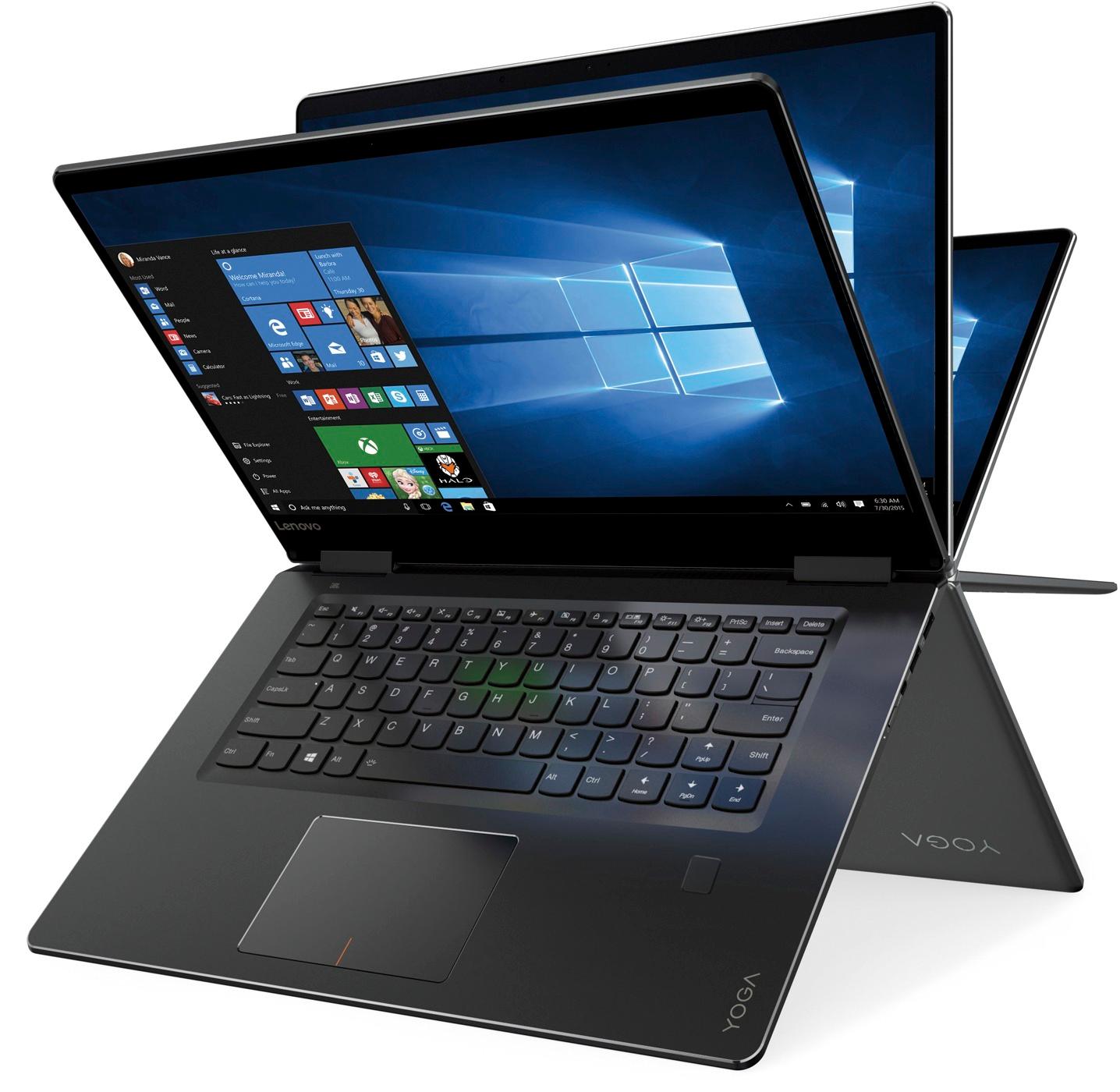
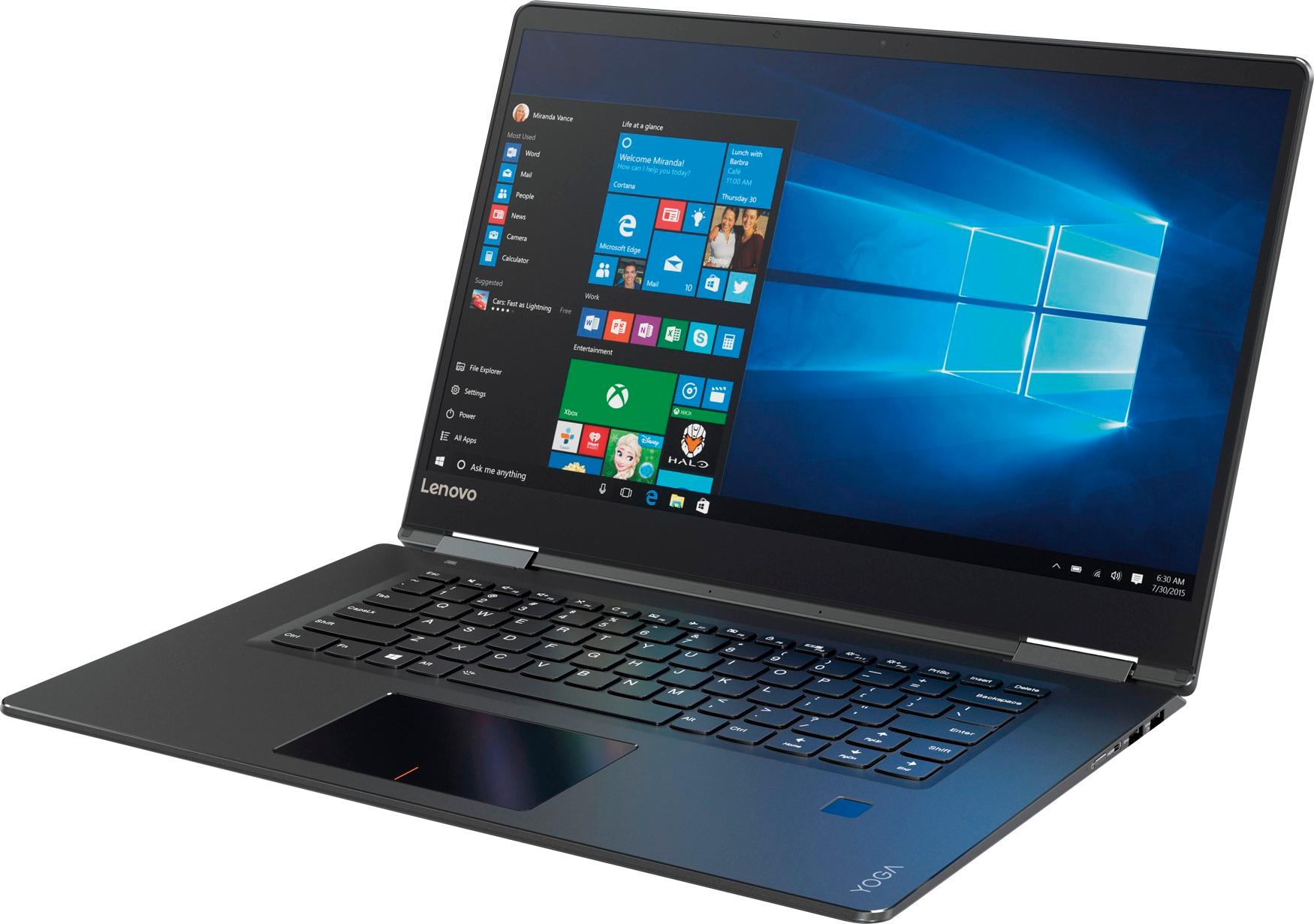
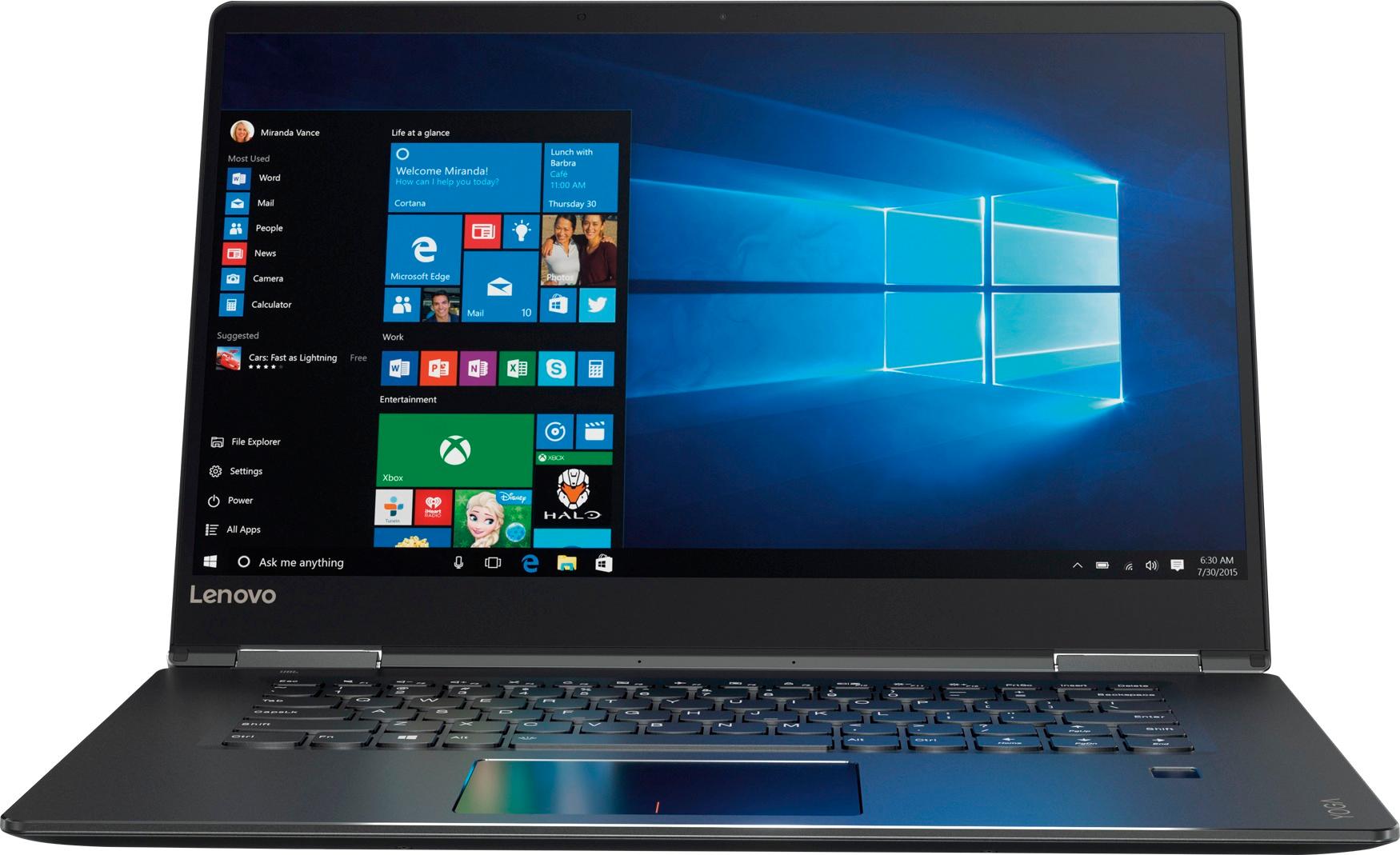
- Model:
- 80V50010US
- SKU:
- 5722735
Rating by feature
- Value
Rating 4.0 out of 5 stars
- Quality
Rating 3.9 out of 5 stars
- Ease of Use
Rating 4.3 out of 5 stars
Customers are saying
Customers praise the Yoga 710 2-in-1 laptop for its responsive touch screen, light weight, and affordable price. They also appreciate its user-friendly interface, long battery life, and fast solid state drive. On the downside, some users find the left shift key to be awkwardly positioned and a few experienced excessive fan noise.
This summary was generated by AI based on customer reviews.
Good, but not a full touch screen for editing
Posted .This reviewer received promo considerations or sweepstakes entry for writing a review.Bought this for my wife who had used a 2011 MacBook Pro with 16GB RAM for photo editing as a business laptop. Here's my 24 hour use review: 1. Build: It's solid. Haven't had any drops on it yet, thankfully -- but I think it's a good case. 2. Screen: Looks great, but glossy. You'll want a reflective film applique to negate this. 3. Processor: Handles Photoshop CC & Chrome without problems (so far). Don't think there will be much issue. 4. RAM: at 8GB, it's showing to be capable of what she has to do (so far). Worst case, this is upgradeable to, 32GB, i think. I'll likely throw in another 8GB stick from Crucial in the next few weeks. 5. Touchscreen: responsive and a novelty. BUT -- beware, don't buy in to "optimized for windows ink" stylus. This laptop doesn't support fine tip stylus pens -- only rounded edge ones...I can't, for the life of me, get the $75 Microsoft Stylus that I bought to show marks on any sketchpad or anything. "Optimized for windows ink", when thinking of this computer, should really just be said about internet explorer and finger-touches. Don't expect to do fine photo editing with a wacom stylus. 6. Trackpad: responsive and accurate -- but we found a Mouse to be much more efficient and customizable. Logitech $29 M535 with 6 programmable functions was the way to go. Would i recommend this to someone who's used a PC in the past: yes Would i recommend this to someone who's used a Mac and wanted something at half the price point to do photo editing: yes. Would i buy this laptop again, or spend another $100-$200 on a samsung? Probably go with the samsung. Oh, I've already had a blue screen of death..within 24 hours..this thing had a BSOD. Granted -- that could be due to the bajillion windows updates that downloaded, so i'm not placing that on the computer itself.
No, I would not recommend this to a friendBrand response from Lenovo Product Expert
Posted .Thank you for choosing the Lenovo Yoga 710-15. This model is not compatible with Windows Ink or any active/digital pen, though it does have a touchscreen. This model is not user upgradable. A certified technician must do all of the work, so as to not void the warranty. Regarding the system crash you mention, obviously this is not normal. Be sure any software you installed is compatible with Windows 10. There is no need to install Microsoft Office software. The software is already part of the operating system, you just need to activate the software with a purchased product key. If you have installed a copy of Microsoft Office, this is conflicting with the existing copy on the system and this will slow your system down. If you have installed a 3rd party anti-virus program, be sure that Windows Defender is turned off and that the trial version of McAfee Anti-Virus software is uninstalled. There can only be one anti-virus program on the system. You may need to restore your system to original factory default settings if any of the programing errors have occurred. You can do that by typing "restore" in the Cortana search window. Just click on the magnifying glass icon at the bottom left of your Windows 10 Desktop. Click on "Reset This PC" Then click on "Get Started" and follow the on screen directions to restore to factory defaults. If the problem persists, we recommend you contact Lenovo Tech Support at: 877-453-6686.

Clicking Noise
Posted .This reviewer received promo considerations or sweepstakes entry for writing a review.I bought Lenovo Yoga 710. I can hear clicking noise after 2 days used. Actually it should not be happened as a brand new one. How can I solve it? Please answer me as soon as possible. Otherwise, I will return the product.
I would recommend this to a friendBrand response from Lenovo Product Expert
Posted .We recommend you call Lenovo Tech Support at: 877-453-6686.
- Cons mentioned:Customer service
Piece of junk and zero customer support.
Posted .This reviewer received promo considerations or sweepstakes entry for writing a review.Piece of junk. Lousy company too. I'll never buy another Lenovo. One month after the warranty expired the hinge broke and cracked the touch screen rendering the laptop useless. I contacted Lenovo and they were unwilling to do anything to fix the defective product.
No, I would not recommend this to a friend - Pros mentioned:Touch screen
Terrible right hinge, otherwise a great laptop
Posted .This reviewer received promo considerations or sweepstakes entry for writing a review.Please see my picture. I just wanted to let everyone know that I also experienced the same issue as others: the LENOVO YOGA 710 has a problem with the right hinge. To the point that it will also crack the screen after some use. I have now taped mine as it is beyond the warranty period ( purchased at BB) and the local repair shop refused to attempt to replace the hinge as the whole back panel needs to be replaced. This is the only serious issue with this laptop but it is critical. Performance is excellent otherwise, you will love how fast it is, beautiful screen,metallic all around. It is a shame that the right hinge fails.
No, I would not recommend this to a friendBrand response from Lenovo Product Expert
Posted .The Lenovo Yoga 710-15 uses hinges that have been bench tested through 25,000 cycles (8 to 10 years of normal use) without a failure.
- Pros mentioned:Touch screen
pretty screen, squeaky space bar, poor performance
Posted .This reviewer received promo considerations or sweepstakes entry for writing a review.The title pretty much says it all. I purchased this model because the Lenovo guy assured me it could handle my multiple documents (it did) and the wee bit of image work I do (it did not). Day 1: I got everything loaded onto the Yoga, and was prepared to live happily ever after. I was using Fresh Paint for a project and every few minutes the laptop would pause, think, then catch-up. That's not acceptable to me. It was not a large document, and Yoga was not performing well. Day 2: I start typing and notice a squeak. It's the space bar. IDK how or why it decided to start squeaking on day 2, but it did. So I exchanged it for a replacement Yoga. Day 2 - New Yoga: I got everything set up. The speed of the Yoga seemed OK. Was working on some Word docs, Yoga was performing well. I was pleased. Day 3: The space bar started squeaking. No lie. Annoyed me so badly I almost threw the computer, but then I couldn't return it, so I didn't. Instead I went to Best Buy, returned the Yoga, and picked out a different computer. I will say this, the Yoga was super pretty. I loved the screen. Loved the thin bezel. Wished the keyboard had a numeric pad, especially since the Yoga has the space.
No, I would not recommend this to a friend Excellent computer, except for the keyboard.
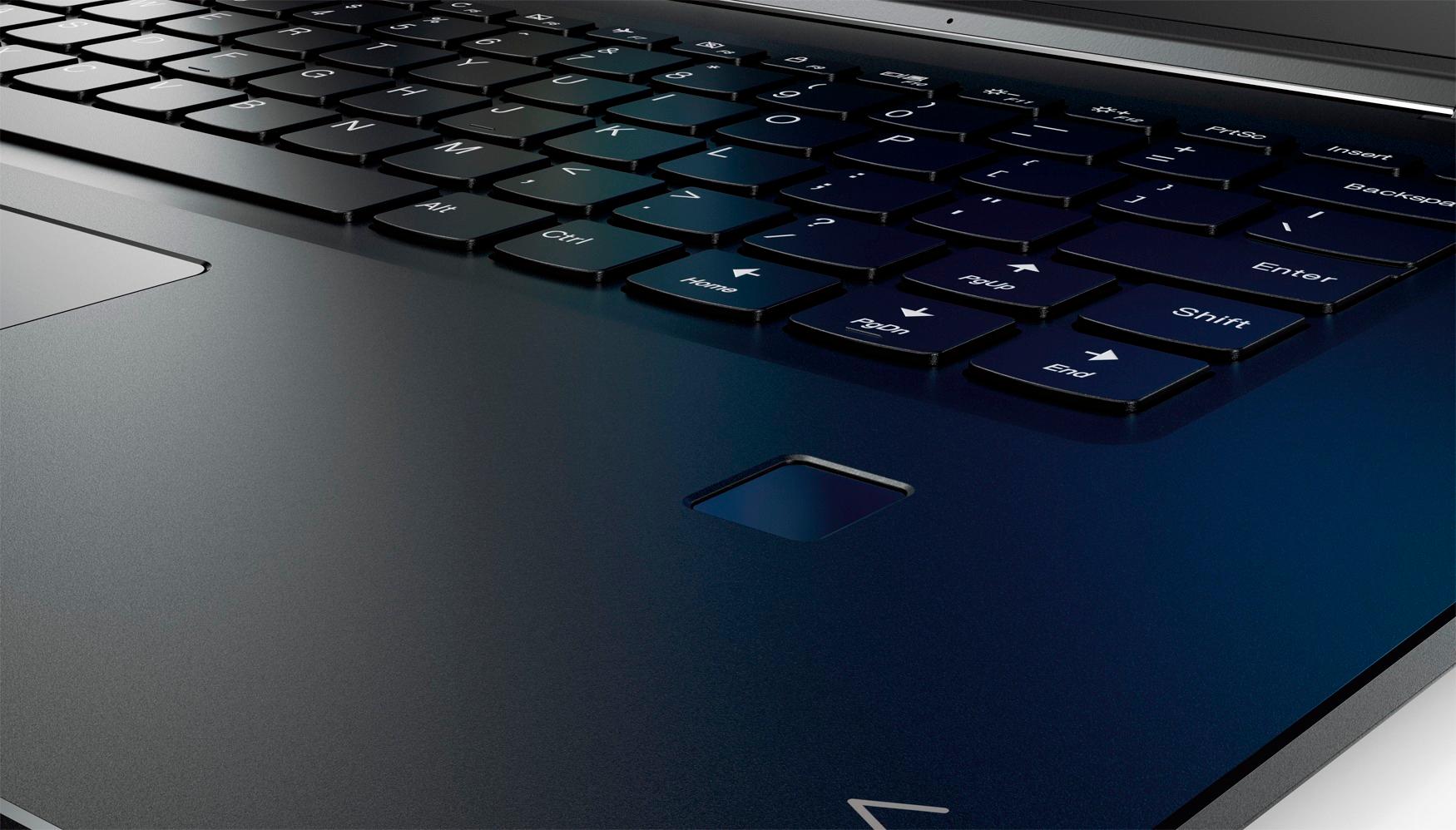
Posted .This reviewer received promo considerations or sweepstakes entry for writing a review.I just took this computer out of the box and already I'm in love with it. From the crisp screen to the good-feeling keyboard to the fingerprint reader (which is very accurate), this computer is more than I could ever have hoped for. The only con is the fact that the right shift key on the keyboard is half of its normal size, and it's shifted over (no pun intended) to the right. Working as a web developer who writes a lot, and uses that shift key a lot, this is a very bad placement call. Overall, though, it's still an excellent purchase, and I'm definitely going to give this a hearty five stars.
I would recommend this to a friendBrand response from Lenovo Product Expert
Posted .Thank you for choosing the Lenovo Yoga 710-15. With regard to the right shift key issue you mention, there is a free software APP called KeyTweak that may help you. You can switch the key functions of specific keys on your keyboard with this software, so you could change the right shift key with the key you hit in its place. Just Google search "KeyTweak" and you will find articles about what the software does and you will find the download location for this free APP.
- Cons mentioned:Fan noise
Lenovo Yoga 710 15.6'
Posted .This reviewer received promo considerations or sweepstakes entry for writing a review.Overall this laptop is great the only problem I have encountered is that the fan runs constantly, I don't know why.
I would recommend this to a friendBrand response from Lenovo Product Expert
Posted .With regard to the fan issues you mention with your device, there may be BIOS/driver updates for your specific system. Keep in mind, this is a high performance system. The fan needs to run to maintain proper operating temperatures. Follow the link below to look for new driver updates for your specific system. You can also run diagnostics from the Lenovo site as well. As always, be sure to create a restore point on your system before you make any changes. You can do this by just typing "restore point" in the search window within Cortana and follow the link to create a restore point. Here is the link: https://pcsupport.lenovo.com/us/en/products/laptops-and-netbooks/yoga-series/yoga-710-15ikb/80v5/80v50010us/downloads
- Pros mentioned:Touch screenCons mentioned:Fan noise
Terrible experience
Posted .This reviewer received promo considerations or sweepstakes entry for writing a review.I bought this computer for my daughter for college last year and for the first 3 months it ran smoothly, great screen, and she loved the touch screen feature. But after the three months, this computer would crash, not start up, would not restart, you name it- it would not do. It was slow and would freeze and spending $700 dollars, you would think it would last her four years... did not last her a year of college. She would only type papers, research, and watch Netflix. She is not a gamer and this is why the Best Buy employee recommends this product but would never buy a Lenovo computer again. Now she has a MacBook Air and this is how a college computer should run. Very disappointed and a waste of money. DO NOT BUY FOR YOUR COLLEGE STUDENT!
No, I would not recommend this to a friendBrand response from Lenovo Product Expert
Posted .We are sorry to hear that your daughter had problems with her Lenovo Yoga 710-15. This system has Lenovo utilities installed to help you maintain the health of the system. Type "Lenovo Vantage" in the Cortana Search window. Select Lenovo Vantage from the list. In the window that opens, click on "Health and Support". In the expanded menu, select "Hardware Scan" In the window that opens, select "Run Quick Tests". This will scan your entire system for errors. Follow any directions that may pop up. If the problem continues after this scan, now click on "System Update". First select Windows update from the menu. Scan your system to be sure you have the latest version of Windows 10. Once that scan is complete, select "Additional Updates". This will scan your device to be sure there are no new BIOS/Driver updates needed. Follow any instructions that may pop up. If the issue still continues after these updates, we recommend you call Lenovo Tech Support at: 877-453-6686 for additional help.
poor loading
Posted .This reviewer received promo considerations or sweepstakes entry for writing a review.well i've had this 2-1 for about 6 months now and really just use it for internet browsing. Already noticing the webpages loading extremely slowly or not at all. Its not an issue on any other devise in the house. not happy with the performance of this
No, I would not recommend this to a friendBrand response from Lenovo Product Expert
Posted .This system should be a fast system with its Core I-5 processor and 8GB of RAM. Be sure any software you installed is compatible with Windows 10. There is no need to install Microsoft Office software. The software is already part of the operating system, you just need to activate the software with a purchased product key. If you have installed a copy of Microsoft Office, this is conflicting with the existing copy on the system and this will slow your system down. If you have installed a 3rd party anti-virus program, be sure that Windows Defender is turned off and that the trial version of McAfee Anti-Virus software is uninstalled. There can only be one anti-virus program on the system. You may need to restore your system to original factory default settings if any of the programing errors have occurred. You can do that by typing "restore" in the Cortana search window. Just click on the magnifying glass icon at the bottom left of your Windows 10 Desktop. Click on "Reset This PC" Then click on "Get Started" and follow the on screen directions to restore to factory defaults.
Excellent purchase
Posted .This reviewer received promo considerations or sweepstakes entry for writing a review.I bought this laptop a few days back when it was on sale and i feel it's a great buy. It's fast and very sleek. Easy on the eye. The right side shift button is on the smaller side and can be a touch annoying at first until you get used to it. All in all, a solid purchase. I also recommend a clean reinstall of Windows just to get rid of any unwanted pre-loaded software by Lenovo.
I would recommend this to a friendBrand response from Lenovo Product Expert
Posted .Thank you for choosing the Lenovo Yoga 710-15. This system comes with a Signature Edition of Windows 10 Home 64-bit as its operating system, there is no adware on this device. Any additional Lenovo software is meant as utilities and/or support software for the operating system.
Horrible laptop
Posted .This reviewer received promo considerations or sweepstakes entry for writing a review.I only had the laptop for a year as the screen keeps flickering. I have to place a heavy item on the keyboard so the screen can stay on and sometimes that doesn't work. This laptop is ridiculous. Waste of money.
No, I would not recommend this to a friendBrand response from Lenovo Product Expert
Posted .With regard to the screen flicker issues you mention with your device, there may be video driver updates for your specific system. Follow the link below to look for new driver updates for your specific system. You can also run diagnostics from the Lenovo site as well. As always, be sure to create a restore point on your system before you make any changes. You can do this by just typing "restore point" in the search window within Cortana and follow the link to create a restore point. Here is the link: https://pcsupport.lenovo.com/us/en/products/laptops-and-netbooks/yoga-series/yoga-710-15ikb/80v5/80v50010us/downloads?linkTrack=Caps%3ABody_SearchProduct&searchType=5&keyWordSearch=80V50010US
Yellowish tint display
Posted .This reviewer received promo considerations or sweepstakes entry for writing a review.i just got this laptop delivered and i already hate it!. Display has yellowish tint and there is no way to correct it. color calibration did not help. one hour on this laptop, i am feeling headache. following lenovo website says it is due to paper display mode. https://support.lenovo.com/us/en/solutions/ht103530. however, it does not turn off on this device when i press Fn+Esc.
No, I would not recommend this to a friendBrand response from Lenovo Product Expert
Posted .We recommend you contact Lenovo Tech Support at: 877-453-6686.
This laptop is awful!!!
Posted .This reviewer received promo considerations or sweepstakes entry for writing a review.Bought this laptop hoping it would last atleast more than a year and it has failed! The touch screen is very sensitive and after about a month it starts glitching and clicking on its own. Not only have I had it delete some of my files on its own but after uninstalling touch screen it some how is back on. I am very disappointed in this product and do not recommend for anyone.
No, I would not recommend this to a friendBrand response from Lenovo Product Expert
Posted .We are sorry to hear that you are having issues with your Yoga 710-15. We recommend you call Lenovo Tech support for help. The number is: 877-453-6686.
Shift Key
Posted .This reviewer received promo considerations or sweepstakes entry for writing a review.The right shift key is in the wrong place. I tried to get used to it for several days, but it drove me nuts and I returned the laptop. Everything else seems great about the laptop, but this was a deal breaker. Surprised more people aren't raising this concern.
No, I would not recommend this to a friendBrand response from Lenovo Product Expert
Posted .With regard to the right shift key issue you mention, there is a free software APP called KeyTweak that may help you. You can switch the key functions of specific keys on your keyboard with this software, so you could change the right shift key with the key you hit in its place. Just Google search "KeyTweak" and you will find articles about what the software does and you will find the download location for this free APP.
Decent perormance for daily use
Posted .This reviewer received promo considerations or sweepstakes entry for writing a review.Good Laptop with nice Build and Performance combination for price. Only negative is no of ports.
I would recommend this to a friendBrand response from Lenovo Product Expert
Posted .Thank you for choosing the Lenovo Yoga 710-15. This is an ultra portable, 2 in 1 configuration. This limits the amount of space available for ports. If you need more ports for this device, you might consider a universal port replicator.
- Pros mentioned:Speed
Battery Drainage Issues
Posted .This reviewer received promo considerations or sweepstakes entry for writing a review.I really enjoy this laptop as it is very fast with a sleek design. However, the battery on my unit (I cannot say that this is a common issue as I have not come across it on the forums) drains 15-25% over night when the unit is completely shut down (e.g., not in hibernation mode or sleep). I took this back to Geek Squad and they sent it back to the factory where they quickly replaced the old battery. Nevertheless, when I got the unit back - the same issue occurred. My next step will be to take it back to Best Buy to see if they can give me a new unit (I bought this less than 90 days ago).
No, I would not recommend this to a friendBrand response from Lenovo Product Expert
Posted .We are sorry to hear that you are having issues with the battery within your Yoga 710-15. The fact that you had the battery replaced and the drain continues, says there may be programs running in the background on your system draining your battery. If the issue continues after checking for background programs, we recommend you call Lenovo Tech Support at - 877-453-6686. Here is a link to instructions to check for background programs within the Task Manager:
https://www.windowscentral.com/how-identify-and-terminate-high-resource-processes-using-task-manager-windows-10
Great laptop
Posted .This reviewer received promo considerations or sweepstakes entry for writing a review.Good performance with the specs nice display quality
I would recommend this to a friendBrand response from Lenovo Product Expert
Posted .Thank you for choosing the Lenovo Yoga 710-15. We are pleased to hear that the performance of the Yoga 710-15 meets your computing needs so well.
Disappointed
Posted .This reviewer received promo considerations or sweepstakes entry for writing a review.I bought the Lenovo in hopes of replacing my 2010 white Apple macbook. It runs well, it's what I am typing on right now, but I can't do a million things on it like I used to. Surprisingly, it is still my go to for school work. ANYWAY, I bought the Lenovo last week and have been using it on and off. WHY? Because its inconvenient! I wish computer companies made their systems more user friendly. I simply put the Lenovo to sleep, opened it up in another class and it automatically went into tablet mode.HOW? i have no idea. Today I turn it on and the wifi is not working. My wifi is working fine since I am here typing the review on my old 2010 macbook. The Lenovo is supposed to automatically connect to my home WIFI yet it cannot after multiple attempts and restarting over and over again. I don't know what the problem is and it's so frustrating. I'am trying not to be biased since I am coming from an Apple however, connecting to WIFI is so simple? How can my machine just not connect from one day to another. I have troubleshooted it multiple times and it says "cannot connect to any network" Anyway, I am returning this thing tomorrow. I'm going to keep trying to find a PC that works for me since I cannot afford an apple ATM. Also, I love everything else about the LENOVO, design, screen size, keyboard, touchpad, the shift button is fine to me idk why people were complaining but yeah the wifi thing made me upset and here I am writing this review after hours and hours of trying to connect the LENOVO to my home WIFI. I cannot do any work without wifi so there is no point in keeping a device that clearly cannot do that.
No, I would not recommend this to a friendBrand response from Lenovo Product Expert
Posted .We are sorry to hear that you are having issues connecting your Lenovo Yoga 710-15 to your home WiFi. This system uses the latest 802.11AC WiFi. We recommend you contact Lenovo Tech Support for specific help with the issues you are having at: 877-453-6686.
- Cons mentioned:Customer service
Sub-par support and sub-par quality
Posted .This reviewer received promo considerations or sweepstakes entry for writing a review.Laptop worked great (gave 4 stars) for about 1 1/2 years and then applied LENOVO suggested BIOS update and now laptop won't power on. Brought it to 'Geek Squad' and they checked my power adapter and reset the laptop - still wouldn't power on. The only option they provided was to take it to a third party repair shop. Fail by Geek Squad / BestBuy Fail by Lenovo
No, I would not recommend this to a friendBrand response from Lenovo Product Expert
Posted .We are sorry to hear that you are having issues with your Lenovo Yoga 710-15. We recommend you call Lenovo Tech Support at: 877-453-6686.
- Cons mentioned:Customer service
Broken hinge/bad customer service
Posted .This reviewer received promo considerations or sweepstakes entry for writing a review.Very disappointed with this product. The hinge connecting the screen broke while closing the screen, after only five months. After investigating online, this is a common problem. Despite knowledge of the problem, Lenovo provided a terrible customer service and is refusing to pay for repair or replacement. Don’t buy this laptop!
No, I would not recommend this to a friendBrand response from Lenovo Product Expert
Posted .We are sorry to hear that you are having an issue with the hinge on your Lenovo Yoga 710-15. This system has hinges that have been testing through 25,000 cycles (8 to 10 years of normal use) without a failure.