Customer Ratings & Reviews
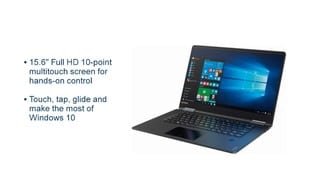
- Model:
- 80V50010US
- SKU:
- 5722735
Rating by feature
- Value
Rating 4.0 out of 5 stars
- Quality
Rating 3.9 out of 5 stars
- Ease of Use
Rating 4.3 out of 5 stars
Customers are saying
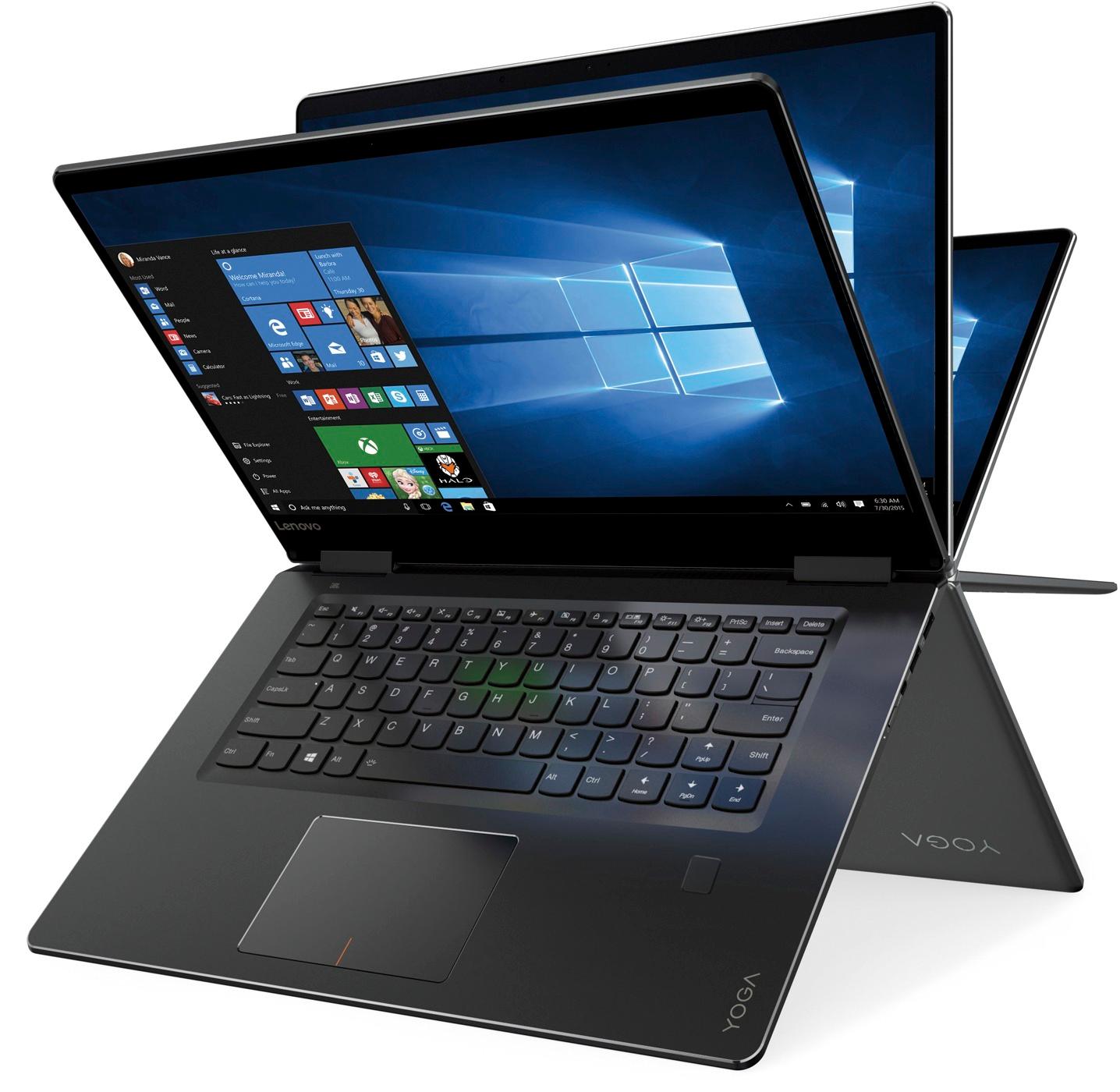
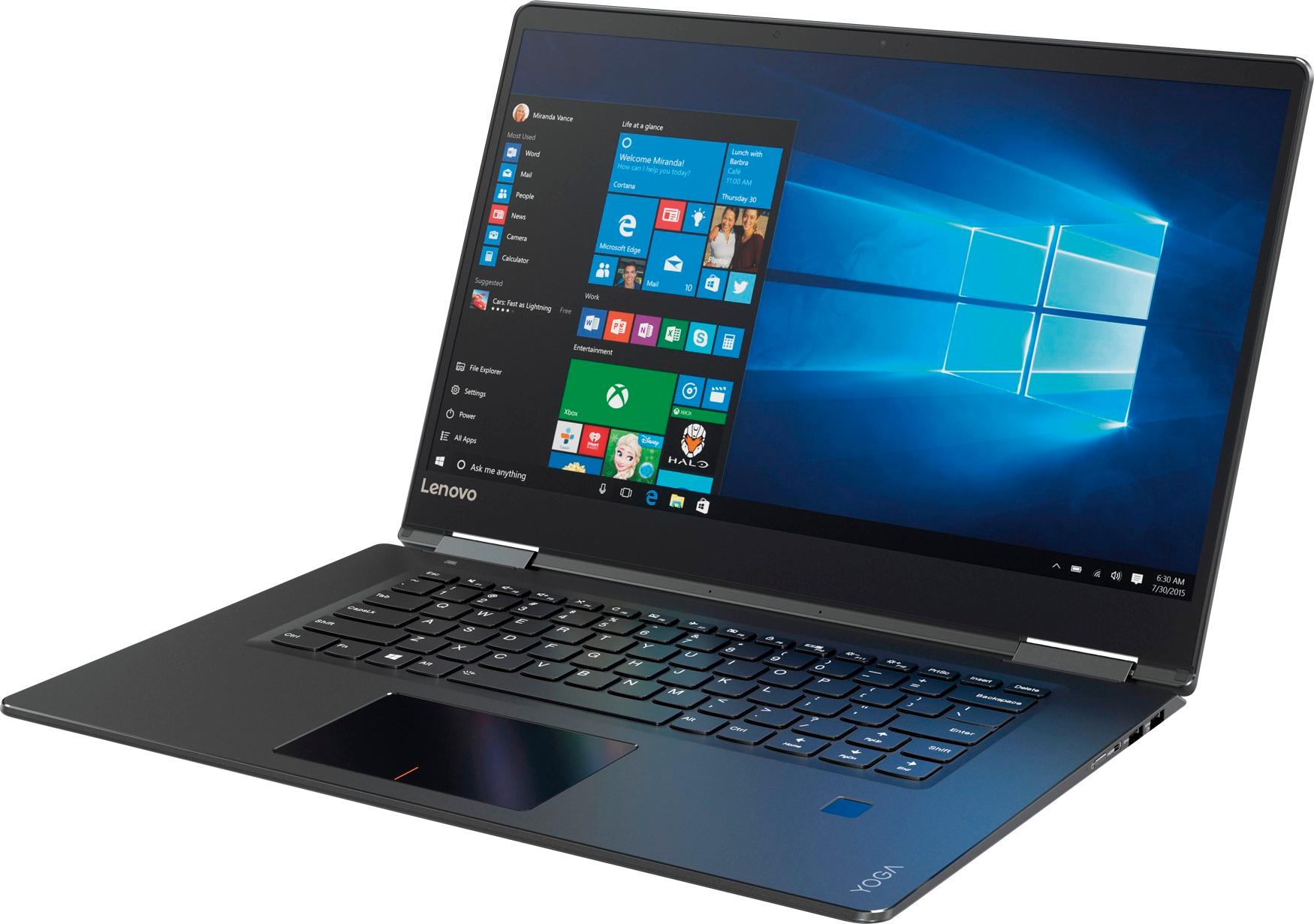
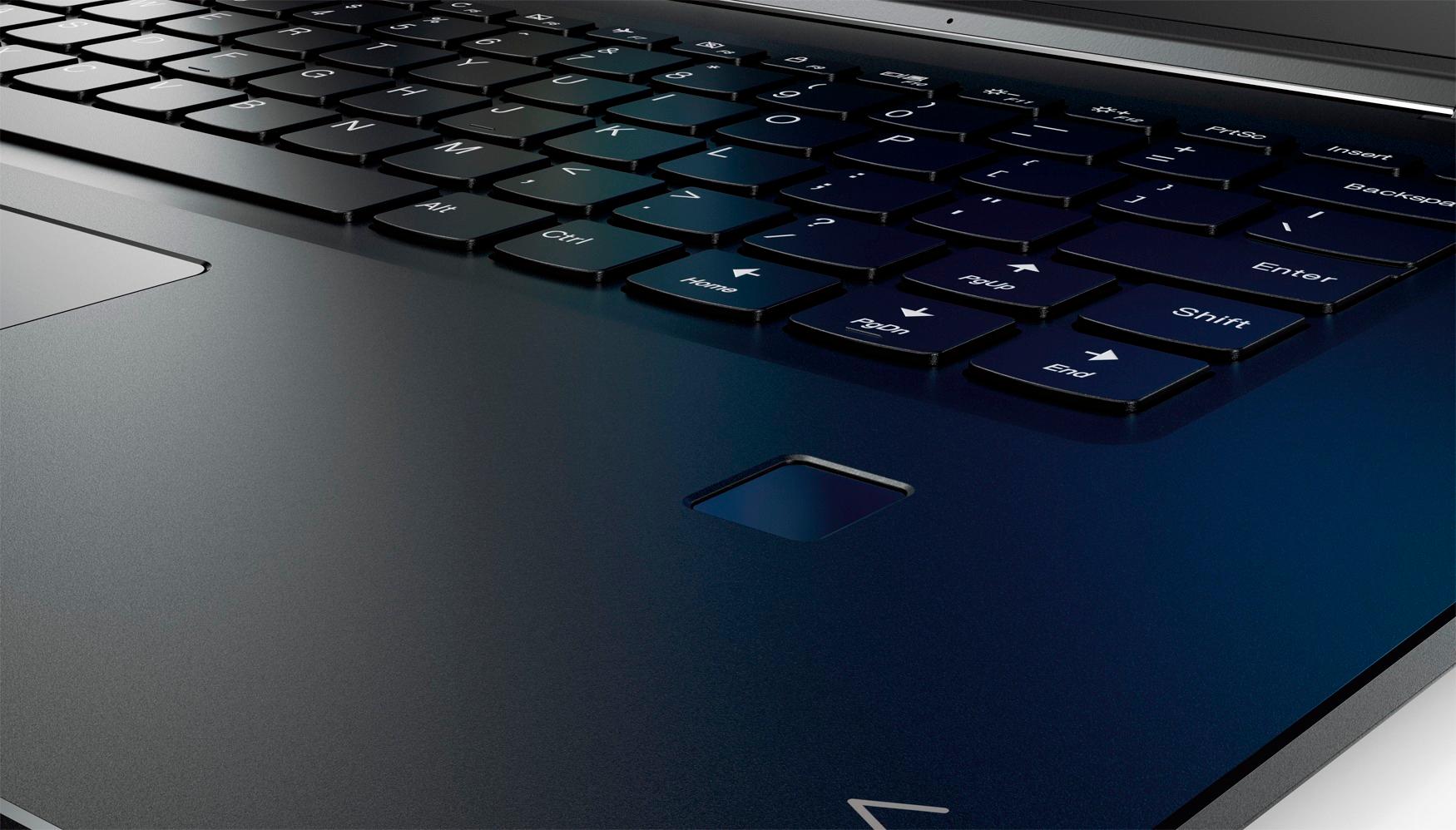
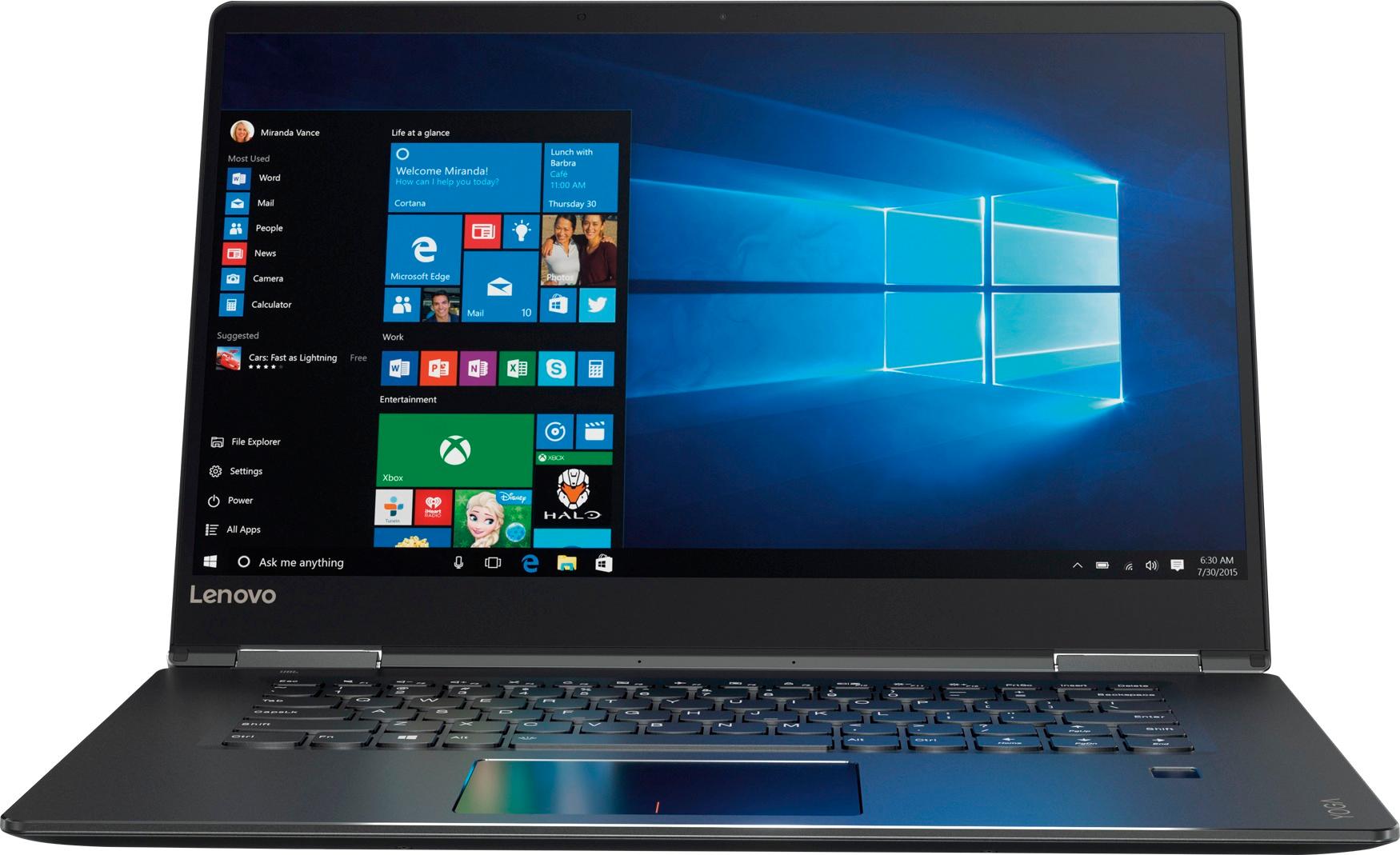
Customers praise the Yoga 710 2-in-1 laptop for its responsive touch screen, light weight, and affordable price. They also appreciate its user-friendly interface, long battery life, and fast solid state drive. On the downside, some users find the left shift key to be awkwardly positioned and a few experienced excessive fan noise.
This summary was generated by AI based on customer reviews.
cool computer but DOA
Posted .This reviewer received promo considerations or sweepstakes entry for writing a review.size and feel is awesome, but arrived doa... Best buy will is shipping me exchange i hope the new one will work properly.
I would recommend this to a friendBeautiful screen- problem keyboard
Posted .This reviewer received promo considerations or sweepstakes entry for writing a review.The laptop performs very well with fantastic resolution and appears to be a great value for the price. After 2 days the space key physically sticks in the down position and springs back slowly even when it doesn't stick. Unfortunately I'll need to return it unless Lenovo support can provide a different option. Hoping its only a one-off problem and I'll gladly revise my rating if it is.
No, I would not recommend this to a friendBrand response from Lenovo Product Expert
Posted .We have not heard of this issue in this model before. You might try using canned air to clean out the area under the spacebar. The fact that it was working fine for two days suggests maybe there is something stuck under the key.

Everything was good but Internet speed
Posted .This reviewer received promo considerations or sweepstakes entry for writing a review.This computer worked great and as expected all except for the Internet. My computer would only reach speeds of around .15 mbps download while everything else in my house would get around 6 mbps download. Could not figure out the problem. Computer said everything was working as normal. Buy I couldn't hardly get pages to load without timing out or without taking at least 15 seconds.
No, I would not recommend this to a friendBrand response from Lenovo Product Expert
Posted .With regard to the internet speed issues you mention with your device, there may be networking - LAN driver updates for your specific system. Follow the link below to look for new driver updates for your specific system. You can also run diagnostics from the Lenovo site as well. As always, be sure to create a restore point on your system before you make any changes. You can do this by just typing "restore point" in the search window within Cortana and follow the link to create a restore point. Here is the link:
http://pcsupport.lenovo.com/us/en/products/laptops-and-netbooks/yoga-series/yoga-710-15ikb/80v5/80v50010us/downloads?linkTrack=Caps%3ABody_SerialNumber
Good computer, terrible fans.
Posted .This reviewer received promo considerations or sweepstakes entry for writing a review.The computer is overall good, has nice speeds, monitor is great and colors are great. However the biggest issue i have with this computer is the fans, it is terribly loud, and i cannot use it without the whole room hearing the fans. It doesn't help that the fans are constantly on. There are many other laptops in this price range that are better. Would not reccommend.
No, I would not recommend this to a friendBrand response from Lenovo Product Expert
Posted .This is a high performance system with its Intel Core i5-7200U processor, 8GB of RAM and a 256GB solid state hard drive. It will generate heat whenever it is turned on, even at idle, this is normal. The onboard fan will maintain the proper operating temperature for the device. You will hear the fan whenever it runs, this too is normal.
Noise fan , sticky touchpad , screen flickers
Posted .This reviewer received promo considerations or sweepstakes entry for writing a review.I bought Lenovo yoga710 and had issue with touchpad keeeping sticking in and i exchang for another one but it is more worse the fan is so noise and it is running most of the time without reason , and the screen keep blinking most of the time
No, I would not recommend this to a friendBrand response from Lenovo Product Expert
Posted .We are sorry to hear that you are having issues with your Lenovo Yoga 710-15. With regard to the issues you mention with your device, there may be driver/BIOS updates for your specific system. Follow the link below to look for new driver updates for your specific system. Use the "Update Your System" feature to be sure you get all of the BIOS and drive updates for your specific device. As always, be sure to create a restore point on your system before you make any changes. You can do this by just typing "restore point" in the search window within Cortana and follow the link to create a restore point. If the problem persists, we recommend you call Lenovo Tech Support at: 877-453-6686. Here is the link:
https://pcsupport.lenovo.com/us/en/products/laptops-and-netbooks/yoga-series/yoga-710-15ikb/80v5/80v50010us?linkTrack=Caps%3ABody_SearchProduct&searchType=5&keyWordSearch=80V50010US
Came Broken
Posted .This reviewer received promo considerations or sweepstakes entry for writing a review.On setup I realized the touch pad was not registering 1-click gestures, but worked sometimes. Once I got through setup, also noticed it register 2-click gestures on single clicks. It was absurdly annoying, and utterly unusable. I updated Windows 10 as well as the drivers for the mouse. After this the issue persisted. Contacted Lenovo support. They went through the same exact things I did but it took 10 times longer. When the issue did not go away, I was told to return for a new one. DEFINITELY not going to trade for another Lenovo. Worst experience I have ever had with a brand new laptop.
No, I would not recommend this to a friendYOGA 71015IKB Display Flashes White (Cable Related
Posted .This reviewer received promo considerations or sweepstakes entry for writing a review.I've had this machine for about 10 months now - still under warranty - display flashes white when moving - so i googled problem - lenovo is notorius for this type of problem - there is a thin ribbon cable inside that connects to the dislpay and comes lose of time. so i checked on the warranty service and the standard warranty is carry in - well according to their site - there is no service areas in floriida for me to carry in - so now i've got to call them. live and learn - won't be buying another lenovo again - i've had dells laptops for years without any display problems.
No, I would not recommend this to a frienddont waste your money
Posted .This reviewer received promo considerations or sweepstakes entry for writing a review.we started to have issues with the machine within the first 2 weeks we had it....the screen was having issues and instead of switching it out for a new they had to send it off to replace the screen...because their return policy is 15 days....the new screen doesn't have a smooth movement and it fades in and out its annoying...the machine is slow....so disappointed and frustrated...I will never buy another Lenovo...
No, I would not recommend this to a friendPoor quality
Posted .This reviewer received promo considerations or sweepstakes entry for writing a review.I bought a Lenovo Yoga 710 2 in 1 with 11 inch screen 18 months ago for my wife and was satisfied with it until yesterday when it stopped working. I've bought many computers and laptops over the past 20 years and this is the first time I've had one die like this. Based on similar experiences with friends who have bought the Yoga, I wouldn't recommend this to anyone.
No, I would not recommend this to a friendBrand response from Lenovo Product Expert
Posted .Your review is attached to the Yoga 710-15 but you are referring to the Yoga 710-11. We are sorry to hear you are having issues with your Yoga 710-11. Be sure any software you installed is compatible with the Windows version installed on your Yoga 710-11 model. This system is equipped with OneKey Recovery System. There is a very small pin hole on the right side of the device, right near the Micro-HDMI port on the device. You will need a pin to push this reset button. Plug the device in. Let the battery charge for about 15 minutes. Push the reset button. The system should boot to a choice screen where you can choose "Restore To Factory Default". Select this. It will delete everything from the hard drive except the original factory install of the operating system. You will need to reinstall all programs and files after the reset. If you don't have copies of the files, try to make one before you restore by selecting "Boot to desktop" and trying to back up your files. If the problem persists after the factory reset, we recommend you contact Lenovo Tech Support at: 877-453-6686.
bad screen
Posted .This reviewer received promo considerations or sweepstakes entry for writing a review.I have the same problem. Changed laptop from notebook to laptop and screen broke at the hinge. Customer service tells me it was improperly opened. I asked how you can improperly open the laptop that would cause the screen to break and they had no answer. My mother had owed this laptop for 2 weeks before it broke. It was the first time they tried notebook mode.
No, I would not recommend this to a friendRandomly crashes
Posted .This reviewer received promo considerations or sweepstakes entry for writing a review.When this computer is running it's nice. However I have problems with it randomly crashing. I cannot figure out why it's happening, each time it happens and I finally get the computer back I try to recreate it with no luck. It's completely random. I am going to try and return it tomorrow. Very disappointed.
No, I would not recommend this to a friendBrand response from Lenovo Product Expert
Posted .Obviously, this system should not crash. Be sure any software you installed is compatible with Windows 10. There is no need to install Microsoft Office software. The software is already part of the operating system, you just need to activate the software with a purchased product key. If you have installed a copy of Microsoft Office, this is conflicting with the existing copy on the system and this will slow your system down. If you have installed a 3rd party anti-virus program, be sure that Windows Defender is turned off and that the trial version of McAfee Anti-Virus software is uninstalled. There can only be one anti-virus program on the system. You may need to restore your system to original factory default settings if any of the programing errors have occurred. You can do that by typing "restore" in the Cortana search window. Just click on the magnifying glass icon at the bottom left of your Windows 10 Desktop. Click on "Reset This PC" Then click on "Get Started" and follow the on screen directions to restore to factory defaults.
Horrible Product from Lenovo
Posted .This reviewer received promo considerations or sweepstakes entry for writing a review.One of the worst products of Lenovo. 1) Worst Hinge, 2) Loud Fan 3) Bad Keyboard layout. The hinge is so bad that it breaks after sometime with normal use.
No, I would not recommend this to a friendBattery issues. DO NOT BUY
Posted .This reviewer received promo considerations or sweepstakes entry for writing a review.Read reviews on Lenovo Yoga web site before buying. I wish that I had! This product has known battery issues. Quick to die. Waist of your money. Actually, it is no longer available on their web site.
No, I would not recommend this to a friendnice computer but junk
Posted .This reviewer received promo considerations or sweepstakes entry for writing a review.I bought this computer thinking it would be nice but it is junk, have to restart and restart just to get anything done. They really need to fix this, great computer but its junk. Don't buy this one
No, I would not recommend this to a friendBrand response from Lenovo Product Expert
Posted .It sounds like there is a conflict either with the Windows operating system or software installed on the device. Be sure any software you installed is compatible with Windows 10. There is no need to install Microsoft Office software. The software is already part of the operating system, you just need to activate the software with a purchased product key. If you have installed a copy of Microsoft Office, this is conflicting with the existing copy on the system and this will slow your system down. If you have installed a 3rd party anti-virus program, be sure that Windows Defender is turned off and that the trial version of McAfee Anti-Virus software is uninstalled. There can only be one anti-virus program on the system. You may need to restore your system to original factory default settings if any of the programing errors have occurred. You can do that by typing "restore" in the Cortana search window. Just click on the magnifying glass icon at the bottom left of your Windows 10 Desktop. Click on "Reset This PC" Then click on "Get Started" and follow the on screen directions to restore to factory defaults.
Awful Computer
Posted .This reviewer received promo considerations or sweepstakes entry for writing a review.I bought this computer 5 months ago, and have had nothing but issues with it. Would not recommend this to anyone interested in a working computer.
No, I would not recommend this to a friendBrand response from Lenovo Product Expert
Posted .We are sorry to hear that you are having issues with your Lenovo Yoga 710-15. We recommend you call Lenovo Tech support for specific help with the issues you are having at: 877-453-6686.