Customer Ratings & Reviews
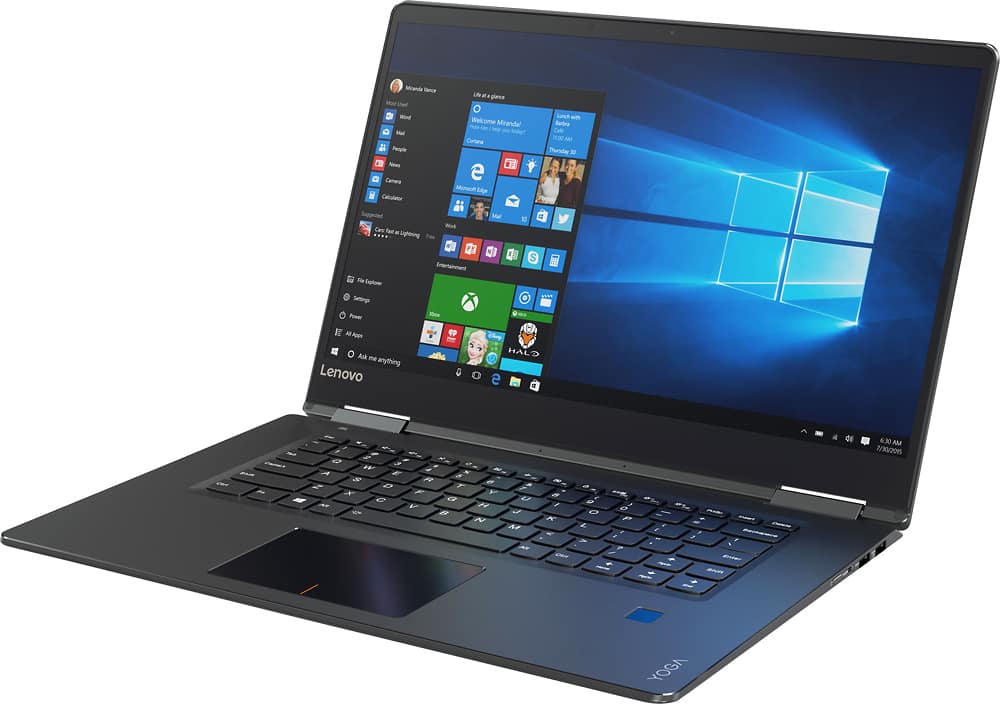
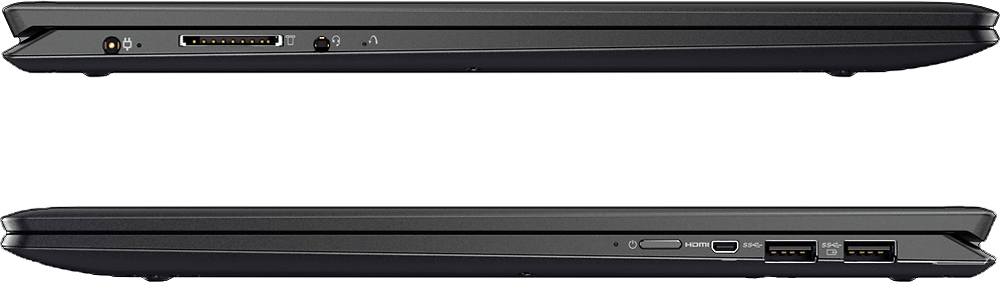
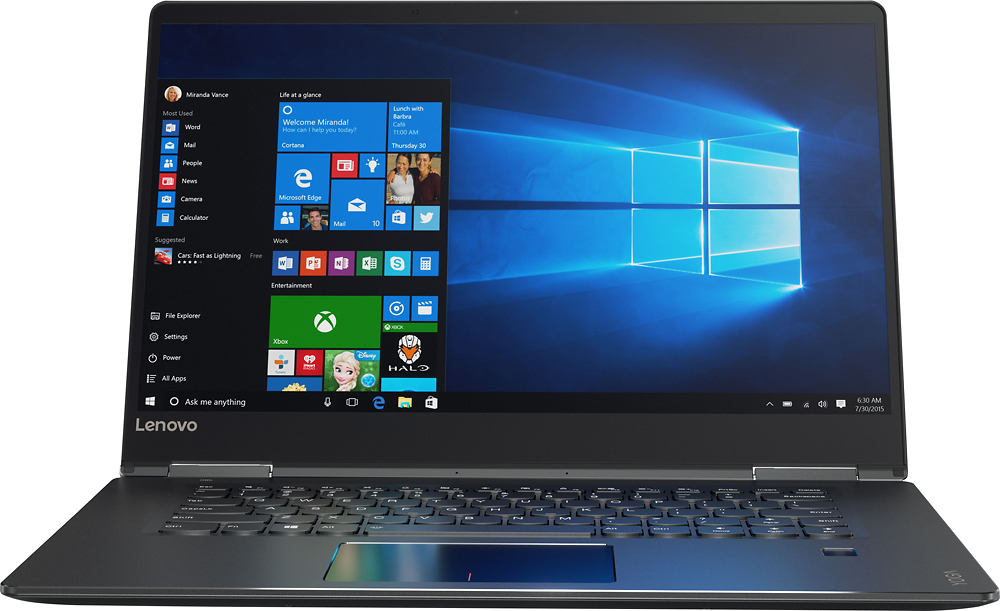
- Model:
- 80V50000US
- SKU:
- 5579128
Rating by feature
- Value
Rating 3.6 out of 5 stars
- Quality
Rating 3.8 out of 5 stars
- Ease of Use
Rating 4.1 out of 5 stars
Customers are saying
Customers are positive about the Yoga 710's touchscreen, light weight, ease of use, and SSD, with many praising its performance and design. However, customers are negative about the keyboard quality, particularly the placement and size of the right shift key, and some experienced excessive fan noise. The battery life and price also received positive feedback. While some appreciated the dedicated graphics card, others found the keyboard layout unconventional.
This summary was generated by AI based on customer reviews.
- Cons mentioned:Keyboard quality
Severe recurring issue with two separate models
Posted .This reviewer received promo considerations or sweepstakes entry for writing a review.I first purchased this product around two weeks prior to January 20th. Initially it was quite enjoyable, and overall i was thoroughly pleased. though, eight days after my purchase 95% of the keys from the keyboard stopped responding, as well as the trackpad. Now, while I am not all that knowledgeable when it comes to the ins and outs of PC's, I do always put in extensive research with these types of problems, and I came to found there was a code 19 issue with the software drivers that I personally couldn't fix. After taking the product back to the Best Buy store, they recommended I do a compete factory reset, which I did. Though mere minutes after factory resetting, this time the audio drivers stopped working, and I had no speaker or headphone jack functionality. Irritated, I quickly returned the computer. With the replacement I received, instead of a few minutes, a couple days later the same audio driver issue recurred. I am exceedingly irritated and confused.
No, I would not recommend this to a friendBrand response from Lenovo Product Expert
Posted .Did you create restore discs when you got the second model, if you did, restore the system back to those settings. This sounds like an issue with an automatic Windows 10 update conflicting with older drivers. Turn off automatic updates. You will get an alert when there is an update for your system, this will allow you to pick the time of the update. This give you time to create a restore point and finish any work before you allow the update. With regard to the audio issue on the second model, follow the link below to look for new audio driver updates for your specific system. You can also run diagnostics from the Lenovo site as well. As always, be sure to create a restore point on your system before you make any changes. You can do this by just typing "restore point" in the search window within Cortana and follow the link to create a restore point. Here is the link:
http://support.lenovo.com/us/en/products/Laptops-and-netbooks/Yoga-Series/yoga-710-15ikb/80V5/0000US/downloads/DS118360. Once the system is working properly, create restore discs if you haven't already.
great laptop
Posted .This reviewer received promo considerations or sweepstakes entry for writing a review.This is a really nice laptop. Fast performer, great screen, nice battery life. I use this for school and play, so working on docs as well as watching movies are both great.
I would recommend this to a friendBrand response from Lenovo Product Expert
Posted .Thank you for choosing the Lenovo Yoga 710-15. We are pleased to hear that the performance of the Yoga 710-15 meets your computing needs so well.
- Pros mentioned:Processor speed
Disappointing Product Reliability
Posted .This reviewer received promo considerations or sweepstakes entry for writing a review.Purchased Lenovo Yoga 710 Laptop 2 months ago as home supplement to work machine. Worked well and was fully functional for approximately 30 days. Fast and intuitive, only general complaints have to do with the weak left mousepad button, which doesn't always register when you hit it. However, after 30 days, motherboard fried on its own. Returned to BestBuy, which accepted it and exchanged it with no hassle. Second machine has a hardware problem that will not allow some files and programs to sync via cloud. After troubleshooting for two weeks, have eliminated all potential user and software causes with issue. Will be returning for money back and taking my business to another computer manufacturer.
No, I would not recommend this to a friend - Cons mentioned:Keyboard quality
Extensive Issues with Laptop
Posted .This reviewer received promo considerations or sweepstakes entry for writing a review.I have experienced a significant number of issues with this laptop since I purchased it a few weeks ago. 1) Each time the laptop went into sleep mode, it crashed, and I could not turn it on again without a hard reset. I was able to solve this issue by completely eliminating the sleep option, but this should not happen. 2) Audio suddenly stopped working. After the issue came up, I downloaded the RealTek driver from the Lenovo website as was suggested in some of the reviews. That seemed to have fixed the issue initially, but the audio still periodically stops working, and starts working again only after I restart. 3) Sometimes the touchpad freezes and the screen goes black for a while. This has been very frustrating. Lenovo Product Expert, if you have any advice on how to fix these issues permanently, please let me know.
No, I would not recommend this to a friendBrand response from Lenovo Product Expert
Posted .It sounds like there have been automatic Windows updates occurring that are effecting older drivers. You can turn off automatic updates. You will get an alert when there is an update for your system. You then decide when the update will occur. This gives you time to create a restore point on your device incase the update conflicts with your system configuration. Updates are always being corrected and improved so a later update may not be a problem for your system. Follow the link below to look for new driver updates for your specific system. You can also run diagnostics from the Lenovo site as well. As always, be sure to create a restore point on your system before you make any changes. You can do this by just typing "restore point" in the search window within Cortana and follow the link to create a restore point. Here is the link:
http://support.lenovo.com/us/en/products/Laptops-and-netbooks/Yoga-Series/yoga-710-15ikb/80V5/0000US?linkTrack=Caps%253ABody_SearchProduct&tabName=downloads&beta=false
- Cons mentioned:Keyboard quality
Don't get Open-Box!!
Posted .This reviewer received promo considerations or sweepstakes entry for writing a review.I went to the Best Buy store to find a good laptop. This one seemed very good. It was too expensive for me so I got the open-box certified excellent. Came home, tried to set it up and the top row of buttons did not work. Also, it could not connect to the internet. "No networks available" it kept saying and my wifi was working perfectly. After troubleshooting, it said that it did not have any hardware to connect to the internet. Being returned RIGHT BACK to the store. I'm so upset.
No, I would not recommend this to a friendBrand response from Lenovo Product Expert
Posted .If you still have this system, this system is equipped with OneKey Recovery System. There is a very small pin hole on the left side of the device, right near the earphone port on the device. You will need a pin to push this reset button. Plug the device in. Let the battery charge for about 15 minutes. Push the reset button. The system should boot to a choice screen where you can choose "Restore To Factory Default". Select this. It will delete everything from the hard drive except the original factory install of the operating system. You will need to reinstall all programs and files after the reset. If you don't have copies of the files, try to make one before you restore by selecting "Boot to desktop" and trying to back up your files. You don't need to be connected to the internet to restore the device back to original settings. You will have the opportunity to set up Windows again and at that time you will be able to connect to a WiFi network.
- Cons mentioned:Keyboard quality
super-disappointed
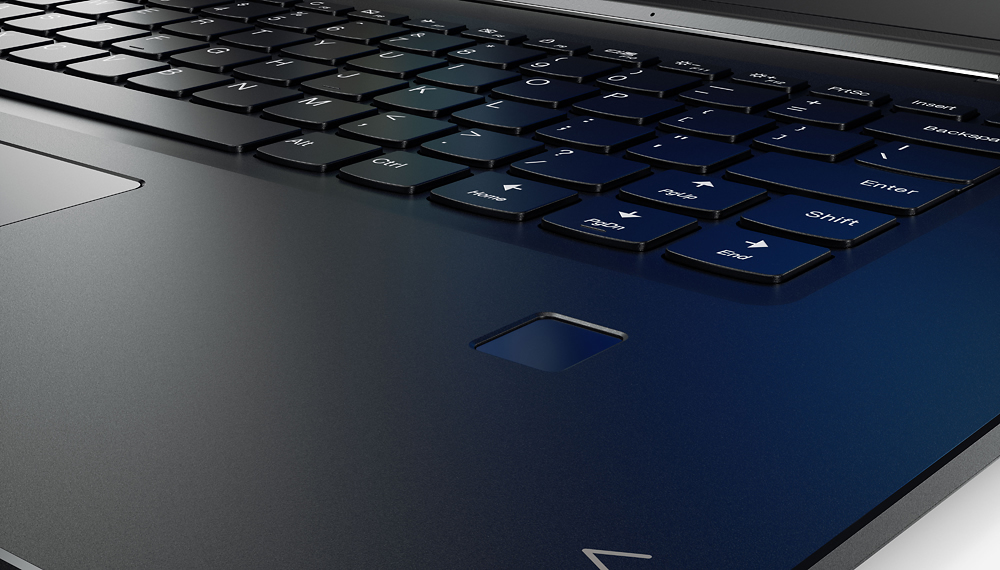
Posted .This reviewer received promo considerations or sweepstakes entry for writing a review.This computer is not for any person who knows how to type! The right shift key has been shortened and the page up button is in the space that you would typically hit. So, not only is it a mere inconvenience, but it moves your position in your text causing all sorts of difficulty. It is a VERY poorly thought out keyboard modification. I personally wish I would not have bought this computer as it has become such an incredible nuisance to do any work whatsoever on the keyboard. If anyone knows a way to disable the page up button, please advise!!
No, I would not recommend this to a friendBrand response from Lenovo Product Expert
Posted .With regard to the right shift key issue you mention, there is a free software APP called KeyTweak that may help you. You can switch the key functions of specific keys on your keyboard with this software, so you could change the right shift key with the key you hit in its place. Just Google search "KeyTweak" and you will find articles about what the software does and you will find the download location for this free APP.
Slow Internet
Posted .This reviewer received promo considerations or sweepstakes entry for writing a review.I bought this laptop because I'd read a lot of good reviews and the specs seemed good but as soon as I brought it home and tried to use it I noticed that the internet was extremely slow. At first I chalked it up to me downloading a lot of new things onto it but even the next day just browsing the internet it was still very slow compared to my old laptop. I even ran a speed test on it and while my old Mac was downloading a 4.5 my brand new Lenovo Yoga 710 was downloading at 0.6. I was incredibly disappointed and will no doubt have to return this laptop for one with better internet capabilities.
No, I would not recommend this to a friendBrand response from Lenovo Product Expert
Posted .With regard to the WiFi speed issues you mention with your device, there may be Network wireless LAN driver updates for your specific system. Follow the link below to look for new driver updates for your specific system. You can also run diagnostics from the Lenovo site as well. As always, be sure to create a restore point on your system before you make any changes. You can do this by just typing "restore point" in the search window within Cortana and follow the link to create a restore point. Here is the link:
http://pcsupport.lenovo.com/us/en/products/laptops-and-netbooks/yoga-series/yoga-710-15ikb/80v5/80v50000us/downloads
Hinge peeled screen off
Posted .This reviewer received promo considerations or sweepstakes entry for writing a review.About a week ago I wrote a review giving it 4 stars. Today the left hinge popped off and peeled the screen off with it. The hinge popped off while I push the screen back with my hand to get a different viewing angle. I took it to Best Buy and they said I dropped it. If it was dropped then it wouldn't just be the hands that it popped off there would be marks on the case and there are none. I never dropped it. Called Lenovo and they are going to have me ship it to them for them to look at. I'm really not happy. I like the laptop until tonight
No, I would not recommend this to a friendIF YOU DON'T NEED INTERNET, THIS IS THE MACHINE
Posted .This reviewer received promo considerations or sweepstakes entry for writing a review.I'm really quite surprised by this machine. Incredible specs.....recommended by the Best Buy guy who seemed to have a brain in his head. It's worse than the Visio I purchased years ago. Lenovo gets some excellent ratings, but man, this thing would not stay connected to the internet from the first day. I've had it a week. Called Lenovo. Rep installed new wireless driver, along with a few other things. I reset the wireless to maximum performance. Nada. Headed back to BB tomorrow with it. I will let them tinker for 15 min. If it cannot be solved in that time period, I don't want it. WHEW.....and to think I almost headed overseas with it without trying it !!!!
No, I would not recommend this to a friendStruck out twice on the Yoga 710
Posted .This reviewer received promo considerations or sweepstakes entry for writing a review.I did a lot of research before purchasing the Lenovo Yoga 710. They were very well reviewed, but I've struck out twice now. Yesterday, I purchased the first 710 only to discover the graphics had bleeding and flashing problems. So I took it back and brought home the second 710 today. Soon after I turned on the laptop and started walking through the setup process the screen went black and all I could see was the cursor. I've tried to restart it several times with no luck. Incredibly frustrating. I'll be going back to the Best Buy store tomorrow to return this second Yoga 710 ... and not purchasing another Lenovo product. Ever.
No, I would not recommend this to a friendBrand response from Lenovo Product Expert
Posted .This is not a common issue with the Lenovo Yoga 710-15. With the second model, there is something effecting the initial setup of Windows 10. This system is equipped with OneKey Recovery System. There is a very small pin hole on the left side of the device, right near the headphone jack on the device. You will need a pin to push this reset button. Plug the device in. Let the battery charge for about 15 minutes. Push the reset button. The system should boot to a choice screen where you can choose "Restore To Factory Default". Select this. It will delete everything from the hard drive except the original factory install of the operating system. You will need to reinstall all programs and files after the reset. Be sure you install only programs that are Windows 10 compatible. Also, you don't need to install Microsoft Office Software. You only need to activate the Microsoft Office 365 software already installed on this system with the Windows 10 operating system. You will need a 25-digit Product Activation Key. If you don't have copies of the files, try to make one before you restore by selecting "Boot to desktop" and trying to back up your files.
slow laggy junk
Posted .This reviewer received promo considerations or sweepstakes entry for writing a review.I am very unimpressed with how slow everything works on this. The internet makes me feel like ive gone back to dial up.
No, I would not recommend this to a friendBrand response from Lenovo Product Expert
Posted .This system should be a fast system with its Core I-5 processor, 8GB of RAM and its Nvidia GeForce 940M GPU. Be sure any software you installed is compatible with Windows 10. There is no need to install Microsoft Office software. The software is already part of the operating system, you just need to activate the software with a purchased product key. If you have installed a copy of Microsoft Office, this is conflicting with the existing copy on the system and this will slow your system down. If you have installed a 3rd party anti-virus program, be sure that Windows Defender is turned off and that the trial version of McAfee Anti-Virus software is uninstalled. There can only be one anti-virus program on the system. You may need to restore your system to original factory default settings if any of the programing errors have occurred. You can do that by typing "restore" in the Cortana search window. Just click on the magnifying glass icon at the bottom left of your Windows 10 Desktop. Click on "Reset This PC" Then click on "Get Started" and follow the on screen directions to restore to factory defaults.
known battery issues-plugged in no charge
Posted .This reviewer received promo considerations or sweepstakes entry for writing a review.the only option Lenovo has is to return the laptops. Everyone knows of the plugged in no charge issue. DO NOT BUY LENOVO
No, I would not recommend this to a friendIt came dead out of the box
Posted .This reviewer received promo considerations or sweepstakes entry for writing a review.It came dead out of the box. I took it back and got a Dell
No, I would not recommend this to a friend