Customer Ratings & Reviews






- Model:
- 80X6002JUS
- SKU:
- 5722715
Rating by feature
- Value
Rating 4.0 out of 5 stars
- Quality
Rating 4.2 out of 5 stars
- Ease of Use
Rating 4.2 out of 5 stars
Customers are saying
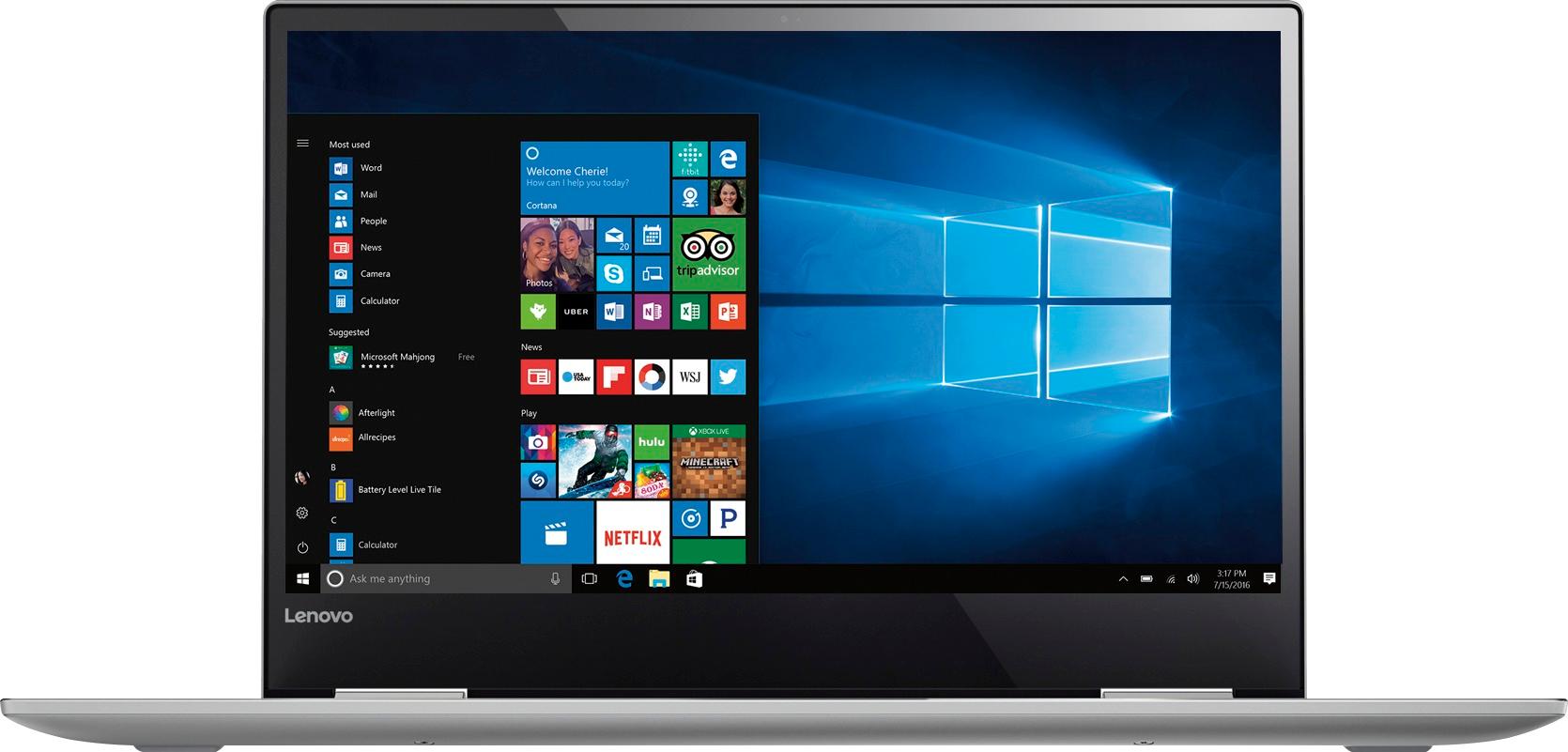
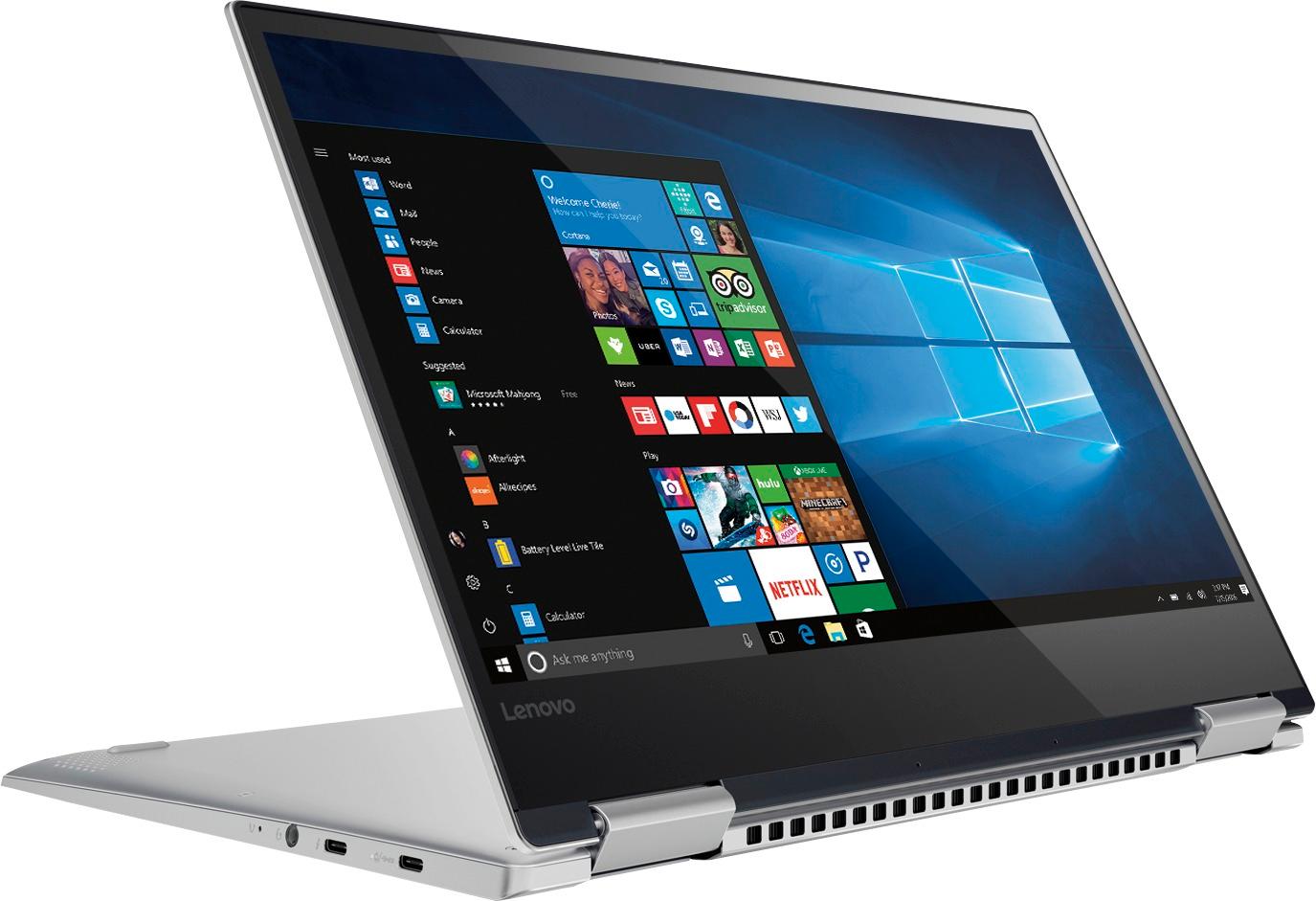
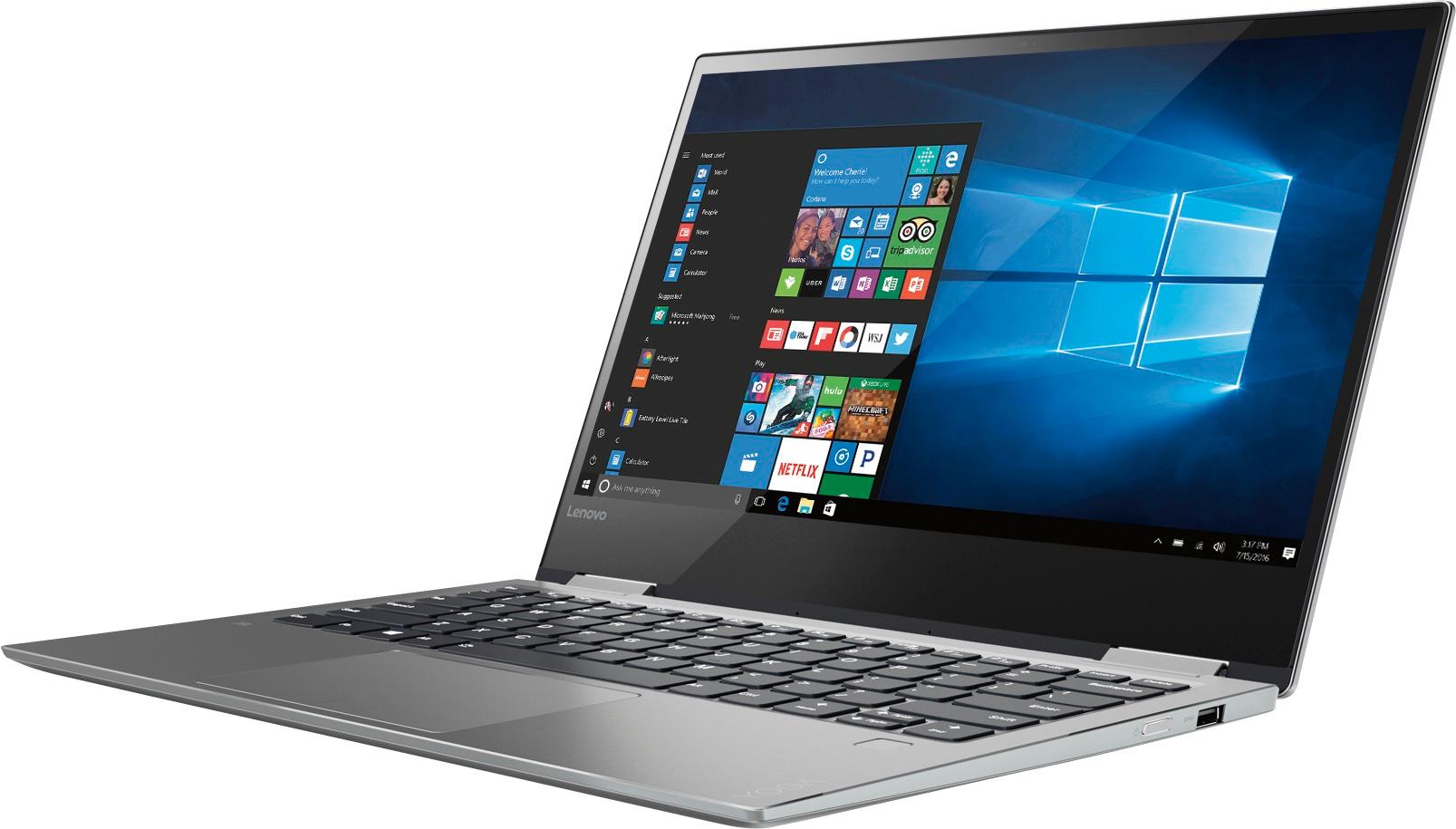
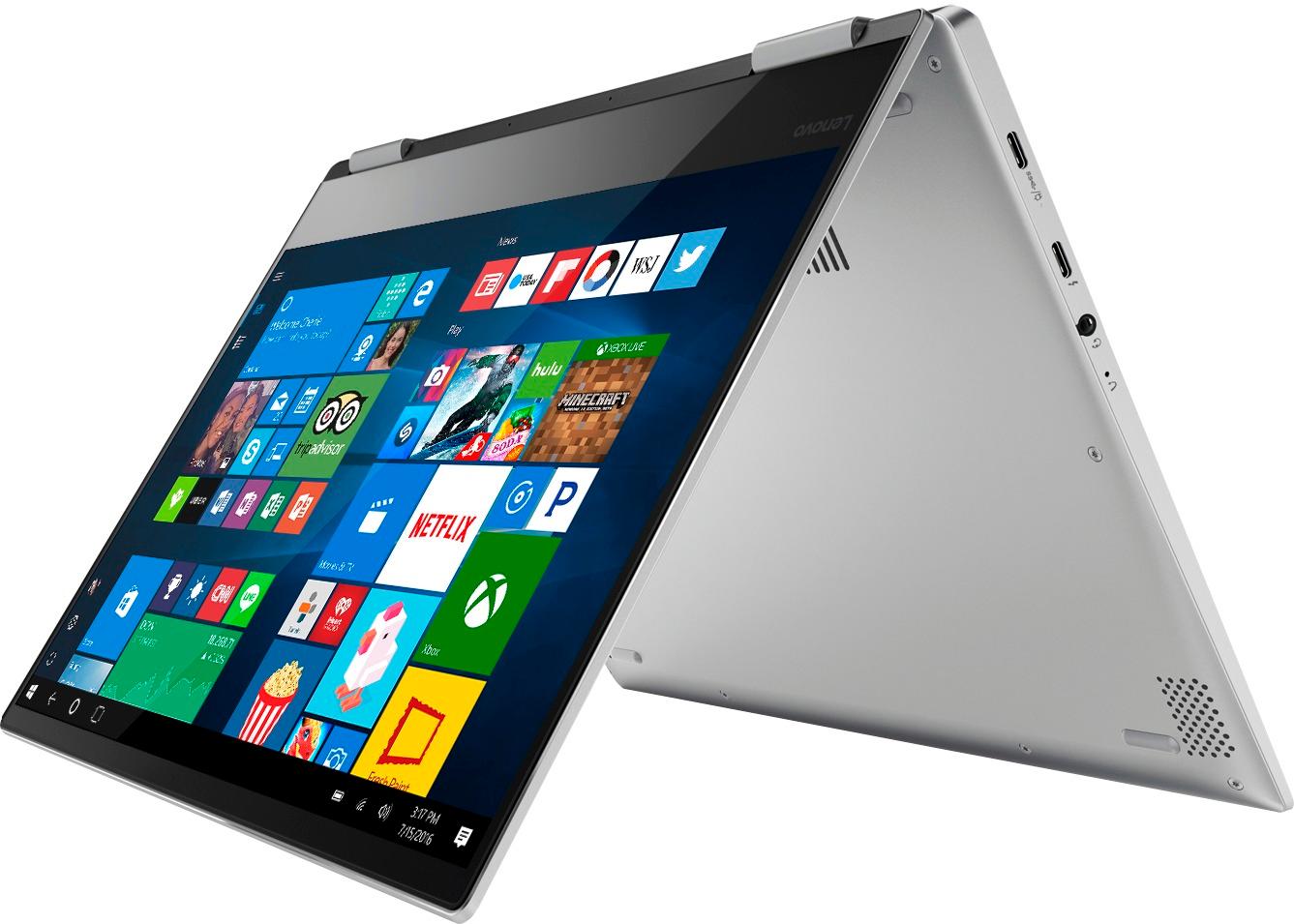
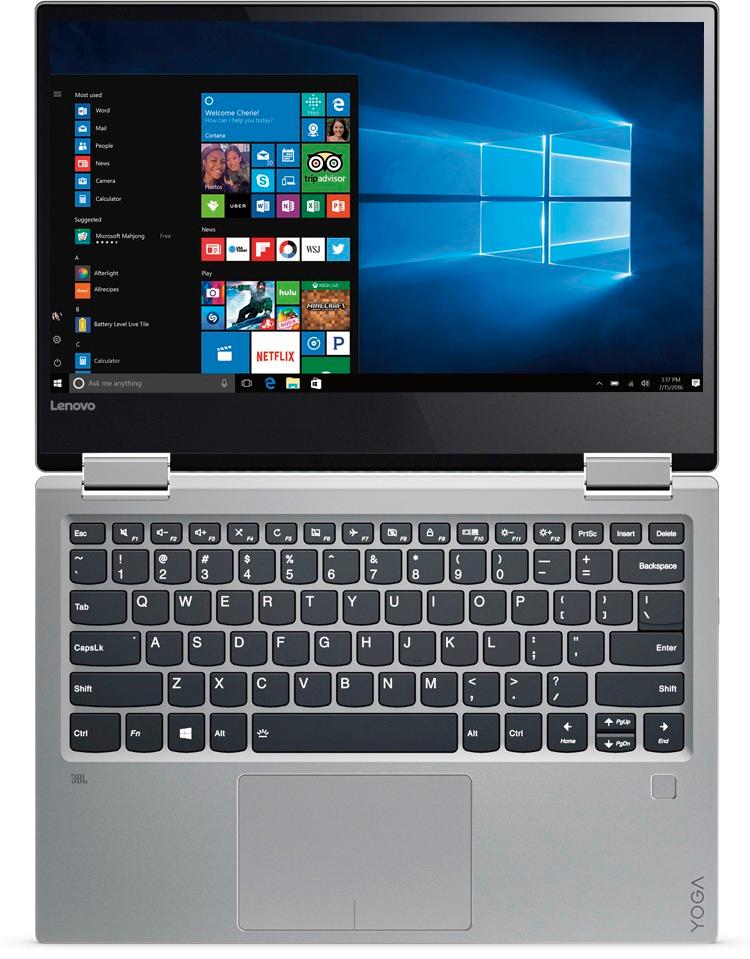
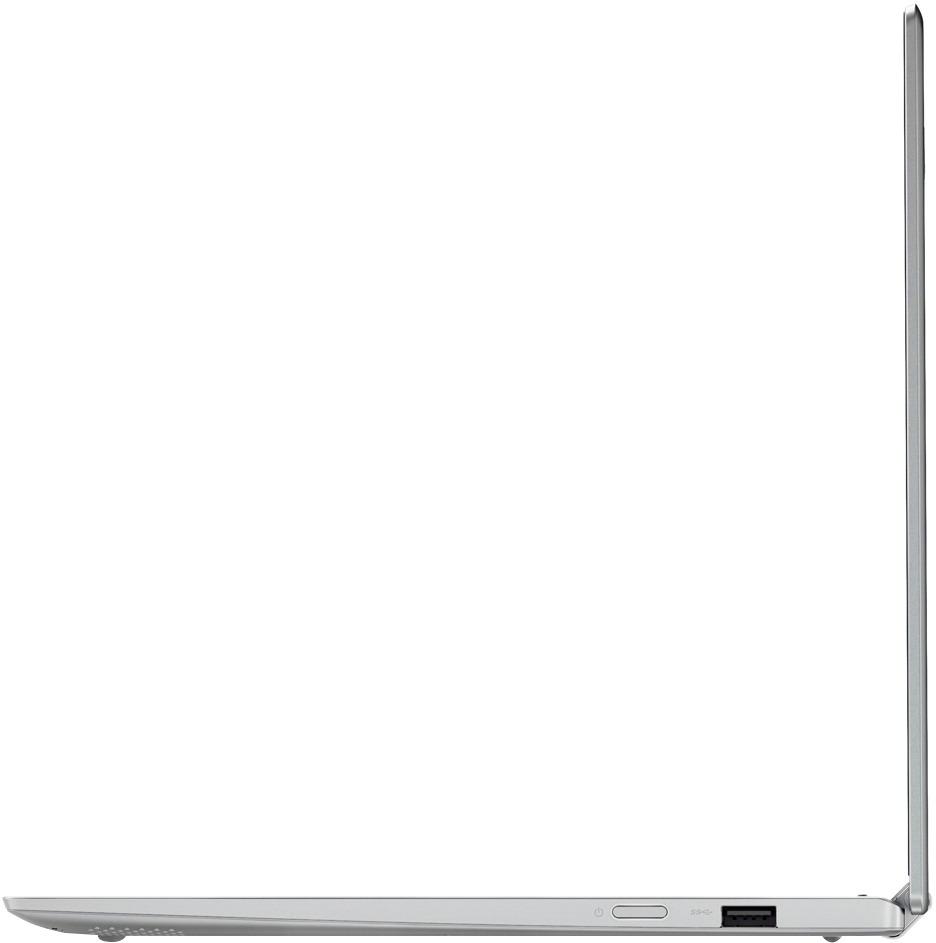
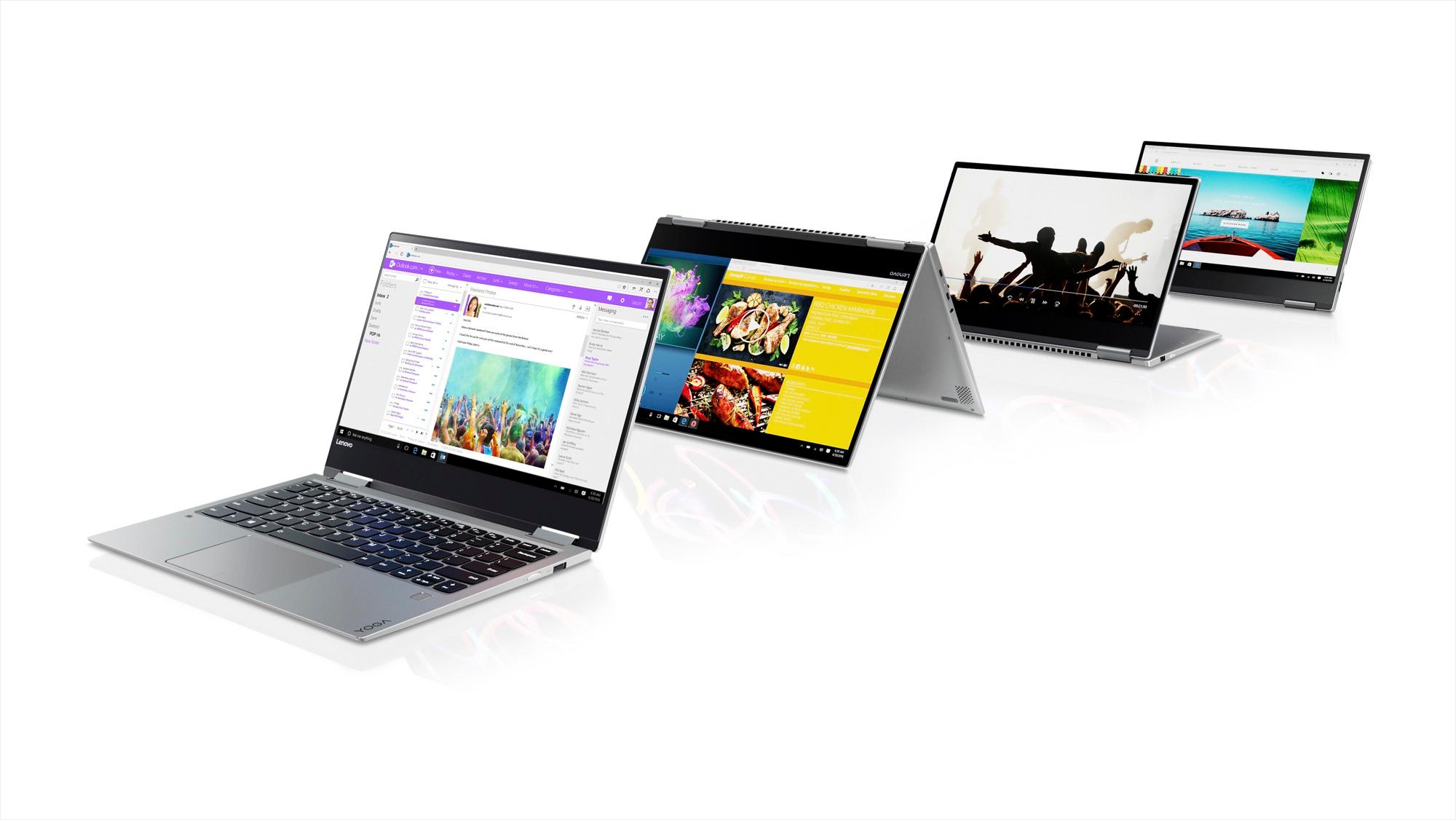
Customers love the Yoga 720 for its lightweight design, touchscreen display, and affordable price. Many users appreciate the laptop's long battery life and user-friendly interface. While some users have concerns about the fan noise and limited number of USB ports, the overall positive feedback highlights the Yoga 720 as a great value for the price.
This summary was generated by AI based on customer reviews.
Very Fast
||Posted .This reviewer received promo considerations or sweepstakes entry for writing a review.This machine starts up almost as fast as my tablet. The fingerprint reader is very handy and makes it very convenient. Thin and light.
I would recommend this to a friendBrand response from Lenovo Product Expert
Posted .Thank you for choosing the Lenovo Yoga 720-13. We are pleased to hear that the features and performance of the Yoga 720-13 meets your computing needs so well.

Great laptop for student
||Posted .This reviewer received promo considerations or sweepstakes entry for writing a review.The is the perfect size for a student to carry in their backpack. It has plenty of power, speed and storage. The display is excellent
I would recommend this to a friendBrand response from Lenovo Product Expert
Posted .Thank you for choosing the Lenovo Yoga 720-13. We are pleased to hear that the performance of the Yoga 720-13 meets your computing needs so well.
Great product, but
||Posted .This reviewer received promo considerations or sweepstakes entry for writing a review.I love this device is very sleek and has great feature and perfect for law school, had to exchange because it stopped working
I would recommend this to a friendBrand response from Lenovo Product Expert
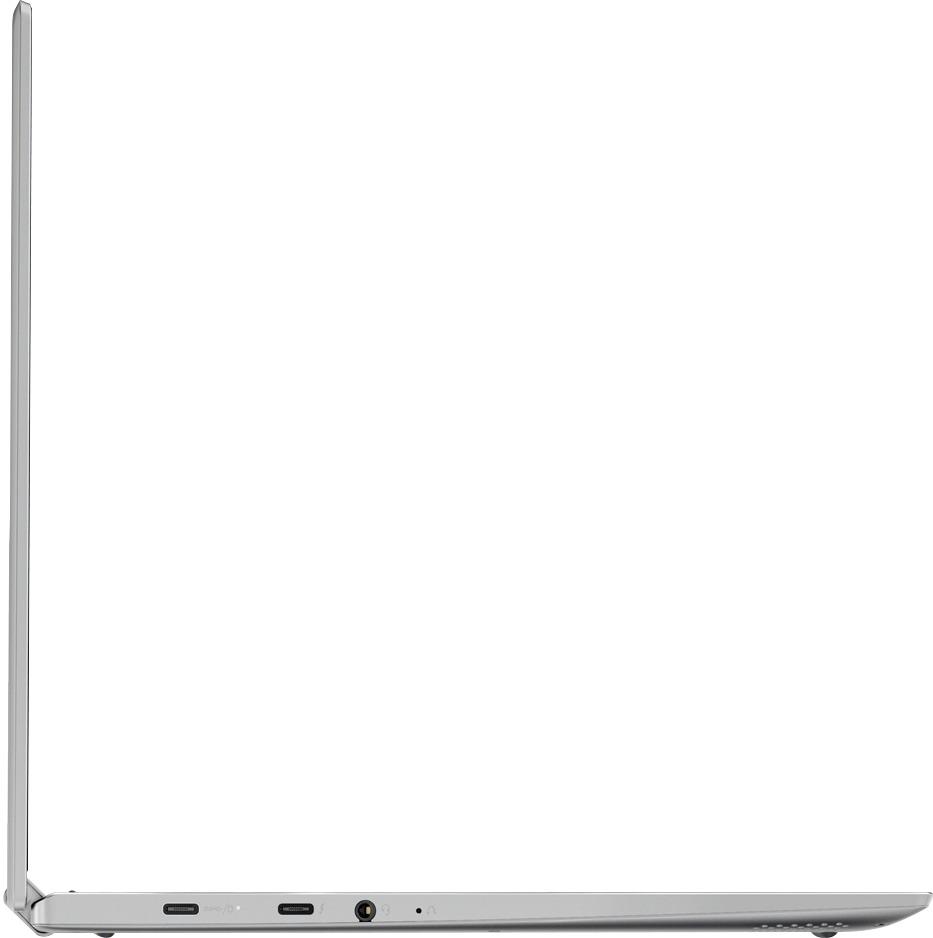
Posted .This could have been caused by a recent Windows 10 update that caused a software conflict. This system is equipped with OneKey Recovery System. There is a very small pin hole on the left side of the device, right near the headphone jack on the device. You will need a pin to push this reset button. Plug the device in. Let the battery charge for about 15 minutes. Push the reset button. The system should boot to a choice screen where you can choose "Restore To Factory Default". Select this. It will delete everything from the hard drive except the original factory install of the operating system. You will need to reinstall all programs and files after the reset. If you don't have copies of the files, try to make one before you restore by selecting "Boot to desktop" and trying to back up your files.
Good
||Posted .This reviewer received promo considerations or sweepstakes entry for writing a review.It's expensive...but nice. As a former Mac user it is a nice integration of the similar, yet very different operating system.
I would recommend this to a friendBrand response from Lenovo Product Expert
Posted .Thank you for choosing the Lenovo Yoga 720-13. With regard to learning your way around Windows 10, you may want to try YouTube.com (just type that address in your browser address window). There are hundreds for free instructional videos there about Windows 10. Just type Windows 10 Introduction in to the YouTube search window. You can watch free videos there that will show you the basics all the way up to tips and tricks videos and they're all free.
Great laptop
||Posted .This reviewer received promo considerations or sweepstakes entry for writing a review.The Lenovo yoga has proven to be a good selection thus far. The size, weight, and the ease of operation has been ideal for my needs.
I would recommend this to a friendBrand response from Lenovo Product Expert
Posted .Thank you for choosing the Lenovo Yoga 720-13. We are pleased to hear that the features and performance of the Yoga 720-13 meets your computing needs so well.
An excelent alternative
||Posted .This reviewer received promo considerations or sweepstakes entry for writing a review.It's a good notebook and an excelent alternative to that people that don't want to spend so much money with another brands.
I would recommend this to a friendGreat Little Computer
||Posted .This reviewer received promo considerations or sweepstakes entry for writing a review.Great little computer for the price. 14" screen makes this smaller than some so a great one to take to class or transport.
I would recommend this to a friendBrand response from Lenovo Product Expert
Posted .Thank you for choosing the Lenovo Yoga 720-13. Actually, though it looks larger, the diagonal viewing area of the screen on this model is 13.3". We are pleased to hear that the Yoga 720-13 is working out so well for you.
Love it
||Posted .This reviewer received promo considerations or sweepstakes entry for writing a review.I wanted a light weight mid sized laptop, has lots of extras, love the size and the tablet part being able to write on screen too
I would recommend this to a friendBrand response from Lenovo Product Expert
Posted .Thank you for choosing the Lenovo Yoga 720-13. We are pleased to hear that the features and performance of the Yoga 720-13 meets your computing needs so well.
Good upgrade
||Posted .This reviewer received promo considerations or sweepstakes entry for writing a review.Easy transition from earlier Lenovo. Processor meets my needs. Easy to transport and use--lighter in weight than previous lap-top
I would recommend this to a friendBrand response from Lenovo Product Expert
Posted .Thank you for choosing the Lenovo Yoga 720-13. We are pleased to hear that the features and performance of the Yoga 720-13 meets your computing needs so well. We appreciate your loyalty to the Lenovo Brand.
perfect laptop for middle school
||Posted .This reviewer received promo considerations or sweepstakes entry for writing a review.This is the perfect laptop for our middle school child. She is able to do her homework as well as enjoy social media and movies.
I would recommend this to a friendBrand response from Lenovo Product Expert
Posted .Thank you for choosing the Lenovo Yoga 720-13 for your child. We are pleased to hear that the Yoga 720-13 meets your child's computing needs so well.
Best bang for my buck
||Posted .This reviewer received promo considerations or sweepstakes entry for writing a review.I usually buy Dell laptops and desktops but I like the Lenovo Yoga for it's capabilities and lower cost vs. the Dell equivalent.
I would recommend this to a friendBrand response from Lenovo Product Expert
Posted .Thank you for choosing the Lenovo Yoga 720-13. We are pleased to hear that the value and performance of the Yoga 720-13 meets your computing needs so well.
Would recommend.
||Posted .This reviewer received promo considerations or sweepstakes entry for writing a review.It is a brilliant computer and incredibly fast the image is so crisp too, its perfect for my photography,writing,animation etc.
I would recommend this to a friendBrand response from Lenovo Product Expert
Posted .Thank you for choosing the Lenovo Yoga 720-13. We are pleased to hear that the features and performance of the Yoga 720-13 meets your computing needs so well.
Great Computer
||Posted .This reviewer received promo considerations or sweepstakes entry for writing a review.Purchased this computer for my fiancé’s mother and she couldn’t be happier. Nothing special, just a lot of good components.
I would recommend this to a friendGood product
||Posted .This reviewer received promo considerations or sweepstakes entry for writing a review.Although it is little bit slow and does not have backlight keyboard it is overall good labtop for what I need. It does.
I would recommend this to a friendBrand response from Lenovo Product Expert
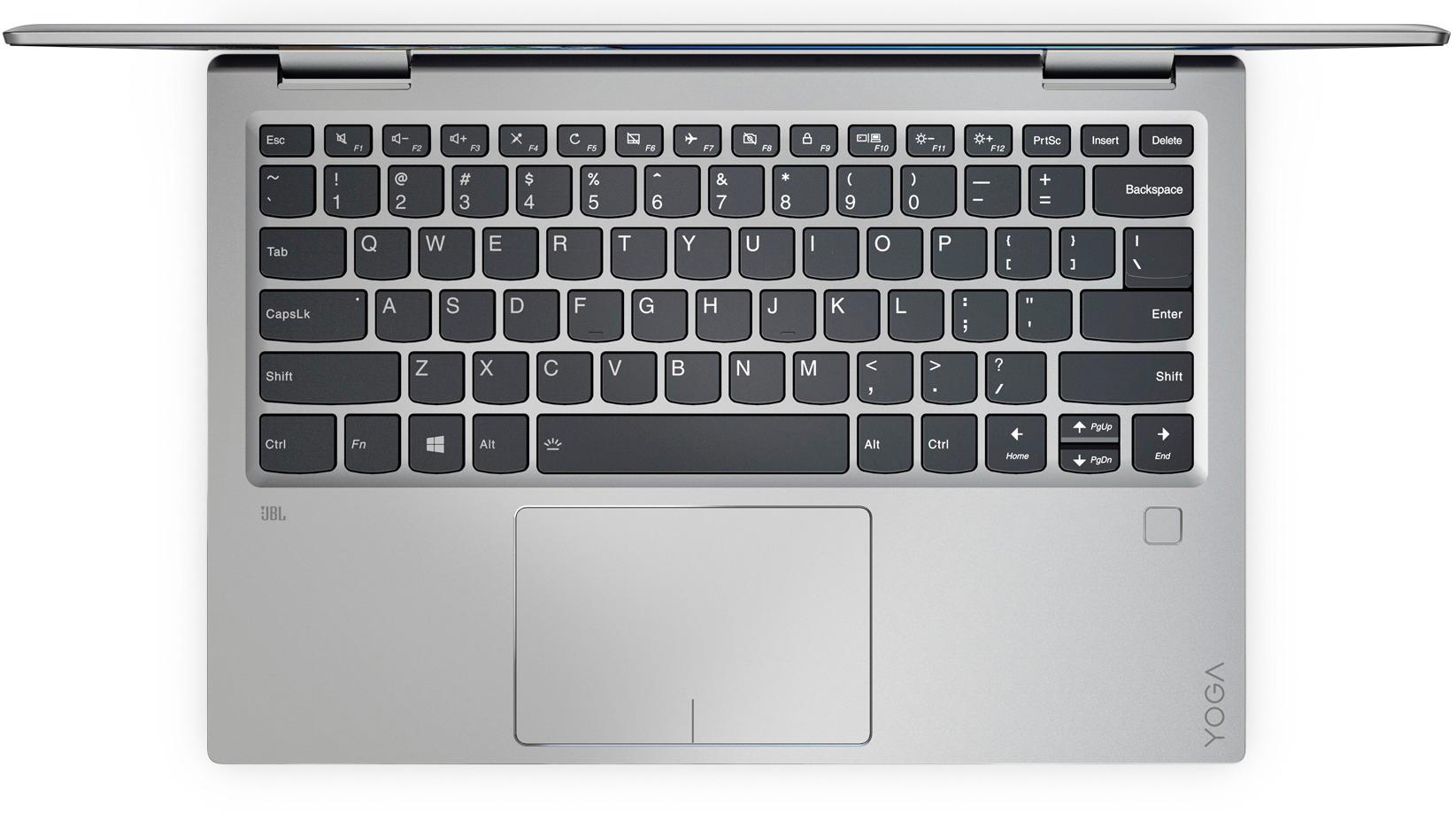
Posted .This device does have a backlit keyboard. Hold down the Fn key and tap the spacebar to turn the backlight on/off.
Works great!
||Posted .This reviewer received promo considerations or sweepstakes entry for writing a review.So far I am really enjoying my Yoga. Have had no problems but I haven't had it for very long... Happy with the purchase though!
I would recommend this to a friendBrand response from Lenovo Product Expert
Posted .Thank you for choosing the Lenovo Yoga 720-13. We are pleased to hear that the Yoga 720-13 is working out so well for you.
Great little laptop
||Posted .This reviewer received promo considerations or sweepstakes entry for writing a review.Purchased this laptop for my son who is starting college this year, so far it has been functioning perfect. No problem at all
I would recommend this to a friendBrand response from Lenovo Product Expert
Posted .Thank you for choosing the Lenovo Yoga 720-13 for your son. We are pleased to hear that the Yoga 720-13 is working out so well for your son.
Great Laptop for everyday use
||Posted .This reviewer received promo considerations or sweepstakes entry for writing a review.I was looking for a new laptop after having a MacBook for a couple of years. Wanted to go back to a Windows operating system.
I would recommend this to a friendBrand response from Lenovo Product Expert
Posted .Thank you for choosing the Lenovo Yoga 720-13. We are pleased to hear that the Yoga 720-13 is working out so well for you.
Love my new laptop.
||Posted .This reviewer received promo considerations or sweepstakes entry for writing a review.Pros: very user-friendly and lightweight. Well worth the price. Cons: Display is very DIM when not on power supply.
I would recommend this to a friendBrand response from Lenovo Product Expert
Posted .Thank you for choosing the Lenovo Yoga 720-13. With regard to your display diming when on battery power, this is a function of the Power Management setting you are using. You can change this in the Control Panel. Click on the magnifying glass icon at the bottom left of your Windows 10 screen. Type "Control Panel" in the search window. Type "power" in the search window within the Control Panel Window at the top right. Under Power Options, select "Choose a power plan". Find the power plan you want to use. Click the radio button beside that power plan to select. Then click on "Change Plan Settings". Be sure brightness settings are at 100% for both battery operation as well as plugged in.
best 2 and one for the money
||Posted .This reviewer received promo considerations or sweepstakes entry for writing a review.got this on sale, nice keyboard, very responsive. comparable to surface pro, hp and dell 2 in 1 at a substantially lower price
I would recommend this to a friendBrand response from Lenovo Product Expert
Posted .Thank you for choosing the Lenovo Yoga 720-13. We are pleased to hear that the value, features and performance of the Yoga 720-13 meets your computing needs so well.
Lenovo Rocks!
||Posted .This reviewer received promo considerations or sweepstakes entry for writing a review.Computer is amazing for the price! Quick processing and great graphics. Similar computers were significantly more expensive
I would recommend this to a friendBrand response from Lenovo Product Expert
Posted .Thank you for choosing the Lenovo Yoga 720-13. We are pleased to hear that the value and performance of the Yoga 720-13 meets your computing needs so well.