Customer Ratings & Reviews






- Model:
- 80X6002JUS
- SKU:
- 5722715
Rating by feature
- Value
Rating 4.0 out of 5 stars
- Quality
Rating 4.2 out of 5 stars
- Ease of Use
Rating 4.2 out of 5 stars
Customers are saying
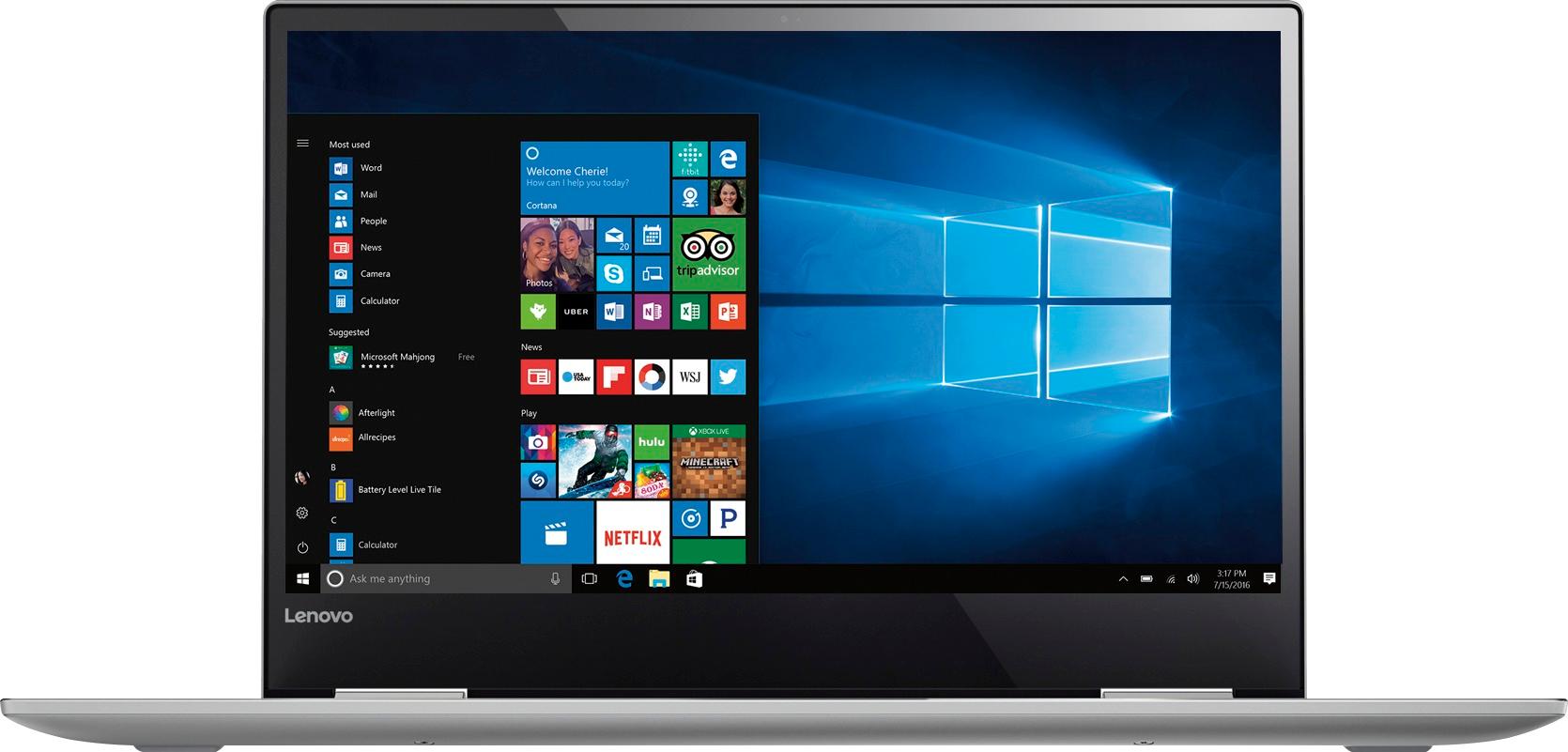
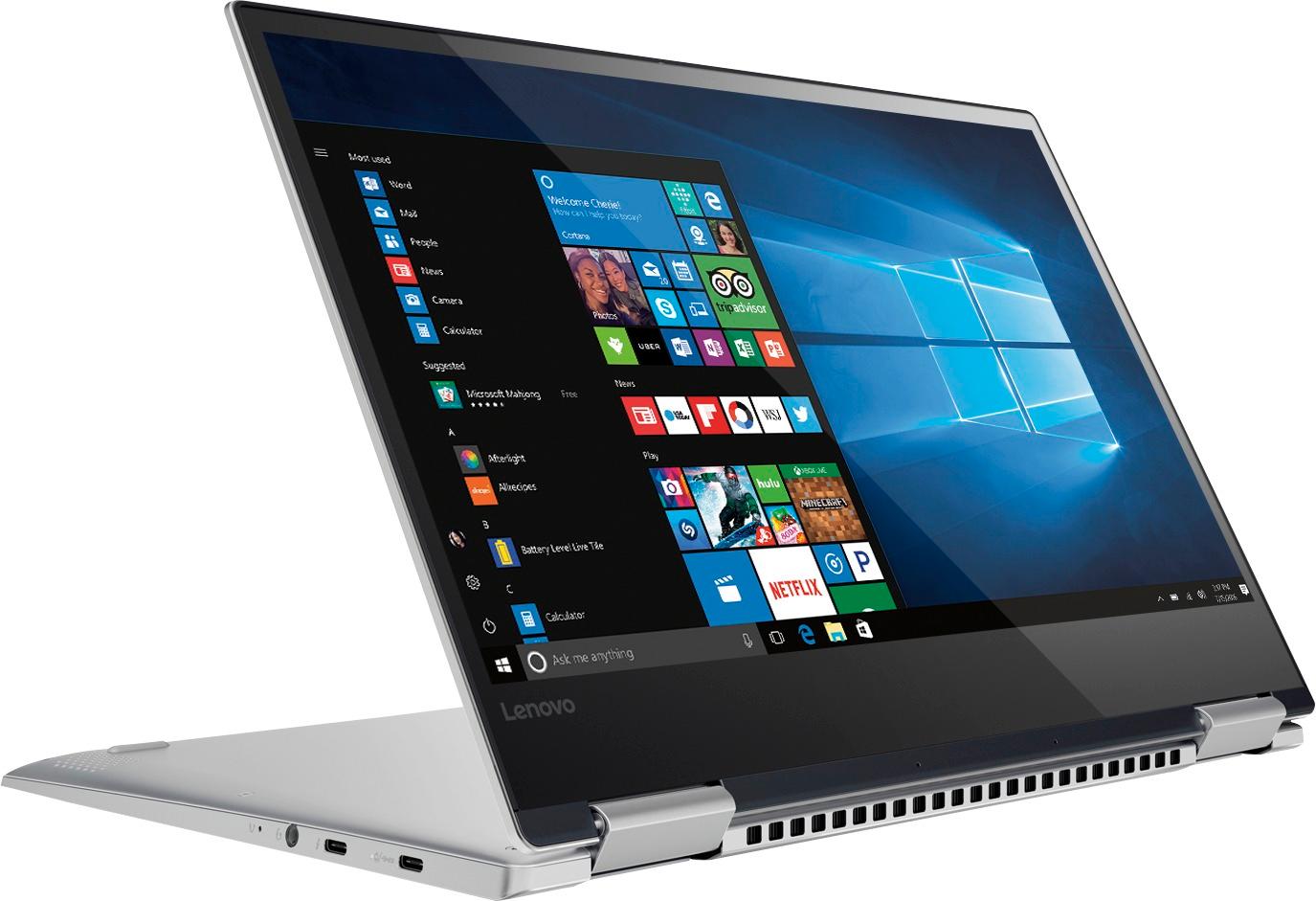
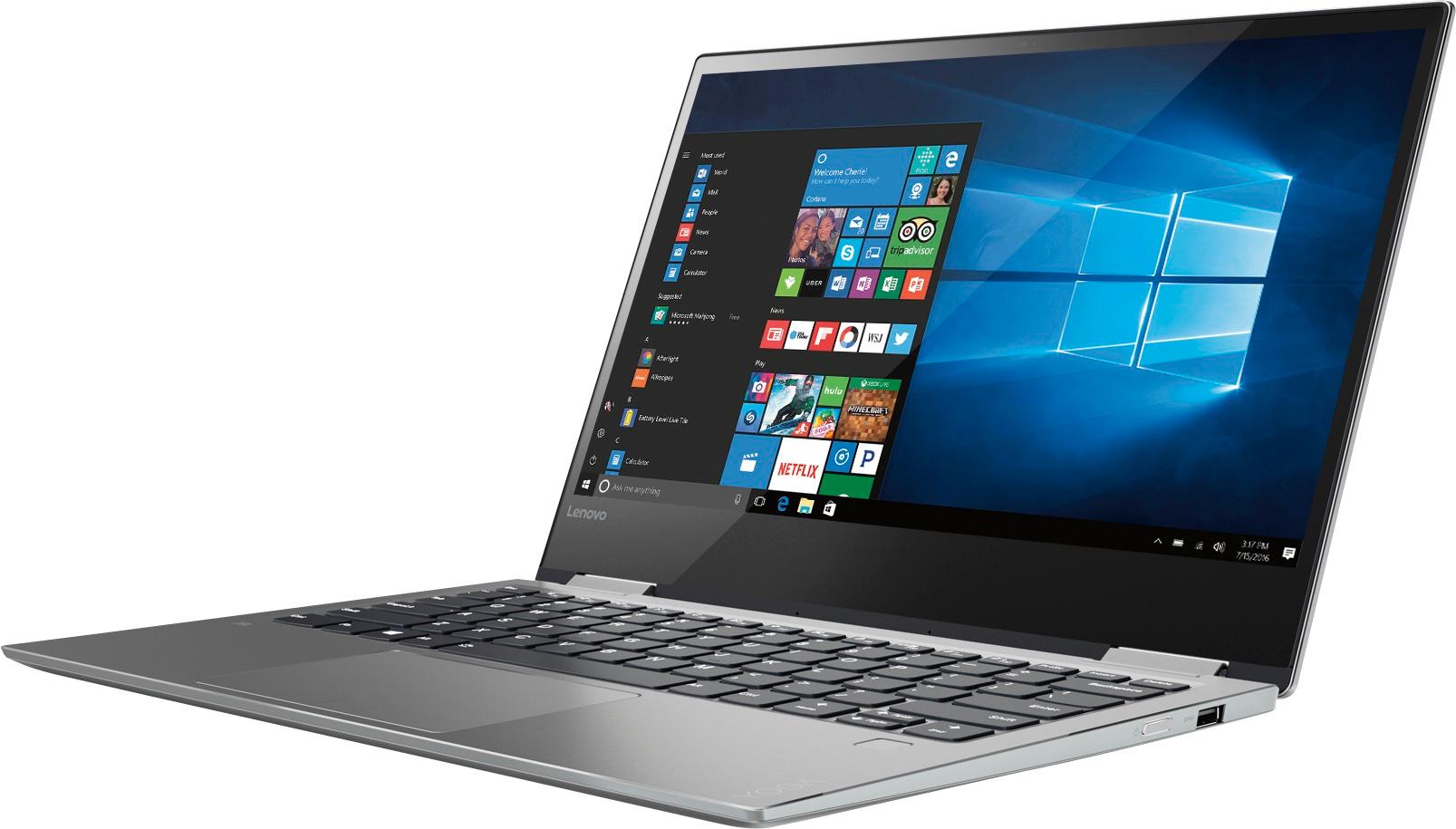
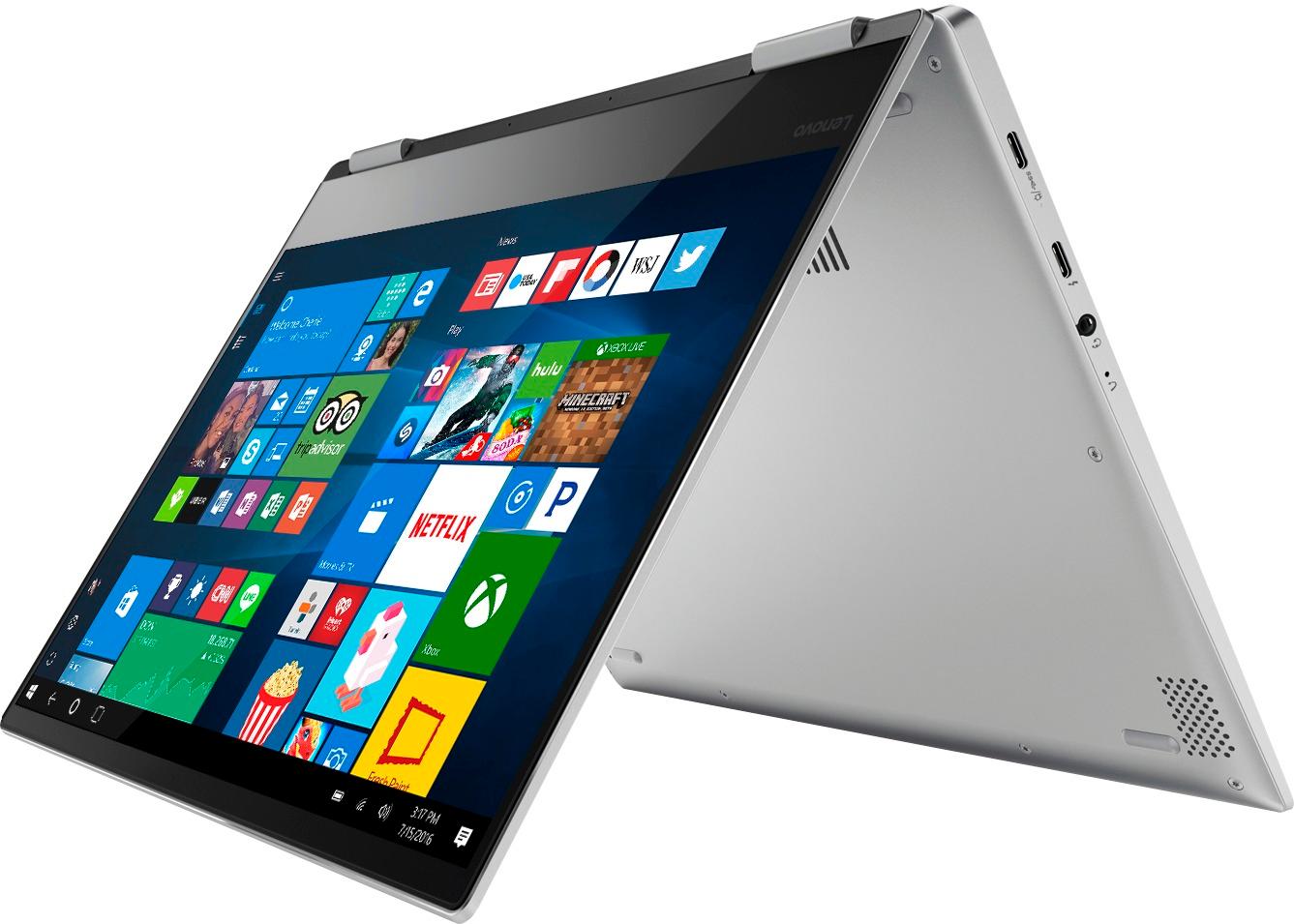
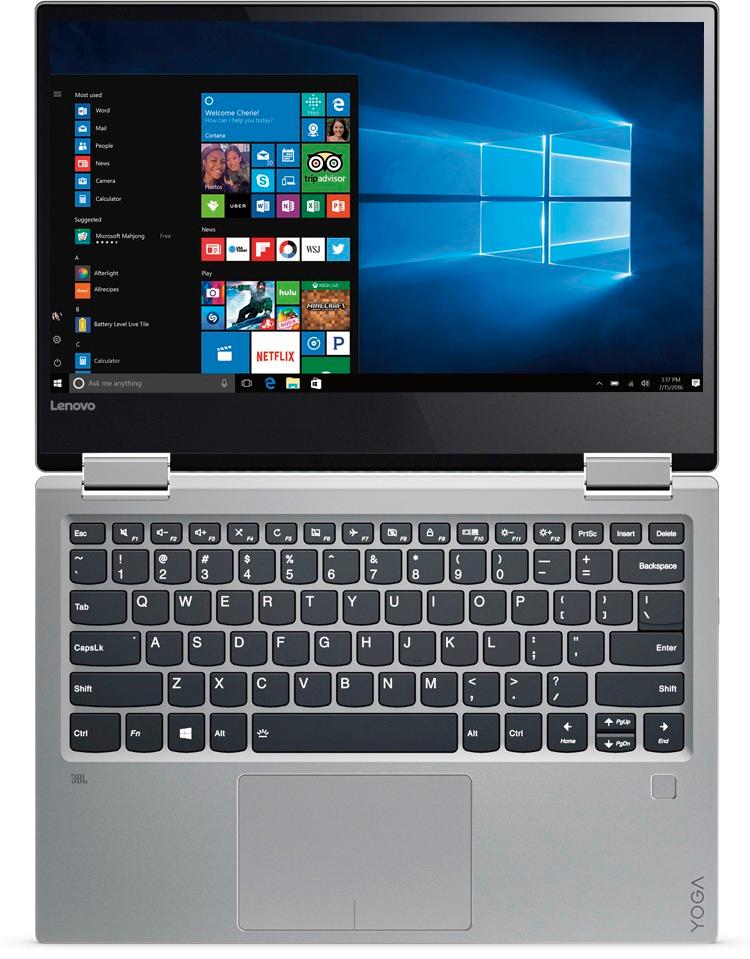
Customers love the Yoga 720 for its lightweight design, touchscreen display, and affordable price. Many users appreciate the laptop's long battery life and user-friendly interface. While some users have concerns about the fan noise and limited number of USB ports, the overall positive feedback highlights the Yoga 720 as a great value for the price.
This summary was generated by AI based on customer reviews.
Excellent laptop
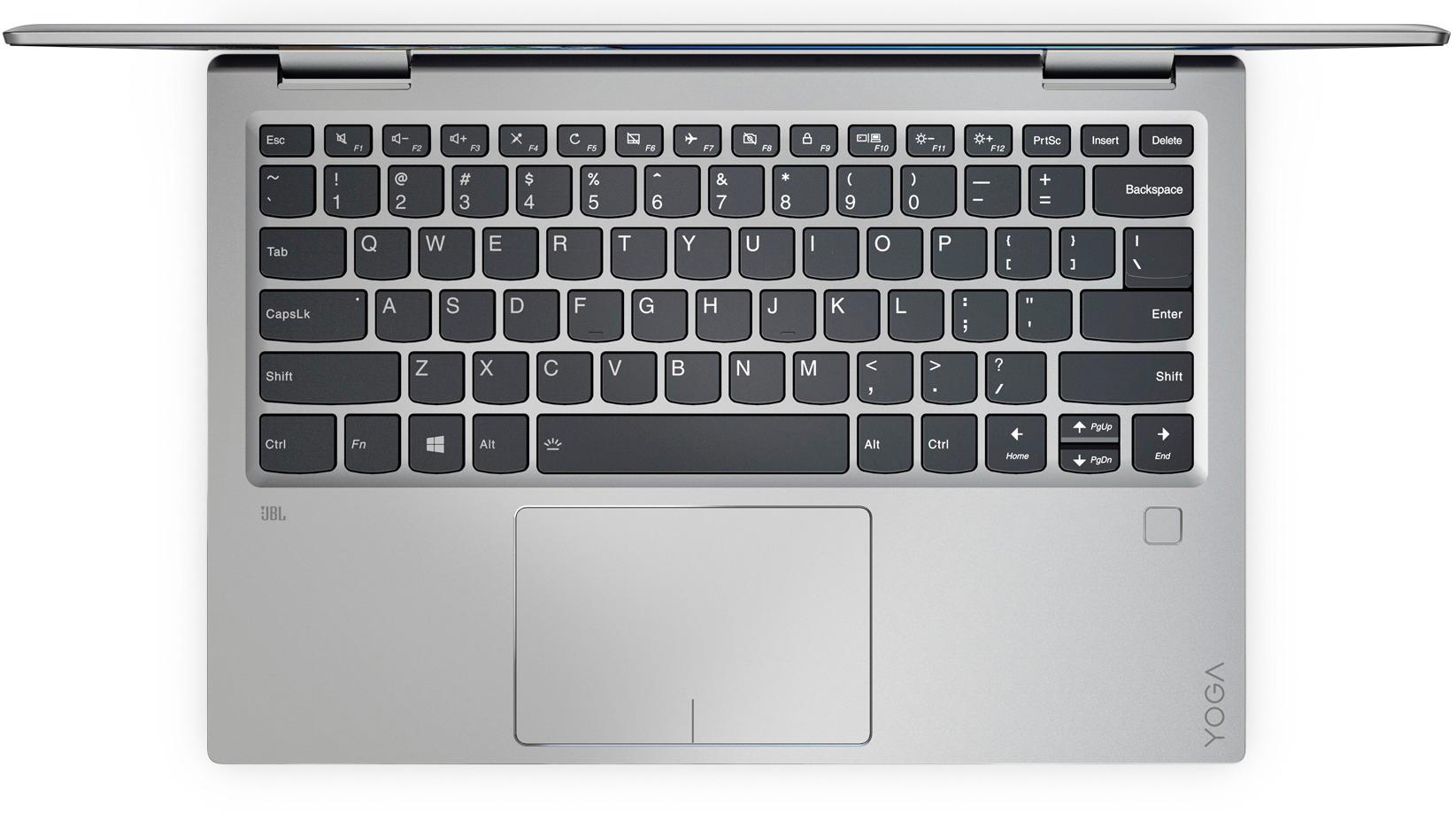
Posted .This reviewer received promo considerations or sweepstakes entry for writing a review.My primary computer is a Macbook Pro. However, I needed something for work that was quick, efficient, and that I could draw on. The Yoga 720 has been great so far. Reading the reviews, I was nervous about the fan noise and display quality. While the display isn't as beautiful as the Retina display on my Macbook, the standard 1080p HD display on the Yoga 720 is just fine, and many people won't find much to complain about. As far as the fan noise is concerned, it's not bad at all. They do come on often, but it's not that noisy like the reviews would have you to believe. The SSD is quick, and the boot time is under 8 seconds. First time setup was quick and easy. I love the fingerprint reader. If you're looking for a budget friendly laptop that has sturdy/good build quality, this is a great choice.
I would recommend this to a friendBrand response from Lenovo Product Expert
Posted .Thank you for choosing the Lenovo Yoga 720-13. We are pleased to hear that the value, features and performance of the Yoga 720-13 meets your computing needs so well.

- Cons mentioned:Fan noise
Terrible Fan Noise
Posted .This reviewer received promo considerations or sweepstakes entry for writing a review.I bought this computer thinking that it would be a great laptop to use at home and school. It seemed like a great choice because the laptop is really thin and light yet it has powerful processor. I read several reviews that complained about fan noise but I figured that those reviewers were being nit picky and I bought it anyway. I was wrong. The amount of fan noise this laptop makes is completely ridiculous. I don't think that a laptop of this price and age should make this amount of noise. It's nearly as loud as the fan I have in my room. I honestly don't mind a bit of noise from my laptop and it makes sense to expect stronger noise when you're running several programs. However, the only things that I've done are light tasks like browsing the web and watching videos and the fan noise is insane. My 3 year old hp laptop that I bought for $250 doesn't even get this loud. The other thing that bothered me was the screen. The colors looked off especially the whites and it isn't very bright at all. Sometimes the screen would look a little blurry, too. Overall, I really don't think it's worth it to spend this much money on a computer so embarrassingly loud. I can't imagine using this at school or even at home, the noise would drive me crazy!
No, I would not recommend this to a friendBrand response from Lenovo Product Expert
Posted .Fan noise has not been an issue with this new version of the Yoga. There may be BIOS/driver updates for your specific system. Follow the link below to look for new driver updates for your specific system. You can also run diagnostics from the Lenovo site as well. As always, be sure to create a restore point on your system before you make any changes. You can do this by just typing "restore point" in the search window within Cortana and follow the link to create a restore point. Here is the link: https://pcsupport.lenovo.com/us/en/products/laptops-and-netbooks/yoga-series/yoga-720-13ikb-type-80x6/80x6/80x6002jus/downloads?linkTrack=Caps%3ABody_SearchProduct&searchType=5&keyWordSearch=80X6002JUS. Concerning the brightness of the screen, be sure you have auto brightness turned off and your brightness level is set to 100%.
- Pros mentioned:Speed
Dead pixels
Posted .This reviewer received promo considerations or sweepstakes entry for writing a review.Overall, the laptop works great. It's fast, the keyboard feels great, the fan isn't too loud, and it works well overall. However, mine has 7 dead pixels. Since it is a 1080p screen, they are small, so I'm guessing a lot of people wouldn't notice. But I definitely notice and it irritates me. Best Buy wouldn't let me return it since I've had a few returns in the past already. So I guess I'm out of luck and I'll have to deal with it I guess. Like I said overall I love it but I just wish the screen didn't have those defects.
I would recommend this to a friendBrand response from Lenovo Product Expert
Posted .There may be remedies available to fix these dead pixels. We recommend you contact Lenovo Tech Support at 877-453-6686.
- Cons mentioned:Fan noise
Don't Buy
Posted .This reviewer received promo considerations or sweepstakes entry for writing a review.I researched this laptop extensively before buying it, and my initial experience was pretty good...before it started going downhill after the first few days. The laptop **will not** wake from sleep. The fans will activate (more on that later), so I know that it's still on, but the display will not turn on and no input is accepted. I'm forced to hold the power button until it turns off, then restart it, thus losing all of my work. I've tried driver updates and reinstalls, reinstalling the entire operating systems, and modifying the driver settings to make sure they should be able to wake the device from sleep, but nothing helps. Sometimes it will go to sleep, and when I open it, it boots, because it turned itself off! The fan will spin up if you so much as look at it. Seriously, doing the simplest tasks will make the fan spin up, and occasionally you'll hear it randomly start as some background Windows task brings the CPU task to any speed above idle. There seem to have been several BIOS updates (on v1.07 now?!), and it's still an issue. The trackpad will occasionally stick when the lower portion of it is depressed, like something is catching and won't release. I have to move it laterally to get it to release. This is a brand new laptop, so it's not like I've spilled something and that's causing issues. I'm returning my device and looking at other brands, because this is just unacceptable. I would avoid this model until Lenovo can actually release fixes for these show-stopping problems.
No, I would not recommend this to a friendBrand response from Lenovo Product Expert
Posted .You mention that the device did work well initially. This sounds like a software conflict, either through an automatic Windows 10 update or a conflict with installed programs. Be sure any software you installed is compatible with Windows 10. There is no need to install Microsoft Office software. The software is already part of the operating system, you just need to activate the software with a purchased product key. If you have installed a copy of Microsoft Office, this is conflicting with the existing copy on the system and this will slow your system down. If you have installed a 3rd party anti-virus program, be sure that Windows Defender is turned off. There can only be one anti-virus program running on the system. You may need to restore your system to original factory default settings if any of the programing errors have occurred. You can do that by typing "restore" in the Cortana search window. Just click on the magnifying glass icon at the bottom left of your Windows 10 Desktop. Click on "Reset This PC" Then click on "Get Started" and follow the on screen directions to restore to factory defaults.
- Pros mentioned:Price
Great Laptop
Posted .This reviewer received promo considerations or sweepstakes entry for writing a review.Love this laptop, 2-in-1, pen support, light weight, back-lit keys, quiet with 1.08 bios and Notebook fan control. best laptop $600~$700 can buy right now for 8gb, 256gb
I would recommend this to a friendBrand response from Lenovo Product Expert
Posted .Thank you for choosing the Lenovo Yoga 720-13. We are pleased to hear that the features and performance of the Yoga 720-13 meets your computing needs so well.
Awesome Laptop!!!!
Posted .This reviewer received promo considerations or sweepstakes entry for writing a review.I have read some of the reviews on this laptop, and some are true. I have owned this laptop for six months now, works like a fine tuned clock. Now back to the reviews, Sometimes you do hear the fan, but is very rare for me. Very nice crisp screen, well lit keyboard, and its pretty fast. I upgraded the memory to 16gb, and it really goes. It seems to do everything I need effortlessly. I think this is a good purchase. My only con is, the price. I did get mine on sale, and I had Best Buy certs to help with the cost, other than that, Great unit.
I would recommend this to a friendMove Over Apple
Posted .This reviewer received promo considerations or sweepstakes entry for writing a review.Lenovo, you ROCK! You have hit this one out of the ball park. If anyone were to ask me to describe my ideal laptop, THIS IS IT. Who could ask for anything more? I have been strictly a mac user for the past 15 years and after reading the reviews on this laptop, I decided to give it a try. All I can say is that you exceeded my expectations and will continue to brag about this laptop to everyone I know. Thank you from a very satisfied customer.
I would recommend this to a friendBrand response from Lenovo Product Expert
Posted .Thank you for choosing the Lenovo Yoga 720-13. We are pleased to hear that the new Yoga 720-13 exceeds your expectations and meets your computing need so well.
Great computer, no complaints
Posted .This reviewer received promo considerations or sweepstakes entry for writing a review.I've had this for a couple months now, and have absolutely no complaints. It's light, has great battery life, and is plenty fast for anything I need to do (mostly school stuff). The display is great, and it boots really fast with the SSD drive. In regards to the fan noise issue - I have seldom even heard the fan turn on, and it has never been anything that is even remotely distracting to me. I would definitely recommend this machine.
I would recommend this to a friendBrand response from Lenovo Product Expert
Posted .Thank you for choosing the Lenovo Yoga 720-13. We are pleased to hear that the performance of the Yoga 720-13 meets your computing needs so well.
- Pros mentioned:Touch screenCons mentioned:Fan noise
Fan Noise Disgusting
Posted .This reviewer received promo considerations or sweepstakes entry for writing a review.I bought this few months back, I was happy with the purchase with thin design and touchscreen option. After using it for 3 months now, the fan noise has increased and is so loud. It keeps distracting me a lot.
No, I would not recommend this to a friend Question
Posted .This reviewer received promo considerations or sweepstakes entry for writing a review.Hi, I don't meant to give lower ratings, but I don't know where to ask this question. I was originally not expecting the lenovo pen coming in with the order. However, I saw a box that seems to have a pen, but it turned out to be empty. I checked the manual, and it says the pen is also on the checklist. So can I get a reply on whether I should've received a pen? Thanks!
No, I would not recommend this to a friendBrand response from Lenovo Product Expert
Posted .There is no pen included with the Yoga 720-Series computers. They are compatible with active/digital pens, but the pens are optional - not included with the computer.
- Cons mentioned:Fan noise
Fans too loud and poor color on screen
Posted .This reviewer received promo considerations or sweepstakes entry for writing a review.As others have mentioned, the fan spin up inconsistently and is very loud. Additionally, the color seems off - blues have bit of a violet coloring and yellow has a hint of green. I tried a color correction .icc file from notebookcheck.net, but it only helped a little with the yellow. I tried adjusting myself, but it just got worse or thew off other colors. I love everything else, but I'll be returning this due to these issues unless a BIOS update is available in the next 2 weeks that can fix them. The latest BIOS on the Lenovo website is v1.05 from from March 2017, same version the laptop shipped with.
No, I would not recommend this to a friend Great portable, comfortable laptop
Posted .This reviewer received promo considerations or sweepstakes entry for writing a review.I've had this laptop for less than two days, and I already love it. Main pros: Quick, the touchscreen is very responsive, and the hinges are really solid. The audio is okay, nothing very special though. The keyboard and touchpack are good, and the fingerprint reader is really good. All in all, this is a great product! I'm glad I got it.
I would recommend this to a friendBrand response from Lenovo Product Expert
Posted .Thank you for choosing the Lenovo Yoga 720-13. We are pleased to hear that the features and performance of the Yoga 720-13 meets your computing needs so well.
Average, OK for the price
Posted .This reviewer received promo considerations or sweepstakes entry for writing a review.'t was time to upgrade after seven years of using Sony Vaio Z114GX. The performance difference is surprisingly small (Vaio was upgraded to 8GB and 200GB SSD). To be fair, the Vaio was high-end when I bought it in 2010 for $2000, but I had expected a much bigger performance growth over 7 (!) years. Seems that the laptop/computer performance growth has become rather flat... Back to Yoga - it is sufficiently light to function as a tablet, the sound is decent, the battery life is shorter than advertised (5h of browsing and alike). Thunderbolt port works fine (bought a CableMatters extension with HDMI, USB, LAN, VGA), with a few glitches on wake-up. The event viewer contained errors from the moment I unpacked the laptop, but Lenovo would not accept any responsibility and it was my problem to solve. Overall - an OK 2-in-1, for the price of <$700.
I would recommend this to a friendBrand response from Lenovo Product Expert
Posted .We recommend you contact Lenovo Tech Support for any issues you are experiencing with Windows 10 on this device. The number is: 877-453-6686.
It's a pretty good but
Posted .This reviewer received promo considerations or sweepstakes entry for writing a review.I can't help but compare it to my 6 yr old Sony Vaio. Which was higher end and still outperforms the Lenova in operating speed and general smooth operation. Yoga does boot much more quickly than the Vaio because of the SSD. Frankly, I was a little disappointed in the Yoga after reading the reviews, I expected more and got less. Although the one problem that has continued to be an issue is that it drops the online connection and this is an inconsistent problem. It may operate well for quite a while and then out of the blue, it drops the connection (NOT an issue with the Vaio). I have sought assistance and had a tech help and it did help but the problem persists at this frustrating inconsistent level. It really diminishes the "love" for the product.
No, I would not recommend this to a friendBrand response from Lenovo Product Expert
Posted .This system should be a fast system with its Core I-5 processor and 8GB of RAM. If you system is taking more than 15 seconds to boot to the desktop, you have incompatible software on the device or there are conflicting programs loaded on the device. Be sure any software you installed is compatible with Windows 10. There is no need to install Microsoft Office software. The software is already part of the operating system, you just need to activate the software with a purchased product key. If you have installed a copy of Microsoft Office, this is conflicting with the existing copy on the system and this will slow your system down. If you have installed a 3rd party anti-virus program, be sure that Windows Defender is turned off and that the trial version of McAfee Anti-Virus software is uninstalled. There can only be one anti-virus program on the system. You may need to restore your system to original factory default settings if any of the programing errors have occurred. You can do that by typing "restore" in the Cortana search window. Just click on the magnifying glass icon at the bottom left of your Windows 10 Desktop. Click on "Reset This PC" Then click on "Get Started" and follow the on screen directions to restore to factory defaults.
so far so good
Posted .This reviewer received promo considerations or sweepstakes entry for writing a review.So far the laptop is great. I put many hours on it the first day. performed well. I did purchase the Wacom pen. the Bluetooth recognizes the pen, but the pen doesn't seem to work on the screen. No big deal, eventually I would like it to work. Overall, great so far
I would recommend this to a friendBrand response from Lenovo Product Expert
Posted .Thank you for choosing the Lenovo Yoga 720-13. With regard to the active pen, try using the pen with the Bluetooth turned off. Turn the pen on and the screen should read the signal from the pen Refer to the instructions that came with your pen.
- Cons mentioned:Fan noise
nice laptop but Fan sound is annoying
Posted .This reviewer received promo considerations or sweepstakes entry for writing a review.The 2in1 feature laptop is good but when it comes to fan sound its very annoying, it's been only a 3 days since i have bought it. so i am planning to go back to store may be return or find a solution.
No, I would not recommend this to a friendBrand response from Lenovo Product Expert
Posted .With regard to the fan noise issues you mention with your device, there may be BIOS updates for your specific system. Follow the link below to look for new driver updates for your specific system. You can also run diagnostics from the Lenovo site as well. As always, be sure to create a restore point on your system before you make any changes. You can do this by just typing "restore point" in the search window within Cortana and follow the link to create a restore point. Here is the link:
http://pcsupport.lenovo.com/us/en/products/laptops-and-netbooks/yoga-series/yoga-720-13ikb/80x6/80x6002jus/downloads
Terrible.
Posted .This reviewer received promo considerations or sweepstakes entry for writing a review.Since I got the laptop, it did perform well the first few days of use. Afterwards, I noticed the screen starting coming off and I went to return it but I couldn’t because I was 3 days late past the warranty. I decided to send it out with Geek Squad. i sent it out twice and it came back unfixed both times . I contacted Lenovo and they repaired the screen and did a better job. But I got my laptop back and it had scratches and it was dirty. One of the keys also started squeaking when I got it back and the hinges are now crooked. I dislike this product and I would’ve liked a complete replacement or refund but it wasn’t possible. Do not buy this. Please evade all these problems that I’ve had.
No, I would not recommend this to a friend- Pros mentioned:Touch screen
All about Pros vs Cons
Posted .This reviewer received promo considerations or sweepstakes entry for writing a review.I just graduated high school, and was researching possible laptops for college in the fall. Since I will be spending some time in a dorm, I was really interested in a 2-1 laptop that I would be able to view shows, like from Netflix and Youtube primarily, as well as tackle my day to day school tasks with. I was between this, and the HP Pavilion, w and decided to go with this Lenovo laptop because of the superior display (or so I thought). I really regret making this purchase. Less than a week after my purchase, when I would be watching Netflix, the screen would kind of flicker, and I could tell there was an issue with the screen. I took it back to Best Buy where they exchanged it for a new laptop; I wanted to give this another chance. Within my first day of playing around with it, it flickered again. I am not sure what it is about viewing things on here, but something isn't right! I was frustrated that I spent this much money on a laptop to be let down twice. The flicker is too large of a problem for me, so tomorrow I will be returning this for a Macbook. SUMMARY: Pros: Nice feeling keyboard Touchpad is very responsive and easy to use Touchscreen is very nice and useful Cons: Display will bug out on you Edges are kind of sharp so when you are typing, kind of digs in your wrist
No, I would not recommend this to a friendBrand response from Lenovo Product Expert
Posted .Thank you for choosing the Lenovo Yoga 720-13. With regard to the flickering issue you mention, it sounds like a video driver update is required. Follow the link below to look for new video driver updates for your specific system. You can also run diagnostics from the Lenovo site as well. As always, be sure to create a restore point on your system before you make any changes. You can do this by just typing "restore point" in the search window within Cortana and follow the link to create a restore point. Here is the link:
http://pcsupport.lenovo.com/us/en/products/laptops-and-netbooks/yoga-series/yoga-720-13ikb/80x6/80x6002jus/downloads
- Pros mentioned:Touch screen
No!
Posted .This reviewer received promo considerations or sweepstakes entry for writing a review.First, let me preface this by saying I dong write reviews, let alone negative ones but when you spend $1000 when all is said and done you would think that someone would stand behind their product, either seller or manufacturer. I bought the predecessor to this model and I loved it for a year...Though glitchy at times and problems with wireless card. More annoyance than anything else. After the 1 year mark, it became increasing unreliable; shutting off randomly, touch screen issues, boot problems and batter life. One evening, instead of letting unit sleep, I decided to shut it down completely so that it could reset its systems. Well, it never came back on. Key board lights up but no boot noise, ie fans etc and monitor is black then led indicator on body turns off.. Best Buy wont support it and Lenovo wont support it. Motherboard is the supposed culprit. Upon doing some research this is a very common problem. So after spending $900+ (after taxes, office suite and antivirus program) I have nothing....So enjoy as I did for your fun filled 12 months but start saving your $$ now in case the curs of the 12 month marker comes knocking at you door. I will not purchase another Lenovo product and will not be shopping at Best Buy. Hello Amazon and /or Fry's!
No, I would not recommend this to a friendBrand response from Lenovo Product Expert
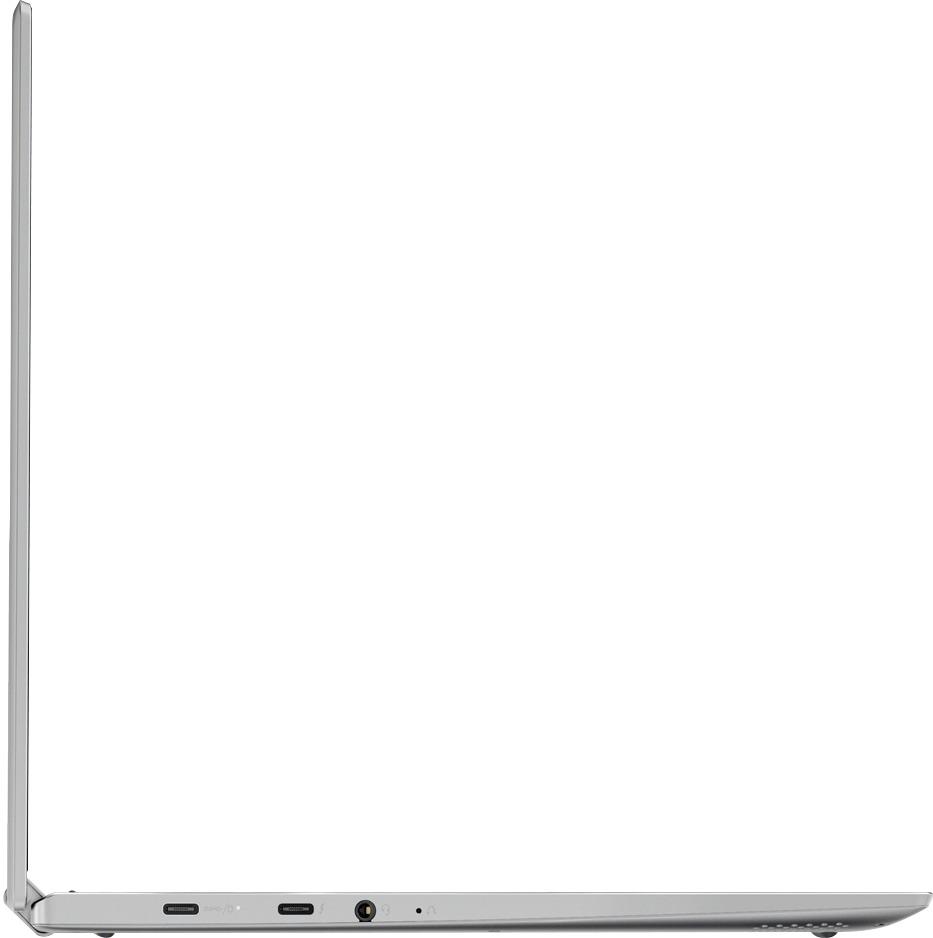
Posted .We are sorry to hear you are having issues with your Yoga 700-Series systems. All of the Yoga 700-Series models come with the OneKey Recovery System. There is a very small pin hole on the left side of the device, right near the headphone port on the device. You will need a pin to push this reset button. Plug the device in. Let the battery charge for about 15 minutes. Push the reset button. The system should boot to a choice screen where you can choose "Restore To Factory Default". Select this. It will delete everything from the hard drive except the original factory install of the operating system. You will need to reinstall all programs and files after the reset. If you don't have copies of the files, try to make one before you restore by selecting "Boot to desktop" and trying to back up your files.
- Cons mentioned:Fan noise
Fan issue, unfortunately will be returning this
Posted .This reviewer received promo considerations or sweepstakes entry for writing a review.Prior to buying, I read reviews about an issue with the fan being very loud. Since this was in the minority, I purchased anyway and took a chance. Unfortunately, the laptop I purchased has the loud fan issue. They aren't kidding - you can easily hear the fan from across the room 15 or 20 feet away. Other than this, there have been no issues, but this one's a show-stopper for me. I called Lenovo support and they indicated that this is a known issue but there's no fix out yet for the 720. A call to the geek squad confirmed the same thing - no fix yet. I have an option to wait on the fix, but since it's brand new and no one could give me a date for the fix - it's going back. Hopefully they get this resolved. I've only had it a couple of days, but everything else has been flawless.
No, I would not recommend this to a friendBrand response from Lenovo Product Expert
Posted .We have found that an update of the BIOS often helps with the fan throttling which will reduce fan noise. Follow the link below to look for new BIOS updates for your specific system. You can also run diagnostics from the Lenovo site as well. As always, be sure to create a restore point on your system before you make any changes. You can do this by just typing "restore point" in the search window within Cortana and follow the link to create a restore point. Here is the link:
http://pcsupport.lenovo.com/us/en/products/laptops-and-netbooks/yoga-series/yoga-720-13ikb/80x6/80x6002jus/downloads