Customer Ratings & Reviews

- Model:
- 81CU000CUS
- SKU:
- 6201046
to a friend
Customers are saying
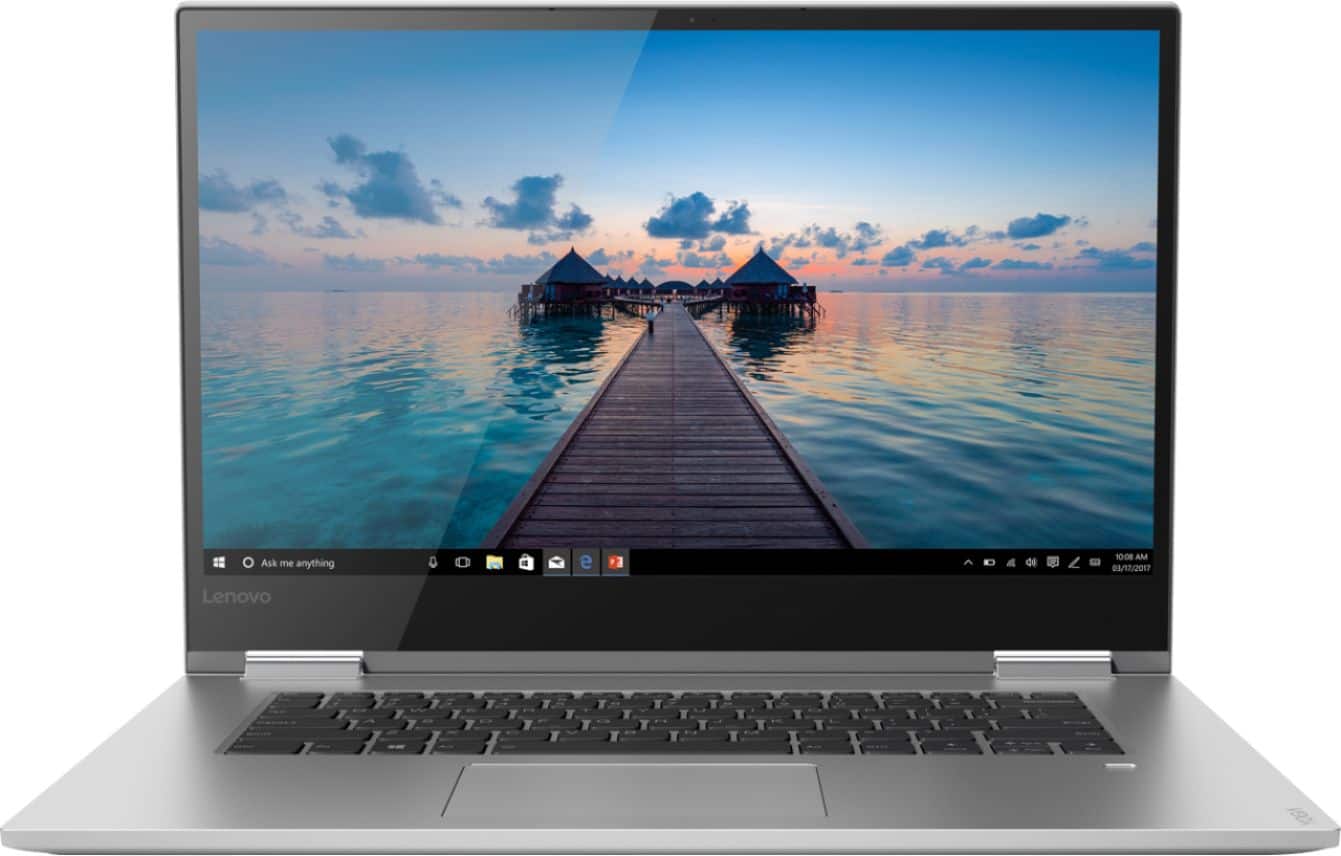
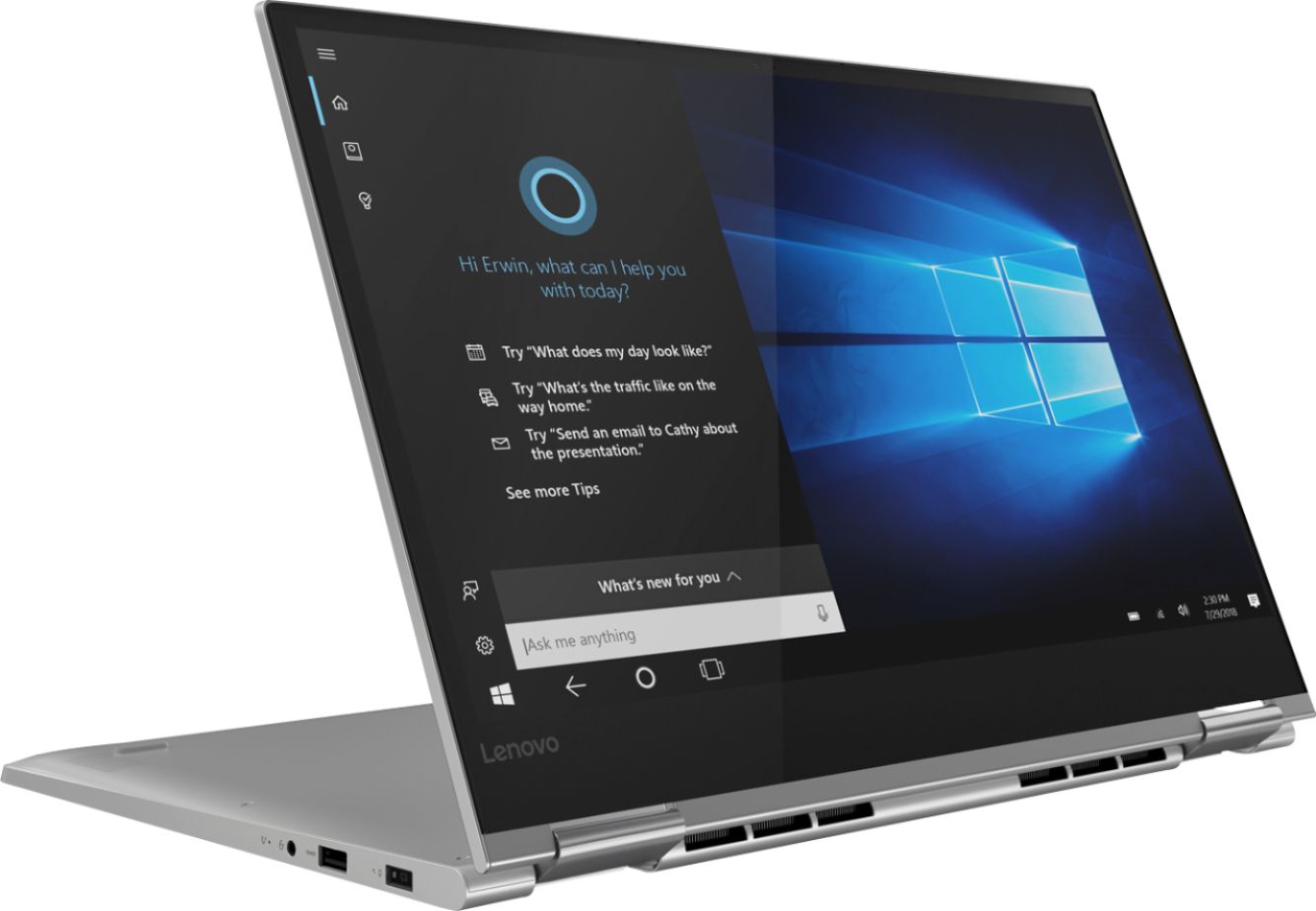
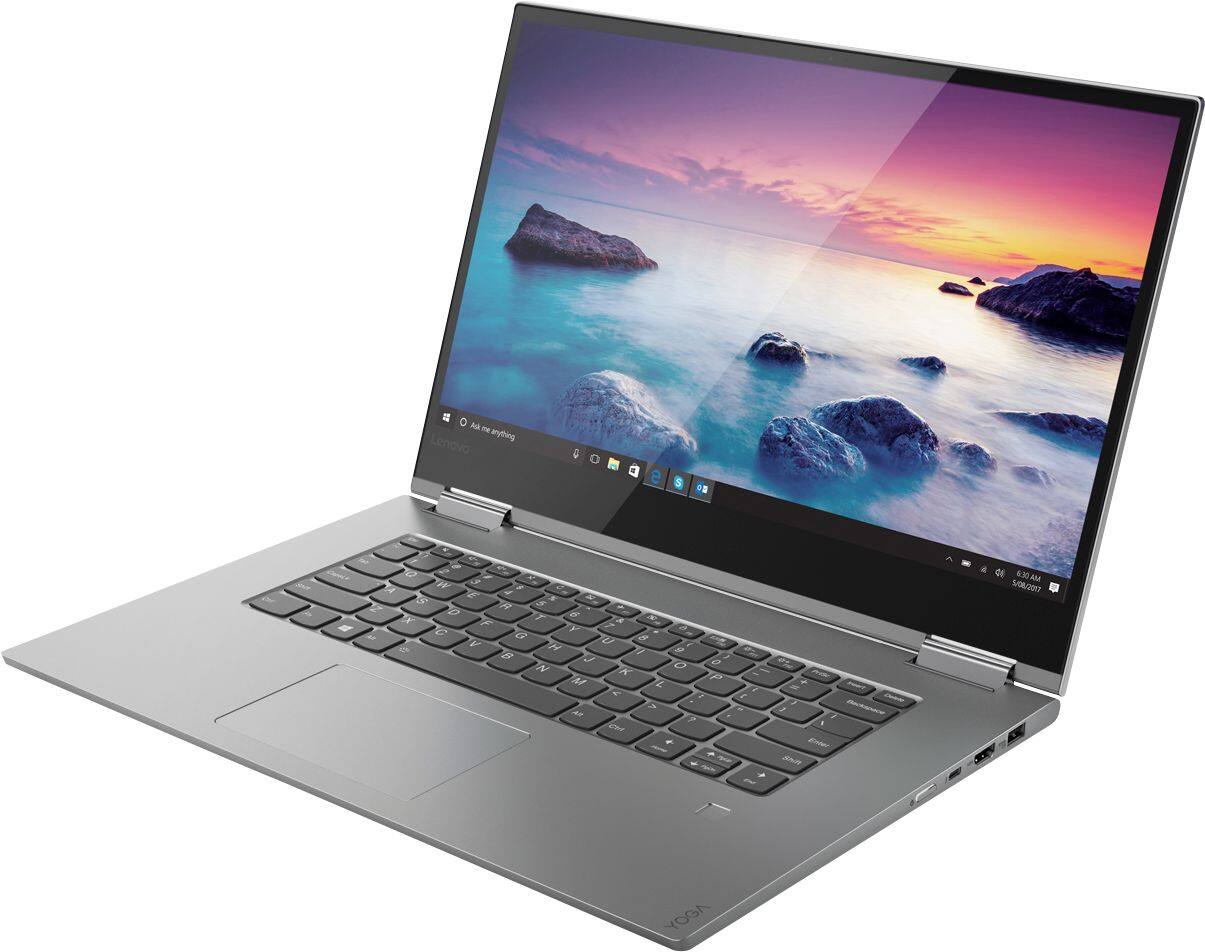
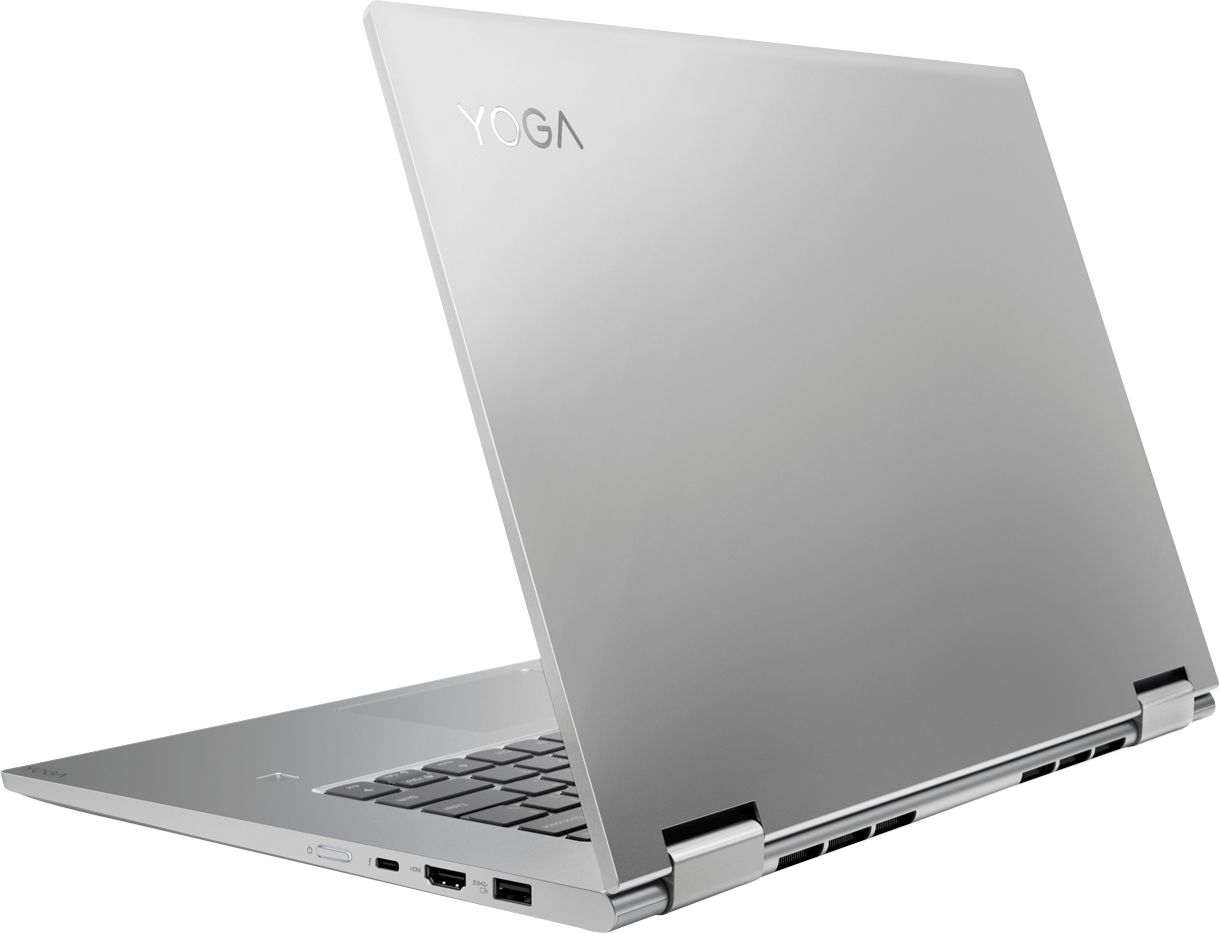
Customers frequently mention the Yoga 730's fast performance, stunning 4K screen, and powerful capabilities. It is also praised for its design, price, and the inclusion of a solid-state drive. However, customers commonly complain about its short battery life, loud fan noise, and cooling issues.
This summary was generated by AI based on customer reviews.
- Cons mentioned:Battery life, Customer service
Yoga 730 15inch 4K is a great laptop but......
Posted .This reviewer received promo considerations or sweepstakes entry for writing a review.First I bought the HP 360 Specter in a 15 inch 4K. From the start I knew something was wrong. It was very, very slow and would take a long time to load even a simple Word program. Then I noticed while watching a video the screen was messed up. When the screen is set to full black there was a glow of red in the middle of the screen about the size of a silver dollar. Plus the touch pad rattled. Apparently this one must have been a lemon. So I returned it within 2 days. I replaced it with the Yoga 730 same spec with the 15 inch 4K screen. From day one I loved it! The feel was much better and blazing fast. The bad part is the battery life was horrible! Maybe 3 hours at best and that is with everything turned down to the lowest settings, power saver on and running the screen at 50% brightness. Then I was noticing the screen was flickering. Only while on battery power. It was really bad and would hurt my eyes. It would not stop until I plugged it in. I called Lenovo and they said return it because there must be a problem with the battery or the screen itself. So I returned it to Best Buy and got another one. The second one is not as bad. The screen does flicker for just 1-2 seconds when going from black to white. When the screen is black or dark and then opening up to any white screen it will flicker. It doesn’t stay flickering only for 1-2 seconds. Not sure why it does that? It does not flicker when it is plugged in. Battery life is better but only ok. Maybe 4-5 hours with everything turned down, power saver on, 50% bright screen and doing just Word documents. The next bad problem with this unit is that the hinges are loose. The screen is not tight at all. So if I move it on the desk or carry it around the screen falls back flat. Not cool because this thing costs $1550! I would expect a lot better QC than what I have been getting. I could see this with maybe a $300 laptop but not one for $1550. Now for the real kicker. Best Buy said because I returned 2 computers I can no longer return a product for one year! WHAT?!!! Because a product is defective I get punished?! Best Buy I will NEVER buy anything from you again! You have lost my business. Glad I bought the Geek Squad protection. So in conclusion: I'm done with Best buy. Also I'm not sure if I would buy another Lenovo again. I like it a lot but the QC is lacking. I would look at spending the extra money next time and buy a Mac. I will see how Lenovo and Geek Squad handle this since I can NOT return it.
No, I would not recommend this to a friendBrand response from Lenovo Product Expert
Posted .We are sorry to hear that you are having issues with your Lenovo Yoga 730-15. This device uses hinges that have been tested through 25,000 cycles (8 to 10 years of normal use). The hinges on the Yoga 30-15 should hold the screen at any point along a 360-degree range and should not fall over on its own. We recommend you call Lenovo Tech Support at 877-453-6686 for help with this hinge issue.
With regard to the screen flicker issue, this may be due to a recent Windows 10 update that also requires an update of both BIOS and video driver updates. This system has Lenovo utilities installed to help maintain the health of the device and keep the operating system software up to date. Type "Lenovo Vantage" in the Cortana Search window (if Lenovo Vantage is not installed on your device, you can download the APP and install it now). Select Lenovo Vantage from the list. In the window that opens, click on "Health and Support". In the expanded menu, select "Hardware Scan" In the window that opens, select "Run Quick Tests". This will scan your entire system for errors. Follow any directions that may pop up. If the problem continues after this scan, now click on "System Update". First select Windows update from the menu. Scan your system to be sure you have the latest version of Windows 10. Once that scan is complete, select "Additional Updates". This will scan your device to be sure there are no new BIOS/Driver updates needed. Follow any instructions that may pop up. If the issue still continues after these updates, we recommend you call Lenovo Tech Support at: 877-453-6686 for additional help.
- Pros mentioned:PowerfulCons mentioned:Loud fan, Sharp edges
fatal flaws
Posted .This reviewer received promo considerations or sweepstakes entry for writing a review.I liked the power and screen. But it has two big issues. 1. The fan is constantly speeding up and slowing down, even under a light load. 2. The upper front edges are sharp and very uncomfortable. A little research once I got the machine home revealed that these are known issues for this model. My esteem for Lenovo plummeted with this machine. I've never posted a negative review before but thought that I would help somebody else avoid the annoyance that this lousy design caused.
No, I would not recommend this to a friendBrand response from Lenovo Product Expert
Posted .The Lenovo Yoga 730-15 4K model, is a high performance system with its Quad-Core/Eight-Thread Intel Core i7-8550U processor, 16GB of RAM and a 512GB solid state hard drive. It will generate heat whenever it is turned on, even at idle, this is normal. The onboard fan will maintain the proper operating temperature for the device. You will hear the fan whenever it runs, this too is normal.

- Pros mentioned:4k screen
Nice laptop, Failed execution (read on)
Posted .This reviewer received promo considerations or sweepstakes entry for writing a review.I owned this laptop for 3 days. As an avid consumer of electronics (ie. game systems, laptops, TVs, etc) I was very excited to replace my old laptop with the Lenovo Yoga 730. I had never owned a computer with a 4K screen. Upon initial use: the screen looked amazing & specs seemed great. New i7 8550U, 16gb RAM, SSD, and dedicated graphics. A little shuttering and lag while doing basic web browsing prior to installing all the windows updates, but that was quickly fixed after properly updating the computer. I chose the Yoga 730 over the 920 for its 2gb dedicated GTX 1050 graphics card. This card was a big step up from the intergrated Intel U620 Graphics card other Yoga models come with. My hope was to be able to casually game, run light weight CAD software, and Adobe Suite. This is where the problems began; the computer was incapable of performing while running barely intensive programs. I tried Adobe Photoshop, then two games League of Legends and Hearthstone. Everything would be going great (150 fps and smooth photo editing) until 2-5 minutes in. The system began to fail miserably. Huge drops in FPS and shuttering across the screen and these programs are rather light in terms of the load they put the system under. I tried every fix I could think of and then some. Routing all processes through the dedicated graphics, changing base settings to maximize performance, and even tweaking processor specifications. After failing for an hour or two I started to monitor the components performances to see what was going wrong and at what times. Conclusion: while the processor is 1.8 GHz base speed with a turbo up to 4GHz, anytime the GTX 1050 began to be used it would throttle the processors. Dropping from 4 cores being used to 1 core would cause its performance to drop to less than 1 GHz in an attempt to cool the system to whatever ridiculous specs they have it set up to adhere to. After doing a ton of research online, there are forums upon forums of complaints about this laptop with these specifications underperforming. The BIOS software written makes the CPU & GPU virtually incompatible, never allowing you to utilize the performance of each appropriately. While I had enjoyed the laptop, I could not sit by and use something that did not work especially with no update or fix coming from Lenovo. I hope they resolve the issue and this model performs as expected because in theory it should be a great machine. It was not my specific computer, but a lack of compability with the software programmed to control the hardware running the machine. No hard feelings, but I recommend purchasing a different machine until this problem is fixed.
No, I would not recommend this to a friendBrand response from Lenovo Product Expert
Posted .We are sorry to hear that you are having issues with your Lenovo Yoga 730-15. Be sure the versions of the software you are using are compatible with Windows 10 and this specific system configuration. Also, check to be sure that you are running the latest version of Windows 10 and the BIOS and Drivers are up to date. You can easily do this by using the Lenovo Utilities installed on the device. This system has Lenovo utilities installed to help maintain the health of the device and keep the operating system software up to date. Type "Lenovo Vantage" in the Cortana Search window (if Lenovo Vantage is not installed on your device, you can download the APP and install it now). Select Lenovo Vantage from the list. In the window that opens, click on "Health and Support". In the expanded menu, select "Hardware Scan" In the window that opens, select "Run Quick Tests". This will scan your entire system for errors. Follow any directions that may pop up. If the problem continues after this scan, now click on "System Update". First select Windows update from the menu. Scan your system to be sure you have the latest version of Windows 10. Once that scan is complete, select "Additional Updates". This will scan your device to be sure there are no new BIOS/Driver updates needed. Follow any instructions that may pop up. If the issue still continues after these updates, we recommend you call Lenovo Tech Support at: 877-453-6686 for additional help.
Wifi is terrible
Posted .This reviewer received promo considerations or sweepstakes entry for writing a review.The machine itself is very well done. Screen is great, extremely fast and setup and updates were somewhat painless. But, the wifi performance is absolutely horrible. Unless you have direct line of sight with the source and within 30 feet, it will not connect. Have had great luck with Lenovo products for years, but finding this is a well known issue with Yoga. Totally inexcusable for a machine at this price. Frustrating and can't recommend.
No, I would not recommend this to a friendBrand response from Lenovo Product Expert
Posted .We are sorry to hear that you are having issues with the WiFi on the Lenovo Yoga 730-15. Lenovo uses 5G, the latest and fastest WiFi available, 802.11AC. Although it is backward compatible to older b/g/n frequencies, you should check to be sure you have the latest firmware updates for your router. You can check this on the router manufacturer's web site.
Compact but full featured
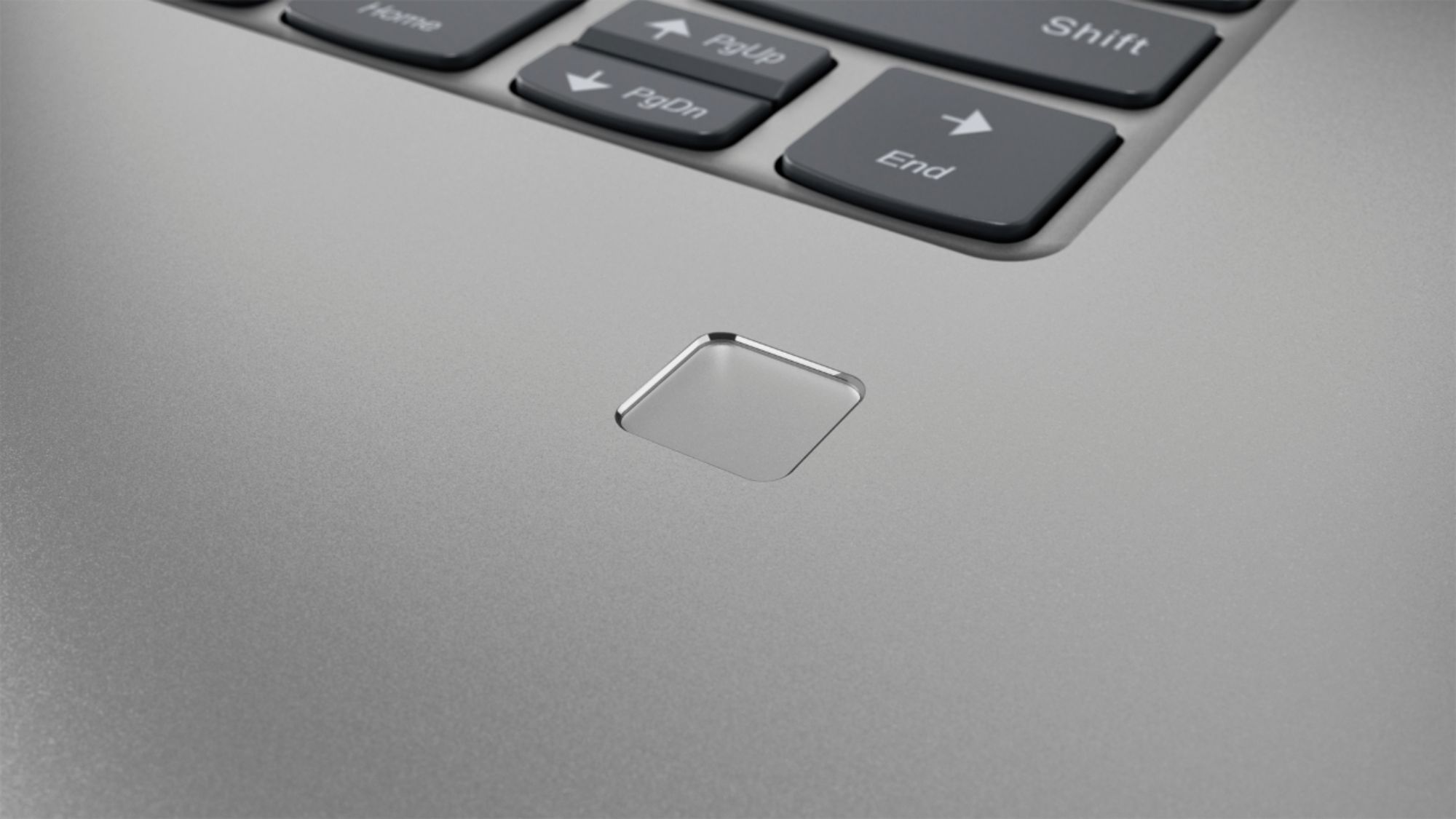
Posted .This reviewer received promo considerations or sweepstakes entry for writing a review.As a business traveler, I was on the hunt for a laptop that would be lightweight but would allow me to do presentations on the go. This laptop is a dream! I really like the finger print log in for quick ease of use. I love being able to flip the screen over to do a presentation and the image quality is very nice. I did purchase additional accessory chargers for travel as well as a docking station which was nice.
I would recommend this to a friendWorst Computer Our Family Has Ever Owned
Posted .This reviewer received promo considerations or sweepstakes entry for writing a review.Our daughter purchased this machine because her college major required the use of certain programs that are Windows based. (She's been on a Mac for almost 5 years, and has never once had a problem.) We were assured that the specs of this machine would meet her needs. The specs may be okay, but we couldn't comment on that aspect of the computer because the rest of the experience has been a nightmare. After using the machine for a few minutes, the cursor begins to lag, and then it completely freezes up. The same thing happens when typing on the keyboard. This isn't something that happens occasionally. It happens ALL THE TIME. She has been on the phone with Lenovo at least 5 times. She has allowed support to log into the machine remotely, where they witnessed the problem directly. They reimaged it. It didn't fix the problem. She called again, they had her reimage it. Didn't work. She has sent the machine in to be "repaired" - not once, but twice. Neither attempt to repair the machine fixed the problem. (The first form says they reimaged it YET AGAIN, and the second form claims they reseated loose components.) She went the entire first semester with out the laptop she needed for her classwork. I'm sorry, but for the cost of this machine, that is completely unacceptable. When we went to speak to somebody at Best Buy about the problem, just to see if they had any suggestions on how to get the problem actually fixed, the salesperson told us, "Nothing we can do. After 14 days, the machine is yours and so are the problems." Then, in what could be the most dismissive thing ever said by a salesperson, we were told "People read all the bad reviews, but nobody ever talks about the thousands of people who are happy." As if THAT somehow makes this situation okay? We will never buy another Lenovo computer, and we will definitely find another place to purchase our computers.
No, I would not recommend this to a friendBrand response from Lenovo Product Expert
Posted .We are sorry to hear that your daughter is having issues with her Lenovo Yoga 730-15 4K model. The issues you describe with the touchpad and keyboard data entry sound like there may be incompatible software installed on the device. Be sure any software you installed is compatible with Windows 10. There is no need to install Microsoft Office software. The software is already part of the operating system, you just need to activate the software with a purchased product key. If you have installed a copy of Microsoft Office, this is conflicting with the existing copy on the system and this will slow your system down. If you have installed a 3rd party anti-virus program, be sure that Windows Defender is turned off and that the trial version of McAfee Anti-Virus software is uninstalled. There can only be one anti-virus program on the system. You may need to restore your system to original factory default settings if any of the programing errors have occurred. You can do that by typing "restore" in the Cortana search window. Just click on the magnifying glass icon at the bottom left of your Windows 10 Desktop. Click on "Reset This PC" Then click on "Get Started" and follow the on screen directions to restore to factory defaults. If the problem persists, we recommend you contact Lenovo Tech Support at: 877-453-6686.
- Cons mentioned:Customer service
Do not buy!
Posted .This reviewer received promo considerations or sweepstakes entry for writing a review.I bought this months ago, and have been trying to get it fixed ever since. Neither geek squad nor Lenovo have been able to fix it. The mouse and keyboard will just stop working. Now Lenovo is basically ignoring me. Their customer service is the worst I have ever seen. Biggest $1500 mistake I ever made.
No, I would not recommend this to a friendBrand response from Lenovo Product Expert
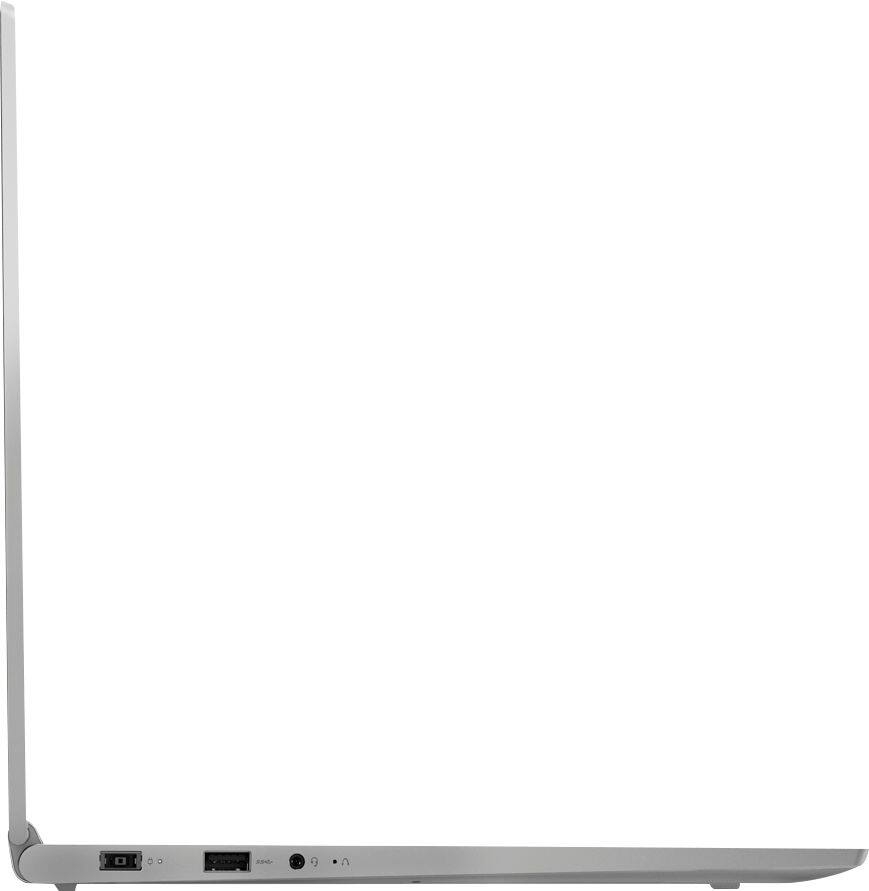
Posted .We are sorry to hear that you are having issues with your Yoga 730-15. This system is equipped with OneKey Recovery System. There is a very small pin hole on the left side of the device, right near the headphone jack on the device. You will need a pin to push this reset button. Plug the device in. Let the battery charge for about 15 minutes. Push the reset button. The system should boot to a choice screen where you can choose "Restore To Factory Default". Select this. It will delete everything from the hard drive except the original factory install of the operating system. You will need to reinstall all programs and files after the reset. If you don't have copies of the files, try to make one before you restore by selecting "Boot to desktop" and trying to back up your files. If the problem persists after the factory reset, we recommend you contact Lenovo Tech Support at: 877-453-6686.
- Cons mentioned:Cooling
Cannot play modern games
Posted .This reviewer received promo considerations or sweepstakes entry for writing a review.Using Open Hardware monitor and playing three different games, it is apparent that during game-play using both the Geforce 1050 and Integrated graphics that this laptop cannot cool itself enough for gaming. During gameplay the CPU will rise about 70C and then throttle the CPUs down to 500mhz. This makes games unplayable in my experience. This does not appear to be a driver issue. This appears to be a thermal issue or possibly a CPU over-voltage issue.
No, I would not recommend this to a friendBrand response from Lenovo Product Expert
Posted .We are sorry to hear that you are experiencing issues with your Lenovo Yoga 730-15. Be sure any programs you install and use on the device are compatible with Windows 10 and this specific device configuration.
Problem with Black Line Top of Screen
Posted .This reviewer received promo considerations or sweepstakes entry for writing a review.I own the 4K 15" Yoga 720. Great laptop initially. Developed a black horizontal line across the top. Based on feedback and owner comments in the Lenovo forum (https://forums.lenovo.com/t5/Lenovo-Yoga-Series-Notebooks/Yoga-720-Display-Issue/td-p/3711026) this issue was never recognized by Lenovo so it was not addressed. Be certain to review the forums for the Yoga 730 to ensure this issue did not carry over.
No, I would not recommend this to a friendBrand response from Lenovo Product Expert
Posted .We are sorry to hear you are having issues with your Yoga 730-15. This issue has been resolved. We recommend you call Lenovo Tech Support for your options at: 877-453-6686.