Customer Ratings & Reviews


- Model:
- 81CU0040US
- SKU:
- 6295992
Rating by feature
- Value
Rating 4.1 out of 5 stars
- Quality
Rating 4.3 out of 5 stars
- Ease of Use
Rating 4.4 out of 5 stars
Customers are saying
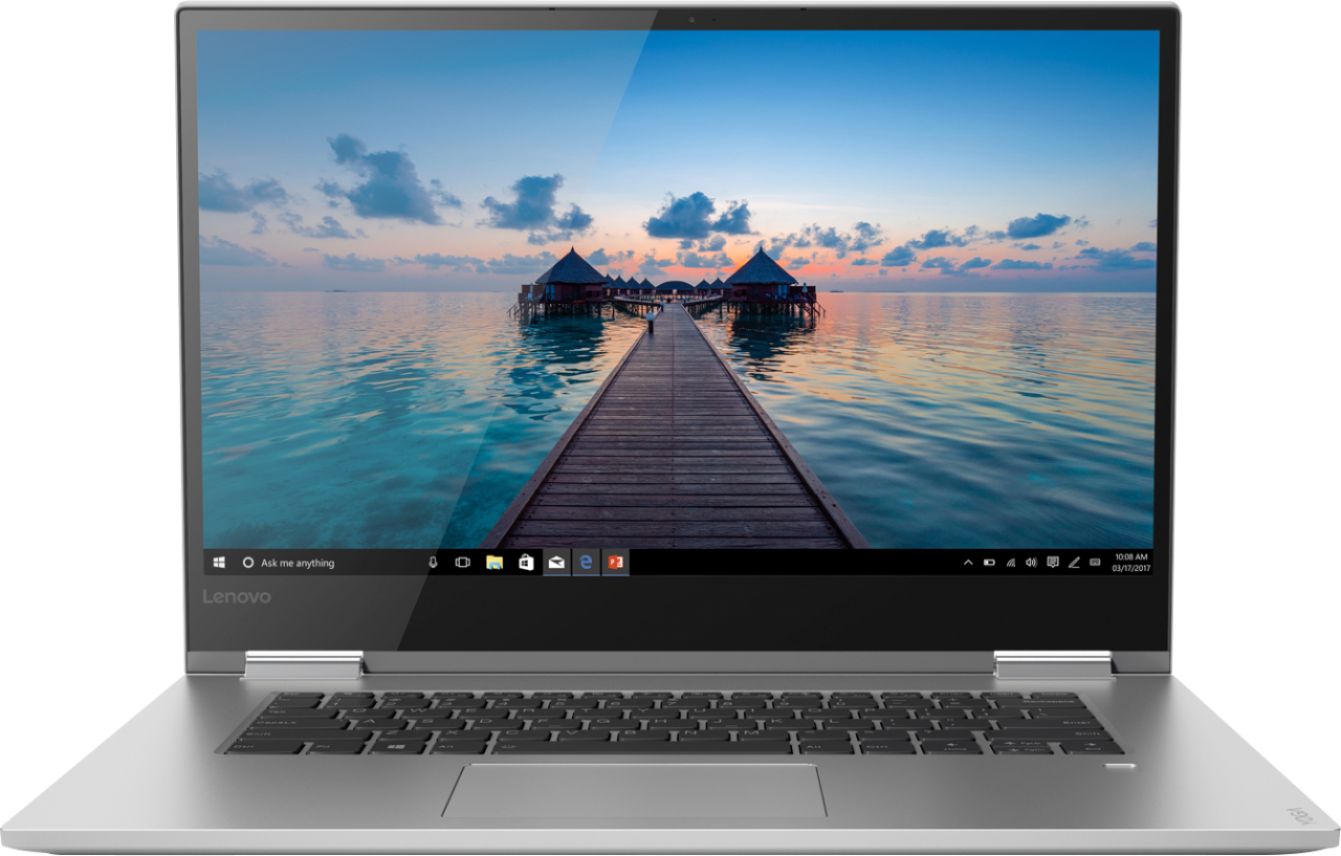
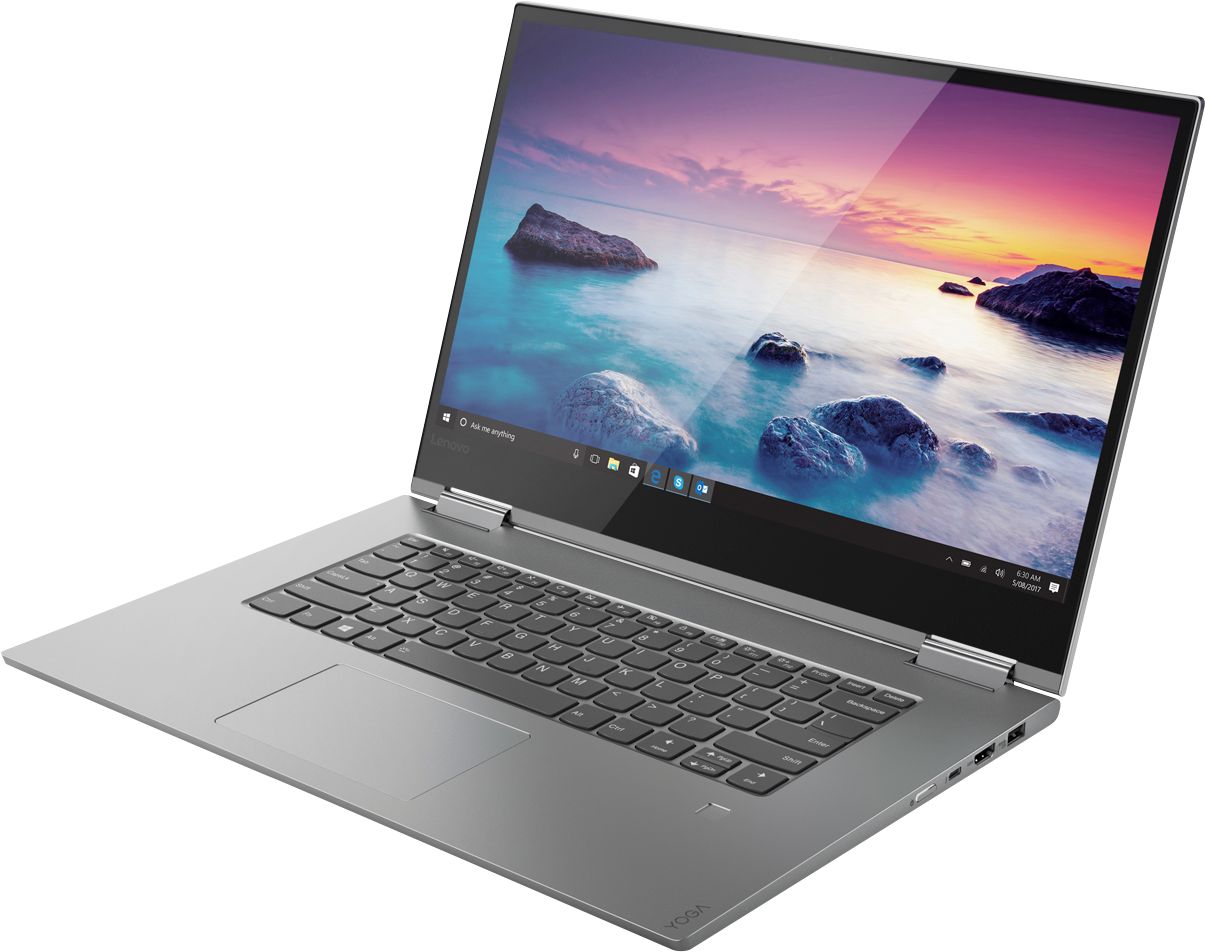
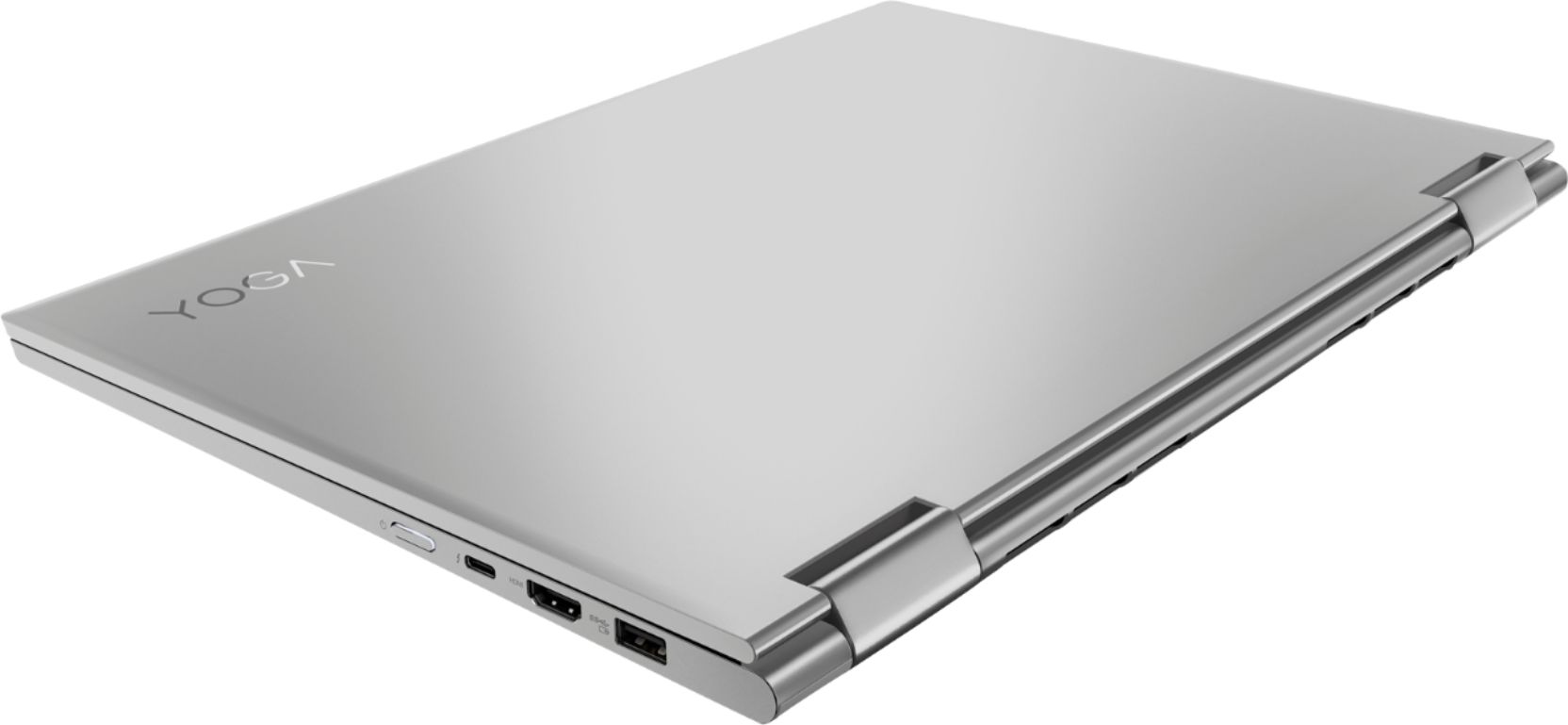
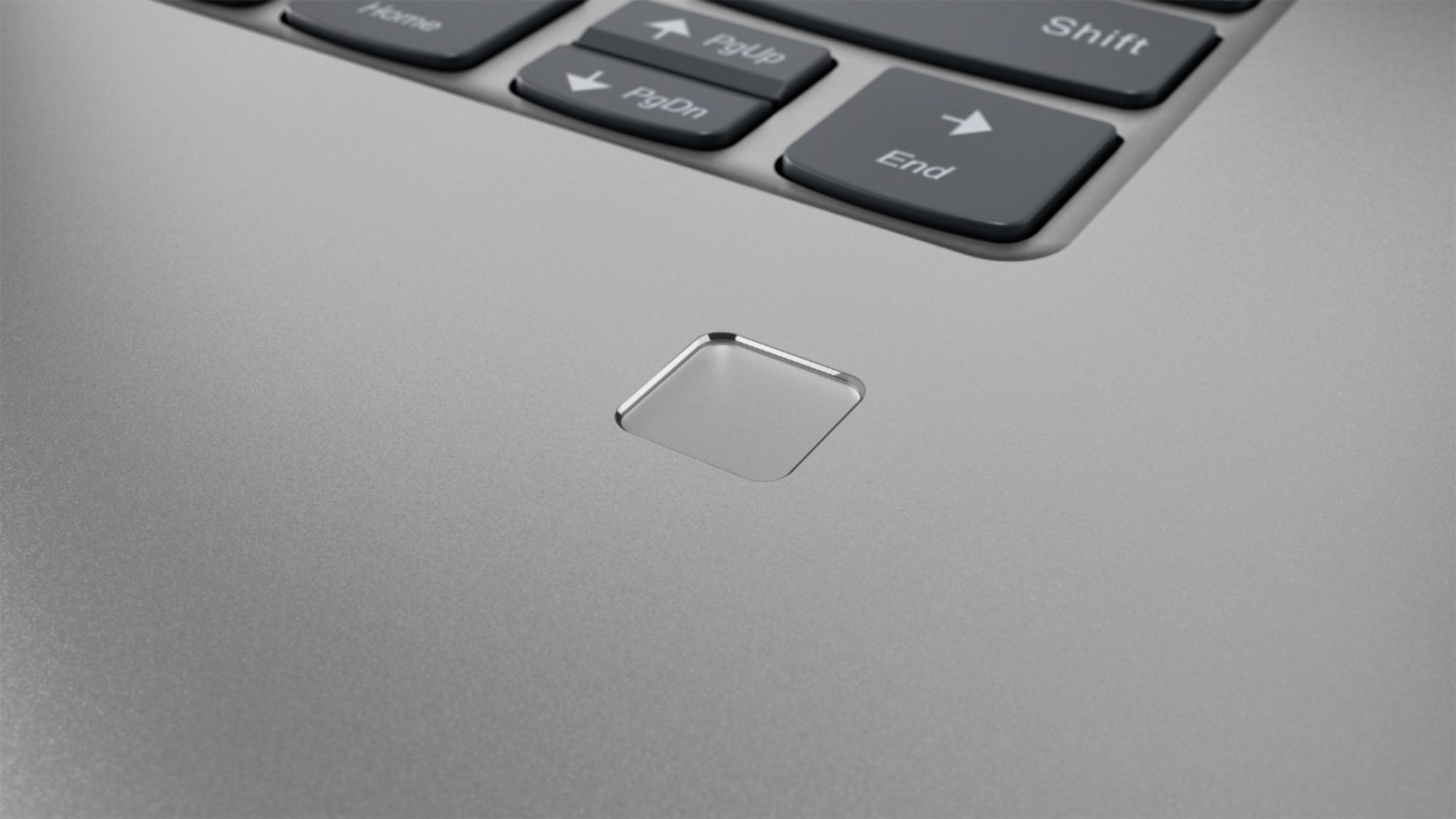
Customers are delighted by the Yoga 730's stunning 4K touch-screen display, powerful performance, and reasonable price. Many users also appreciate the laptop's build quality, ease of use, and fingerprint reader. However, some customers have expressed concerns about the laptop's battery life and Wi-Fi connectivity.
This summary was generated by AI based on customer reviews.
Lenovo Yoga 720
||Posted .This reviewer received promo considerations or sweepstakes entry for writing a review.I am not happy with service. Computer get stuck and mouse pad does not work as expected.
No, I would not recommend this to a friendNo good product
||Posted . Owned for 2 months when reviewed.This reviewer received promo considerations or sweepstakes entry for writing a review.we have lots problems in the system frozen to many times
No, I would not recommend this to a friendBrand response from Lenovo Product Expert
Posted .The Lenovo Yoga 730-15 4K model number 81CU0040US, ships with Windows 10 Home Operating System and it should not freeze. Be sure any software you installed is compatible with Windows 10. There is no need to install Microsoft Office software. The software is already part of the operating system, you just need to activate the software with a purchased product key. If you have installed a copy of Microsoft Office, this is conflicting with the existing copy on the system and this will slow your system down. If you have installed a 3rd party anti-virus program, be sure that Windows Defender is turned off and that the trial version of McAfee Anti-Virus software is uninstalled. There can only be one anti-virus program on the system. You may need to restore your system to original factory default settings if any of the programming errors have occurred. You can do that by typing "restore" in the Cortana search window. Just click on the magnifying glass icon at the bottom left of your Windows 10 Desktop. Click on "Reset This PC" Then click on "Get Started" and follow the on screen directions to restore to factory defaults. If you can not properly boot the computer any longer to get to the Windows 10 Desktop, this system is equipped with OneKey Recovery System. There is a very small pin hole on the left side of the device, right near the headphone jack on the device. You will need a pin to push this reset button. Plug the device in. Let the battery charge for about 15 minutes. Push the reset button. The system should boot to a choice screen where you can choose "Restore To Factory Default". Select this. It will delete everything from the hard drive except the original factory install of the operating system. You will need to reinstall all programs and files after the reset. If you don't have copies of the files, try to make one before you restore by selecting "Boot to desktop" and trying to back up your files. If the problem persists after the factory reset, we recommend you contact Lenovo Tech Support at: 877-453-6686.

Too slow
||Posted . Owned for 5 months when reviewed.This reviewer received promo considerations or sweepstakes entry for writing a review.Too slow when you try perform complicated formulas in Excel
No, I would not recommend this to a friendBrand response from Lenovo Product Expert
Posted .The Lenovo Yoga 730-15 4K model is a fast configuration. If you are getting slower than expected performance, be sure any software you installed is compatible with Windows 10. There is no need to install Microsoft Office software. The software is already part of the operating system, you just need to activate the software with a purchased product key. If you have installed a copy of Microsoft Office, this is conflicting with the existing copy on the system and this will slow your system down. If you have installed a 3rd party anti-virus program, be sure that Windows Defender is turned off and that the trial version of McAfee Anti-Virus software is uninstalled. There can only be one anti-virus program on the system. You may need to restore your system to original factory default settings if any of the programing errors have occurred. You can do that by typing "restore" in the Cortana search window. Just click on the magnifying glass icon at the bottom left of your Windows 10 Desktop. Click on "Reset This PC" Then click on "Get Started" and follow the on screen directions to restore to factory defaults. If the problem persists, we recommend you contact Lenovo Tech Support at: 877-453-6686.
Meh
||Posted . Owned for 3 months when reviewed.This reviewer received promo considerations or sweepstakes entry for writing a review.I honestly wasn’t a fan of this laptop and returned it right away. Don’t recommend. Very good quality screen but literally couldn’t do any art programs or anything like that.
No, I would not recommend this to a friendBrand response from Lenovo Product Expert
Posted .The Yoga 730-15 4K model offers a NVIDIA GTX 1050 discrete graphics with 4GB GPU RAM powered by NVIDIA Pascal, the world’s most advanced GPU architecture, built for the latest multi-dimensional computing environments. Savor a smooth, power-efficient performance that will take your computing and cinematic experiences to the next level. Paired with the Yoga 730’s 4K display, it’s a whole new way to visualize your computing. Featuring the revolutionary connection technology of a Thunderbolt 3 USB-C port, the Yoga 730-15 4K model offers swift, versatile connection to high-res displays, high-performance data devices, and more—all while charging at faster speeds. We packed more than 8 million pixels into a 15” wide-angle display edged with super-thin bezels (6.55mm sides / 9.65mm top). You’ll be watching the latest in theatrical quality video, movies, and TV exactly the way they were meant to be seen. With 300 nits brightness, you’ll see every detail. Experience truly immersive sound with Dolby Atmos, which creates a three-dimensional audio space. Sound comes alive with fullness and depth when you listen through headphones.
Poor quality for huge price
||Posted . Owned for 2 weeks when reviewed.This reviewer received promo considerations or sweepstakes entry for writing a review.I got one and would not pick up my internet return it and got the same and same problem so I returned it and got my money back
No, I would not recommend this to a friendBrand response from Lenovo Product Expert
Posted .We are sorry to hear that you are having issues with your Lenovo Yoga 730-15 4K model. Be sure you have the latest version of Windows 10 on the computer. If you can not connect to the internet to properly activate Windows 10, you can use a USB to ethernet adapter to connect to the internet to activate Windows properly. If you need additional help, we recommend you call Lenovo Tech Support at: 877-453-6686.
Lenovos are horrible.
||Posted . Owned for 1 year when reviewed.This reviewer received promo considerations or sweepstakes entry for writing a review.Worst purchase I've made at bestbuy. After less than a year, it completely collapsed on me! Horrible purchase. Will never buy another Lenovo or recommend one to someone.
No, I would not recommend this to a friendI thought this would be great but lemon.
||Posted . Owned for 1 year when reviewed.This reviewer received promo considerations or sweepstakes entry for writing a review.I thought this would be great but mine had issues that could not be repaired. Luckily, we had insurance and Best Buy gave me a refund so I was able to purchase an Apple computer that has been problem free.
No, I would not recommend this to a friendWorthless and wasted money
||Posted . Owned for 1 year when reviewed.This reviewer received promo considerations or sweepstakes entry for writing a review.The screen is already starting to flicker. Move away from Lenovo if u can. I’ve only had this just over a year. Not worth the price tag
No, I would not recommend this to a friendWifi
||Posted . Owned for 1 month when reviewed.This reviewer received promo considerations or sweepstakes entry for writing a review.Everything is good but wifi disconnects every hour even often. will never buy again
No, I would not recommend this to a friendBrand response from Lenovo Product Expert
Posted .We are sorry to hear that you are having WiFi connectivity issues. Be sure you have the latest version of Windows 10 installed on the computer. Then update all of the BIOS files and drivers on the computer, up to that latest version of Windows 10. You can easily accomplish this by scanning the computer with the Lenovo Utility software installed on the computer. This system has Lenovo utilities installed to help maintain the health of the device and keep the operating system software up to date. Type "Lenovo Vantage" in the Cortana Search window (if Lenovo Vantage is not installed on your device, you can download the APP and install it now). Select Lenovo Vantage from the list. In the window that opens, click on "Health and Support". In the expanded menu, select "Hardware Scan" In the window that opens, select "Run Quick Tests". This will scan your entire system for errors. Follow any directions that may pop up. If the problem continues after this scan, now click on "System Update". First select Windows update from the menu. Scan your system to be sure you have the latest version of Windows 10. Once that scan is complete, select "Additional Updates". This will scan your device to be sure there are no new BIOS/Driver updates needed. Follow any instructions that may pop up. If the issue still continues after these updates, we recommend you call Lenovo Tech Support at: 877-453-6686 for additional help.
Poor Machine
||Posted . Owned for 2 months when reviewed.This reviewer received promo considerations or sweepstakes entry for writing a review.It has been broken down twice in two months. The batteryboard is really poor.
No, I would not recommend this to a friendBrand response from Lenovo Product Expert
Posted .We are sorry to hear that you are having issues with your Lenovo Yoga 730-15 4K model. We recommend you call Lenovo Tech Support for help with your specific issues at: 877-453-6686.
- Pros mentioned:Touch screen
Just a Good Product
Posted .This reviewer received promo considerations or sweepstakes entry for writing a review.I got this product as an open-box with my intention of using it for overall usage, but primarily using it for Notes and Data Science. The Yoga 730 is a very good 2 in 1 Laptop especially with it's i7 and GTX 1050 it is not slouch in performance. The Display is very sharp and vibrant. the one thing that's really nice about this laptop is it thunderbolt and HDMI port, so essentially you can have two additional displays going on at the same time, which is an overkill and awesome at the sametime. There are few things I noticed the past couple weeks while using it was battery performance, but I always put in power saving mode to increase the preformance, when I am doing more resource intensive processes and tasks such as gaming, but I have it plugged in. Note taking, writing papers, and other office related software the battery performance very well. Some reviewers bash the battery, but when you have discreet you graphics with the 4k display is a given that will draw out more battery compared to other laptops with no discreet graphic in a 4k display. Since I took care of that issue. The main issue I found is minor Backlight bleeding on the display when you are on a black screen. Overall, the Yoga 730 is a good laptop for average gamers, creators, development, and students.
I would recommend this to a friendBrand response from Lenovo Product Expert
Posted .Thank you for choosing the Lenovo Yoga 730-15 4K model. This model ships with a 3CELL 51.5WH, Lithium Polymer battery, with a battery life of up to 8 hours, depending on the work that the device is performing. To maximize battery life, first adjust your battery saver settings. Here is a link to instruction for doing this in Windows 10: https://www.digitalcitizen.life/how-use-configure-battery-saver-windows-10. Next, to maximize battery life, be sure there are no unwanted programs running in the background, draining the battery. Here is a link to some tips for finding out what is draining your battery:
https://www.laptopmag.com/articles/battery-saver-windows-10. Also, to maximize battery life, try changing your power management setting to a more conservative one. You can do this in the control panel, in the power management category on your system. Select a more conservative power management setting to extend battery life. Finally, if the battery life does not improve, a battery reset may help. Here is a link to instructions for reconditioning a non-removable battery, using the Battery Management Software installed on the computer. If you need further assistance, we recommend you call Lenovo Tech Support at: 877-453-6686. Here is the link: https://help.business.uconn.edu/index.php?pg=kb.page&id=169
- Cons mentioned:Battery life, Wifi connectivity
Specs aren't everything
Posted .This reviewer received promo considerations or sweepstakes entry for writing a review.First, I would say I am very picky when it comes to my devices so others may not find issue with a similar experience as mine. I picked this laptop up as I was able to get a good deal on it from best buy. It met all of my spec requirements and seemed liked a good purchase. First thing I noticed upon boot is very uneven light uniformity. When inspecting further, there was also a great deal of light bleed on the top right corner that extended toward the center of the screen. As this is a brand new laptop, I exchanged it. The second had some light bleed as well but it was totally acceptable. The main issue that I experienced with the second was that my wifi connection would drop almost every hour. I updated bios, drivers, uninstalled and reinstalled and nothing worked. I called Lenovo and had them trouble shoot as well. It become too annoying to bare, which is why I ultimately decided to return it. Another issue was throttling when playing any games. I also found the battery to be unsatisfactory for a laptop this large with a dedicated graphics card and a 4k display. I was barely getting 3hrs of battery life I would not recommend this laptop for gaming, but it is doable at the right settings and if you stay plugged in. This laptop has way too many default settings dedicated to maximize battery life due to the small capacity I assume. This became evident when I tried to load a site with 800+ photos (imgur) and noticed that the photos took a long time to load. There is a setting that literally slows down internet page loading speed to reduce battery. Once I turned it off, the site was able to quickly load all images. The sound on the laptop is just OK as most 2 in 1s are not the greatest in this regard. Ultimately due to battery capacity and the consistent unacceptable wifi drops, I ended up returning and exchanging for a different laptop with similar specs, but only a 2gb dedicated graphics card. The price was very similar and I can say I'm happier with my curent choice which has a pretty big battery. This laptop could be right for some with some extensive setting tweaking but know you will be sacrificing battery life for a lot of the changes needed to make this thing live up to its specs. This could have been a good laptop for me considering the spec sheet, but the battery capacity, just OK screen and the trouble it has keeping cool, (I assume my wifi issue was just due to a defective unit) is really holding this laptop from reaching its true potential.
No, I would not recommend this to a friendBrand response from Lenovo Product Expert
Posted .The Lenovo Yoga 730-15 4K model ships with the latest 5G 802.11AC frequency WiFi. For the best performance, be sure your router has the latest firmware updates available at the router manufacturer's web site. This model ships with a 3CELL 51.5WH, Lithium Polymer battery, with a battery life of up to 8 hours depending on the work that the device is performing. To maximize battery life, first adjust your battery saver settings. Here is a link to instruction for doing this in Windows 10: https://www.digitalcitizen.life/how-use-configure-battery-saver-windows-10. Next, to maximize battery life, be sure there are no unwanted programs running in the background, draining the battery. Here is a link to some tips for finding out what is draining your battery:
https://www.laptopmag.com/articles/battery-saver-windows-10. Also, to maximize battery life, try changing your power management setting to a more conservative one. You can do this in the control panel, in the power management category on your system. Select a more conservative power management setting to extend battery life. Finally, if the battery life does not improve, a battery reset may help. Here is a link to instructions for resetting a non-removable battery. If you need further assistance, we recommend you call Lenovo Tech Support at: 877-453-6686. Here is the link: https://www.techwalla.com/articles/how-to-reset-a-laptop-battery
- Cons mentioned:Customer service, Wifi connectivity
Lenovos shipped with Faulty WiFi Adapters
Posted .This reviewer received promo considerations or sweepstakes entry for writing a review.Over a thousand dollars for a laptop that constantly disconnects from WiFi network. A little research online you find a great many people who've had the same problems, and not just with this model! So apparently Lenovo has been aware of this for a while yet they haven't issued a recall, released a statement, or a fix. The problem is a certain Realtek Network Adapter. Lenovo have been replacing them with Intel network adapters for the customers who decide to call in rather then just return the laptops. I tried this first and the manager at my local BB refused to do anything for me. I chose to go with Lenovo over my usual Dells and I have been regretting it since. An unbelievable waste of my time and money. Come to find out Lenovo could have just updated the driver, or even rolled it back but has still yet to do so. Go for it get you a Lenovo, from Best Buy even, but read this and you've been warned!
No, I would not recommend this to a friendBrand response from Lenovo Product Expert
Posted .The Lenovo Yoga 730-15 4K model uses the latest 5G 802.11AC frequency WiFi. Be sure your router has the latest firmware updates available from the router manufacturer's web site. You can keep the BIOS and Drivers on this computer up to date by using the Lenovo Utility software installed on this computer. This system has Lenovo utilities installed to help maintain the health of the device and keep the operating system software up to date. Type "Lenovo Vantage" in the Cortana Search window (if Lenovo Vantage is not installed on your device, you can download the APP and install it now). Select Lenovo Vantage from the list. In the window that opens, click on "Health and Support". In the expanded menu, select "Hardware Scan" In the window that opens, select "Run Quick Tests". This will scan your entire system for errors. Follow any directions that may pop up. If the problem continues after this scan, now click on "System Update". First select Windows update from the menu. Scan your system to be sure you have the latest version of Windows 10. Once that scan is complete, select "Additional Updates". This will scan your device to be sure there are no new BIOS/Driver updates needed. Follow any instructions that may pop up. If the issue still continues after these updates, we recommend you call Lenovo Tech Support at: 877-453-6686 for additional help.
- Cons mentioned:Battery life
Wow!
Posted .This reviewer received promo considerations or sweepstakes entry for writing a review.I shopped and compared laptops for a long time. I've been using a MacBook Pro for the last five years and couldn't really afford to replace it with the high end specs I needed. I found Lenovo and thought I'd give it a try. First, I made sure that I got a laptop with a dedicated graphics card so right out of the box, this thing plays high end games effortlessly. The i7 processor is super fast and it has 16 mb of ram. All in all, a similar Mac would have cost me about a grand more. THe build quality is comparable to any nice laptop I've ever used. The battery life isn't good but it's pushing a lot of hardware around so that's something to be realistic about. I'm really happy with this.
I would recommend this to a friendBrand response from Lenovo Product Expert
Posted .The Lenovo Yoga 730-15 4K model ships with a 3CELL 51.5WH, Lithium Polymer battery, with a battery life of up to 8 hours, depending on the work that the device is performing. We are pleased to hear that the performance of the Yoga 730-15 4K model meets your computing needs so well.
- Pros mentioned:SpeedCons mentioned:Battery life
This is a nice machine!
Posted .This reviewer received promo considerations or sweepstakes entry for writing a review.Best Buy had a good price for this laptop and it's turned out to be better than I expected. First, it's fast, running Photoshop and doing massive processing it doesn't bog down at all. If you need a machine that will run for 12 hours on a charge this isn't the one for you. Realistic battery life is probably more like four or five hours. Some of those that are complaining of less may have the battery set up to maximize it's life which only charges it to 50% - 60%, If you want to ring it out let it charge to 100%. All in all, very impressed.
I would recommend this to a friendBrand response from Lenovo Product Expert
Posted .Thank you for choosing the lenovo Yoga 730-15 4K model. We are pleased to hear that the performance of the Yoga 730-15 4K model meets your computing needs so well.
- Pros mentioned:Touch screen
good laptop but..
Posted .This reviewer received promo considerations or sweepstakes entry for writing a review.I've owned this laptop for about 5 months now and I got it for school (I am a landscape architecture student) and we use programs like Photoshop, illustrator, auto cad and sketch up 3-d. The computer runs the adobe programs fine (they're not great) but any of the other programs is a no bueno. I don't know to much about computers but i do know a little bit. I went to the auto cad requirements and the base requirements are 2.5-2.8 GHz and when I look at my laptop settings it says 2.0 GHz. I really need auto cad for my classes but it runs way to slow and freezes most of the time. Like i said I don't know much about computers so i'm not sure if you can raise the processor like that or not. The guy who helped me said it shouldn't have any problems running those software's. The laptop itself is a really good machine. I like the touch screen and use the pen often when drawing, the only problem is the software.
No, I would not recommend this to a friendBrand response from Lenovo Product Expert
Posted .The Lenovo Yoga 730-15 4K model number 81CU0040US, ships with the Quad-Core/Eight-Thread Intel Core i7-8550U processor, with a base speed of 1.8GHz and a Turbo Boost Speed of up to 3.7GHz. This processor is supported by 16GB DDR4-2400MHz RAM, a Nvidia GTX 1050 discrete GPU w/4GB GDDR5 dedicated RAM on the card and a 512GB solid state hard drive. We recommend you check with the specific software publisher's web sites of the software you are using, for their compatibility with Windows 10 Home 64-bit operating system and the minimum/recommended hardware requirements (Is a Graphics card required, the processor speed and the minimum required system RAM and the minimum available hard drive space) to run their program, then compare those requirements to this system's configuration.
- Pros mentioned:PerformanceCons mentioned:Battery life
battery is horrible
Posted .This reviewer received promo considerations or sweepstakes entry for writing a review.I had bought this laptop at best buy in Honolulu no more than a week ago, I set it up last nite, I love the performance, graphics, and the quality of the table mode, but the battery it says can last up to 9 hours well it didn't last 3 hours after a full charge and just using spotify and navigating thru some apps and edge. I charge it today one more time, to find the surprise I turn it on it was 77% of battery for only 3 hours and then in less than 3 minutes went down to 2 hours. im force to give it back asap, I bought for edition but I guess the battery is something I need at least for 6 hours unplugged.
No, I would not recommend this to a friendBrand response from Lenovo Product Expert
Posted .The Lenovo Yoga 730-15 4K model ships with a 3CELL 51.5WH, Lithium Polymer battery, with a battery life of up to 8 hours, depending on the work that the device is performing. To maximize battery life, first, be sure there are no unwanted programs running in the background, draining the battery. Here is a link to some tips for finding out what is draining your battery:
https://www.laptopmag.com/articles/battery-saver-windows-10. Then, to maximize battery life, try changing your power management setting to a more conservative one. You can do this in the control panel, in the power management category on your system. Select a more conservative power management setting to extend battery life. Finally, if battery life has not improved, a battery reset may help. Here is a link to instructions for resetting a non-removable battery. If you need further assistance, we recommend you call Lenovo Tech Support at: 877-453-6686. Here is the link: https://www.techwalla.com/articles/how-to-reset-a-laptop-battery
Nowhere near the quality I was expecting
Posted .This reviewer received promo considerations or sweepstakes entry for writing a review.In addition to wifi/internet connection issues, the webcam was sub-par as were the speakers. No matter what setting for the speakers, there was a definite crackle to them when playing audio. I only had this for a little over a week, and I ended up taking it back and exchanging for the HP version...which is far superior in quality for the same price.
No, I would not recommend this to a friendBrand response from Lenovo Product Expert
Posted .The Lenovo Yoga 730-15 4K model ships with the latest 5G 802.11AC frequency WiFi. The web cam on this model is 720p (HD). The Yoga 730-15 4K model ships with stereo JBL speakers ,with Dolby Atmos sound enhancement software. Experience truly immersive sound with Dolby Atmos, which creates a three-dimensional audio space. Sound comes alive with fullness and depth when you listen through headphones. For 2018, Lenovo retained its place for a second year as the best laptop vendor:
https://www.laptopmag.com/articles/laptop-brand-ratings
Amazing Laptop!
Posted .This reviewer received promo considerations or sweepstakes entry for writing a review.Amazing laptop, four years later and it's still going strong!
I would recommend this to a friend- Cons mentioned:Battery life
Great Laptop only issue is the Battery
Posted .This reviewer received promo considerations or sweepstakes entry for writing a review.My only issue with this laptop is the battery only lasts three hours at times less.
I would recommend this to a friendBrand response from Lenovo Product Expert
Posted .The Lenovo Yoga 730-15 4K model ships with a 3CELL 51.5WH, Lithium Polymer battery, with a battery life of up to 8 hours, depending on the work that the device is performing. To maximize battery life, first adjust your battery saver settings. Here is a link to instruction for doing this in Windows 10: https://www.digitalcitizen.life/how-use-configure-battery-saver-windows-10. Next, to maximize battery life, be sure there are no unwanted programs running in the background, draining the battery. Here is a link to some tips for finding out what is draining your battery:
https://www.laptopmag.com/articles/battery-saver-windows-10. Also, to maximize battery life, try changing your power management setting to a more conservative one. You can do this in the control panel, in the power management category on your system. Select a more conservative power management setting to extend battery life. Finally, if the battery life does not improve, a battery reset may help. Here is a link to instructions for reconditioning a non-removable battery, using the Battery Management Software installed on the computer. If you need further assistance, we recommend you call Lenovo Tech Support at: 877-453-6686. Here is the link: https://windowsreport.com/laptop-battery-not-charging-windows-10/. For 2018, Lenovo retained its place for a second year as the best laptop vendor:
https://www.laptopmag.com/articles/laptop-brand-ratings