Customer Ratings & Reviews
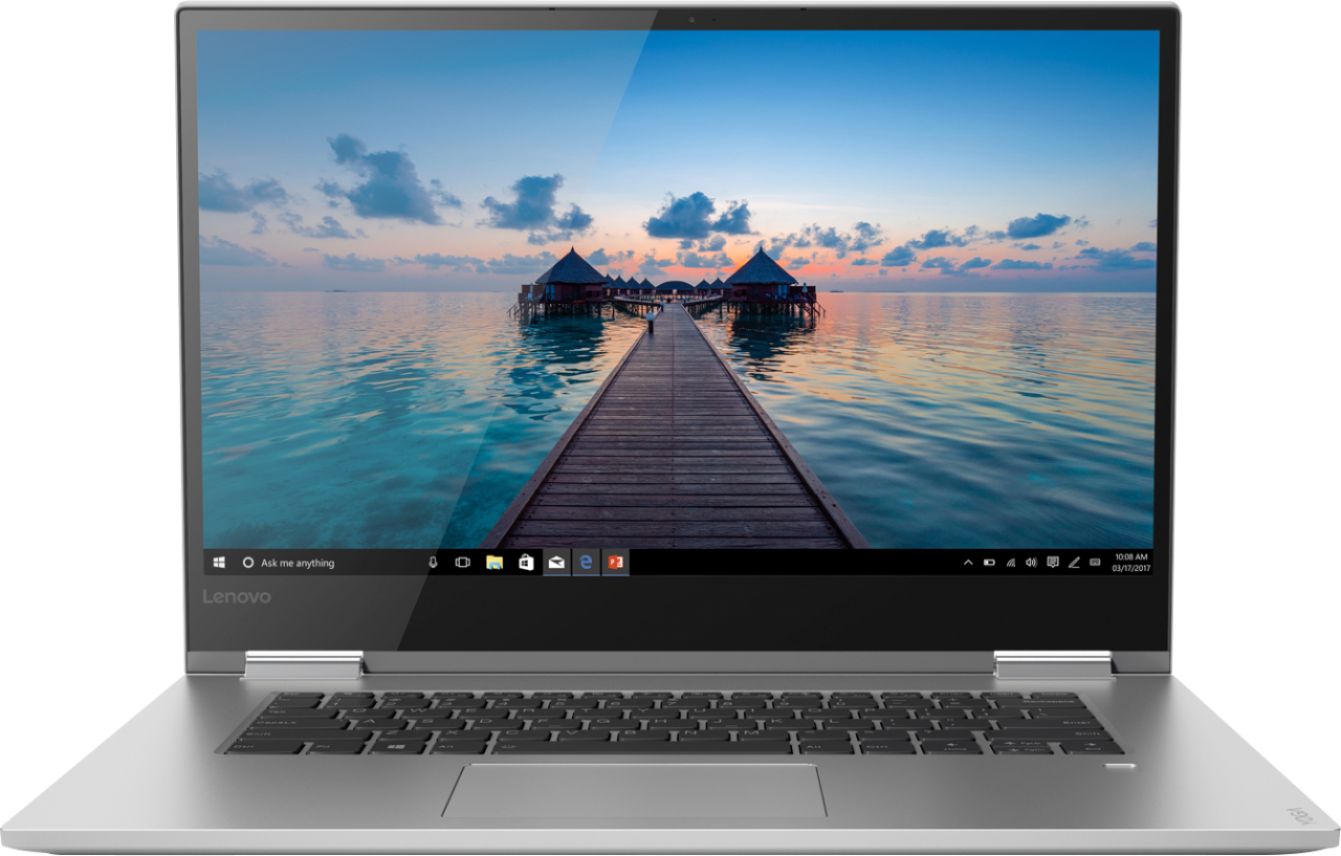
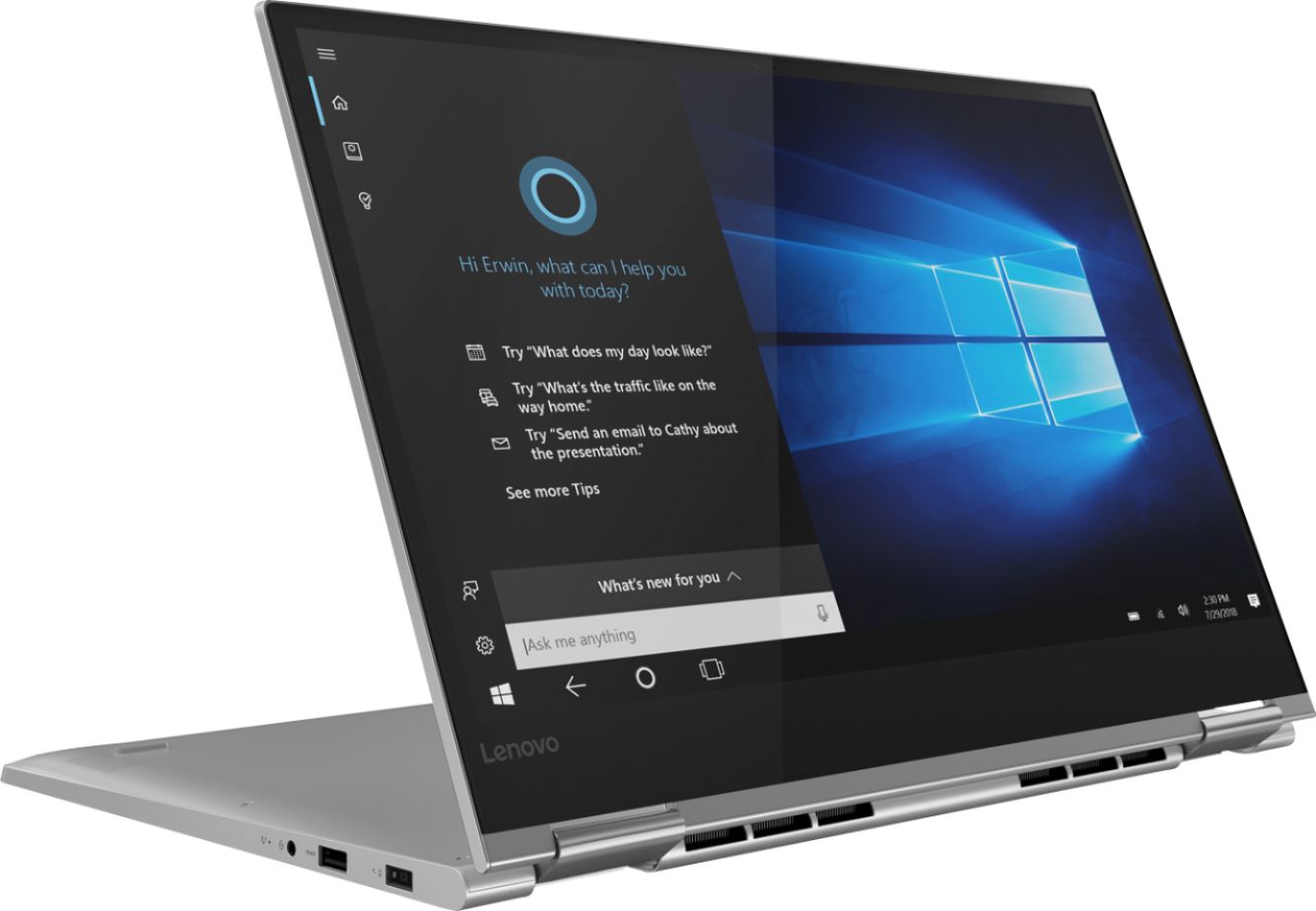
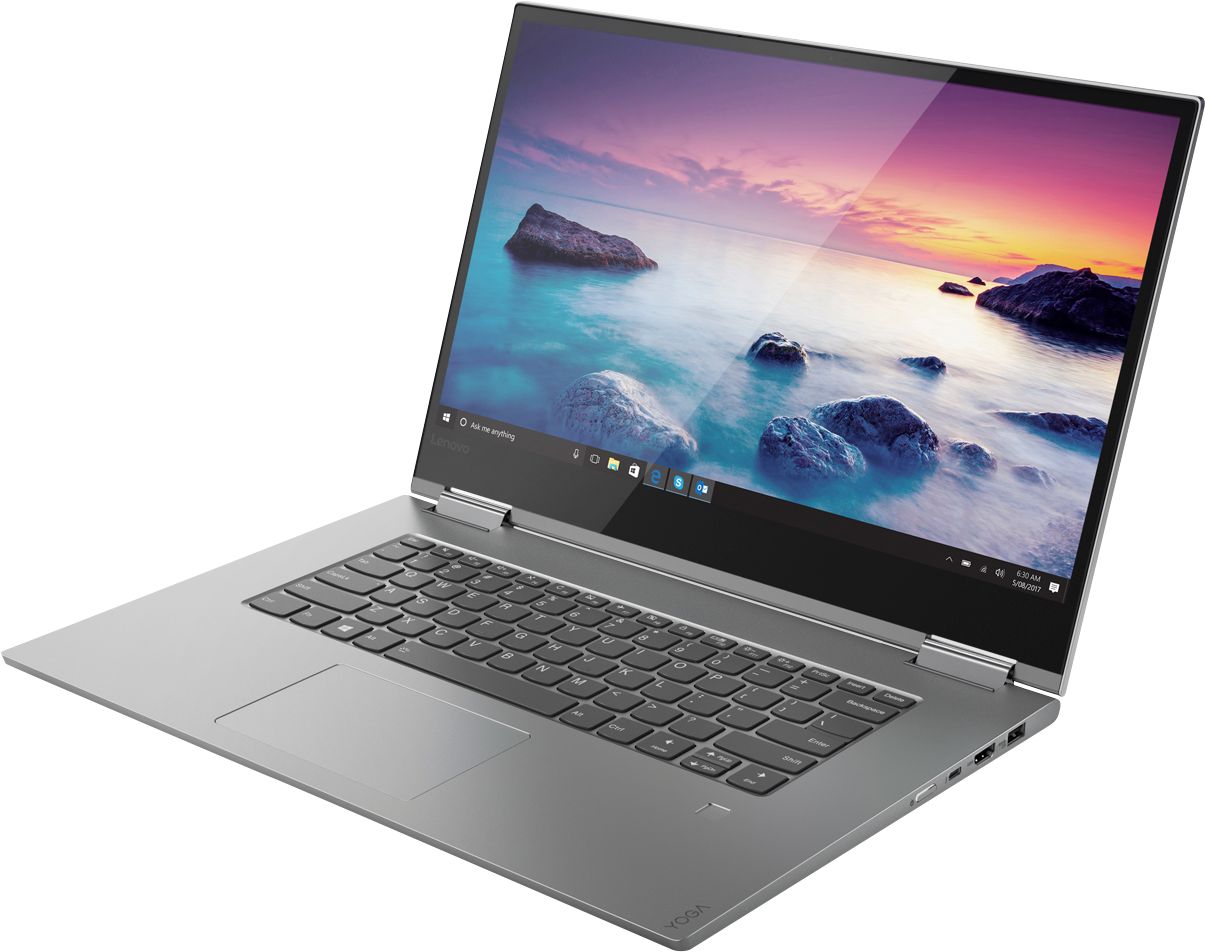
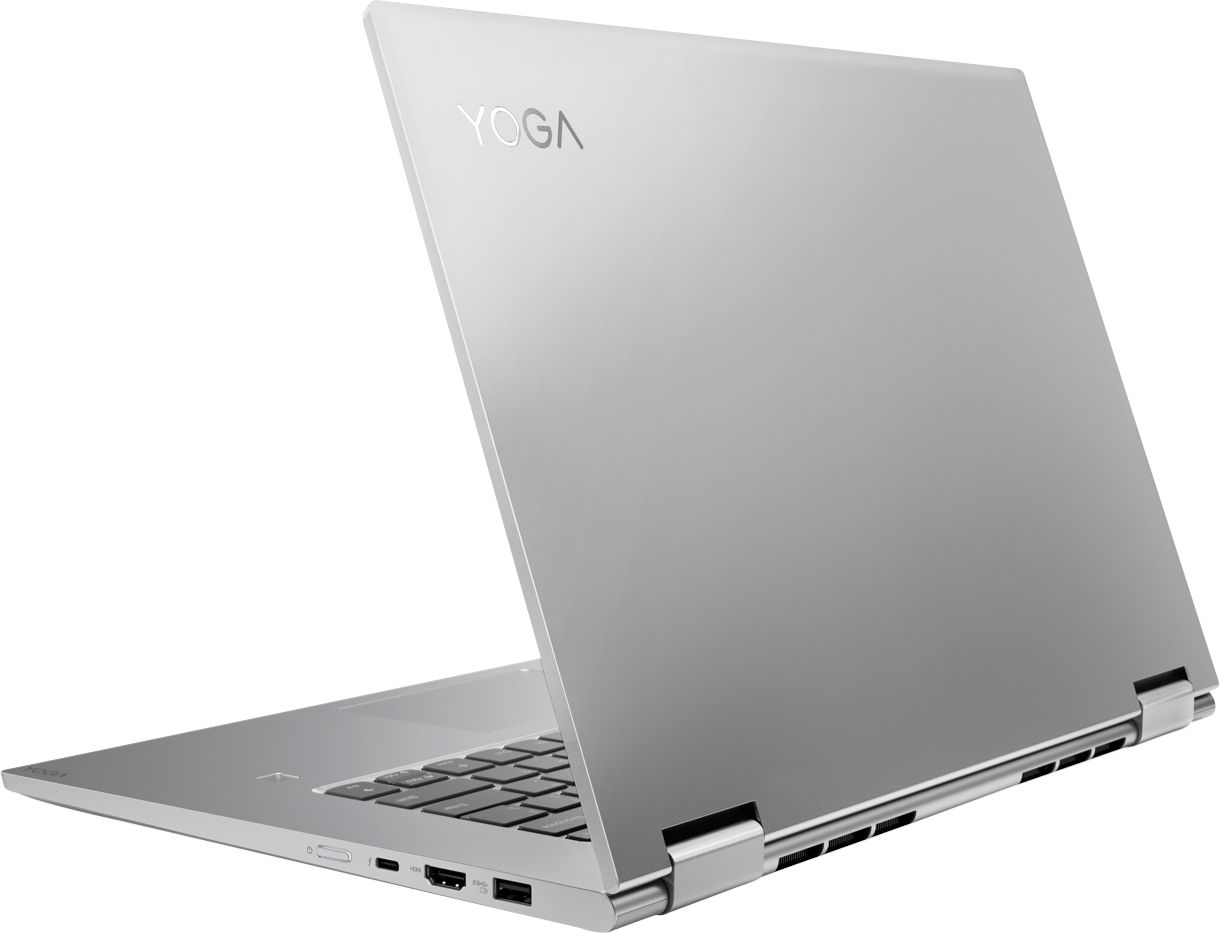


- Model:
- 81CU0040US
- SKU:
- 6295992
Rating by feature
- Value
Rating 4.1 out of 5 stars
- Quality
Rating 4.3 out of 5 stars
- Ease of Use
Rating 4.4 out of 5 stars
Customers are saying
Customers are delighted by the Yoga 730's stunning 4K touch-screen display, powerful performance, and reasonable price. Many users also appreciate the laptop's build quality, ease of use, and fingerprint reader. However, some customers have expressed concerns about the laptop's battery life and Wi-Fi connectivity.
This summary was generated by AI based on customer reviews.
- Pros mentioned:Touch screen
Defective
Posted .This reviewer received promo considerations or sweepstakes entry for writing a review.I spent hours of research and hours at Best Buy before deciding on this laptop. I liked the specs, the keyboard was the most ergonomic for me, and the screen was the easiest on my eyes. After booting up, I found that the system only occasionally connected to the WiFi, and when it did, there was zero signal strength. Every time I opened Microsoft Edge, it would freeze and then close. I couldn't even type into the address bar. Some online searching revealed that the WiFi adapter problem has been a known issue, but Lenovo won't deal with it. I couldn't reach anyone from Lenovo customer support by phone. There was just dead silence after going through the menu. The chat option was a joke. It disconnected every few minutes, and the person was extremely slow. I was told that the unit was assembled in Germany. He asked if I was in Germany (what??). I said, "No, I'm in Virginia." He asked if that was in the United States. LOL!!! I really wanted this computer. I got a refund. I will never buy Lenovo again!!!
No, I would not recommend this to a friendBrand response from Lenovo Product Expert
Posted .The Lenovo Yoga 730-15 4K model, configuration number 81CU0040US, ships with the latest 5G 802.11AC frequency WiFi. for the best WiFi connectivity, be sure the router you are using has the latest firmware updates available for your router, available at the router manufacturer's web site. You can scan this computer to be sure you have the latest BIOS and Driver updates on the computer, by using the Lenovo Utility software installed on this computer. This system has Lenovo utilities installed to help maintain the health of the device and keep the operating system software up to date. Type "Lenovo Vantage" in the Cortana Search window (if Lenovo Vantage is not installed on your device, you can download the APP and install it now). Select Lenovo Vantage from the list. In the window that opens, click on "Health and Support". In the expanded menu, select "Hardware Scan" In the window that opens, select "Run Quick Tests". This will scan your entire system for errors. Follow any directions that may pop up. If the problem continues after this scan, now click on "System Update". First select Windows update from the menu. Scan your system to be sure you have the latest version of Windows 10. Once that scan is complete, select "Additional Updates". This will scan your device to be sure there are no new BIOS/Driver updates needed. Follow any instructions that may pop up. If the issue still continues after these updates, we recommend you call Lenovo Tech Support at: 877-453-6686 for additional help.

- Cons mentioned:Wifi connectivity
Awesome specs, nice design wrong WiFi card
Posted .This reviewer received promo considerations or sweepstakes entry for writing a review.I am on my way to BestBuy to return this laptop. I am very sad and disappointed about this issue. I have tried everything: the power options settings on the wifi card, checking the ac protocol in the router and having the latest firmware, and updating the driver to 2024.0.5.103 version. That last one apparently works, however when the fan starts to work then the Wifi connection starts to fail, I have tried many ways to make it work but none succeeded. I could probably have Lenovo support to replace the Realtek card for the intel one that many forums tell. But I find that unacceptable for a new machine.
No, I would not recommend this to a friendBrand response from Lenovo Product Expert
Posted .We are sorry to hear that you are having issues with WiFi connectivity on your Yoga 730-15 4K model. It sounds like you are close to the solution, since you note the latest communications driver update fixes the issue, but a conflict with the throttling CPU causes a failure again. Scan the device with Lenovo Vantage to be sure all the BIOS and Drivers are in synchronization with the update of the communications driver. You can do this easily with Lenovo Vantage software installed on the computer. This system has Lenovo utilities installed to help maintain the health of the device and keep the operating system software up to date. Type "Lenovo Vantage" in the Cortana Search window (if Lenovo Vantage is not installed on your device, you can download the APP and install it now). Select Lenovo Vantage from the list. In the window that opens, click on "Health and Support". In the expanded menu, select "Hardware Scan" In the window that opens, select "Run Quick Tests". This will scan your entire system for errors. Follow any directions that may pop up. If the problem continues after this scan, now click on "System Update". First select Windows update from the menu. Scan your system to be sure you have the latest version of Windows 10. Once that scan is complete, select "Additional Updates". This will scan your device to be sure there are no new BIOS/Driver updates needed. Follow any instructions that may pop up. If the issue still continues after these updates, we recommend you call Lenovo Tech Support at: 877-453-6686 for additional help.
Battery is terrible
Posted .This reviewer received promo considerations or sweepstakes entry for writing a review.One of the worse lap top ive ever seen. We did bought this 2019, and first month battery was keep loosing the charge. Then we took it to service unit at best buy. After one week the fixed it and it was the same.
No, I would not recommend this to a friend- Cons mentioned:Unreliable
A $1500 brick
Posted .This reviewer received promo considerations or sweepstakes entry for writing a review.The laptop was totally dead on arrival. I tried to power it on when it arrived, but nothing happened so I assumed the battery was at 0%. Plugged in the charger and left it alone for several hours. When I came back, I noticed the charging indicator light wasn't even on, and it still would not power on. I think I'll go find a cheaper, more reliable machine. I should have known Lenovo would disappoint me after the slower-than-glacial-creep tablet I bought from them.
No, I would not recommend this to a friendBrand response from Lenovo Product Expert
Posted .We are sorry to hear that you are having issues with your Lenovo Yoga 730-15 4K model. This system is equipped with OneKey Recovery System. There is a very small pin hole on the left side of the device, right near the headphone jack on the device. You will need a pin to push this reset button. Plug the device in. Let the battery charge for about 15 minutes. Push the reset button. The system should boot to a choice screen where you can choose "Restore To Factory Default". Select this. It will delete everything from the hard drive except the original factory install of the operating system. You will need to reinstall all programs and files after the reset. If you don't have copies of the files, try to make one before you restore by selecting "Boot to desktop" and trying to back up your files. If the problem persists after the factory reset, we recommend you contact Lenovo Tech Support at: 877-453-6686. For 2018, Lenovo retained its place for a second year as the best laptop vendor:
https://www.laptopmag.com/articles/laptop-brand-ratings
Save your money
Posted .This reviewer received promo considerations or sweepstakes entry for writing a review.I purchased this laptop, probably the previous version. After I bought Windows the total cost was around $1700. Everything worked fine until two months after my warranty, then the keys stopped working. I’ve taken it to be repaired. It’s a hardware issue. It’s never been dropped, never too hot or cold. It mainly stays on my desk until I use it. I work from home. Two stars bc it is lightweight and the screen resolution is decent. Save your money and go with a different brand. I called Lenovo and they told me to restart it from BIOS. Then they told me to take it back to Best Buy to be repaired. I just bought an HP. My last HP lasted 10+ years. I will not be purchasing another Lenovo.
No, I would not recommend this to a friendBrand response from Lenovo Product Expert
Posted .We are sorry to hear that you had issues with your Lenovo Yoga 730-15 4K model. Restoring the device back to original factory settings, then updating the computer to the latest version of Windows 10, updating the BIOS files and drivers for this latest version of Windows 10, nay correct the issues you are experiencing. This system is equipped with OneKey Recovery System. There is a very small pin hole on the left side of the device, right near the headphone jack on the device. You will need a pin to push this reset button. Plug the device in. Let the battery charge for about 15 minutes. Push the reset button. The system should boot to a choice screen where you can choose "Restore To Factory Default". Select this. It will delete everything from the hard drive except the original factory install of the operating system. You will need to reinstall all programs and files after the reset. If you don't have copies of the files, try to make one before you restore by selecting "Boot to desktop" and trying to back up your files. Once you have restored the computer back to original factory settings, be sure you have the latest version of Windows 10 on the computer, then update the BIOS files and drivers to this latest version of Windows 10. You can easily accomplish this by scanning the computer with the Lenovo Utility software installed on the computer. This system has Lenovo utilities installed to help maintain the health of the device and keep the operating system software up to date. Type "Lenovo Vantage" in the Cortana Search window (if Lenovo Vantage is not installed on your device, you can download the APP and install it now). Select Lenovo Vantage from the list. In the window that opens, click on "Health and Support". In the expanded menu, select "Hardware Scan" In the window that opens, select "Run Quick Tests". This will scan your entire system for errors. Follow any directions that may pop up. If the problem continues after this scan, now click on "System Update". First select Windows update from the menu. Scan your system to be sure you have the latest version of Windows 10. Once that scan is complete, select "Additional Updates". This will scan your device to be sure there are no new BIOS/Driver updates needed. Follow any instructions that may pop up. Once you have updated all of the operating files on the computer, be sure any software you installed is compatible with Windows 10. There is no need to install Microsoft Office software. The software is already part of the operating system, you just need to activate the software with a purchased product key. If you have installed a copy of Microsoft Office, this is conflicting with the existing copy on the system and this will slow your system down. If you have installed a 3rd party anti-virus program, be sure that Windows Defender is turned off and that the trial version of McAfee Anti-Virus software is uninstalled. There can only be one anti-virus program on the system. You may need to restore your system to original factory default settings if any of the programing errors have occurred. You can do that by typing "restore" in the Cortana search window. Just click on the magnifying glass icon at the bottom left of your Windows 10 Desktop. Click on "Reset This PC" Then click on "Get Started" and follow the on screen directions to restore to factory defaults. If the problem persists, we recommend you contact Lenovo Tech Support at: 877-453-6686.
Lenovo
Posted .This reviewer received promo considerations or sweepstakes entry for writing a review.I've had this Laptop and brand for a few years and love it! Great for work, school and most side hobbies!
I would recommend this to a friend- Cons mentioned:Battery life
great specs but
Posted .This reviewer received promo considerations or sweepstakes entry for writing a review.I in particular had a lot of problems with wifi drop all time and battery only for 3 hours! I returned and I did buy another brand half the price and decent performance... next I used to buy lenovo alway but the true I dont like this laptop
No, I would not recommend this to a friendBrand response from Lenovo Product Expert
Posted .We are sorry to hear that you and issues with your Lenovo Yoga 730-15 4K model. For 2018, Lenovo retained its place for a second year as the best laptop vendor:
https://www.laptopmag.com/articles/laptop-brand-ratings
- Cons mentioned:Unreliable
Both computers defective
Posted .This reviewer received promo considerations or sweepstakes entry for writing a review.I bought/returned this model twice, both were defective - screen freezing every few minutes on one and WIFI being very week on second. Planning on never buying Lenovo again. Seemed to have great specs, but unbelievable how unreliable it is.
No, I would not recommend this to a friendBrand response from Lenovo Product Expert
Posted .We are sorry to hear that you are having issues with your Lenovo Yoga 730-15 4K model. We recommend you call Lenovo Tech Support for specific help with your issue at: 877-453-6686.
Bad out of the box
Posted .This reviewer received promo considerations or sweepstakes entry for writing a review.Once again, Lenovo prevails, the touchscreen didn't work out of the box. We bought two, and the other didn't want to perform updates. So we took them both back. Why we give Lenovo a try again? Best Buy just praises Lenovo, umm we've never had good luck with Lenovo. Never again will I waste my time with Lenovo or as what Best Busy thinks what a good computer is. If I could give their product a 0, I would but I had to give it a 1 star, shame. Quit telling people Lenovo is so great Best Buy, you must have a deal with them.
No, I would not recommend this to a friendBrand response from Lenovo Product Expert
Posted .For 2018, Lenovo retained its place for a second year as the best laptop vendor:
https://www.laptopmag.com/articles/laptop-brand-ratings