Customer Ratings & Reviews




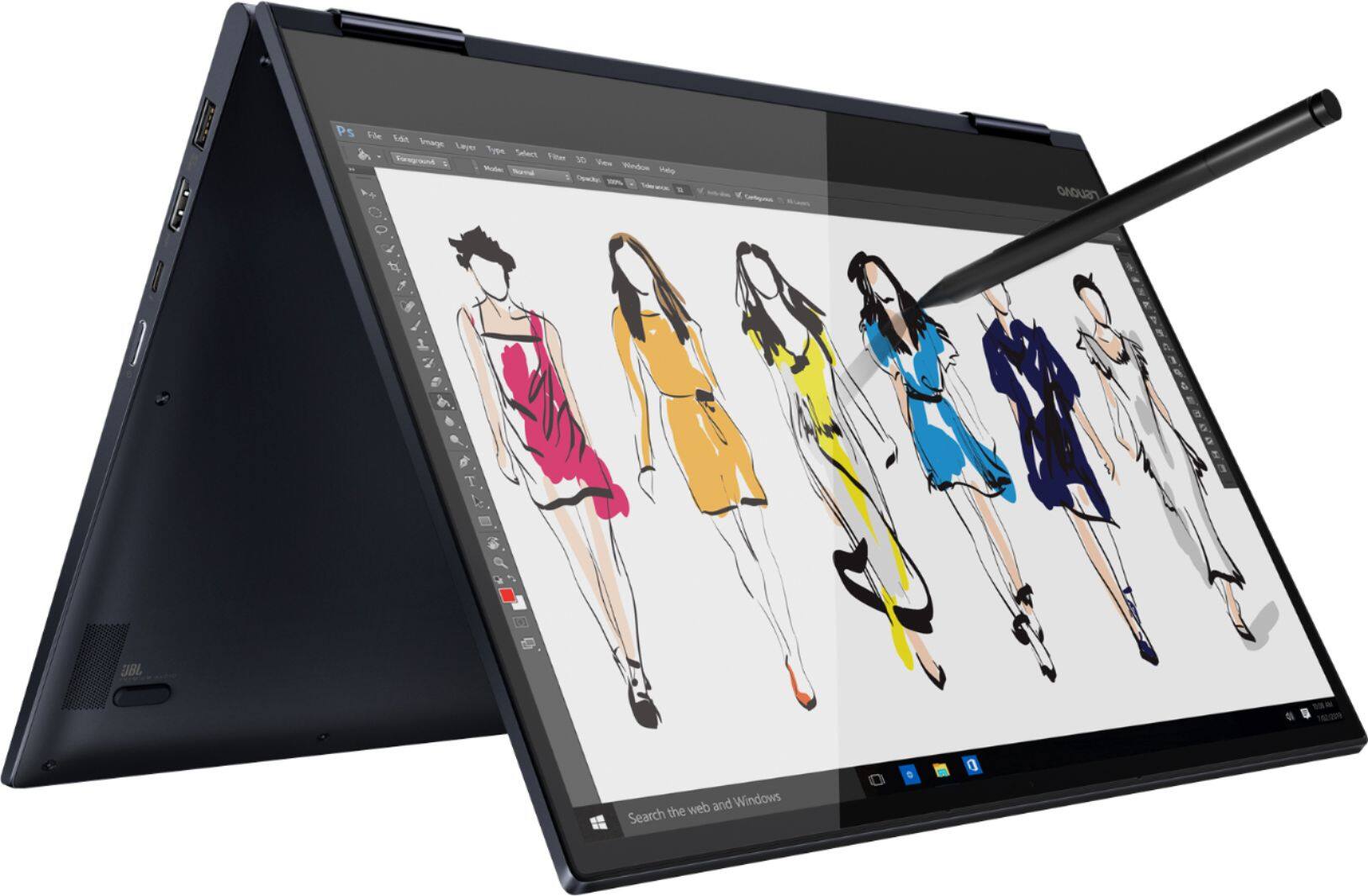


- Model:
- 81JS005BUS
- SKU:
- 6331991
Rating by feature
- Value
Rating 4.5 out of 5 stars
- Quality
Rating 4.5 out of 5 stars
- Ease of Use
Rating 4.6 out of 5 stars
Customers are saying
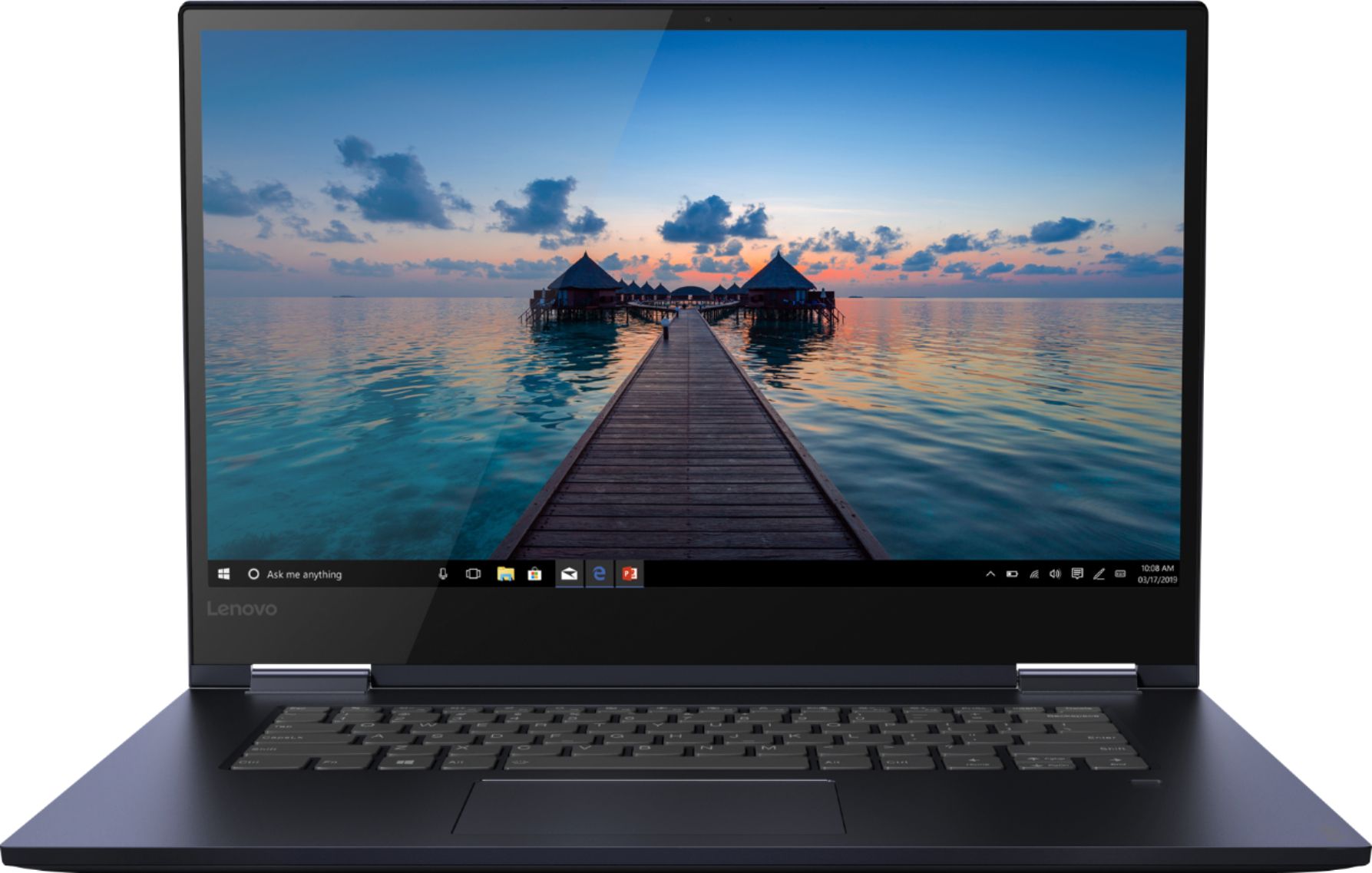
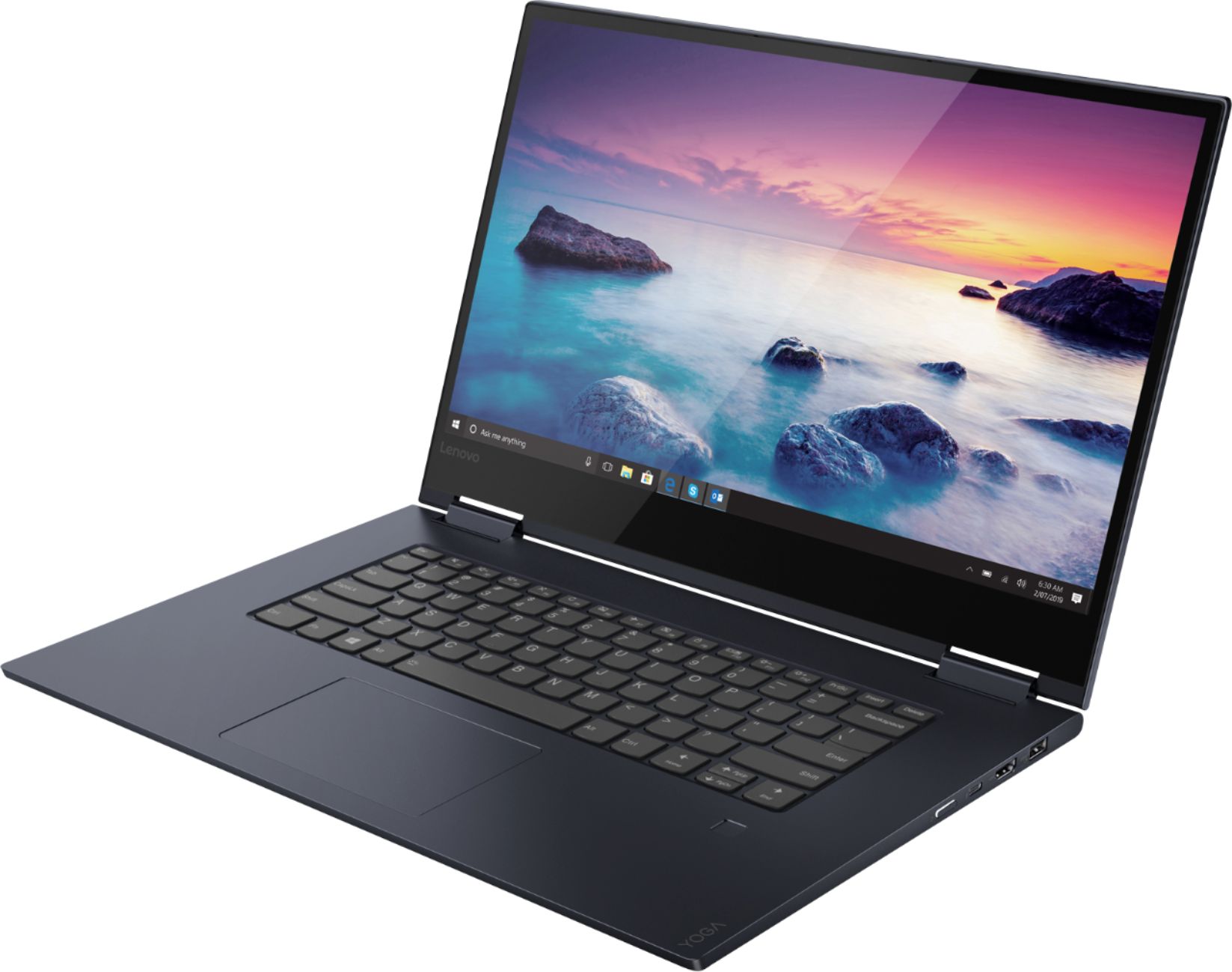
Customers appreciate the Yoga 730 2-in-1 laptop for its touch screen, speed, lightweight design, and affordable price. Some users have concerns about the fingerprint scanner requiring a driver update, battery life, and weight.
This summary was generated by AI based on customer reviews.
Good for school
Posted .This reviewer received promo considerations or sweepstakes entry for writing a review.I purchased my laptop for the new school year. It might be very big, but I love it’s long battery life and how easy it is to use.
I would recommend this to a friendWorst financial decision I made for college
Posted .This reviewer received promo considerations or sweepstakes entry for writing a review.I bought my yoga two years ago before leaving for college, I saved up for it and loved it. At the end of my first semester we found out that there was a wiring issue in the screen and I eventually had to send it to be fixed. Not great when you are in college but hey they sent back a working one. This Christmas the computer started randomly glitching again I got it fixed but it was out of warranty so it was a whole deal, now the computer has started randomly shutting down after minutes of use. There is nothing wrong with the battery and the connection is fine. I have learned through this that Lenovo laptops are known in the tech world as great laptops until they stop working. They have tons of things that randomly go wrong with them and there isn’t anything you can do to fix it. I am so completely disappointed in this laptop, and in the company that makes it as a whole, I was going to leave a review on the website to warn other incoming students to spend there $700 on better made products but there isn’t actually anywhere to leave a review only to look at reviews. Every other bad review I saw when I looked at this laptop said it was great apart from the shift key, but please before you buy it ask the geek squad or someone who fixes computers how frequently they see them and for what. This latest issue is going to cost me either $100 or I have been told it may be a motherboard issue and at that point I have to buy a whole new computer. It’s a great computer until you have to worry about if it will function long enough that you can back up your information, I have lost hours worth of video and with the latest issue I think I lost all the pictures I had on my phone but it wouldn’t work long enough to see for sure.
No, I would not recommend this to a friendBrand response from Lenovo Product Expert
Posted .The Lenovo Yoga 730-15, model number 81JS005BUS, was first available for sale in April, 2019.

- Cons mentioned:Battery life
Terrible
Posted .This reviewer received promo considerations or sweepstakes entry for writing a review.My second and my last Lenovo. Replaced a Yoga that I had for six years because the network card went out and it’s not replaceable This thing is a few months old and the battery doesn’t last longer than 30-minutes. Sent in to Lenovo for warranty work and now they're telling me my computer is damaged all around. Should have bought a MAC! Don’t waste your money on this computer.
No, I would not recommend this to a friendBrand response from Lenovo Product Expert
Posted .We are sorry to hear that you are having issues with the battery within your Lenovo Yoga 730-13. It is possible that the Windows 10 power management software is the cause of the issue you are experiencing. Be sure you have the latest version of Windows 10 on the computer. Then update all of the BIOS files and drivers to that latest version of Windows 10. You can easily accomplish this by scanning the computer with the Lenovo Utility software installed on the computer. This system has Lenovo utilities installed to help maintain the health of the device and keep the operating system software up to date. Type "Lenovo Vantage" in the Cortana Search window (if Lenovo Vantage is not installed on your device, you can download the APP and install it now). Select Lenovo Vantage from the list. In the window that opens, click on "Health and Support". In the expanded menu, select "Hardware Scan" In the window that opens, select "Run Quick Tests". This will scan your entire system for errors. Follow any directions that may pop up. If the problem continues after this scan, now click on "System Update". First select Windows update from the menu. Scan your system to be sure you have the latest version of Windows 10. Once that scan is complete, select "Additional Updates". This will scan your device to be sure there are no new BIOS/Driver updates needed. Follow any instructions that may pop up. If the issue still continues after these updates, we recommend you call Lenovo Tech Support at: 877-453-6686 for additional help.
Lenovo Yoga 730, 15" Is a Fake Product!
Posted .This reviewer received promo considerations or sweepstakes entry for writing a review.I bought Lenovo yoga 730, 15" from Best Buy. As it was a brand new laptop, it had a wifi connection problem. The driver was failed to connect to wifi network and got reinstalled. It still have internet connectivity problem even after the driver has been installed. Some times it becomes non-functional freezing. The keyboard stops typing the typed/pressed letters and numbers and restart typing another time. I called two times to technical support and they finally recommended me to take it to the local repair and fixed it by my own expense even it's a factory default. If i send it to the factory repair service they tolled me it will take several days to get back. Finally I decided to throw it in the trash and get another brand laptop. In general would recommend not to buy this product anyways.
No, I would not recommend this to a friendNot Worth It
Posted .This reviewer received promo considerations or sweepstakes entry for writing a review.I highly recommend staying away from lenovo laptops. I was amazed by the laptop initially, however, issues started to occur. Mainly, the keyboard stopped working. The numbers 4 and 5 and the letters, R, T, F, G, V, and B are unreliable. They come and go and work when they want to. I am currently typing this on an external keyboard, which defeats the purpose of even owning a laptop. Recently, the battery stopped working as well. My laptop no longer turns on and stay on without being plugged into the charger. My previous HP Envy lasted me almost 5 years, but this lenovo 730 did not last me more than a year and a half. Stay away and look for quality made laptops with similar specs. The hardware is the main issue here, but it is pointless to own even if its fast when the important components of the laptop stop working.
No, I would not recommend this to a friendBrand response from Lenovo Product Expert
Posted .We are sorry to hear that you are having issues with your Lenovo Yoga 730-15. It is possible that resetting the computer back to original factory settings may correct the issue with the keyboard and may also reset your internal battery, to fix the charging issue you mention. This system is equipped with OneKey Recovery System. There is a very small pin hole on the left side of the device, right near the headphone jack on the device. You will need a pin to push this reset button. Plug the device in. Let the battery charge for about 15 minutes. Push the reset button. The system should boot to a choice screen where you can choose "Restore To Factory Default". Select this. It will delete everything from the hard drive except the original factory install of the operating system. You will need to reinstall all programs and files after the reset. If you don't have copies of the files, try to make one before you restore by selecting "Boot to desktop" and trying to back up your files. If the problem persists after the factory reset, we recommend you contact Lenovo Tech Support at: 877-453-6686.