Customer Ratings & Reviews





- Model:
- 81JS005CUS
- SKU:
- 6331989
Rating by feature
- Value
Rating 4.4 out of 5 stars
- Quality
Rating 4.5 out of 5 stars
- Ease of Use
Rating 4.6 out of 5 stars
Customers are saying
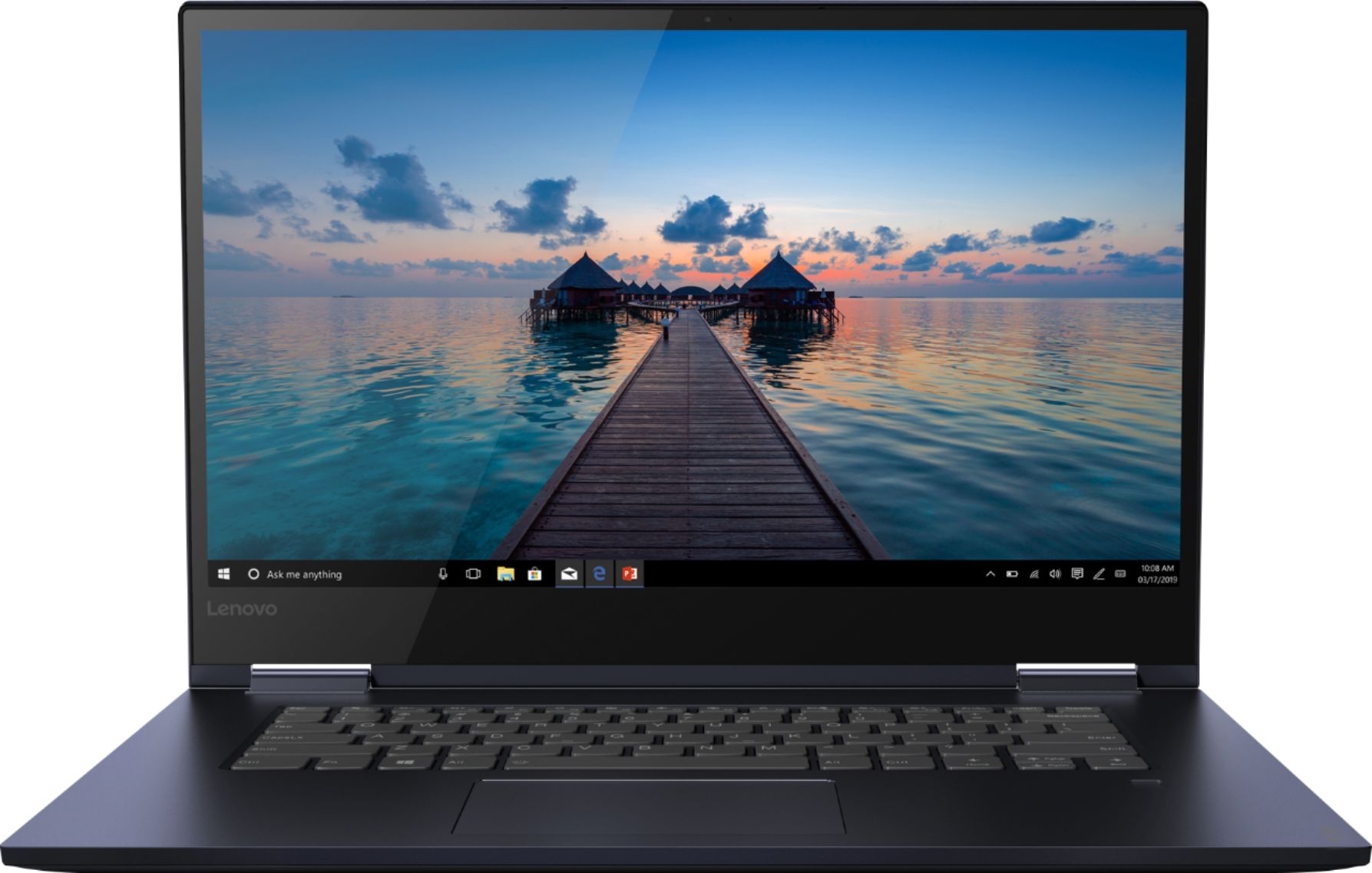
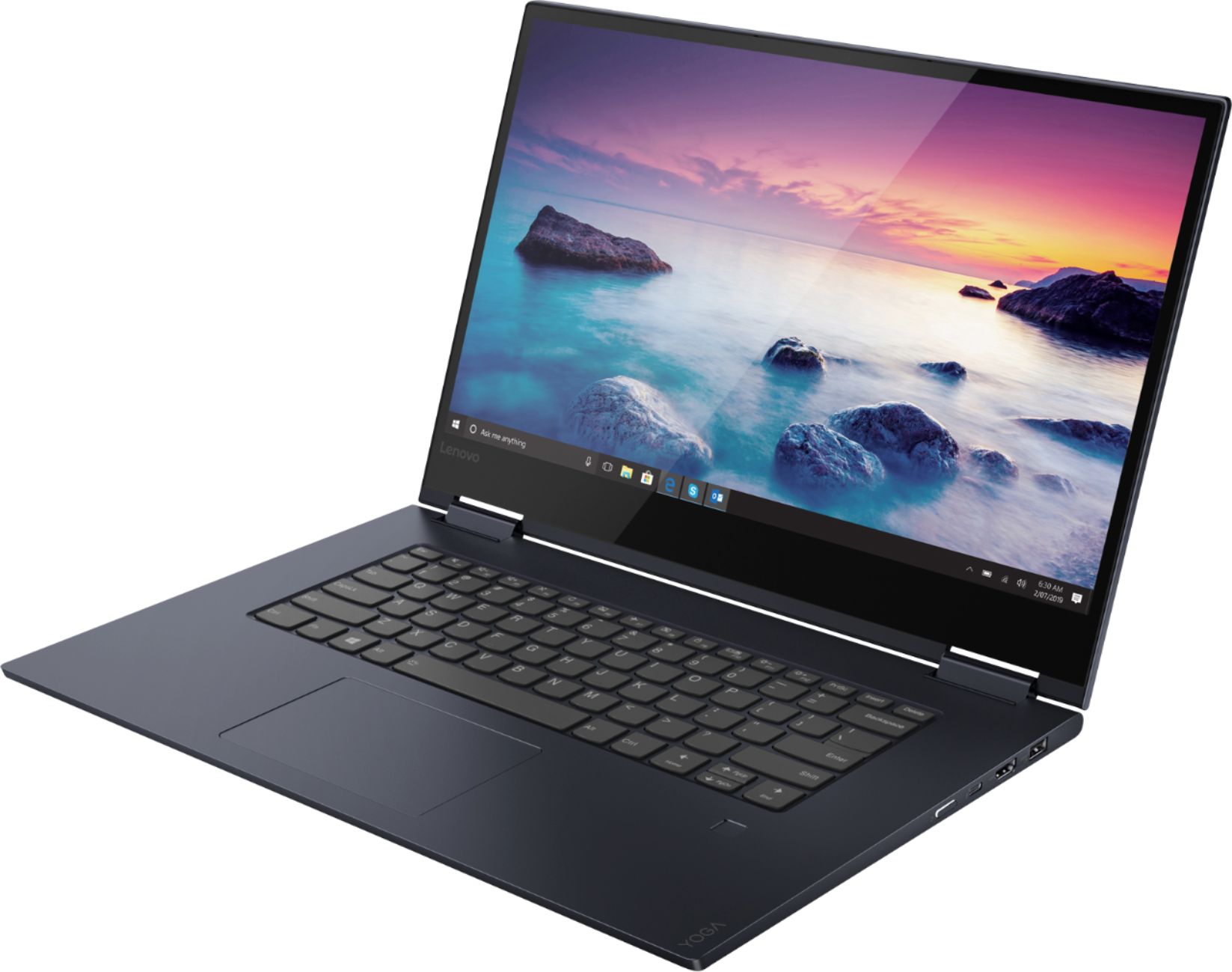
Customers consistently note the Yoga 730's fast performance, lightweight design, and versatile 2-in-1 form factor. The touch screen is also a popular feature, with many users appreciating its convenience. On the downside, some users have expressed concerns about the laptop's battery life and fingerprint scanner.
This summary was generated by AI based on customer reviews.
The computer would not power on when it arrived
||Posted . Owned for 1 week when reviewed.This reviewer received promo considerations or sweepstakes entry for writing a review.The computer would not power on upon arrival. Best Buy was great about the return. I will reorder because I like the computer specifics and features. I feel it was just a bad charger or something.
I would recommend this to a friendBrand response from Lenovo Product Expert
Posted .We are sorry to hear that you had an issue with the initial startup of your Lenovo Yoga 730-15. Always be sure to plug the computer in before initial startup. Although the computers are charged at the factory, it is possible that by the time they reach you, the battery could be drained. Second, try to reset the device. This system is equipped with OneKey Recovery System. There is a very small pin hole on the left side of the device, right near the headphone jack on the device. You will need a pin to push this reset button. Plug the device in. Let the battery charge for about 15 minutes. Push the reset button. The system should boot to a choice screen where you can choose "Restore To Factory Default". Select this. It will delete everything from the hard drive except the original factory install of the operating system. You will need to reinstall all programs and files after the reset. If you don't have copies of the files, try to make one before you restore by selecting "Boot to desktop" and trying to back up your files. If the problem persists after the factory reset, we recommend you contact Lenovo Tech Support at: 877-453-6686.

- Cons mentioned:Battery life
A medíocre laptop for an expensive price.
||Posted . Owned for 3 weeks when reviewed.This reviewer received promo considerations or sweepstakes entry for writing a review.The battery keeps depleting even though the specs says the battery will last to 12 hours. The keyboard is not good enough
No, I would not recommend this to a friendBrand response from Lenovo Product Expert
Posted .The Lenovo Yoga 730-15 ships with a 3CELL 51.5WH, Lithium Polymer Battery, with a battery life of up to 10 hours, depending on the work that the device is performing. The Lenovo Yoga 730-15, model number 81JS005CUS, ships with a standard QWERTY keyboard.
- Cons mentioned:Pop-ups
clunky in the flip mode
||Posted . Owned for 2 weeks when reviewed.This reviewer received promo considerations or sweepstakes entry for writing a review.Got hot quickly. I found too many pop up issues irritating, including Cortana.
No, I would not recommend this to a friendBrand response from Lenovo Product Expert
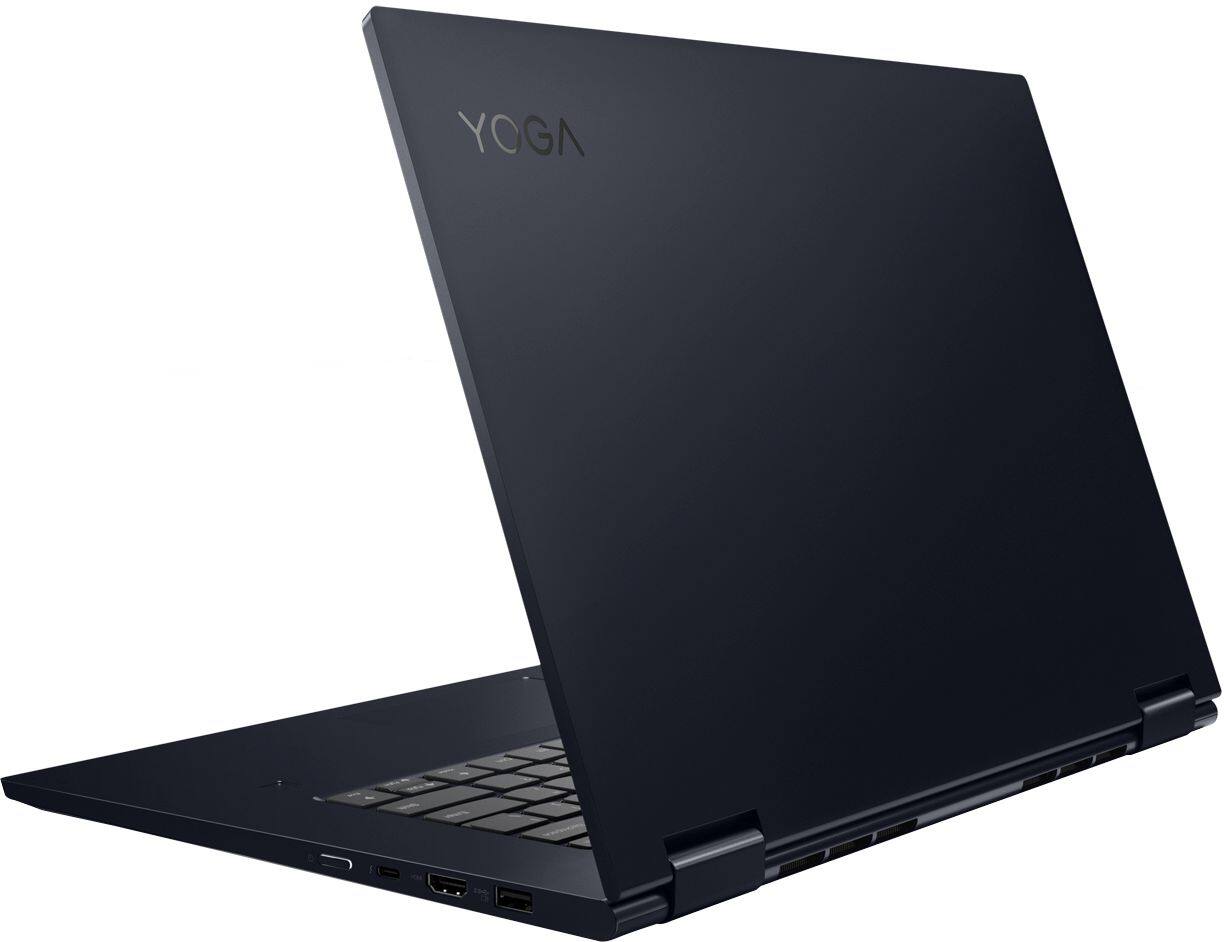
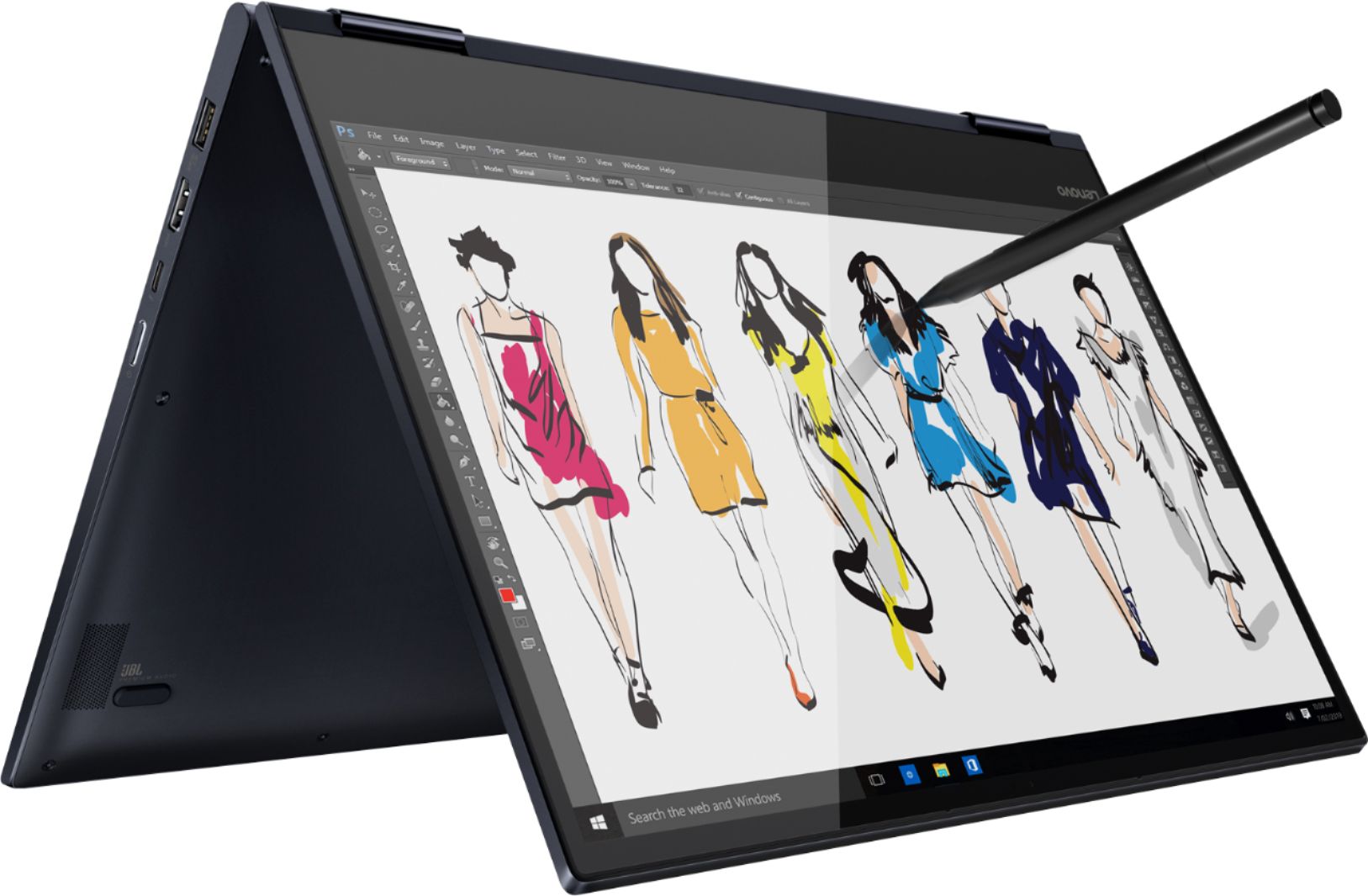
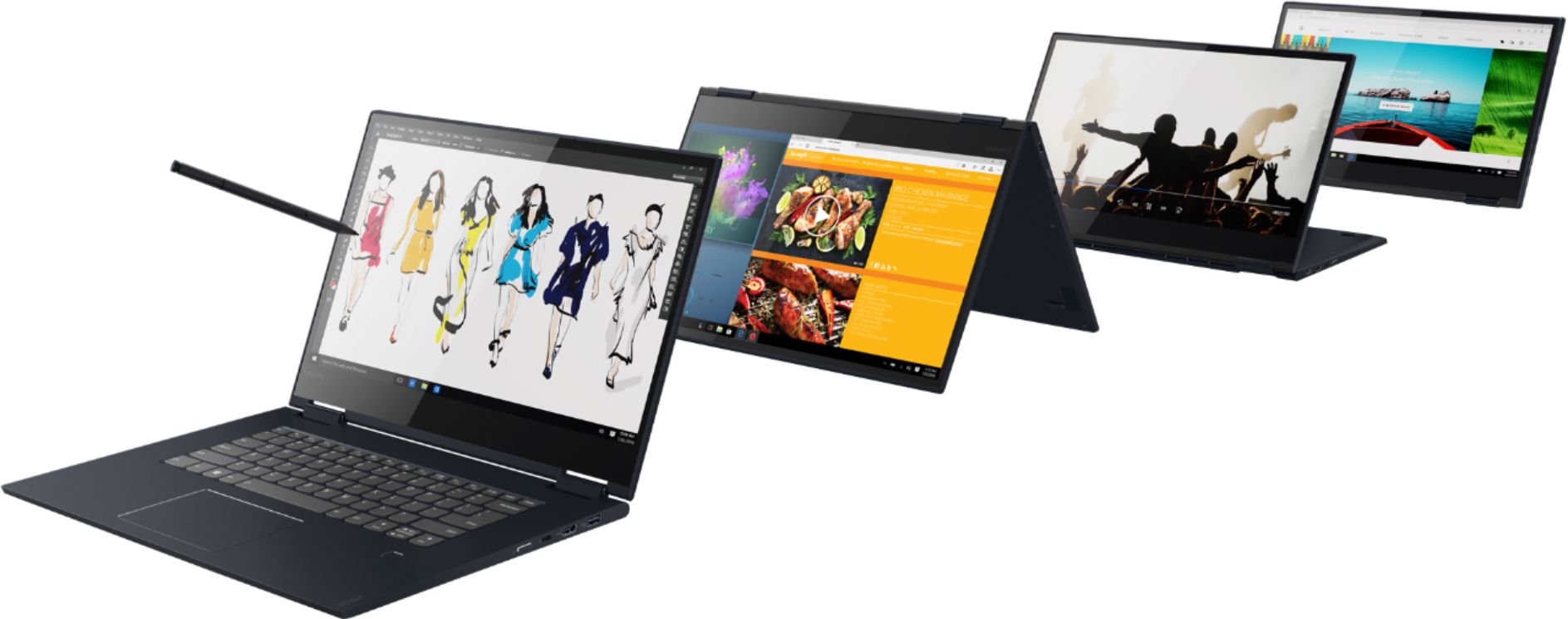
Posted .The Lenovo Yoga 730-15 is an ultra portable 2 in 1 device. The screen has 360-degree hinges that allow the device to be used as a traditional laptop or a tablet. You can position the screen at any point you choose along the 360-degree screen arc. The Lenovo Yoga 730-15 is a high performance system with its Quad-Core/Eight-Thread Intel Core i-7-8565U processor and 12GB of DDR4-2400MHz RAM. It will generate heat whenever it is turned on, even at idle, this is normal. The onboard fan will maintain the proper operating temperature for the device. You will hear the fan whenever it runs, this too is normal. The Lenovo Yoga 730-15 model ships with just two adware programs, a 30-day trial of Microsoft Office 365 (as part of Windows 10 operating system) and a 30-day trial of McAfee virus protection. Lenovo computers ship with one of the cleanest factory software installs within the consumer computer industry. If you choose, you can turn off Microsoft Cortana. Here is a link to instruction for turning off Cortana: https://www.howtogeek.com/265027/how-to-disable-cortana-in-windows-10/
No Audio
||Posted . Owned for less than 1 week when reviewed.This reviewer received promo considerations or sweepstakes entry for writing a review.Bought this computer less than 24 hours ago and it has no audio. Online with Tech Support but they are going to have to do multiple reboots and I am in the middle of a 40 hour download of my files from Carbonite. HUGE inconvenience! UGH!! My wife has had a Lenovo 730 for about a year and has been very pleased. Time is money in our business and very frustrated!
I would recommend this to a friendBrand response from Lenovo Product Expert
Posted .We are sorry to hear that you are having issues with the audio on your Lenovo Yoga 730-15. First, be sure the system audio is turned on. Tap the HotKey in the F1 position on your keyboard. This HotKey toggles the system audio on/off. Then tap the HotKey in the F3 position on your keyboard. This HotKey increased the system audio volume. If this does not fix the audio problem, wait until your download of your files is complete. See if the system audio works after the download of your files. If it doesn't, check to be sure you have the latest version of Windows 10 on the computer, then be sure all of the supporting BIOS files and drivers, including those controlling system audio, are up to date. You can easily accomplish this by scanning the computer with the Lenovo Utility software installed on the computer. This system has Lenovo utilities installed to help maintain the health of the device and keep the operating system software up to date. Type "Lenovo Vantage" in the Cortana Search window (if Lenovo Vantage is not installed on your device, you can download the APP and install it now). Select Lenovo Vantage from the list. In the window that opens, click on "Health and Support". In the expanded menu, select "Hardware Scan" In the window that opens, select "Run Quick Tests". This will scan your entire system for errors. Follow any directions that may pop up. If the problem continues after this scan, now click on "System Update". First select Windows update from the menu. Scan your system to be sure you have the latest version of Windows 10. Once that scan is complete, select "Additional Updates". This will scan your device to be sure there are no new BIOS/Driver updates needed. Follow any instructions that may pop up. If the issue still continues after these updates, we recommend you call Lenovo Tech Support at: 877-453-6686 for additional help.
Good overall
||Posted . Owned for 1 week when reviewed.This reviewer received promo considerations or sweepstakes entry for writing a review.Not so bright or crisp on the screen resolution but good spect for over all task otherwise.
I would recommend this to a friendBrand response from Lenovo Product Expert
Posted .The Lenovo Yoga 730-15 model number 81JS005CUS, ships with a IPS LCD w/LED Backlight screen, with a resolution of 1920 x 1080 (FHD) and a brightness level of 300 nits. If you are experiencing lower screen brightness, be sure Windows 10 Auto-brightness is turned off. Here is a link to instructions for turning off auto-brightness within Windows 10: https://www.itsupportguides.com/knowledge-base/windows-10/windows-10-how-to-disable-automatic-brightness-adjustments/
Not good for the price
||Posted . Owned for 1 week when reviewed.This reviewer received promo considerations or sweepstakes entry for writing a review.Since ownership, computer has struggled to keep connection with the internet and gave message that it didn't have the correct wifi drive. Would have to restart to get it to reconnect. Screen constantly dims in midst of use. Does not stay bright. Will be returned.
No, I would not recommend this to a friendBrand response from Lenovo Product Expert
Posted .We are sorry to hear that you are having issues updating the WiFi Driver on your Yoga 730-15. You can easily accomplish this task by scanning the device with the Lenovo Utility software installed on the computer. This system has Lenovo utilities installed to help maintain the health of the device and keep the operating system software up to date. Type "Lenovo Vantage" in the Cortana Search window (if Lenovo Vantage is not installed on your device, you can download the APP and install it now). Select Lenovo Vantage from the list. In the window that opens, click on "Health and Support". In the expanded menu, select "Hardware Scan" In the window that opens, select "Run Quick Tests". This will scan your entire system for errors. Follow any directions that may pop up. If the problem continues after this scan, now click on "System Update". First select Windows update from the menu. Scan your system to be sure you have the latest version of Windows 10. Once that scan is complete, select "Additional Updates". This will scan your device to be sure there are no new BIOS/Driver updates needed. Follow any instructions that may pop up. Regarding the screen diming on its own. Be sure Auto-brightness is turned off. Here is a link to instructions for turning off auto-brightness within Windows 10: https://www.itsupportguides.com/knowledge-base/windows-10/windows-10-how-to-disable-automatic-brightness-adjustments/. If the issue still continues after these updates, we recommend you call Lenovo Tech Support at: 877-453-6686 for additional help.
Awful
||Posted .This reviewer received promo considerations or sweepstakes entry for writing a review.I have had this laptop for about six months, and it has broken twice already. The power button and random keys on the keyboard randomly decide to stop working. It has only been a month since I got it fixed the first time, and now it has broken again. Also, customer service at Lenovo is awful, and they will not do anything to help you. Stay away from this computer. Buy literally anything else than this.
No, I would not recommend this to a friendBrand response from Lenovo Product Expert
Posted .We are sorry to hear that you are having issues with your Lenovo Yoga 730-15. It is possible that restoring the computer back to original factory settings may correct the issues you are experiencing. Here is a link to instructions for restoring the computer, if the issue continues after the reset, we recommend you call Lenovo Tech Support at - 877-453-6686: https://support.microsoft.com/en-us/help/4026528/windows-10-reset-or-reinstall
the fingerprint reader is broken
||Posted . Owned for 3 weeks when reviewed.This reviewer received promo considerations or sweepstakes entry for writing a review.I ordered one and the fingerprint reader did not work. I returned it for a second new one and that fingerprint reader also failed! I know what I am doing and even downloaded the latest drivers etc and it failed on brand new laptop. Returned them both.
No, I would not recommend this to a friendBrand response from Lenovo Product Expert
Posted .We are sorry to hear that you are having issues setting up your fingerprint reader within Windows 10. Here is a link to instructions for setting up a fingerprint reader within Windows 10, if you have additional questions, we recommend you call Lenovo Tech Support at: 877-453-6686. Here is the link to fingerprint setup instructions: https://pcsupport.lenovo.com/us/en/solutions/ht503652
Issues with install of Office
||Posted . Owned for 3 weeks when reviewed.This reviewer received promo considerations or sweepstakes entry for writing a review.Keyboard is small. Not back lit. No numeric key pad to offset the small size.
No, I would not recommend this to a friendBrand response from Lenovo Product Expert
Posted .There is a 30-day trial of Microsoft Office 365 included as part of the Windows 10 operating system. In order to keep the program active after the trial period, you will need to purchase a product key. You will not need to download any additional software. The keyboard is a standard QWERTY keyboard without 10-key numeric pad. The Yoga 730-15 does have a backlit keyboard. Just hold down the "Fn" key then tap the spacebar.
Literally the worst computer I've ever purchased
||Posted . Owned for 8 months when reviewed.This reviewer received promo considerations or sweepstakes entry for writing a review.This computer seems great at first but has actually been the worst I've ever owned. I have had it less than a year and the touch pad has not worked properly from the beginning, and now it is sporadically failing to charge. Ridiculous, especially at its price. Will not buy another Lenovo.
No, I would not recommend this to a friendPoor quality parts
||Posted . Owned for 1 year when reviewed.This reviewer received promo considerations or sweepstakes entry for writing a review.The power button malfunctioned causing the computer not to power up. Poor quality parts. Avoid this one.
No, I would not recommend this to a friendIt wasnt a great experience kept shutting down
||Posted . Owned for less than 1 week when reviewed.This reviewer received promo considerations or sweepstakes entry for writing a review.i wouldnt buy another Lenovo it's a terrible piece of equipment
No, I would not recommend this to a friendBrand response from Lenovo Product Expert
Posted .We are sorry to hear that you are having issues with your Lenovo Yoga 730-15. Be sure any software you installed is compatible with Windows 10. There is no need to install Microsoft Office software. The software is already part of the operating system, you just need to activate the software with a purchased product key. If you have installed a copy of Microsoft Office, this is conflicting with the existing copy on the system and this will slow your system down. If you have installed a 3rd party anti-virus program, be sure that Windows Defender is turned off and that the trial version of McAfee Anti-Virus software is uninstalled. There can only be one anti-virus program on the system. You may need to restore your system to original factory default settings if any of the programing errors have occurred. You can do that by typing "restore" in the Cortana search window. Just click on the magnifying glass icon at the bottom left of your Windows 10 Desktop. Click on "Reset This PC" Then click on "Get Started" and follow the on screen directions to restore to factory defaults. If the problem persists, we recommend you contact Lenovo Tech Support at: 877-453-6686
Runs smoothly, but faulty keys is troubling
Posted .This reviewer received promo considerations or sweepstakes entry for writing a review.Overall, this Lenovo laptop lasted me 5 years now and is still running smoothly. Although, the annoying thing about it is the location of the speakers which prevents the noise to properly project. And a major thing that has been troubling me for past year or so is that some of the major keys that I use do not work which has prevented me from using the laptops with ease. I love that it is a 2 in 1 laptop but it is too big for me to use as a tablet comfortably.
I would recommend this to a friend- Cons mentioned:Build quality
Great overall laptop for college
Posted .This reviewer received promo considerations or sweepstakes entry for writing a review.This laptop preforms as expected on the benchmark tests I ran. The build quality is very good at the bottom but feels considerably flexible in the top and between the hinges. Software wise, there are some bloatware you have to deal with and I had to rollback the WiFi drivers in order to stop a disconnection problem I had.
I would recommend this to a friendBrand response from Lenovo Product Expert
Posted .The Lenovo Yoga 730-15 is built from premium aluminum and uses hinges that have been bench tested through 25,000 cycles (8 to 10 years of normal use). The Lenovo Yoga 730-15 model ships with just two adware programs, a 30-day trial of Microsoft Office 365 (as part of Windows 10 operating system) and a 30-day trial of McAfee virus protection. Lenovo computers ship with one of the cleanest factory software installs within the consumer computer industry. Regarding the latest WiFi driver updates, be sure you have the latest version of Windows 10 on the computer. Then update all of the BIOS files and drivers, including the drivers for WiFi. You can easily accomplish this by scanning the device with the Lenovo Utility Software installed on the computer. This system has Lenovo utilities installed to help maintain the health of the device and keep the operating system software up to date. Type "Lenovo Vantage" in the Cortana Search window (if Lenovo Vantage is not installed on your device, you can download the APP and install it now). Select Lenovo Vantage from the list. In the window that opens, click on "Health and Support". In the expanded menu, select "Hardware Scan" In the window that opens, select "Run Quick Tests". This will scan your entire system for errors. Follow any directions that may pop up. If the problem continues after this scan, now click on "System Update". First select Windows update from the menu. Scan your system to be sure you have the latest version of Windows 10. Once that scan is complete, select "Additional Updates". This will scan your device to be sure there are no new BIOS/Driver updates needed. Follow any instructions that may pop up. If the issue still continues after these updates, we recommend you call Lenovo Tech Support at: 877-453-6686 for additional help.
- Cons mentioned:Battery life
Don't Do It
Posted .This reviewer received promo considerations or sweepstakes entry for writing a review.Prior to purchasing this laptop I did the research and spoke to a sales rep about this product. It got great reviews from all but has been far from great. The keyboard started malfunctioning first and had to be sent back to the manufacturer to be replaced. Upon receiving the fixed computer, the touch screen wasn't responding anymore. After hours of research, trouble shooting, and talking to a Lenovo rep, it had to be sent in again for repairs; the whole screen needed to be replaced. Each time I had to wipe the computer of all my information for security purposes and was without a computer for a week to two weeks. Now my battery doesn't seem to be holding up and the touch pad doesn't always respond to a tap. In addition, I tried posting a review on the Lenovo website and was unsuccessful. Posts on the blog indicate other people have had their reviews taken down. I purchased this computer a year ago tomorrow and it only gets lightly used. I am not impressed with the product or the company and would not recommend it.
No, I would not recommend this to a friendBrand response from Lenovo Product Expert
Posted .We are sorry to hear that you are having issues with your Lenovo Yoga 730-15. We recommend you call Lenovo Tech Support for help with your specific issues at: 877-453-6686.
- Cons mentioned:Battery life
Great laptop, poor battery
Posted .This reviewer received promo considerations or sweepstakes entry for writing a review.It's a great laptop but I think the overall battery life could've been better.
No, I would not recommend this to a friend - Cons mentioned:Battery life
Better Options Available
Posted .This reviewer received promo considerations or sweepstakes entry for writing a review.I wouldn’t recommend this laptop. I’ve had a lot of issues with it. Frequently the battery dies when it is at 50% or higher. Also some keyboard issues. All started happening after the warranty expired. Not much support available. Better options out there considering the price for this.
No, I would not recommend this to a friend Dead in 18 Months, After working well
Posted .This reviewer received promo considerations or sweepstakes entry for writing a review.Impressive 2-1 laptop until two months ago. However, the speed and overall performance continued to decline after the first 10 months. Through the month of February 2020, the screen started flickering, scrambling the image, off and on. By the end of the first week of March 2020, it just died. Shows no power light even after I purchased a new power supply (from BestBuy). Absolutely nothing. This is the 2nd Lenovo I purchased over the years. The first one I had to bring back due to keyboard and touchpad problems. Very disappointing after paying $998 and only getting 18-months out of it. I had to buy a Chromebook from Walmart just to keep working under this COVID-19 confinement. Still need to replace the dead Lenovo - but not sure what to do with this doorstop. Can't keep spending $1000 every 18-months to replace laptops. Having Geek Squad Full Service Support doesn't help in these situations. Not a happy customer.
No, I would not recommend this to a friendBrand response from Lenovo Product Expert
Posted .We are sorry to hear that you are having issues with your Lenovo Yoga 730-15 laptop. It is possible that resetting the computer back to original factory settings may fix the issues you are having. Since you can no longer boot the computer, this system is equipped with OneKey Recovery System. There is a very small pin hole on the left side of the device, right near the headphone jack on the device. You will need a pin to push this reset button. Plug the device in. Let the battery charge for about 15 minutes. Push the reset button. The system should boot to a choice screen where you can choose "Restore To Factory Default". Select this. It will delete everything from the hard drive except the original factory install of the operating system. You will need to reinstall all programs and files after the reset. If you don't have copies of the files, try to make one before you restore by selecting "Boot to desktop" and trying to back up your files. Once you have the computer reset to original settings, be sure any software you installed is compatible with Windows 10. There is no need to install Microsoft Office software. The software is already part of the operating system, you just need to activate the software with a purchased product key. If you have installed a copy of Microsoft Office, this is conflicting with the existing copy on the system and this will slow your system down. If you have installed a 3rd party anti-virus program, be sure that Windows Defender is turned off and that the trial version of McAfee Anti-Virus software is uninstalled. There can only be one anti-virus program on the system. You may need to restore your system to original factory default settings if any of the programming errors have occurred. You can do that by typing "restore" in the Cortana search window. Just click on the magnifying glass icon at the bottom left of your Windows 10 Desktop. Click on "Reset This PC" Then click on "Get Started" and follow the on screen directions to restore to factory defaults. If the problem persists, we recommend you contact Lenovo Tech Support at: 877-453-6686.
Only Lasted 3 years
Posted .This reviewer received promo considerations or sweepstakes entry for writing a review.Great computer; however, only lasted 2 years before the keyboard stopped working. Now, 3 years and 3 months later my computer has crashed multiple times and I don't think it will last much longer.
I would recommend this to a friendbroke
Posted .This reviewer received promo considerations or sweepstakes entry for writing a review.we bought this computer and a short time after the warranty run out i went to open it and the hinge broke and cracked the screen not to mention the hardware for the camera went out.not happy at all with this
No, I would not recommend this to a friendBrand response from Lenovo Product Expert
Posted .The Lenovo Yoga 730-15 ships with 360-degree hinges on the screen that have been bench tested through 25,000 cycles (8 to 10 years of normal use) without a failure.