Customer Ratings & Reviews
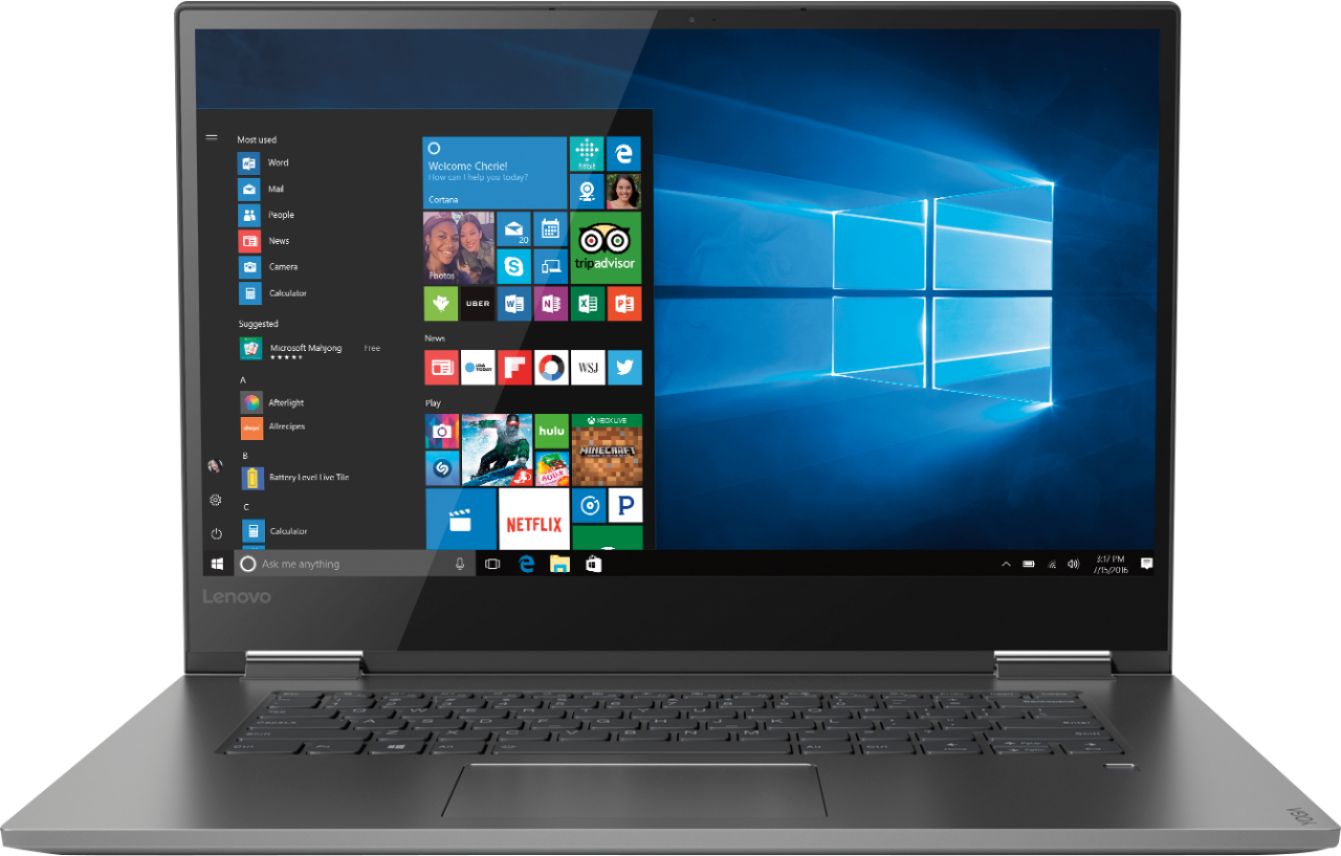
- Model:
- 81CU0009US
- SKU:
- 6201037
Rating by feature
- Value
Rating 4.2 out of 5 stars
- Quality
Rating 4.2 out of 5 stars
- Ease of Use
Rating 4.4 out of 5 stars
Customers are saying
Customers recognize the Yoga 730 2-in-1 laptop for its touchscreen capabilities, lightweight design, and affordable price. Many users appreciate the laptop's user-friendly interface and solid-state drive, which offers improved performance and speed. However, some customers have experienced issues with the laptop's Wi-Fi connectivity and weight.
This summary was generated by AI based on customer reviews.
Light weight/portable
||Posted .This reviewer received promo considerations or sweepstakes entry for writing a review.Great battery life and functionality, light weight so easy to travel with and durable.
I would recommend this to a friendBrand response from Lenovo Product Expert
Posted .Thank you for choosing the Lenovo Yoga 730-15. This model ships with a 3CELL 51.5WH, Lithium Polymer Battery, with a battery life of up to 9 hours, depending on the work that the device is performing. This model weighs just 4.17 lbs. The Yoga 730-15 has a durable polished aluminum case. We are pleased to hear that the features and performance of the Yoga 730-15 meets your computing needs so well. For 2018, Lenovo retained its place for a second year as the best laptop vendor:
https://www.laptopmag.com/articles/laptop-brand-ratings
great deal when it's on sale
||Posted .This reviewer received promo considerations or sweepstakes entry for writing a review.Beautiful screen with invisible bezels, very nice backlit keyboard and nice touchpad I mention those things because that the interface with the user Performance is very fast, as expected I immediately flipped it over and took the 8gb SDRam out, replacing with a Crucial 16gb 2400 and swapped the 256gb SSD out with a 1 TB Crucial MVMe (be sure to get the PCI one) after 3 weeks, I am very happy with this Yoga
I would recommend this to a friendBrand response from Lenovo Product Expert
Posted .This model is not user upgradable. A certified technician must do all of the work, so as to not void the warranty.
- Pros mentioned:Speed
Easy to use/excellent resolution
||Posted . Owned for 1 month when reviewed.This reviewer received promo considerations or sweepstakes entry for writing a review.Good quality, easy to use and has good resolution. Speed is good, doesn't slow down.
I would recommend this to a friendBrand response from Lenovo Product Expert
Posted .Thank you for choosing the Lenovo Yoga 730-15. We are pleased to hear that the features and performance of the Yoga 730-15 meets your computing needs so well. The latest 8th generation Intel Core i7 processor gives the Yoga 730-15 up to a 40 percent performance boost with unprecedented touchscreen and pen responsiveness (active pen sold separately), faster bootups, and seamless multitasking. All of this speed and power to amplify your productivity and help you be ready at a moments notice.
- Pros mentioned:Lightweight
Fast and lightweight
||Posted .This reviewer received promo considerations or sweepstakes entry for writing a review.Fast speed, lightweight, and comes with many features!
I would recommend this to a friendBrand response from Lenovo Product Expert
Posted .Thank you for choosing the Lenovo Yoga 730-15. We are pleased to hear that the features and performance of the Yoga 730-15 meets your computing needs so well.

- Pros mentioned:Speed
Perfect laptop for work and school
||Posted . Owned for 1.5 years when reviewed.This reviewer received promo considerations or sweepstakes entry for writing a review.The laptop always works, is fast, ya good resolutions and looks good too.
I would recommend this to a friend - Pros mentioned:Price
Excellent laptops
||Posted .This reviewer received promo considerations or sweepstakes entry for writing a review.This was an excellent choice of laptop for college. It was the right price and easy to use.
I would recommend this to a friendBrand response from Lenovo Product Expert
Posted .Thank you for choosing the Lenovo Yoga 730-15. We are pleased to hear that the value, ease of use and performance of the Yoga 730-15 meets your computing needs so well.
Great computer, some bug issues
||Posted .This reviewer received promo considerations or sweepstakes entry for writing a review.Overall I love the computer for class, homework, and mutlitasking. One of the USB ports has stopped working and at times, the keyboard will bug out and start doing random actions for every button. I am taking it to geek squad but besides that I have really enjoyed using this computer.
I would recommend this to a friendBrand response from Lenovo Product Expert
Posted .We are sorry to hear that you are having issues with a USB port and the keyboard on your Lenovo Yoga 730-15 computer. The issues you describe may be due to a recent Windows 10 update that also requires a separate update of the BIOS and driver software on the device. This is easily done by using the Lenovo Utility software installed on this device. This system has Lenovo utilities installed to help maintain the health of the device and keep the operating system software up to date. Type "Lenovo Vantage" in the Cortana Search window (if Lenovo Vantage is not installed on your device, you can download the APP and install it now). Select Lenovo Vantage from the list. In the window that opens, click on "Health and Support". In the expanded menu, select "Hardware Scan" In the window that opens, select "Run Quick Tests". This will scan your entire system for errors. Follow any directions that may pop up. If the problem continues after this scan, now click on "System Update". First select Windows update from the menu. Scan your system to be sure you have the latest version of Windows 10. Once that scan is complete, select "Additional Updates". This will scan your device to be sure there are no new BIOS/Driver updates needed. Follow any instructions that may pop up. If the issue still continues after these updates, we recommend you call Lenovo Tech Support at: 877-453-6686 for additional help.
- Pros mentioned:Price
Great
||Posted .This reviewer received promo considerations or sweepstakes entry for writing a review.Great deal for the price paid for the product and enjoying every moment that I use it.
I would recommend this to a friendBrand response from Lenovo Product Expert
Posted .Thank you for choosing the lenovo Yoga 730-15. We are pleased to hear that the value and performance of the Yoga 730-15 meets your computing needs so well.
- Pros mentioned:Lightweight
easy to use
||Posted . Owned for 3 weeks when reviewed.This reviewer received promo considerations or sweepstakes entry for writing a review.lightweight, easy to use, I like the many options for opening, touch, mouse, pen
I would recommend this to a friendBrand response from Lenovo Product Expert
Posted .Thank you for choosing the Lenovo Yoga 730-15. The latest 8th generation Intel Core i7 processor gives the Yoga 730-15 up to a 40 percent performance boost with unprecedented touchscreen and pen responsiveness (active pen sold separately), faster bootups, and seamless multitasking. All of this speed and power to amplify your productivity and help you be ready at a moments notice. For 2018, Lenovo retained its place for a second year as the best laptop vendor:
https://www.laptopmag.com/articles/laptop-brand-ratings
- Pros mentioned:Easy to use
Great clear display
||Posted .This reviewer received promo considerations or sweepstakes entry for writing a review.Easy to setup and use right out of the box. Screen and display are clear and bright.
I would recommend this to a friendBrand response from Lenovo Product Expert
Posted .Thank you for choosing the Lenovo Yoga 730-15. We are pleased to hear that the easy setup, features and performance of the Yoga 730-15 meets your computing needs so well.
- Pros mentioned:Touch screen
Great notebook
||Posted .This reviewer received promo considerations or sweepstakes entry for writing a review.Very cheap for the utilities . You can also use a pencil to write on the screen.
I would recommend this to a friendBrand response from Lenovo Product Expert
Posted .You can not use a "pencil" to write on the screen of the Yoga 730-15. This model is compatible with a active/digital pen made especially for writing on a computer screen. For 2018, Lenovo retained its place for a second year as the best laptop vendor:
https://www.laptopmag.com/articles/laptop-brand-ratings
- Pros mentioned:Speed
Great
||Posted . Owned for 1.5 years when reviewed.This reviewer received promo considerations or sweepstakes entry for writing a review.Its a great laptop.. very flexible and easy to use.. super fast..
I would recommend this to a friend Lenovo
||Posted . Owned for more than 2 years when reviewed.This reviewer received promo considerations or sweepstakes entry for writing a review.I like this computer but the on off button stopped working. I hardly ever use it so I was surprised the button gave out. I still love my computer and I have figured out I can hit the reset button to get it to turn on. I would buy another.
I would recommend this to a friend- Cons mentioned:Wifi connectivity
Wifi Connectivity Issues
||Posted .This reviewer received promo considerations or sweepstakes entry for writing a review.Nice display and fast loading time. However,right after purchase and using it,wifi connectivity was just horrible and just frustrating to deal with. Connection keeps dropping every 5 mins or less and you’d have to keep troubleshooting it. Disabling,re enabling wifi,updating or rolling back driver,changing some settings in windows and resetting/updating the router,etc. Nothing worked. Bios was recently updated which help? Maybe?That or finally figuring out what realtek driver version that is stable-ish. For the price,no one should really have to go through all that trouble just to get a stable wifi connection.
No, I would not recommend this to a friendBrand response from Lenovo Product Expert
Posted .We are sorry to hear you are having issues with the WiFi connectivity within your Lenovo Yoga 730-15. To be sure you have the latest version of Windows 10 and the correct supporting BIOS files and drivers, scan the computer with the Lenovo Utility software installed on the computer. This system has Lenovo utilities installed to help maintain the health of the device and keep the operating system software up to date. Type "Lenovo Vantage" in the Cortana Search window (if Lenovo Vantage is not installed on your device, you can download the APP and install it now). Select Lenovo Vantage from the list. In the window that opens, click on "Health and Support". In the expanded menu, select "Hardware Scan" In the window that opens, select "Run Quick Tests". This will scan your entire system for errors. Follow any directions that may pop up. If the problem continues after this scan, now click on "System Update". First select Windows update from the menu. Scan your system to be sure you have the latest version of Windows 10. Once that scan is complete, select "Additional Updates". This will scan your device to be sure there are no new BIOS/Driver updates needed. Follow any instructions that may pop up. If the issue still continues after these updates, we recommend you call Lenovo Tech Support at: 877-453-6686 for additional help. For 2018, Lenovo retained its place for a second year as the best laptop vendor:
https://www.laptopmag.com/articles/laptop-brand-ratings
- Pros mentioned:Lightweight
Good for the price
||Posted .This reviewer received promo considerations or sweepstakes entry for writing a review.This is a good laptop for the price. Lightweight and the screen is big enough.
I would recommend this to a friendBrand response from Lenovo Product Expert
Posted .Thank you for choosing the lenovo Yoga 730-15. We are pleased to hear that the features and performance of the Yoga 730-15 meets your computing needs so well.
- Pros mentioned:Touch screen
Great Buy!
||Posted . Owned for 3 months when reviewed.This reviewer received promo considerations or sweepstakes entry for writing a review.I really love this itemwith the touch screen feature works like a tablet.
I would recommend this to a friend - Pros mentioned:Price
Computer
||Posted .This reviewer received promo considerations or sweepstakes entry for writing a review.Love this two in one, no issues so far. The sale price was best around town.
I would recommend this to a friendBrand response from Lenovo Product Expert
Posted .Thank you for choosing the Lenovo Yoga 730-13. We are pleased to hear that the value and performance of the Yoga 730-13 meets your computing needs so well. For 2018, Lenovo retained its place for a second year as the best laptop vendor:
https://www.laptopmag.com/articles/laptop-brand-ratings
- Pros mentioned:Easy to use
Great laptop for the price
||Posted .This reviewer received promo considerations or sweepstakes entry for writing a review.This laptop was very easy to set up and to use, I would recommend it for work
I would recommend this to a friendBrand response from Lenovo Product Expert
Posted .Thank you for choosing the lenovo Yoga 730-15. We are pleased to hear that the ease of setup and use as well as the performance of the Yoga 730-15 meets your computing needs so well.
- Pros mentioned:Touch screen
Lenovo - Yoga 730 2-in-1 15.6"
||Posted .This reviewer received promo considerations or sweepstakes entry for writing a review.I love the size and the touch screen and convertible features on this laptop
I would recommend this to a friendBrand response from Lenovo Product Expert
Posted .Thank you for choosing the lenovo Yoga 730-15. We are pleased to hear that the features and performance of the Yoga 730-15 meets your computing needs so well.
good buy at the price but could be better
||Posted .This reviewer received promo considerations or sweepstakes entry for writing a review.My first laptop with a SSD. and I'll never go back to the old style hard drive again. Ready to use within 30 sec of powering up. I needed an HDMI port which seem to be disappearing from mid-range laptops. No SD slot and only 2 USB ports, but, otherwise quite happy with it.
I would recommend this to a friendBrand response from Lenovo Product Expert
Posted .Thank you for choosing the Lenovo Yoga 730-15. This configuration uses Thunderbolt for video out. If you need to connect an HDMI device, you can use a Thunderbolt to HDMI adapter. This configuration is an ultra portable format, which limits the number and type of ports that are available within the device. You can connect an external SD card reader to the device via USB port. If you need more USB ports for this device, you may want to consider using a USB Hub with this device.