Customer Ratings & Reviews

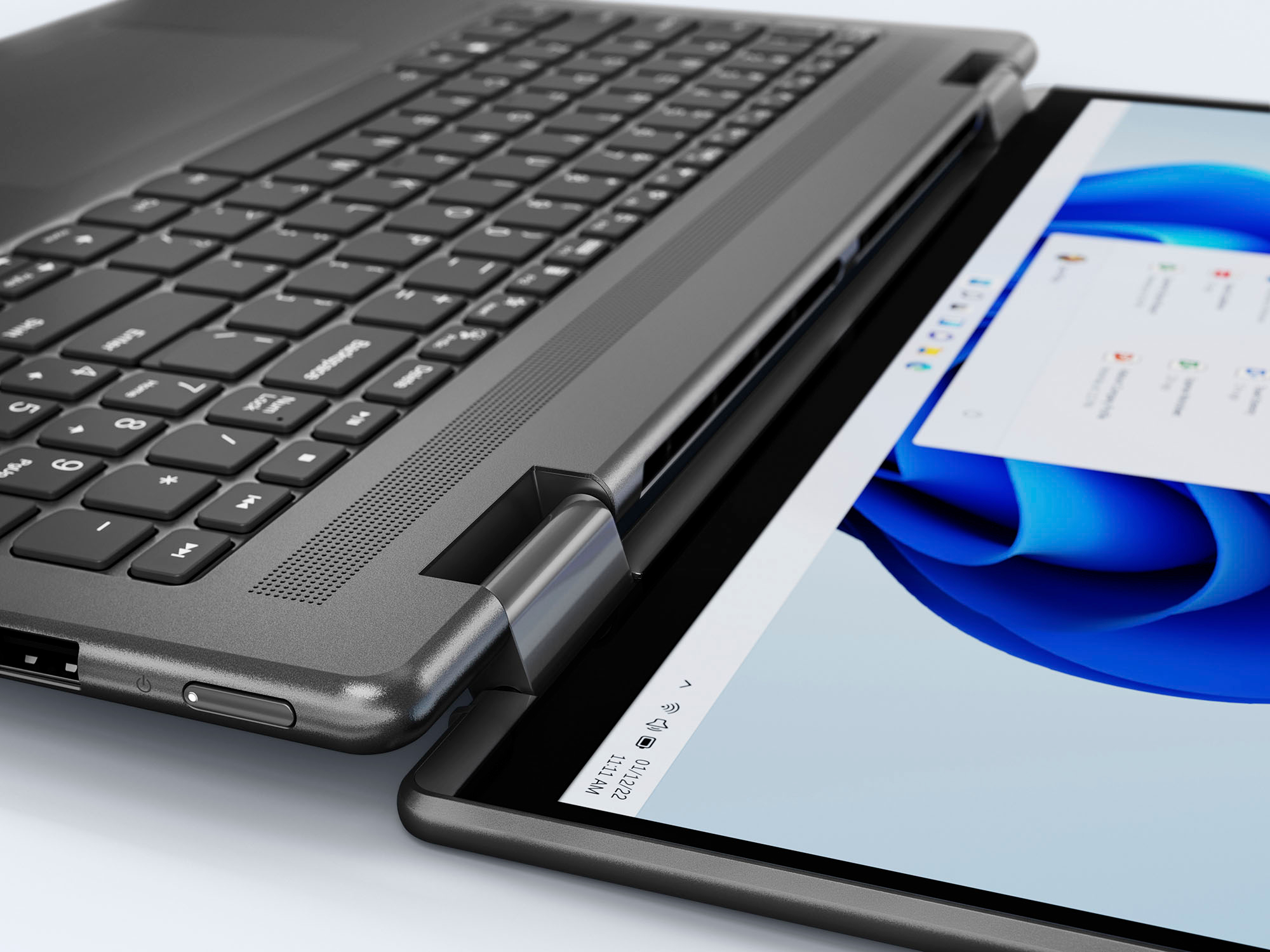
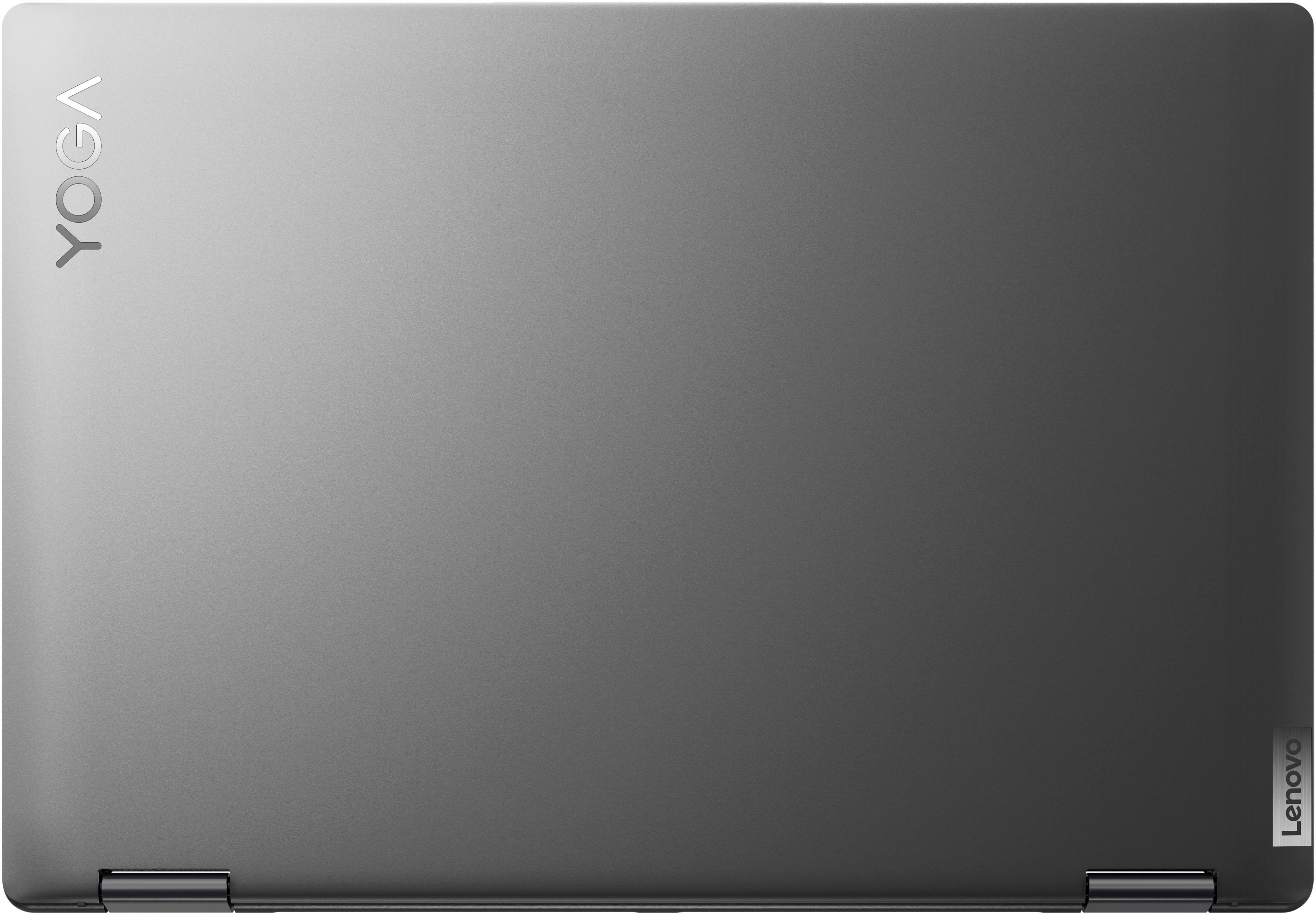
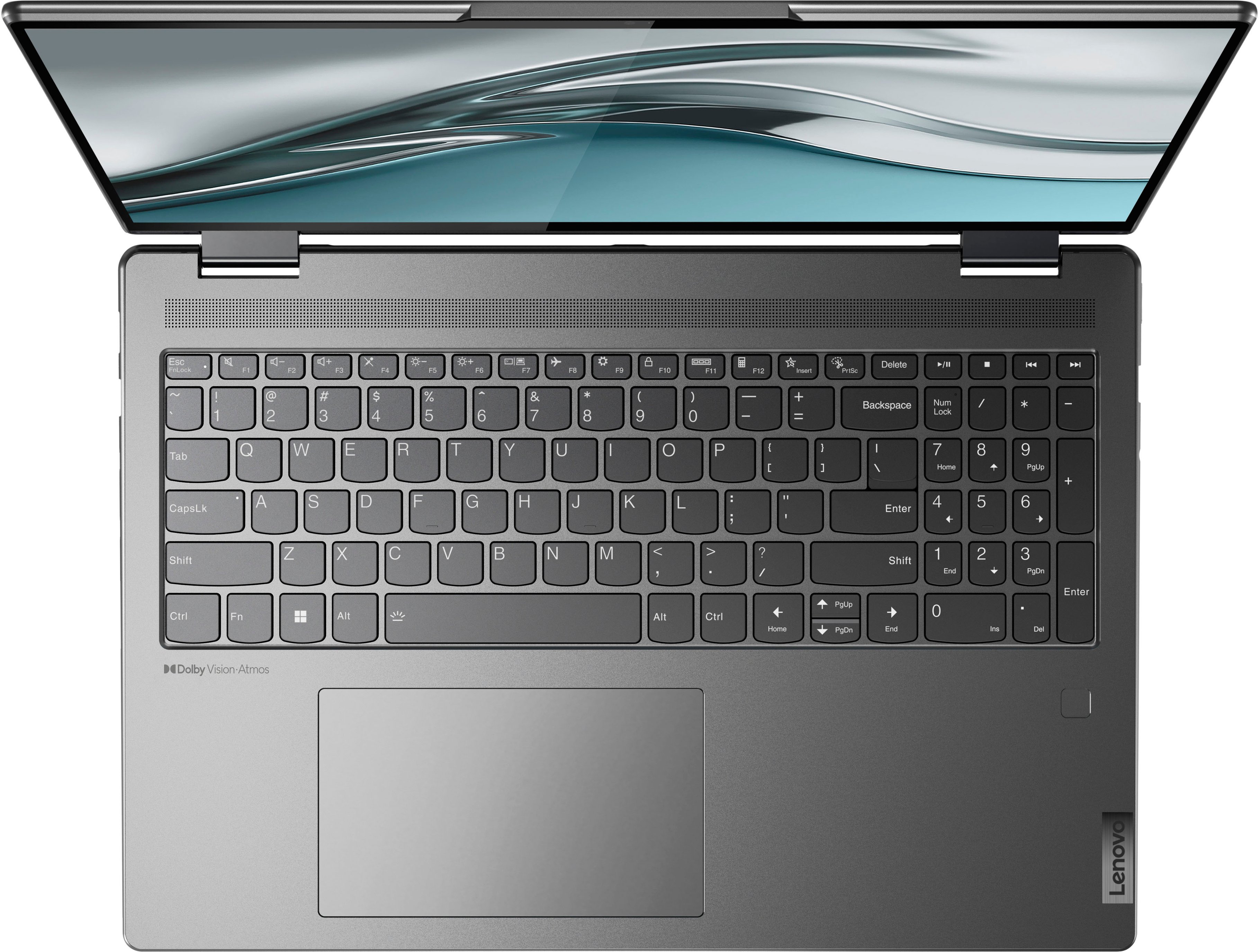
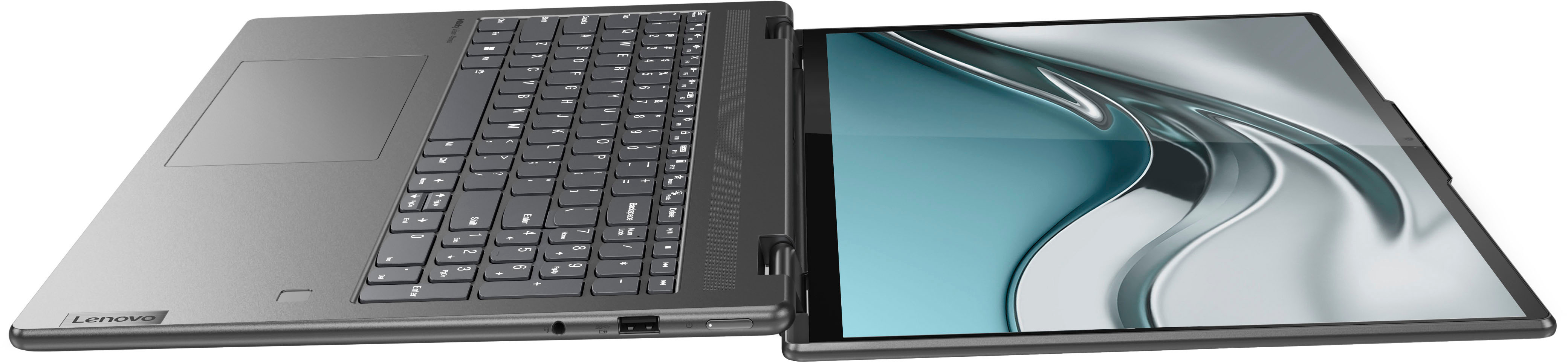
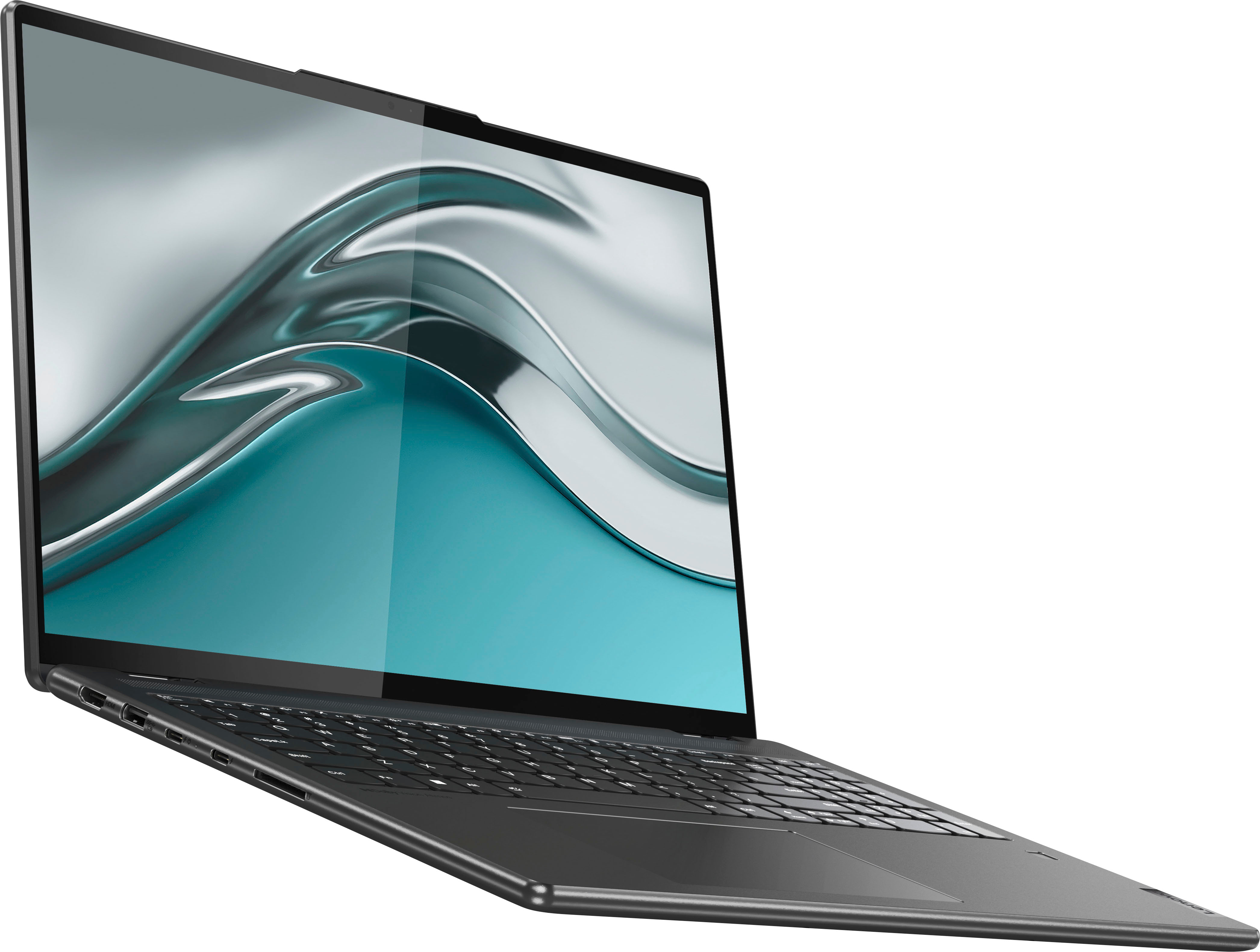
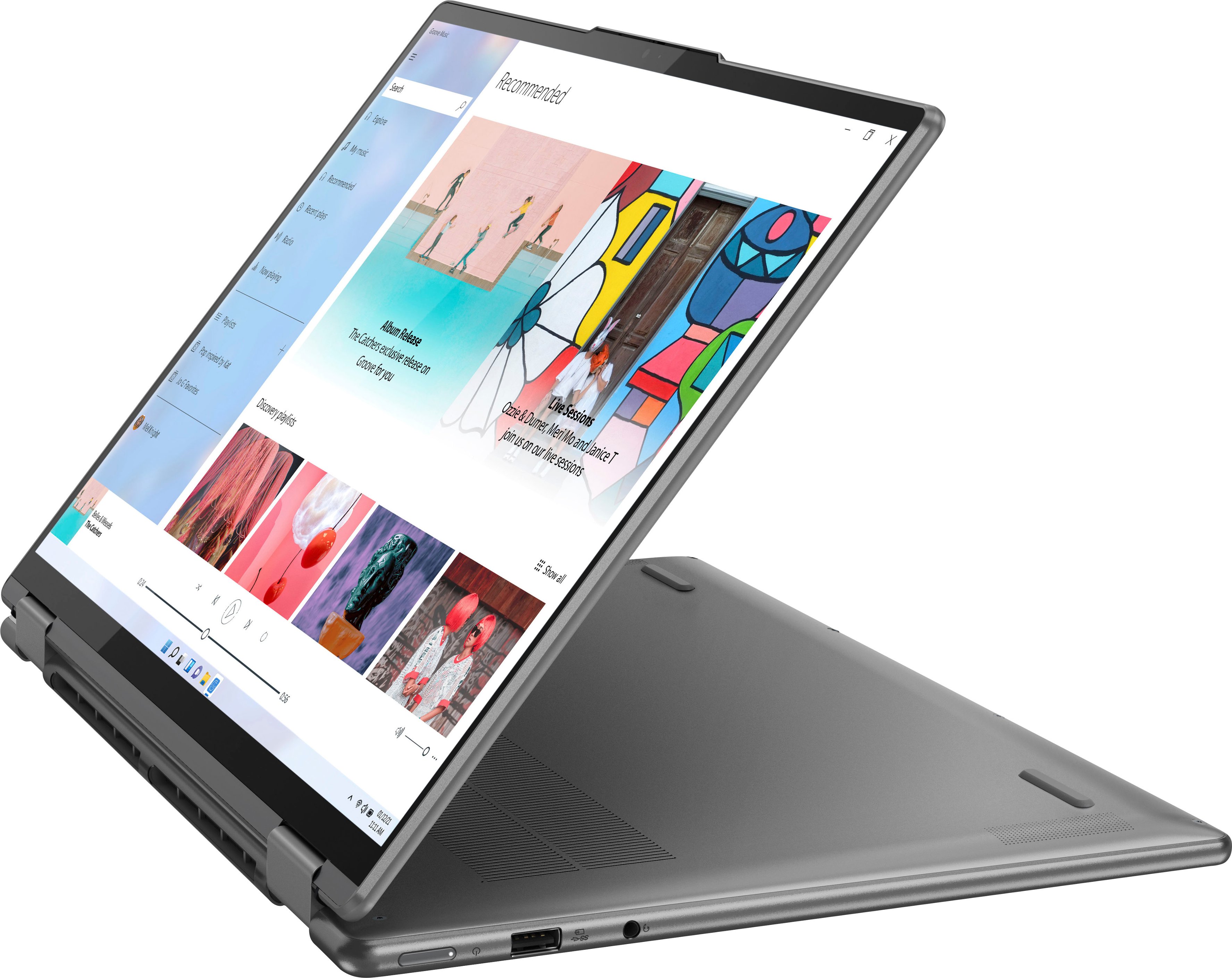
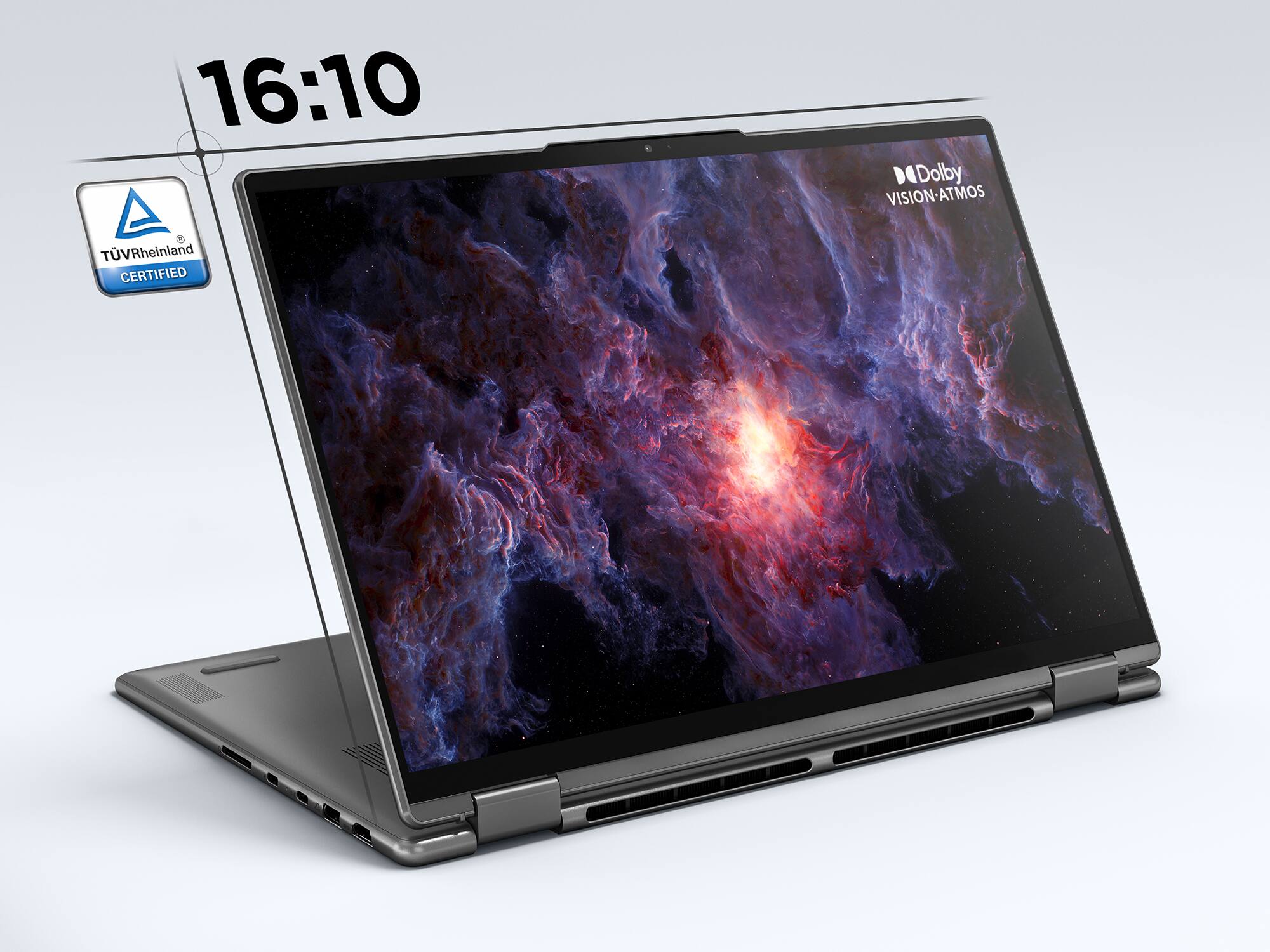
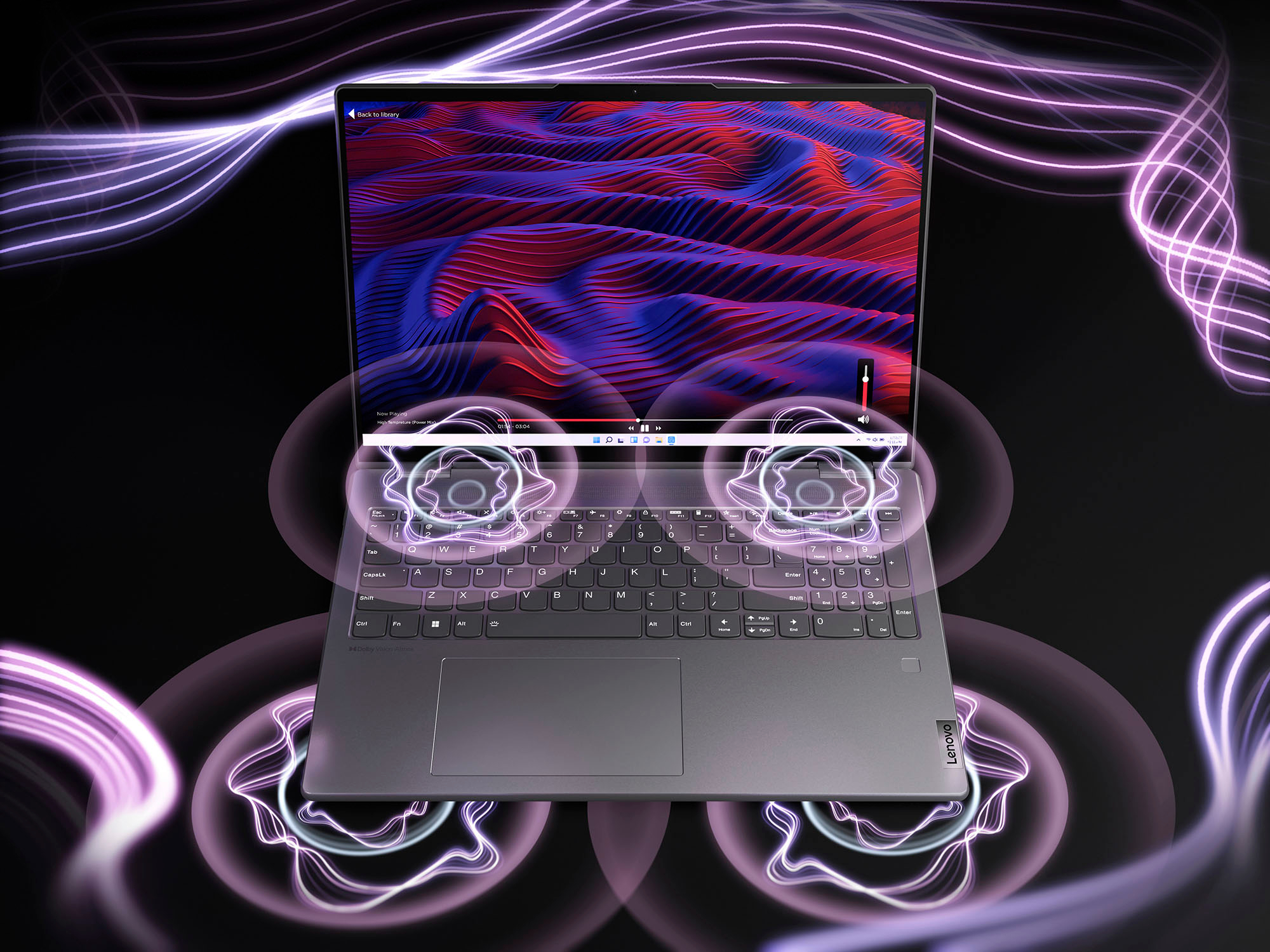
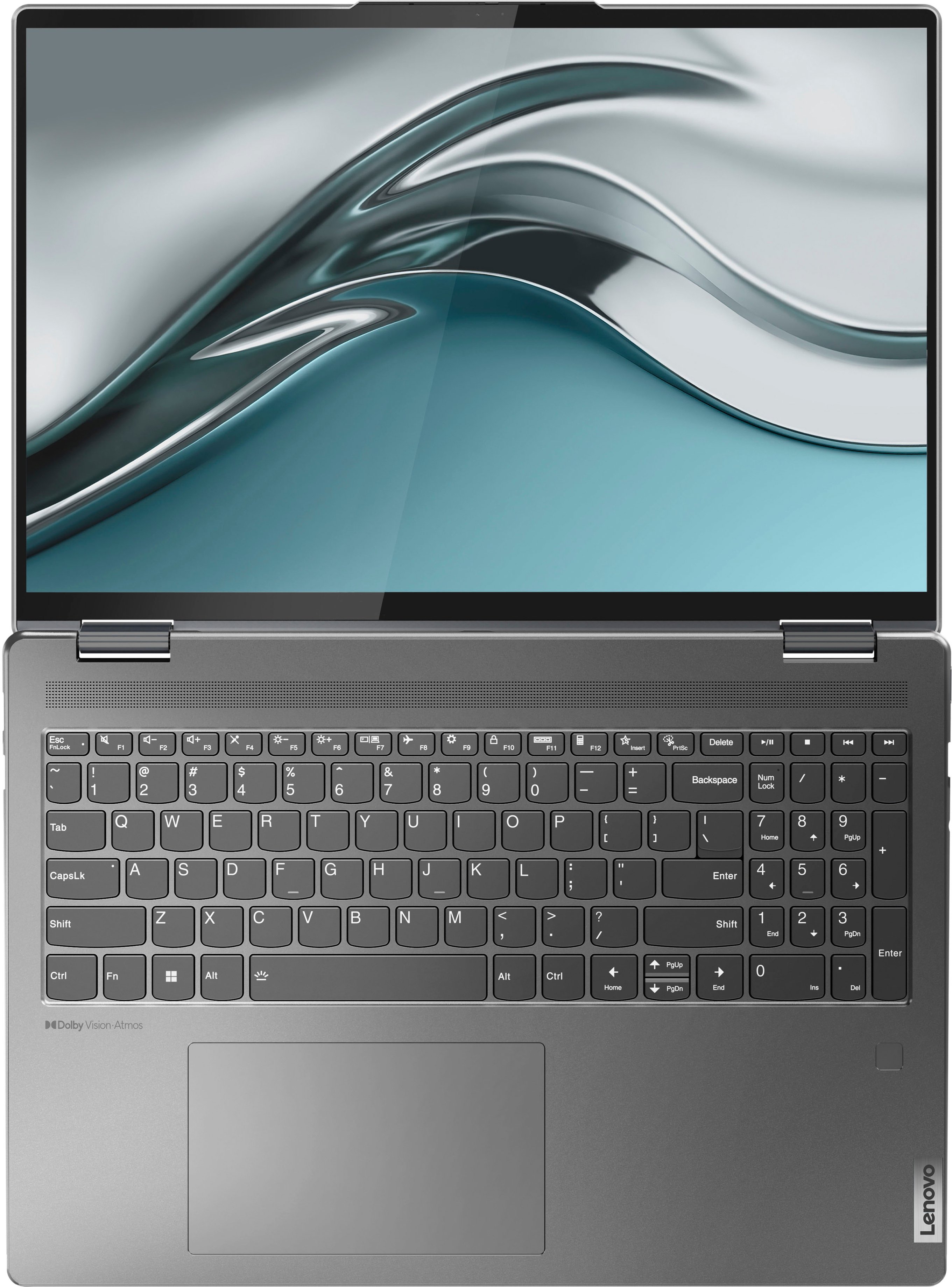




- Model:
- 82QG0001US
- SKU:
- 6502225
Rating by feature
- Battery Life
Rating 4.6 out of 5 stars
- Speed
Rating 4.7 out of 5 stars
- Display
Rating 4.8 out of 5 stars
Customers are saying
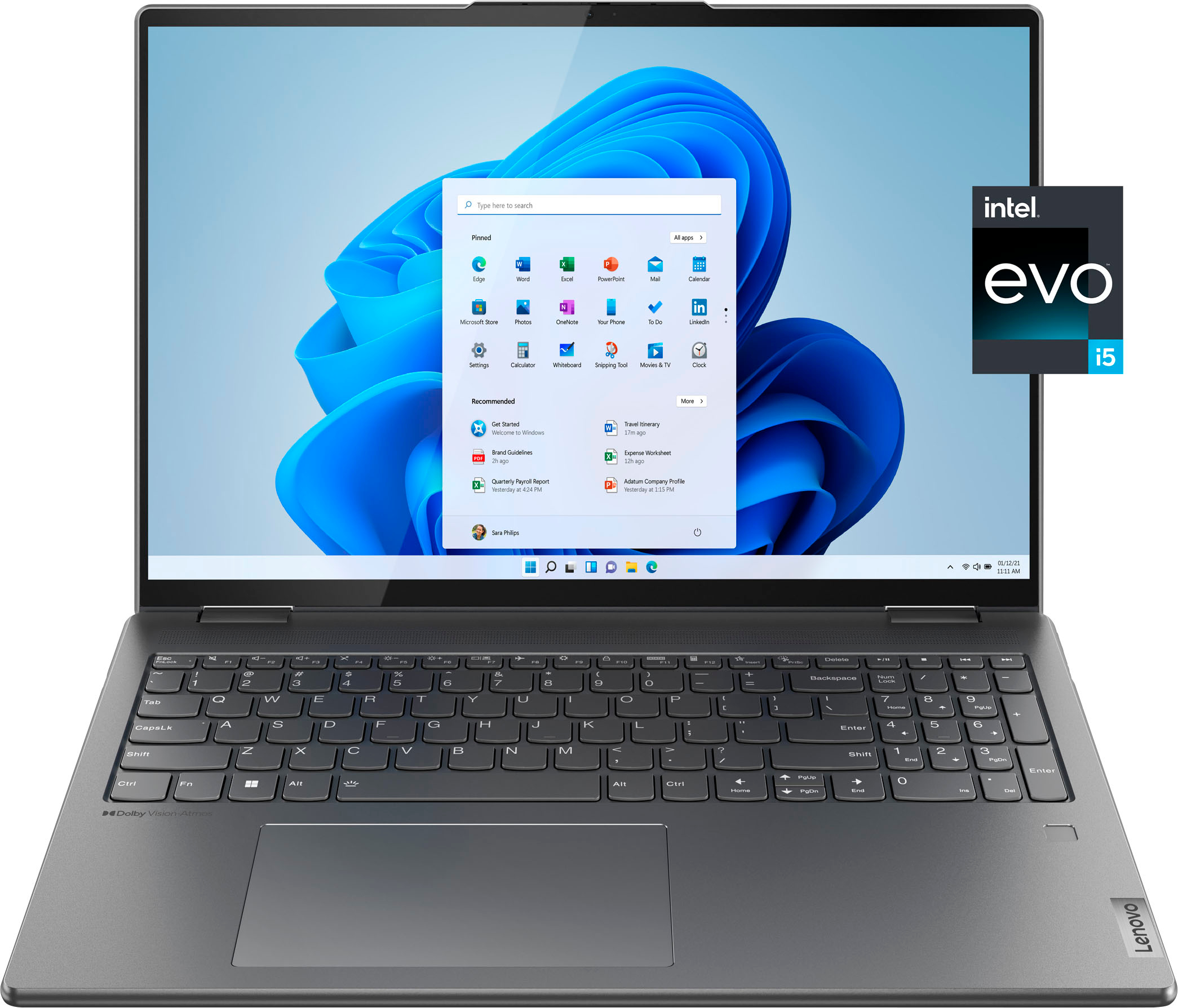
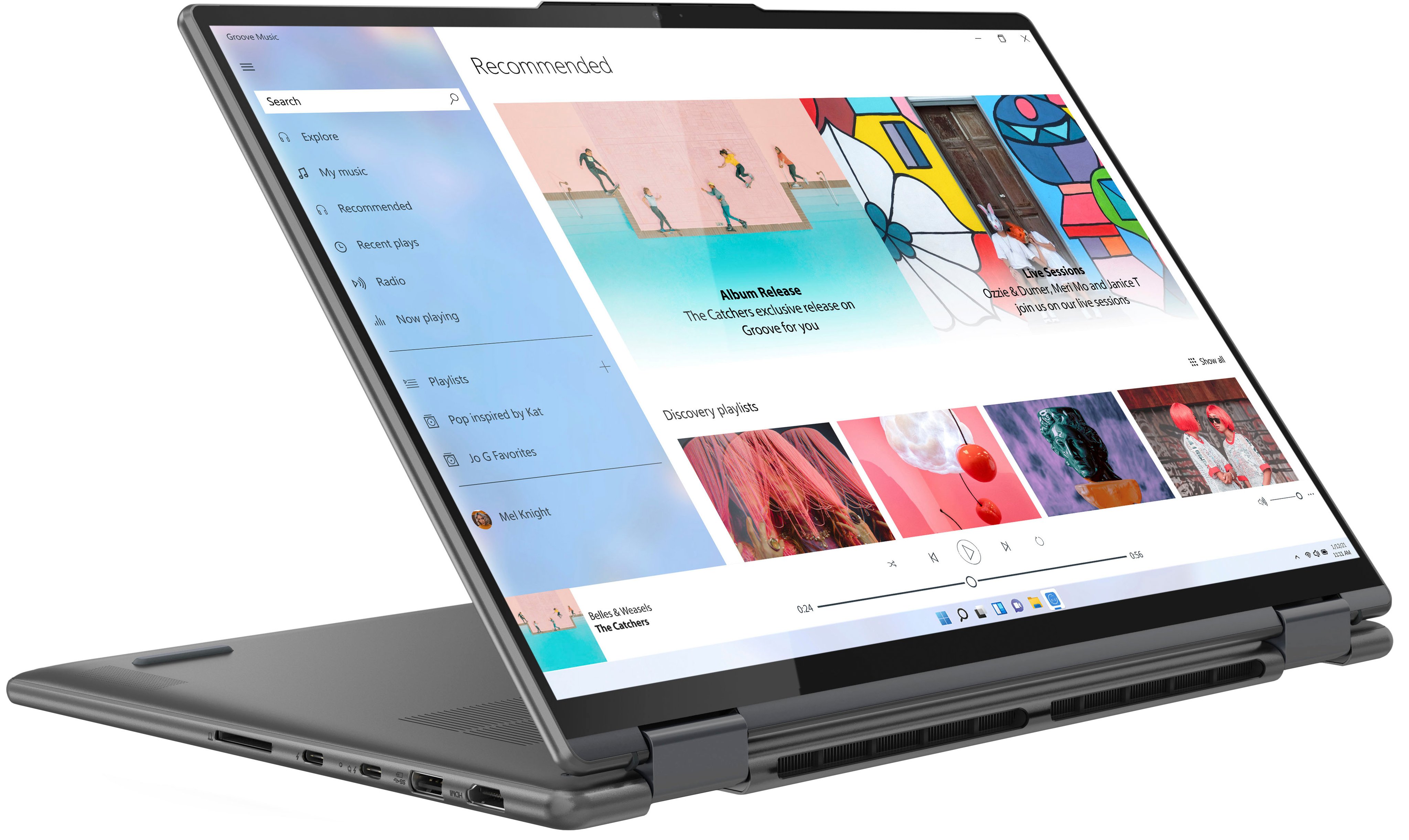
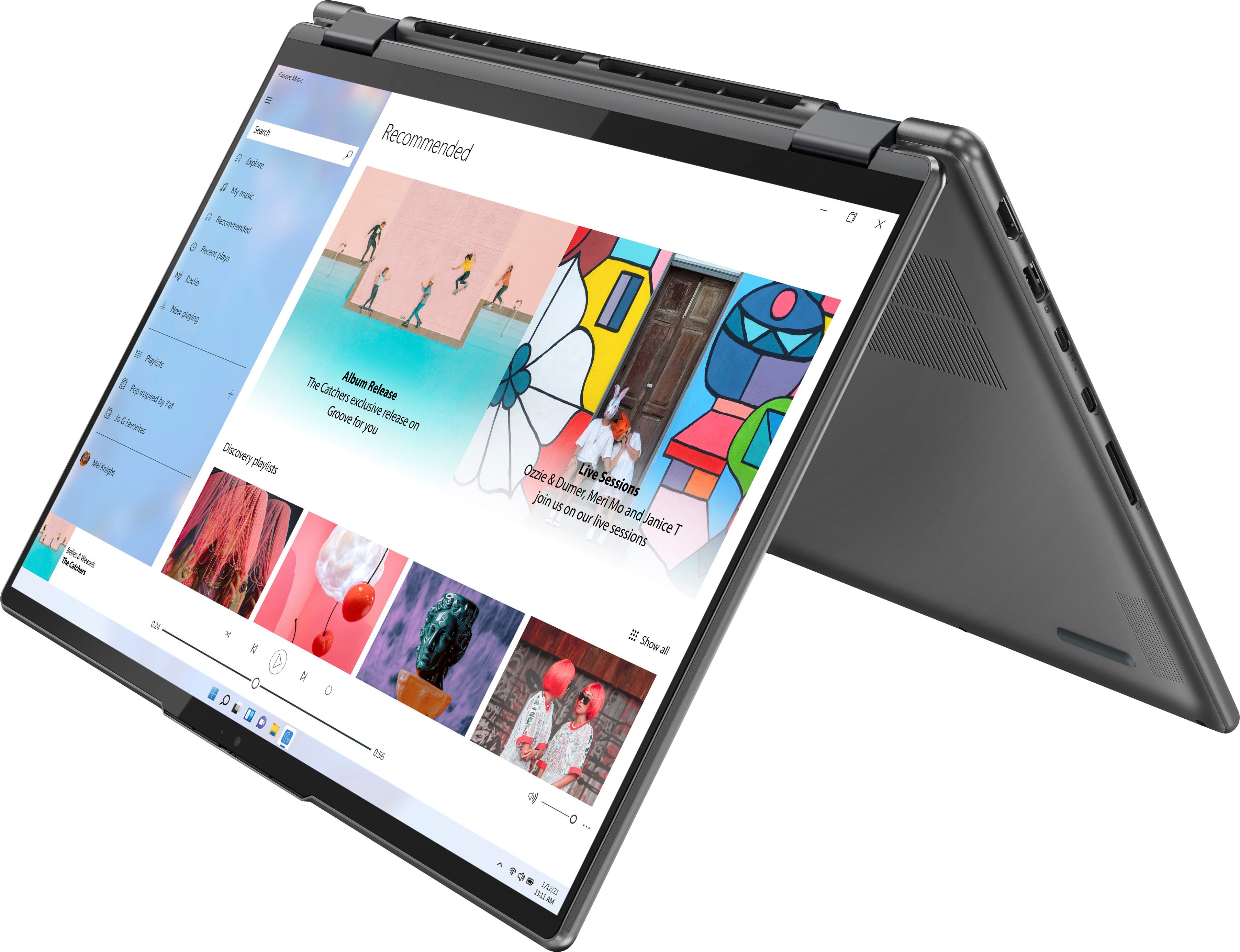
Customers value the Yoga 7i 16" laptop's large screen size, long battery life, and strong performance. They also appreciate its ease of use and stylish design, finding it to be a good value for the price. However, some customers wish for more RAM and storage options, and a few have noted that the speakers could be improved.
This summary was generated by AI based on customer reviews.
Lenovo
||Posted . Owned for 1 month when reviewed.This reviewer received promo considerations or sweepstakes entry for writing a review.Great laptop! Using it for online classes and remote work.
I would recommend this to a friendBrand response from Lenovo Product Expert
Posted .Thank you for choosing the Intel Evo-Certified, Lenovo Yoga 7i 16. We are pleased to hear that the Yoga 7i 16 meets your computing needs so well.

Good laptop
||Posted . Owned for 3 weeks when reviewed.This reviewer received promo considerations or sweepstakes entry for writing a review.So far, I am very pleased with my new Lenovo laptop.
I would recommend this to a friendBrand response from Lenovo Product Expert
Posted .Thank you for choosing the Lenovo Yoga 7i 16! We are pleased to hear that the features and performance of this Yoga 7i 16 meets your needs so well. Welcome to the Lenovo family!
Good little laptop for the price
||Posted .This reviewer received promo considerations or sweepstakes entry for writing a review.So far a very good computer. Unfortunately, no word processing, spreadsheet, etc software included with computer.
I would recommend this to a friendBrand response from Lenovo Product Expert
Posted .Thank you for choosing the Intel Evo-Certified, Lenovo Yoga 7i 16. There is a 30-day trial of Microsoft Office 365 included as part of the Windows 11 operating system. To keep the program active after the trial period, you will need to purchase a product key. You will not need to download any additional software.
Love it
||Posted . Owned for 2 weeks when reviewed.This reviewer received promo considerations or sweepstakes entry for writing a review.The product is amazinf and the team was very helpfull fjnding the best thing for me
I would recommend this to a friendLenvo Yoga 16 inch
||Posted . Owned for 1 month when reviewed.This reviewer received promo considerations or sweepstakes entry for writing a review.So far so good - My wife loves the laptop. She has been using it for on line schooling
I would recommend this to a friendBrand response from Lenovo Product Expert
Posted .Thank you for choosing the Intel Evo-Certified, Lenovo Yoga 7i 16 for your wife. We are pleased to hear that the Yoga 7i 16 meets your wife's computing needs so well.
Good camera
||Posted . Owned for 3 weeks when reviewed.This reviewer received promo considerations or sweepstakes entry for writing a review.The camera is clear and the speaker works very nicely.
I would recommend this to a friendBrand response from Lenovo Product Expert
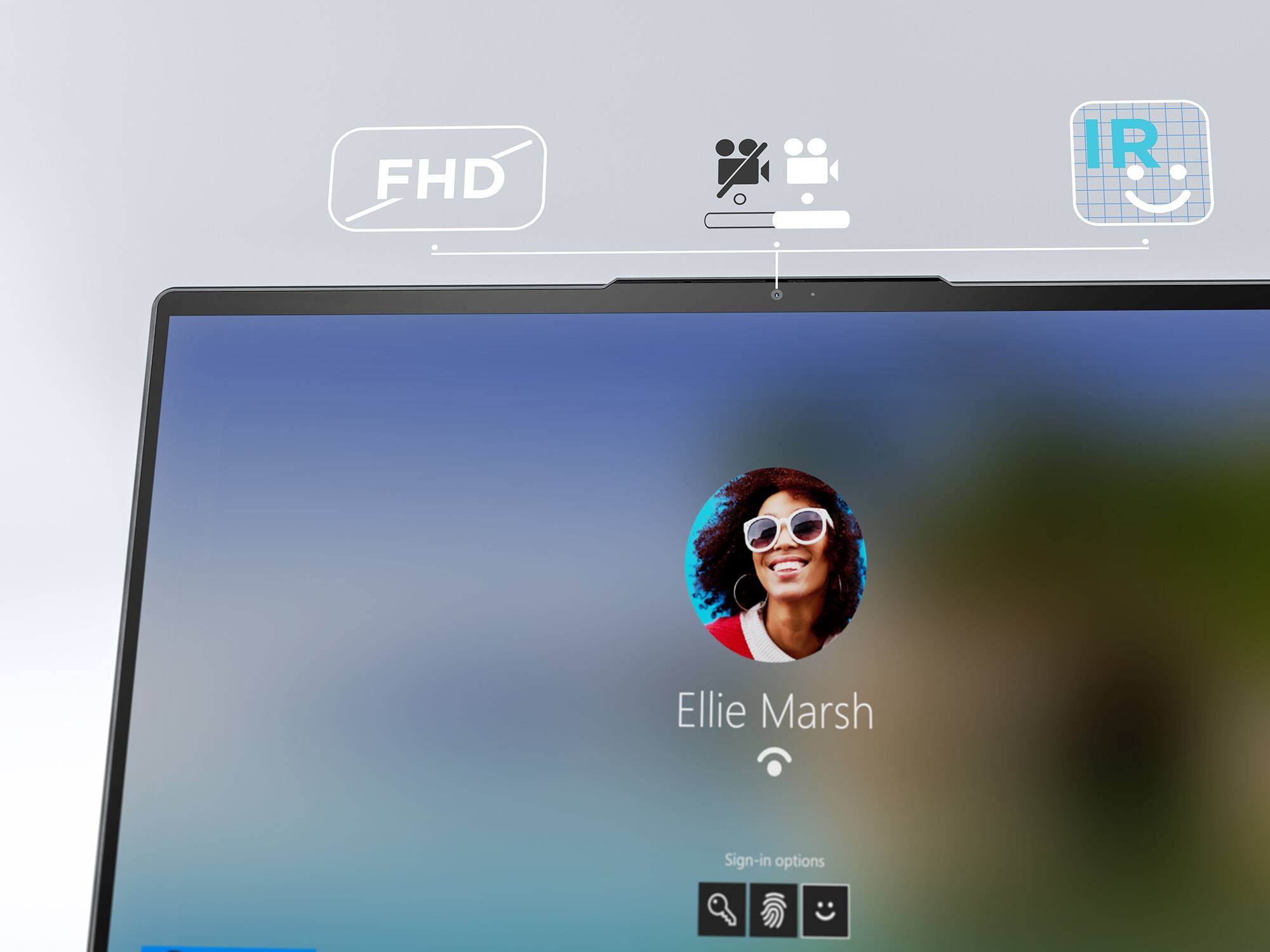
Posted .Thank you for choosing the Intel Evo-Certified, Lenovo Yoga 7i 16, model number 82QG0001US. This model configuration ships with a FHD (1080p & IR) with Privacy Shutter webcam that is compatible with Windows Hello Facial Recognition Login and has Dual Array Microphones built in. This model also ships with front-facing, 4 Stereo system speakers, (3W x2 Omni-directional woofers positioned on the bottom front edge of the laptop), (2W x2 tweeters), optimized with Dolby Atmos and Smart Amplifier (AMP). We are pleased to hear that the features and performance of the Yoga 7i 16 meets your computing needs so well.
My Lenova
||Posted . Owned for 3 weeks when reviewed.This reviewer received promo considerations or sweepstakes entry for writing a review.Love my laptop. More than I expected as I always bought HP as I have aways bought HP.
I would recommend this to a friendBrand response from Lenovo Product Expert
Posted .Thank you for choosing the Intel Evo-Certified, Lenovo Yoga 7i 16. We are pleased to hear that the Lenovo Yoga 7i 16 meets your computing needs so well.
Perfecto
||Posted . Owned for 2 weeks when reviewed.This reviewer received promo considerations or sweepstakes entry for writing a review.İt is very good. But only battery life is little short. İt is going about 6 hours.
I would recommend this to a friendBrand response from Lenovo Product Expert
Posted .Thank you for choosing the Intel Evo-Certified, Lenovo Yoga 7i 16, model number 82QG0001US. This model configuration ships with an Intel Evo-Certified, All-Day-Battery-Life, thanks to its Integrated 71Wh, Lithium-Polymer Battery, which within this model configuration, has a battery life of up to 11 hours, depending on the work the device is performing. If you are getting substantially less battery life first, set your screen brightness at less than 100-percent - try 80-percent to start with. Then, be sure Battery Charge Threshold is turned off. This power management setting should only be used when the laptop is plugged in all the time. It will prolong overall battery life by only charging the battery to 60-percent of capacity. You can turn off Battery Charge Threshold within the Lenovo Vantage APP installed on this computer. In Vantage select Battery Settings and turn off Battery Charge Threshold, if turned on. Also check what programs are running in the background on the computer. Be sure only the programs you want running in the background are. These programs will drain the battery. Here is a link to information about how to find out what programs are running in the background on your Windows 11 computer and how to manage them for better system performance: https://websiteforstudents.com/how-to-find-what-is-running-in-windows-11/. Then, finally, be sure any software you installed is compatible with Windows 11. Incompatible software will drain the battery at a faster rate. There is no need to install Microsoft Office software. The software is already part of the operating system, you just need to activate the software with a purchased product key. If you have installed a copy of Microsoft Office, this is conflicting with the existing copy on the system and this will slow your system down. If you have installed a 3rd party anti-virus program, be sure that Windows Defender is turned off and that the trial version of McAfee Anti-Virus software is uninstalled. There can only be one anti-virus program on the system. You may need to restore your system to original factory default settings if any of the programming errors have occurred. You can do that by typing "restore" in the Cortana search window. Just click on the magnifying glass icon at the bottom of your Windows 11 Desktop. Click on "Reset This PC" Then click on "Get Started" and follow the on screen directions to restore to factory defaults. If the problem persists, we recommend you contact Lenovo Tech Support at: 877-453-6686.
Review
||Posted .This reviewer received promo considerations or sweepstakes entry for writing a review.This is my second Lenovo PC! I have been extremely satisfied with the product!
I would recommend this to a friendBrand response from Lenovo Product Expert
Posted .Thank you for choosing the Intel Evo-Certified, Lenovo Yoga 7i 16. We appreciate your loyalty to the Lenovo Brand and we are pleased to hear that this Lenovo Yoga 7i 16 meets your current computing needs so well.
Worried that I have a lemon
||Posted . Owned for less than 1 week when reviewed.This reviewer received promo considerations or sweepstakes entry for writing a review.Bought it brand new and the battery is draining more rapidly than expected. I am only getting 5 hours of use. I also noticed the battery was drained completely out of the box which usually you have some charge. Bottom feels warmer than usual. Wondering if I got a defective model. I have had the yoga 7i before and had extraordinary battery life. This one is definitely not giving me the battery life my one at work does. Doesn't seem to start up as fast either. My other 7i is instantaneous. This comes on fast but everything on the desktop takes a while to load. Not horrible, but strange for this laptop. It's enough of a lag to notice.
No, I would not recommend this to a friendBrand response from Lenovo Product Expert
Posted .We are sorry to hear that you are having issues with your Intel Evo-Certified, Lenovo Yoga 7i 16, model number 82QG0001US. This model ships with Intel Evo-Certified, All-Day-Battery-Life, thanks to its Integrated 71Wh, Lithium-Polymer Battery, which within this model configuration, has a battery life of up to 16 hours, depending on the work the device is performing. If you are getting substantially less battery life, first, set your screen brightness at less than 100-percent - try 80-percent to start with. Then, be sure Battery Charge Threshold is turned off. This power management setting should only be used when the laptop is plugged in all the time. It will prolong overall battery life by only charging the battery to 60-percent of capacity. You can turn off Battery Charge Threshold within the Lenovo Vantage APP installed on this computer. In Vantage select Battery Settings and turn off Battery Charge Threshold, if turned on. Also check what programs are running in the background on the computer. Be sure only the programs you want running in the background are. These programs will drain the battery. Here is a link to information about how to find out what programs are running in the background on your Windows 11 computer and how to manage them for better system performance: https://websiteforstudents.com/how-to-find-what-is-running-in-windows-11/. Then, finally, be sure any software you installed is compatible with Windows 11. Incompatible software will drain the battery at a faster rate. There is no need to install Microsoft Office software. The software is already part of the operating system, you just need to activate the software with a purchased product key. If you have installed a copy of Microsoft Office, this is conflicting with the existing copy on the system and this will slow your system down. If you have installed a 3rd party anti-virus program, be sure that Windows Defender is turned off and that the trial version of McAfee Anti-Virus software is uninstalled. There can only be one anti-virus program on the system. You may need to restore your system to original factory default settings if any of the programming errors have occurred. You can do that by typing "restore" in the Cortana search window. Just click on the magnifying glass icon at the bottom of your Windows 11 Desktop. Click on "Reset This PC" Then click on "Get Started" and follow the on screen directions to restore to factory defaults. If the problem persists or you have questions about your Lenovo Yoga 7i 16, we recommend you contact Lenovo Premium Care for additional information at: 888-278-9707.
Computer
||Posted .This reviewer received promo considerations or sweepstakes entry for writing a review.Haven’t really used it yet but it seems like it will be a good computer
I would recommend this to a friendowner
||Posted . Owned for 1 month when reviewed.This reviewer received promo considerations or sweepstakes entry for writing a review.This is our third Lenovo laptop. Gets better every time we make a new purchase.
I would recommend this to a friendComputer
||Posted .This reviewer received promo considerations or sweepstakes entry for writing a review.Great item recommendation to anyone to use user friendly letter display led
I would recommend this to a friendBrand response from Lenovo Product Expert
Posted .Thank you for choosing the Intel Evo-Certified, Lenovo Yoga 7i 16. We are pleased to hear that the ease of use and performance of the Yoga 7i 16 meets your computing needs so well.
Ease of use
||Posted . Owned for 2 weeks when reviewed.This reviewer received promo considerations or sweepstakes entry for writing a review.Very easy to use. Great experience working with the BestBuy technician.
I would recommend this to a friendLenovo
||Posted . Owned for 2 weeks when reviewed.This reviewer received promo considerations or sweepstakes entry for writing a review.Had an apple Mac, switched to Lenovo from apple to Lenovo. Love it.
I would recommend this to a friendComputer
||Posted . Owned for 3 weeks when reviewed.This reviewer received promo considerations or sweepstakes entry for writing a review.Love my new computer. Still attempting to figure out how to use it.
I would recommend this to a friendBrand response from Lenovo Product Expert
Posted .Thank you for choosing the Intel Evo-Certified, Lenovo Yoga 7i 16, model number 82QG0001US. Here is a link to a YouTube Video that demonstrates the features and functions of the Lenovo Yoga 7i 16 Series format (processors may differ from your model): https://www.youtube.com/watch?v=lwWXFjlYquI&t=122s. This Lenovo Yoga 7i 16 ships with Windows 11 Home, 64-bit Operating System installed. Here is a link to another YouTube video that demonstrates some Windows 11 tips and tricks: https://www.youtube.com/watch?v=26dXRnc0EHc&t=29s. If you have questions about your Lenovo Yoga 7i 16, we recommend you contact Lenovo Tech Support for more information at: 877-453-6686.
Great value
||Posted . Owned for 1 week when reviewed.This reviewer received promo considerations or sweepstakes entry for writing a review.Great graphics. Highly recommend for anyone looking for nice home laptop.
I would recommend this to a friendBrand response from Lenovo Product Expert
Posted .Thank you for choosing the Intel Evo-Certified, Lenovo Yoga 7i 16. We are pleased to hear that the features and performance of the Yoga 7i 16 meets your computing needs so well.
yoga 7i
||Posted . Owned for 1 month when reviewed.This reviewer received promo considerations or sweepstakes entry for writing a review.very nice laptop, esp considering the sale price. an excellent value.
I would recommend this to a friendBrand response from Lenovo Product Expert
Posted .Thank you for choosing the Intel Evo-Certified, Lenovo Yoga 7i 16. We are pleased to hear that the value and performance of the Yoga 7i 16 meets your computing needs so well.
Love my computer
||Posted .This reviewer received promo considerations or sweepstakes entry for writing a review.I love is a good computer and I will recommend to my friends an family
I would recommend this to a friendBrand response from Lenovo Product Expert
Posted .Thank you for choosing the Intel Evo-Certified, Lenovo Yoga 7i 16. We are pleased to hear that the Yoga 7i 16 is working out so well for you.
Lenovo Yoga 2 in 1
||Posted . Owned for 1 month when reviewed.This reviewer received promo considerations or sweepstakes entry for writing a review.This is great laptop especially to be an Intel Core i5 Evo!! I love it!
I would recommend this to a friendBrand response from Lenovo Product Expert
Posted .Thank you for choosing the Intel Evo-Certified, Lenovo Yoga 7i 16. We are pleased to hear that the performance of the Yoga 7i 16 meets your computing needs so well.