Customer Ratings & Reviews
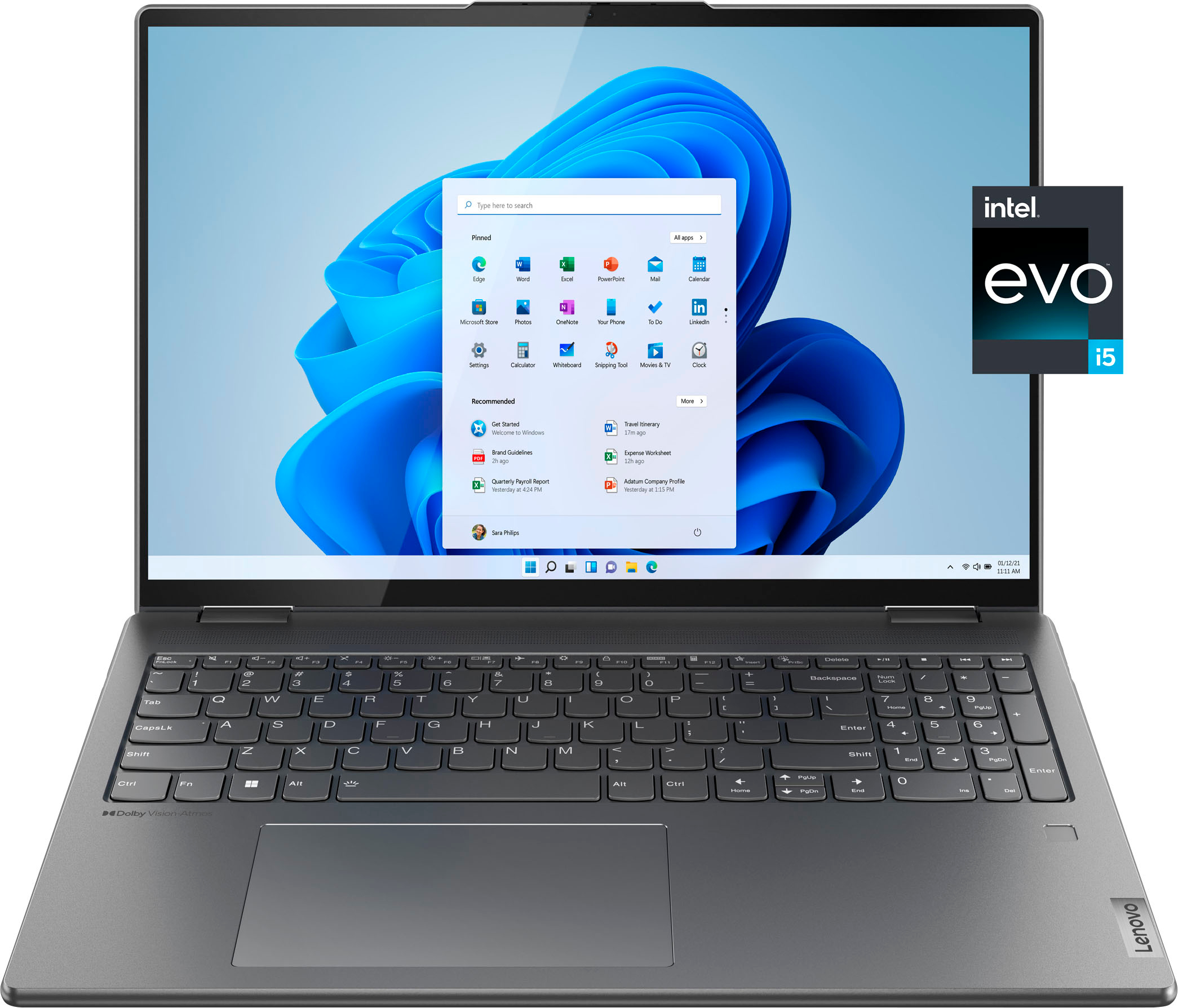
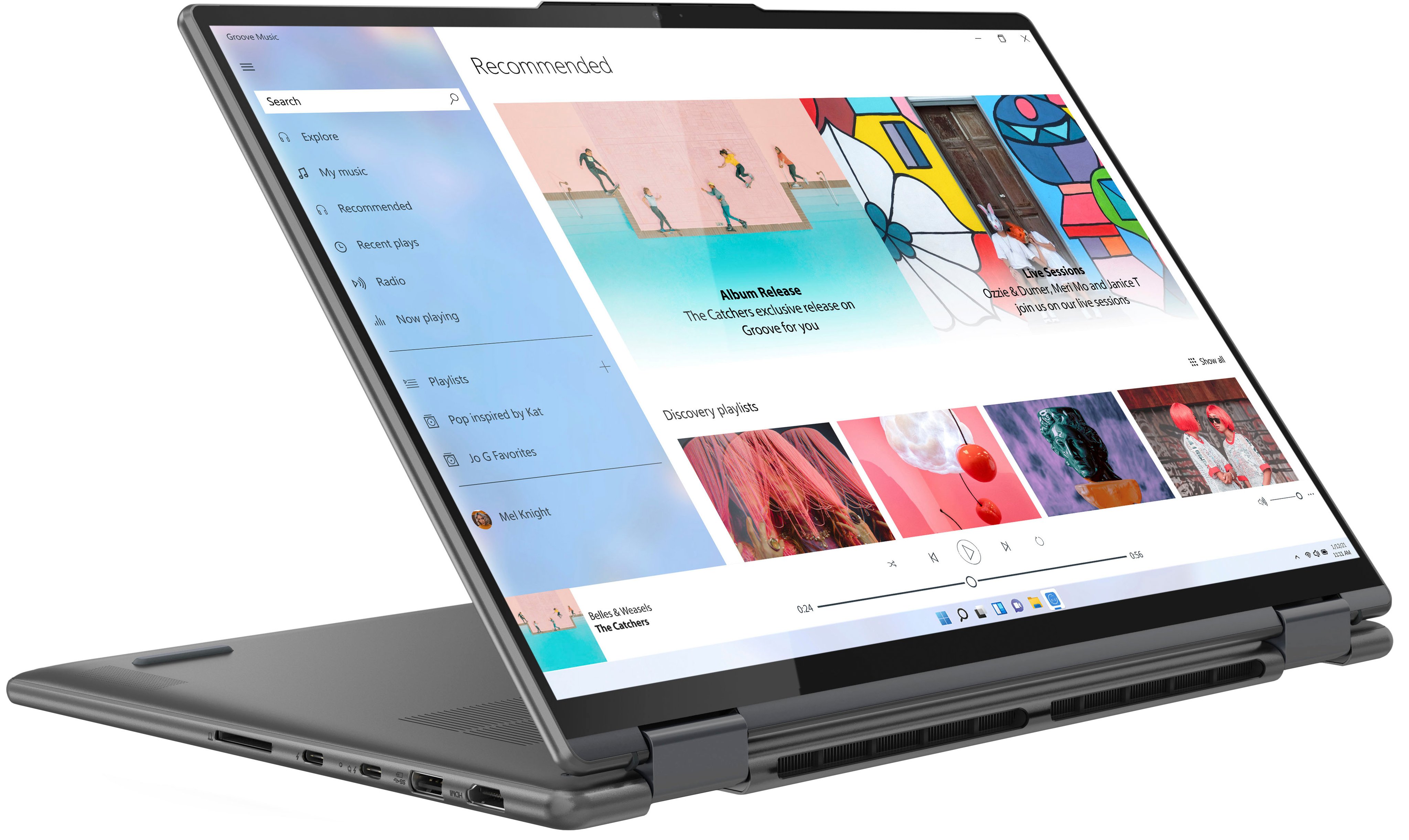
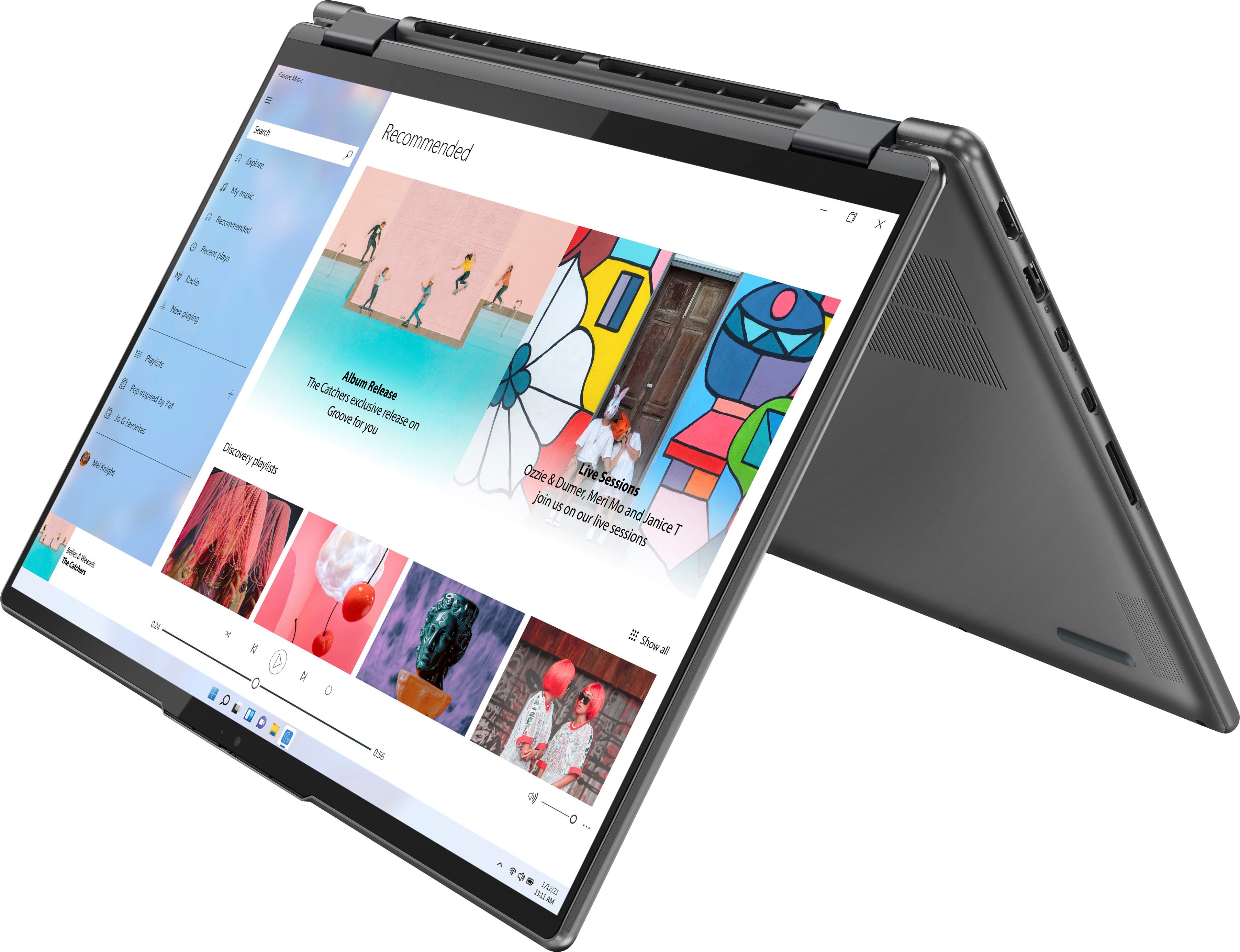

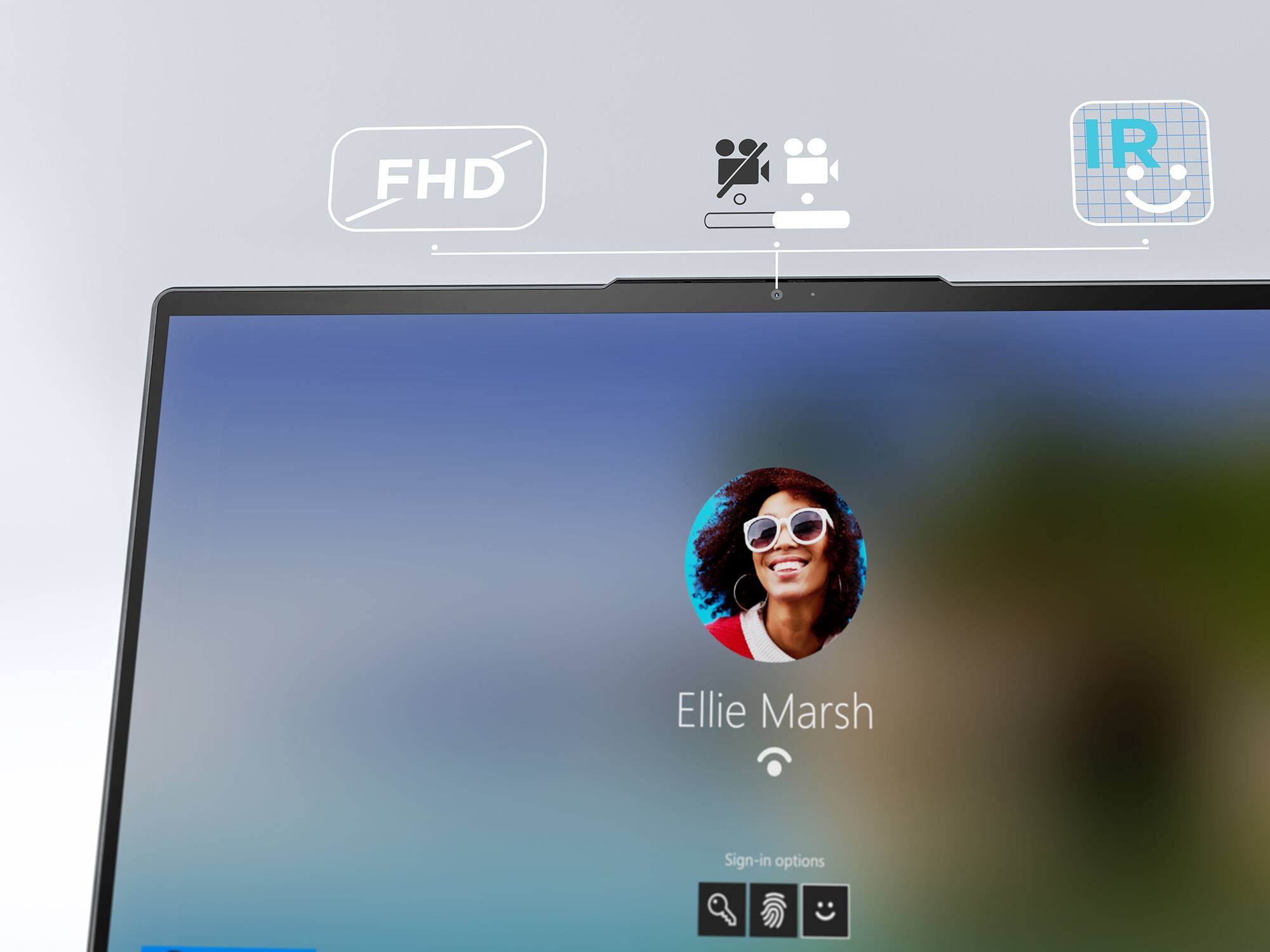
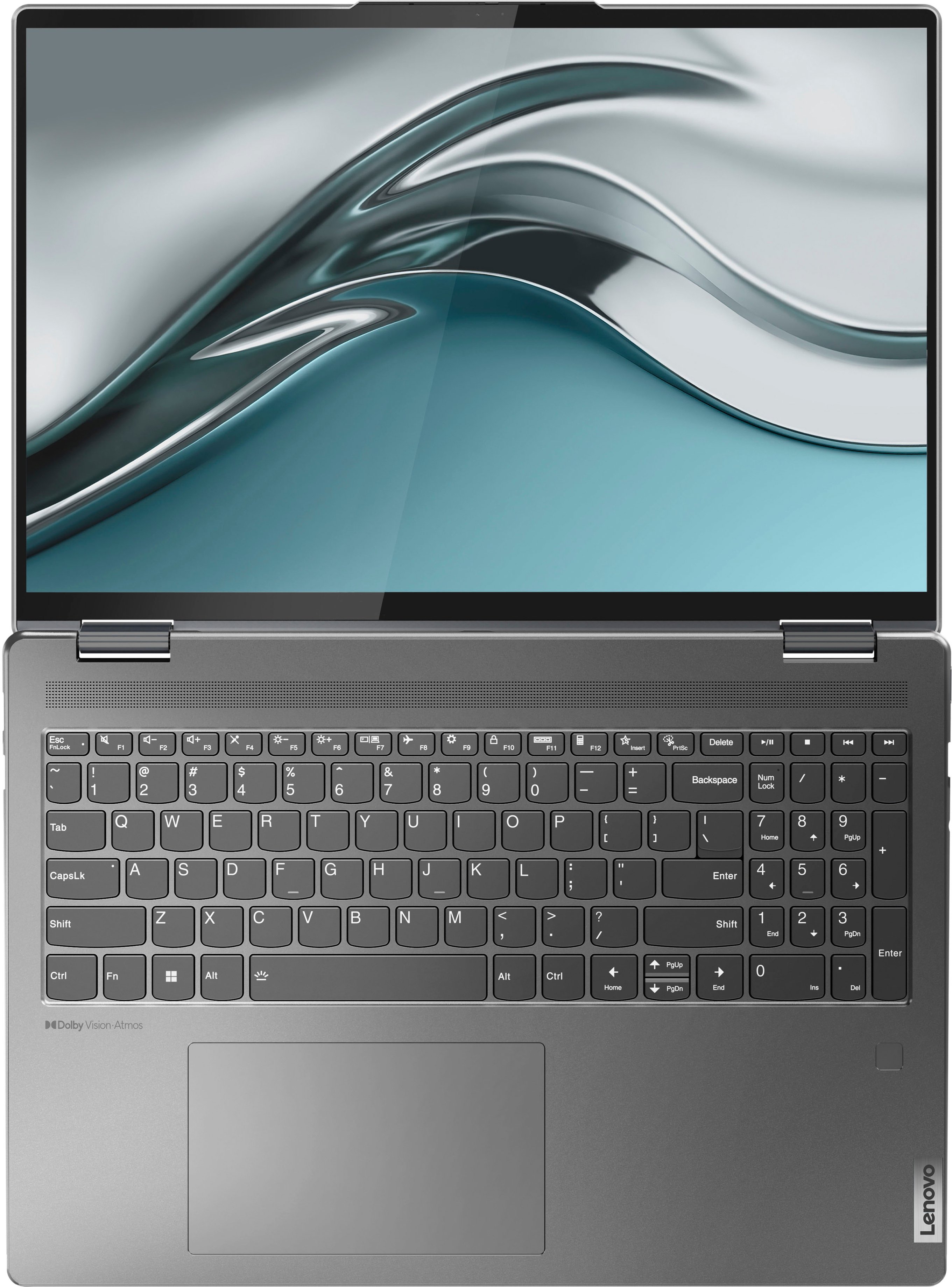




- Model:
- 82QG0001US
- SKU:
- 6502225
Rating by feature
- Battery Life
Rating 4.6 out of 5 stars
- Speed
Rating 4.7 out of 5 stars
- Display
Rating 4.8 out of 5 stars
Customers are saying
Customers value the Yoga 7i 16" laptop's large screen size, long battery life, and strong performance. They also appreciate its ease of use and stylish design, finding it to be a good value for the price. However, some customers wish for more RAM and storage options, and a few have noted that the speakers could be improved.
This summary was generated by AI based on customer reviews.
Good
||Posted .This reviewer received promo considerations or sweepstakes entry for writing a review.Got a very good deal. That's why I bought it. Nice laptop.
I would recommend this to a friendBrand response from Lenovo Product Expert
Posted .Thank you for choosing the Intel Evo-Certified, lenovo Yoga 7i 16. We are pleased to hear that the value and performance of the Yoga 7i 16 meets your computing needs so well.

JB2-1Laptop
||Posted . Owned for 1 month when reviewed.This reviewer received promo considerations or sweepstakes entry for writing a review.Great value for the price; clear screen and 2-1 is great
I would recommend this to a friendBrand response from Lenovo Product Expert
Posted .Thank you for choosing the Intel Evo-Certified, Lenovo Yoga 7i 16. We are pleased to hear that the value, features and performance of the Yoga 7i 16 meets your computing needs so well.
Great
||Posted . Owned for 1 month when reviewed.This reviewer received promo considerations or sweepstakes entry for writing a review.Great computer for the price. I would buy it again.
I would recommend this to a friendBrand response from Lenovo Product Expert
Posted .Thank you for choosing the Intel Evo-Certified, Lenovo Yoga 7i 16. We are pleased to hear that the value and performance of the Yoga 7i 16 meets your computing needs so well.
Brightly Disconnected
||Posted . Owned for 3 weeks when reviewed.This reviewer received promo considerations or sweepstakes entry for writing a review.Had trouble with brightness on 3 different laptops (same model); this one disconnects from the wireless internet multiple times daily. I spent so much time at your store with the first 3 machines that I have hesitated going back yet with the current problem.
I would recommend this to a friendBrand response from Lenovo Product Expert
Posted .This Intel Evo-Certified, Lenovo Yoga 7i 16, model number 82QG0001US, ships with the Intel AX211NGW, WiFi-6 Chip with 2x2 802.11ax frequency WiFi capability. This WiFi-6 version is also backward compatible to older, a/b/g/n/ac frequency WiFi. If you are getting less than expected WiFi connectivity, updating the BIOS files and drivers may fix the issue. First, check to be sure you have the latest version of Windows 11 on the computer. Then update all BIOS files and drivers up to that latest version of Windows 11. You can easily accomplish this by scanning the computer with the Lenovo Utility software available on this computer. This system has Lenovo utilities installed to help maintain the health of the device and keep the operating system software up to date. Type "Lenovo Vantage" in the Cortana Search window (if Lenovo Vantage is not installed on your device, you can download the APP and install it now). Select Lenovo Vantage from the list. In the window that opens, click on "Health and Support". In the expanded menu, select "Hardware Scan" In the window that opens, select "Run Quick Tests". This will scan your entire system for errors. Follow any directions that may pop up. If the problem continues after this scan, now click on "System Update". First select Windows update from the menu. Scan your system to be sure you have the latest version of Windows 11. Once that scan is complete, select "Additional Updates". This will scan your device to be sure there are no new BIOS/Driver updates needed. Follow any instructions that may pop up. If you get a message stating that there are no updates available, you can directly update/reinstall the WiFi Driver within the Windows 11 Operating System on this Laptop. Here is a link to instructions for doing this: https://allthings.how/how-to-install-or-update-windows-11-wifi-driver/#:~:text=In%20Settings%2C%20click%20on%20the,Download%20%26%20install'%20under%20it. if the issue continues, we recommend you contact Lenovo Premium Care for additional help at: 888-278-9707.
Wouldn’t let me set up
||Posted . Owned for 1 week when reviewed.This reviewer received promo considerations or sweepstakes entry for writing a review.I bought an open box one in excellent condition according to BB. I got home and set it up and couldn’t get passed the “Connect to a Network” screen. It would not let me connect to any Wi-Fi to finish the setup. I tried it half a dozen times before I gave up and returned it. It makes me question BBs rating of “excellent” - like do they actually test the computers that are returned to make sure they work before selling them open box? It also had a label on the back that BB clearly did not take off before selling. It was basically like someone was assigned this computer. It has a name label sticker on it like some corporation assigned it to someone before returning it. BB couldn’t remove that sticker before selling it again? I will think twice before buying open box items online from BB. I ended up getting a Microsoft Surface 4 laptop that went on sale because the 5s came out. Love it! I love the slim computer with the pure windows experience. No bloatware with Microsoft.
No, I would not recommend this to a friendAverage performance
||Posted . Owned for 3 weeks when reviewed.This reviewer received promo considerations or sweepstakes entry for writing a review.I bought Lenovo and it’s working fine but for some reasons I love my old hp laptop that works the best.
No, I would not recommend this to a friendBrand response from Lenovo Product Expert
Posted .Thank you for purchasing the Lenovo Yoga 7i 16! This model Lenovo Yoga 7i 16, model number 82QG0001US, is an Intel EVO certified, versatile device, powered with Intel's new hybrid processor architecture for speed and efficiency on battery with its Intel Core i5-1240P processor, 8GB of DDR5 memory for fast moderate multi-tasking, and 256GB of solid state drive storage for quick access to files and programs. We recommend you check the requirements and compatibility of any software you will be installing on your computer or know what specifications and features you need to effectively complete various workflows and tasks if being use for work, education, or personal use before you invest in any computer.
Highly unsatisfied
||Posted . Owned for 3 weeks when reviewed.This reviewer received promo considerations or sweepstakes entry for writing a review.I bought the laptop 11/23 and it stopped working completely by 12/12. It was after 15 day period to exchange at Best Buy and I was forced to work with the manufacturer directly. It has been a poor experience and they want to send me a box and let them have it 3 weeks to “repair” it. I bought a new laptop to use it, and would have definitely preferred an exchange. The computer screen went black and would not reboot up, could not turn it off and it would not boot up. They had me use the pin in the bottom and see if I could factory reset. This is far from ideal after just purchasing. The Lenovo team had me a purchase protection plan to “repair the machine faster” but the laptop came with 12 month warranty.
No, I would not recommend this to a friendBrand response from Lenovo Product Expert
Posted .We are sorry to hear that you have experienced an issue with our product. This Lenovo Yoga 7i 16, model number 82QG0001US, does have a 1-year manufacturer warranty called "Depot Support", that covers parts and labor of manufacturing defect related issues. This level of warranty does require for the item to be shipped to Lenovo to get working on repairs on your device. Should you desired more expedient service, there are additional tiers and options for warranty plans that can be purchased to help with that. If you were unsuccessful in getting your device up and running after a factory reset, we recommend that you remain in communication with the Lenovo Tech Support and warranty teams for assistance during this time.
Mine was defective.
||Posted . Owned for 1 month when reviewed.This reviewer received promo considerations or sweepstakes entry for writing a review.Defective out of the box, screen dead. Geek squad tried a number of things to no avail. I paid a little more and got something else.
No, I would not recommend this to a friend- Pros mentioned:Screen size
Cool machine but horrible battery life and speed.
||Posted . Owned for less than 1 week when reviewed.This reviewer received promo considerations or sweepstakes entry for writing a review.The battery life is horrible. The screen is very beautiful and the machine looks cool but the battery life is horrible. It drops at a rate of 2 percent per minute, which is weird. Also the speed is not that fast, always stuck on small things.
No, I would not recommend this to a friendBrand response from Lenovo Product Expert
Posted .This Intel Evo-Certified, Lenovo Yoga 7i 16, model number 82QG0001US, ships with Intel Evo-Certified All-Day-Battery-Life, thanks to the Integrated 71Wh, Lithium-Polymer Battery within this Yoga 7i 16, which within this model configuration, has a battery life of up to 16 hours, depending on the work the device is performing. If you are getting substantially less battery life, first, set your screen brightness at less than 100-percent - try 80-percent to start with. Then, be sure Battery Charge Threshold is turned off. This power management setting should only be used when the laptop is plugged in all the time. It will prolong overall battery life by only charging the battery to 60-percent of capacity. You can turn off Battery Charge Threshold within the Lenovo Vantage APP installed on this computer. In Vantage select Battery Settings and turn off Battery Charge Threshold, if turned on. Also check what programs are running in the background on the computer. Be sure only the programs you want running in the background are. These programs will drain the battery. Here is a link to information about how to find out what programs are running in the background on your Windows 11 computer and how to manage them for better system performance: https://websiteforstudents.com/how-to-find-what-is-running-in-windows-11/. Then, finally, be sure any software you installed is compatible with Windows 11. Incompatible software will drain the battery at a faster rate. There is no need to install Microsoft Office software. The software is already part of the operating system, you just need to activate the software with a purchased product key. If you have installed a copy of Microsoft Office, this is conflicting with the existing copy on the system and this will slow your system down. If you have installed a 3rd party anti-virus program, be sure that Windows Defender is turned off and that the trial version of McAfee Anti-Virus software is uninstalled. There can only be one anti-virus program on the system. You may need to restore your system to original factory default settings if any of the programming errors have occurred. You can do that by typing "restore" in the Cortana search window. Just click on the magnifying glass icon at the bottom of your Windows 11 Desktop. Click on "Reset This PC" Then click on "Get Started" and follow the on screen directions to restore to factory defaults. If the problem persists, we recommend you contact Lenovo Premium Care for additional help at: 888-278-9707.
No so good
||Posted . Owned for 3 months when reviewed.This reviewer received promo considerations or sweepstakes entry for writing a review.The laptop has problems and I will have to take it to see if can be fixed. I do not have much time to go to the store.
No, I would not recommend this to a friendBrand response from Lenovo Product Expert
Posted .Hello, HectorW, we are sorry to hear that you encountered an issue with your Yoga 7i 16. We recommend reaching out to Lenovo Tech Support and proving a representative with details of your issue so they can help provide a solution. Here is phone number to get in contact with tech support: 877-453-6686.
Lenovo - Yoga 71
||Posted . Owned for 3 weeks when reviewed.This reviewer received promo considerations or sweepstakes entry for writing a review.The screen is too small. not a clear screen. must be a larger screen. not happy at all.
No, I would not recommend this to a friendTerrible service
||Posted . Owned for less than 1 week when reviewed.This reviewer received promo considerations or sweepstakes entry for writing a review.Sent me a broken laptop with borders falling off best buy would not fix or exchange the item
No, I would not recommend this to a friendLenovo
||Posted .This reviewer received promo considerations or sweepstakes entry for writing a review.I didn't like that it was loaded with only a 30 day use of Mcafee, it should've had at least 90 days...
I would recommend this to a friendYoga (junk) laptop
||Posted . Owned for 1 month when reviewed.This reviewer received promo considerations or sweepstakes entry for writing a review.I had this laptop for 17 days when it went into deep sleep mode and did not come back on. I looked on the internet and found this to be a common problem with lenovo products. I called Lenovo and they told me to bring it back to Bestbuy to exchange it. Bestbuy told me they only have a 14 day exchange policy and that it would have to be sent back to lenovo. I sent it back to lenovo repair facility in Texas. They have had the unit for two weeks and keep moving the return date back. DO NOT BUY LENOVO and check very fine print on return policy at Bedtbuy.
No, I would not recommend this to a friendtrash
||Posted . Owned for 3 months when reviewed.This reviewer received promo considerations or sweepstakes entry for writing a review.slowed down after 2 months of use. do not buy this garbige
No, I would not recommend this to a friendBrand response from Lenovo Product Expert
Posted .Hello, Mike, we are sorry to hear that you encountered an issue with your Yoga 7i 16. Regarding your drop in performance, first, ensure that all installed applications or software is compatible with your device, as incompatible software can cause your computer to misbehave. Second, ensure that if using an antivirus software, that Windows Defender is deactivated, as if two security programs are active, this can cause your system's responsiveness to be slowed. Then, check for updates through Windows Update settings. These updates can help resolve issues from operating system bugs to driver software improvements. To navigate there, select start on the taskbar (windows logo) or press the windows key on the keyboard then select Settings. In Settings, select Windows Update, and then select the Check For Updates button. Install any available updates and restart your PC if required. If you didn’t have any updates that required a restart, it’s still a good idea to restart your device to make sure any pending updates are installed. Additionally, check for updates in the Lenovo Vantage application that is preinstalled on Windows devices. You can check by opening the app, navigating to the device tab, and selecting the “check for updates” option. If there are updates to install, follow the onscreen directions to finalize those updates. If your issues persist after these steps, we also recommend that you reach out to Lenovo Tech Support at this number for additional assistance: 877-453-6686.
No
||Posted .This reviewer received promo considerations or sweepstakes entry for writing a review.Like the 10 key availability. Wish you didn't have to pay for excel or word
No, I would not recommend this to a friendBad purchase
||Posted . Owned for 1 week when reviewed.This reviewer received promo considerations or sweepstakes entry for writing a review.When fully charged and then unplugged the screens often dims and then returns to normal light. Fonts on my email list are different when viewing the email history at the top and is much smaller at the bottom where detail of a specific email is written. Very disappointed and disgusted!
No, I would not recommend this to a friendBrand response from Lenovo Product Expert
Posted .We are sorry to hear that you are having issues with your Intel Evo-Certified, lenovo Yoga 7i 16, model number 82QG0001US. You can maintain the screen brightness level that you currently are seeing when your Yoga 7i 16 is plugged in, when you unplug the computer as well. Check your Power Management settings to be sure that the settings are the same for both Plugged in and Battery Power. Here is a link to more information and tips for adjusting your Power Settings: https://windowsreport.com/windows-11-screen-dimming/. Regarding the display of your email, check your email settings within the specific web email APP you are using. Here is a link to information about adjusting email font size if you are using Microsoft Outlook: https://support.microsoft.com/en-us/office/change-the-font-or-font-size-in-the-message-list-57bd24a6-1f85-45ac-a657-fba877d3fe00. If you use a different web email service, check their website for tips on adjusting their font settings. If you have questions about your Lenovo Yoga 7i 16, we recommend you contact lenovo Premium care for additional information at: 888-278-9707.
Don’t buy
||Posted . Owned for 1 month when reviewed.This reviewer received promo considerations or sweepstakes entry for writing a review.Bought as we had good prior experience but Lenovo pushed out an update on New Year’s Eve day that would no longer accept the password than asked for a catchphrase that was never created to unlock it (won’t allow the password to be entered) I will be Returning every Lenovo item I have if this is not fixed by them soon.
No, I would not recommend this to a friendBrand response from Lenovo Product Expert
Posted .We are sorry to hear that you have experienced an issue with your Lenovo Yoga 7i 16. In cases like this, there could be a few reasons that could cause this issue for you. We recommend that you create restore points for your computer to back up from in the event a Windows Update causes issues for your device. Here is a link to learn more about how to complete this process and other recovery options for Windows: https://support.microsoft.com/en-us/windows/recovery-options-in-windows-31ce2444-7de3-818c-d626-e3b5a3024da5 . Also, if you data is backup on an external drive, you could factory reset your device and this could resolve your problem. If your issues persists, we recommend contacting Lenovo Tech Support at this number for additional assistance: 877-453-6686.
Student
||Posted . Owned for 3 weeks when reviewed.This reviewer received promo considerations or sweepstakes entry for writing a review.My last computer was much easier to use. I'm having difficulty adapting to this new computer.
No, I would not recommend this to a friendBrand response from Lenovo Product Expert
Posted .We are sorry to hear that you are having difficulty with your Intel Evo-Certified, Lenovo Yoga 7i 16, model number 82QG0001US. Here is a link to a YouTube video that demonstrates the features and functions of the Yoga 7i 16 Series configuration: https://www.youtube.com/watch?v=MPXNQeH77W0. This model ships with Windows 11 Home, 64-bit Operating System installed. Here is another link to a YouTube video that demonstrates some Windows 11 tips and tricks: https://www.youtube.com/watch?v=26dXRnc0EHc&t=29s. If you have questions about your Lenovo Yoga 7i 16, we recommend you contact Lenovo Premium Care for additional information at: 888-278-9707.
Do not buy
||Posted . Owned for 3 months when reviewed.This reviewer received promo considerations or sweepstakes entry for writing a review.Broke after 3.5 months. Suddenly became unresponsive out of nowhere and no fix found. Could not be more disappointed in a product.
No, I would not recommend this to a friendBrand response from Lenovo Product Expert
Posted .We are sorry to hear that you are having issues with your Intel Evo-Certified, Lenovo Yoga 7i 16. Resetting your computer back to original factory settings may fix the issue you are having. Power off the computer and plug in the 65W USB-C slim (2-pin, wall-mount) AC adapter, supports PD 3.0, 100-240V, 50-60Hz that shipped with your Yoga 7i 16, with the computer powered off. This system is equipped with OneKey Recovery System. There is a very small pin hole on the bottom left side of the device, right near the top left corner of the cooling vent on the bottom of the device. You will need a pin to push this reset button. Plug the device in. Let the battery charge for about 15 minutes, with the power off. Push the reset button. The system should boot to a choice screen where you can choose "Restore To Factory Default". Select this. It will delete everything from the hard drive except the original factory install of the operating system. You will need to reinstall all programs and files after the reset. If you don't have copies of the files, try to make one before you restore by selecting "Boot to desktop" and trying to back up your files. If the problem persists after the factory reset, we recommend you contact Lenovo Tech Support at: 877-453-6686.