Customer Ratings & Reviews

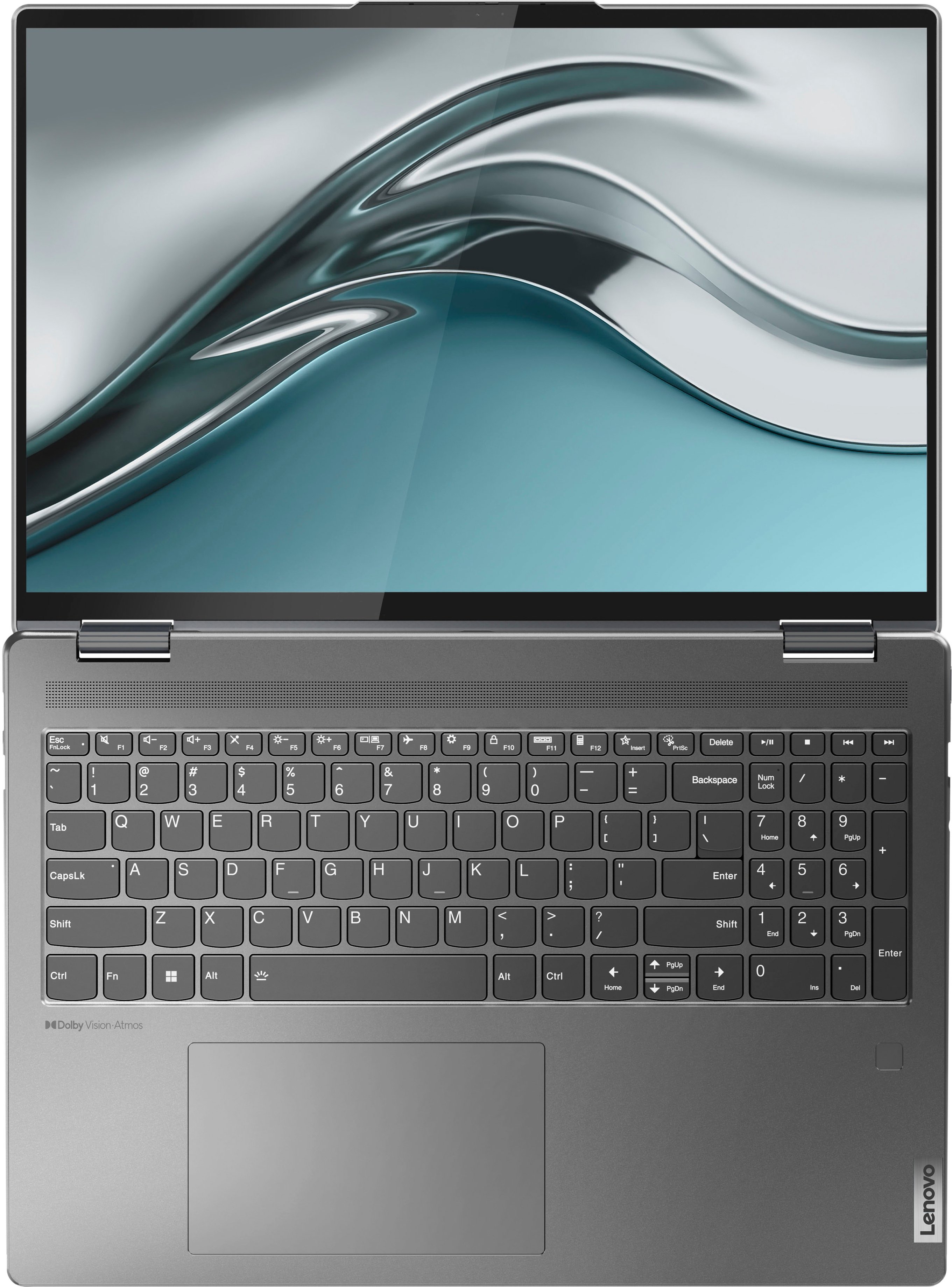




- Model:
- 82QG0001US
- SKU:
- 6502225
Rating by feature
- Battery Life
Rating 4.6 out of 5 stars
- Speed
Rating 4.7 out of 5 stars
- Display
Rating 4.8 out of 5 stars
Customers are saying
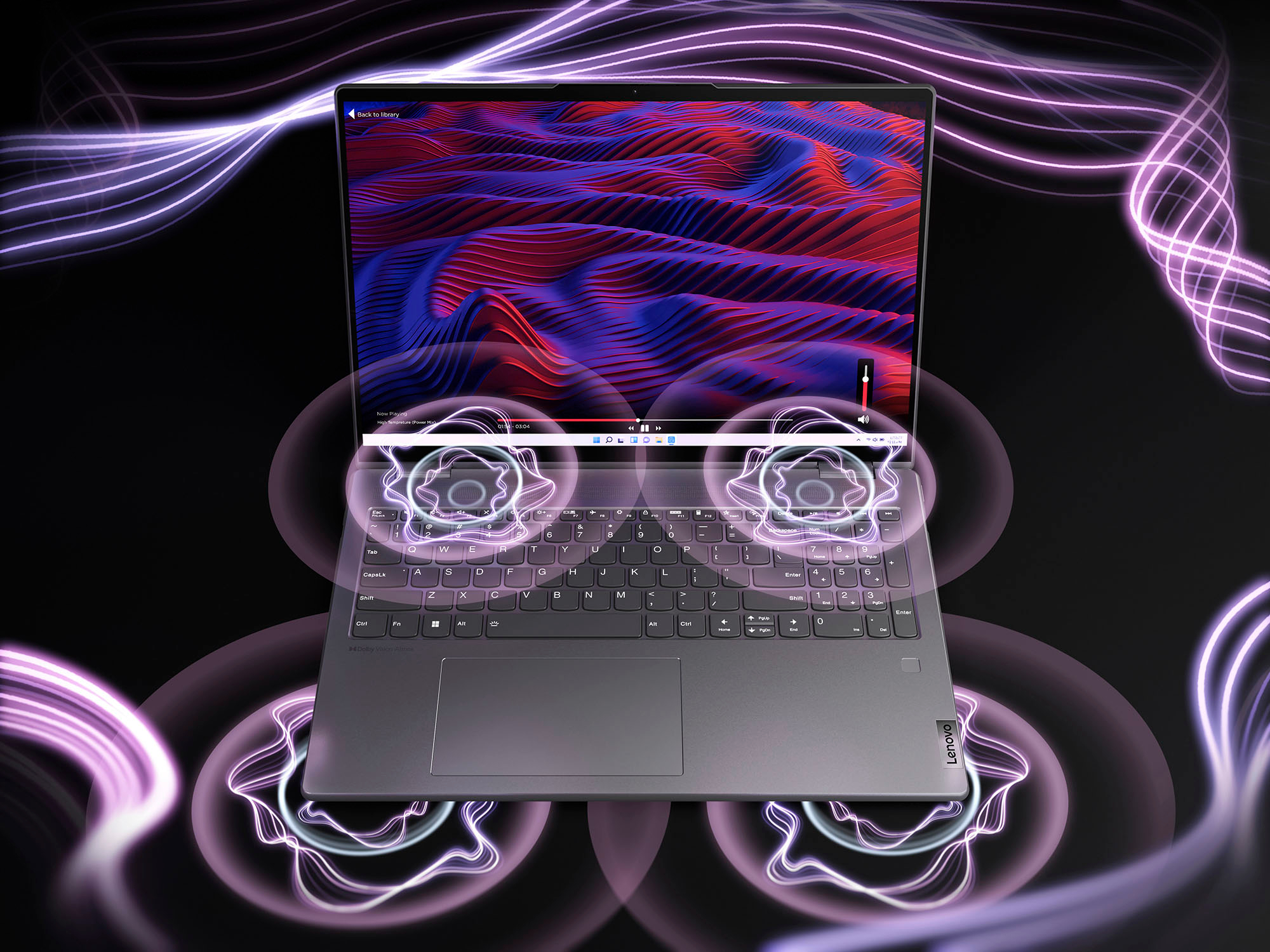
Customers value the Yoga 7i 16" laptop's large screen size, long battery life, and strong performance. They also appreciate its ease of use and stylish design, finding it to be a good value for the price. However, some customers wish for more RAM and storage options, and a few have noted that the speakers could be improved.
This summary was generated by AI based on customer reviews.
- Pros mentioned:Battery life, Processor speed
Lenovo Yoga
Posted .This reviewer received promo considerations or sweepstakes entry for writing a review.Sturdy laptop and quick Core I5 processor. I especially like the aluminum case and long battery life. Good purchase
I would recommend this to a friend Open box missing parts and pieces
||Posted .This reviewer received promo considerations or sweepstakes entry for writing a review.Horrible Came open No paperwork No charger Cannot turn on Customer Service doesn't care
No, I would not recommend this to a friend- Pros mentioned:Performance, Screen size
Love it!
Posted .This reviewer received promo considerations or sweepstakes entry for writing a review.Great design. Love the simplicity and aesthetic feel. Image/screen quality is very nice. Software performance is excellent. Wife even said it’s nicer than her 2021 MacBook. Best deal for the price!
I would recommend this to a friendBrand response from Lenovo Product Expert
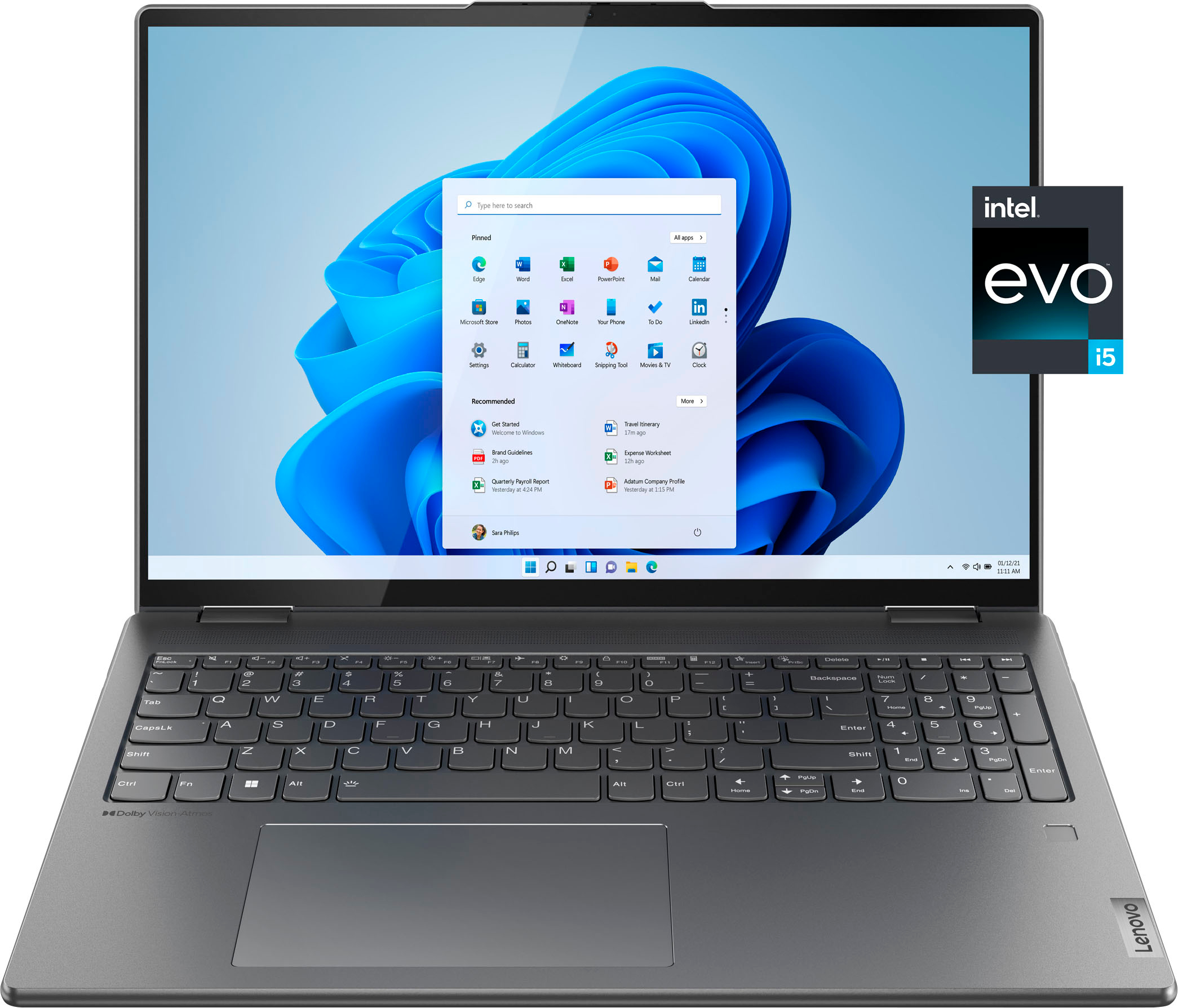
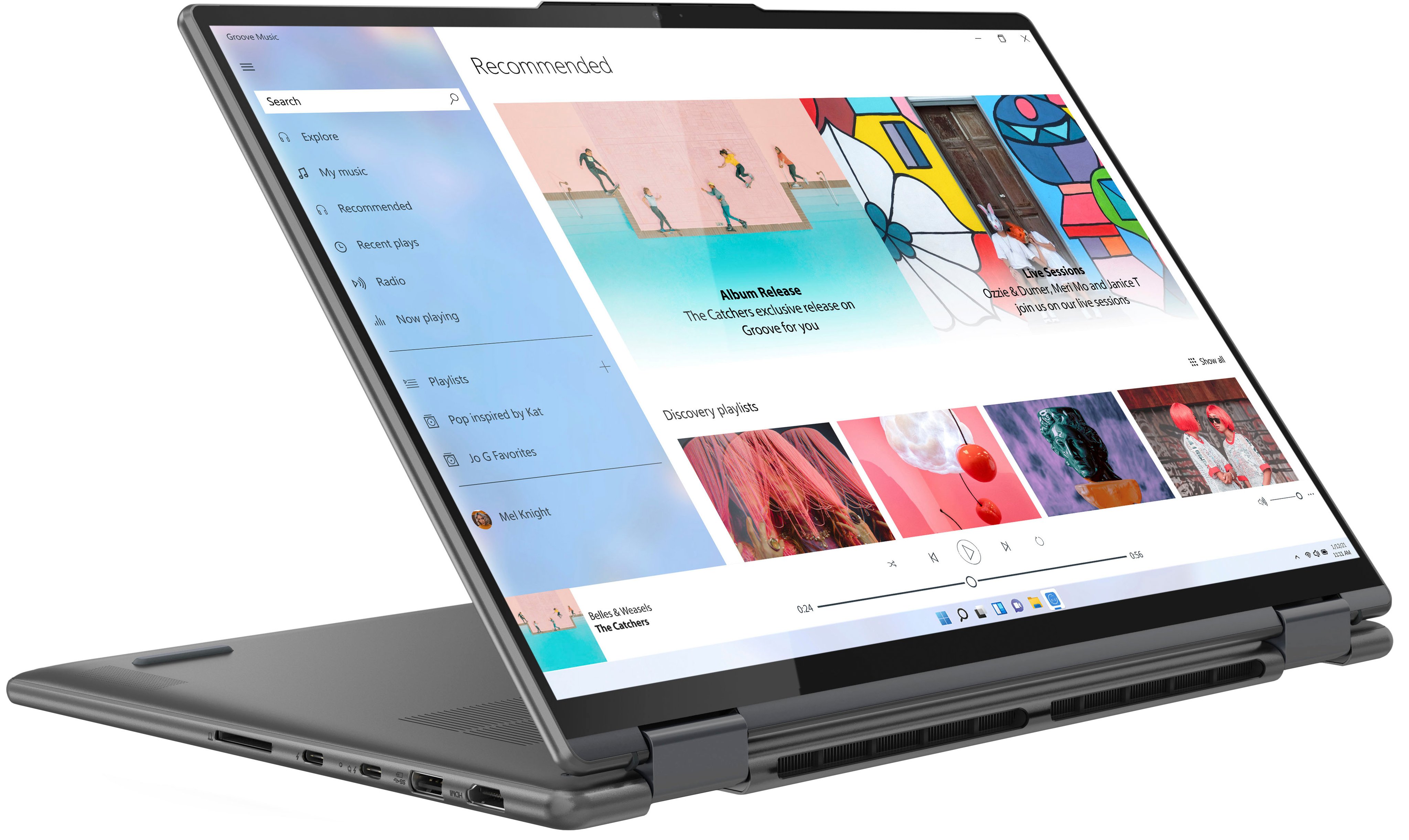
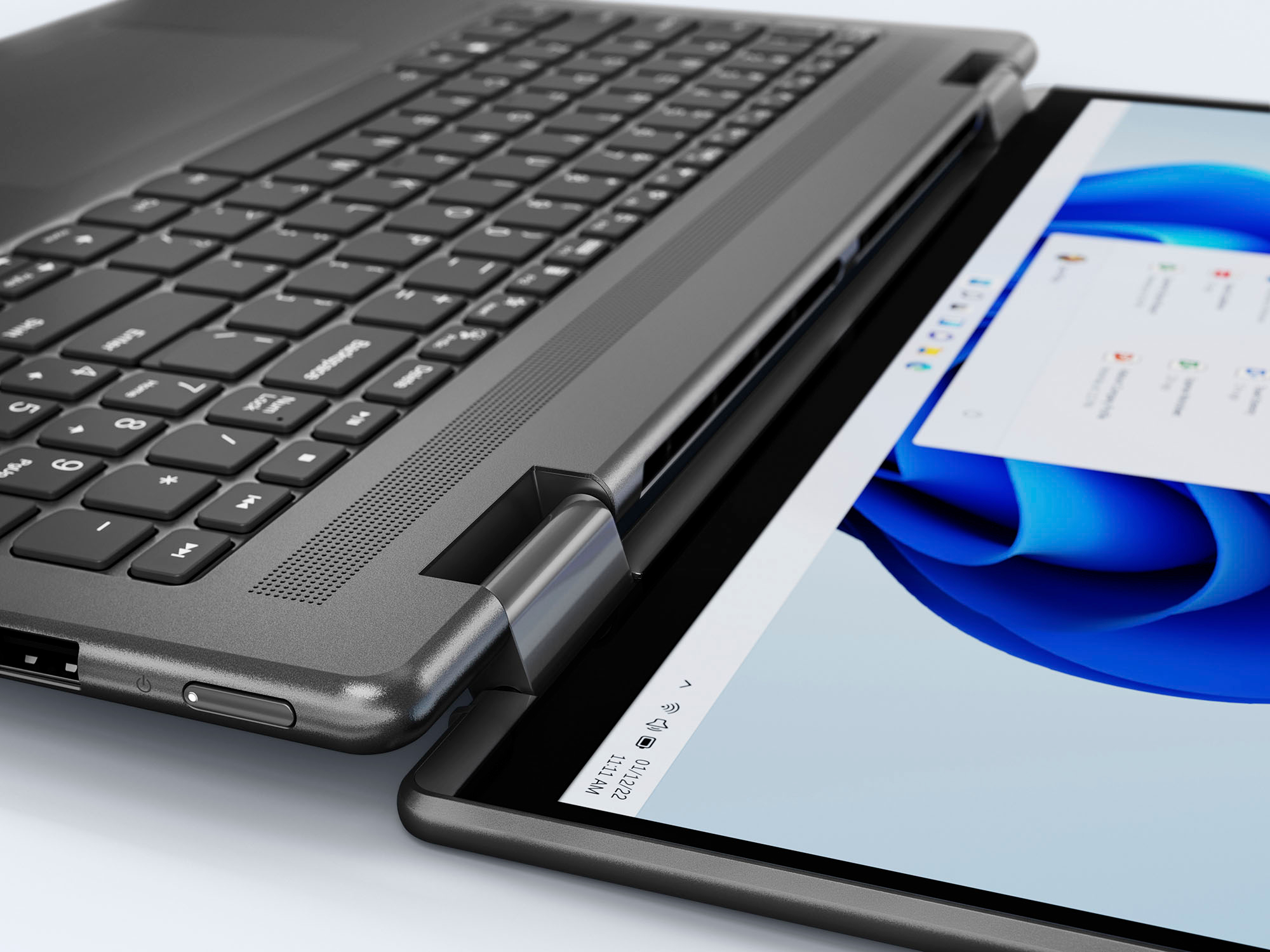
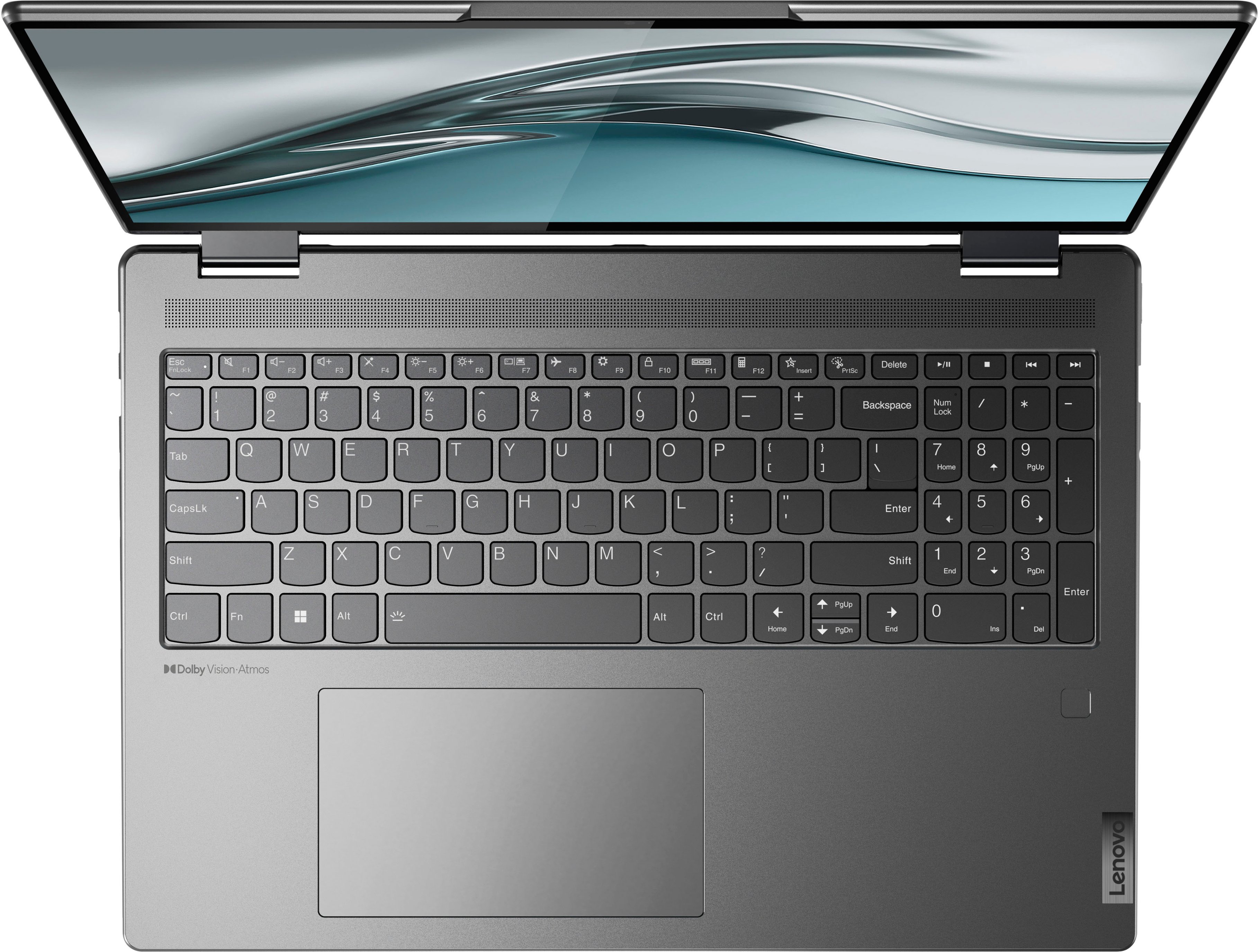
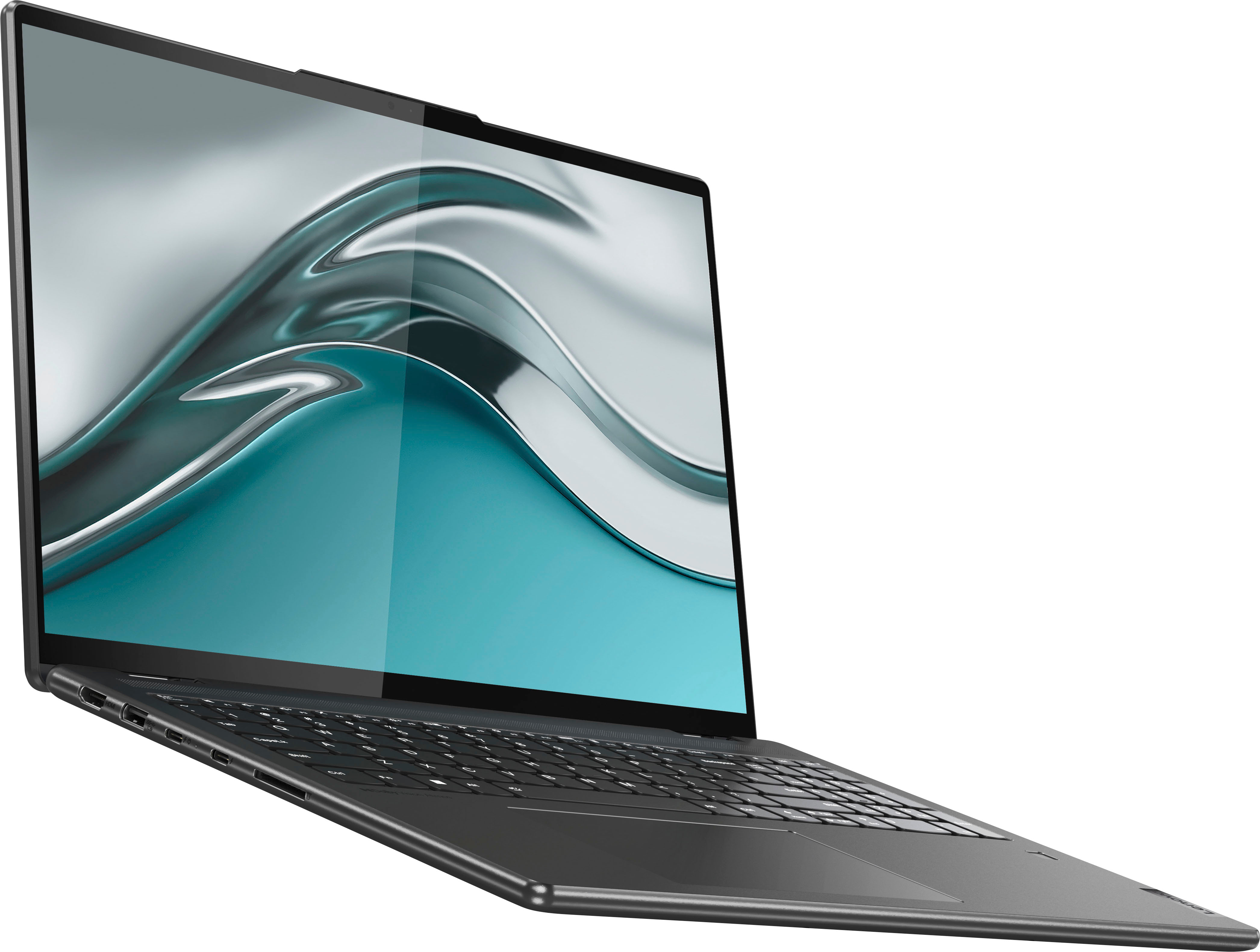
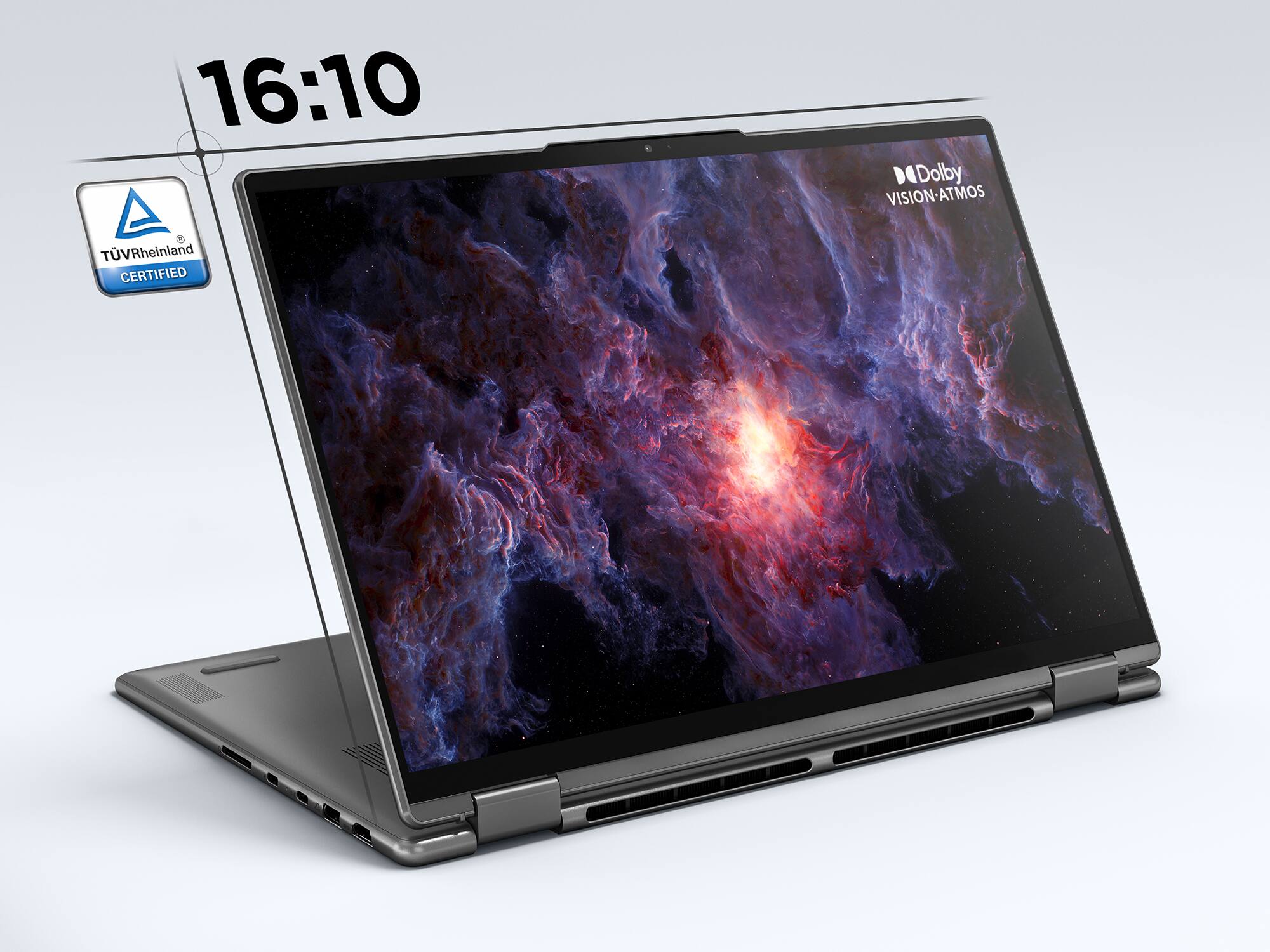
Posted .Thank you for choosing the Intel Evo-Certified, Lenovo Yoga 7i 16, model number 82QG0001US. This model ships with a 16:10 aspect ratio, 16 inch (screen size measured diagonally) IPS - 2.5K WQXGA (2560x1600) 10-point Multi-touch screen, with a brightness of 400 nits, has a Glossy finish. This screen provides 100 Percent of the sRGB color gamut for excellent color accuracy. This screen is Low Blue Light and Dolby Vision Certified. We are pleased to hear that the value, features and performance of the Yoga 7i 16 meets your computing needs so well.

Piece of crap
||Posted . Owned for 2 months when reviewed.This reviewer received promo considerations or sweepstakes entry for writing a review.Stopped working in less than 2 months would give a 0* if i could.
No, I would not recommend this to a friendBrand response from Lenovo Product Expert
Posted .We are sorry to hear that you are having issues with your Intel Evo-Certified, Lenovo Yoga 7i 16, model number 82QG0001US. Resetting your computer back to original factory settings may correct the issue you are having. This system is equipped with OneKey Recovery System. There is a very small pin hole on the bottom left side of the device, right near the top left corner of the cooling vent on the bottom of the device. You will need a pin to push this reset button. Plug the device in. Let the battery charge for about 15 minutes, with the power off. Push the reset button. The system should boot to a choice screen where you can choose "Restore To Factory Default". Select this. It will delete everything from the hard drive except the original factory install of the operating system. You will need to reinstall all programs and files after the reset. If you don't have copies of the files, try to make one before you restore by selecting "Boot to desktop" and trying to back up your files. If the problem persists after the factory reset, we recommend you contact Lenovo Premium Care for additional help at: 888-278-9707.
Beast of a laptop
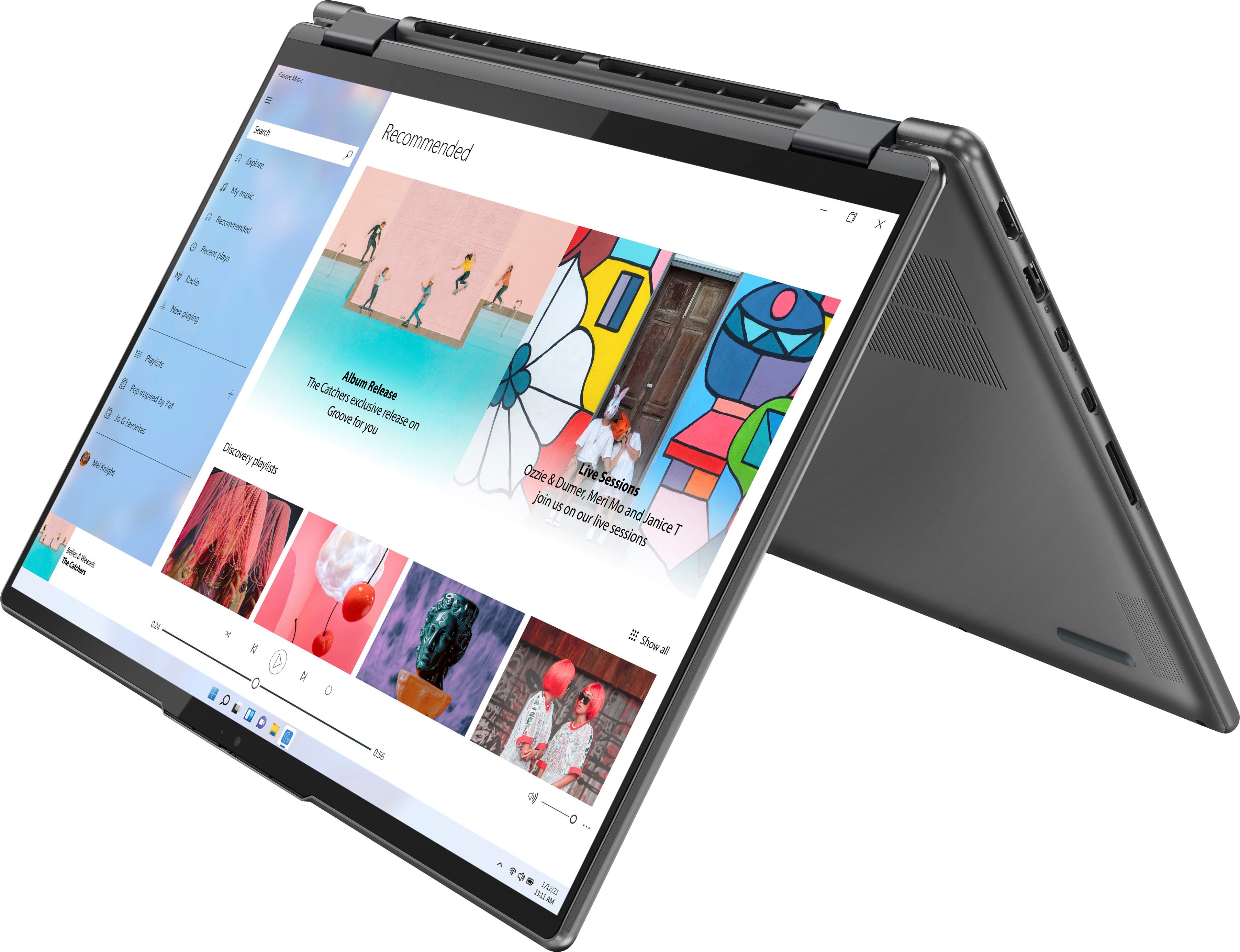
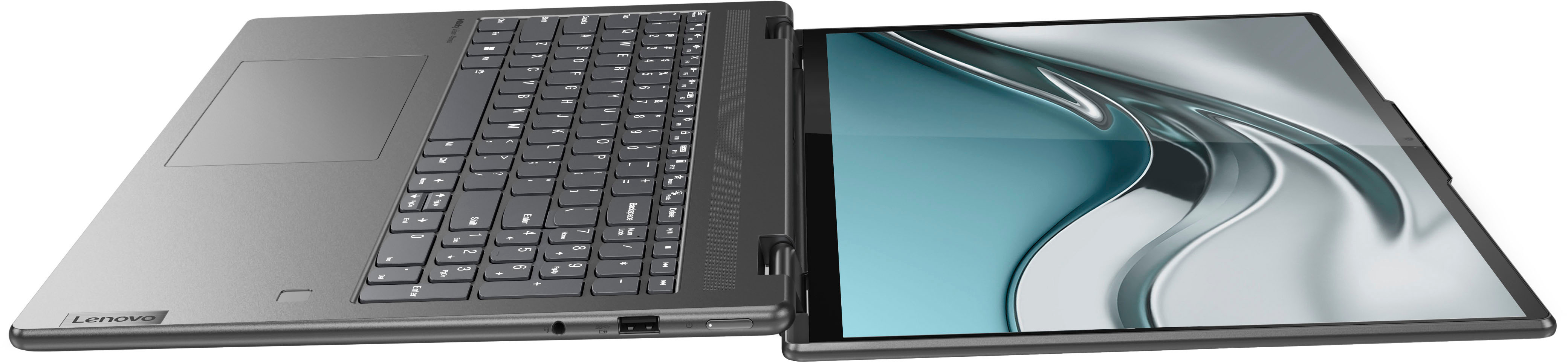
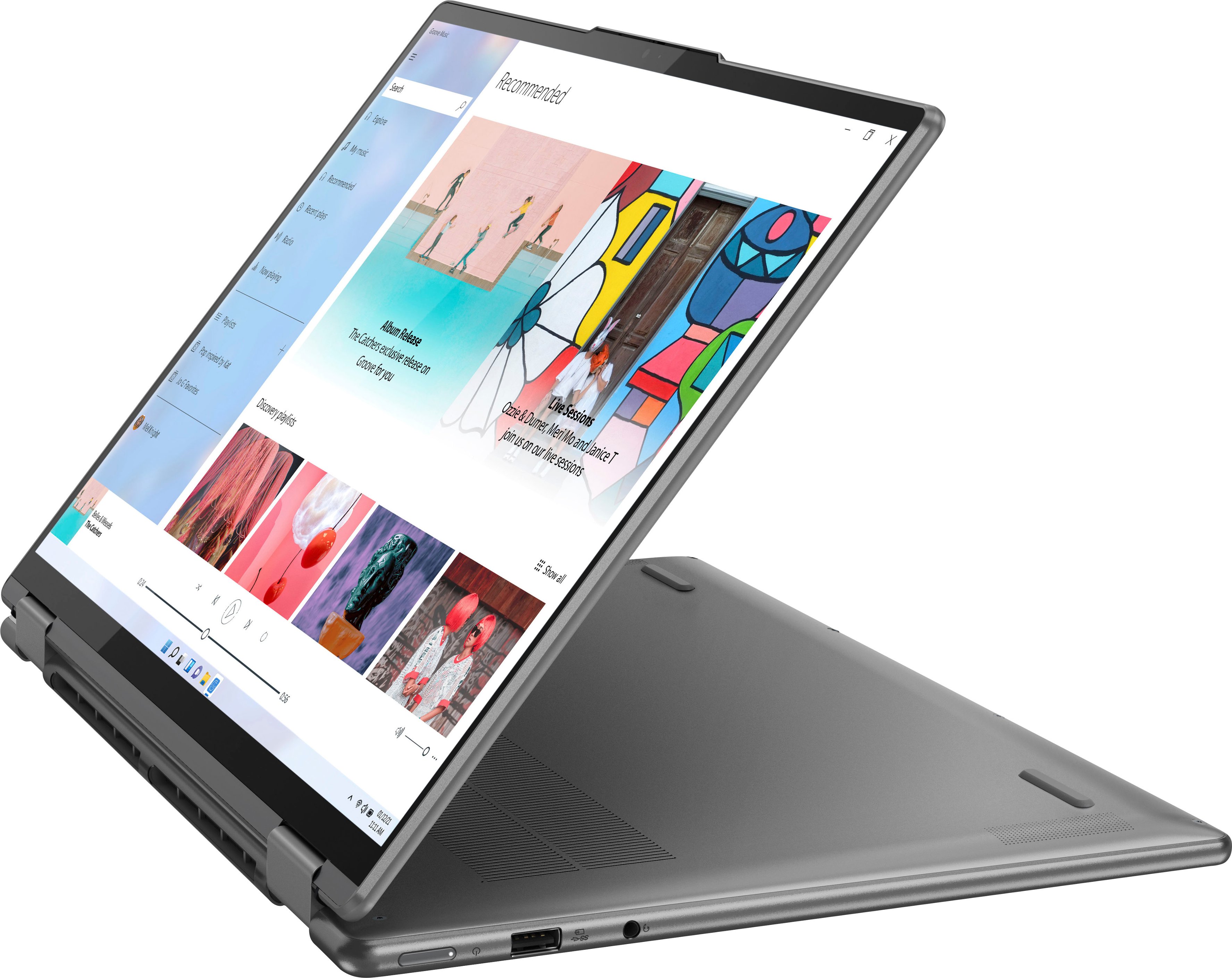
Posted .This reviewer received promo considerations or sweepstakes entry for writing a review.This laptop is AMAZING! It's perfect for college. I love that it functions as both a laptop and as a tablet! I have Goodnotes on it, can do digital art, notetaking, play video games, and the camera works well for any zoom calls. This is a beast of a laptop and is great at multitasking and running multiple programs at once, my only complaint is the storage isn't as big as I would like.
I would recommend this to a friend- Pros mentioned:Screen size
Beautiful screen, great performance
Posted .This reviewer received promo considerations or sweepstakes entry for writing a review.Very fast with a beautiful touch screen. Would but again
I would recommend this to a friend - Pros mentioned:Screen size
Good buy
Posted .This reviewer received promo considerations or sweepstakes entry for writing a review.Bought this on sale for $599. It was definitely worth the price. I love the big screen and the 2-1. However, the battery life is not great compared to my Macbook air. I used the laptop during a work training using low tech programs and I needed to recharge by the 3rd hour. Conversely, my Macbook would still be at about 80%.
I would recommend this to a friend - Pros mentioned:Screen size
Quality and affordability in one fast package.
Posted .This reviewer received promo considerations or sweepstakes entry for writing a review.This is a really great laptop for an outstanding price. The display is clear, crisp and bright. Color rendition is different than the HP I have used for the past three years.
I would recommend this to a friend - Pros mentioned:Screen size
Nice
Posted .This reviewer received promo considerations or sweepstakes entry for writing a review.I love this computer! Its perfect for me doing school and work. Its sleek and small enough that i can take it with me anywhere too
I would recommend this to a friend - Pros mentioned:Screen size
Nice laptop
Posted .This reviewer received promo considerations or sweepstakes entry for writing a review.Nice large screen. I did not like the operating system so I returned it
I would recommend this to a friend - Pros mentioned:Ease of use
Great Product
Posted .This reviewer received promo considerations or sweepstakes entry for writing a review.Great laptop! Very good for students for completing school work.
I would recommend this to a friend - Pros mentioned:Performance
Good value
Posted .This reviewer received promo considerations or sweepstakes entry for writing a review.So far I am very pleased with the performance of this computer.
I would recommend this to a friend - Pros mentioned:Processor speed
I like this laptop a lot
Posted .This reviewer received promo considerations or sweepstakes entry for writing a review.I am very pleased with this laptop. It feels solid, the touchpad is very smooth and is excellent for scrolling, the display is sharp and bright, and the "innards" have plenty of speed and capacity for my usage (browsing, email, documents, spreadsheets). The laptop feels a bit hefty, so if you want to carry it around at lot that might be a concern. Once in a while when I tap the touchpad it doesn't register as a click, but that is rare. This isn't my primary computer and I have used it only a couple dozen hours since I bought it a month ago, but the experience has been nothing but positive so far. Best Buy had it on sale for a great price and that made it even better.
I would recommend this to a friend - Cons mentioned:Storage
New Laptop
Posted .This reviewer received promo considerations or sweepstakes entry for writing a review.I like the laptop. I wish it came with more hard drive storage.
I would recommend this to a friend - Cons mentioned:Ram
Crapware
Posted .This reviewer received promo considerations or sweepstakes entry for writing a review.Like most out of the box computers this one comes full of pre-installed crap. The big difference is I can't uninstall or disable some of it because the adware comes from Windows. You can't even use the computer without connecting to the internet and surrendering a bunch of personal information to Microsoft. I will be purchasing a license for 10 and downgrading at my earliest opportunity. The laptop itself is fair, but leaves much to be desired. The hard drive is small by today's standards and could use more memory than Lenovo blessed it with. Suffice to say, there's a reason it's on clearance.
No, I would not recommend this to a friend Great iteam
Posted .This reviewer received promo considerations or sweepstakes entry for writing a review.It is very very very useful(i just want the gift card)
I would recommend this to a friendPoor Keyboard
Posted .This reviewer received promo considerations or sweepstakes entry for writing a review.I found the keyboard difficult and uncomfortable. With the number pad to the right, the keys are off-center and a little cramped. If given a choice between the previous Yoga keyboards and this new version, I would rather the old one. It is for that reason alone that I am giving an overall rating of 2-stars, If it had the normal full keyboard without the number pad, I would rate this laptop 4-stars. , normal keypad and the new
No, I would not recommend this to a friendHinge broken just out of warrenty
Posted .This reviewer received promo considerations or sweepstakes entry for writing a review.Apparently the hinge breaking is a known and common issue with the yoga laptop line and they just will not fix it...so now i have a laptop that wont close and a cracked screen that several repair shops have said is unfixable...will not buy from this company again
No, I would not recommend this to a friendBrand response from Lenovo Product Expert
Posted .Hello matt, we are sorry to hear that you have encountered an issue with your Yoga 7i 16. This Yoga 7i ships with two 360-degreehinges on the screen/keyboard area that have been bench tested through 25,000 cycles (8 to 10 years of normal use),without a failure. This Yoga also ships with a limited 1-year manufacturer's warranty, covering OEM hardware issues. If you feel you have an OEM hardware issue, we recommend you contact Lenovo Tech Support at this phone number: 877-453-6686.
Very Disappointed
Posted .This reviewer received promo considerations or sweepstakes entry for writing a review.I bought this computer to use for work. When I went to the store, I told them I needed a computer I could use Citrix, VPN, Zoom, and several Microsoft office apps at the same time and this was the computer they recommended. There are 2 problems. The first problem is that when I have all of those things running at the same time, the computer overheats and becomes basically unresponsive. I have to shutdown and let the computer cool down for a few minutes before I can start working again. More concerning, is that I'm on zoom calls on and off all day, and about every 3 minutes the sound cuts out for about 30 seconds. I can't work using a computer that needs constant reboots and can't manage streaming a zoom call.
No, I would not recommend this to a friendBrand response from Lenovo Product Expert
Posted .We are sorry to hear that you are having issues with your Intel Evo-Certified, Lenovo Yoga 7i 16, model number 82QG0001US. this configuration ships with the 12th Gen Intel Core i5-1240P Processor, with 12-Cores (4-Performance Cores + 8-Efficient Cores) / and has a total of 16-Threads, supported by 8GB Soldered LPDDR5-4800MHz RAM, which should be able to support the workload you describe. Check to be sure any software version you installed is compatible with Windows 11. Additionally, there is no need to install Microsoft Office software. The software is already part of the operating system, you just need to activate the software with a purchased product key. If you have installed a copy of Microsoft Office, this is conflicting with the existing copy on the system and this will slow your system down. If you have installed a 3rd party anti-virus program, be sure that Windows Defender is turned off and that the trial version of McAfee Anti-Virus software is uninstalled. There can only be one anti-virus program on the system. Here is a link to instructions for uninstalling McAfee from a Windows computer: https://service.mcafee.com/?articleId=TS101331&page=shell&shell=article-view You may need to restore your system to original factory default settings if any of the programming errors have occurred. You can do that by typing "restore" in the Cortana search window. Just click on the magnifying glass icon at the bottom of your Windows 11 Desktop. Click on "Reset This PC" Then click on "Get Started" and follow the on screen directions to restore to factory defaults. If the problem persists, we recommend you contact Lenovo Tech Support at: 877-453-6686.
Problems with the Lenovo Computer
Posted .This reviewer received promo considerations or sweepstakes entry for writing a review.This computer gave me many problems and it was very stressful as different things happened. There were two different times that I could not access outlook. I called the Geek Squad several times to help me out with Problems. The final thing that happened was the computer blacked out. If I turned on the power button, it would show the Lenovo symbol and then blacked out again. After trying this same thing many times, I called the Geek Squad.. After calling the Geek Squad, they told me to turn it back in as they thought that I had purchased a lemon. Today, I took it back to Best Buy and bought a new Dell. I will never by another Lenovo computer again.
No, I would not recommend this to a friendBrand response from Lenovo Product Expert
Posted .We are sorry to hear that you had issues with your Intel Evo-Certified, Lenovo Yoga 7i 16, model number 82QG0001US. be sure any software you installed is compatible with Windows 11. There is no need to install Microsoft Office software, including Microsoft Outlook. The software is already part of the operating system, you just need to activate the software with a purchased product key. If you have installed a copy of Microsoft Office, this is conflicting with the existing copy on the system and this will slow your system down. If you have installed a 3rd party anti-virus program, be sure that Windows Defender is turned off and that the trial version of McAfee Anti-Virus software is uninstalled. There can only be one anti-virus program on the system. Here is a link to instructions for uninstalling McAfee from a Windows computer: https://service.mcafee.com/?articleId=TS101331&page=shell&shell=article-view You may need to restore your system to original factory default settings if any of the programming errors have occurred. You can do that by typing "restore" in the Cortana search window. Just click on the magnifying glass icon at the bottom of your Windows 11 Desktop. Click on "Reset This PC" Then click on "Get Started" and follow the on screen directions to restore to factory defaults. If the problem persists, we recommend you contact Lenovo Premium Care for additional help at: 888-278-9707.