Customer Ratings & Reviews
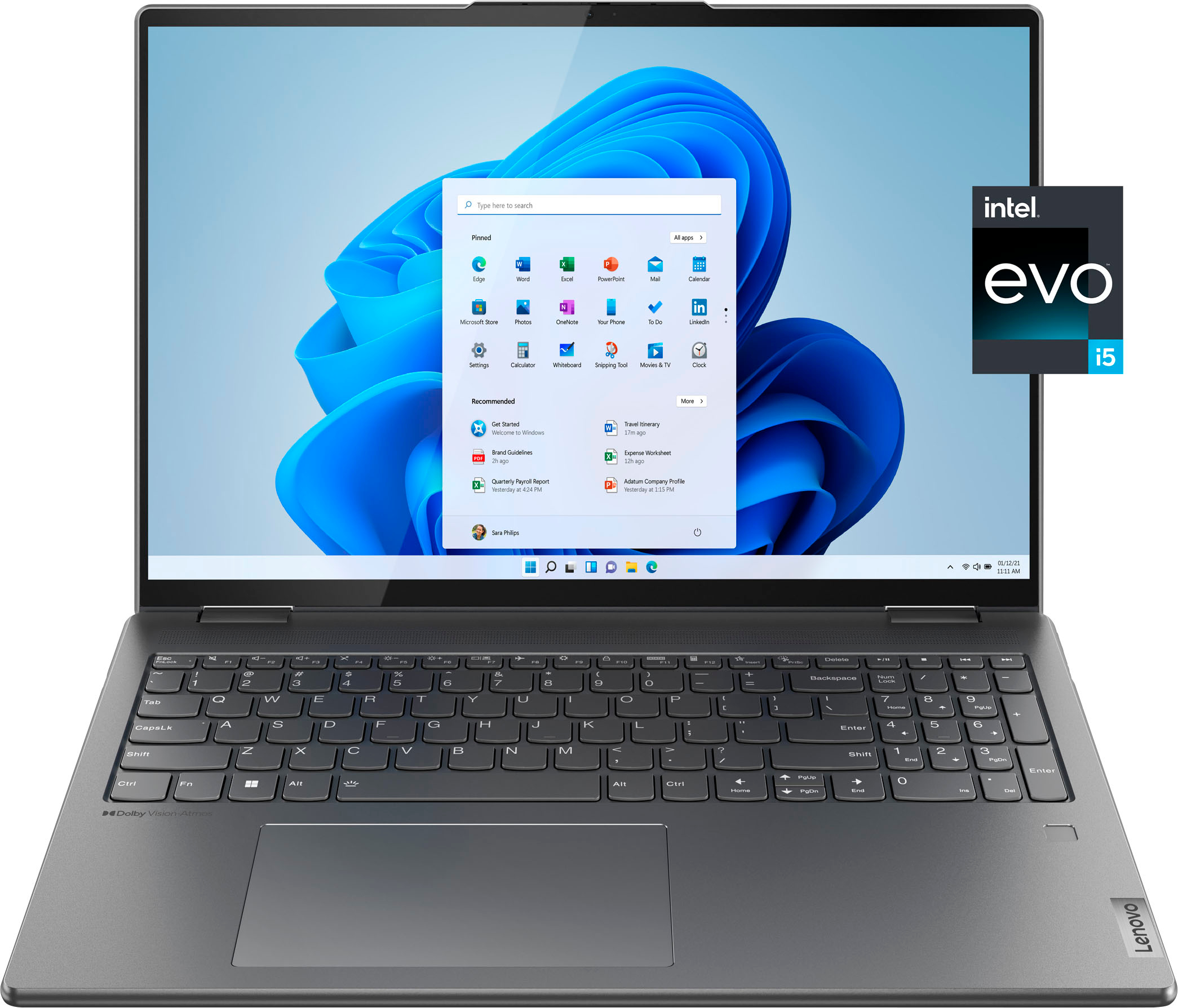
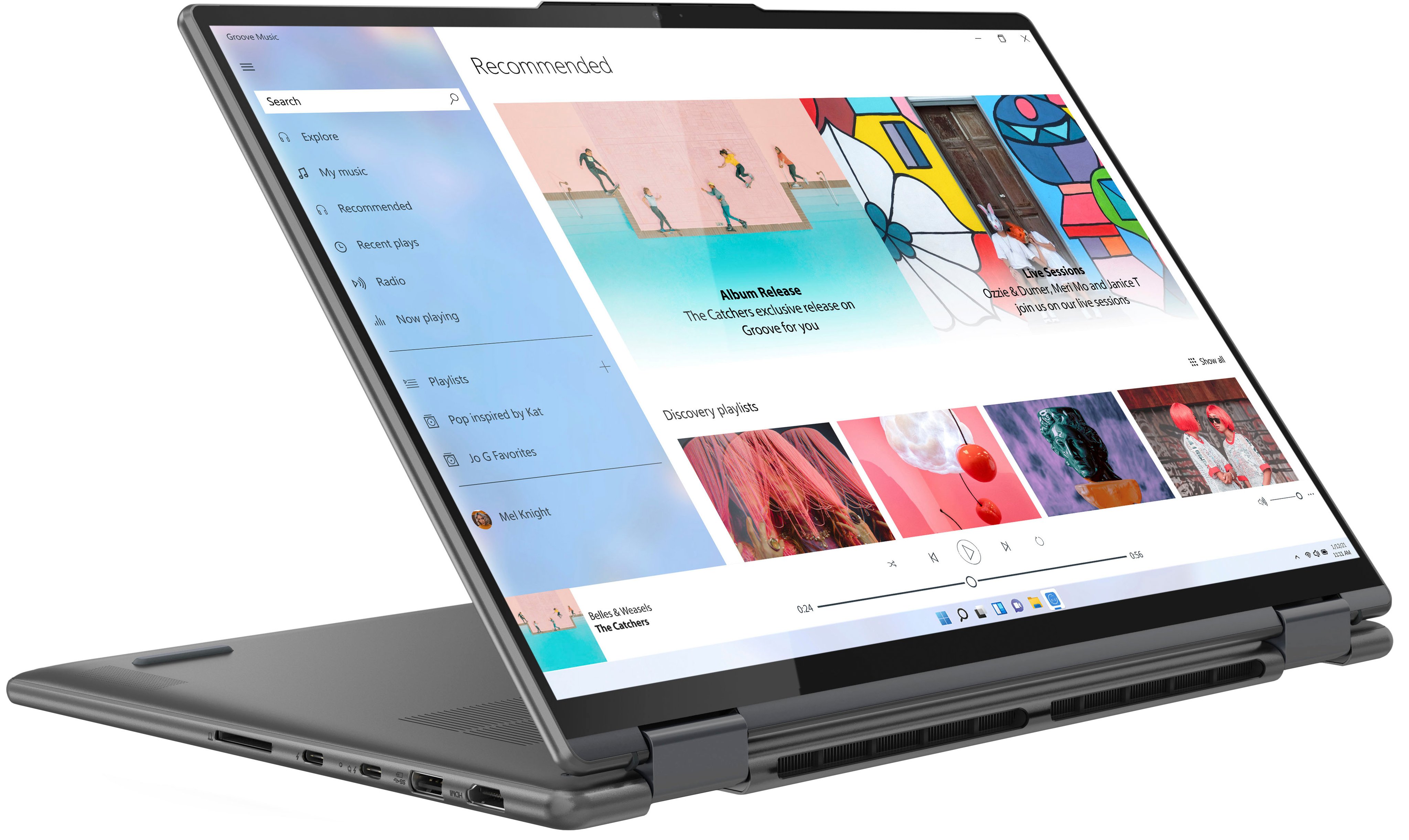
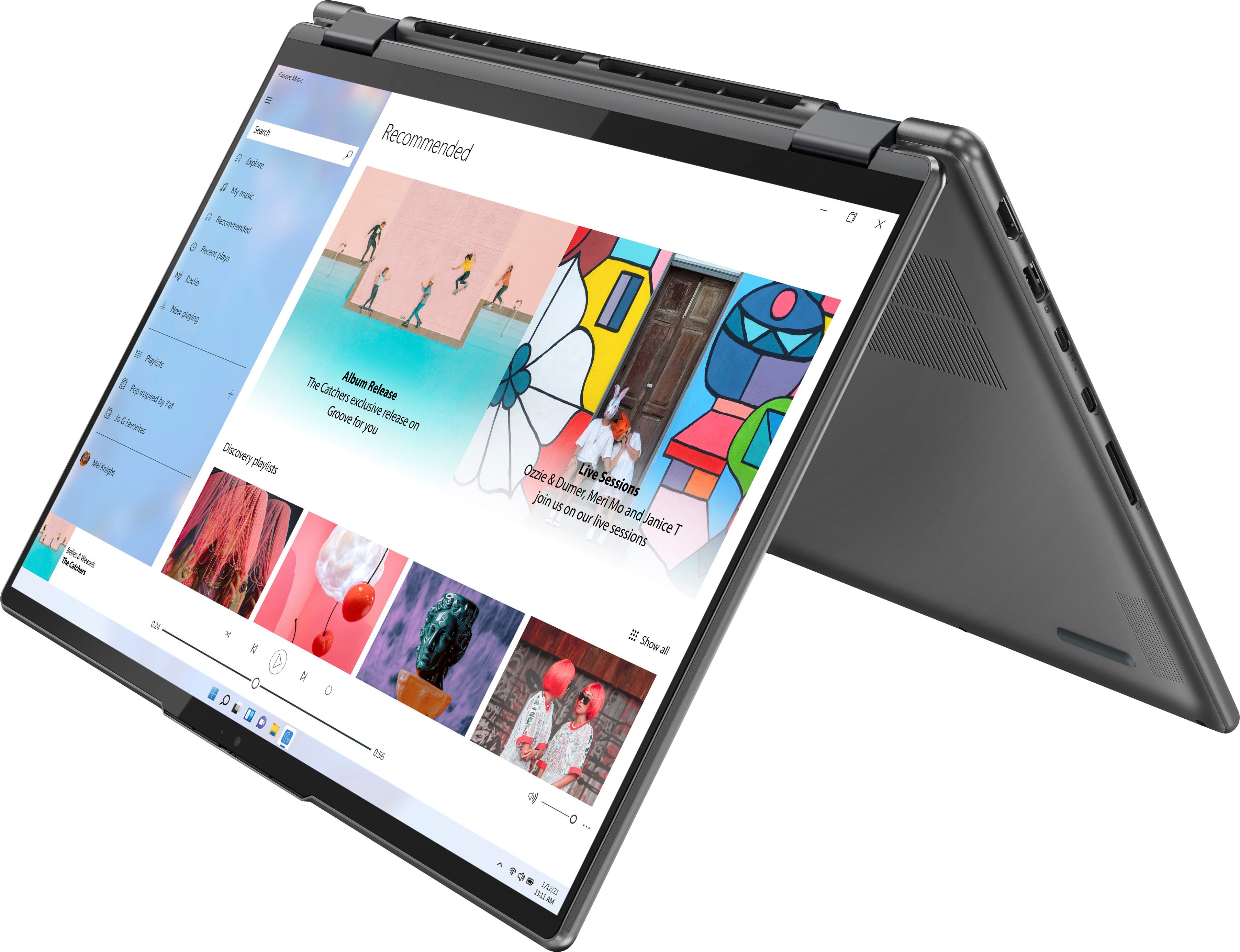

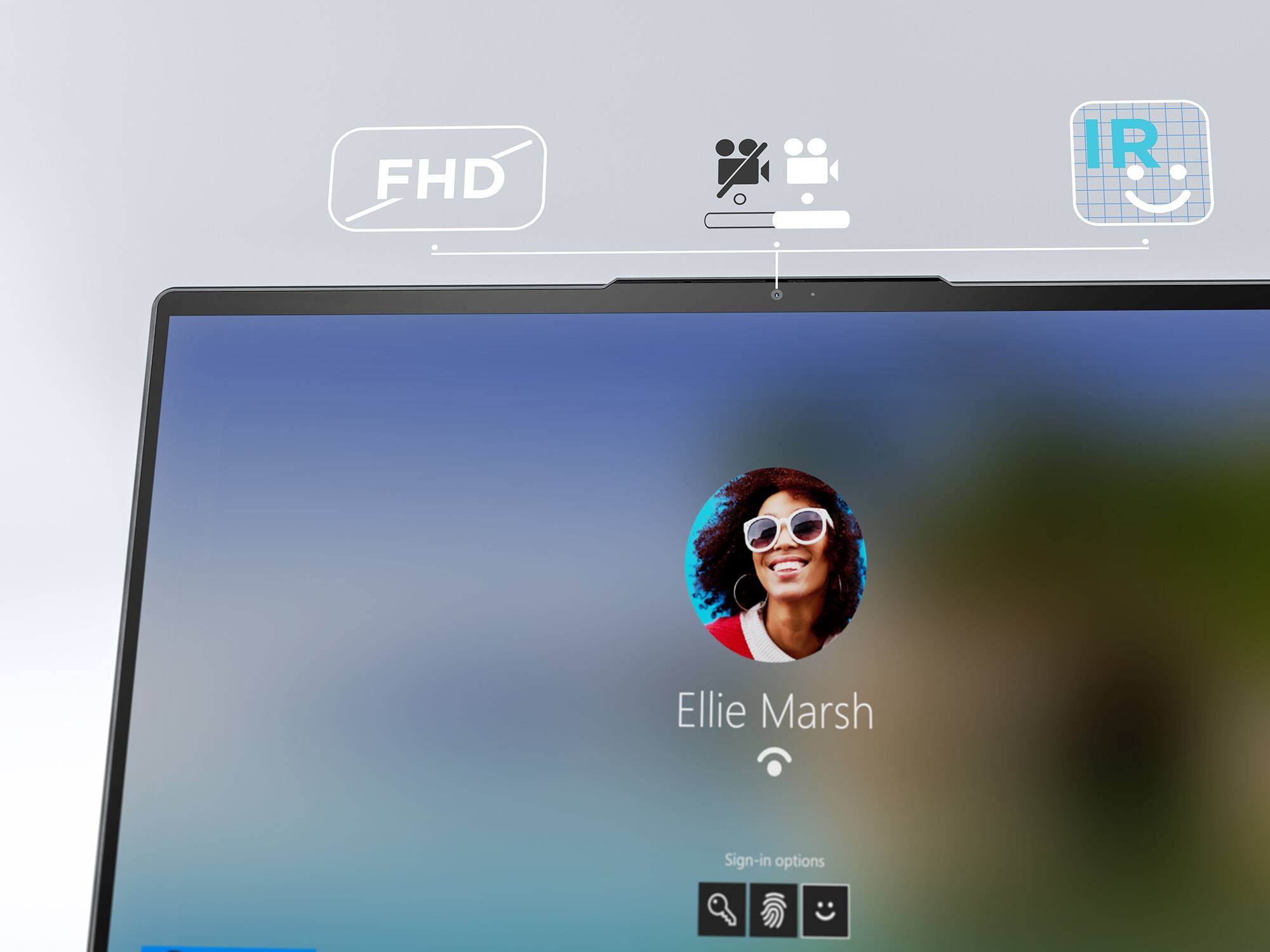
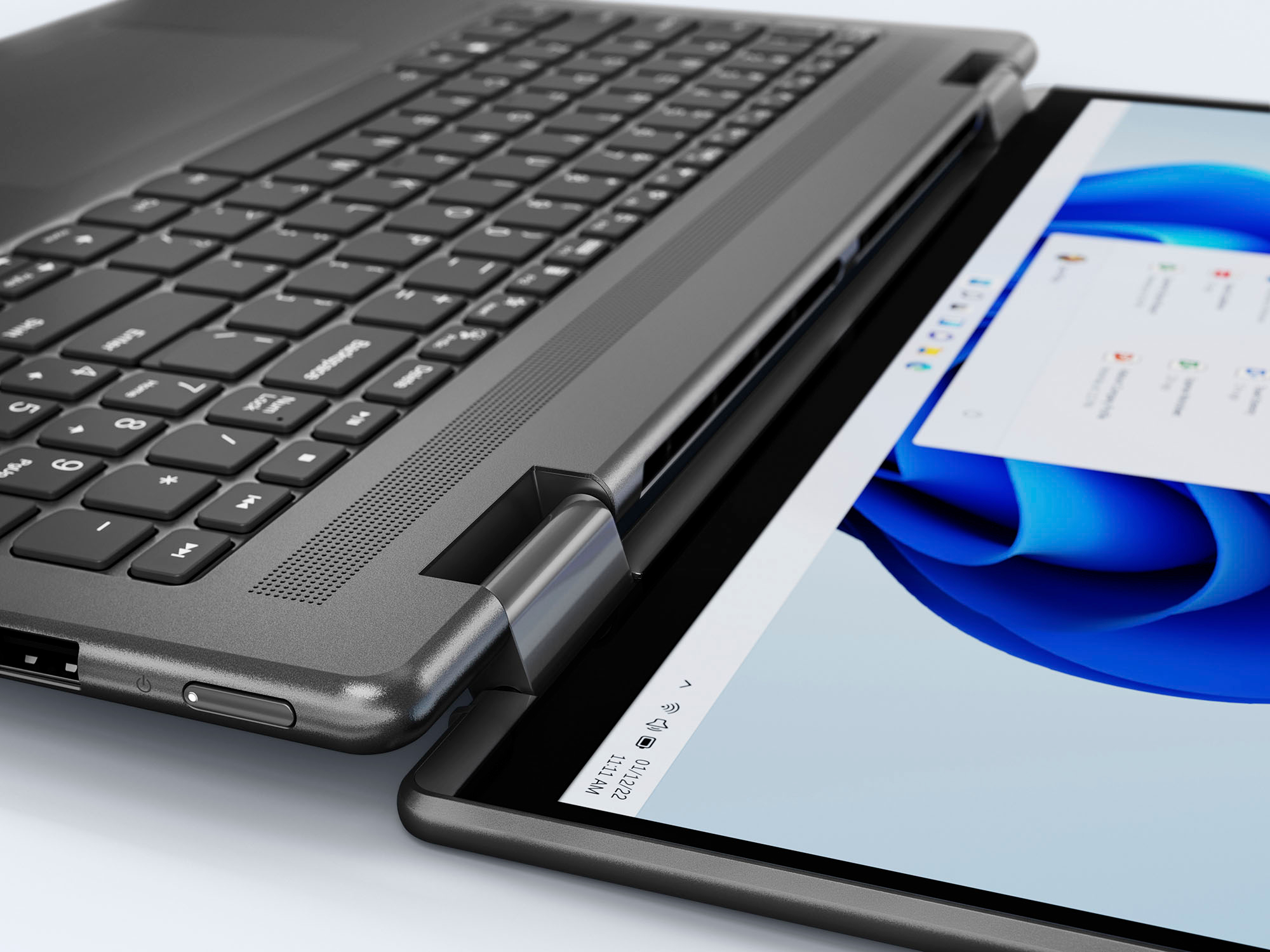
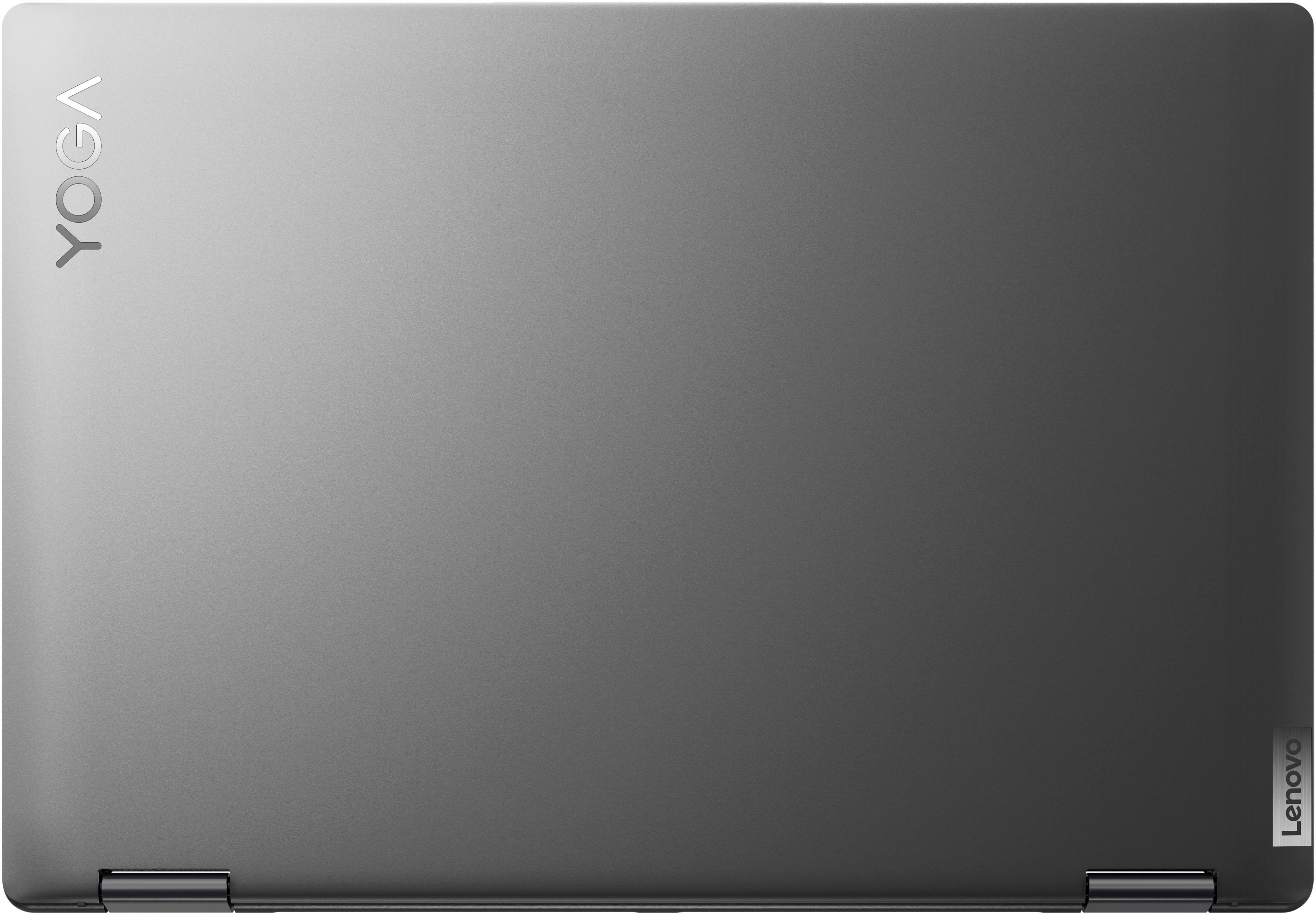
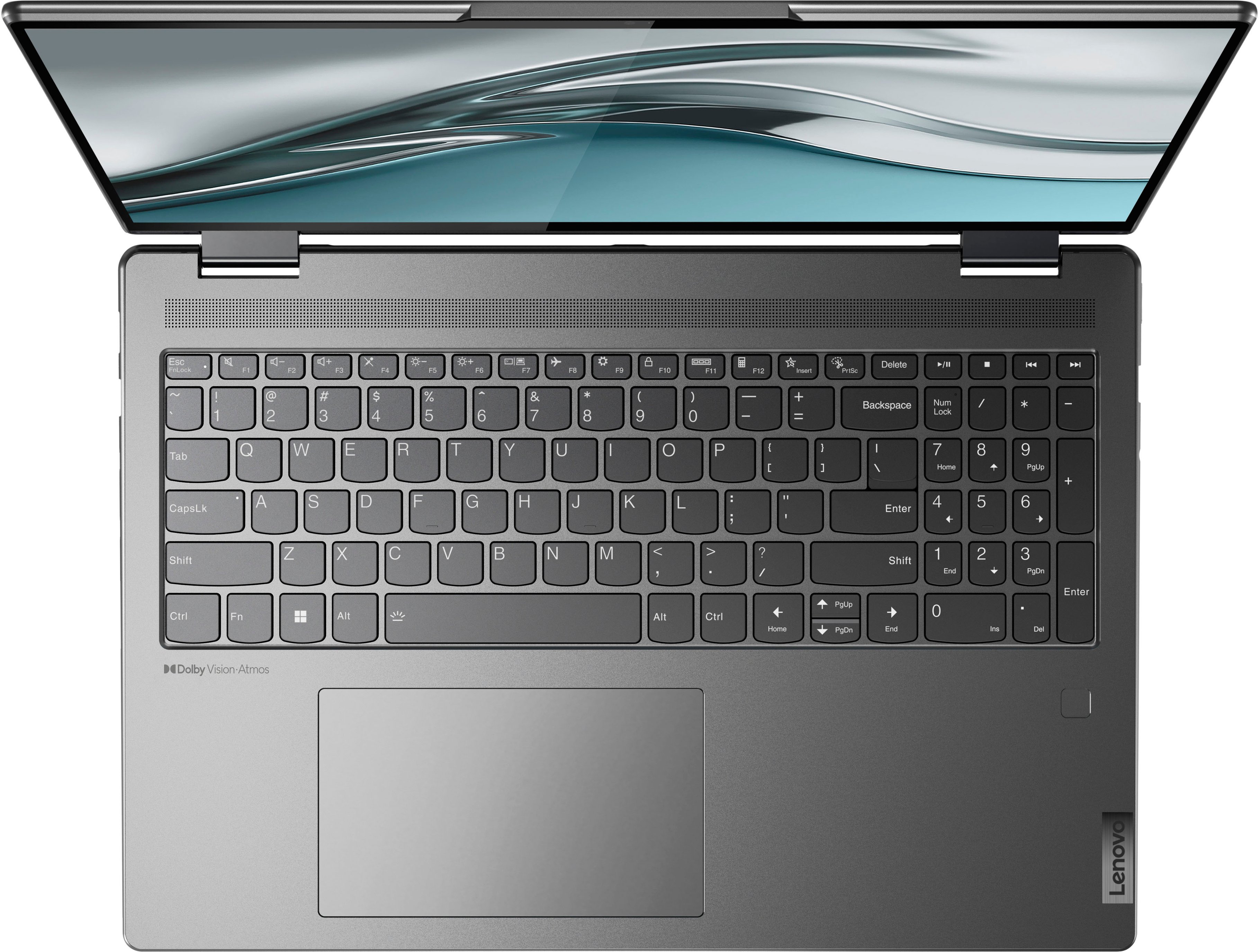
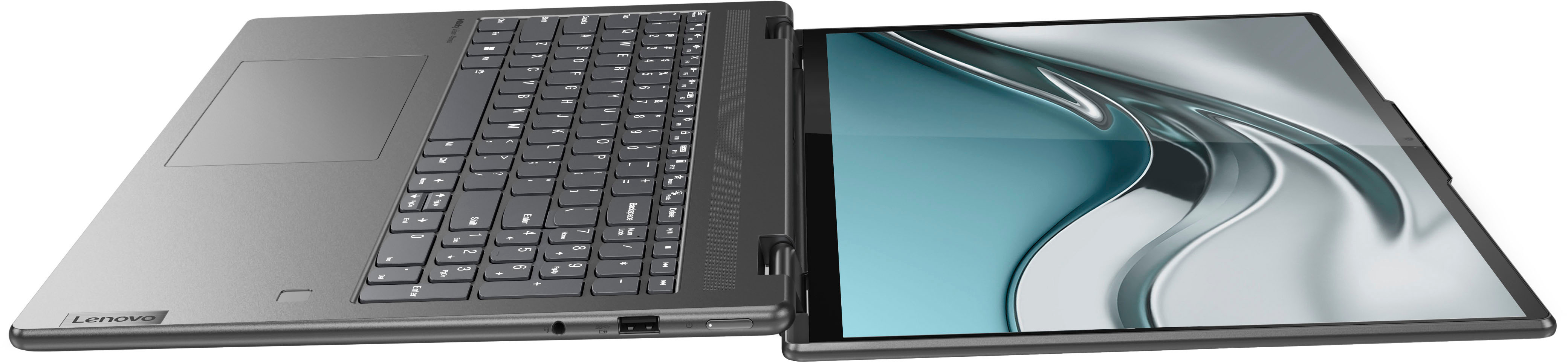
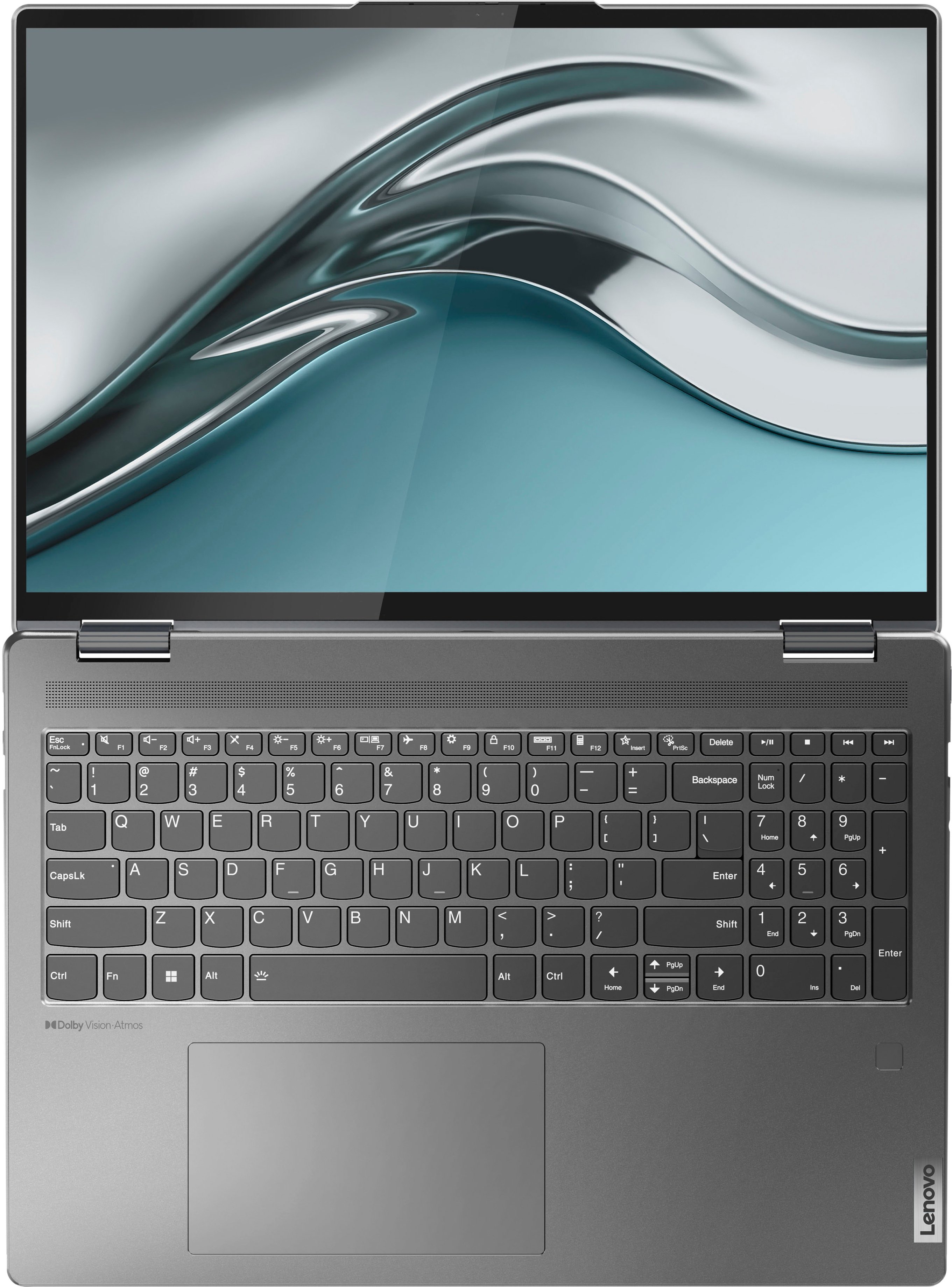




- Model:
- 82QG0001US
- SKU:
- 6502225
Rating by feature
- Battery Life
Rating 4.6 out of 5 stars
- Speed
Rating 4.7 out of 5 stars
- Display
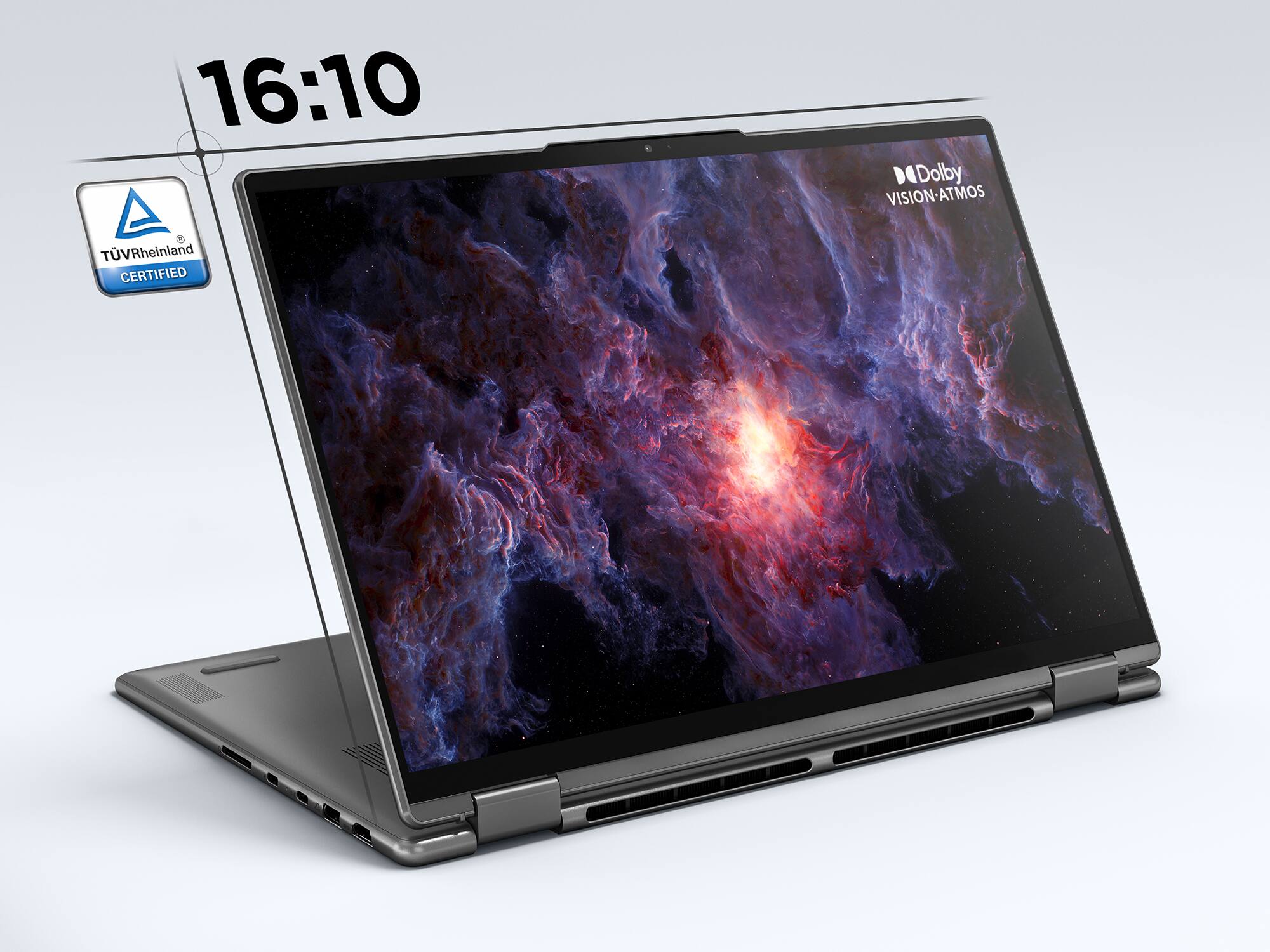
Rating 4.8 out of 5 stars
Customers are saying
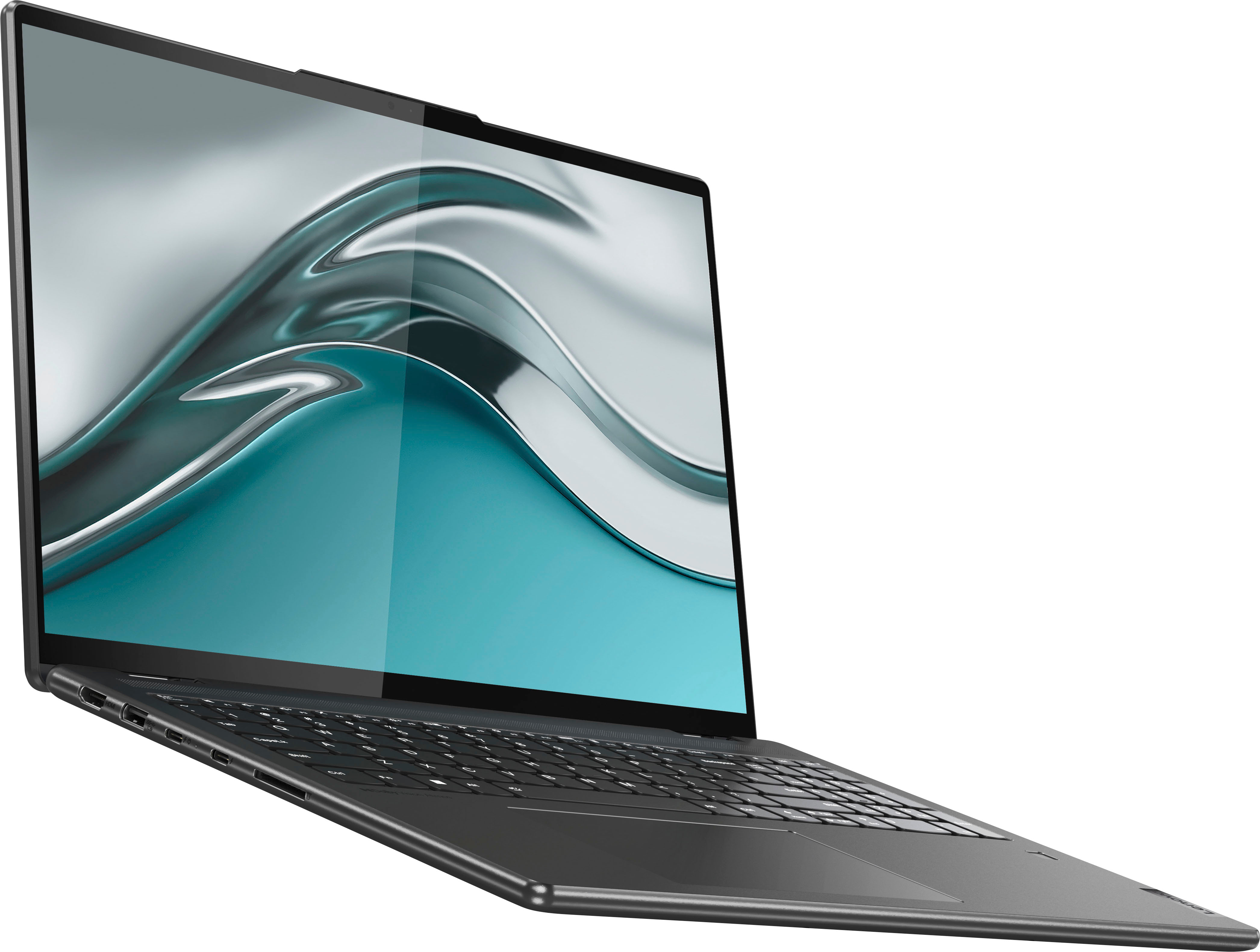
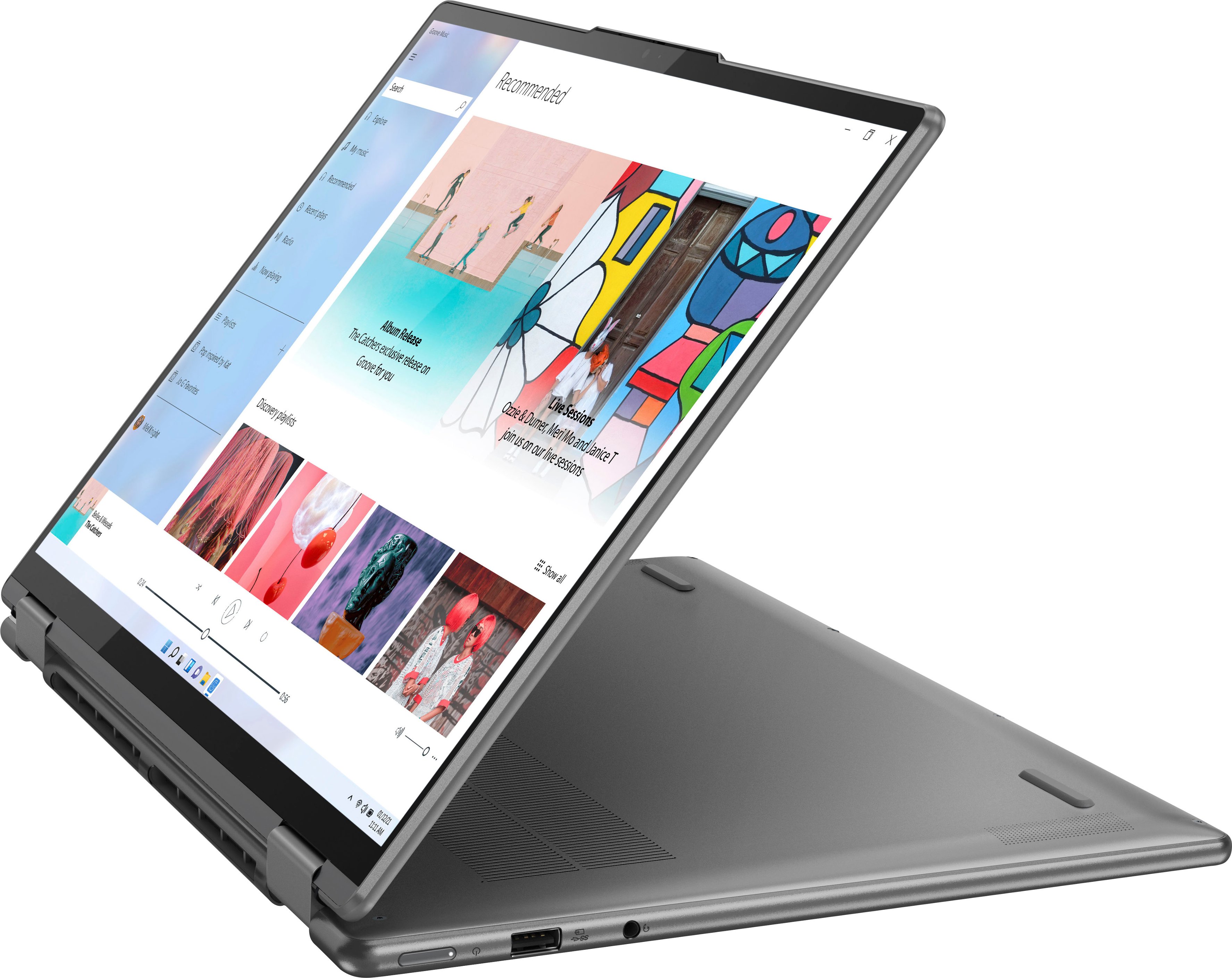
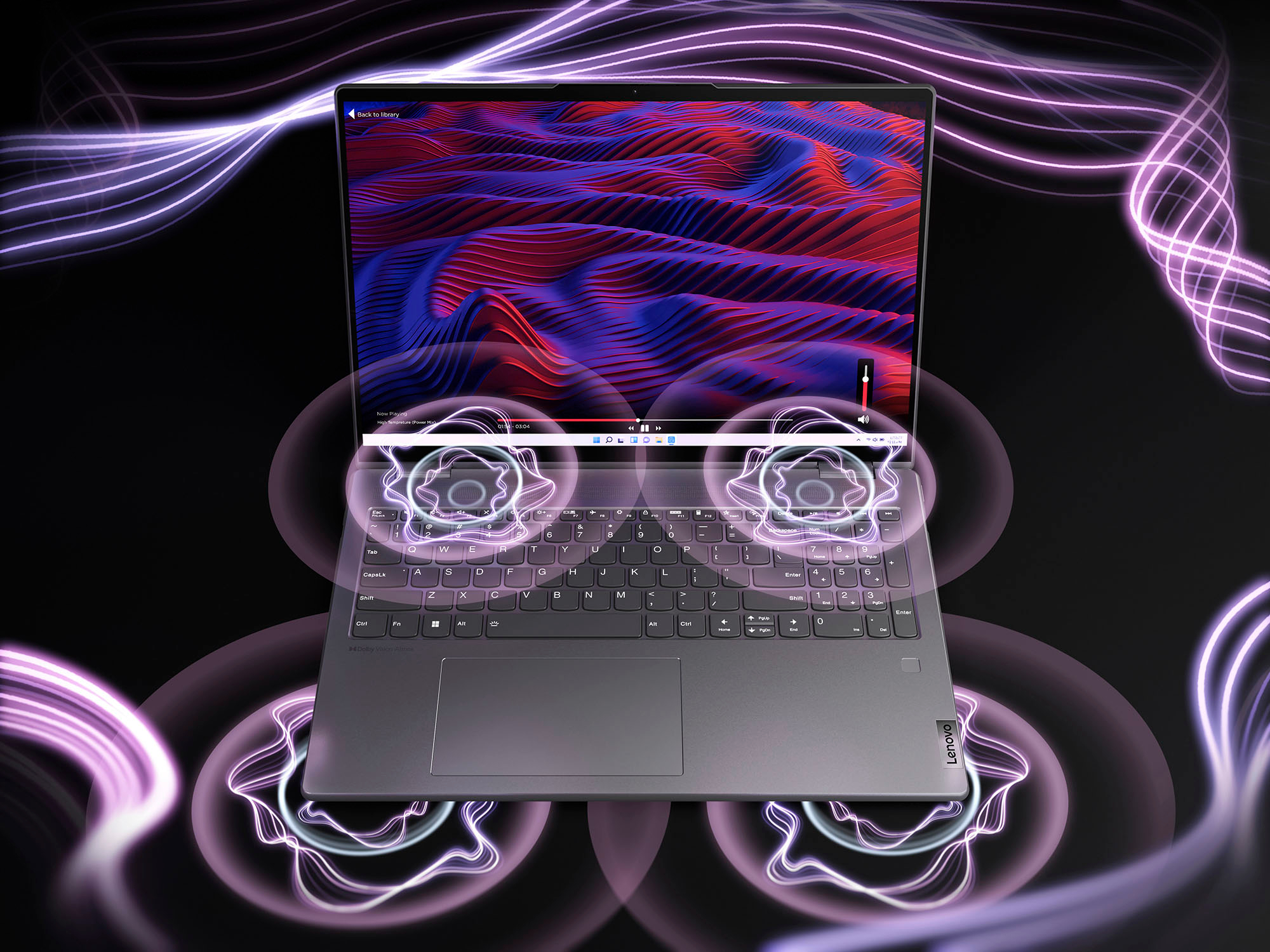
Customers value the Yoga 7i 16" laptop's large screen size, long battery life, and strong performance. They also appreciate its ease of use and stylish design, finding it to be a good value for the price. However, some customers wish for more RAM and storage options, and a few have noted that the speakers could be improved.
This summary was generated by AI based on customer reviews.
Lenova is a trash
Posted .This reviewer received promo considerations or sweepstakes entry for writing a review.Don’t not even wast your money. I bought lenovo Yoga for almost 1000$ and I didn’t use it alot after one year the windows Corrupted and when I go I want to see what is going on the side of your warranty is expired and it cost 200 to 300 to activate seriously I buy it and I said okay I want to buy a good PC and I spent all of this money and again just passed one year and my PC corrupted Instead I will buy one cost 200. And each year I will buy another new one
No, I would not recommend this to a friendBrand response from Lenovo Product Expert
Posted .This Intel Evo-Certified, Lenovo Yoga 7i 16, model number 82QG0001US, was first available for sale on: 2022-04-06. This Yoga 7i 16 ships with a 1-year manufacturer's warranty, covering OEM hardware issues. If there is less than 1-year on your warranty, have your receipt information available and contact Lenovo Tech Support for help with resetting the warranty period for your Yoga 7i 16, by calling 877-453-6686. If you are having an issue with the Windows 11 Home, 64-bit Operating System installed on your Yoga 7i 16, resetting the computer back to original factory settings may fix the Operating System issue you are having. Power off the computer and plug in the AC adapter/charger that shipped with your Yoga 7i 16, with the computer powered off. This system is equipped with OneKey Recovery System. There is a very small pin hole on the bottom right side of the device, right near the top right corner of the cooling vent on the bottom of the device. You will need a pin to push this reset button. Plug the device in. Let the battery charge for about 15 minutes, with the power off. Push the reset button. The system should boot to a choice screen where you can choose "Restore To Factory Default". Select this. It will delete everything from the hard drive except the original factory install of the operating system. You will need to reinstall all programs and files after the reset. If you don't have copies of the files, try to make one before you restore by selecting "Boot to desktop" and trying to back up your files. If the problem persists after the factory reset, we recommend you contact Lenovo Tech Support at: 877-453-6686.
