Customer Ratings & Reviews






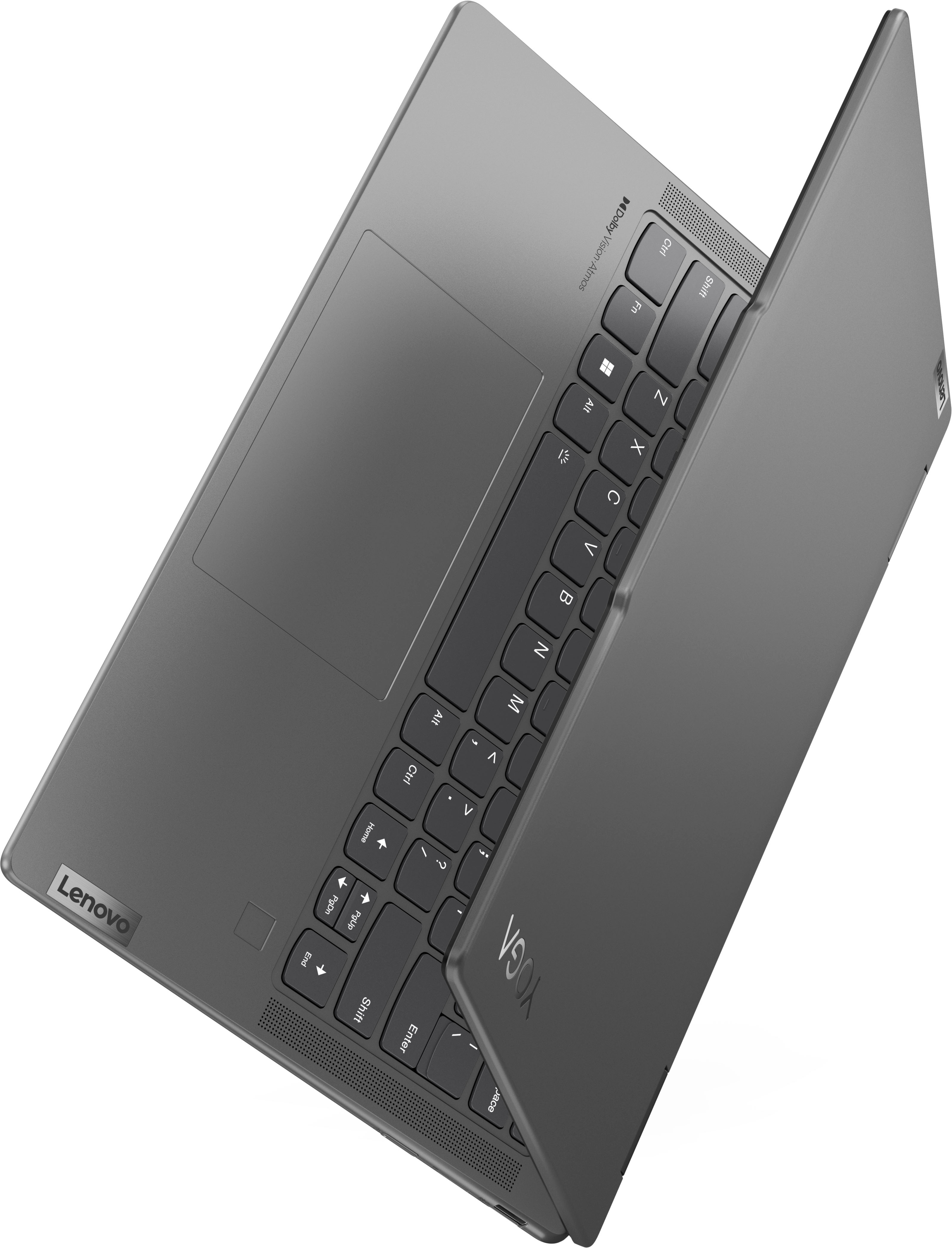
![Esc Fn + F1 K- F2 d+ F3 x F4 *- F5 + FE x F7 FB F10 SEE F11 F12 * iT Pte Delete ! 1 @ 2 # 3 $ 4 % 5 - 6 & 7 * 8 ( 9 ) 0 e I + = Backspace Tab Q W E R T Y U I O P [ 1 ] I CapsLk A S D F G H J K L : : " - Enter Shift Z X C V N M < ! > ? / Shift Ctrl Fn Alt Alt 1 Home PgUp PgDn End Dolby Atmos Lenovo](https://pisces.bbystatic.com/image2/BestBuy_US/images/products/e61b8df7-1436-4967-9b24-4ffc6c9622fa.jpg)



- Model:
- 83DJ0002US
- SKU:
- 6571368
Rating by feature
- Battery Life
Rating 4.6 out of 5 stars
- Speed
Rating 4.7 out of 5 stars
- Display
Rating 4.7 out of 5 stars
Customers are saying
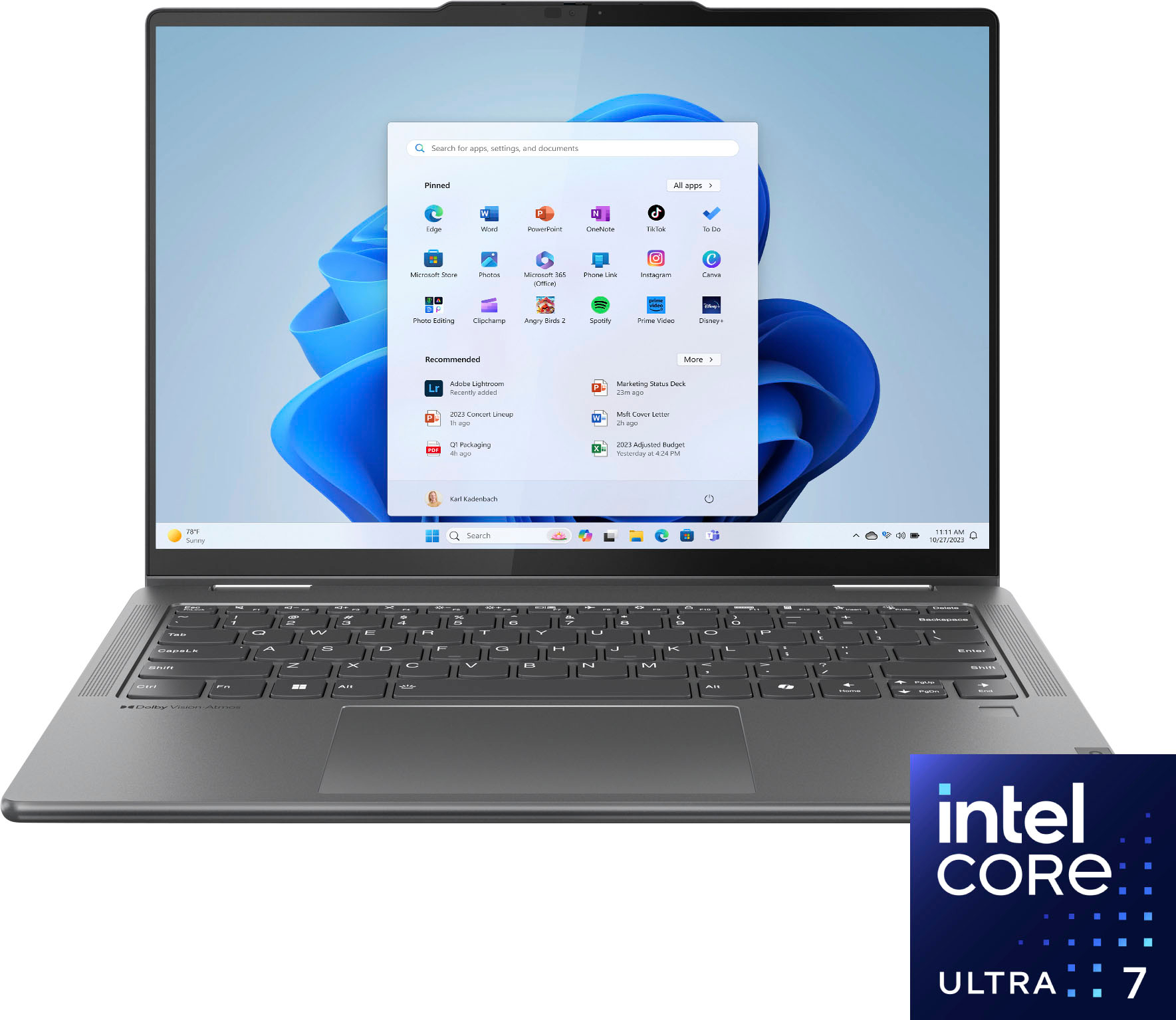
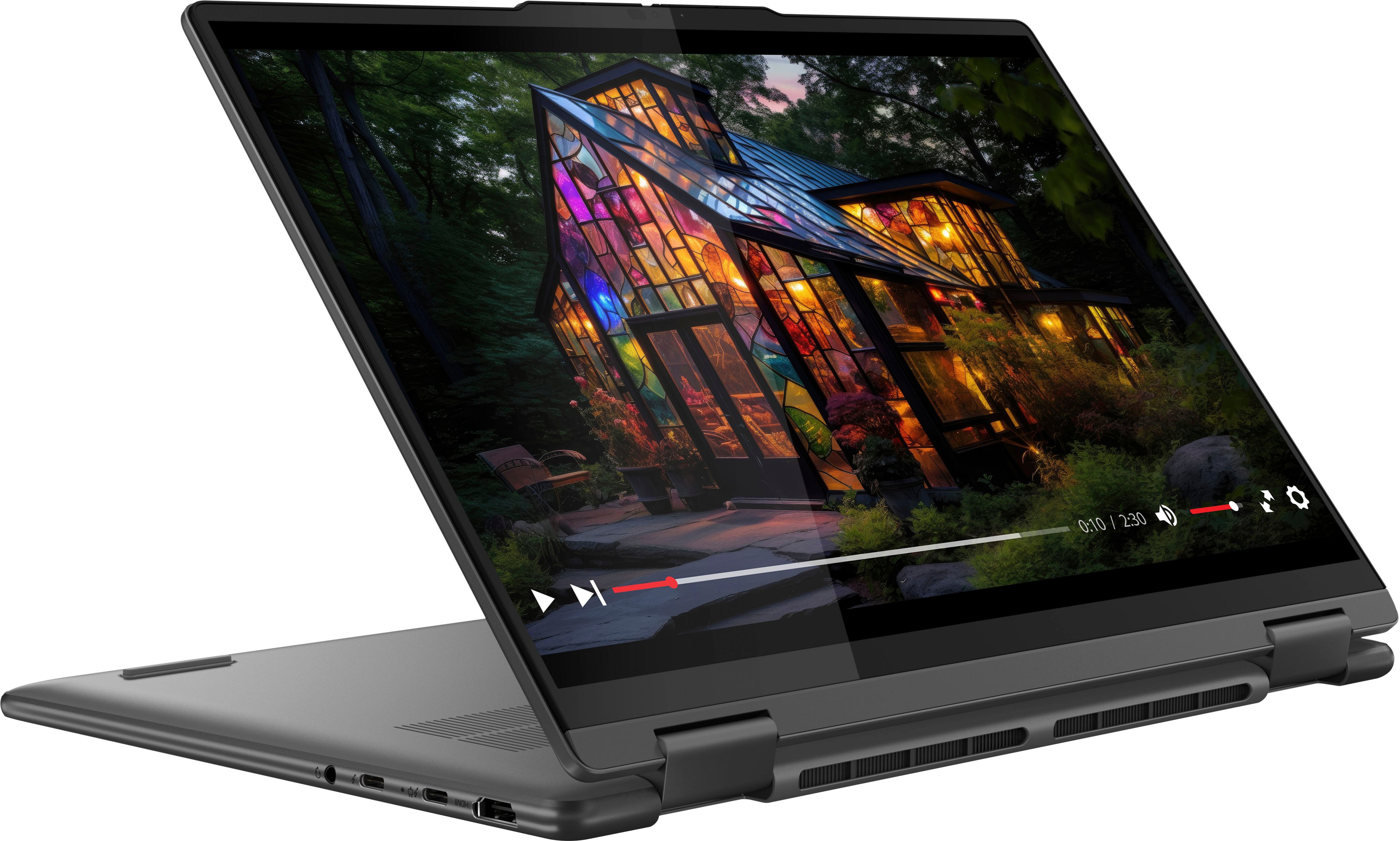
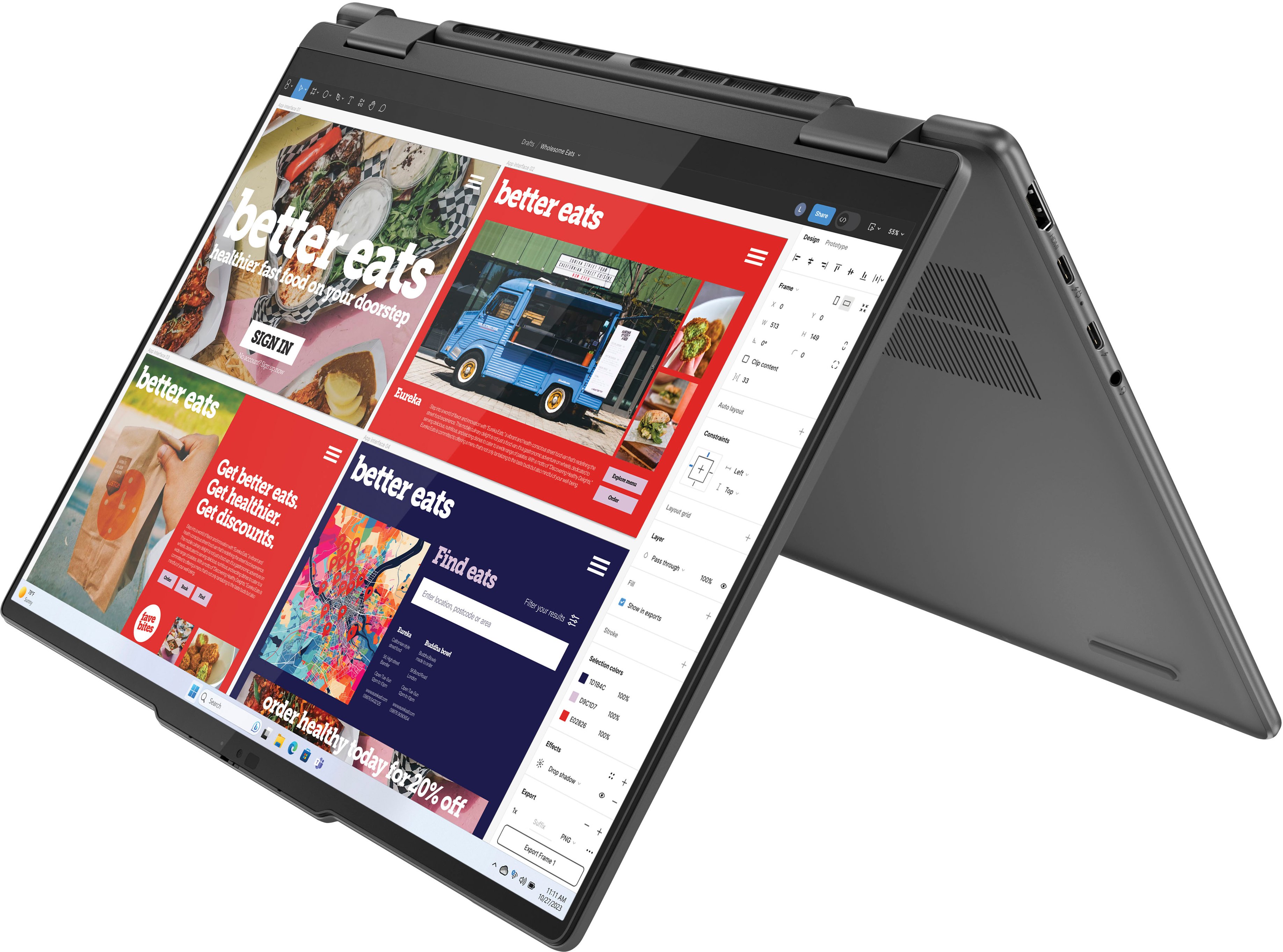
Customers regard the Yoga 7i 2-in-1 laptop very favorably, particularly praising its excellent battery life, impressive performance, and responsive touchscreen. Many appreciate its portability and lightweight design, making it ideal for both work and travel. While some users noted a limited number of USB ports and slightly noticeable fan noise under heavy load, the positive feedback on other features significantly outweighs these minor drawbacks. The lack of a dedicated graphics card was also mentioned, but this was often acknowledged as a known limitation before purchase.
This summary was generated by AI based on customer reviews.
Perfect for college
||Posted . Owned for 2 weeks when reviewed.This reviewer received promo considerations or sweepstakes entry for writing a review.This is great computer for my college freshman. She loves it.
I would recommend this to a friendBrand response from Lenovo Product Expert
Posted .Hey, Guest, thank you for choosing Lenovo! We are glad to hear that your freshman loves it, thanks to your purchase, and we appreciate you taking the time to share your experience with us.

Great Computer!
||Posted . Owned for 1 month when reviewed.This reviewer received promo considerations or sweepstakes entry for writing a review.The computer is great! I enjoy the format and the ways that it fits in my lap.
I would recommend this to a friendBrand response from Lenovo Product Expert
Posted .Hey, rainbowsparkles, thank you for choosing Lenovo! We are glad to hear that your Yoga 7i has been great, and we appreciate you taking the time to share your experience with us.
Joe
||Posted . Owned for 3 weeks when reviewed.This reviewer received promo considerations or sweepstakes entry for writing a review.Great computer haven’t had any issues yet! I love the flipping element
I would recommend this to a friendBrand response from Lenovo Product Expert
Posted .Hi, tdefranc. Thank you for choosing Lenovo! We are glad to hear that your Yoga is working great for you, and we appreciate you taking the time to share your experience with us.
Good
||Posted . Owned for 1 month when reviewed.This reviewer received promo considerations or sweepstakes entry for writing a review.It’s a pretty good computer where it’s currently getting me through freshman year of college.
I would recommend this to a friendBrand response from Lenovo Product Expert
Posted .Hey, Orvile, thank you for choosing Lenovo! We are glad to hear that your Yoga 7i has been pretty good, and we appreciate you taking the time to share your perspective with us. Best of luck finishing out your freshman year strong!
Love Best Buy!
||Posted . Owned for 3 weeks when reviewed.This reviewer received promo considerations or sweepstakes entry for writing a review.Thank you! Great service, selection, and Geek Squad!!
I would recommend this to a friendBrand response from Lenovo Product Expert
Posted .Hey, PhyllisM, thank you for choosing Lenovo! We are glad to hear that your shopping and support experience was great, and we appreciate you taking the time to share your perspective with us.
Exchanged it
||Posted .This reviewer received promo considerations or sweepstakes entry for writing a review.Start up process wasn’t as smooth as I expected…and the display wasn’t as good as I wanted. I exchanged it for an ASUs with an OLED display and AMD processor…even though it cost about 30% mod
No, I would not recommend this to a friendBrand response from Lenovo Product Expert
Posted .Hey TheresaM,
Thank you for sharing your feedback with us. We are sorry to hear that the display on this Yoga 7i fell short for you, leading to you returning it.
We hope that you choose our products again in the future, and please feel free to reach out to us should you have any questions for us.
Best regards,
Lenovo
Computer
||Posted . Owned for 1 month when reviewed.This reviewer received promo considerations or sweepstakes entry for writing a review.I bought this computer for my niece for college. She absolutely love it.
I would recommend this to a friendGreat
||Posted . Owned for 2 months when reviewed.This reviewer received promo considerations or sweepstakes entry for writing a review.Great Great GreatGreat Great Great Great Great Great
I would recommend this to a friendBrand response from Lenovo Product Expert
Posted .Hi, Soye, thank you for choosing Lenovo! We are glad to hear that your Yoga 7i has been great nine times over, and we appreciate you taking the time to share your experience with us.
Lenovo yoga 7i ultra 7
||Posted . Owned for 3 weeks when reviewed.This reviewer received promo considerations or sweepstakes entry for writing a review.Excellent product and great service from best buy.
I would recommend this to a friendBrand response from Lenovo Product Expert
Posted .Hi, Kartheek, thank you for choosing Lenovo! We are glad to hear that your Yoga 7i has been excellent and that your shopping experience was great. We appreciate you taking the time to share your experiences with us.
DevOps
||Posted . Owned for 3 weeks when reviewed.This reviewer received promo considerations or sweepstakes entry for writing a review.Working good and more convenient to work and learn
I would recommend this to a friendWindows 11 laptop
||Posted . Owned for 1 month when reviewed.This reviewer received promo considerations or sweepstakes entry for writing a review.This is a great laptop for the money. It's perfect for our needs.
I would recommend this to a friendlenovo-yoga
||Posted . Owned for 1 month when reviewed.This reviewer received promo considerations or sweepstakes entry for writing a review.Nice computer but it makes weird sounds constantly
I would recommend this to a friendSeems to be well built. We'll see how well, last a
||Posted . Owned for 1 week when reviewed.This reviewer received promo considerations or sweepstakes entry for writing a review.I hate to give three stars because I don't know yet... I don't like how I'm pressured into getting reviews before I've had ample time to use the product
No, I would not recommend this to a friendWorst performance
||Posted . Owned for 4 months when reviewed.This reviewer received promo considerations or sweepstakes entry for writing a review.The product runs extremely slow and struggles to handle multiple applications. I bought it for work, expecting much better performance from a Core i7 processor, but even my old laptop with an AMD Ryzen 5 performs better. This has been a very disappointing experience. Additionally, I noticed that Best Buy reduced the product’s price by almost half within a month of my purchase. When I contacted them about a price adjustment, they refused to offer any rebate or rebilling. Overall, I’m very dissatisfied with both the product performance and the customer service.
No, I would not recommend this to a friendGood laptop
||Posted . Owned for 1 month when reviewed.This reviewer received promo considerations or sweepstakes entry for writing a review.Pretty good laptop I didn't need the two in one I ended up trading mine for a zenbook and I've been much happier
No, I would not recommend this to a friendBrand response from Lenovo Product Expert
Posted .Hey Vpah,
We are sorry to hear that your Yoga was not a good fit for you, leading to you returning it. In the future, we hope that you choose our product again, and we appreciate you taking the time to share your perspective with us.
sad :(
||Posted .This reviewer received promo considerations or sweepstakes entry for writing a review.While fast, it is insanely glitchy. I'm a student, and it did well with my school work (while it was working), but this is not a computer that can load 10 tabs and 3 applications at once. Microphone stopped working, keyboard stopped working as well. Would not recommend, I'm disappointed.Honestly, super sad about this. I needed a reliable computer for school and I thought this would be it. Now, I have to save to buy another.
No, I would not recommend this to a friendTerrible Customer Service
||Posted .This reviewer received promo considerations or sweepstakes entry for writing a review.Terrible customer service. Returned a dud laptop today after buying it last night. They did not have a replacement available in store. I inquired regarding purchasing an upgraded model in lieu with some discount (given my trouble of driving over twice and also not being able to use the dud laptop bought the day before). The branch manager Zach outright refused. Given the number of items I buy from best buy annually this is rather disappointing. When I told Zach I will take my business elsewhere off course moving forward, his reply was "we will be okay", not the response any customer would expect. In the past my experience at many other best buy locations have been very positive and this was completely out of character compared to those. Off course if my business is not valued I see no point in continuing to purchase from best buy moving forward.
No, I would not recommend this to a friendPlus Membership is a scam
||Posted . Owned for 2 months when reviewed.This reviewer received promo considerations or sweepstakes entry for writing a review.bought the best buy plus membership to get the price match option, went the first time and was told their computer wasn't working right so i'd have to come back. I went back and the sale was expired. Went again on cyber monday and was told I missed the price match period by 1 day. Missed out on $600 in savings due to their error and a technicality. This is not the customer friendly best buy I used to do business with.
No, I would not recommend this to a friendUpset!
||Posted . Owned for 1 year when reviewed.This reviewer received promo considerations or sweepstakes entry for writing a review.Worst computer I’ve ever had. Takes a while to turn on!! Updates every single time. It feels weak and too slow to be new
No, I would not recommend this to a friendDo better Best Buy
||Posted . Owned for 1 month when reviewed.This reviewer received promo considerations or sweepstakes entry for writing a review.Horrible. We’ve only had this computer for a month 1/2 with light use. The charger quit working. Best buy would not honor the purchase or make this right. Our only option is to pay $160 for extended warranty to get a new charger. No thank you. We’ll just buy a universal charger for $20 and not from Best Buy. Closing out my account with them for sure. Even Target has a 90 day warranty on everything they sell.
No, I would not recommend this to a friend