Customer Ratings & Reviews



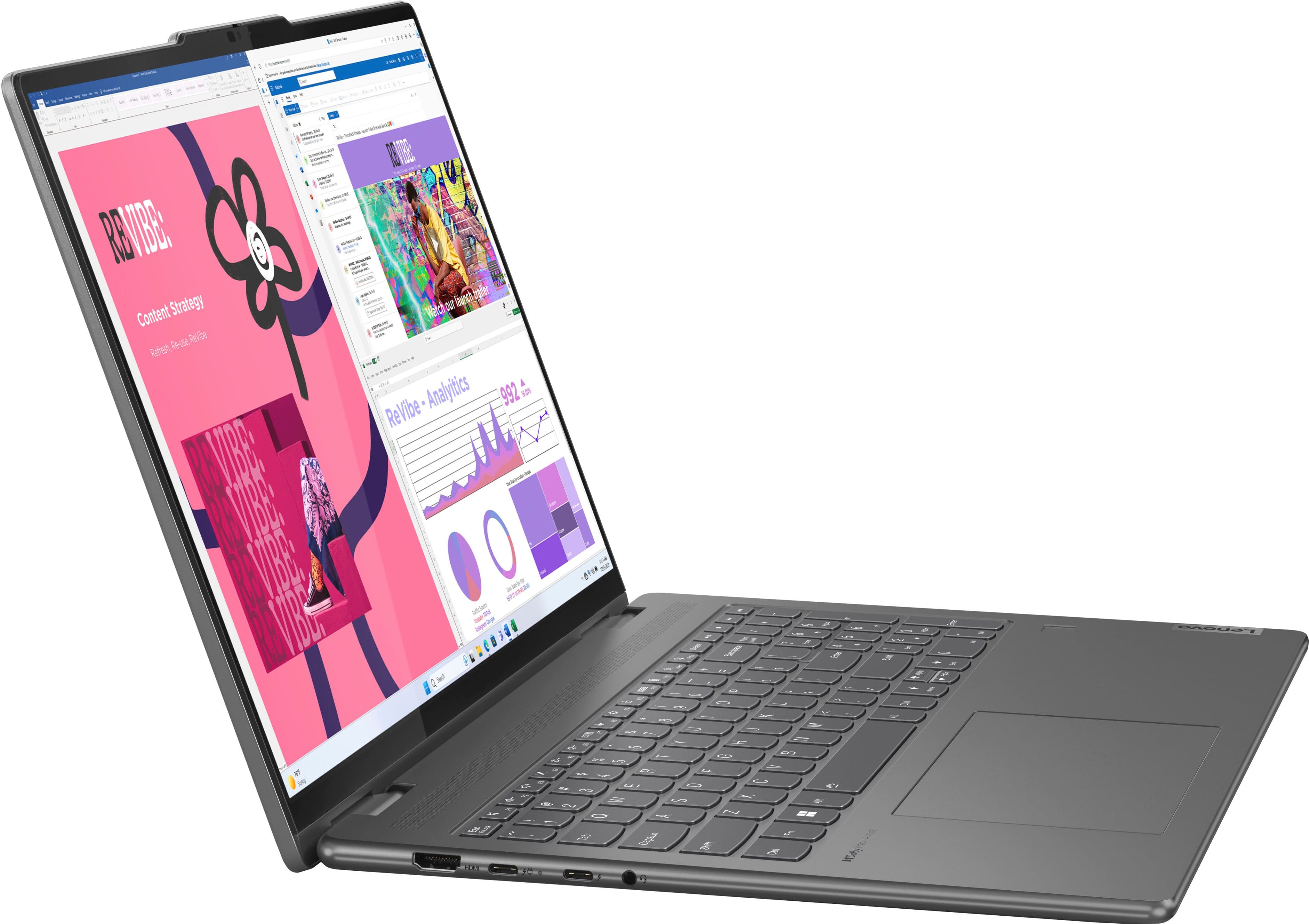
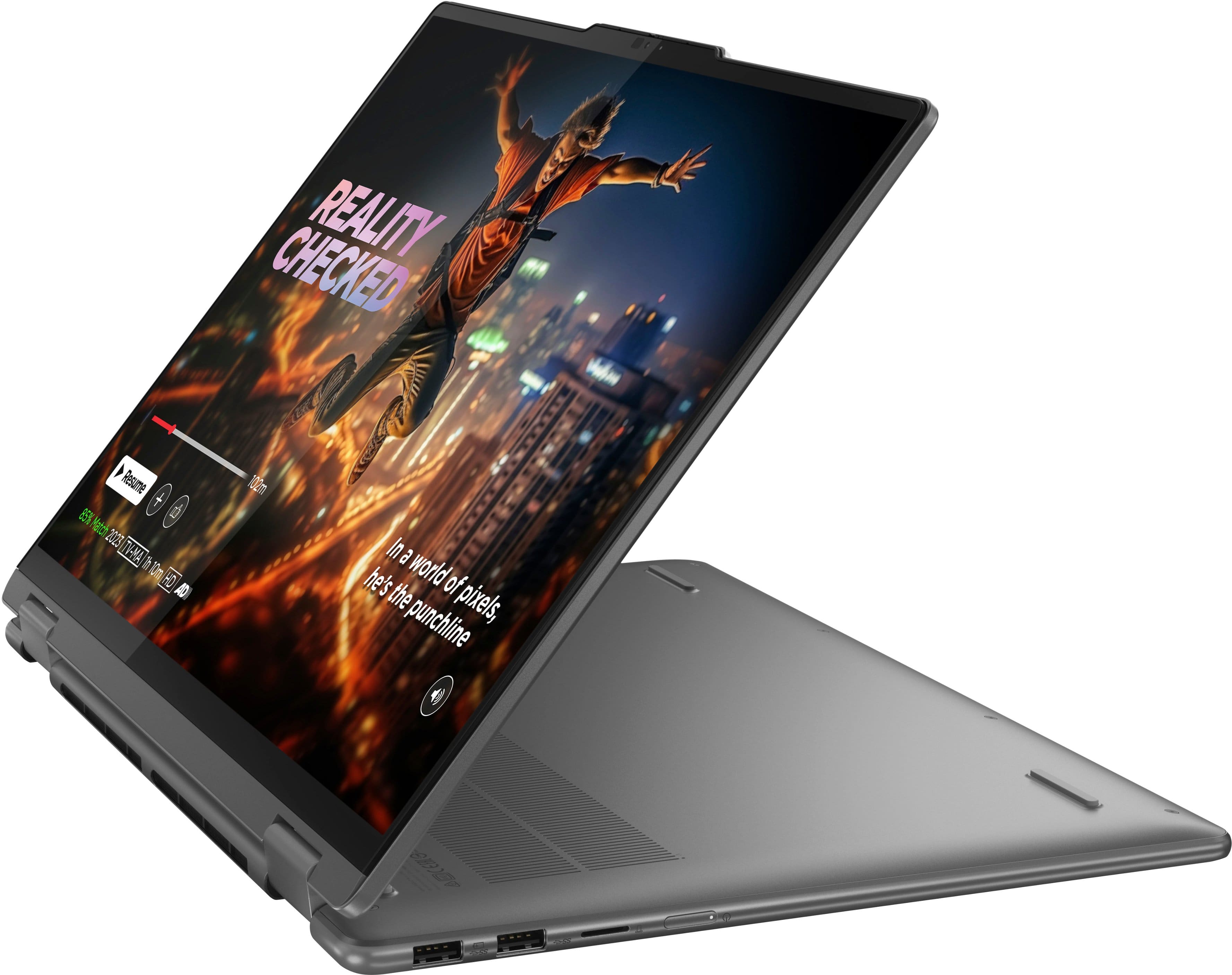
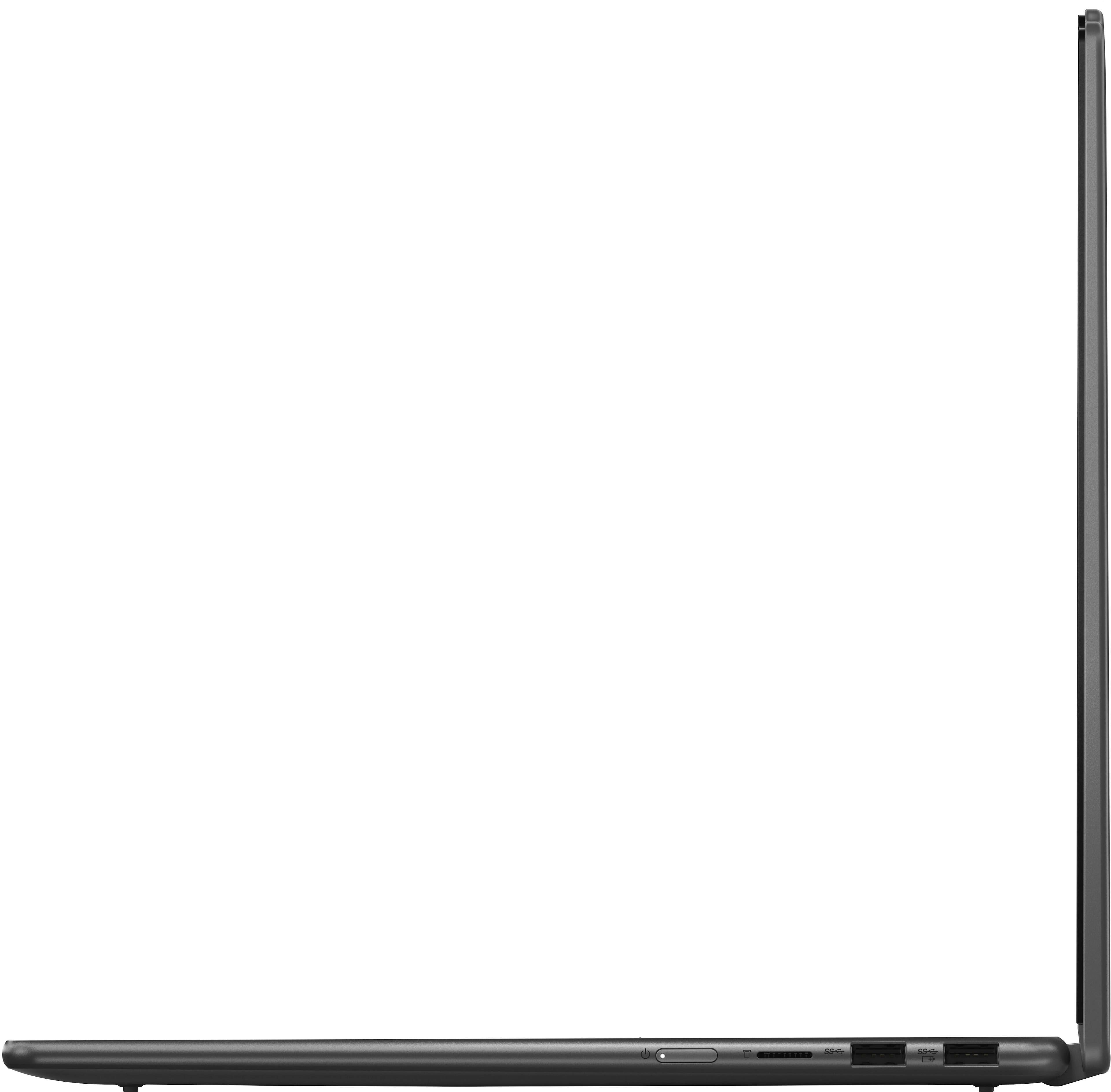
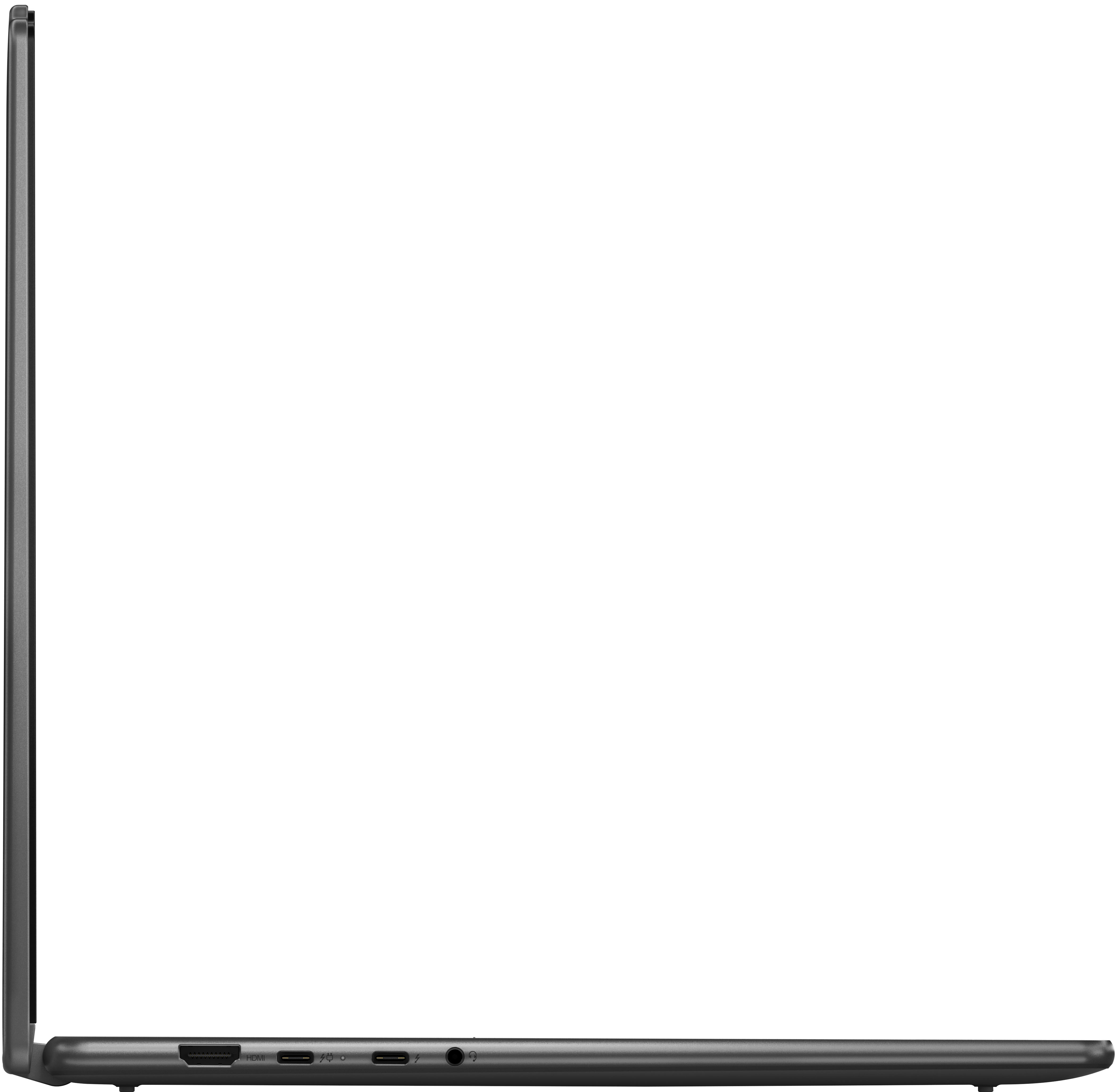


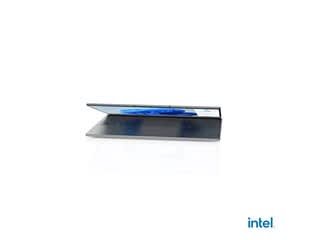
- Model:
- 83DL0002US
- SKU:
- 10853718
Rating by feature
- Battery Life
Rating 4.7 out of 5 stars
- Speed
Rating 4.8 out of 5 stars
- Display
Rating 4.8 out of 5 stars
Customers are saying
Customers express satisfaction with the Yoga 7i 2-in-1 laptop's overall performance, speed, portability, battery life, touchscreen, screen size, design, and storage capacity. Many appreciate its responsiveness and suitability for daily travel. However, some find the weight to be a bit awkward and have noted concerns regarding port selection, heat dissipation, and fan noise. Overall, the positive aspects of the laptop appear to outweigh the drawbacks for most users.
This summary was generated by AI based on customer reviews.
Great for Digital Art Students
||Posted .This reviewer received promo considerations or sweepstakes entry for writing a review.I brought this for my daughter who is a digital art student and she loves it!
I would recommend this to a friendBrand response from Lenovo Product Expert
Posted .Hey TammyS,
Thanks for choosing Lenovo and for sharing your feedback with us!
We are glad to read that your daughter is loving this Yoga 7i 2-in-1.
Please feel free to reach out to us via the Q& A section of this product page should you have any questions or need assistance.
Best,
Lenovo
Lenova Laptop
||Posted . Owned for 1 month when reviewed.This reviewer received promo considerations or sweepstakes entry for writing a review.Moderately priced. Love the keyboard, especially the light-up feature.
I would recommend this to a friendBrand response from Lenovo Product Expert
Posted .Hey MICHAELK,
Thanks for choosing Lenovo and for sharing your feedback with us!
We are glad to read that you are satisfied with your Yoga 7i 2-in-1.
Please feel free to reach out to us via the Q& A section of this product page should you have any questions or need assistance.
Best,
Lenovo
Great laptop
||Posted .This reviewer received promo considerations or sweepstakes entry for writing a review.We love this laptop. It has all the specs and ports we wanted. We're planning to buy two more.
I would recommend this to a friendBrand response from Lenovo Product Expert
Posted .Hey HeidiG,
Thank you for choosing Lenovo and for sharing your feedback with us!
We are glad to hear that you love this Yoga 7i.
Please feel free to reach out to us should you have any questions.
Best,
Lenovo
Lenovo Laptop
||Posted . Owned for 1 month when reviewed.This reviewer received promo considerations or sweepstakes entry for writing a review.the laptop does what I need,. the flexability with its folding key is a nice feature.
I would recommend this to a friendBrand response from Lenovo Product Expert
Posted .Hi NHMark-
Thank you for choosing Lenovo and sharing your feedback with us. We are excited to hear that you are enjoying the product features of the Yoga 7i. We aim to provide excellent user experience for our products, and we are overjoyed to hear that we met our goal.
Please reach out to us through the Q & A section of this product page if you have any questions or need assistance.
Best wishes,
Lenovo
- Pros mentioned:Touchscreen
I love it!!!
||Posted . Owned for 1 week when reviewed.This reviewer received promo considerations or sweepstakes entry for writing a review.I love the touchscreen, it’s light weight, great quality.
I would recommend this to a friendBrand response from Lenovo Product Expert
Posted .Hey, EssnceLove, thank you for choosing Lenovo! We are glad to hear that you are loving your Yoga 7i and its features, and we appreciate you taking the time to share your perspective with us.
Laptop
||Posted . Owned for 1 month when reviewed.This reviewer received promo considerations or sweepstakes entry for writing a review.It’s a fantastic Laptop, it’s very user friendly and very durable!
I would recommend this to a friendBrand response from Lenovo Product Expert
Posted .Hi Chuck,
Thanks for choosing Lenovo and for sharing your feedback with us!
We are pleased to read that your experience with this Yoga 7i 2-in-1 has been fantastic for you.
Please feel free to reach out to us via the Q& A section of this product page should you have any questions or need assistance.
Best,
Lenovo
Exactly what I needed
||Posted . Owned for 1 month when reviewed.This reviewer received promo considerations or sweepstakes entry for writing a review.I’ve been needing a new laptop and this one hit all the points that I was looking for, and more.
I would recommend this to a friendBrand response from Lenovo Product Expert
Posted .Hey ChrisD,
Thank you for choosing Lenovo and for sharing your feedback with us!
We are glad to hear that this Yoga 7i is an exact fit for your needs.
Please feel free to reach out to us should you have any questions.
Best,
Lenovo
Thank You.
||Posted . Owned for 1 week when reviewed.This reviewer received promo considerations or sweepstakes entry for writing a review.the young man who helped was very nice and helpful. He was patient with me for I am not teach savvy. I appreciate it when I am made to feel comfortable with my lack of knowledge.
I would recommend this to a friendBrand response from Lenovo Product Expert
Posted .Hi, MartinS. Thank you for choosing Lenovo! We are glad to know that your shopping experience was stellar, and we appreciate your time taken to share that experience and feedback with us.
Geek Squad, Best Buy - Awesome!!
||Posted . Owned for 7 months when reviewed.This reviewer received promo considerations or sweepstakes entry for writing a review.Excellent customer svc. from your Geek Squad geniuses...within 22 hrs, I am back in business using my Lenova laptop. Thank you Best Buy!!
I would recommend this to a friendBrand response from Lenovo Product Expert
Posted .Hey TurbanatorG, thanks for choosing Lenovo!
We are glad to hear that your service and support received was awesome, and we appreciate you taking the time to share this with us.
Nice laptop! Worth every penny
||Posted . Owned for 1 month when reviewed.This reviewer received promo considerations or sweepstakes entry for writing a review.Great laptop, meets exactly my expectations. The foldable feature works flawlessly and true to its name is very flexible.
I would recommend this to a friendBrand response from Lenovo Product Expert
Posted .Hey SanyaswaraG,
Thank you for choosing Lenovo and for sharing your feedback with us!
We are glad to hear that your Yoga 7i meets your expectations exactly.
Please feel free to reach out to us should you have any questions.
Best,
Lenovo
Chaplain
||Posted . Owned for 1 month when reviewed.This reviewer received promo considerations or sweepstakes entry for writing a review.Having a few little difficulties and will visit Geek Squad for help.
I would recommend this to a friendBrand response from Lenovo Product Expert
Posted .Hello,
Thank you for sharing your feedback with us. We're sorry to hear that you ran into an issue. We strive to provide the best experience possible. We're disappointed and apologize that this wasn't the case for you, and we'd like to work with you to try to improve your experience.
We recommend contacting Lenovo Support at this number: 877-453-6686, to work with the Customer Care team for swift action as we look to resolve this matter for you and make things right.
Please don't hesitate to let us know what else we can do to improve your experience, as your satisfaction is important to us.
Best regards,
Lenovo
Review
||Posted .This reviewer received promo considerations or sweepstakes entry for writing a review.Doesn't allow me to type sometimes on startup, but overall okay.
I would recommend this to a friendBrand response from Lenovo Product Expert
Posted .Hello,
Thank you for sharing your feedback with us. We're sorry to hear that you ran into an issue. We strive to provide the best experience possible, so if you'd like to, we want to work with you to try to resolve this.
To start, we recommend ensuring you have the latest software by checking for updates, as this could correct the issue. To do so, first, open the Settings app > Select the Windows update tab > Select the Check for updates button, apply all available updates. Next, open the Lenovo Vantage app > on the homepage, select the Check for updates button, following on-screen prompts to apply all available updates here as well.
If after the available updates are applied and the system restarts, yet the issue persists, in-depth troubleshooting will be necessary to fix the problem. We recommend contacting Lenovo Support here: 877-453-6686, for further assistance.
Please don't hesitate to let us know what else we can do to improve your experience, as your satisfaction is important to us.
Best regards,
Lenovo
Perfect Laptop for the cost
||Posted . Owned for 1 month when reviewed.This reviewer received promo considerations or sweepstakes entry for writing a review.Shopped around many stores and best buy was the cheapest for this laptop. My salesperson helped with the purchase and answered many of my questions too.
I would recommend this to a friendBrand response from Lenovo Product Expert
Posted .Hey MarcS, thanks for choosing Lenovo! We are glad to hear that your Yoga is perfect fit for you, and we appreciate you taking the time to share your feedback with us.
Worth the Price
||Posted . Owned for 1 month when reviewed.This reviewer received promo considerations or sweepstakes entry for writing a review.Great laptop. Quick set up and very quickly up and running.
I would recommend this to a friendBrand response from Lenovo Product Expert
Posted .Hi KerryC,
Thanks for choosing Lenovo and for sharing your feedback with us!
We are pleased to read that this Yoga 7i 2-in-1 is working out great for you.
Please feel free to reach out to us via the Q& A section of this product page should you have any questions or need assistance.
Best,
Lenovo
More for your dollar
||Posted .This reviewer received promo considerations or sweepstakes entry for writing a review.Great for the price. Better for college students and homeschool kids.
I would recommend this to a friendBrand response from Lenovo Product Expert
Posted .Hi,
Thanks for choosing Lenovo and for sharing your feedback with us!
We are glad to read that you are satisfied with your purchase.
Please don't hesitate to reach out to us via the Q& A section of this product page or contact Lenovo Support should you have any questions or need assistance.
Regards,
Lenovo
- Cons mentioned:Connectivity
Not for me
||Posted . Owned for 1 week when reviewed.This reviewer received promo considerations or sweepstakes entry for writing a review.The first problem is the clock.. I had to manually set it then it kept changing time zones. I gave up. For me, it was hard to find this. It also comes loaded with a lot of free junk apps which you have to remove. It had a bit if trouble connecting to wifi, but i was right next to the router. Also refreshing cloud apps was slow. For the price of 1049., its going back for abd HP of the same specs which is on sale for 649.
No, I would not recommend this to a friendBrand response from Lenovo Product Expert
Posted .Hi, SmallFootPrint. We are sorry to hear that you were having trouble with your Yoga 7i, leading to you returning it. In the future, please feel free to reach out to Lenovo Support, as we believe this could be resolved by learning how to uninstall undesired software and applying updates for Wi-Fi and Windows functionality. We have noted your feedback and hope that you found the right solution for you. Thank you for taking the time to share your perspective with us.
- Pros mentioned:Overall performance
Good laptop
||Posted . Owned for 1 month when reviewed.This reviewer received promo considerations or sweepstakes entry for writing a review.Amazing product, run fast. Battery not long lasting
I would recommend this to a friendBrand response from Lenovo Product Expert
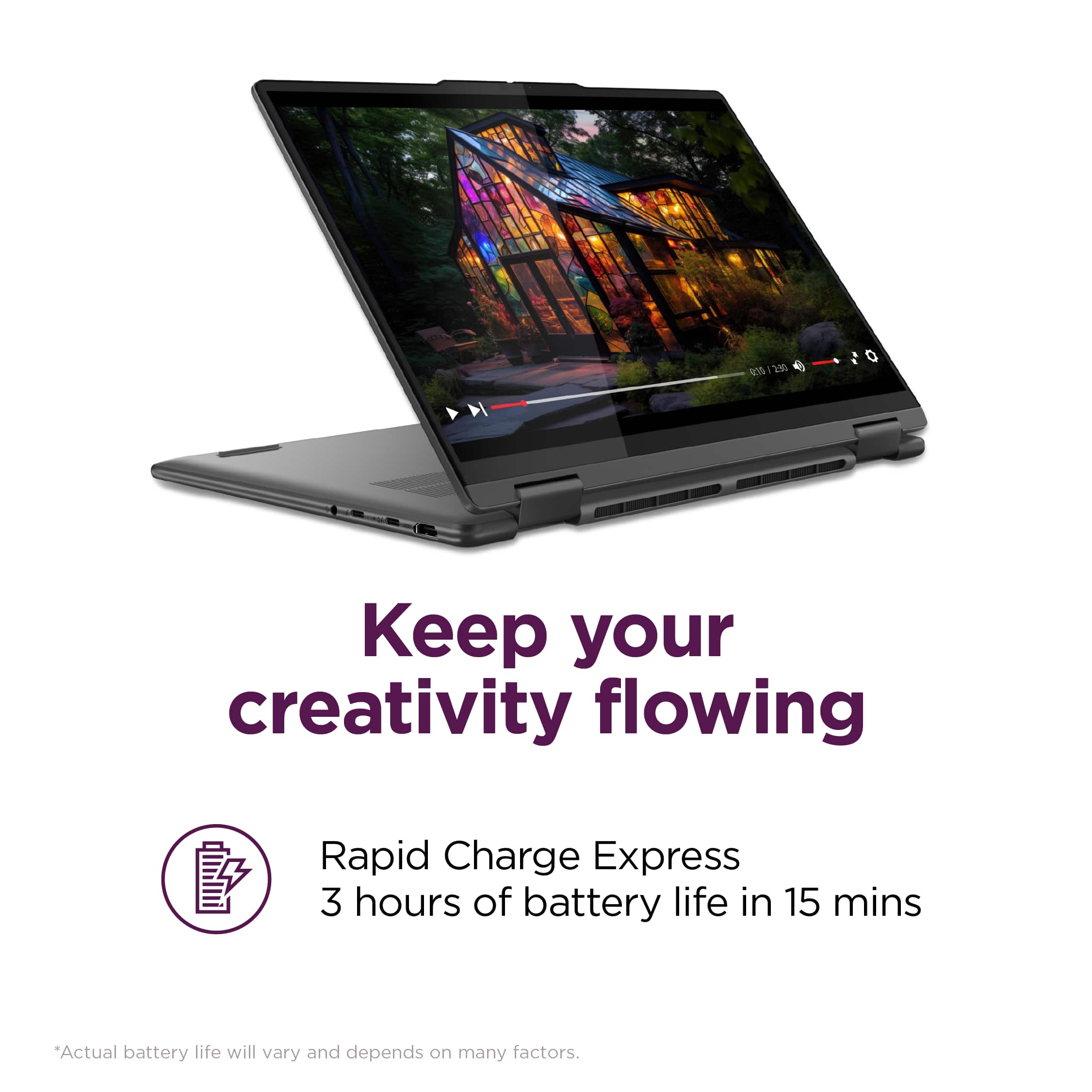
Posted .Hey, MudasirI, thank you for choosing Lenovo! Regarding your issue with battery life – there are lots of variables that contribute to shorter battery life. Thankfully, many of those variables can be adjusted. By default, the system will tend to give more speed when needed, which can sacrifice battery life. If you want to squeeze out more battery life, we recommend users utilize the Lenovo Vantage application that is preinstalled to adjust settings related to power and battery performance (to access relevant settings, open Vantage > Device Settings > Power). Users can also take advantage of the keyboard shortcut, Fn + Q to toggle thermal modes and easily switch between prioritizing battery life or power, or even the best of both words. We are glad to hear that your Yoga 7i has been amazing otherwise, and we appreciate you taking the time to share your experience with us.
Excellent Service.
||Posted . Owned for 3 weeks when reviewed.This reviewer received promo considerations or sweepstakes entry for writing a review.Excellent service in meeting customer's needs by directing purchase to an excellent product.
I would recommend this to a friendBrand response from Lenovo Product Expert
Posted .Hey Philip,
Thank you for choosing Lenovo and for sharing your feedback with us!
We are glad to hear that this Yoga 7i meets your needs and that your service received was excellent.
Please feel free to reach out to us should you have any questions.
Best,
Lenovo
Great laptop
||Posted .This reviewer received promo considerations or sweepstakes entry for writing a review.One of the best productivity laptops if you are looking for a 2 in 1 and enjoy the windows ecosystem.
I would recommend this to a friendBrand response from Lenovo Product Expert
Posted .Hey KhanS,
Thank you for choosing Lenovo and for sharing your feedback with us!
We are glad to hear that your Yoga 7i 2-in-1 is a great fit for your use.
Please feel free to reach out to us should you have any questions.
Best,
Lenovo
College Student
||Posted .This reviewer received promo considerations or sweepstakes entry for writing a review.Bought this computer for a high school senior to use at college. Great memory and features for the student
I would recommend this to a friendBrand response from Lenovo Product Expert
Posted .Hey MartiM,
Thank you for choosing Lenovo and for sharing your feedback with us!
We are glad to hear that this Yoga 7i is a great fit for the giftee.
Please feel free to reach out to us should you have any questions.
Best,
Lenovo