Customer Ratings & Reviews
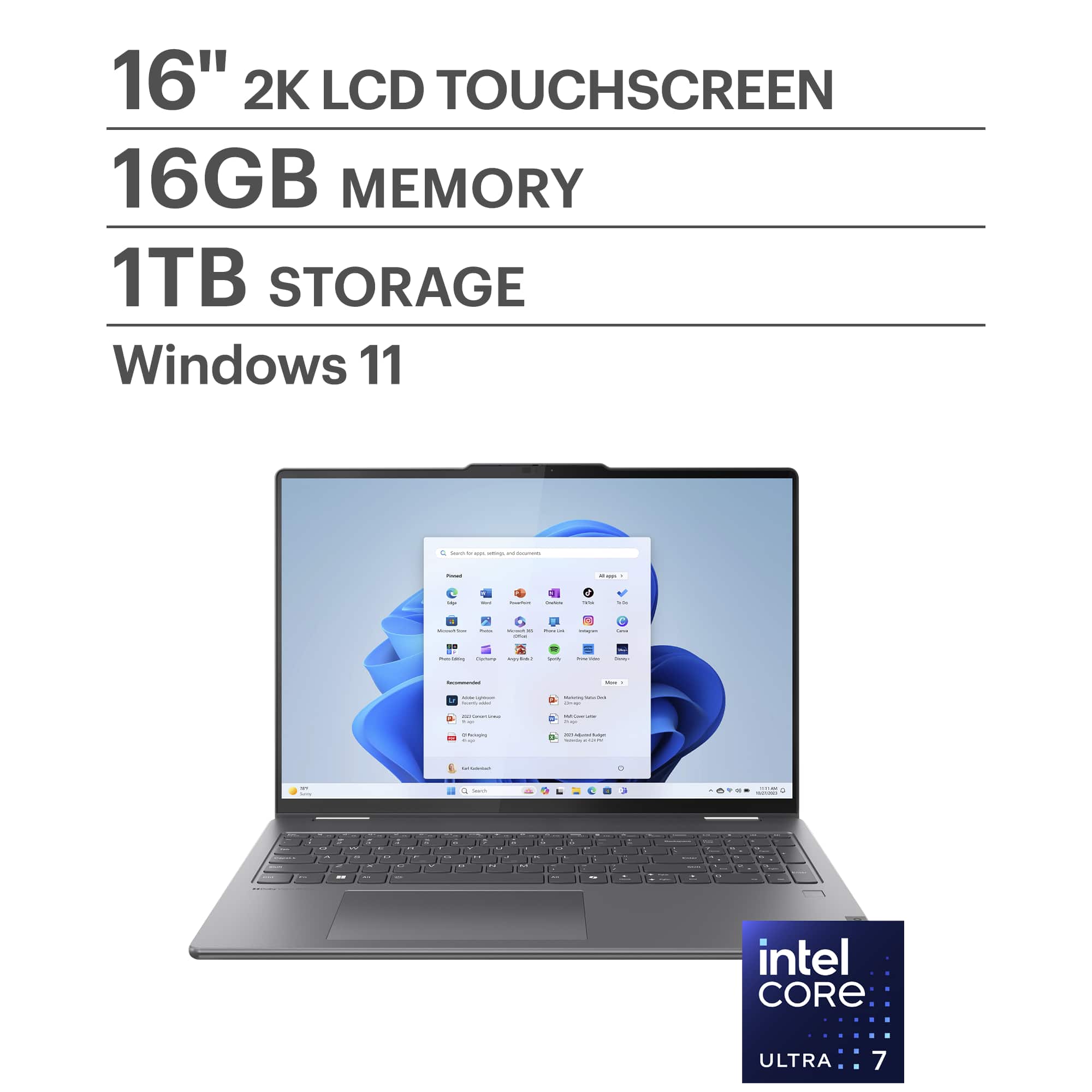
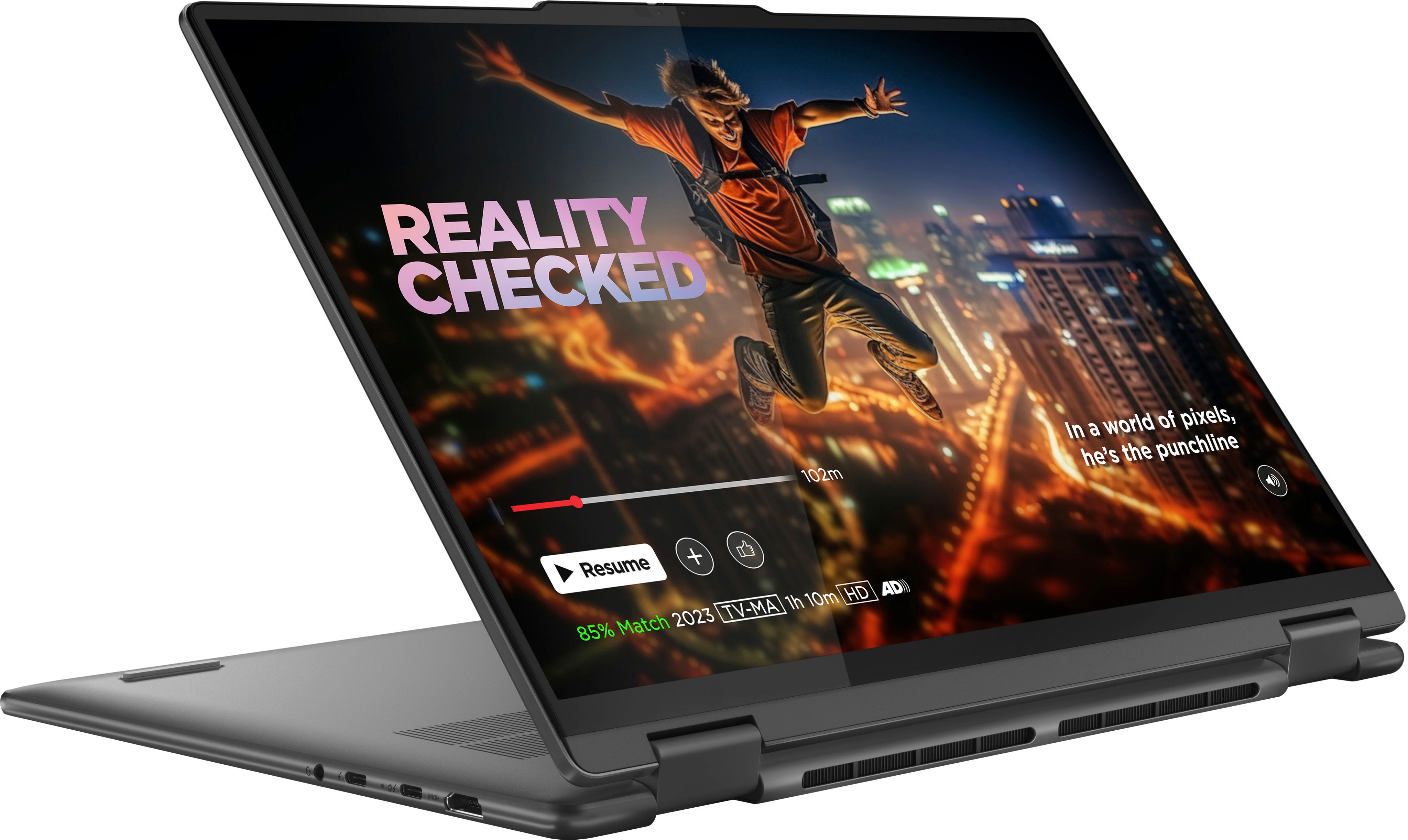
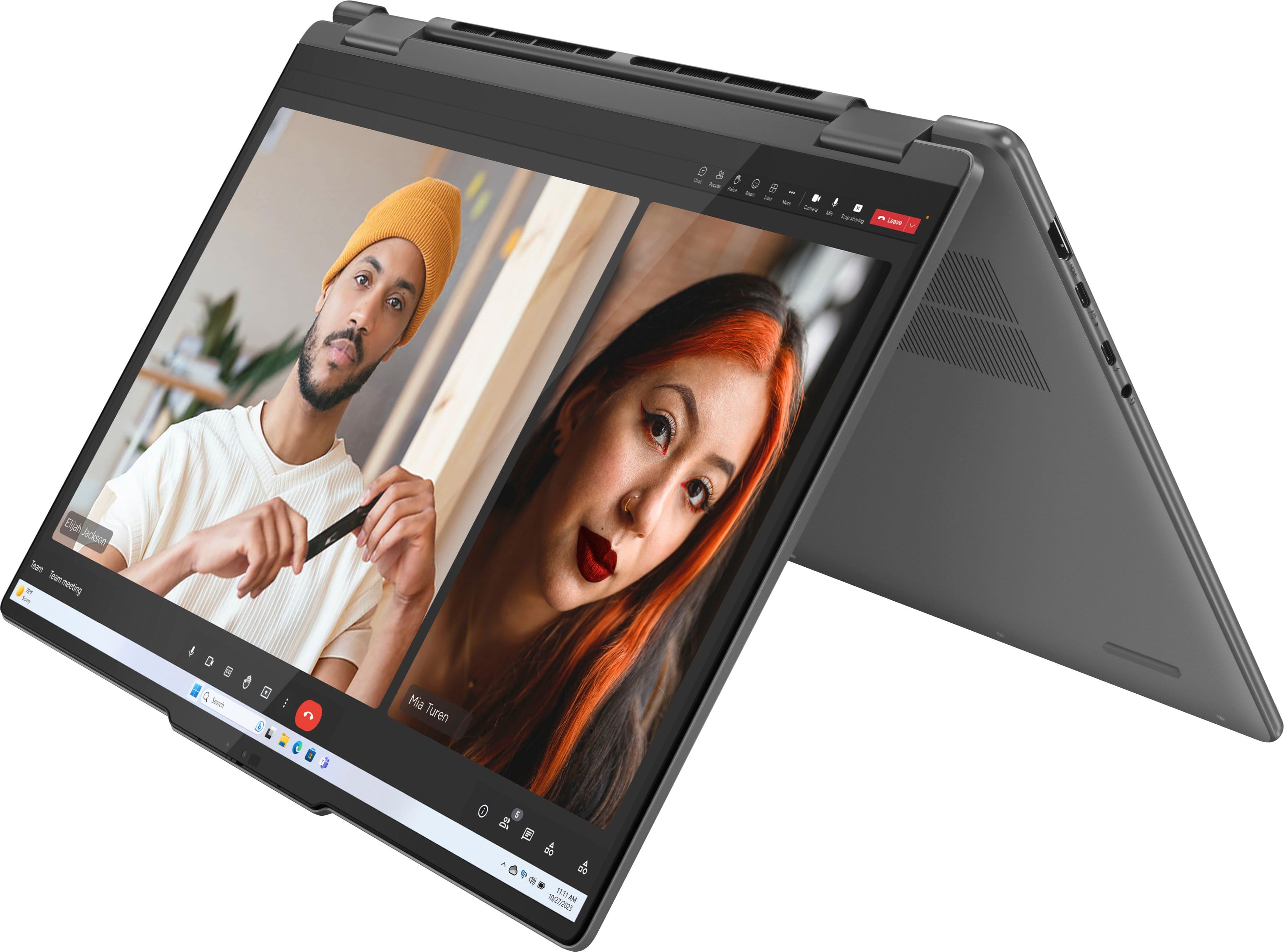
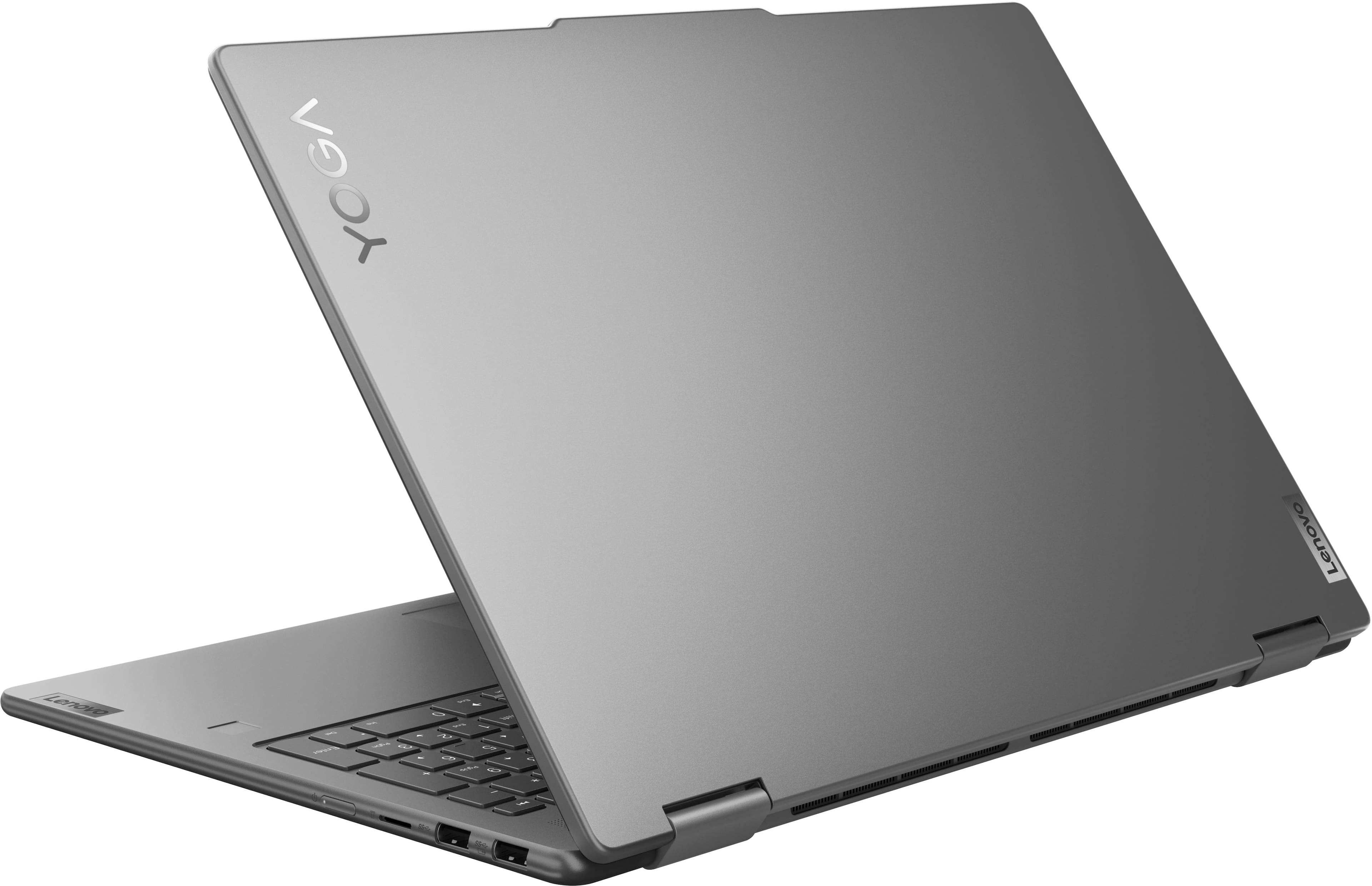






- Model:
- 83DL0002US
- SKU:
- 6571369
Rating by feature
- Battery Life
Rating 4.7 out of 5 stars
- Speed
Rating 4.8 out of 5 stars
- Display
Rating 4.8 out of 5 stars
Customers are saying
Customers express satisfaction with the Yoga 7i 2-in-1 laptop's overall performance, speed, portability, battery life, touchscreen, screen size, design, and storage capacity. Many appreciate its responsiveness and suitability for daily travel. However, some find the weight to be a bit awkward and have noted concerns regarding port selection, heat dissipation, and fan noise. Overall, the positive aspects of the laptop appear to outweigh the drawbacks for most users.
This summary was generated by AI based on customer reviews.
Good but freezes often.
||Posted . Owned for 3 weeks when reviewed.This reviewer received promo considerations or sweepstakes entry for writing a review.I like the laptop, but it freezes often. I have to just close it and let it sit. Eventually it boots back up.
No, I would not recommend this to a friendBrand response from Lenovo Product Expert
Posted .Hey MichaelM,
We're sorry to hear that you're having this problem with your Yoga. To try to resolve this, first, we recommend ensuring you have the latest software by checking for updates, as this could correct the issue. To do so, first, open the Settings app > Select the Windows update tab > Select the Check for updates button. Next, open the Lenovo Vantage app > on the homepage, select the Check for updates button. If after the available updates are applied and the system restarts, yet the issue persists, in-depth troubleshooting will be necessary to fix the problem. We recommend contacting Lenovo Support here: 877-453-6686, for further assistance.
Please update us when you can regarding this, and we appreciate you taking the time to share your feedback with us.
Complete waste of money!
||Posted . Owned for 1 month when reviewed.This reviewer received promo considerations or sweepstakes entry for writing a review.This laptop crashed out in just under 6 weeks of purchasing! Such a waste of money.
No, I would not recommend this to a friendBrand response from Lenovo Product Expert
Posted .Hello,
Thak you for sharing your feedback with us. We're sorry to hear that you ran into an issue. We strive to provide the best experience possible, so we're disappointed and apologize that this wasn't the case for you.
We recommend contacting Lenovo Support at this number: 877-453-6686, for swift action as we look to resolve this matter for you and make things right.
Please don't hesitate to let us know what else we can do to improve your experience, as your satisfaction is important to us.
Best regards,
Lenovo
Laptop
||Posted . Owned for 2 months when reviewed.This reviewer received promo considerations or sweepstakes entry for writing a review.Not good. Mouse pad quite working after a month not the best laptop
No, I would not recommend this to a friendBrand response from Lenovo Product Expert
Posted .Hello,
Thak you for sharing your feedback with us. We're sorry to hear that you ran into an issue. We strive to provide the best experience possible, so if you'd like to, we want to work with you to try to resolve this.
To start, we recommend ensuring you have the latest software by checking for updates, as this could correct the issue. To do so, first, open the Settings app > Select the Windows update tab > Select the Check for updates button, apply all available updates. Next, open the Lenovo Vantage app > on the homepage, select the Check for updates button, following on-screen prompts to apply all available updates here as well.
If after the available updates are applied and the system restarts, yet the issue persists, in-depth troubleshooting will be necessary to fix the problem. We recommend contacting Lenovo Support here: 877-453-6686, for further assistance.
Please don't hesitate to let us know what else we can do to improve your experience, as your satisfaction is important to us.
Best regards,
Lenovo
Customer service lacking
||Posted . Owned for 2 weeks when reviewed.This reviewer received promo considerations or sweepstakes entry for writing a review.Best Buy purchase- 2 weeks ago- left click on TouchPad sticks, tried to get repaired, not worth it to Best Buy, so now without a computer for 2 - 3 weeks to send out for repair. Webpage for membership plan unclear on the time frames for the free membership.
No, I would not recommend this to a friendCart Shipping Time vs Actual Shipping Terrible
||Posted . Owned for less than 1 week when reviewed.This reviewer received promo considerations or sweepstakes entry for writing a review.I ordered this product for a time sensitive project. Cart gave me an option of free three-day delivery or two-day delivery for $30. I chose the 3-day delivery which fit into my project deadline. Just hours later i was sent a text saying it would take NINE days. No explanation. This is an example of bad customer service. Please do better.
No, I would not recommend this to a friendthis lenovo sucks.
||Posted . Owned for 7 months when reviewed.This reviewer received promo considerations or sweepstakes entry for writing a review.from touchpad issues to touchscreen issues, this computer has been nothing but annoying to deal with. i have sent it in for repair and the touchpad still malfunctions. the teams never fully helps me out and i regret buying this device.
No, I would not recommend this to a friendBrand response from Lenovo Product Expert
Posted .Hi Jack,
Thank you for sharing your feedback with us. We are sorry to hear that you are having trouble with your Yoga 7i. We apologize for any inconvenience that has stemmed from this. We'd like to work with you to resolve this issue.
We've shared some steps to follow below to troubleshoot the issue.
1. Perform a static discharge/power cycle. To do so, first remove all cables connected to the device (power adapter, HDMI, external mouse, external keyboard, etc.).
2. Be sure device is powered off, then. press and hold the power button down for 60 seconds. When done, re-attach all cables and insert the power adapter, letting the laptop charge for a couple minutes, then power up the machine as usual.
3. Open the Settings app > Select the Windows update tab > Select the Check for updates button. 4. Open the Lenovo Vantage app > on the homepage, select the Check for updates button. Follow the instructions to ensure the updates are applied and that you restart your system.
Please update us when you can regarding this and reach out to us again should you have any questions or need further assistance.
Best regards,
Lenovo
Laptop does not work.
||Posted . Owned for 2 weeks when reviewed.This reviewer received promo considerations or sweepstakes entry for writing a review.This is a bad laptop I want to recommend to buy this type of laptop it's already not working the USB and it's so slow.
No, I would not recommend this to a friendBrand response from Lenovo Product Expert
Posted .Hi AnwarY-
Thank you for sharing your experience with us. We are disappointed to hear that your experience with the Yoga 7i was not ideal. If you are willing to share, we would like to know more about how the device was not to your expectations. In the meantime, we can recommend some solutions that may address some of the issues regarding the USB and speed of the device.
We suggest that you check for software and drivers updates through Lenovo Vantage and Windows Update Settings. These updates are crucial to your device’s health and can help resolve the issues you are encountering with the USB as well as solving device inefficiencies affecting performance. To check for updates in Lenovo Vantage, start by launching the Lenovo Vantage app and selecting the “Check for updates” button on the right-hand side of the homepage. To check for Windows Updates, start by launching the Settings app, then selecting the Windows Update tab on the left-hand side of the page, finally select the “Check for updates’ button located in the top right of the page.
Please reach out to us through the Q & A section of this product webpage if you have any additional comments to share with us.
Best wishes,
Lenovo
Poor Durability
||Posted . Owned for 6 months when reviewed.This reviewer received promo considerations or sweepstakes entry for writing a review.Cover is flimsy. The corners are bumped easily when not handled carefully.
No, I would not recommend this to a friendBut something else
||Posted . Owned for 2 weeks when reviewed.This reviewer received promo considerations or sweepstakes entry for writing a review.Screen quality is horrible!! The worst I have seen in a while.
No, I would not recommend this to a friendBrand response from Lenovo Product Expert
Posted .Hey there,
We're sorry to hear that the viewing experience on your Yoga 7i has fallen short for you.
We have noted your feedback, and we appreciate your time used to share your perspective with us.
- Pros mentioned:Speed
Lenovo Yoga
Posted .This reviewer received promo considerations or sweepstakes entry for writing a review.This model was recommended by my tech consultant, and it has been great. Lots of storage, super fast. I love the 10 key on the keyboard and the screen is larger than my last laptop.
I would recommend this to a friend Product not delivered
||Posted . Owned for 2 weeks when reviewed.This reviewer received promo considerations or sweepstakes entry for writing a review.I had worst experience with Best Buy delivery. I couldn’t received the product . Later they refunded.
I would recommend this to a friendMainly teams
||Posted . Owned for 3 weeks when reviewed.This reviewer received promo considerations or sweepstakes entry for writing a review.I brought this laptop for my marketing but it does not worked properly it like struck
No, I would not recommend this to a friendBrand response from Lenovo Product Expert
Posted .Hi there, we're sorry to hear that you're having trouble with your Yoga. To try to resolve this, first, we recommend ensuring you have the latest software by checking for updates, as this could correct the issue. To do so, first, open the Settings app > Select the Windows update tab > Select the Check for updates button. Next, open the Lenovo Vantage app > on the homepage, select the Check for updates button. Also, you could try signing out and into your Microsoft 365 apps, including Microsoft Teams, along with uninstalling and reinstalling the software if all else fails. If after the available updates are applied and the system restarts, yet the issue persists, in-depth troubleshooting will be necessary to fix the problem. We recommend contacting Lenovo Support for further assistance. We appreciate you taking the time to share your feedback with us!
- Pros mentioned:Battery life, Overall performance, Speed
Amazing Machine!
Posted .This reviewer received promo considerations or sweepstakes entry for writing a review.Absolutely LOVE this laptop. The battery life is amazing, stays charged forever and takes no time to charge fully even while in use still. The speed is insane, I can have 10 tabs on one browser, 8 on another. A back work application I use for work, and music or a movie playing in the background and still absolutely no lag or issues when it comes to seamless switching. I even play the new COD Bo6 on it with no issues. Amazing graphics and load up times with no lag even in Multiplayer Powers up ready to go in seconds. No waiting for desktop to load up after its on. This laptop is great, I got mine Open Box in Excellent condition for darn near half the price so if you see it on sale don't be afraid to hop on it before it goes. You will not be disappointed whatsoever.
I would recommend this to a friendBrand response from Lenovo Product Expert
Posted .Hey, JayM, thank you for choosing Lenovo! We are pleased to hear that you are absolutely loving your Yoga 7i, and we appreciate you taking the time to share your experience with us.
Defective computer
||Posted . Owned for 3 weeks when reviewed.This reviewer received promo considerations or sweepstakes entry for writing a review.I got a defective computer that was unable to go through the setup process. It would crash after a few minutes and make me start over. Eventually the screen wouldn’t even turn on at all. I exchanged it at Best Buy for a Dell that’s given me no issues.
No, I would not recommend this to a friendBrand response from Lenovo Product Expert
Posted .Hey, SOmedude, we are sorry to hear that you had trouble with your Yoga, leading to you returning it. In the future, should you encounter any issues with our product, please feel free to contact Lenovo Support for assistance in resolving your issues. We hope that you choose our product again in the future and appreciate you taking the time to share your perspective with us.
Pc
||Posted . Owned for 3 weeks when reviewed.This reviewer received promo considerations or sweepstakes entry for writing a review.We returned it wildly slow other than that I mean it seems like it had high quality other than the battery only lasting about 4 hours
No, I would not recommend this to a friendBrand response from Lenovo Product Expert
Posted .Hey Rcguy,
Thank you for sharing your feedback with us. We are sorry to read that you had trouble with your Yoga 7i, leading to you returning it. We wish to provide the best experience possible, and we hope that choose our products again in the future and that we get the opportunity to make things right for you.
Please feel free to reach out to us should you have any questions or further comments.
Best regards,
Lenovo
Delivery night mare
||Posted . Owned for 1 week when reviewed.This reviewer received promo considerations or sweepstakes entry for writing a review.Ups was unable to deliver my package. Not sure why, But I have order online multiple times and UPS was unable to deliver my packages and returned my items that I still wanted. User should be given multiple deliver options or Best buy should reach out to customers to see if they still want there orders.
No, I would not recommend this to a friendPOOR SERVICE
||Posted . Owned for 3 weeks when reviewed.This reviewer received promo considerations or sweepstakes entry for writing a review.COMPUTER IS GOOD, SERVICE STINKS, AND I'M BEING POLITE!! NO WAY TO CONTACT THE STORE OR GEEK SQUAD, CANNED MESSAGE CRAP WITH NO ONE TO CONFIRM ANYTHING!!
I would recommend this to a friendNever Buy Open Box Merchandise
||Posted . Owned for 3 weeks when reviewed.This reviewer received promo considerations or sweepstakes entry for writing a review.Bought Open Box Excellent condition, charger is not working at all. Can’t even charge the computer and Best Buy doesn’t even have another charger to replace. Return the computer back.
No, I would not recommend this to a friendDisappointed
||Posted . Owned for 2 weeks when reviewed.This reviewer received promo considerations or sweepstakes entry for writing a review.The store associate was rude and condescending. Didn't bother to give me any information on the different laptops option, just pointed to one deal computer and I had to look around for myself to find better options.
I would recommend this to a friendLocked after updating once
||Posted .This reviewer received promo considerations or sweepstakes entry for writing a review.Computer locked after updating and even after meticulously entering the recovery key multiple times it remained locked!!!
No, I would not recommend this to a friendBrand response from Lenovo Product Expert
Posted .Hi Yolo,
Thank you for sharing your feedback with us. We are sorry to hear that you are having trouble with your Yoga 7i. We apologize for the frustration and inconvenience that this may have caused you. We'd like to work with you to resolve this issue.
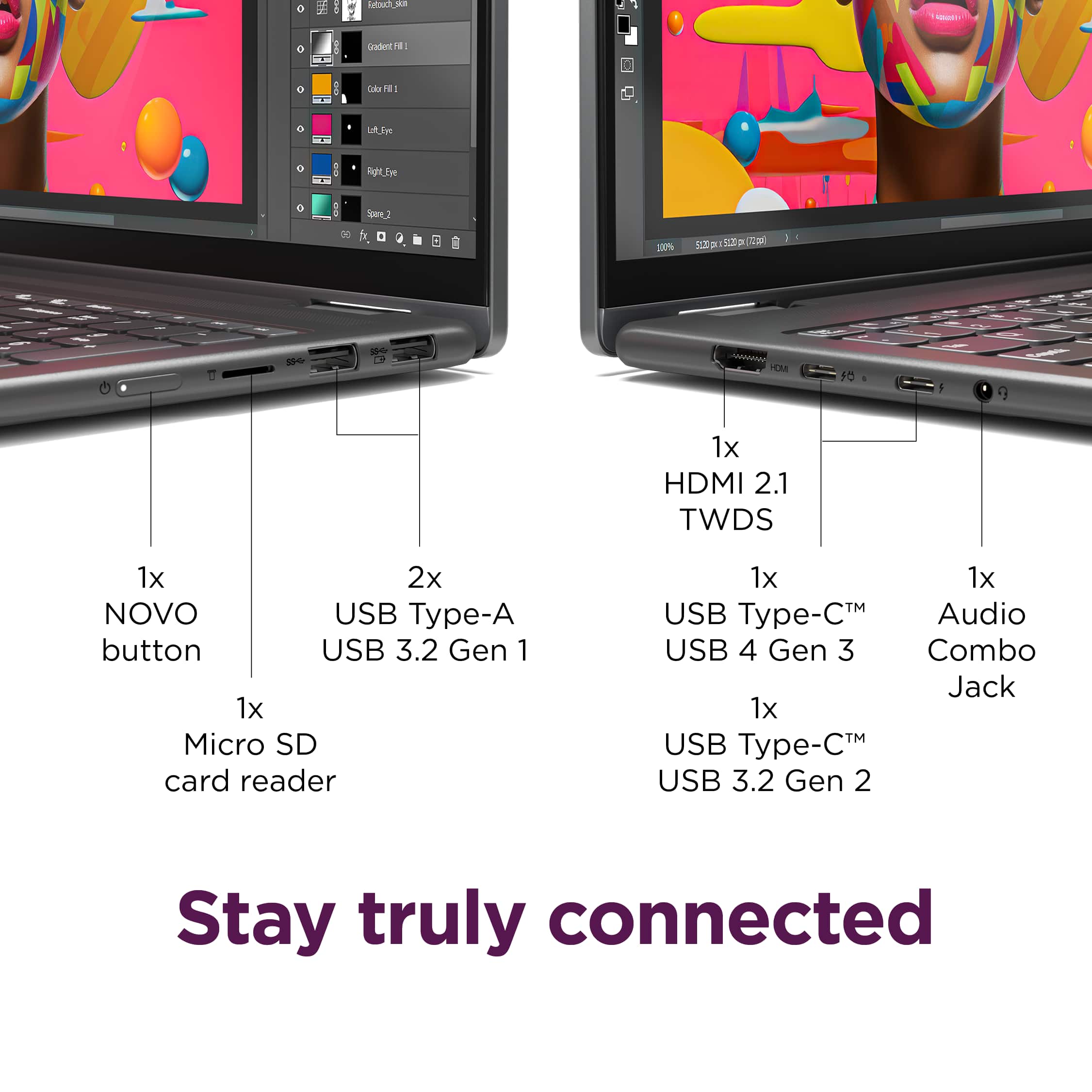
To start, it you cannot get around BitLocker, your final resort may be to factory reset the system. Given the state of the laptop, to do so, you can use the Lenovo Novo Button to access a unique menu. Here are some steps to follow regarding the process:
1. First, ensure that the power adapter or charger for this unit is plugged in and indicating it is charging the device by the LED next to the charging port being illuminated red (charging) or white/green (fully charged).
2. There is a small pin hole on the bottom right side of the device, first in line before the other ports on the right side. You will need a pin (a sim ejector tool or end of a paperclip should suffice) to push this reset button.
3. Push the reset button. The system should boot to a choice screen where you can choose to reset your computer. Select this. It will delete everything from the hard drive except the original factory install of the operating system. You will need to reinstall all programs and files after the reset.
Please update us when you can regarding this and reach out to us again should you have any questions or need further assistance.
Best regards,
Lenovo