Customer Ratings & Reviews
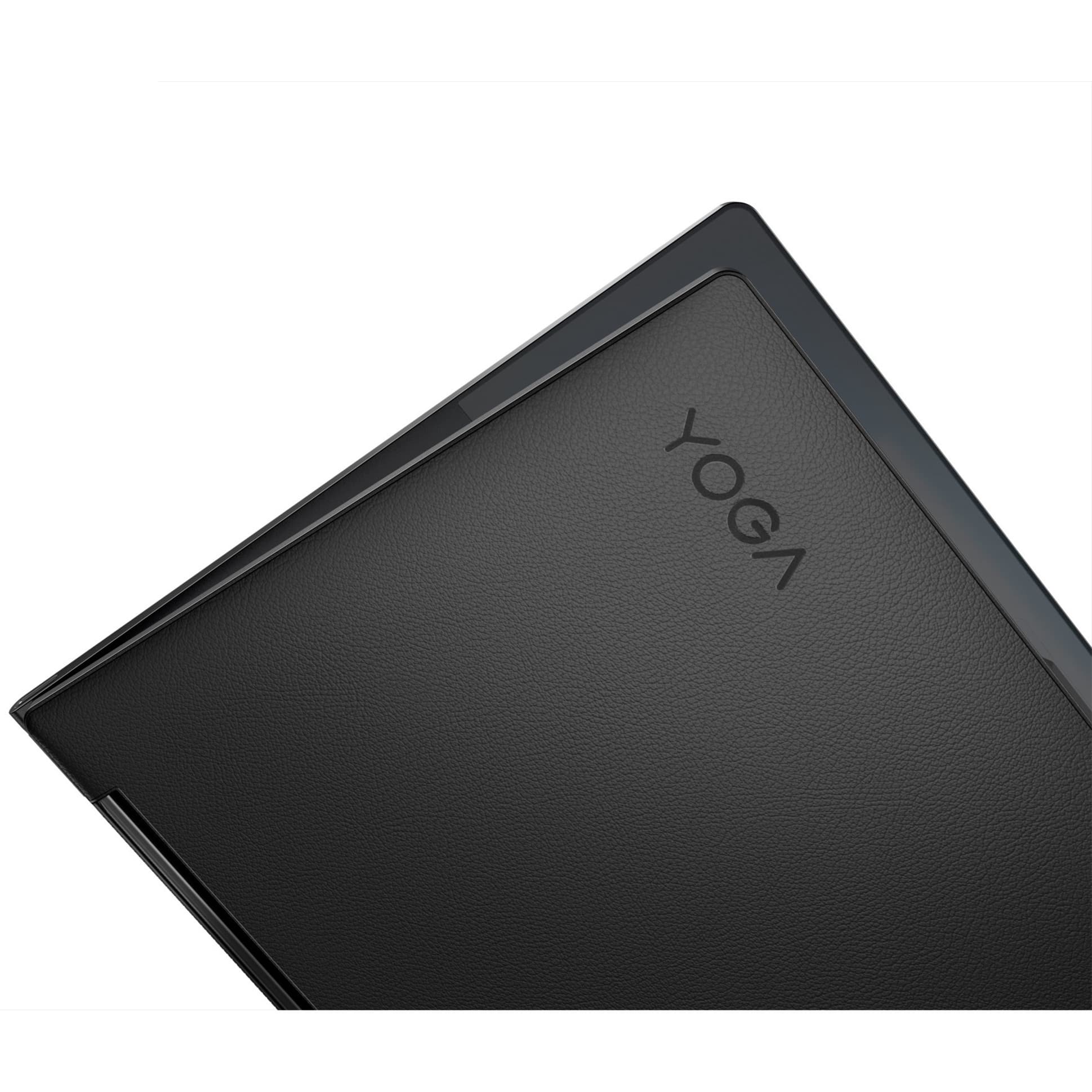



- Model:
- 82BG0091US
- SKU:
- 6479683
Rating by feature
- Battery Life
Rating 4.2 out of 5 stars
- Speed
Rating 4.6 out of 5 stars
- Display
Rating 4.6 out of 5 stars
Customers are saying
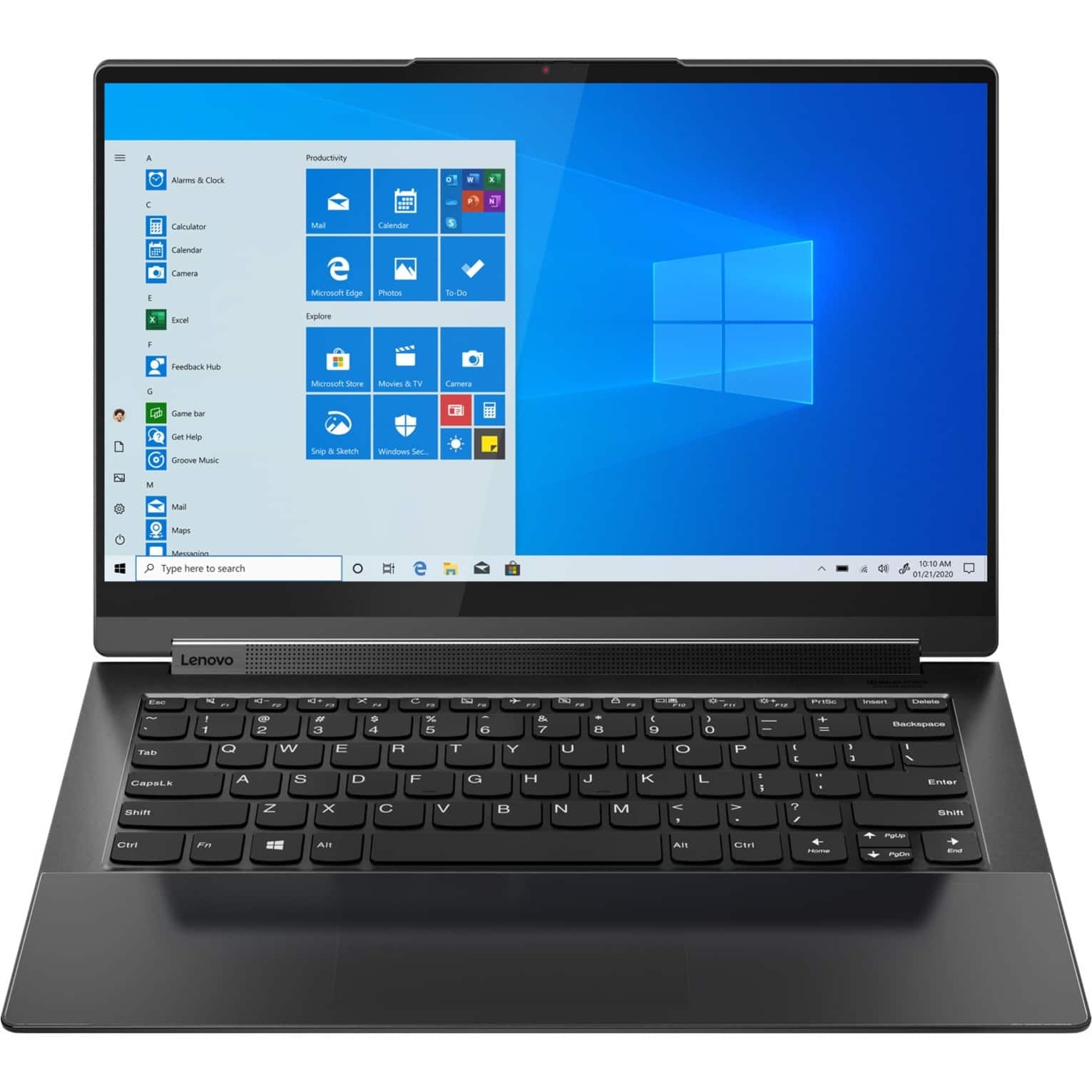
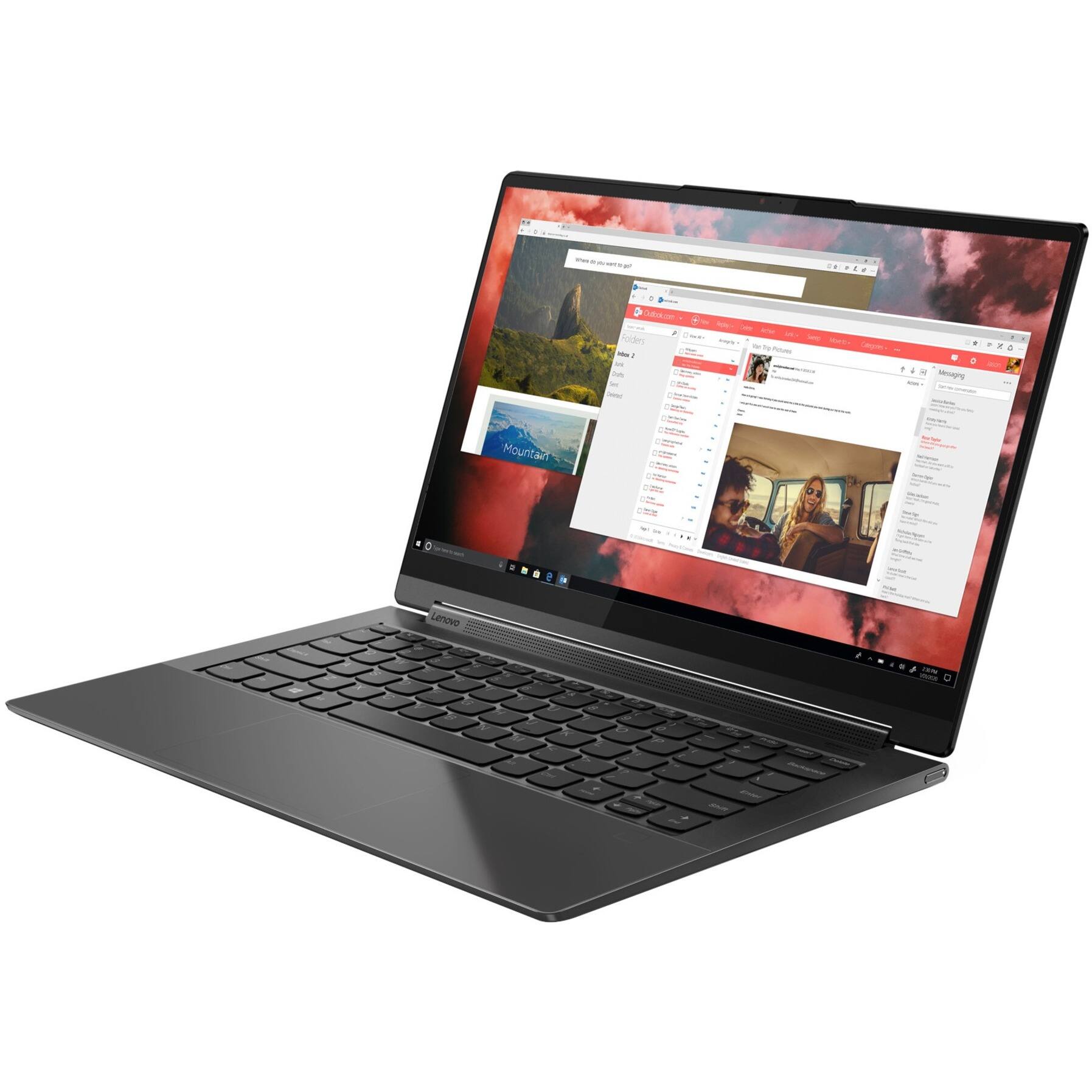
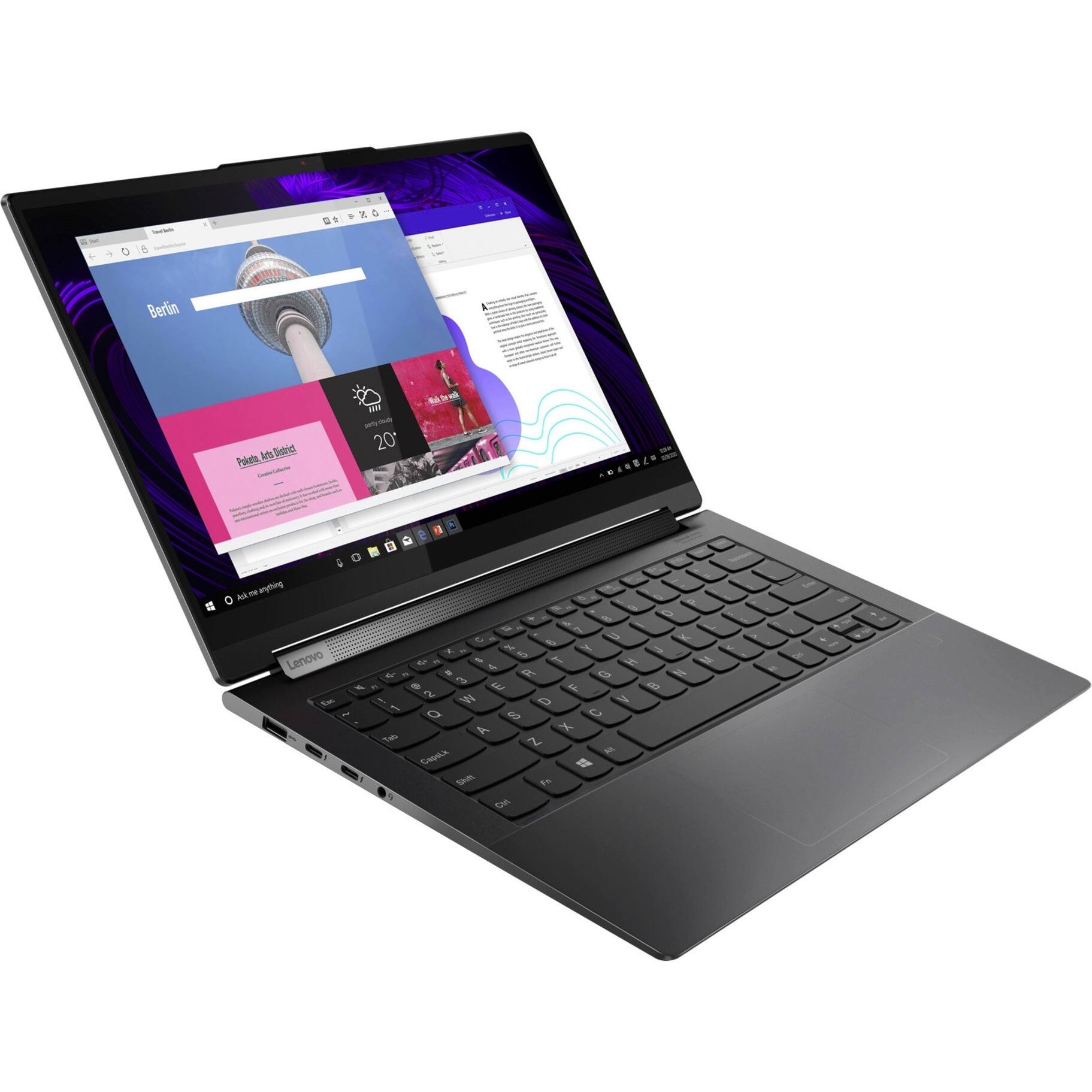
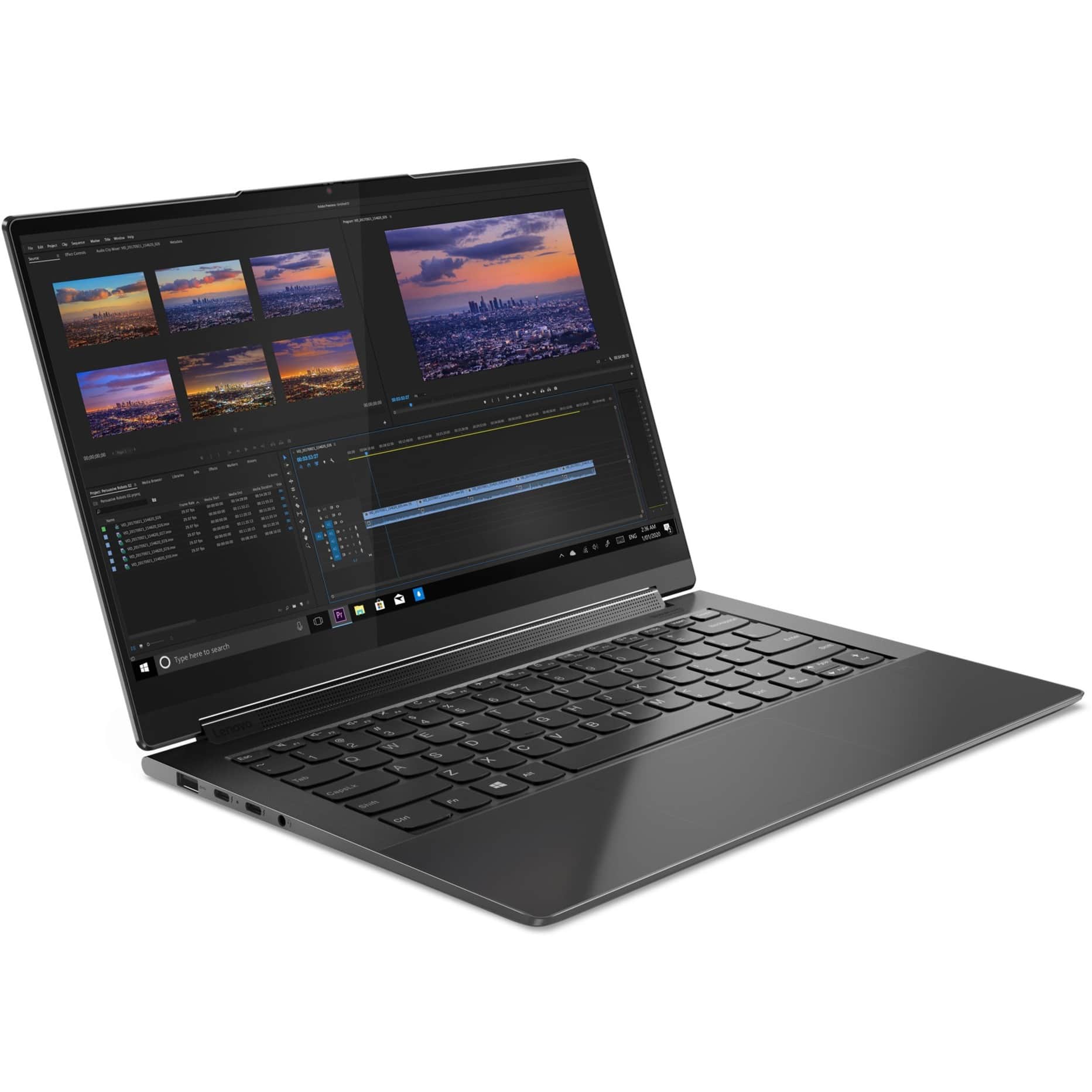
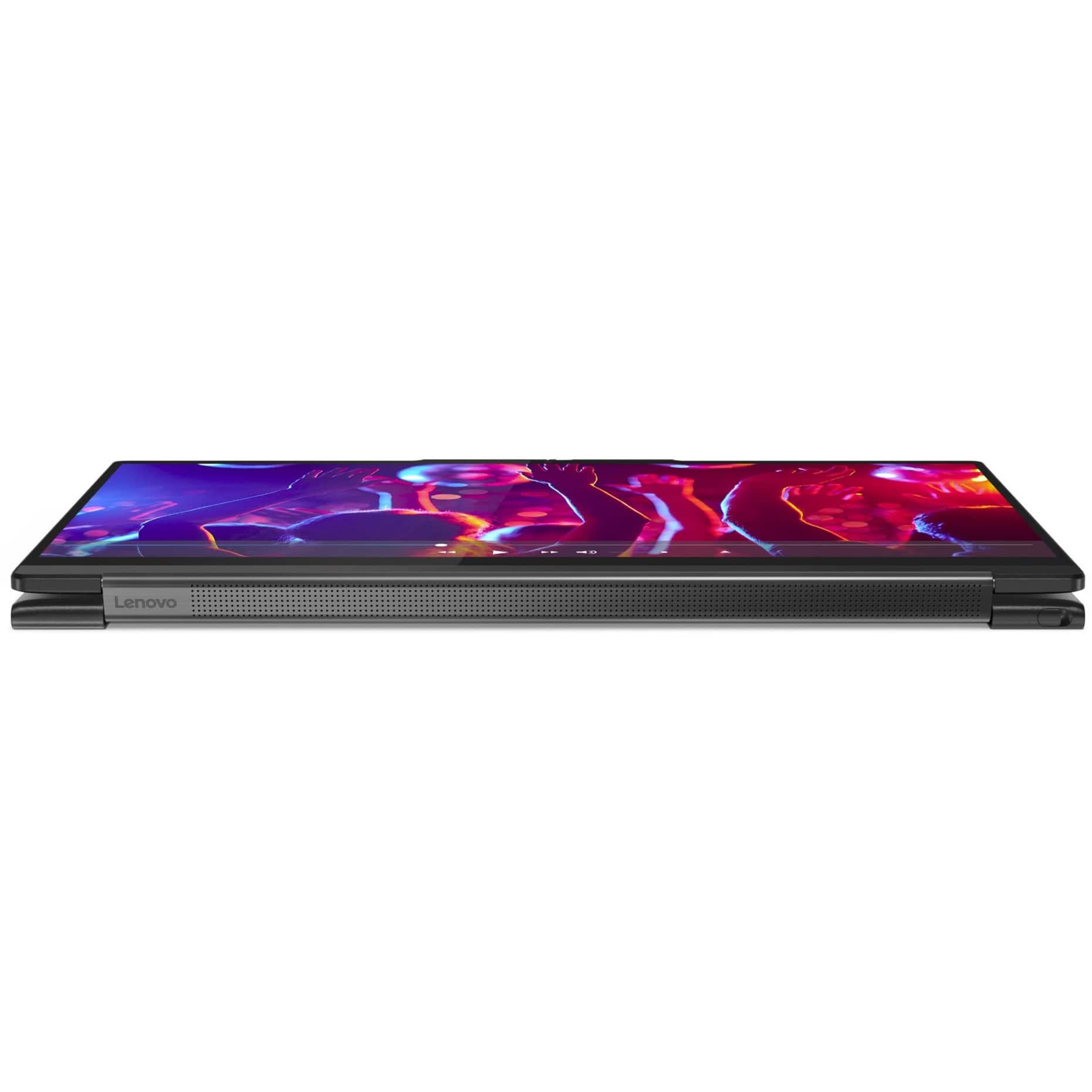
Customers enjoy the responsive touch screen, impressive sound quality, and lightweight design of the Yoga 9 14ITL5 laptop. Many appreciate its compact size and ease of use. However, some users report that the battery life could be improved and that the device may get warm during intensive use. The fast processing speed and ample RAM are also frequently praised.
This summary was generated by AI based on customer reviews.
- Pros mentioned:Sound quality
Lenovo Laptop
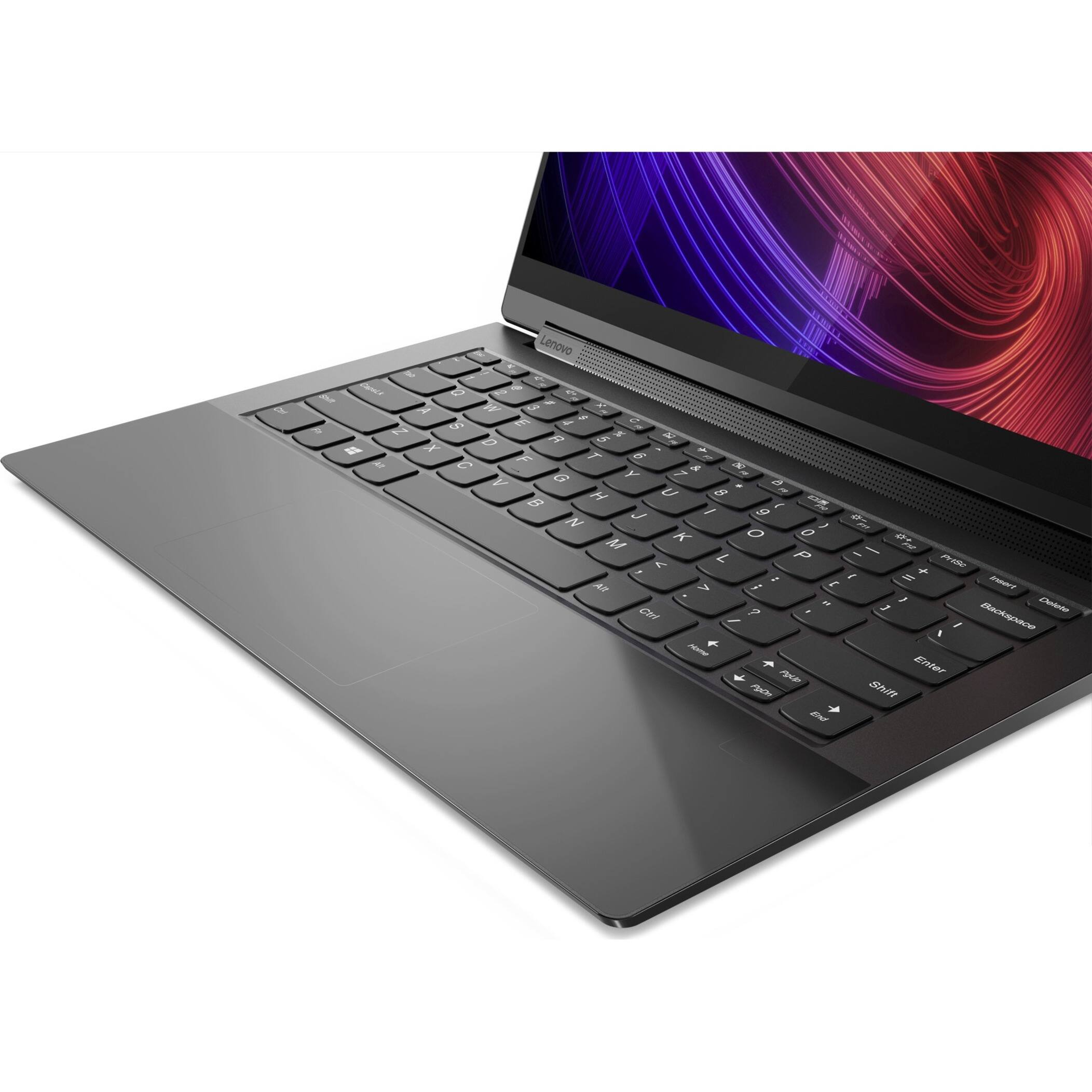
||Posted . Owned for 3 weeks when reviewed.This reviewer received promo considerations or sweepstakes entry for writing a review.One of the best laptops I ever had, I specially like the new hi definition screen and the quality of the keyboard
I would recommend this to a friendBrand response from Lenovo Product Expert
Posted .Thank you for choosing the Lenovo Yoga 9i 2-in-1 14in. Touch Screen Laptop with Intel Evo Core i7. We are very pleased to hear that the specifications and features of the Lenovo Yoga 9i 2-in-1 14in. Touch Screen Laptop with Intel Evo Core i7 meet your computing needs so well.

Needed a new one ASAP
||Posted . Owned for 2 weeks when reviewed.This reviewer received promo considerations or sweepstakes entry for writing a review.I need a new laptop and this particular piece had all the requirements I needed and beyond
I would recommend this to a friendBrand response from Lenovo Product Expert
Posted .Thank you for choosing the Intel Evo-Certified, Lenovo Yoga 9i 14. We are pleased to hear that the Yoga 9i 14 meets your computing needs so well.
Great Laptop!
||Posted . Owned for 3 weeks when reviewed.This reviewer received promo considerations or sweepstakes entry for writing a review.I have a 7i bought a yr ago and I love it so much. So, when my hubby's computer died, I bought this 9i for him. It performs beautifully, it is so speedy, has lots of storage, and the resolution is stunning. With the purchase of an adapter, he was able to use his Samsung curved monitor. Happy hubby!
I would recommend this to a friendBrand response from Lenovo Product Expert
Posted .Thank you for choosing the Lenovo Yoga 9i 2-in-1 4K 14in. Touch Screen Laptop with Intel Evo Core i7. We are very pleased to hear that the specifications, features, and performance of the Lenovo Yoga 9i 2-in-1 4K 14in. Touch Screen Laptop with Intel Evo Core i7 meet you and your husband's computing needs so well.
- Cons mentioned:Battery life
Needed a new one
||Posted .This reviewer received promo considerations or sweepstakes entry for writing a review.My old unit died on me. I believe it was a power surge issue. Lasted a few years.
I would recommend this to a friend Don’t. Just don’t.
||Posted . Owned for 1 year when reviewed.This reviewer received promo considerations or sweepstakes entry for writing a review.I loved this Lenovo laptop for the first nine months, then the keyboard stopped responding. I bought an external keyboard. The Lenovo tech support was very helpful and got the keyboard functioning again, but only for a very short time. It was hit and miss from then on. I limped along until today when the laptop refused to turn on. After several very frustrating minutes, it finally came on, but I had had enough. I took it in to the Geek Squad who told me it was probably the mother board. This thing only lasted 14 months. Don’t waste your time and money on this one.
No, I would not recommend this to a friend- Cons mentioned:Battery life
Very poor battery backup
||Posted . Owned for 3 weeks when reviewed.This reviewer received promo considerations or sweepstakes entry for writing a review.I like everything except the battery backup. This laptop lasts about 3-4 hours on regular usage though battery saver on. Would recommend if someone compromises on battery backup.
I would recommend this to a friendBrand response from Lenovo Product Expert
Posted .This Intel Evo-Certified, Lenovo Yoga 9i 14, model number 82BG0091US, ships with Intel Evo-Certified, All-Day-Battery-Life, thanks to its Integrated 60Wh, Lithium-Polymer Battery, which within this model configuration, has a battery life of up to 10 hours, depending on the work the device is performing. If you are getting substantially less battery life first, set your screen brightness at less than 100-percent - try 80-percent to start with. Then, be sure Battery Charge Threshold is turned off. This power management setting should only be used when the laptop is plugged in all the time. It will prolong overall battery life by only charging the battery to 60-percent of capacity. You can turn off Battery Charge Threshold within the Lenovo Vantage APP installed on this computer. In Vantage select Battery Settings and turn off Battery Charge Threshold, if turned on. Also check what programs are running in the background on the computer. Be sure only the programs you want running in the background are. These programs will drain the battery. Here is a link to information about how to find out what programs are running in the background on your Windows 11 computer and how to manage them for better system performance: https://websiteforstudents.com/how-to-find-what-is-running-in-windows-11/. Then, finally, be sure any software you installed is compatible with Windows 11. Incompatible software will drain the battery at a faster rate. There is no need to install Microsoft Office software. The software is already part of the operating system, you just need to activate the software with a purchased product key. If you have installed a copy of Microsoft Office, this is conflicting with the existing copy on the system and this will slow your system down. If you have installed a 3rd party anti-virus program, be sure that Windows Defender is turned off and that the trial version of McAfee Anti-Virus software is uninstalled. There can only be one anti-virus program on the system. You may need to restore your system to original factory default settings if any of the programming errors have occurred. You can do that by typing "restore" in the Cortana search window. Just click on the magnifying glass icon at the bottom of your Windows 11 Desktop. Click on "Reset This PC" Then click on "Get Started" and follow the on screen directions to restore to factory defaults. If the problem persists, we recommend you contact Lenovo Premium Care for additional help at: 888-278-9707.
- Pros mentioned:Size
Another Yoga
||Posted . Owned for 1 month when reviewed.This reviewer received promo considerations or sweepstakes entry for writing a review.On my 5th or 6th device and still happy with all the versatility and the size and weight
I would recommend this to a friendBrand response from Lenovo Product Expert
Posted .Thank you for choosing the Intel Evo-Certified, Lenovo Yoga 9i 14. We appreciate your loyalty to the Yoga Product Family and the Lenovo Brand. We are pleased to hear that the features and performance of the Yoga 9i 14 continues to meet your computing needs so well.
- Pros mentioned:Speed
Awesome laptop
||Posted . Owned for 1 month when reviewed.This reviewer received promo considerations or sweepstakes entry for writing a review.Fast and very reliable. Has everything that I am looking for in a small to complete computer.
I would recommend this to a friendBrand response from Lenovo Product Expert
Posted .Thank you for choosing the Intel Evo-Certified, lenovo Yoga 9i 14. We are pleased to hear that the features and performance of the Yoga 9i 14 meets your computing needs so well.
Love thisYoga!
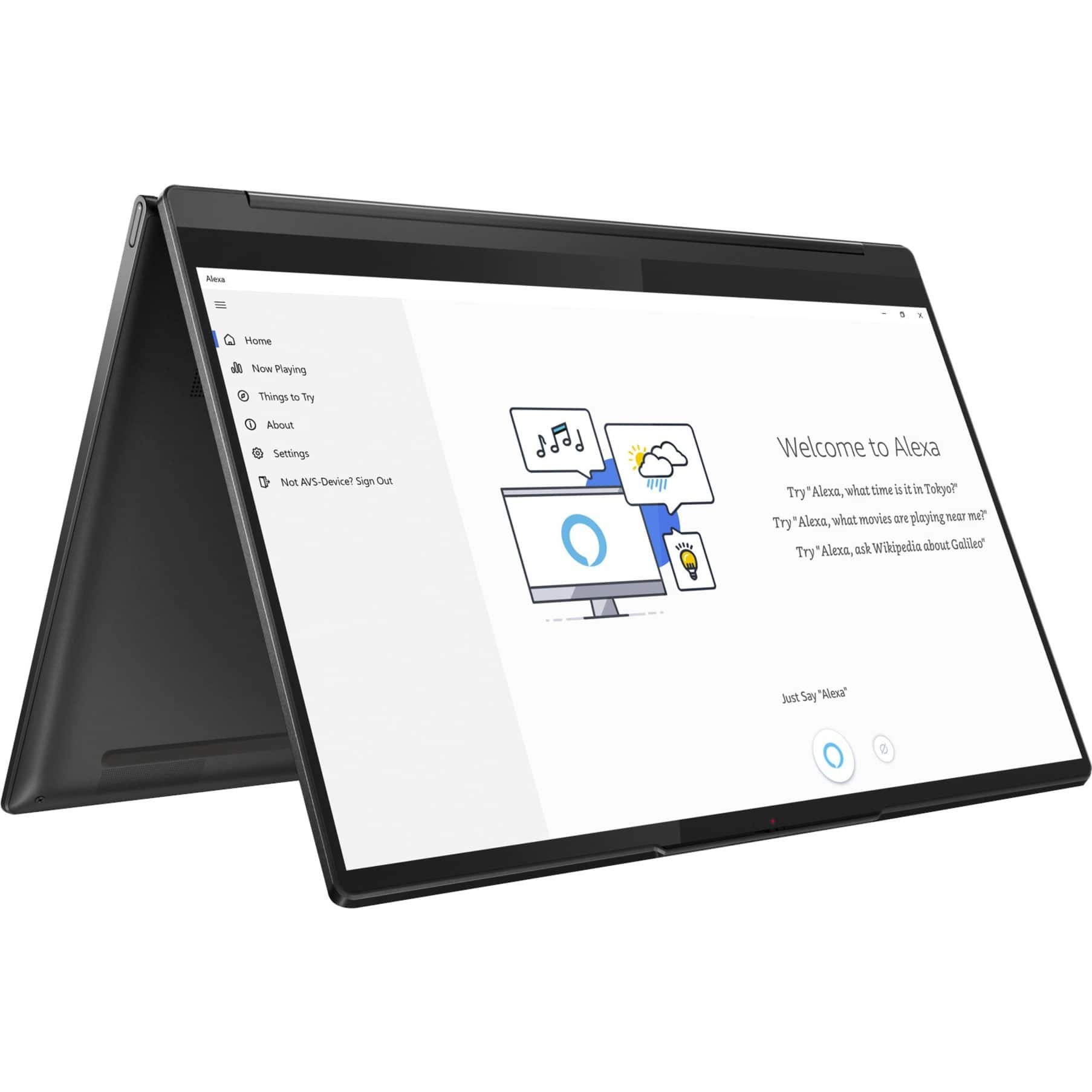
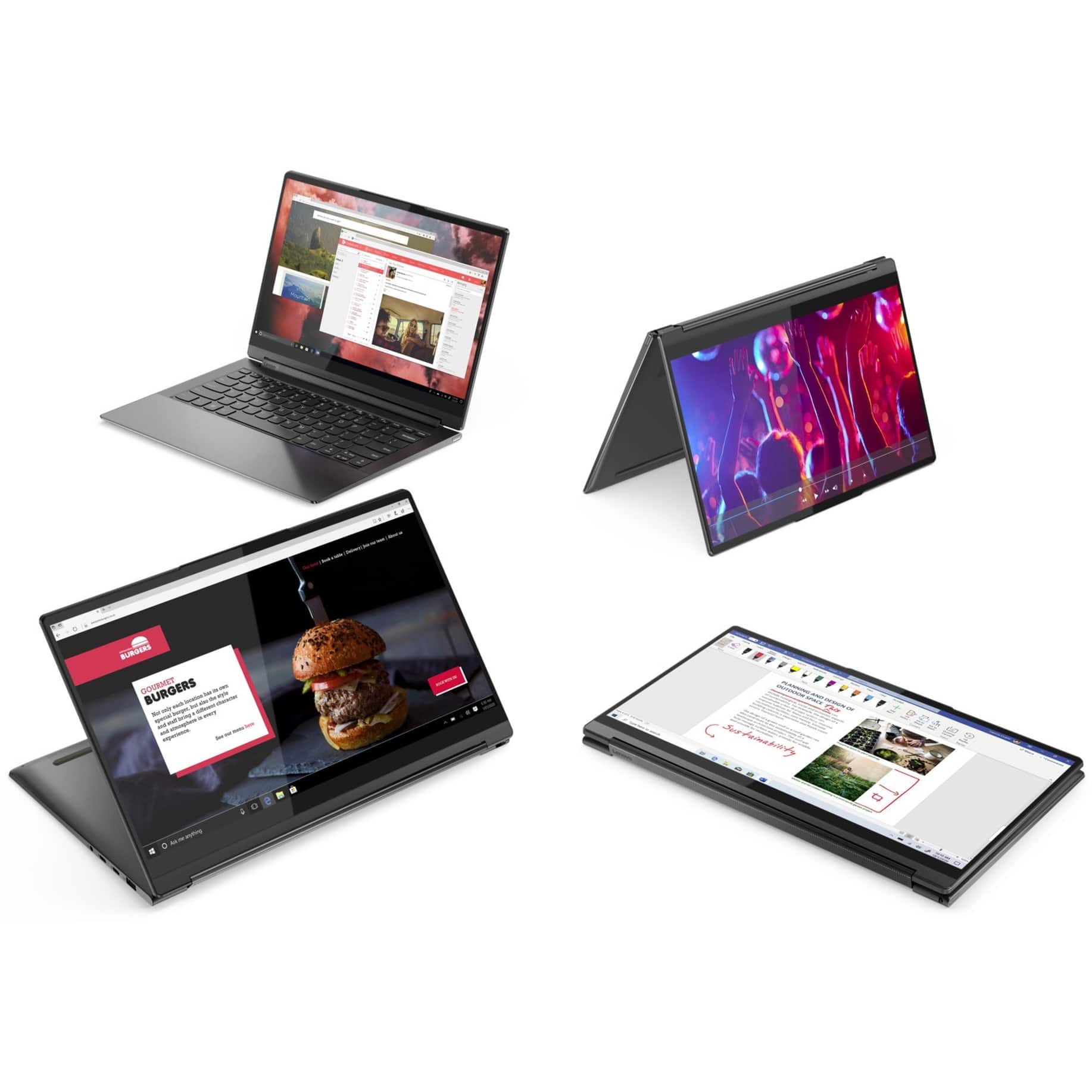
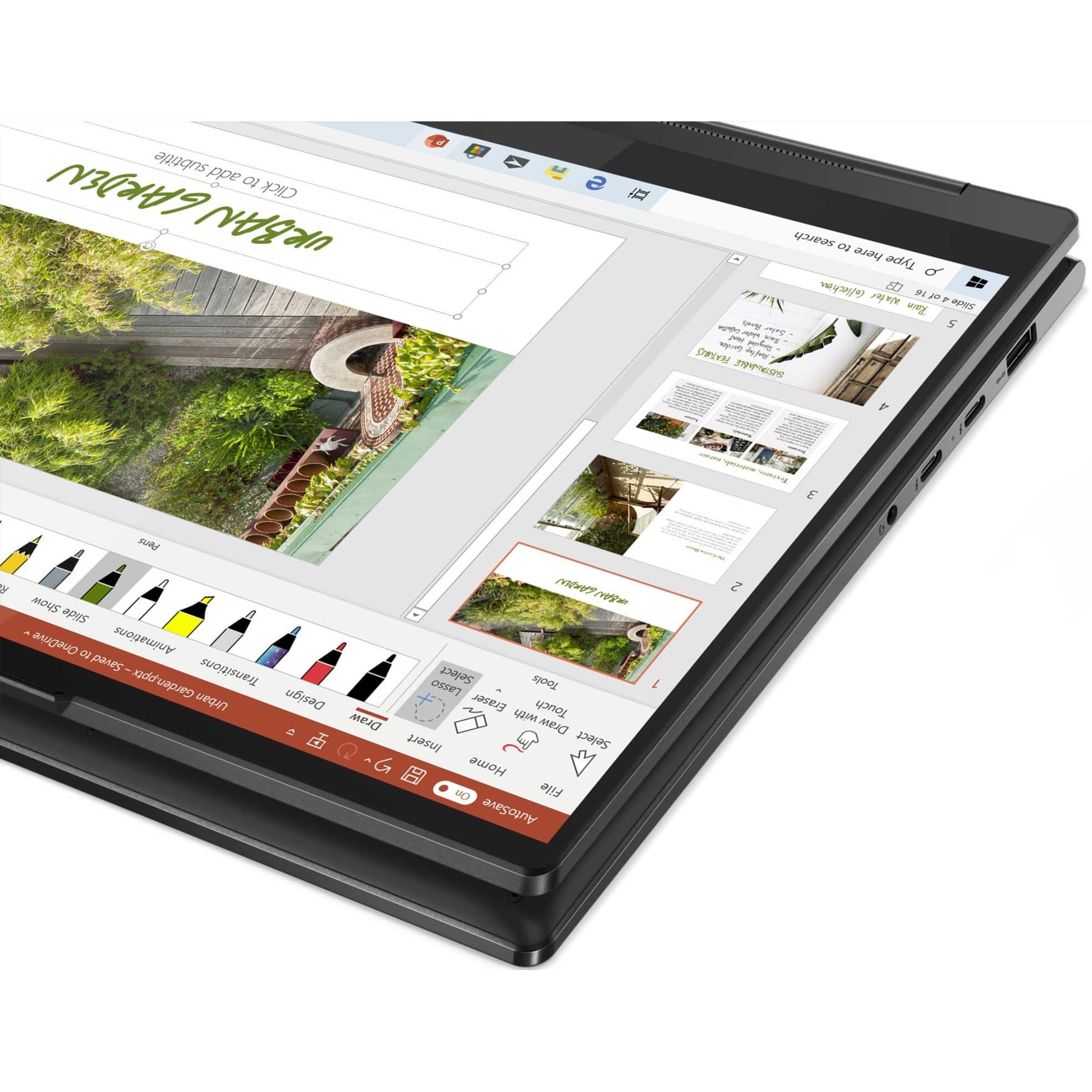
||Posted . Owned for 3 weeks when reviewed.This reviewer received promo considerations or sweepstakes entry for writing a review.This is a great little laptop/tablet. It is powerful enough to run my standard applications like Microsoft Office. It is fast and very versatile with the ability to turn it into a tablet just by folding the screen backwards. This disengages the keyboard to allow for placing the tablet on a surface.
I would recommend this to a friend- Pros mentioned:Sound quality
Great laptop
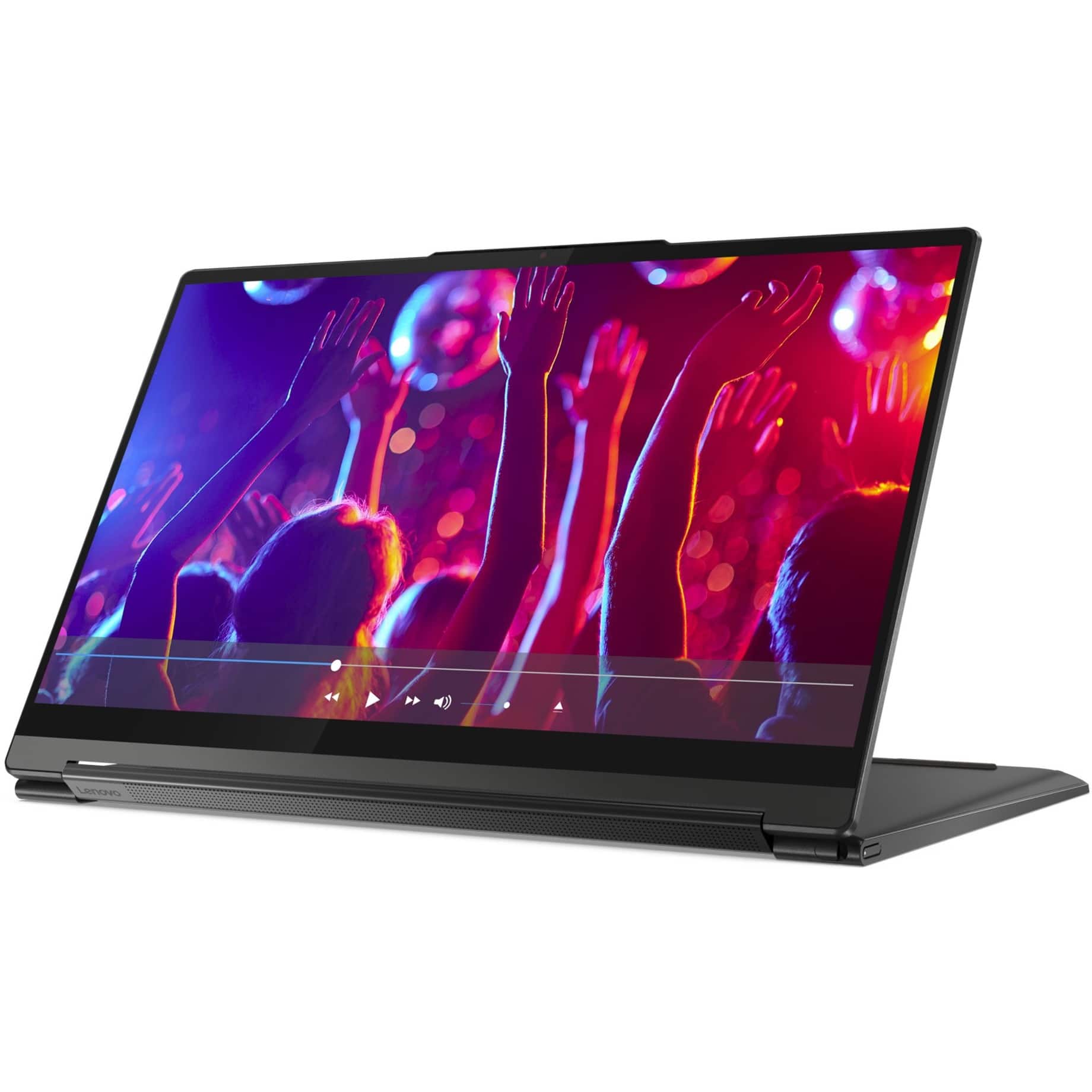
||Posted . Owned for 3 weeks when reviewed.This reviewer received promo considerations or sweepstakes entry for writing a review.Great laptop for a good price. Great picture and sound for watching videos.
I would recommend this to a friendBrand response from Lenovo Product Expert
Posted .Thank you for choosing the Intel Evo-Certified, Lenovo Yoga 9i 14. We are pleased to hear that the value, features and performance of the Yoga 9i 14 meets your computing needs so well.
One annoying thing.
||Posted . Owned for 1 month when reviewed.This reviewer received promo considerations or sweepstakes entry for writing a review.The computer is not as great as I had hoped going on. The biggest problem is that the touchpads button on a ultra sensitive. So much so that I continually click without trying. Other than that, it is great.
No, I would not recommend this to a friend- Pros mentioned:Speed
New laptop
||Posted . Owned for 1 month when reviewed.This reviewer received promo considerations or sweepstakes entry for writing a review.Love the speed. I click on a link and it immediately opens. No more waiting
I would recommend this to a friendBrand response from Lenovo Product Expert
Posted .Thank you for choosing the Intel Evo-Certified, Lenovo Yoga 9i 14. We are pleased to hear that the performance of the Yoga 9i 14 meets your computing needs so well.
- Pros mentioned:Speed
Laptop
||Posted . Owned for 1 month when reviewed.This reviewer received promo considerations or sweepstakes entry for writing a review.Great laptop. It does everything that it said it would do. Excellent speed.
I would recommend this to a friendBrand response from Lenovo Product Expert
Posted .Thank you for choosing the Intel Evo-Certified, Lenovo Yoga 9i 14. We are pleased to hear that the performance of the Yoga 9i 14 meets your computing needs so well.
Value for money
||Posted .This reviewer received promo considerations or sweepstakes entry for writing a review.The performance of laptop and ease of usage is great
I would recommend this to a friend- Pros mentioned:Speed
Great laptop
||Posted . Owned for 1 month when reviewed.This reviewer received promo considerations or sweepstakes entry for writing a review.Fantastic laptop. Feels a little heavy but very quick and well made
I would recommend this to a friendBrand response from Lenovo Product Expert
Posted .Thank you for choosing the Lenovo Yoga 9i 2-in-1 14in. Touch Screen Laptop with Intel Evo Core i7. We are very pleased to hear that the specifications and features of the Lenovo Yoga 9i 2-in-1 14in. Touch Screen Laptop with Intel Evo Core i7 meet your computing needs so well.
- Pros mentioned:Touch screen
Bestt one
||Posted . Owned for 1 month when reviewed.This reviewer received promo considerations or sweepstakes entry for writing a review.Got this one and I think that’s the best one so far
I would recommend this to a friendBrand response from Lenovo Product Expert
Posted .Thank you for choosing the Intel Evo-Certified, lenovo Yoga 9i 14. We are pleased to hear that the Yoga 9i 14 meets your computing needs so well.
Lenovo computer
||Posted . Owned for 1 month when reviewed.This reviewer received promo considerations or sweepstakes entry for writing a review.The Lenova computer is great! It is easy to set up and use.
I would recommend this to a friendBrand response from Lenovo Product Expert
Posted .Thank you for choosing the Lenovo Yoga 9i 2-in-1 14in. Touch Screen Laptop with Intel Evo Core i7. We are very pleased to hear that the specifications and features of the Lenovo Yoga 9i 2-in-1 14in. Touch Screen Laptop with Intel Evo Core i7 meet your computing needs so well.
Has Everything you need for school
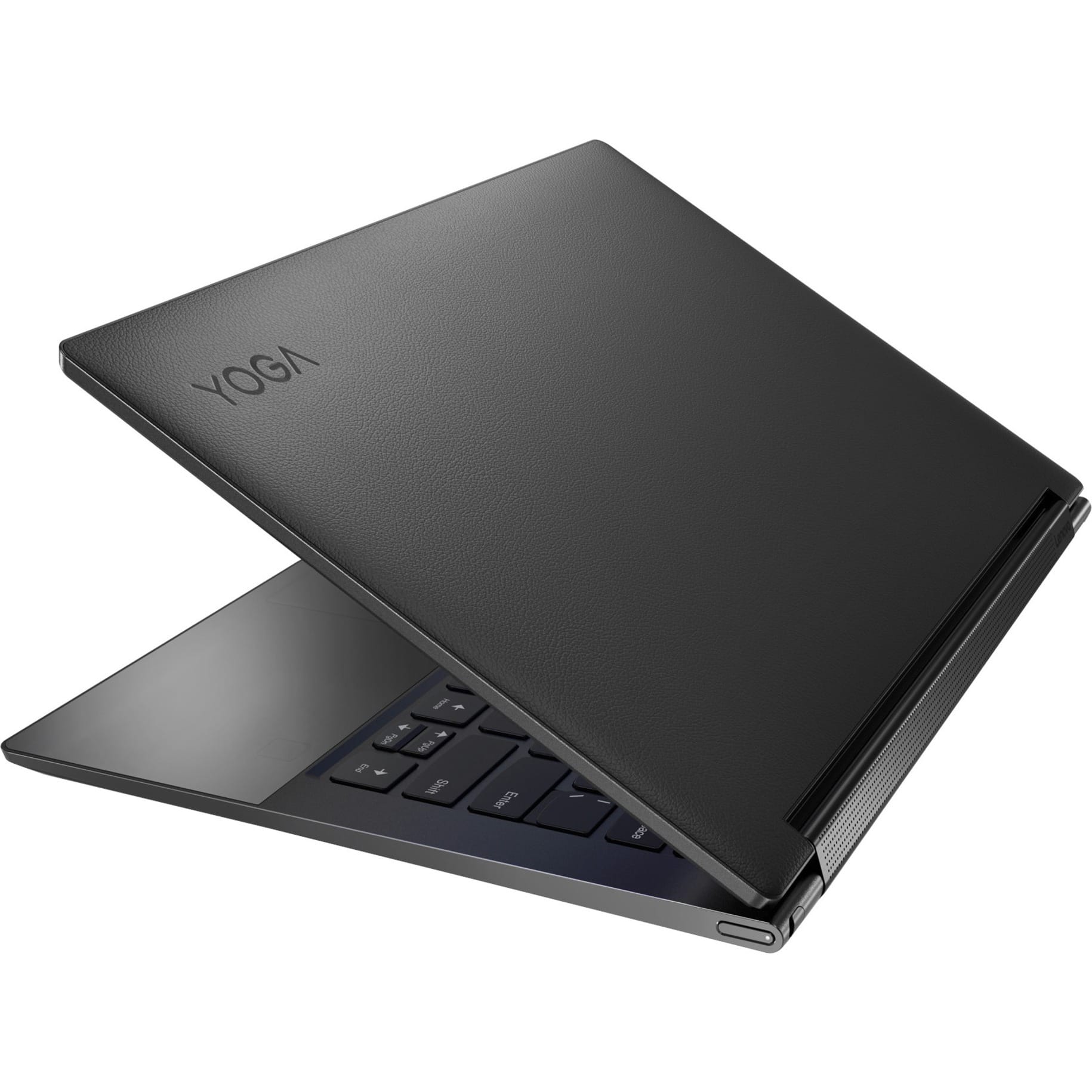
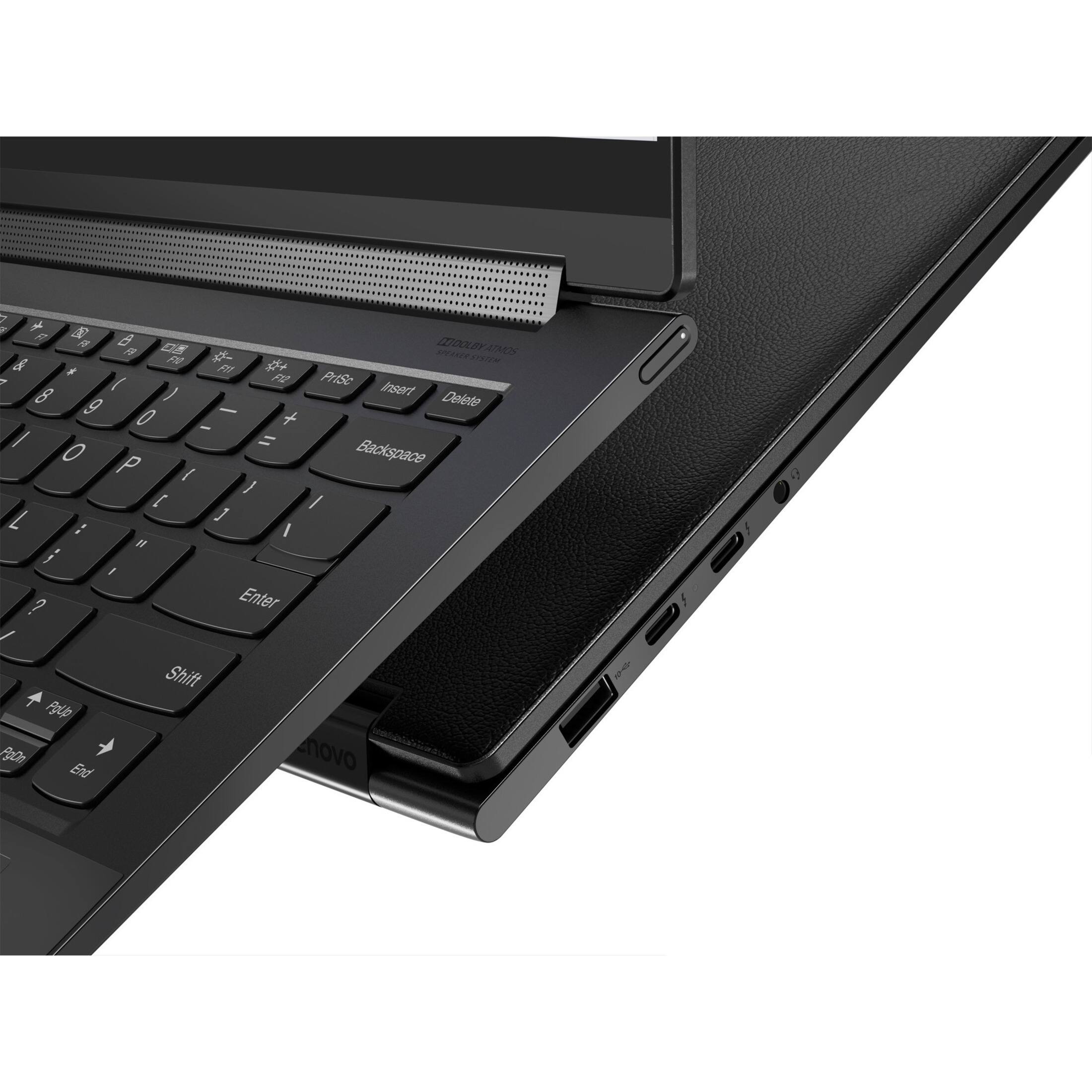
||Posted . Owned for 1 month when reviewed.This reviewer received promo considerations or sweepstakes entry for writing a review.Great picture quality, perfect size for on-the-go. Specifications are outstanding for the price. And battery life is much better than expected. I am very pleased with the overall quality. Also, includes a stylus pen with holder/insert space and has a leather cover on the top side of the tablet - pretty cool.
I would recommend this to a friendBrand response from Lenovo Product Expert
Posted .Thank you for choosing the Intel Evo-Certified, Lenovo Yoga 9i 14. We are pleased to hear that the features and performance of the Yoga 9i 14 meets your computing needs so well.
- Pros mentioned:Touch screen
Lenovo yoga
||Posted . Owned for 1 month when reviewed.This reviewer received promo considerations or sweepstakes entry for writing a review.I love my Lenovo Yoga. Love the touch screen on it!
I would recommend this to a friendBrand response from Lenovo Product Expert
Posted .Thank you for choosing the Intel Evo-Certified, Lenovo Yoga 9i 14. We are pleased to hear that the features and performance of the Yoga 9i 14 meets your computing needs so well.
- Cons mentioned:Battery life
Hello
||Posted . Owned for 3 weeks when reviewed.This reviewer received promo considerations or sweepstakes entry for writing a review.Not good battery.but other everything is good but hota
I would recommend this to a friendBrand response from Lenovo Product Expert
Posted .This Intel Evo-Certified, Lenovo Yoga 9i 14, model number 82BG0091US, ships with a Integrated 60Wh, Lithium-Polymer Battery, which within this model configuration, has a battery life of up to 10 hours, depending on the work the device is performing. If you are getting substantially less battery life, first, set your screen brightness at less than 100-percent - try 80-percent to start with. Then, be sure Battery Charge Threshold is turned off. This power management setting should only be used when the laptop is plugged in all the time. It will prolong overall battery life by only charging the battery to 60-percent of capacity. You can turn off Battery Charge Threshold within the Lenovo Vantage APP installed on this computer. In Vantage select Battery Settings and turn off Battery Charge Threshold, if turned on. Also check what programs are running in the background on the computer. Be sure only the programs you want running in the background are. These programs will drain the battery. Here is a link to information about how to find out what programs are running in the background on your Windows 11 computer and how to manage them for better system performance: https://websiteforstudents.com/how-to-find-what-is-running-in-windows-11/. Then, finally, be sure any software you installed is compatible with Windows 11. Incompatible software will drain the battery at a faster rate. There is no need to install Microsoft Office software. The software is already part of the operating system, you just need to activate the software with a purchased product key. If you have installed a copy of Microsoft Office, this is conflicting with the existing copy on the system and this will slow your system down. If you have installed a 3rd party anti-virus program, be sure that Windows Defender is turned off and that the trial version of McAfee Anti-Virus software is uninstalled. There can only be one anti-virus program on the system. You may need to restore your system to original factory default settings if any of the programming errors have occurred. You can do that by typing "restore" in the Cortana search window. Just click on the magnifying glass icon at the bottom of your Windows 11 Desktop. Click on "Reset This PC" Then click on "Get Started" and follow the on screen directions to restore to factory defaults. If the problem persists, we recommend you contact Lenovo Premium Care for additional help at: 888-278-9707.