Customer Ratings & Reviews







- Model:
- 80VF00FRUS
- SKU:
- 5723427
to a friend
Customers are saying
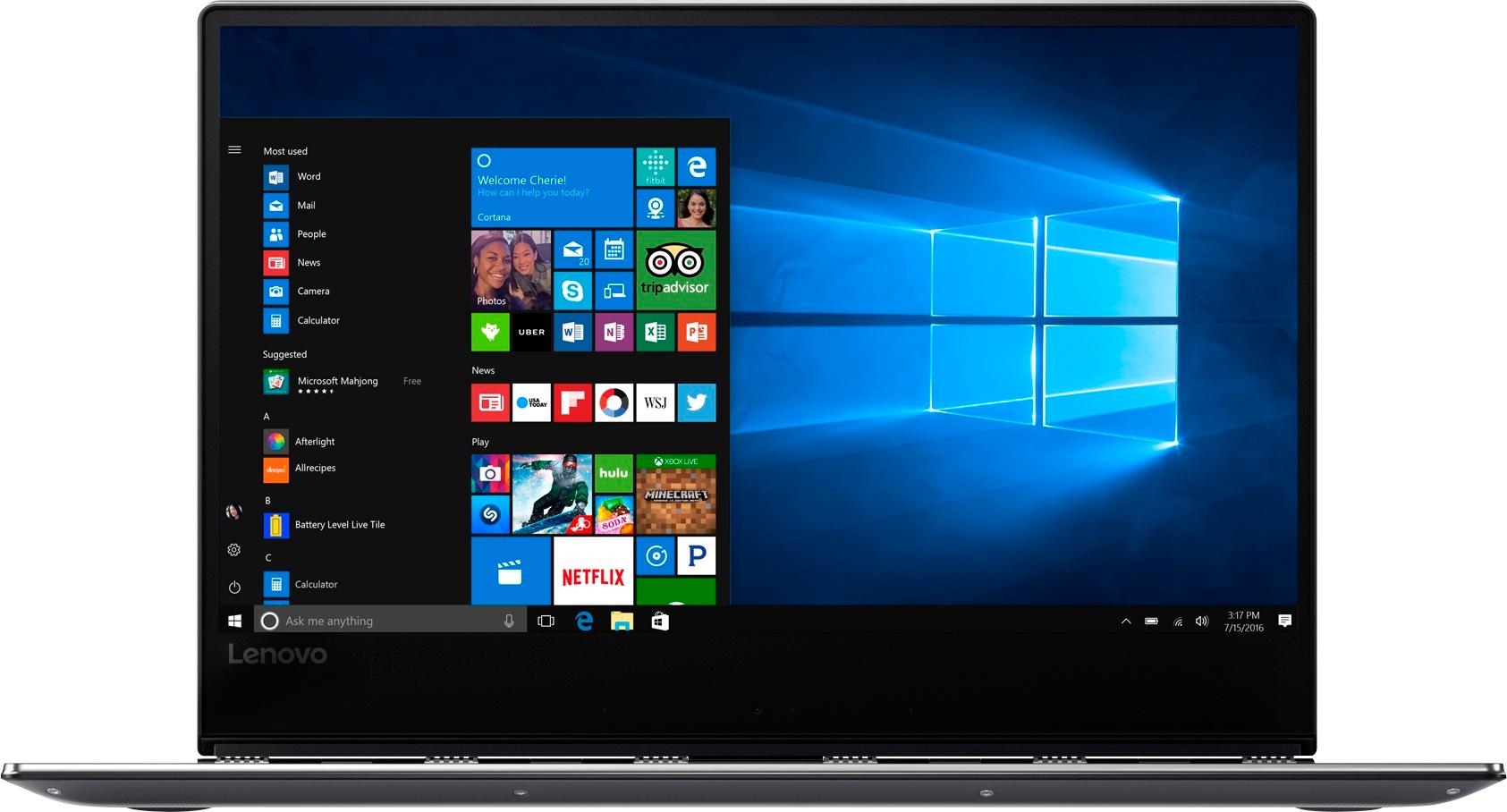
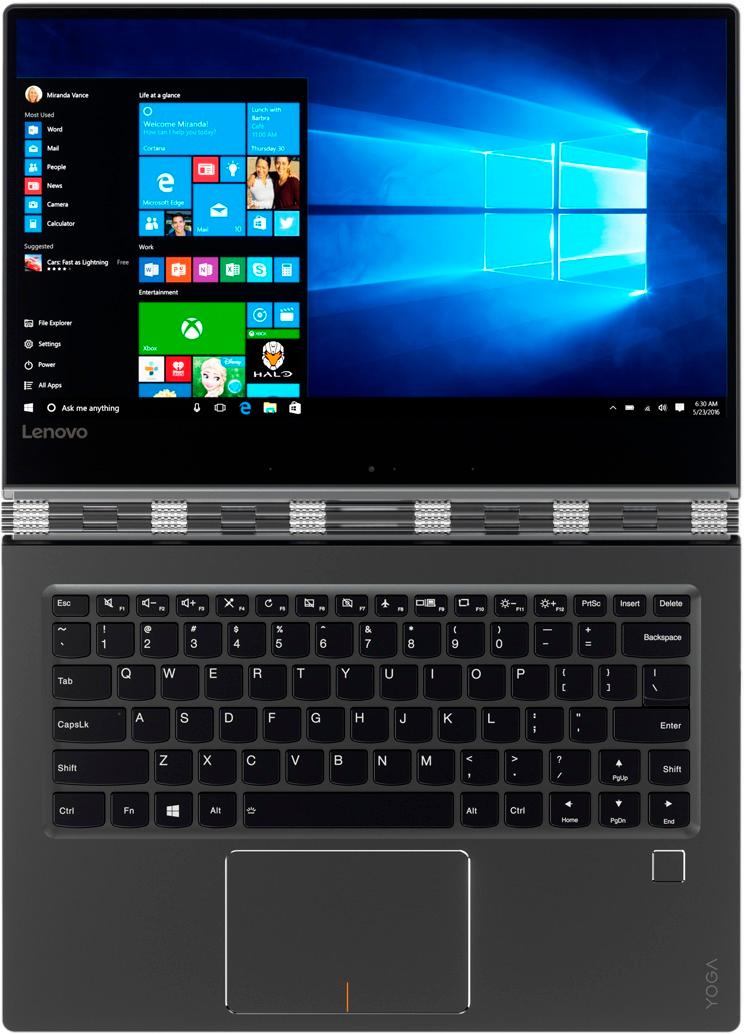
Customers appreciate the Yoga 910's fast performance, lightweight design, and long battery life. They also value the high-quality 4K touch screen and the large 1TB SSD storage. However, some customers have expressed concerns about the fan noise, the placement of the right Shift key, and the limited number of ports.
This summary was generated by AI based on customer reviews.
Packs a powerful punch!
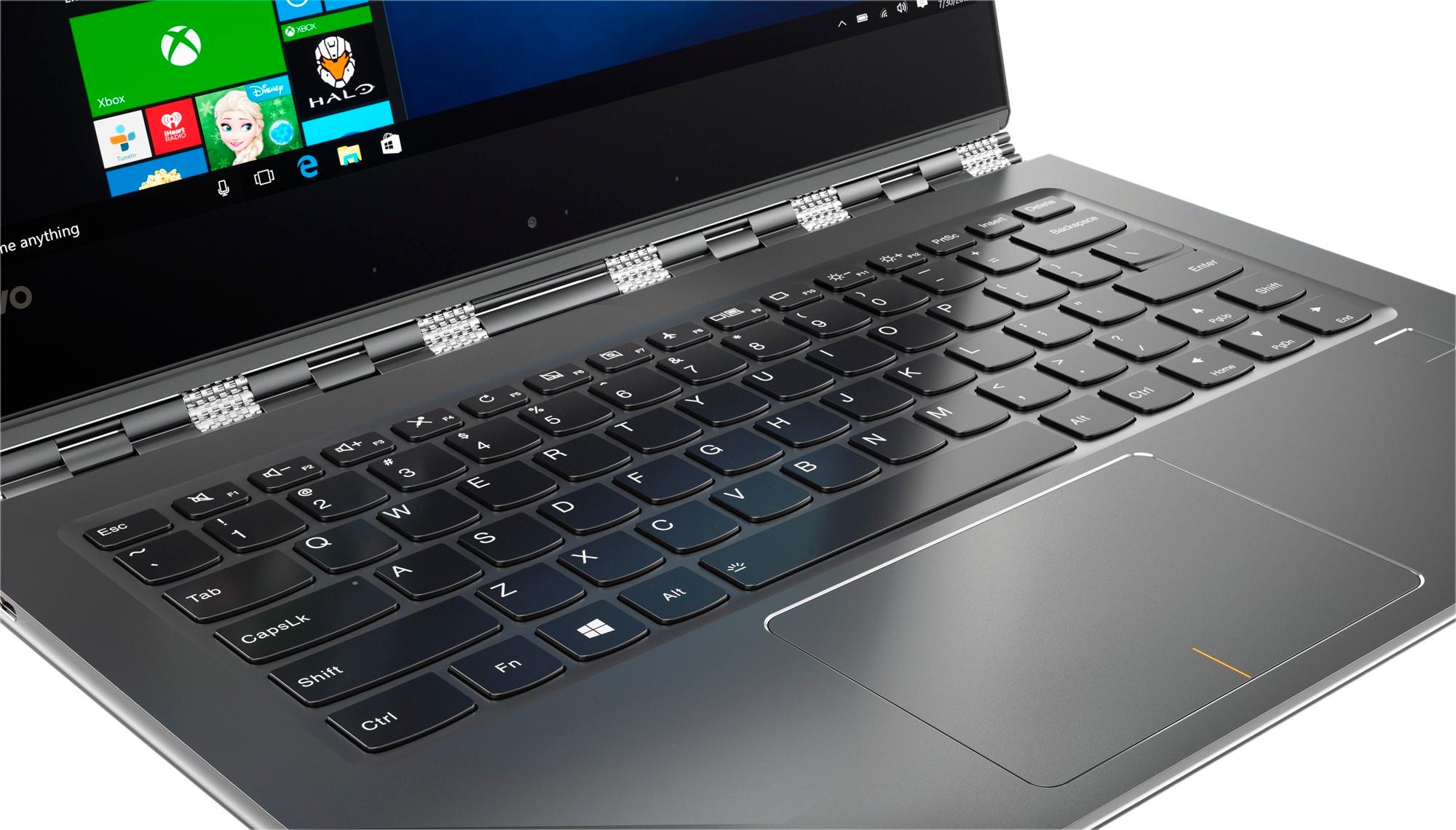
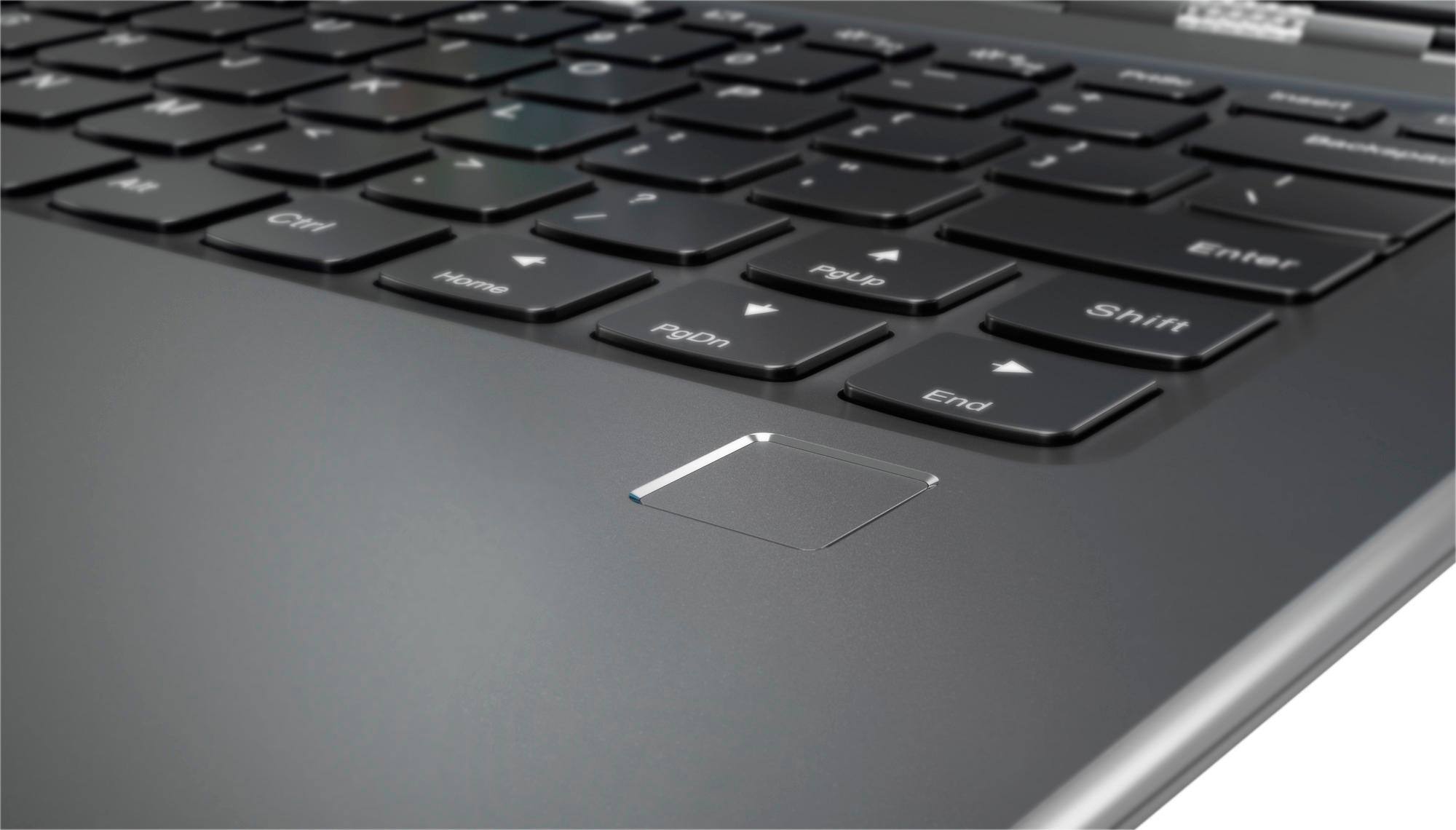
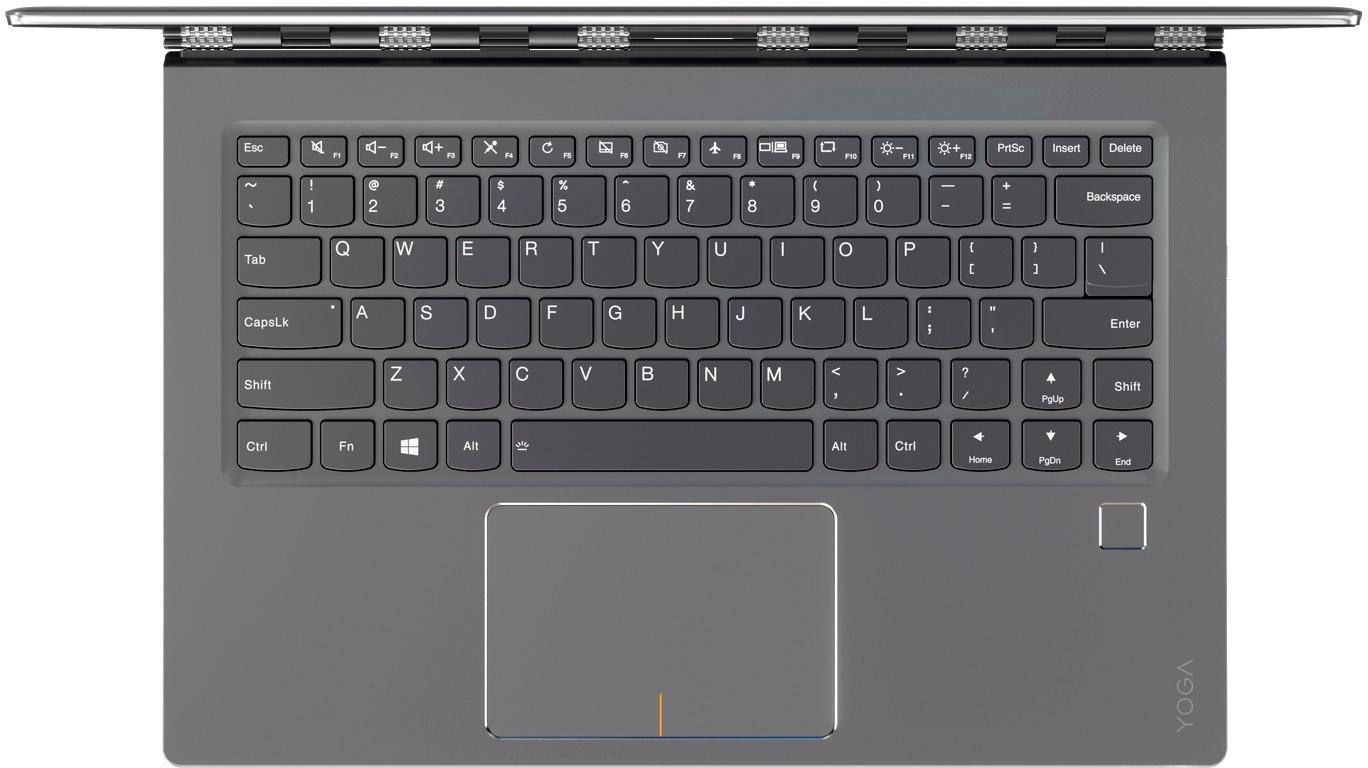
||Posted .This reviewer received promo considerations or sweepstakes entry for writing a review.Pros: Option to have more than one extended display and Ethernet plug in (requires purchase of a $40 dock) Fingerprint security mimics iPhone touch ID Voice dictation Lightweight / easily fits into totes 16gb of RAM handles all your ADD multi-tasking without lags Touch screen is responsive and image quality is very true to color and clarity for power points and photo editing. Microsoft offers a cloud service that backs up the entire computer for you in case disaster strikes Cons: Touch screen doesn't detach from keyboard and no pen / stylus provided Placement of right Shift key is annoying / causes you to press the up arrow instead
I would recommend this to a friendBrand response from Lenovo Product Expert
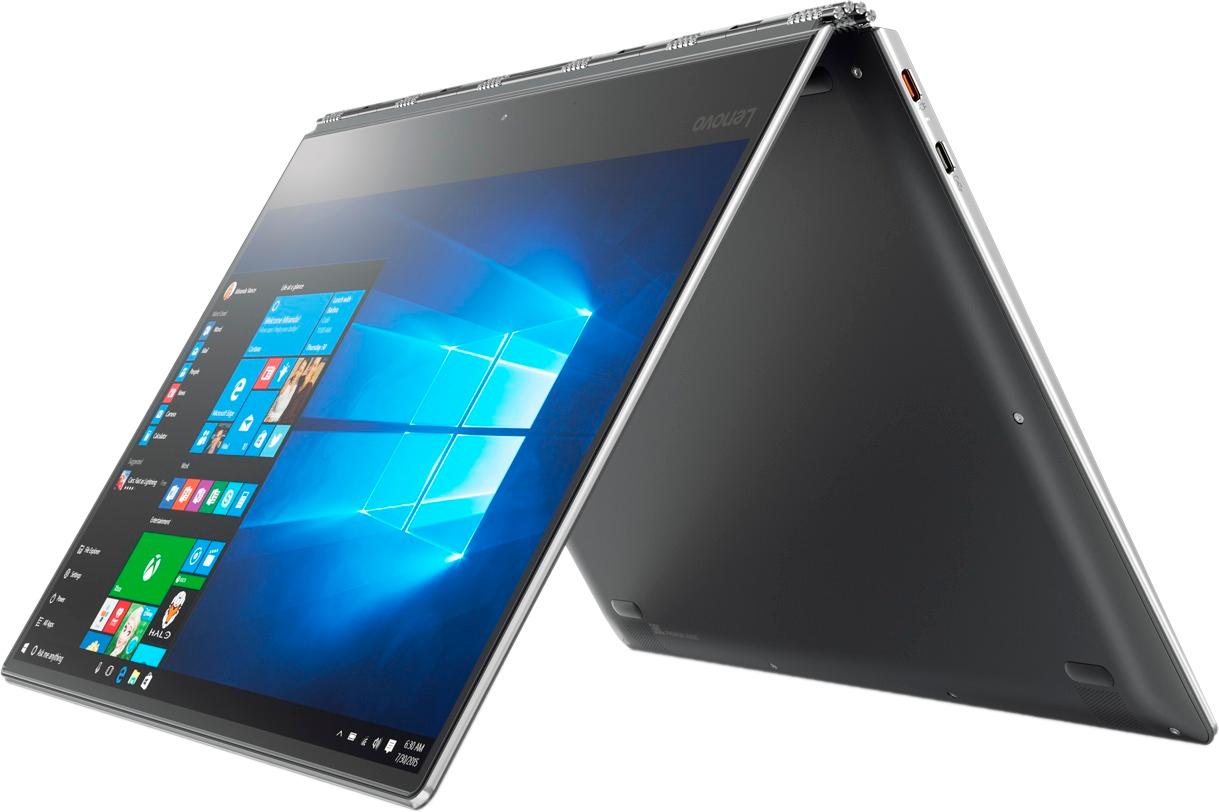
Posted .Thank you for choosing the Lenovo Yoga 910-14. The keyboard on this device has a 360-degree hinge, it is not meant to detach, it is meant to rotate 360-degrees, under the screen for tablet mode. The Yoga 910-14 model is not compatible with any active/digital pen.

Excellent computer for the cost
||Posted .This reviewer received promo considerations or sweepstakes entry for writing a review.I own a company that has contracted to purchase computer at a discount for my business. I was able to purchase a higher quality laptop at a better price point. I've now purchased 3.
I would recommend this to a friendBrand response from Lenovo Product Expert
Posted .Thank you for choosing the Lenovo Yoga 910-14 for your business. We are pleased to hear that the value and performance of the Yoga 910-14 meets your business computing needs so well.
Great purchase
||Posted .This reviewer received promo considerations or sweepstakes entry for writing a review.As of July 2017 the only model with 16gb of ram and 1tb of ssd storage. Beautiful laptop. I was a second away from buying the 13 inch sceptre x360 and I got the Lenovo because of the bigger screen and only slight weight difference. It's so beautiful and fast and intuitive. Starts up in 5 seconds. Not much bloat ware. Just a fast and familiar product coming from an i5 yoga. This will probably be the computer to buy until the next generation of intel chips is released. And it's ddr4 memory vddr3 for the dell and hp.
I would recommend this to a friendBrand response from Lenovo Product Expert
Posted .Thank you for choosing the Lenovo Yoga 910-14. We are pleased to hear that the value, features and performance of the Yoga 910-14 meets your computing needs so well.
Great durable laptop for the price
||Posted .This reviewer received promo considerations or sweepstakes entry for writing a review.This is a good solid laptop for the price. We use them in the field and they hold up well to the abuse they get from our sales people.
I would recommend this to a friendBrand response from Lenovo Product Expert
Posted .Thank you for choosing the Lenovo Yoga 910-14 for your business. We are pleased to hear that the performance of the Yoga 910-14 meets your business computing needs so well.
Great laptop/tablet for college
||Posted .This reviewer received promo considerations or sweepstakes entry for writing a review.Better and cheaper then the mac or surface pro. The only down side for me is because of the size it does not have a number let pad.
I would recommend this to a friendBrand response from Lenovo Product Expert
Posted .Thank you for choosing the Lenovo Yoga 910-14. We are pleased to hear that the value and performance of the Yoga 910-14 meets your computing needs so well.
Love It!!
||Posted .This reviewer received promo considerations or sweepstakes entry for writing a review.This laptop is fantastic!! We bought two since the company was coming out with a new model. We have so much storage and it is so much faster than what we previously had :)
I would recommend this to a friendOpen Box Lenovo Yoga 910
||Posted .This reviewer received promo considerations or sweepstakes entry for writing a review.Item was purchased as open box, label stating all item present. Items was missing the charger and charging cable usb-c type. After trying and using a usb-c charger that I had. The item was nice however, I had multiple blue screens of death and crashes on web sites. For the price I returned the item as not adequate as stated. Maybe if the item functioned as stated I would have enjoyed the product.
I would recommend this to a friendRuns hot and lasts only 6 hours
||Posted .This reviewer received promo considerations or sweepstakes entry for writing a review.After lots of research, I finally bought this Yoga 910 yesterday and so far, not so good and I am looking for help already to decide whether to return this for a Spectre or another Yoga 910 as it may just be this machine !! I updated all bios and drivers as suggested by Lenovo replies and the loud fan and laptop really hot on start became better. Then after a full night's charge, I started the test and just watched Netflix without loading any other programs and laptop was also running hot after 30-60 minutes. Why does it run this hot just watching movies ? Is it normal ? How can we avoid the running hot issue ? Battery life 1/2 of expectations: On a full charge, I only got 6 hours of Neflix ! That's not the 10-15 hours expected on a rather light load of just using the browser, watching a movie. Does watching Netflix use that much power ? So far, the screen is fantastic. Of course, I have yet to upload it with all the other programs I usually run and see what this laptop really does in terms of power/duration and heating up. Before I do all of that, I'd appreciate some answers.
No, I would not recommend this to a friendBrand response from Lenovo Product Expert
Posted .This is a high performance system, the normal operating temperature of this device is 100 to 150-degrees Fahrenheit. Streaming a movie would be considered a resource demanding process, that would push the device to the higher end of the normal operating temperature spectrum, around 150-degrees Fahrenheit. This will cause the fan to run to keep the device within the normal operating temperature range. This is normal for a high performance system like this. The battery life for this model, the 4K screen model is up to 10 hours. With the screen at maximum brightness and streaming a movie, 6 hours of battery life is within normal battery life projections, again, streaming a movie is a resource demanding process, the screen at 100% brightness puts maximum demands on the battery. If you feel this device is running hotter than normal, we recommend you bring the device in to your local Best Buy Store and let the Geek Squad evaluate the device to be sure it is running normally.
- Pros mentioned:Weight
Excellent picture quality and chassis design
||Posted .This reviewer received promo considerations or sweepstakes entry for writing a review.A lot of power in a feather light body. Touchsceeen works well but not needed.
I would recommend this to a friendBrand response from Lenovo Product Expert
Posted .Thank you for choosing the Lenovo Yoga 910-14. We are pleased to hear that the features and performance of the Yoga 910-14 meets your computing needs so well.
- Pros mentioned:Lightweight
Perfect traveling laptop.
||Posted .This reviewer received promo considerations or sweepstakes entry for writing a review.This is lightweight yet powerful with all the hard drive space you could want in a solid state drive. Great screen resolution. So far battery life seems very good too.
I would recommend this to a friendBrand response from Lenovo Product Expert
Posted .Thank you for choosing the Lenovo Yoga 910-14. We are pleased to hear that the features and performance of the Yoga 910-14 meets your computing needs so well.
- Pros mentioned:Battery life
Good laptop
||Posted .This reviewer received promo considerations or sweepstakes entry for writing a review.This is a very good laptop compare to dell, the batter last about 10 hrs
I would recommend this to a friend Excellent Laptop All Around
||Posted .This reviewer received promo considerations or sweepstakes entry for writing a review.I had a Lenovo Yoga Pro 3 from 4 years ago. It was sturdy build and lasted long enough. It had a USB 3 port as the charging port so of course the power jack broke and sunk into the computer a little bit. This new and updated version solves this problem by replacing it with a USB C port. As a programmer, I removed the Windows 10 system with Ubuntu on the 1TB harddrive and have not yet encountered any driver issues other than the finger print sensor which I don't use anyway. Even running ubuntu, the battery lasts the whole day. Overall I am extremely satisfied with this beautiful laptop.
I would recommend this to a friend- Cons mentioned:Fan noise
Too expensive for first time users
||Posted .This reviewer received promo considerations or sweepstakes entry for writing a review.It's great but the fan makes noise and it's getting hot very quickly
I would recommend this to a friendBrand response from Lenovo Product Expert
Posted .With regard to the fan noise issues you mention with your device, there may be BIOS/driver updates for your specific system. Follow the link below to look for new driver updates for your specific system. You can also run diagnostics from the Lenovo site as well. As always, be sure to create a restore point on your system before you make any changes. You can do this by just typing "restore point" in the search window within Cortana and follow the link to create a restore point. Here is the link: https://pcsupport.lenovo.com/us/en/products/laptops-and-netbooks/yoga-series/yoga-910-13ikb/80vf/80vf00frus/downloads?linkTrack=Caps%3ABody_SearchProduct&searchType=5&keyWordSearch=80VF00FRUS
- Pros mentioned:Lightweight
Great product!
||Posted .This reviewer received promo considerations or sweepstakes entry for writing a review.I purchased this for my wife and she loves how lightweight and easy to use this Yoga is. This is our third Yoga and we have not been disappointed yet.
I would recommend this to a friendBrand response from Lenovo Product Expert
Posted .Thank you for choosing the Lenovo Yoga 910-14 for your wife. We appreciate your loyalty to Yoga and the Lenovo Brand.
- Pros mentioned:Lightweight
Love my new Lenovo computer
||Posted .This reviewer received promo considerations or sweepstakes entry for writing a review.Love the light weight, the built in bar asking if you need help.
I would recommend this to a friendBrand response from Lenovo Product Expert
Posted .Thank you for choosing the Lenovo Yoga 910-14. We are pleased to hear that the features and performance of the Yoga 910-14 meets your computing needs so well.
Amazing laptop with unusable keyboard
Posted .This reviewer received promo considerations or sweepstakes entry for writing a review.I've had a Lenovo Yogo before and the only problem with that one was that the weight of the charger lifted it out of the plug. With this model that issue is fixed with a small extender cord. However, with this new model 910, the keyboard is designed with the right Shift key moved to the furthest possible position on the right side of the keyboard, even further away than the Enter key. The page up key, which is rarely used, is exactly in the position where the right pinky naturally lands to hit the right Shift key. And the right Shift key is used about a million times a day!!! It is so far from where it should be that I literally have to lift my right hand off the keyboard as it is impossible to reach leaving your hand positioned on home row. I don't have small hands nor do I have short fingers. I will be returning the laptop to purchase one that was designed with some common ergonomic sense. So annoyed. Such a beautiful machine rendered useless by keyboard design.
No, I would not recommend this to a friendBrand response from Lenovo Product Expert
Posted .With regard to the right shift key issue you mention, there is a free software APP called KeyTweak that may help you. You can switch the key functions of specific keys on your keyboard with this software, so you could change the right shift key with the key you hit in its place. Just Google search "KeyTweak" and you will find articles about what the software does and you will find the download location for this free APP.
- Pros mentioned:Fast
It taqkes a little time to get use to using.
||Posted .This reviewer received promo considerations or sweepstakes entry for writing a review.A lot of thins to find out where they are but it is very faST
I would recommend this to a friendBrand response from Lenovo Product Expert
Posted .Thank you for choosing the Lenovo Yoga 910-14. Here is a link to the User Manual for the location of the different features of the Yoga 910-14: https://download.lenovo.com/consumer/mobiles_pub/yoga910-13ikb_13ikbglass_hmm_201609.pdf. Additionally, for information about Windows 10, you may want to try YouTube.com (just type that address in your browser address window). There are hundreds for free instructional videos there about Windows 10. Just type Windows 10 Introduction in to the YouTube search window. You can watch free videos there that will show you the basics all the way up to tips and tricks videos and they're all free.
What was Lenovo thinking???
||Posted .This reviewer received promo considerations or sweepstakes entry for writing a review.I’m sure the computer itself runs great, BUT they put the up arrow key where the shift key should be, every time I intended to capitalize a letter my cursor jumped up a line and I’m typing in the middle of the above line. Tried to get used to it but the reach was TOO far. Terrible design, unfortunate as I really liked the laptop otherwise.
No, I would not recommend this to a friendBrand response from Lenovo Product Expert
Posted .With regard to the right shift key issue you mention, there is a free software APP called KeyTweak that may help you. You can switch the key functions of specific keys on your keyboard with this software, so you could change the right shift key with the key you hit in its place. Just Google search "KeyTweak" and you will find articles about what the software does and you will find the download location for this free APP.
I did not like the shift key being so small
||Posted .This reviewer received promo considerations or sweepstakes entry for writing a review.I upgraded to the 920. I couldn't type on the keyboard with the shift key being so small.
No, I would not recommend this to a friend- Pros mentioned:Screen
Very fast laptop and excellent display.
||Posted .This reviewer received promo considerations or sweepstakes entry for writing a review.Very fast, excellent display and lots of memory. Only "con" is I wish it had one more USB port.
I would recommend this to a friendBrand response from Lenovo Product Expert
Posted .Thank you for choosing the Lenovo Yoga 910-14. If you need more USB ports with this device, you might consider using a USB hub with this device.